Hooooo! That, apparently, is the sound of an iPhone whistling. At least, that’s the sound of an iPhone whistling when its inside the WhistleCase, a combo tweeter and phone protector that actually looks cool enough to buy and use.
RFLKT by Wahoo Category: Sports/Fitness Works With: iPhone 4S+5, iPad 3,4, mini Price: $130
The promise of the Wahoo RFLKT is of a tiny, ultralight box with an LCD readout which displays information from an iPhone cycling app on the handlebars of your bike. You get the advantage of using your favorite tracking app, and also of having an easy to read and control HUD, instead of having to buy an expensive GPS-enabled bike computer.
Why wear a helmet and a camera when you go skateboarding/snowboarding/waterboarding/other? With the Video Head helmet you get both gadgets in one. Cheaper, safer and more -in-one-er.
We’re continually seeing examples of how the iPhone has exploded its horizons to become much, much more than just a phone. Case (ha) in point: Why shell out $300 for an action cam when you already own a video cam with stellar optics and image-stabilizing, a big, beautiful screen and the ability to upload your exploits whenever you damn well please? All you need to turn your iPhone from video cam to action cam is a rugged, weatherproof case with a wide-angle lens, and the ability to stick the whole thing onto a helmet or such. And that pretty much describes the $150 Mophie OutRide system.
As long as sports have existed, so have sports-related injuries. One injury in particular that has managed to capture the spotlight over recent years, is of course, the concussion. Head injuries, particularly concussions, have become a serious issue in both professional and youth sports.
Those ruggedized cases that turn your iPhone into a handy sports-cam? They can go suck it. GoPro has popped out a new sequel in its Hero lineup and it shoots 4K video whilst also being way smaller and lighter than its predecessor.
Siri has been updated along with the rest of the iOS in the new iteration from Apple. The personal voice assistant can take dictation, help you plan your wardrobe around the weather, keep track of your buddies, inform you on all sorts of sports information, and help you choose the best movie to go see, all using basic spoken English.
Of course, it helps to know what kinds of questions and commands you can actually say to produce the desired results. Here’s five things you can do with Siri the right way, so you can spend less time repeating yourself and more time going to those movies and meeting up with those friends.
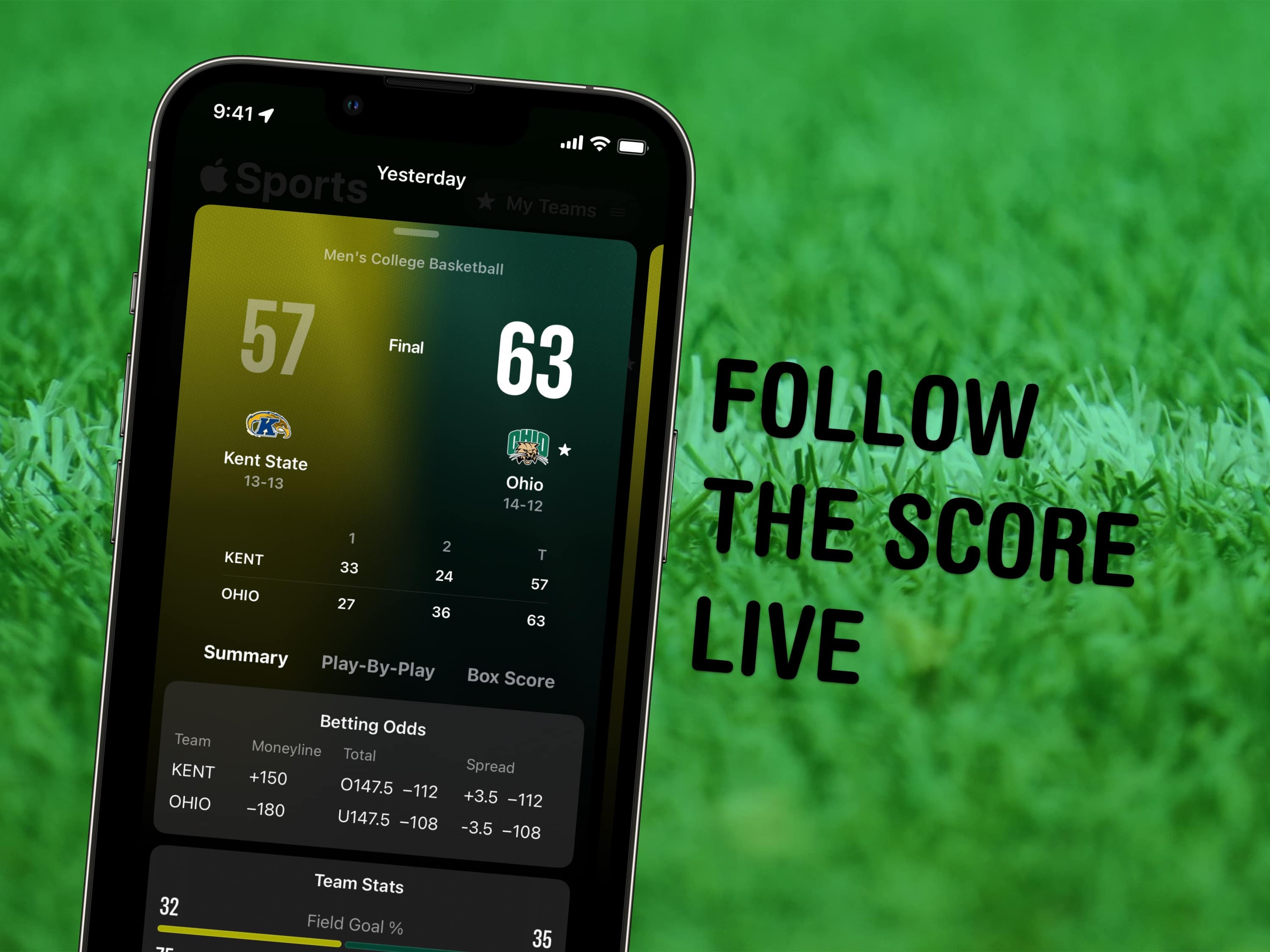
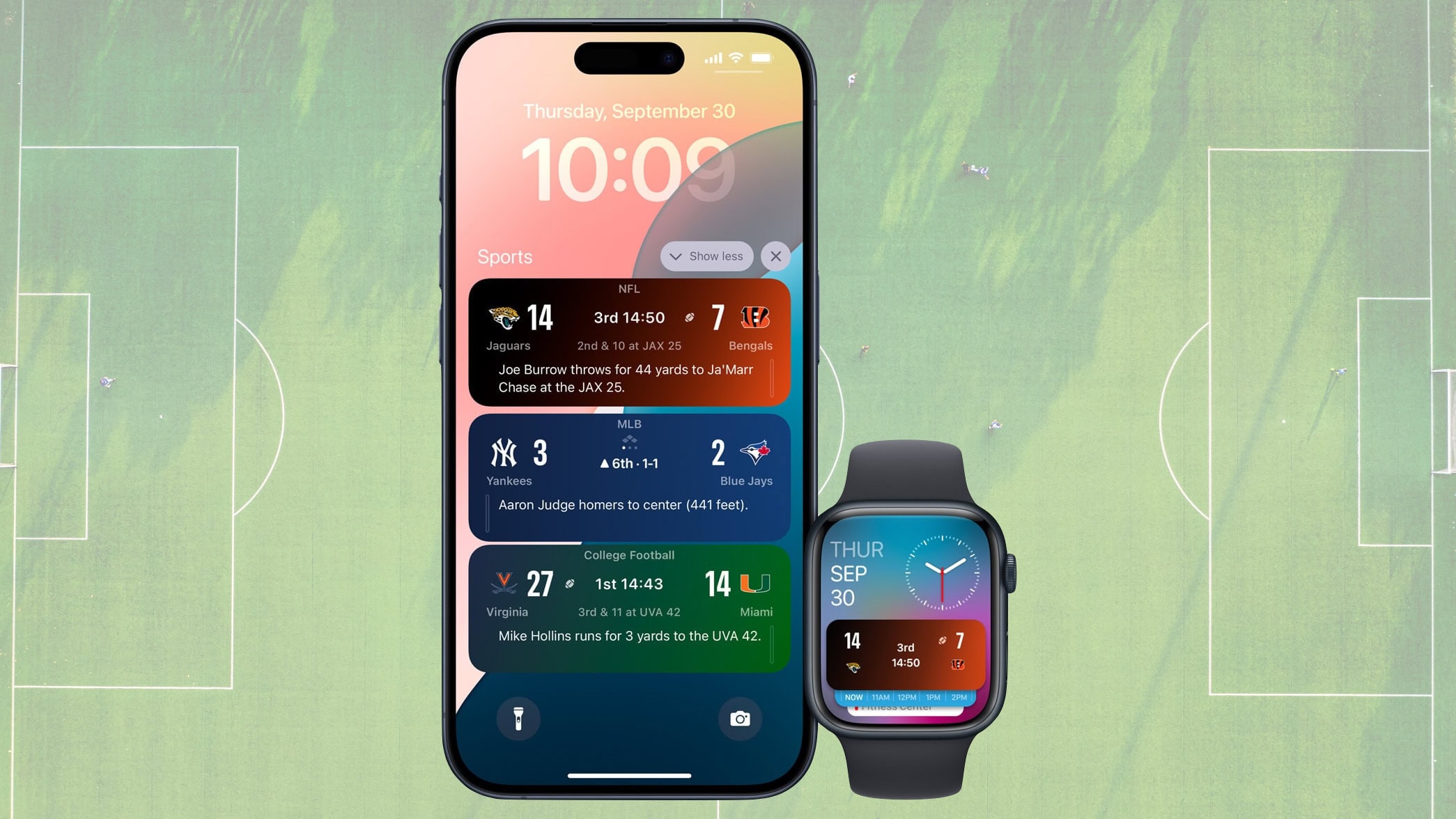
I’ve been told that sports are a popular pastime. Some of my best friends love to keep track of sports scores, team rankings, and individual player statistics. If I get pulled into a conversation about sports with any of them soon, I’m totally pulling out my iPhone 5, and I’ll be able to keep pace with their conversation. Or, at least throw out tasty facts that will totally impress them.
Siri is a great personal assistant, helping you create reminders, text friends, and the like. But Siri also has a way of interpreting ordinary questions about things like, yes, sports. Here are some of the best ways to ask her for the latest updates on your favorite teams and sports.
So you just had your own personal iPhone 5 unboxing. What next? If I were you, I’d hop on my bike and go burn a few calories, taking in the sunny view of the city as I go. But where would I put my new toy? After all, there are no iPhone 5 handlebar mounts available yet. Or maybe you live somewhere rainy and dull, and you want to keep your iPhone in a pocket or bag.
Luckily, the RFLKT now exists. It’s a little LCD bike computer that sits on your handlebars, only instead of just spitting out your speed and lap times, it displays sports info beamed to it from your iPhone — 5 or otherwise.
Apple’s hardware product lines might be clean and sparse to the point of obsession, but behind the scenes it’s another story. Take iOS 6, for example. While yesterday’s Apple keynote showed off plenty of new features, many of them are location dependent. And I’m not talking about maps here – many features are switched off outside of the U.S, and just which one’s you can use depends on the country you’re in.