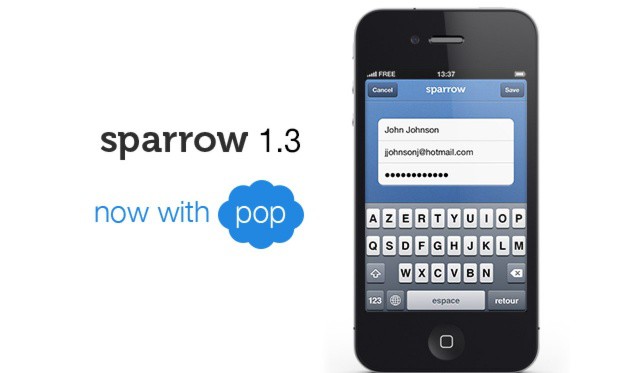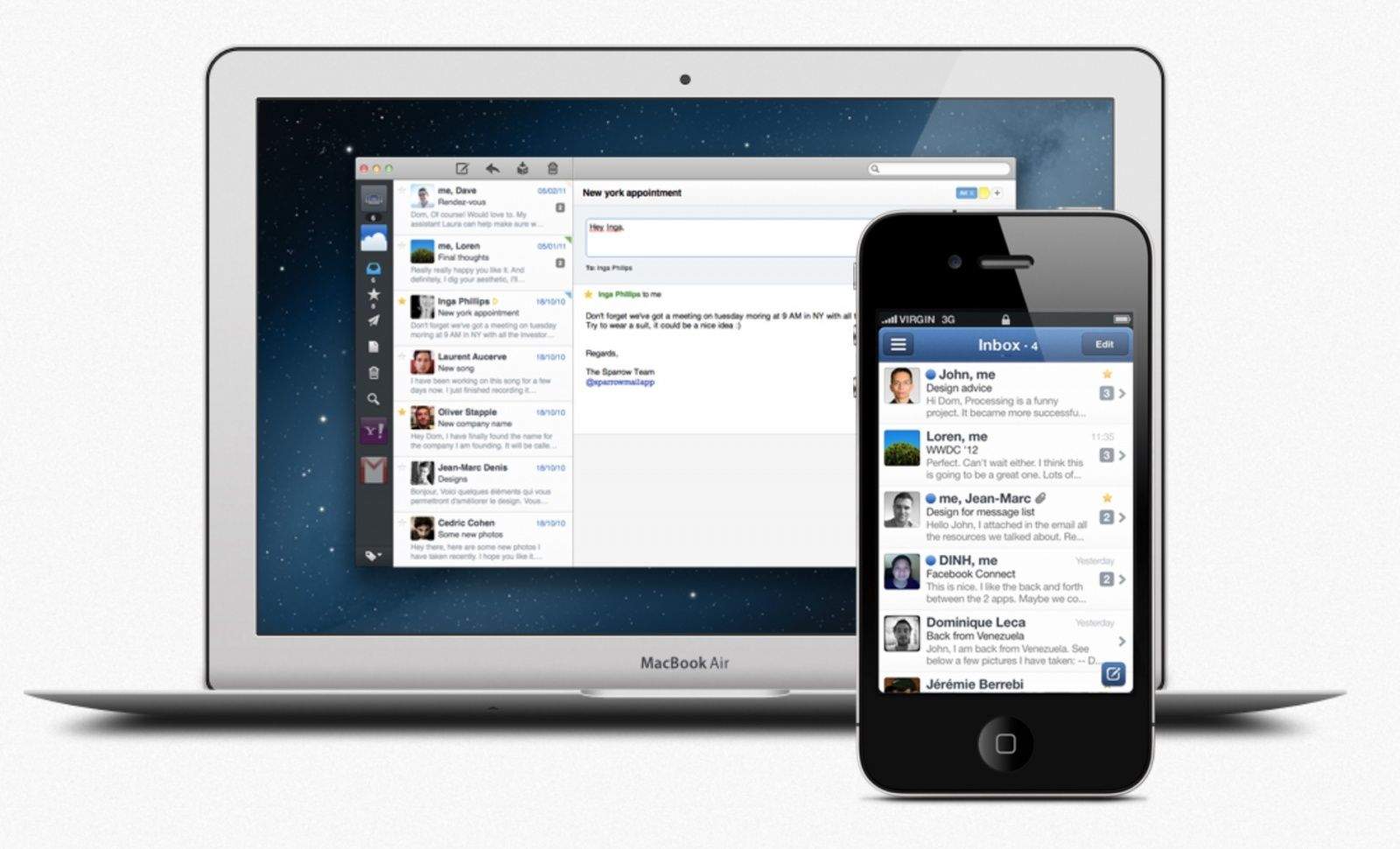
Sparrow for Mac finally supports POP email accounts.
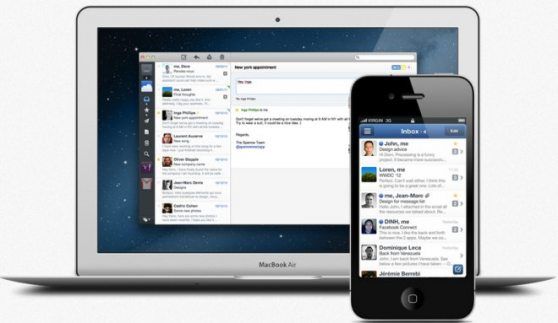
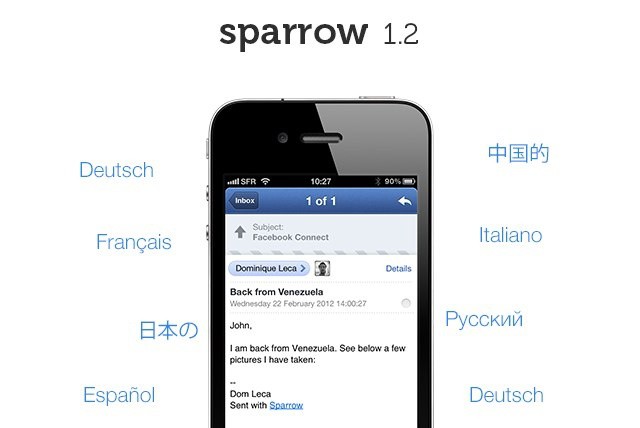
Just a day after releasing Sparrow 1.2 for iPhone, the Sparrow team has issued an update to Sparrow for Mac. This release brings a number of new features, improves Sparrow startup times, and quashes bugs.
Want push support in Sparrow for iPhone? You're going to have to pay extra for it.
Sparrow for iPhone — the third-party email client that has left Apple’s built-in Mail app redundant on my device — has received another major update today, which introduces a number of helpful features and quashes a handful of bugs.
One thing it doesn’t add, however, is that much-anticipated push support. That’s coming later, but you’ll have to pay for it.
Sparrow is possibly the best iPhone app I’ve purchased so far this year; it has completely replaced the built-in Mail client on my device. But it does have a couple things missing: It doesn’t yet support push notifications, and of course, it’s impossible to make it your iPhone’s default mail client.
However, a new tweak for jailbroken devices called Sparrow+ fixes both of these things.
There's still no push in Sparrow 1.1, but Sparrow promises it's coming.
Sparrow for iPhone just got its first update since hitting the App Store last month, and it already brings several new features, including a built-in web browser, customizable icon badges, and clever archiving. There’s still no push function, however, Sparrow promises its coming, “with or without Apple.”
Sparrow Push brings badge notifications to the iPhone's newest email app.
A new jailbreak tweak adds push notifications to the popular iPhone email app called Sparrow. We’ve already shown you a roundabout way to get push for Sparrow with the Boxcar app on a non-jailbroken iPhone, but you can now easily enable notifications with a Cydia tweak called Sparrow Push.
Boxcar notifies you of almost anything, including email
Sparrow for iPhone is great. And I mean hands-down, why-the-hell-isn’t-Apple’s-mail-app-this-good? kind of way. I like it so much, in fact, that I am even using it pixel-doubled on my iPad.
But there’s just one problem: no push, and no notifications. To enable local notifications, Sparrow would have to store your e-mail login details on its servers, and deal with all the responsibility that that brings.
The first version of Sparrow for iPhone included a clever workaround to let it poll for mail in the background, but Apple crashed its ban-hammer down on this wrongful use of the network event APIs.
But there’s a workaround, using the excellent BoxCar app and some simple setting up of your Gmail account.
It’s not often that you’re able to get “maximal” savings on such a “minimal” piece of software, and in many cases these kinds of things can just pass on by. But we’re not about to let this soon-to-be-ending Cult of Mac Deals offer fade off into the sunset without giving it one last look. So if you’re tired of the Mac native Mail.app (as many are) then there’s no time like the present to pick up the premier “get email done” application for the Mac, Sparrow before the special pricing gets so minimal that it disappears!
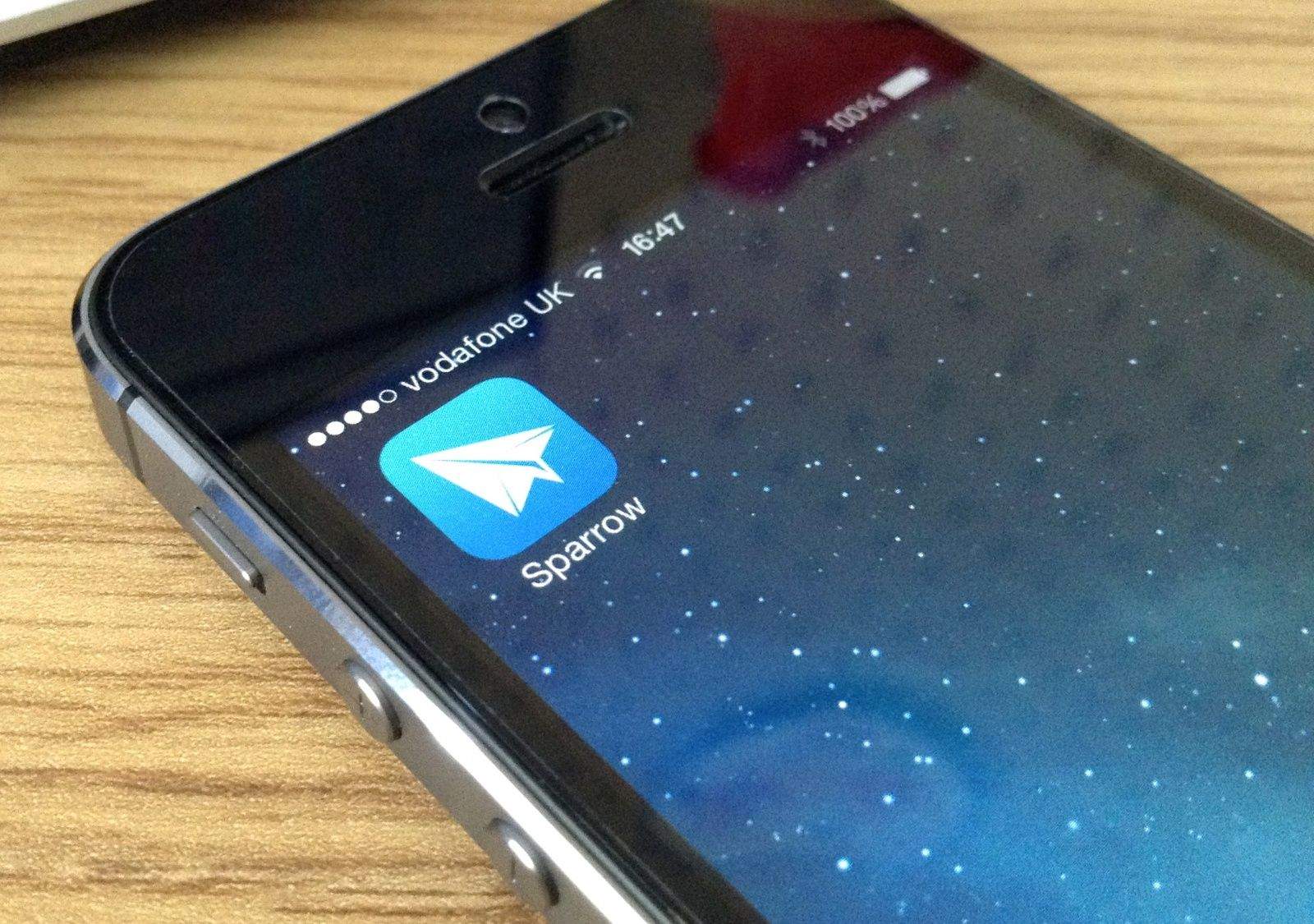
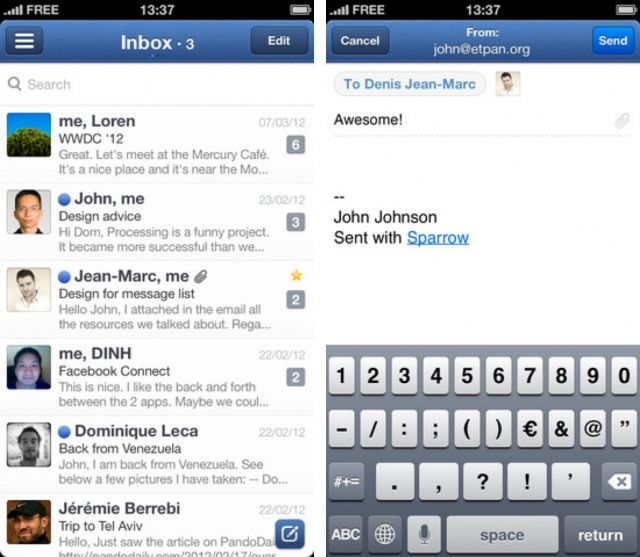
There are a number of half-baked third-party email clients for the iPhone, but until now, there hasn’t been a real replacement for the iPhone’s built-in Mail app. Sparrow for iPhone finally changes that. It’s crammed full of terrific features that make Apple’s solution look pretty amateur, and yet it’s still incredibly easy to use. In fact, I think it’s just as spectacular as Sparrow for the Mac.
Will Sparrow be enough to tear you away from the clutches of Apple's Mail app?
The highly-anticipated iPhone email client called Sparrow is now available in the App Store. The app costs $2.99 and promises an enhanced emailing experience. Flagship features include a unique and gorgeous interface, a threading system for messages, enhanced contact integration, better search, and more. If you’re ready to try something besides the default Mail app, Sparrow is definitely worth checking out.
It’s hard enough to get to that elusive “Inbox Zero” when your email program just won’t help you out. It either has too much or tries to keep you dwelling in email purgatory when you could — and should — be spending your time on better things. Things that don’t qualify as busy-work, but as actual work.
Well…this Cult of Mac Deals offer is going to be your saving grace. That’s because we’re offering an awesome minimalist email application for the Mac, Sparrow, for only $6 for a limited time!