Walt Mossberg speaking with Steve Jobs back in the day. Photo: Joi Ito/Flickr CC
Walt Mossberg was Steve Jobs’ favorite critic, and has long been one of the most respected Apple analysts out there — with some people even arguing that he can be too forgiving when it comes to Cupertino’s mistakes.
But in a new article about what tech companies should do to improve in 2016, Mossberg has no problem taking aim at something a lot of people view as Apple’s big weakness right now: its software.
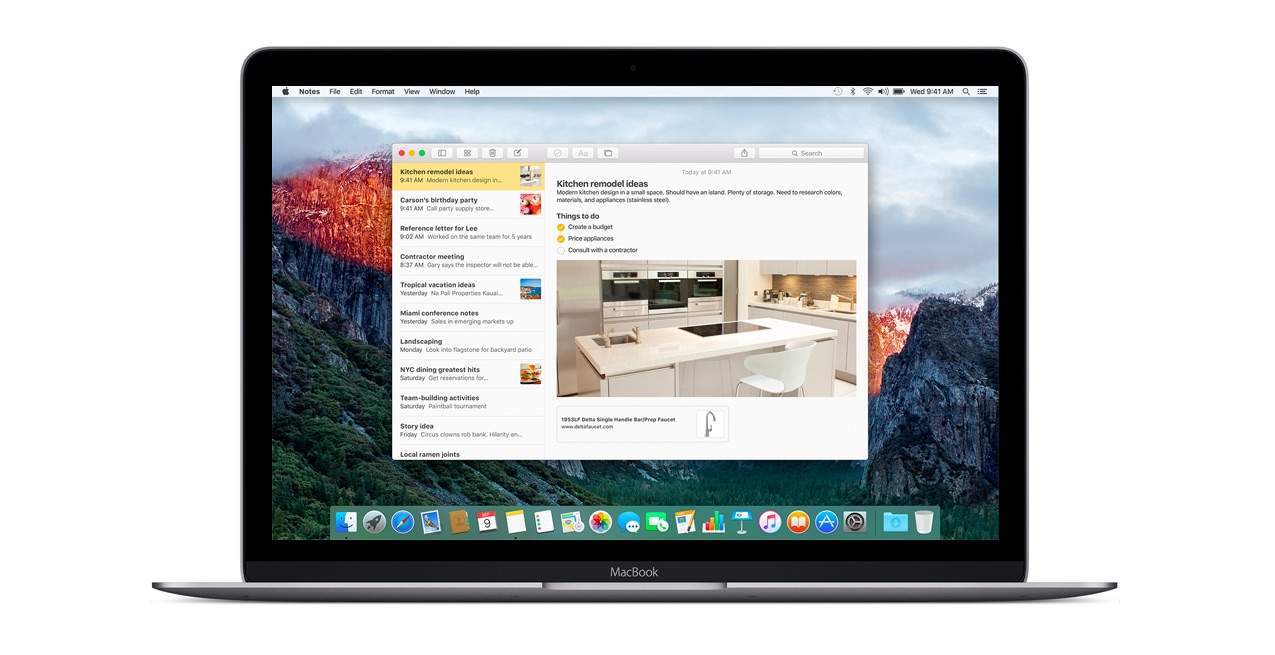
A new beta is out for OS X El Capitan. Photo: Apple
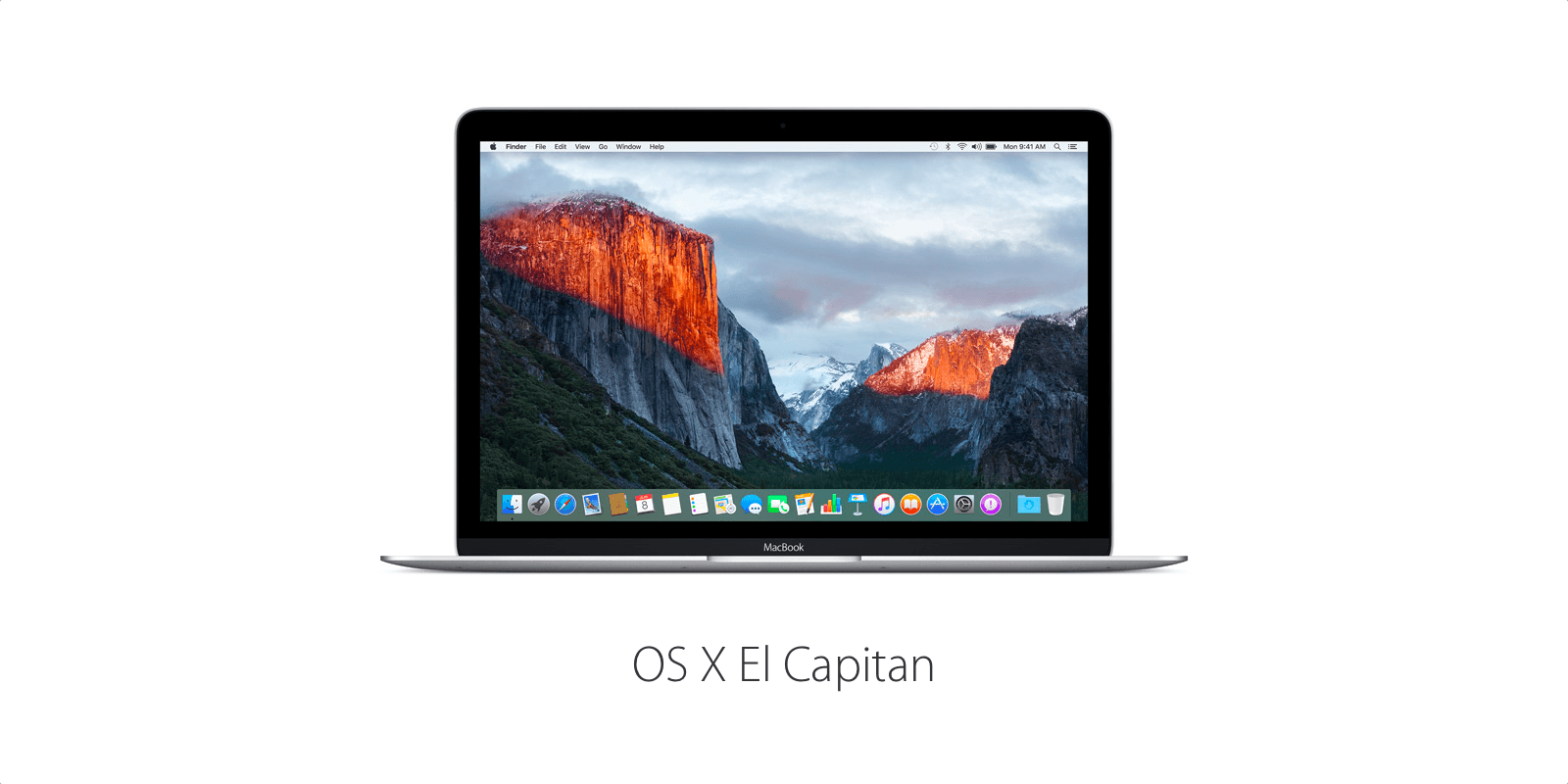
Apple has dropped a big new update on Mac users today with the release of OS X El Capitan 10.11.2.
This is the second big update for El Capitan since the desktop operating system was made public two months ago. OS X 10.11.2 brings with it a number of stability and security improvements for Mac, including fixes for Wi-Fi, AirDrop, Bluetooth, Mail, and Live Photos.
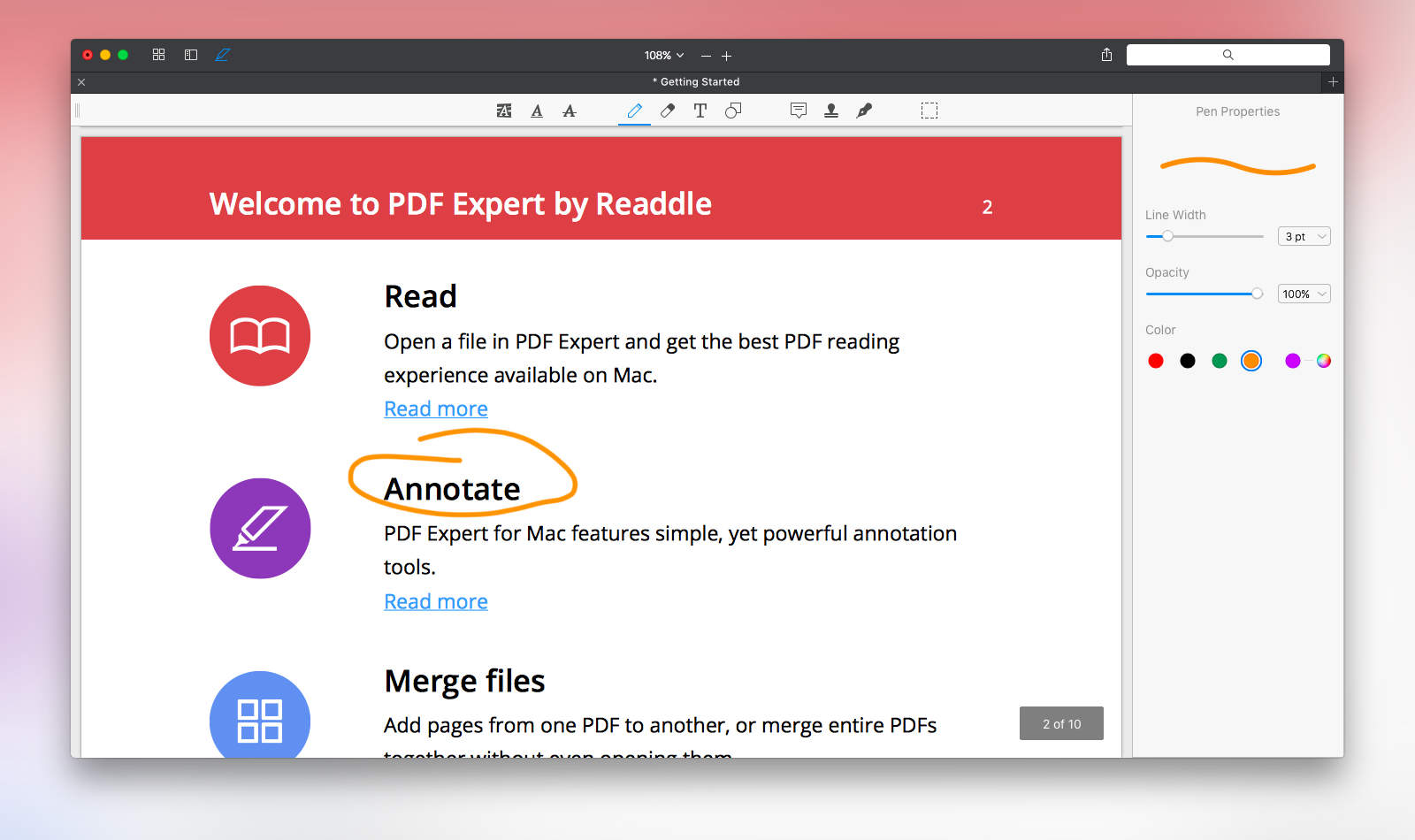
PDF Expert is more powerful than you'd expect for its price. Photo: Readdle
Readdle’s highly praised iOS app PDF Expert has landed on the Mac. Shortly after its debut, it shot straight to the number one spot for paid apps on the Mac App Store. Apple’s own Preview app works fine for simply reading through PDF files or making tiny edits, but people who work with PDF files more frequently and need more power can benefit from giving the $19.99 PDF Expert a chance. Cult of Mac got the opportunity to do just that.
Everybody knows that the leader in the category of PDF editors and readers is Adobe with its Reader and Acrobat apps, but the latter costs $14.99 per month for a subscription or a staggering $449 for the full desktop software. As long as you don’t need to create PDFs, PDF Expert only asks for $20 out of your pocket and it’s jam-packed with all of the necessities and then some.
A lifetime subscription to proXPN VPN will keep your online activity secure and anonymous. Photo: Cult of Mac Deals
These days, it’s all too easy to feel vulnerable whenever conducting a transaction, sending a message, or even just idly surfing the web. One way to feel secure is with a secure virtual private network, and for those of us without the IT chops to set one up ourselves there’s proXPN VPN. Right now you can get a lifetime subscription to proXPN’s VPN service for a full 98% off the normal price, $39 at Cult of Mac Deals.
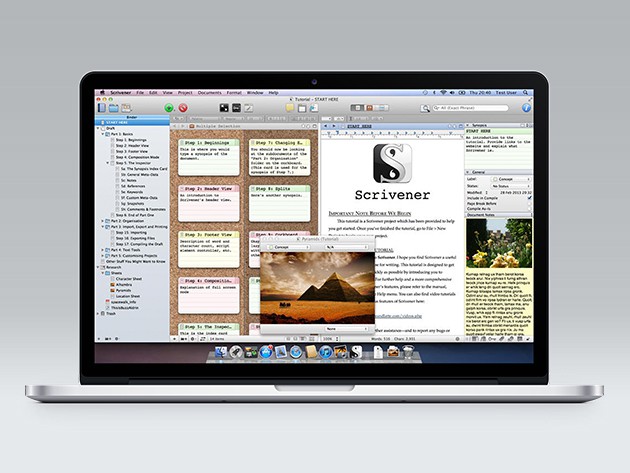
Scrivener 2 consolidates and streamlines all the clutter of the digital writing process. Photo: Cult of Mac Deals
Anyone who writes on a computer knows the mental juggling routine involved in keeping track of research, notes, drafts and edits. Scrivener 2 offers a way to consolidate the whole process in one place, making for a much more efficient and less time consuming writing process. The award-winning app has also been a hit with Cult of Mac readers, who now have an extra few hours to get a copy of Scrivener 2 for $19.50.
This bundle of six courses will provide a complete foundation and advanced command of Python, one of the most widely-used coding languages. Photo: Cult of Mac Deals
Python is one of the most widely used programming languages out there, a clear but powerful and perfect for projects big and small. It’s a perfect addition to anyone’s resume, but like any new language it takes practice and guidance to master. This bundle of 6 lessons is like a full-immersion language course for Python, covering everything from general web development to data analysis to games, a wealth of skills and knowledge that can be yours for $29, more than 80% off the normal price.
Getflix lives up to its name, bypassing content location restrictions anywhere in the world. Photo: Cult of Mac Deals
When shelling out for access to services like Netflix and Hulu Plus, you’re not banking on being barred from access just because you take a trip out of the country. Getflix is a service to make sure that never happens, and right now you can get a lifetime subscription for just $39.
Raspberry Pi is the super popular do-it-all DIY computer for the techno-curious tinkerer in all of us. Countless people have made video games, entertainment centers, security systems, automatic dog-feeders — if you can use a computer to do it, it’s been done with a Raspberry Pi. This starter kit is the perfect opportunity to get in on the fun, with the latest version of Pi hardware, a full array of accessories and peripherals, and instructions on all the tools, techniques and languages you’ll need to realize your Pi project. All that usually goes for more than $800, but right now you can get it for just $115 at Cult of Mac Deals.
Flip PDF easily transforms simple PDF documents into beautiful digital books. Photo: Cult of Mac Deals
PDFs are convenient and used by almost everybody, but flipping between preview windows is not a very attractive or engaging way to view content. Flip PDF for Mac makes it easy to create beautiful digital books and presentations out of your PDFs, perfect for designers, photographers, advertisers, anyone who could benefit from a beautiful digital presentation of their work. And right now, you can get a copy for a tenth of the normal price, just $9.
The new Alchemy synthesizer is center-stage in today's updates to Logic Pro X and MainStage 3. Photo: Apple
Apple released updates today for Logic Pro X and MainStage 3, adding a famous synthesizer and other fun goodies. This synthesizer, called Alchemy, for the most part isn’t an Apple original – it was previously an award-winning piece of software from Camel Audio, which Apple acquired at the beginning of the year. Now it has officially resurfaced in Apple’s professional audio apps.
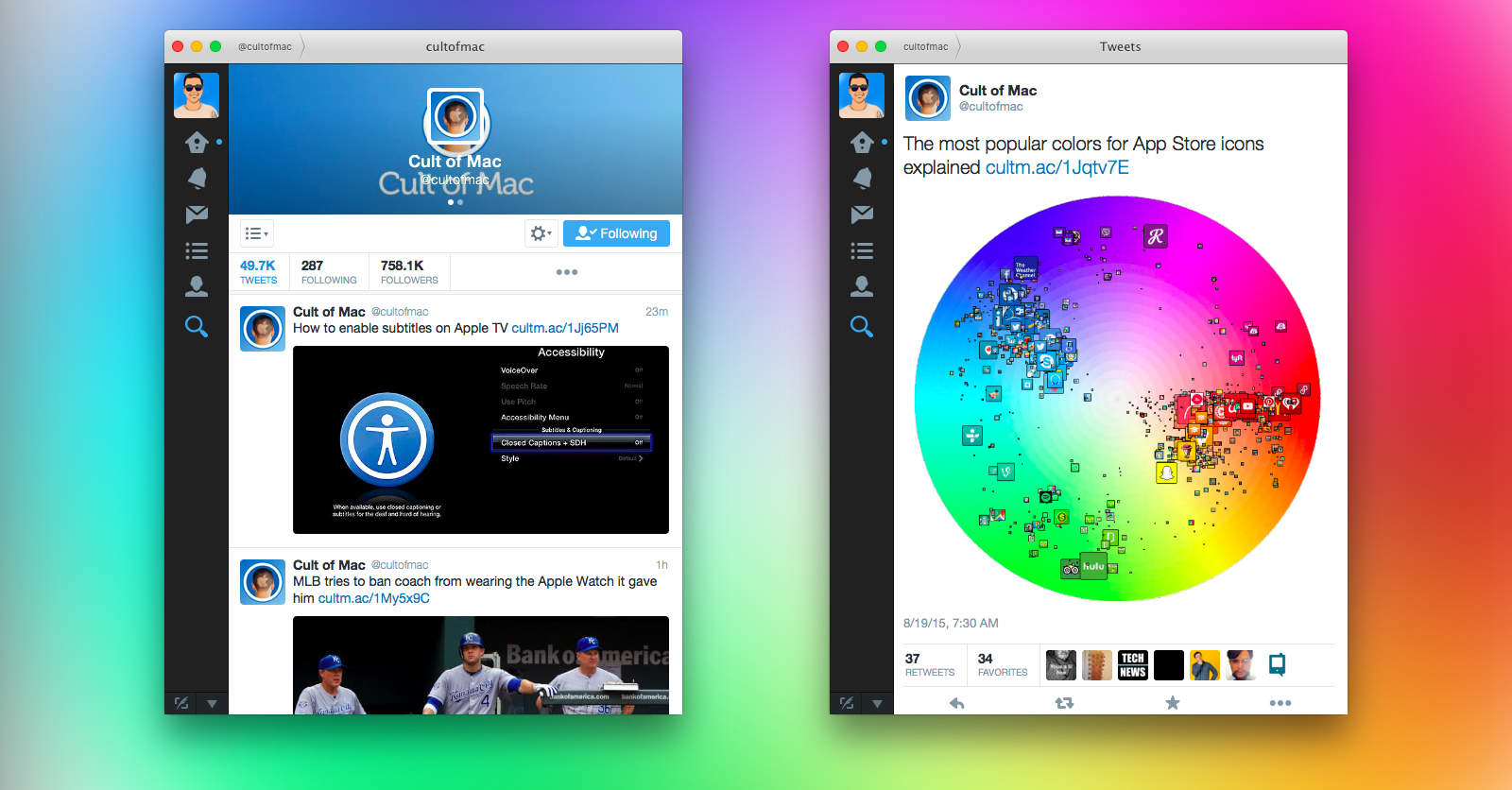
Twitter for Mac got an update no one asked for. Photo: Twitter
Good news: the official Twitter app for Mac finally got some attention today for the first time in almost a year. It now supports direct messages without the 140-character limit. Bad news: that’s the only feature added in the update, rendering it so totally insignificant you’re probably considering donating a new coffee machine to the Twitter for Mac team.
If you're enrolled in Apple's beta program, the fifth beta of El Capitan is the latest treat. Photo: Apple
Apple released the fifth public beta for OS X El Capitan today, two weeks after releasing the fourth. If you’re a member of the Apple Beta Software Program, now is the time to go get your latest update.
Both iOS and OS X get new betas today. Photo: Rob LeFebvre/Cult of Mac
Apple seeded two new incremental updates for developers today, one for the current version of OS X Yosemite, 10.10.5, and another for iOS 8.4.1, the current version of iOS available for consumers on iPhone and iPad.
“The OS X Yosemite 10.10.5 update improves the stability, compatibility, and security of your Mac,” writes Apple in its release notes. Further details on iOS 8.4.1 are as yet unavailable.
GarageBand is getting a tuneup -- just in time for the Apple Music launch Photo: Apple
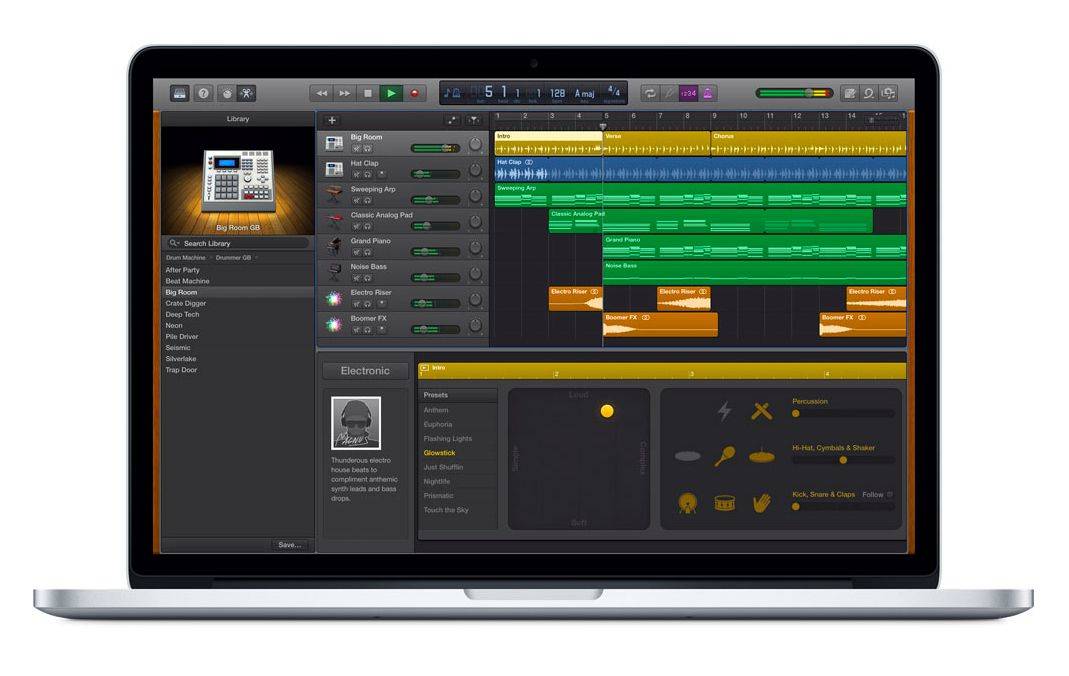
GarageBand for Mac is getting a sonic upgrade with 10 new drum settings and 100 new synth sounds designed for electronic dance music and hip-hop tracks.
The new features are coming June 30 — just in time for the launch of Apple Music.
The software that made this happen is now free. Photo: Pixar Photo: Pixar
Steve Jobs was, of course, formative to developing the software for the Mac, iPhone and iPad, but he was also formative to the development of another company and its software: Pixar, the computer animation studio behind Toy Story, Ratatouille, Up and more.
Now Pixar has released RenderMan, the company’s in-house rendering software, to the public for free. It’s the tool that gave the world Toy Story and countless other modern day classics, and it is now totally free to download for non-commercial use on the Mac, as well as Windows and Linux.
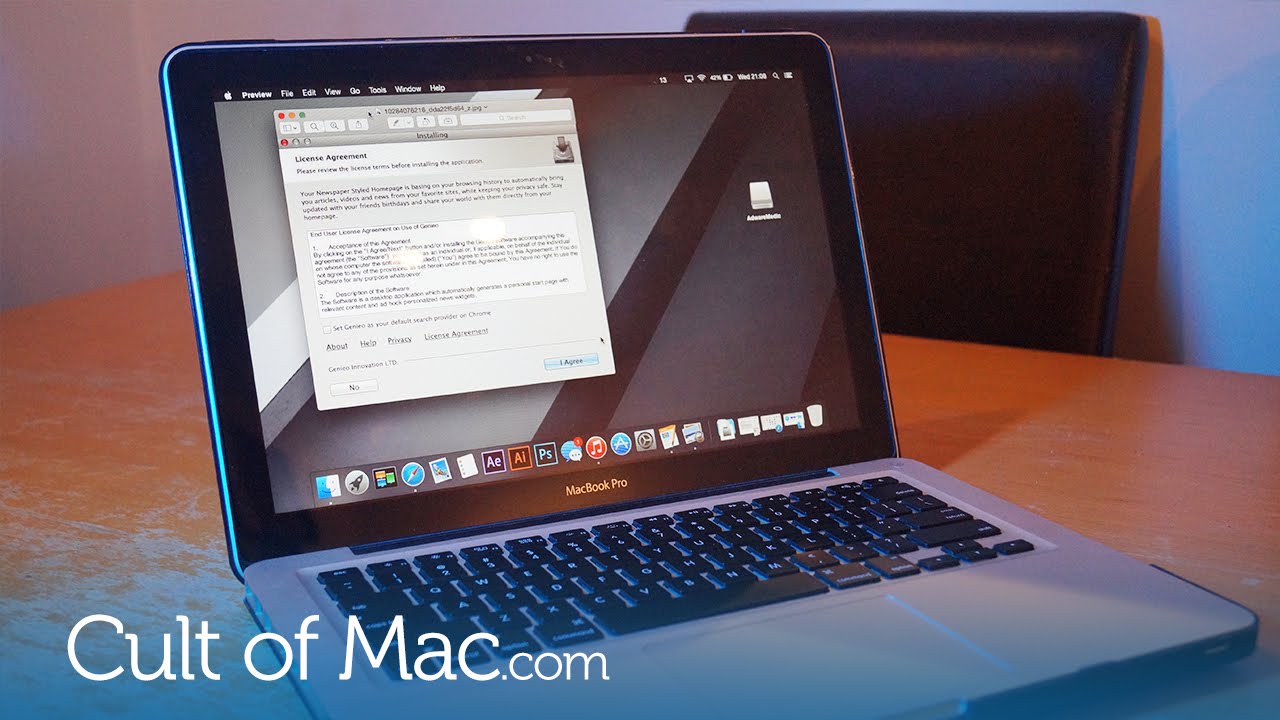
As OS X becomes increasingly popular, it’s only natural that it becomes a bigger target for hackers, scammers and advertisers. We’re seeing a rise in complaints about adware programs built for OS X, which can take over your computer and prevent you from doing things like open up your browser. But don’t worry — it can be really easy to get rid of.
In today’s video, I’ll show you how to remove all traces of adware from your Mac in less than two minutes using an excellent tool called AdwareMedic.
Literature... and latte. Photo illustration Charlie Sorrel/Cult of Mac
These days you can easily share data and collaborate on almost anything, from Rdio playlists to photo streams. But when it comes to plain old written text, your options are terrible. You’re pretty much caught between working on a shared file in Google Docs or shuttling versions of your work back and forth via email. Add more than one collaborator and this becomes a total nightmare.
Thankfully, tools exist to smooth the process of collaborating on writing projects. I’m currently editing the second draft of a novella, and I’m looking for a way to work with “beta” readers. I’m testing several pieces of software, and so far one called Draft is in the lead. Not only does it let you share a document with other people, it lets the team comment on any part of the source document and also allows them to edit a copy. Then, when they submit their versions, you can preview any changes before accepting or rejecting them.
Better still, because Draft can sync with a document in Dropbox (as well as several other cloud services), you can sync the edits from your beta team with a local app, like Scrivener. Here’s what you need to make the collaborative magic happen.
It’s hard to know what to make of an app update that promises to “cut crash rates in half.” If you’re a glass-half-full kind of guy, you’re happy with the increased stability. If you’re a glass-half-empty guy, though, you wonder why the hell they can’t get around to fixing the other 50 percent of unexpected software crashes.
I’m sort of a glass-half-empty kind of guy, at least when it comes to Facebook. So when they announce that their latest update to the Facebook for iPhone and iPad app has “solved a long-term mobile debugging problem and reduced the crash rate for people using the Facebook for iOS app by more than 50%,” I wonder why the hell a multibillion dollar corporation can’t fix the other half.
Watch today’s Cult of Mac news roundup for details on a lawsuit filed by Apple employees. Plus, you’ll get info on the latest Apple software updates, a look at the Starbucks app’s new capabilities and Jimmy Kimmel’s hilarious iWatch prank.
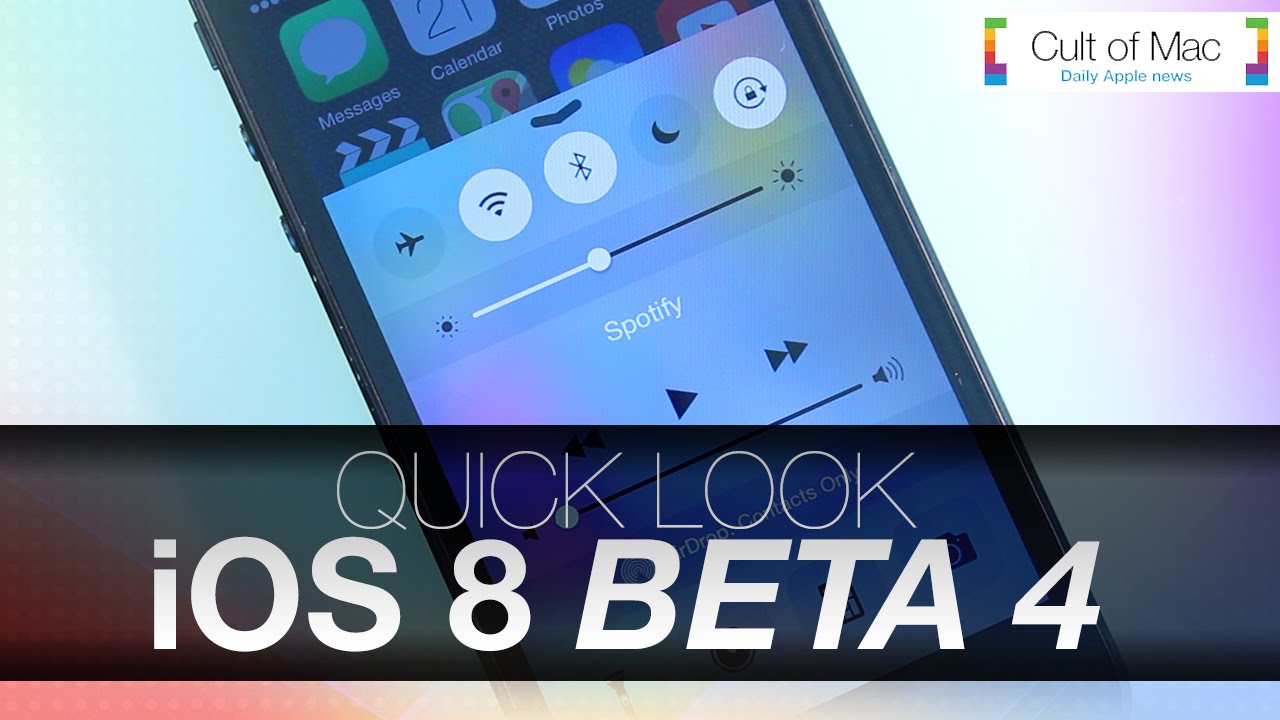
With iOS 8’s expected September release getting closer and closer, anticipation for Apple’s updated mobile software is growing. Beta releases, pushed to developers every few weeks, show off the latest tweaks and new features, and today’s release of iOS 8 beta 4 is no exception.
In today’s video we go hands-on and take a quick look at everything new in the latest version of iOS 8. See a redesigned Control Center, the helpful new Tips app and other key upgrades to Apple’s mobile software.
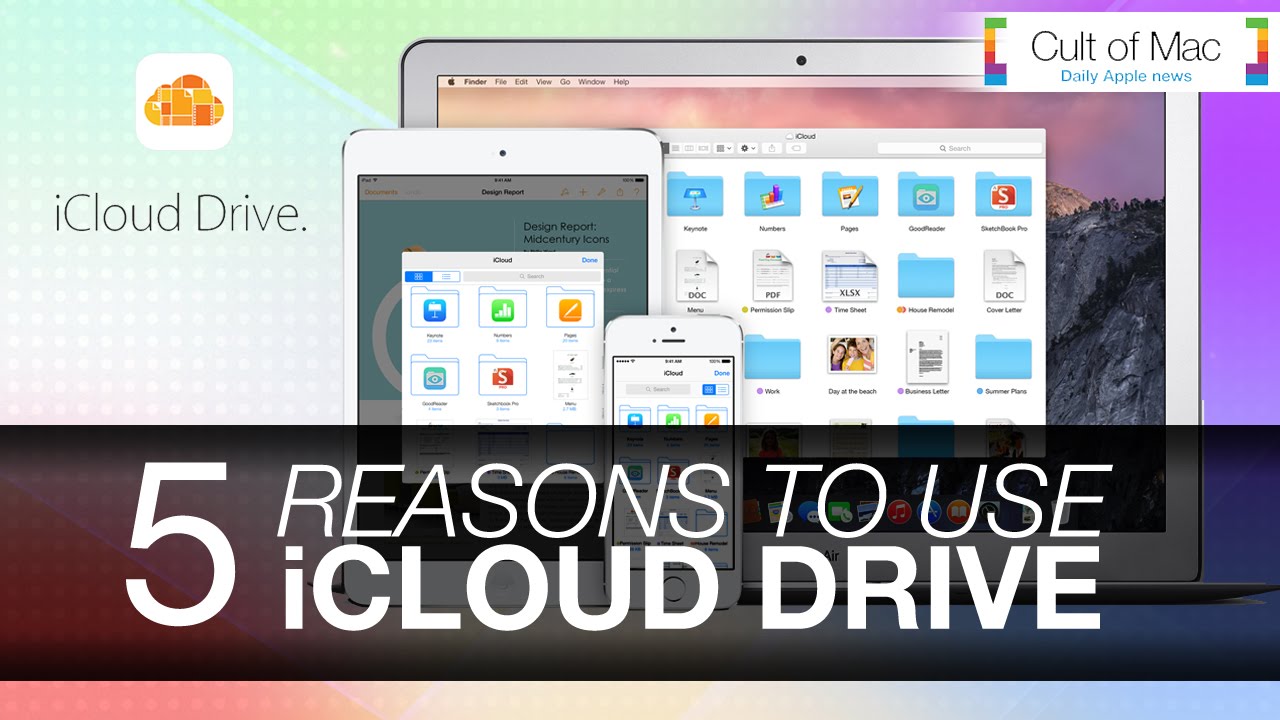
While iCloud has been a trusty storage companion for photos and documents, Apple’s recently announced iCloud Drive upgrades what we already know and love about the service. In today’s video, we take a look at five ways iCloud Drive will upgrade your life when Apple rolls out the enhanced service alongside iOS 8 and OS X Yosemite.
iOS 8 introduces many convenient features and enhancements designed to make your iPhone even easier to use. Among these is keyboard update QuickType and support for installing third-party keyboards on iPhones, iPads and iPod touches. In today’s video, we’ll show you exactly how third-party keyboards work — and how they will change your interactions with your device for the better.
Sometimes it’s difficult to fall asleep, even after a long day. While listening to music can help some, they wake only to find their device’s battery dead from playing all night. In this episode of Cult of Mac’s how-to, find out how to use your iPhone’s hidden sleep timer, thanks to our quick and easy steps.
After turning your device on and off throughout the day it can be easy to get tired of your lock screen. While normal wallpapers can offer you a basic lock screen experience, the app FancyLock can offer so much more. Create your own personalized lock screens in seconds, thanks to tons of cool themes.
Take a look at FancyLock and find out what you think.
This is a Cult Of Mac video review of the iOS application FancyLock brought to you by Joshua Smith of “TechBytes W/Jsmith.”
While the iOS 7 software update has brought along a total design revamp, with it has also come irritating wallpaper settings. Not being able to scale your photo to the sizes you’d like and more have been just some of the newly associated issues. The new application Wallpaper Fix claims to be the perfect fix for all of your wallpaper problems. Is Wallpaper Fix the app that will help you get your wallpapers the way you want?
Take a look at Wallpaper Fix and find out what you think.
This is a Cult Of Mac video review of the iOS application Wallpaper Fix brought to you by Joshua Smith of “TechBytes W/Jsmith.”