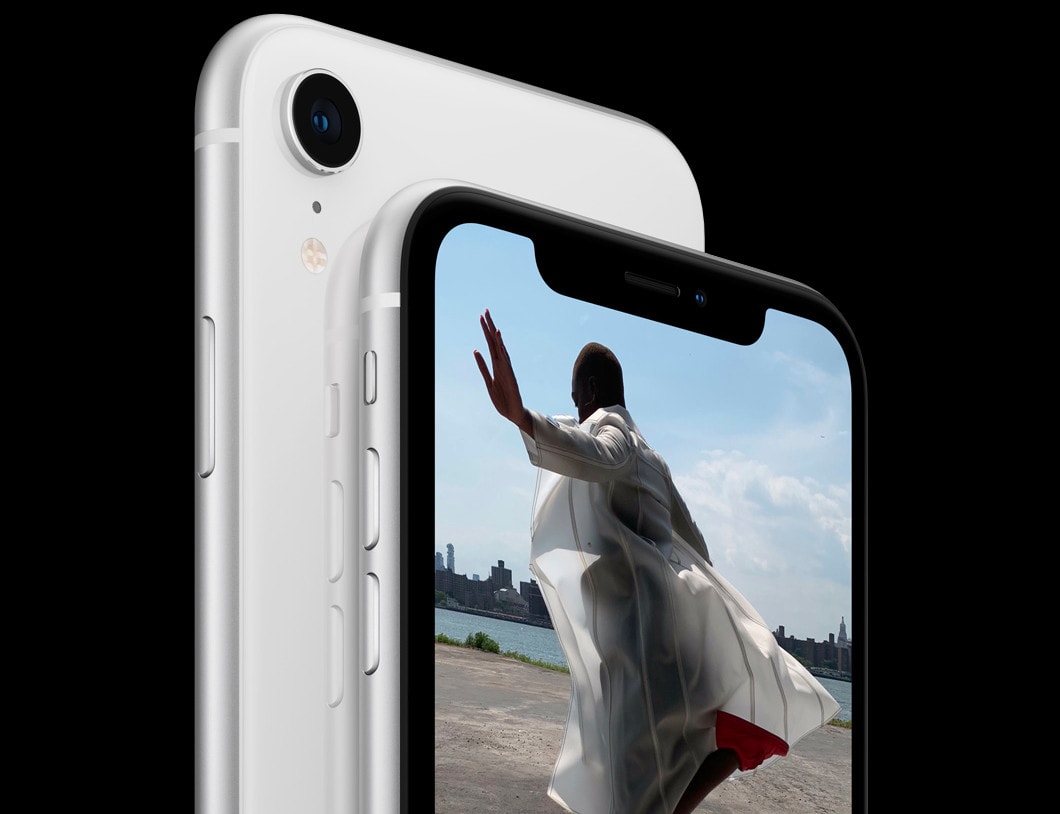
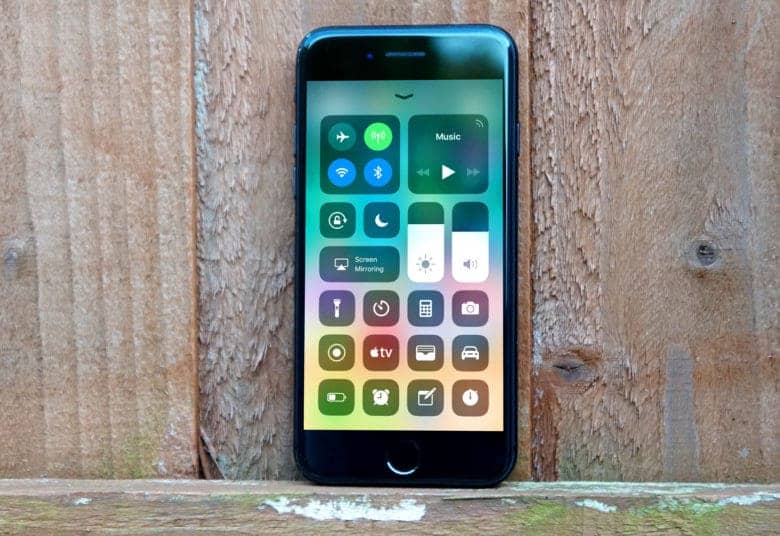
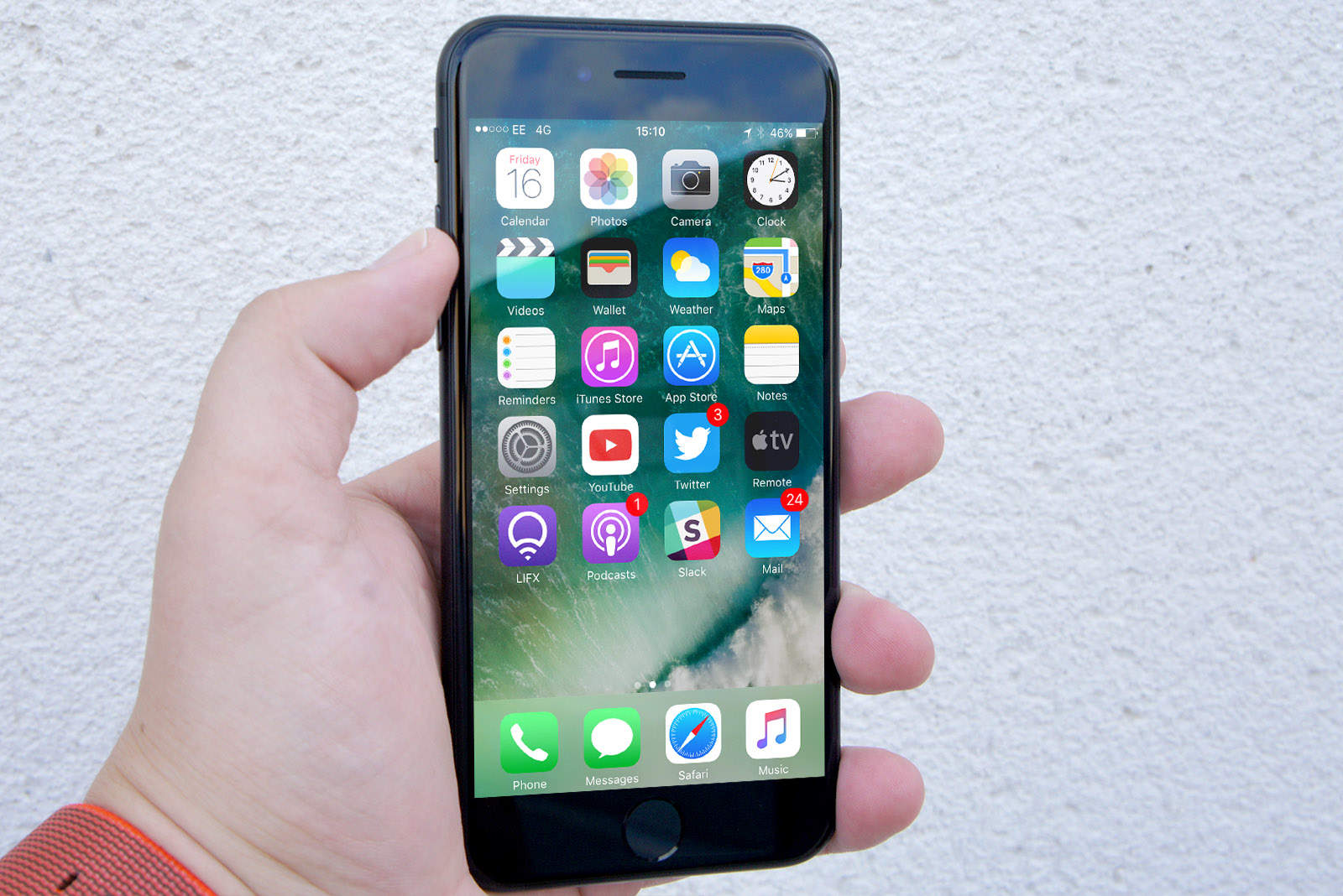
iOS 12.1.1 makes it easier to expand notifications on the iPhone XR. Photo: Apple
Apple has come out with a big new update for iOS 12 today that brings a host of new features and bug fixes to the iPhone and iPad.
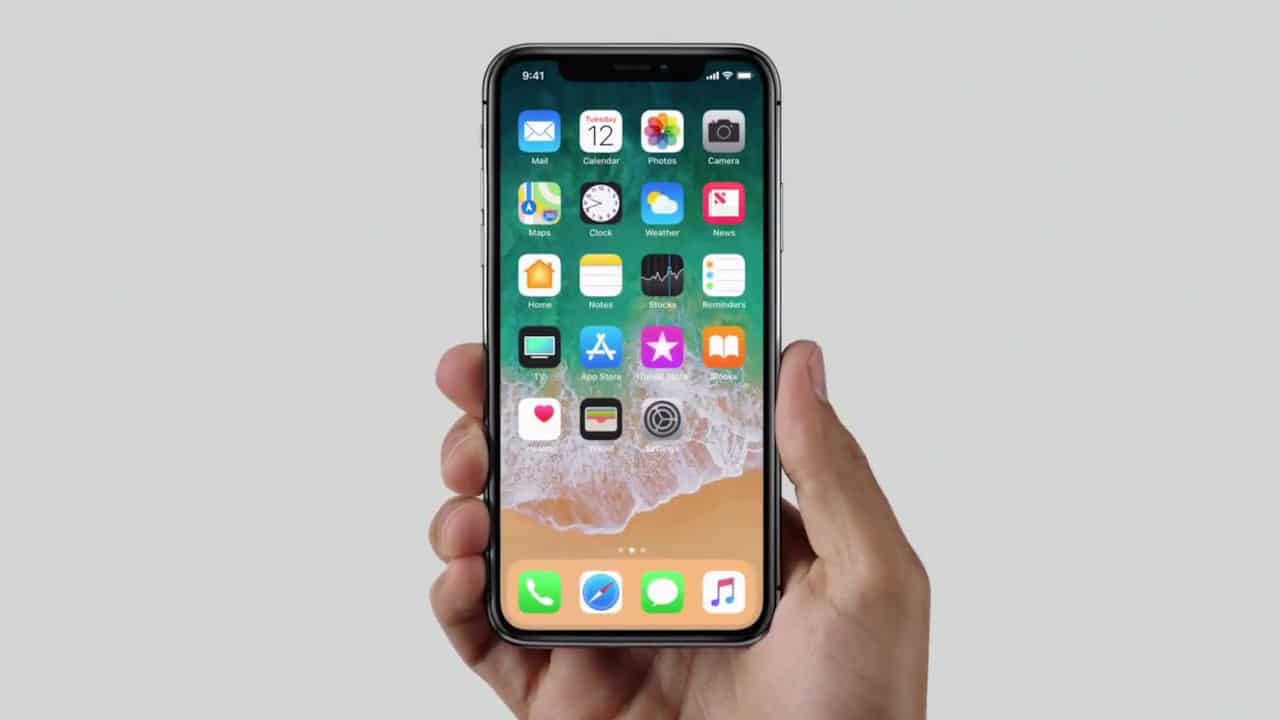
iOS 12.1.1 is available now as an over-the-air update, adding expanded eSIM support on the iPhone XR, XS and XS Max as well as some changes to FaceTime and fixes for Face ID.
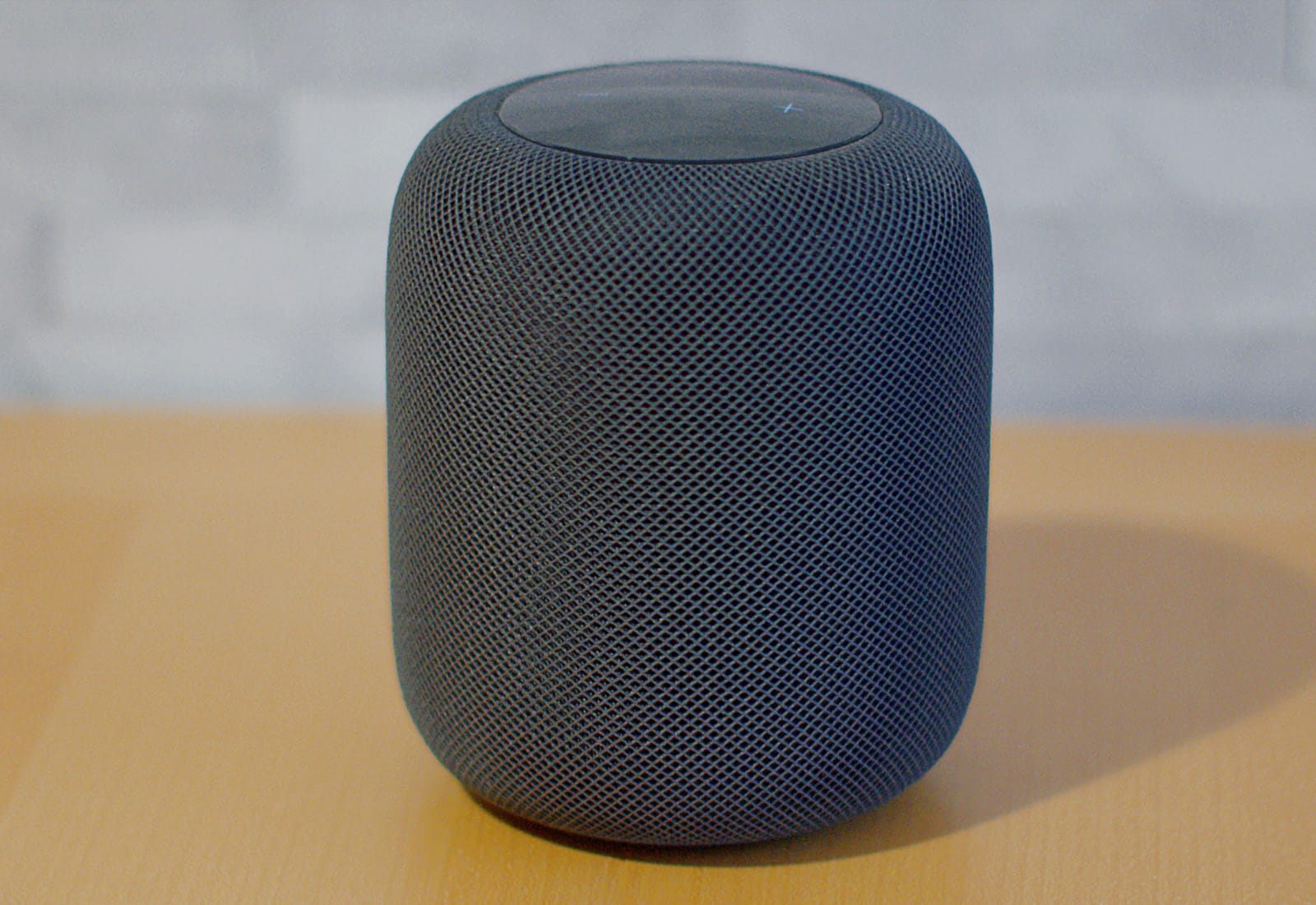
HomePod isn't as bass-heavy as it once was. Photo: Ste Smith/Cult of Mac
Apple’s software update released yesterday for the new HomePod may have altered the sound quality on its smart speaker.
Many angry HomePod owners that installed the update yesterday have taken to Twitter and Reddit claiming Apple’s fine-tuning of the speaker with the update has totally ruined how some songs sound.
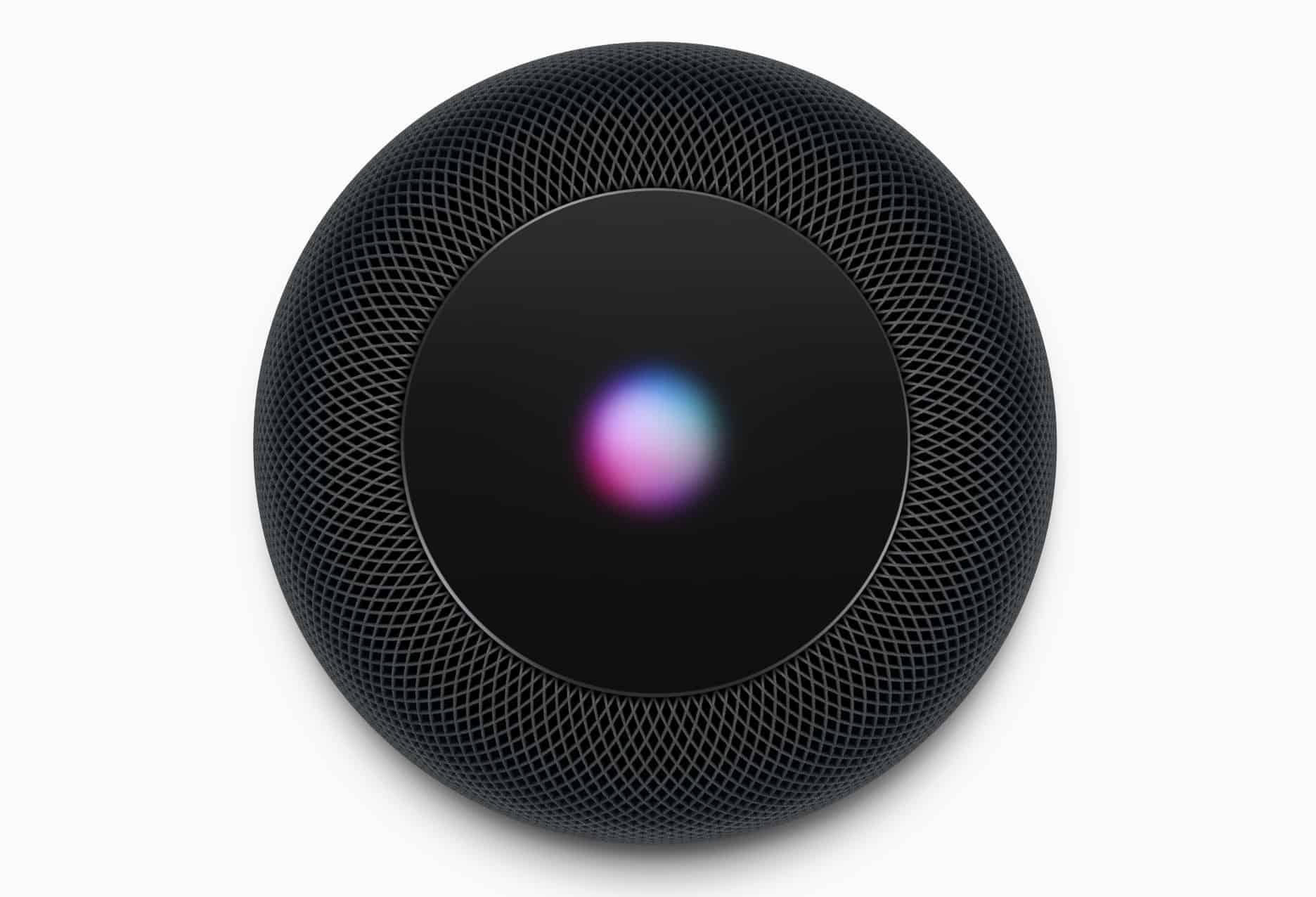
HomePod will get software updates just like your other Apple devices. Photo: Apple
Apple will issue software updates for HomePod with important bug fixes, performance improvements, and (hopefully) new features. Here’s how you will update yours.
The first iOS 11 update is here. Photo: Ste Smith/Cult of Mac
iPhone and iPad users that upgraded to iOS 11 last week are already getting their first update even though Apple didn’t release any beta builds to developers yet.
The new iOS 11.0.1 update was pushed out to devices this morning exactly one week after the big release of iOS 11. It’s not clear if there are any major changes, but it looks like it may come with some important bug fixes.
Finding iOS 11 too buggy? Downgrade with our handy video! Photo: Ste Smith/Cult of Mac
If you jumped into the future and upgraded to a beta version of iOS 11, but now found the cutting-edge software a bit too rough around the edges, don’t panic. Downgrading from iOS 11 back to the more familiar (and totally stable) iOS 10.3.2 isn’t difficult. All you need is a Mac or PC running iTunes.
If you’re worried about losing data, that’s completely avoidable! Just follow our how to downgrade from iOS 11 video, below and your iPhone or iPad will be back to normal in no time.
iOS 10.0.3 is just for iPhone 7 owners. Photo: Ste Smith/Cult of Mac
Apple has rolled out iOS 10.0.3 to address cellular connectivity issues with the iPhone 7 and iPhone 7 Plus. The update is not available to download on older handsets, which were not affected by the bug.
iOS 9.3.2 gets another beta seed. Photo: Ste Smith/Cult of Mac
Listen up, beta testers! Apple’s latest iOS 9.3.2 beta is rolling out now, and it’s reaching registered developers and public testers at the same time. The update brings a fix for a Game Center bug, and the ability to use Night Shift in Low Power Mode.
Grab the latest tvOS 11 update now. Photo: Ste Smith/Cult of Mac
The new Apple TV is finally getting folders for apps today, thanks to the public release of tvOS 9.2 that is available now to all fourth-gen Apple TV users.
Apple touted the new update today at an event, previewing new features like app folders, support for Bluetooth keyboards, voice-to-text dictation for text entry fields, a podcasts app and other improvements.
Along with the new Apple TV software, Apple has also released watchOS 2.2 to the public that contains a number of bug fixes, and some small tweaks such as the ability to sync multiple watches to one iPhone, Maps improvements and more.
tvOS just got another new update. Photo: Jim Merithew/Cult of Mac
The latest iteration of Apple TV’s operating system, tvOS 9.1, is out of beta and ready for the big screen.
The new update includes support for searching Apple Music with your voice, via the fantastic Siri Remote, so you no longer have to type in long artist names with the weird keyboard line that Apple offers you.
Unlike iOS 8 last year, iOS 9 shouldn't be much of a hassle to install. Photo: Jim Merithew/Cult of Mac
Apple made two important changes to the way you install iOS 9 that will help out your storage space and probably your anxiety. If you’re like a lot of other people, you were pretty frustrated last year trying to install iOS 8. Your 16GB iPhone already has to store all your apps and photos, and it just seems downright greedy of Apple to ask you to install a software update that would take up even more space. This year’s update should be much smoother sailing.
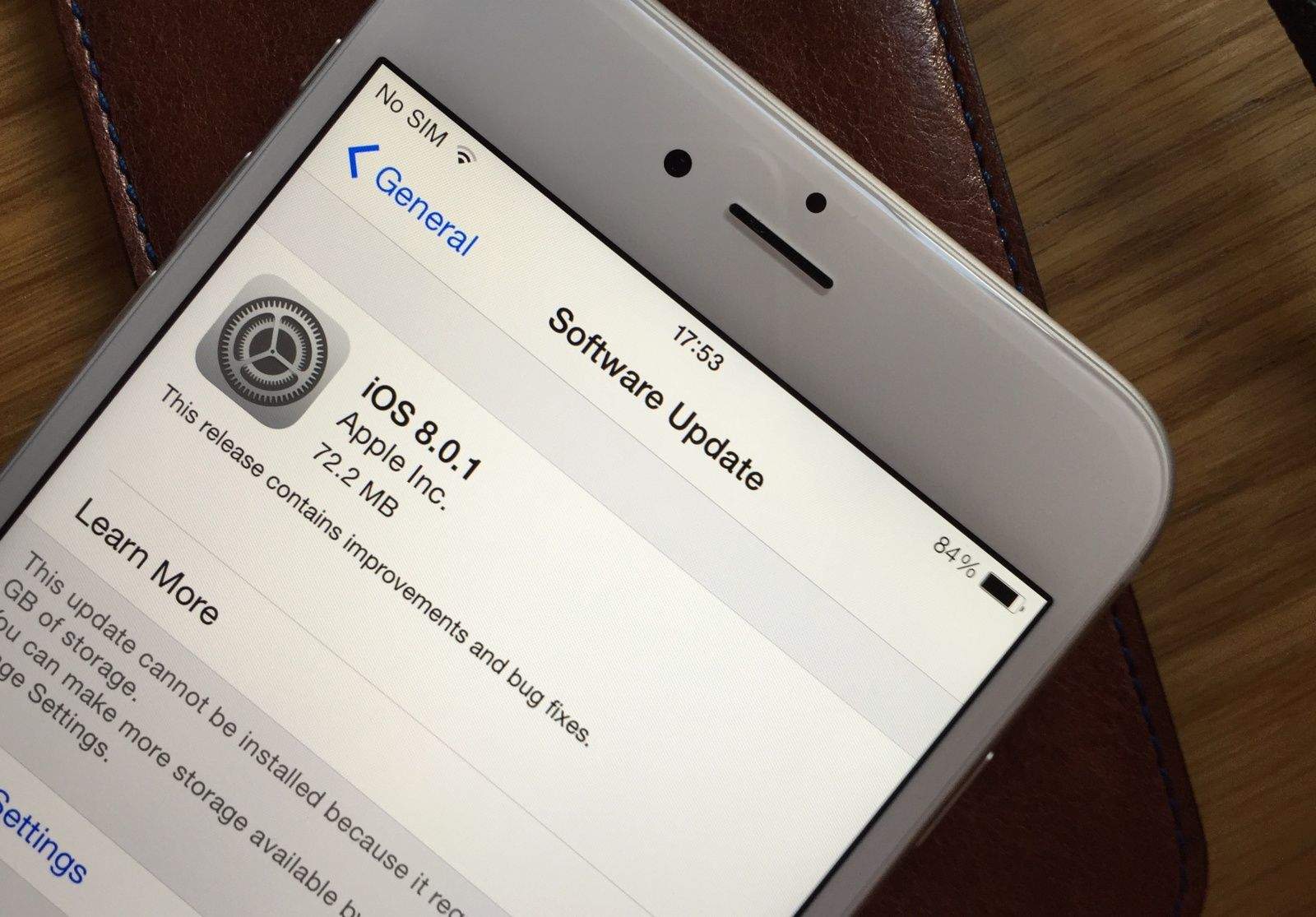
Download iOS 8.0.1 now. Photo: Killian Bell/Cult of Mac.
Update: iOS 8.0.1 upgraders are reporting problems with Touch ID and cellular connectivity after installing Apple’s update. You should wait before taking the plunge. If you’ve already installed iOS 8.0.1, here’s how to downgrade to iOS 8.
Apple has pulled an iOS 8.0.1 update that fixed problems with HealthKit and various other features after iPhone 6 and 6 Plus users discovered the update broke Touch ID and blocked cellular connectivity.
The iOS 8.0.1 update was also supposed to improve Reachability on the iPhone 6, but it has already been removed while Apple addresses the nest of new bugs it unleashed.
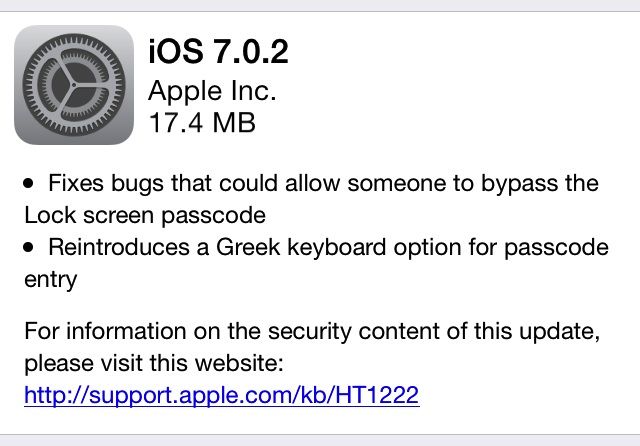
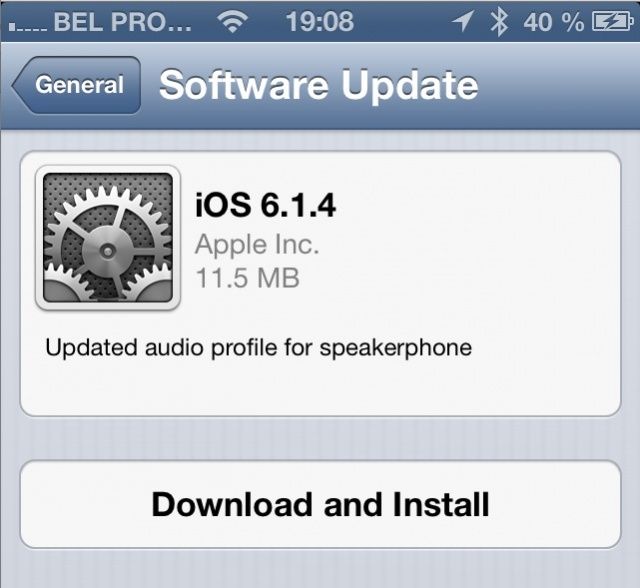
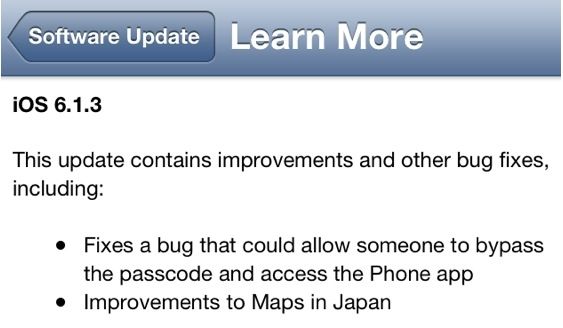
Apple just released a new patch for iOS 7 that fixes a bug that allowed anyone to bypass the lock screen in the new iOS 7. The exploit involved swiping up on the lock screen to access Control Center, then opening the alarm clock. Holding the iPhone’s sleep/wake button brings up the power off option, and you could hit cancel, double click the home button, and have access to the multitasking screen. This would give anyone access to your photos, camera, email, Twitter, Facebook, or Flickr account.
Today’s update to iOS 7.0.2 purports to fix that, and reintroduces a Greek keyboard option for passcode entry.
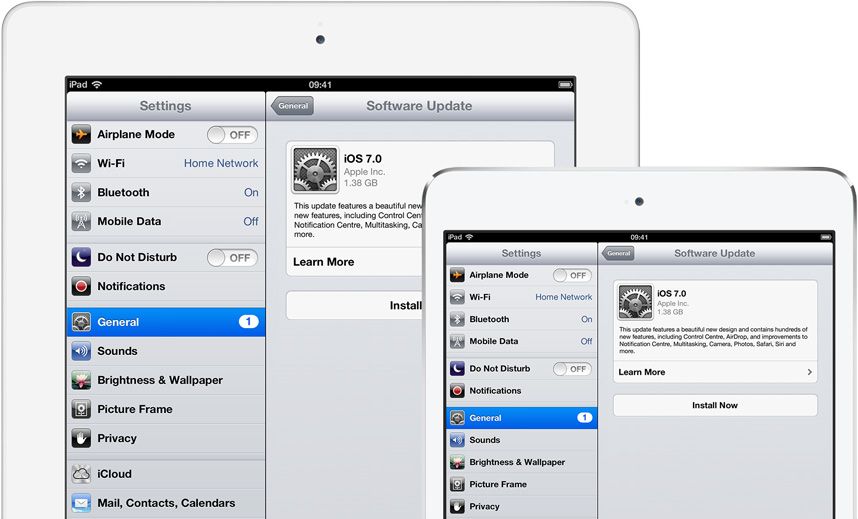
The wait is finally over. iOS 7 is now available to download, three months after it got its first unveiling at WWDC. You can download and install it either via iTunes on your Mac and PC, or by using the over-the-air Software Update feature baked into iOS 6.
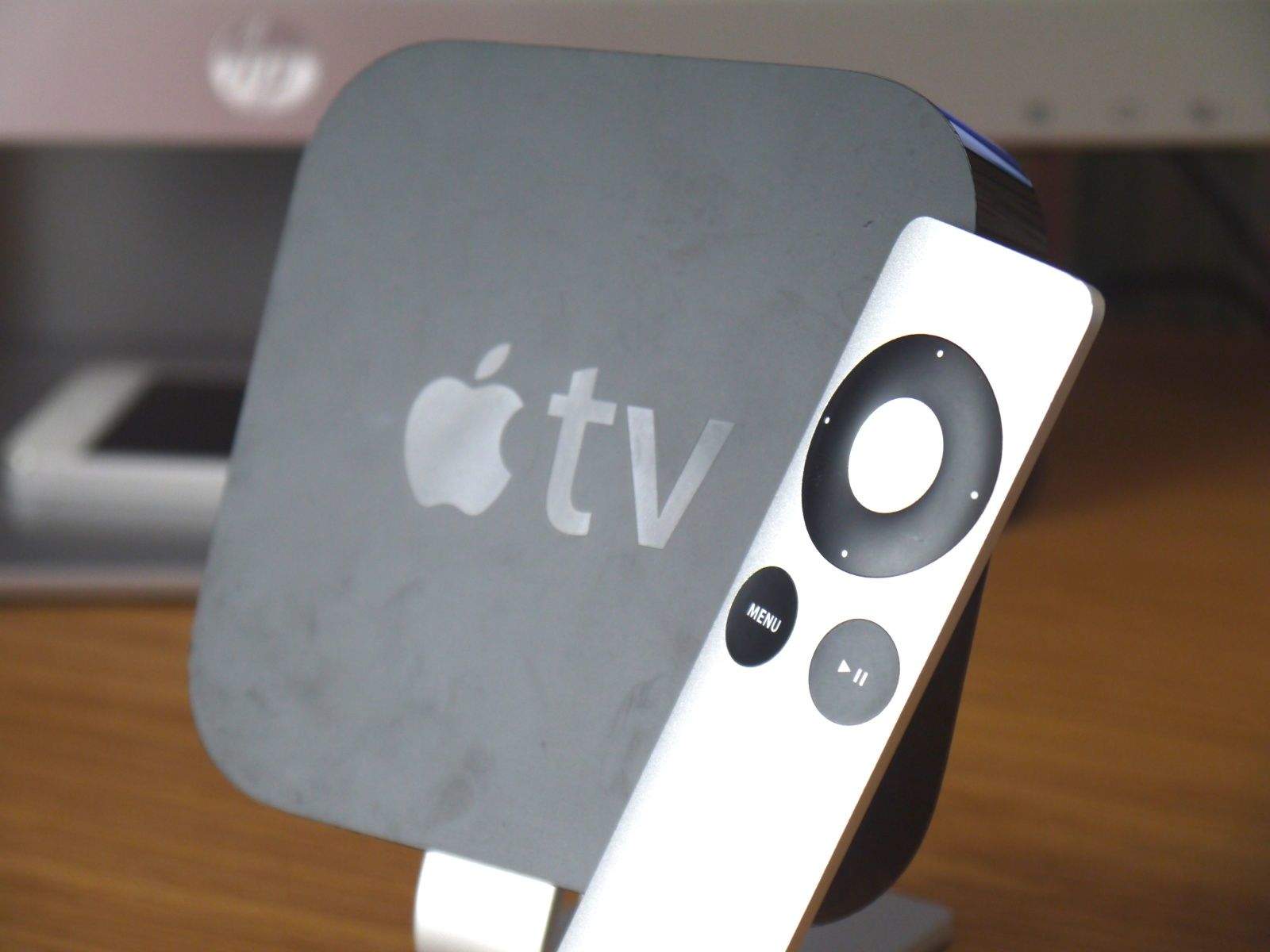
Apple has today rolled out a new Apple TV update that adds yet more apps to the $99 set-top box. As expected, music video streaming service Vevo is part of the mix, as are the Weather Channel and the Smithsonian, and two new apps from Disney.
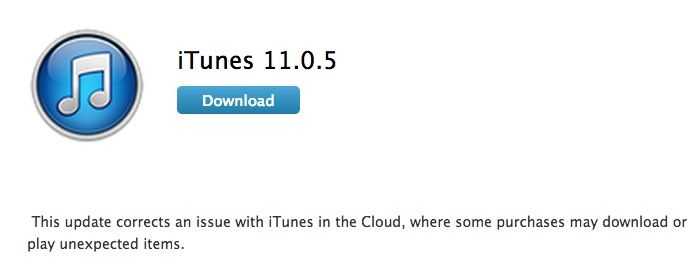
Apple just released a new update for iTunes, saying, “This update corrects an issue with iTunes in the Cloud, where some purchases may download or play unexpected items.”
What does that mean, exactly? Apple didn’t say much more, but I’m guessing that some users were clicking on the button to download a previous purchase that was stored in iCloud, but ending up with something totally different.
This update should totally fix that. You can download the new 11.0.5 update directly from the Apple support site linked below, or use the Mac App Store via Software Update to get it.
Apple has issued a software update for those running the third developer preview of OS X Mavericks. The release promises to patch a major graphics bug that could cause machines to “reboot without warning.”
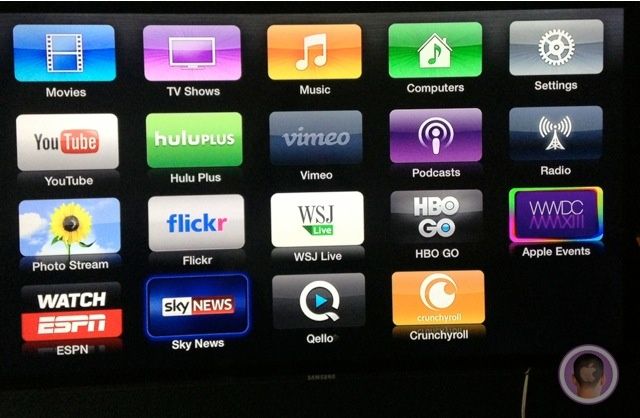
Apple just rolled out a new software update for the Apple TV that adds new channels for HBO GO and WatchESPN, as well as Sky News, Crunchyroll, and Qello. The iOS 5.3 release is compatible with both the second- and third-generation Apple TVs, and is available to download now.
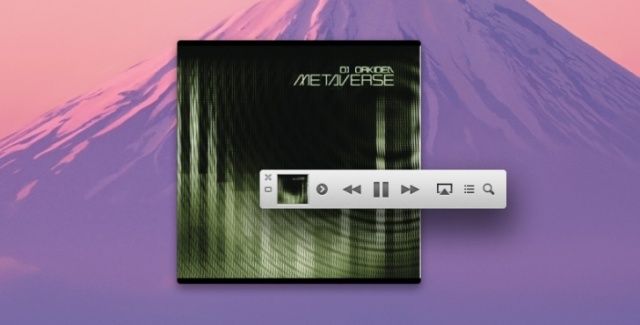
A few weeks after the 11.03 release the brought iTunes a redesigned MiniPlayer comes iTunes 11.04, an incremental bug-fixing update that fixes a problem that can cause iTunes to quit if you switch between wired and wireless syncing, and an issue where the iTunes Store keeps on asking you to login to your account ad infinitim.
You can grab the update through Software Update or the Mac App Store now.
Apple’s been surprising us left and right this week with iOS 6.1 dropping out of nowhere, and the a 128GB iPad announced today. There might be an Apple TV surprise coming in the near future too.
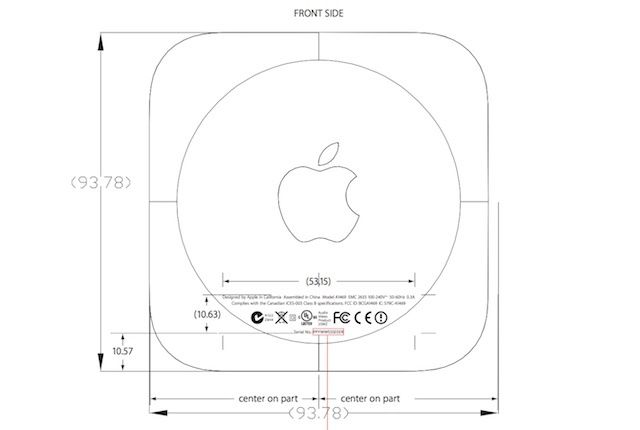
According to some FCC documents, Apple might release a smaller Apple TV pretty soon. The papers show an Apple TV with the same design and shape as the current generation except it’s nearly a half centimeter smaller.
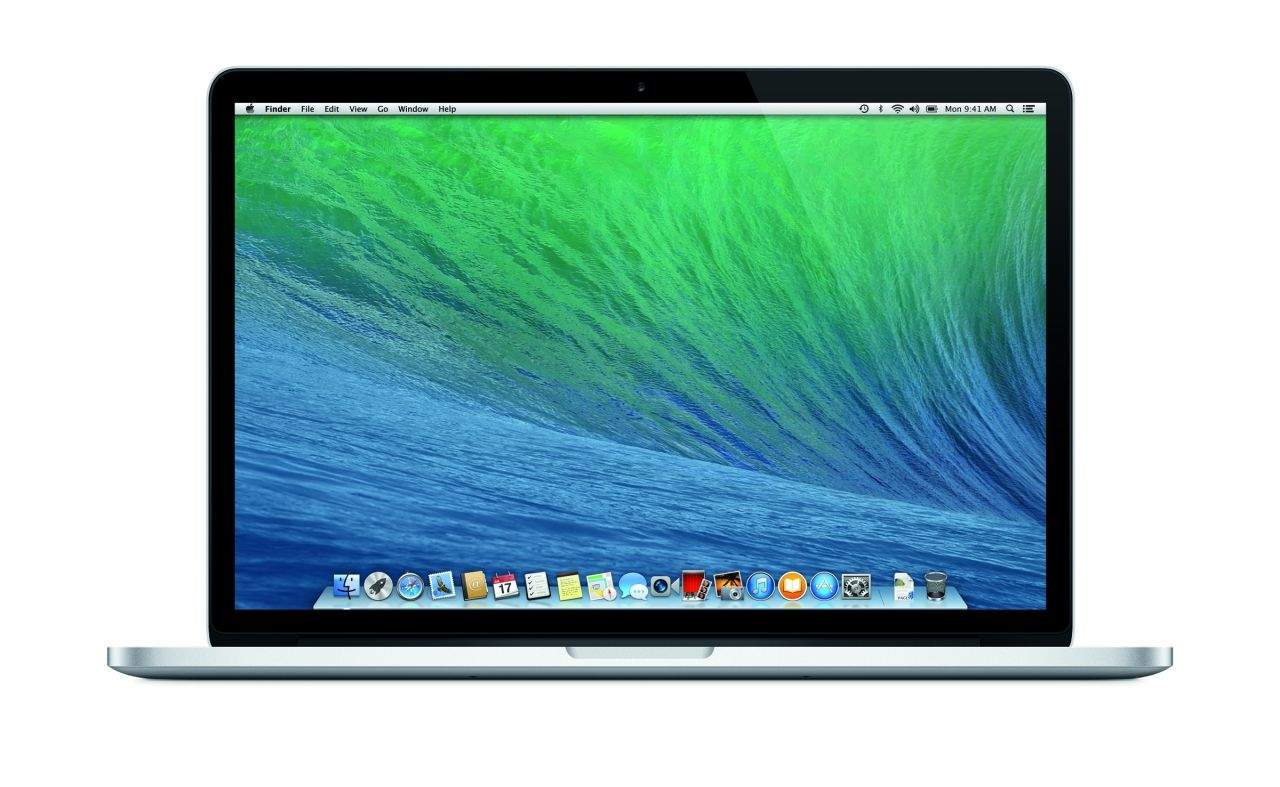
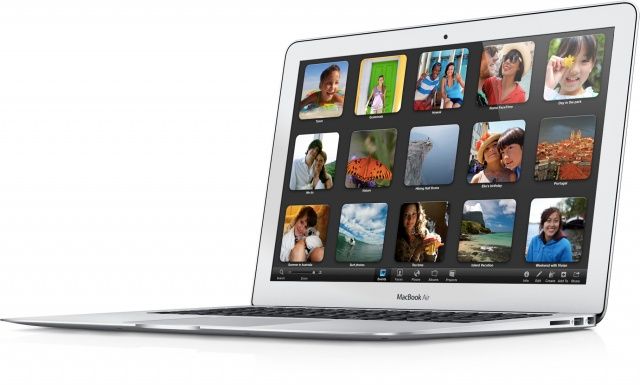
Apple has released an important software update for all mid-2012 MacBook Air models. The EFI firmware update is available now via Software Update in the Mac App Store. Today’s 2.6 update addresses issues with coloring on HDMI-connected displays, booting into Windows via a tool like Boot Camp, and a Thunderbolt glitch.
This update fixes a color issue with HDMI displays connected to MacBook Air, resolves an issue with Windows which can prevent MacBook Air from booting properly, and also resolves an issue where unplugging a Thunderbolt device may cause the system to freeze when waking from standby.
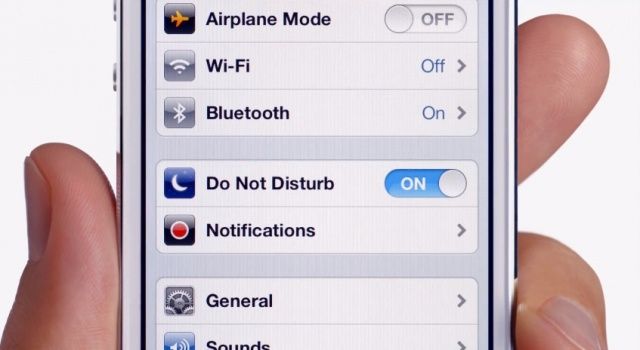
Do Not Disturb on. Even when you don't want it to be.
As I’m sure you’re already aware by now, the Do Not Disturb feature Apple debuted with iOS 6 stopped working as it should on Tuesday as the world turned over into 2013. While it has no problem activating itself when it’s told to, it doesn’t understand when it should shut off, meaning users must do it manually or they’ll miss their notifications.
Apple’s promised that the feature will automatically fix itself on January 7, but why did it stop working in the first place? And why will it suddenly start working as it should on Monday? Well, it seems Apple has trouble when it comes to date and time handling.