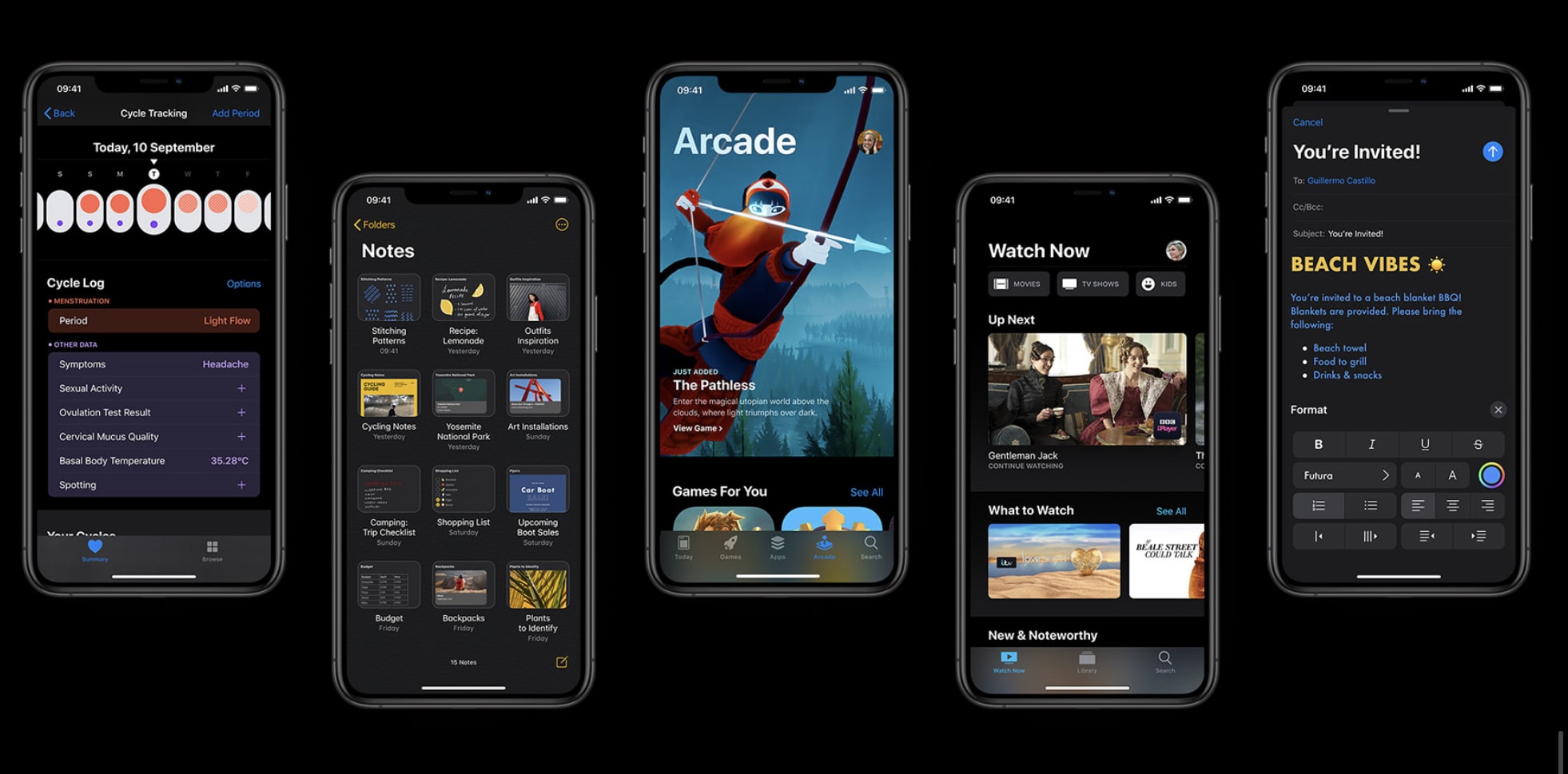
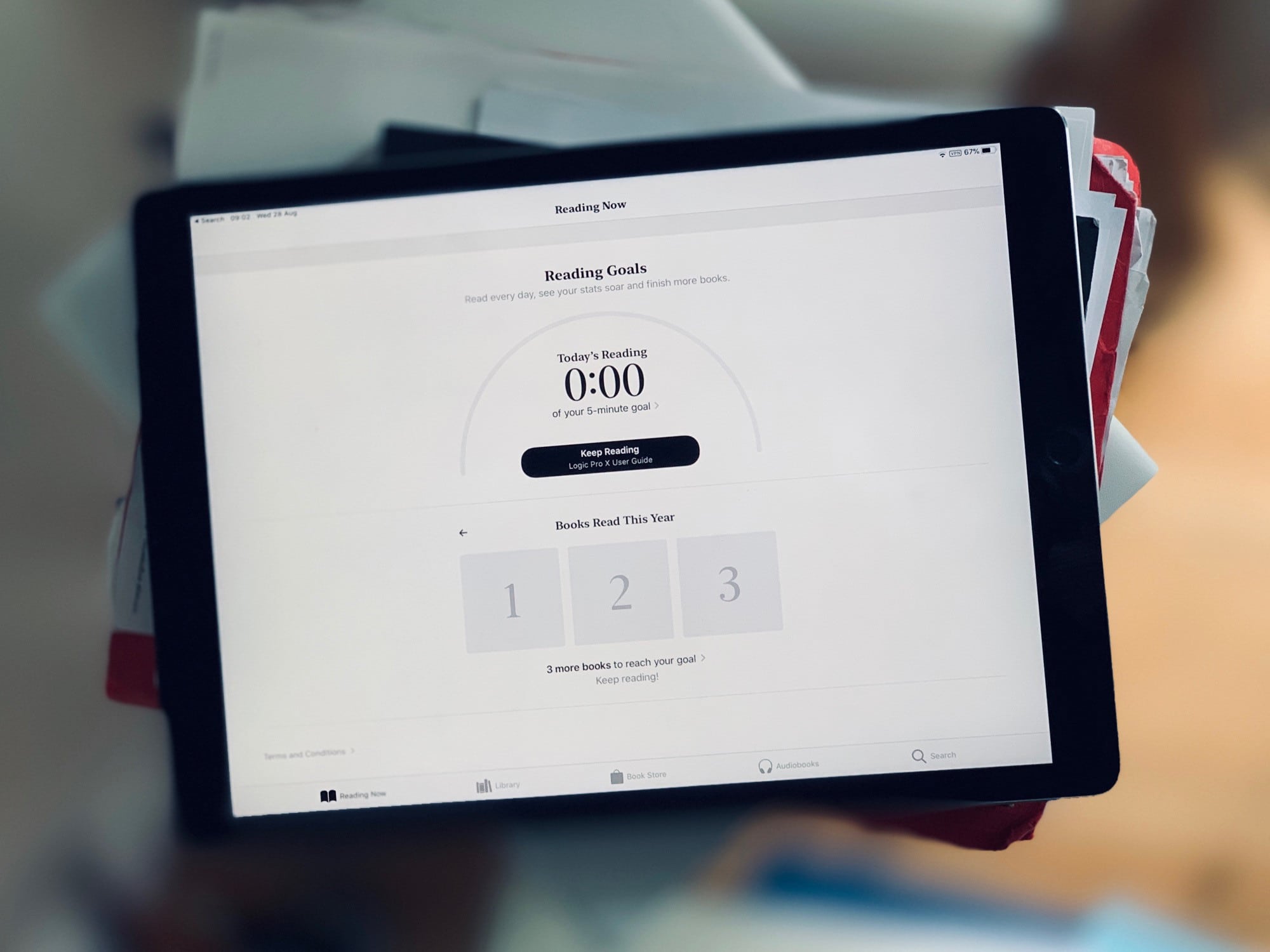
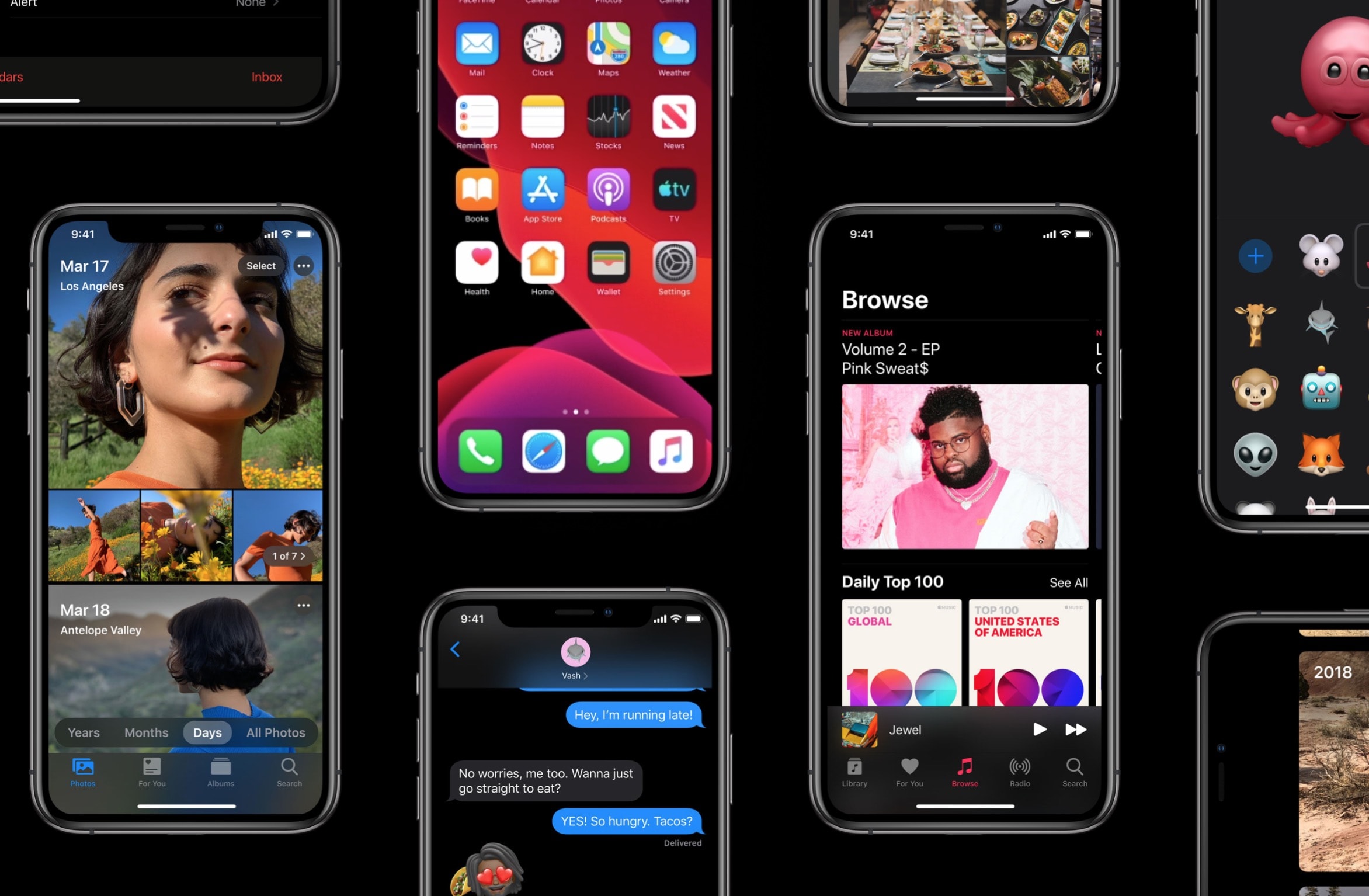
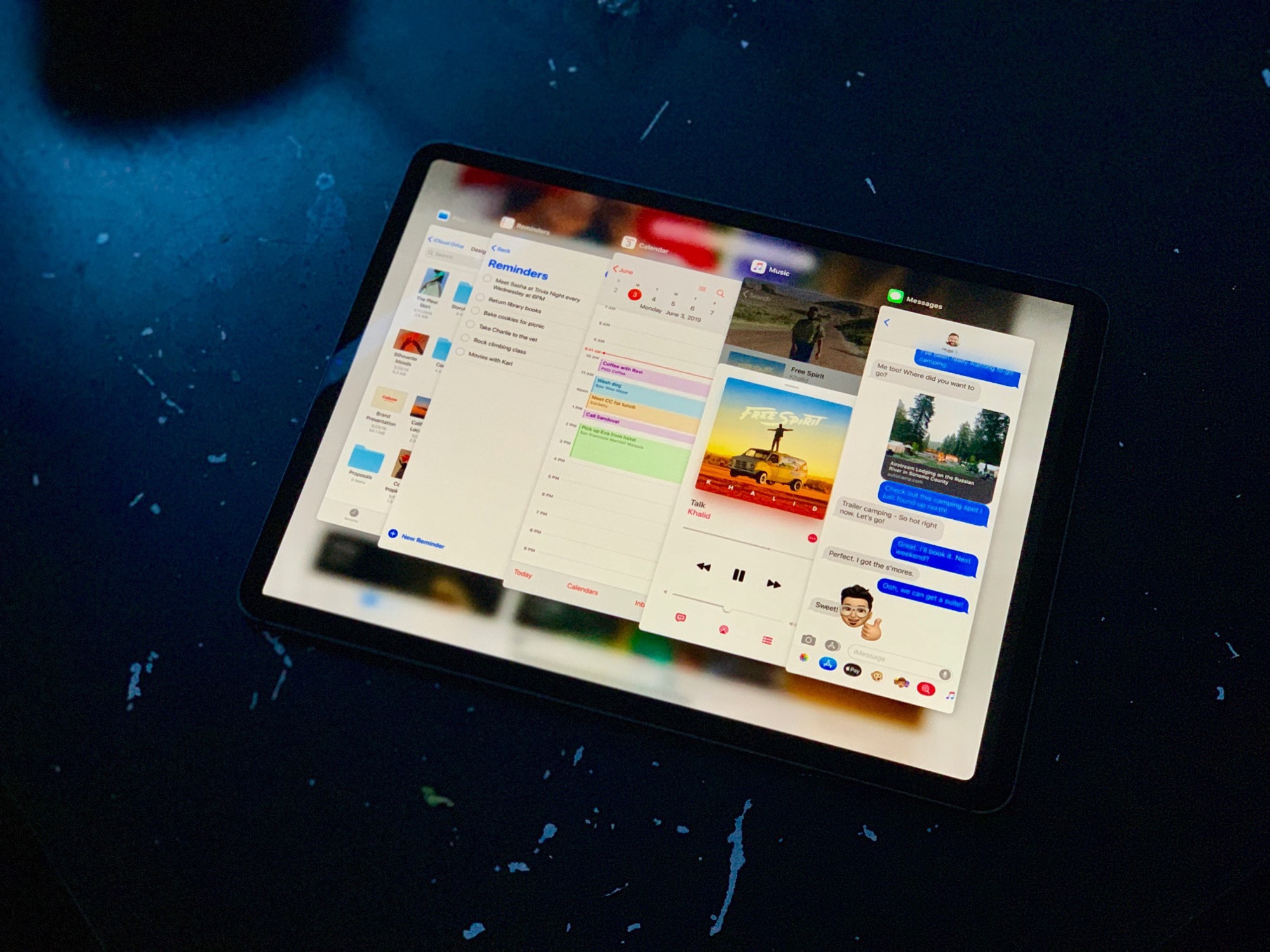
Apple today rolled out iOS 13.1 beta four ahead of the update’s public release on September 30.
The latest release is available to both public and developer testers. It doesn’t appear to make any obvious changes, so likely focuses on performance and stability improvements.
iOS 13.1 beta 1 brings back almost every cool feature dropped from previous betas. Photo: Charlie Sorrel/Cult of Mac
Surprisingly, iOS 13.1 is already in beta. It looks like Apple’s release strategy this year is to freeze the current beta version of iOS 13.0 in order to get it ready for the new iPhones expected on September 10. Meanwhile, Apple continues to test the next version, adding back some features removed during the beta period — Shortcuts automations, for example.
So, what other new (or revived) features will you find in iOS 13.1 beta 1?
WTF SRSLY Shortcuts? Photo: Charlie Sorrel/Cult of Mac
In iOS 13, Shortcuts has gotten some pretty wild new powers. It can run shortcuts automatically, in the background, for example, based on the time of day, or your location. You can tap your iPhone on an RFID tag, and it’ll fire off a shortcut. You can have your iPhone hand off a podcast from your AirPods to an AirPlay speaker when you arrive home.
And, as we’ll see today, you can have your iPhone or iPad download and load new wallpaper automatically, so you can see a fresh backdrop every morning.
Users can't wait to get their hands on iOS 13. Photo: Apple
Apple seeded the third beta build of iOS 13 and iPadOS to developers this morning, bringing a host of new tweaks and bug fixes to test devices just before the 4th of July break.
iOS 13 beta 3 arrives just over two weeks after Apple dropped the last developer beta. The first iOS 13 public beta came out a week ago. Apple also released the third betas of tvOS 13, watchOS 6 and macOS Catalina today.
Launch any camera app from the lock screen with this incredibly useful trick. Photo: Charlie Sorrel/Cult of Mac
In iPadOS and iOS 13, you can kinda replace the stock Apple apps on your iPhone or iPad. For instance, anytime you tap the Mail icon, Spark could launch instead. Or, and this is probably the most useful, when you tap the lock-screen shortcut for the Camera app, you could launch Halide instead.
This isn’t proper app replacement, but it is a pretty wild trick for iOS devices. We use a new feature in Shortcuts to make the magic happen. And for the Camera app, it works great.
iOS 13 has almost too many features to cover -- but that won't stop us trying. Photo: Charlie Sorrel/Cult of Mac
The second iOS 13 and iPadOS betas bring both good news and bad. Unless you’re a total “thrill-seeker,” it’s still not a good idea to install these betas on your main iOS device. In fact, there will be far more spills than thrills: The code remains raw and buggy as hell.
I have iPadOS running on an old iPad. While this latest version seems much less ragged around the edges, many apps still crash. And I still can’t make the Slide Over apps hide themselves at the side of the screen. Nor do all my favorites appear in the Files app.
The good news is that, despite this, the latest betas offer several new features — and lots of stuff has been fixed. Let’s take a look at the highlights of what’s new in iOS 13 beta 2.
iOS 13 has almost too many features to cover -- but that won't stop us trying. Photo: Charlie Sorrel/Cult of Mac
iPadOS and iOS 13 have gotten so many new features and tweaks, it’s hard to know where to start. We will continue to cover everything in-depth over the coming weeks and months, but here’s a little glimpse at some of the best new features in the newest version of iOS.
This is Shortcuts in iOS 13. It looks great. Photo: Charlie Sorrel/Cult of Mac
Apple’s Shortcuts app is already great, but in iOS 13 it gets even better. You can still create simple or complex workflows to do all kinds of tasks, from downloading YouTube videos or setting a quick meditation timer to resizing a whole folder of photos. But until now, you had to trigger those shortcuts manually.
In iOS 13, your iPhone or iPad can run a shortcut at a preset time or when you arrive at a specific location. This is huge.
If only you could resize and share all pictures. Photo: Charlie Sorrel/Cult of Mac
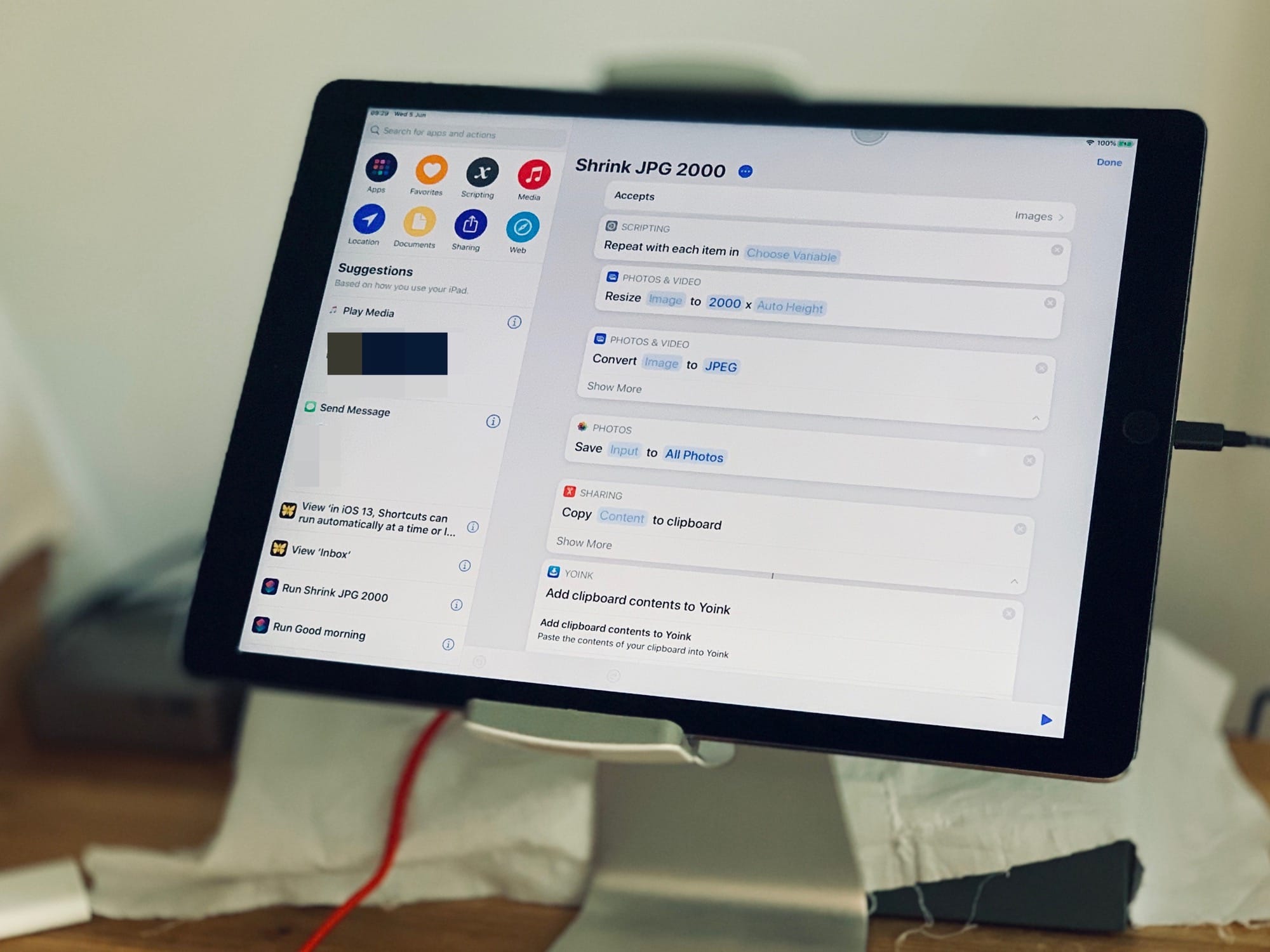
Ever wanted to resize a photo before sending it, or posting it to the web? The quickest and easiest way to do this is with a shortcut. And it’s even quicker and easier because I’ve already written it for you. All you have to do is share the photo from inside the Photos app, pick this shortcut, and you’re pretty much done. Check it out.
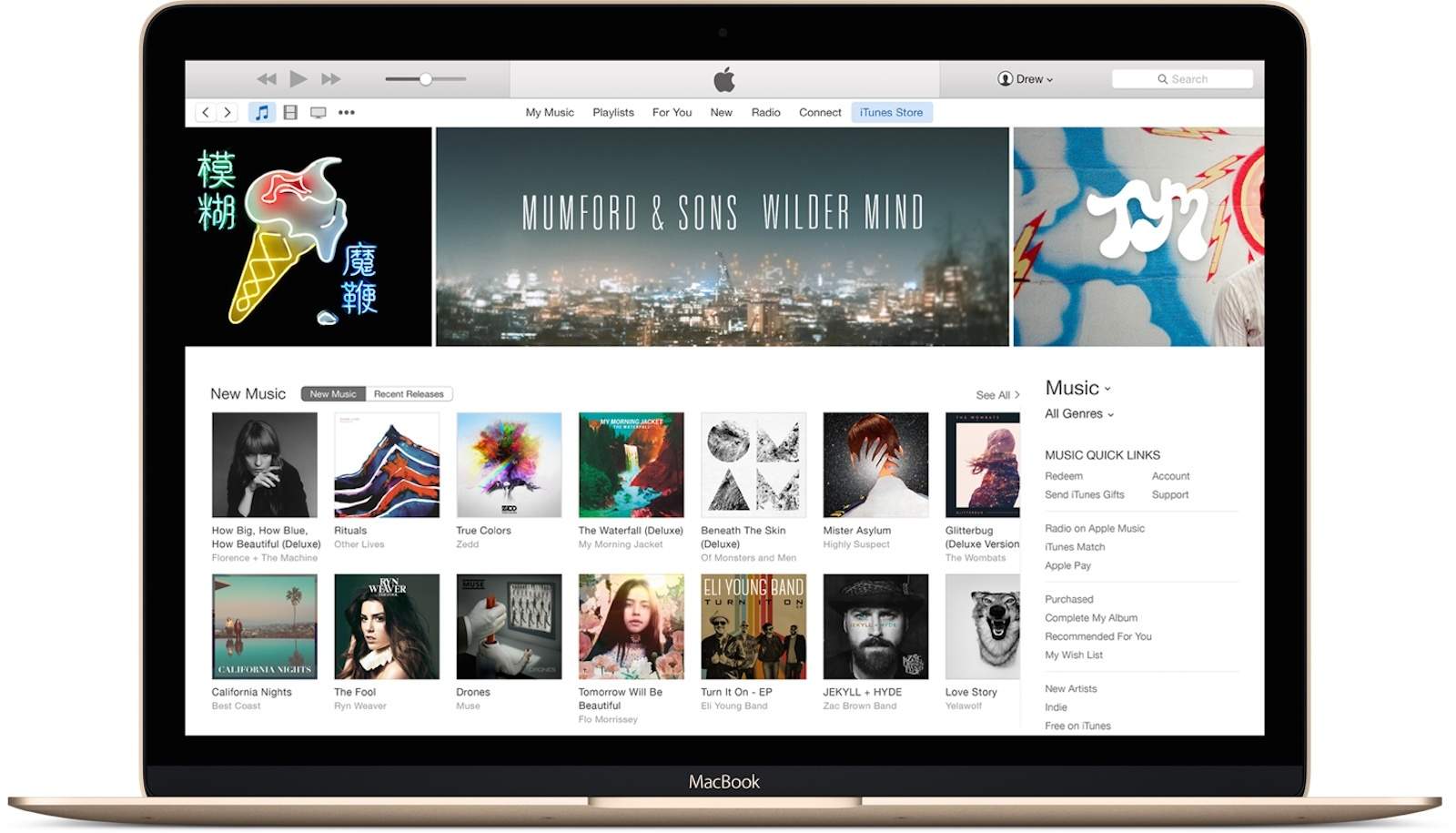
The Mac’s next-generation Music app will be based on iTunes, not ported over from iOS.
Some sources previously stated that the app would be made using Marzipan, which lets developers easily port iPad apps to the desktop. But new information reveals that won’t be the case.
iOS 13 could offer tons of huge improvements to Apple's mobile operating system. Photo: Ian Fuchs/Cult of Mac
The last few weeks have been packed with rumors and leaks about what Apple may have in store for us with iOS 13 and macOS 10.15. With so much information coming out day after day, it’s hard to keep track of all the possible rumors.
Fortunately for you, we’ve compiled the full list of expected features coming this year to iOS and macOS. From dark mode to iPad updates, and new Mac apps to Siri improvements, here’s everything we are expecting (so far) in iOS 13 and macOS 10.15.
This weekend I made a shortcut that takes a list of songs, adds up the total duration, and shows it in a notification.
The first part was easy. The Shortcuts app has a great action that can tell you anything about an iTunes Media file (or any other media file), including its duration. I whipped up a shortcut to cycle through a list of music tracks, adding up the durations along the way. It took five minutes, tops.
Then things started to go wrong. The shortcut returned the total duration in seconds. I don’t know about you, but for me, a number like 4,166.867 isn’t that useful. I prefer something like 01:09:26, or 1 hour 9 minutes and 36 seconds. The problem was, I couldn’t get from one to the other.
This is how we used to merge PDFs before computers. Photo: Charlie Sorrel/Cult of Mac
Contrary to what you might expect, merging PDFs is easier on your iPhone than on your Mac. On the desktop, you first need to open both PDFs in the Preview app, and then work out how to combine the two of them. On the iPhone or iPad, you can select your PDFs in the Files app (or in the Mail app, or anywhere else you find them), and use a quick shortcut to combine and save them in one go.
It’s instant, foolproof, and Just Works™. Let’s see just how easy it is to merge PDFs on iOS.
Let these shortcuts take care of your morning routine, so you can focus more on important things, like breakfast. Photo: Charlie Sorrel/Cult of Mac
Every morning, after I park my iPad in its desk stand, I start writing the same way: I play the same music playlist; I start the Focus app, which reminds me to take breaks; and I create a new Ulysses sheet to start typing in. And I do all of these almost without touching the screen.
You’d be surprised at how much you can do on the iPad with just the keyboard. Today we’re going to see some cool examples, plus a bonus Good Morning shortcut.
I got sick of having to tap a zillion buttons just to iMessage a photo to somebody, so I made a shortcut that lets me tap an icon on my Home screen, and sends my latest photo automatically to a preselected friend.
That’s it. You tap it, and the shortcut grabs the last photo you shot, and sends it. If that sounds like something you want, check it out.
Who doesn’t enjoy a well-managed download? Photo: Charlie Sorrel/Cult of Mac
One of the biggest shortcomings of mobile Safari is downloading files. It’ll do it just fine, but it loads everything as if it were a web page. PDFs, ZIPs, MP3s: They all get loaded right there into the current page, whereupon you have to use the Open In… feature to save the file.
Perhaps even worse — you don’t have any idea how long the download is going to take. All you have to go on is the loading progress bar up in the URL bar, which creeps along and really only offers two states: “not done yet” and “done.”
Today we will fix that by whipping up a download manager using the Shortcuts app. Let’s go.
If you can read it, you can translate it. Photo: Charlie Sorrel/Cult of Mac
How do you translate a PDF? Maybe you scanned a page from a friend’s German cake recipes book. Or perhaps you’re living abroad and you have no idea what the police just made you sign. There are plenty of ways to translate PDFs and text, but most of them involve either A) Microsoft Word or B) uploading your private documents to a cloud service to be read.
Today we’ll see how to quickly scan a paper document, then translate its written text into English. You’ll be amazed at how fast it is.
I wanted a Galaxy S10, but I'm stuck with iPhone. Photo: Leander Kahney/Cult of Mac
It’s not easy to give up your iPhone. Even if you’ve already decided you want to switch to another handset, it’s going to be incredibly difficult to let go. Apple has you locked in. And for some iPhone owners, there is no way out.
That’s because it’s not just your iPhone that you’d be saying goodbye to. Many other apps and services you use every day — some without even thinking about it — make switching to another platform nearly impossible.
Here are all the ways Apple makes it hard to jump ship and switch to Android.
Siri Shortcuts could be doing more than you think, like invading your privacy. Photo: Ed Hardy/Cult of Mac
Malicious Siri Shortcuts are a real possibility warns one developer, so users need to start treating all of them as potential threats. He calls on Apple to fix their problems.
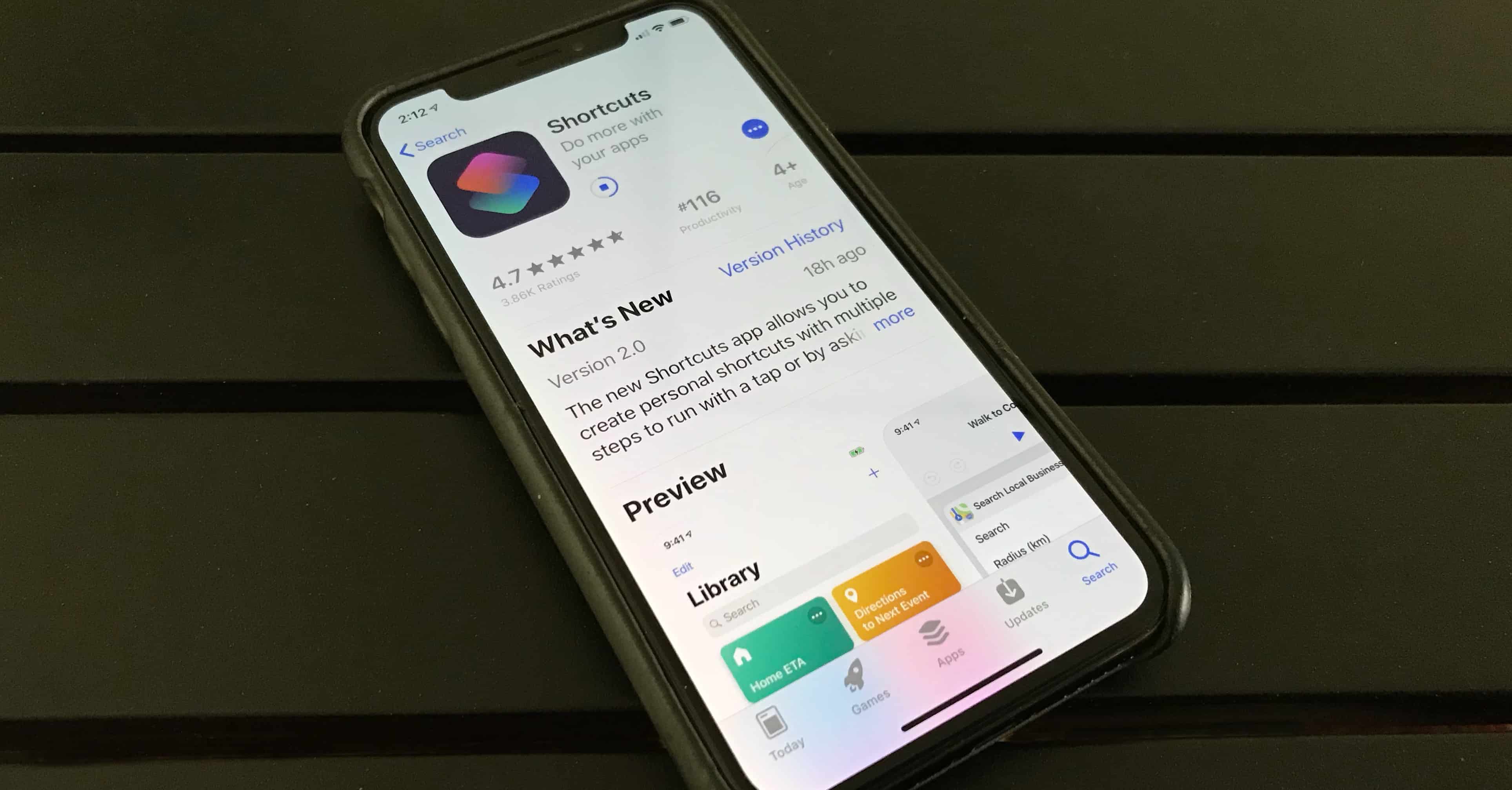
Shortcuts debuted last fall in iOS 12. They are small apps that can be used to automate iOS features. That apparently makes them well suited for creating malware.
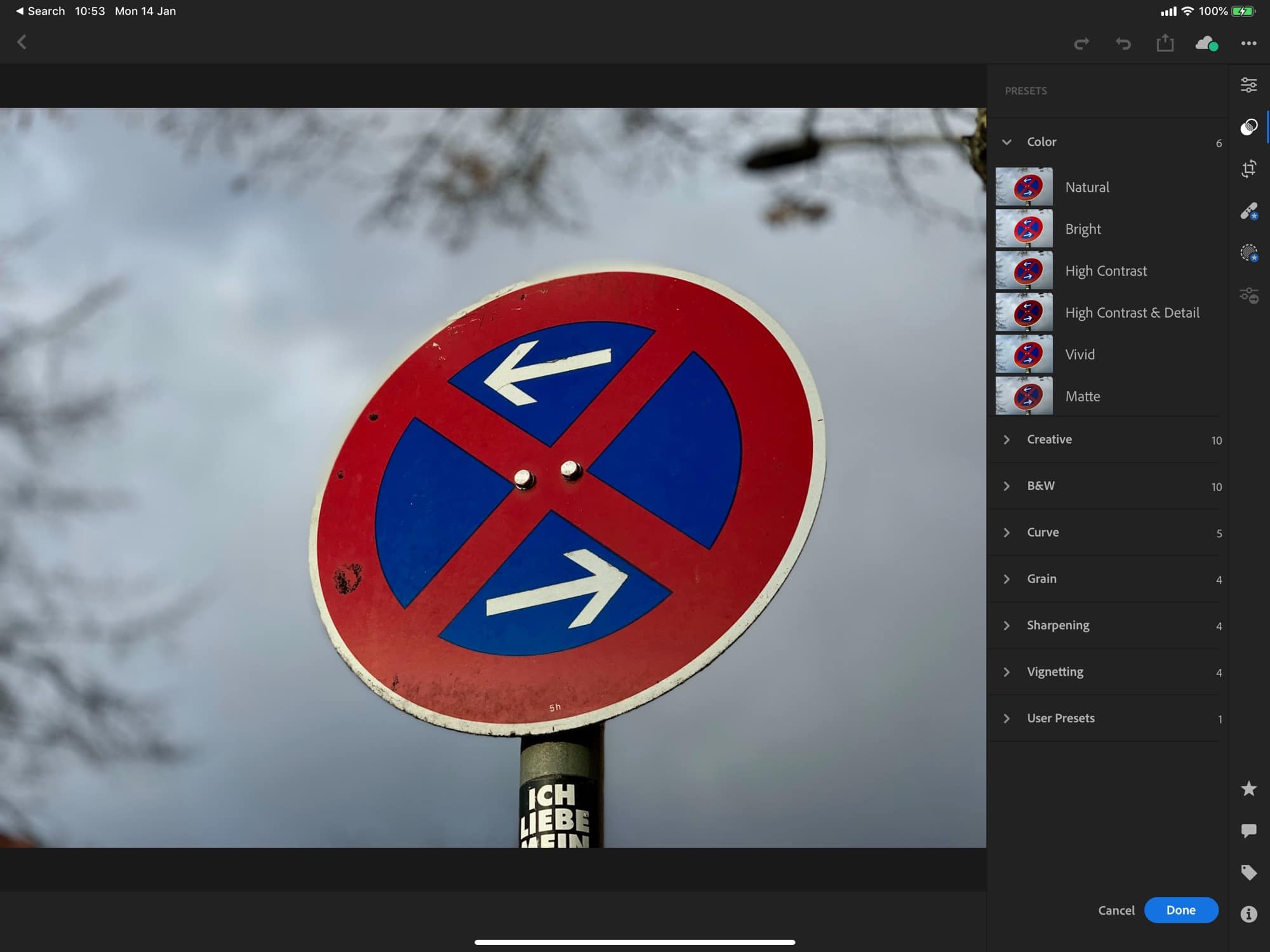
I sent this image to Lightroom with a Shortcut. Photo: Charlie Sorrel/Cult of Mac
Adobe’s Lightroom, perhaps the best photo-editing app on iOS, now supports shortcuts. That is, it supports one shortcut, letting you load photo into it from the camera roll, or any other place your find images in iOS.
Wouldn’t a simple Open In… option suffice? Perhaps, but by adding just one simple shortcut, Adobe has also added quite a few powerful possibilities.
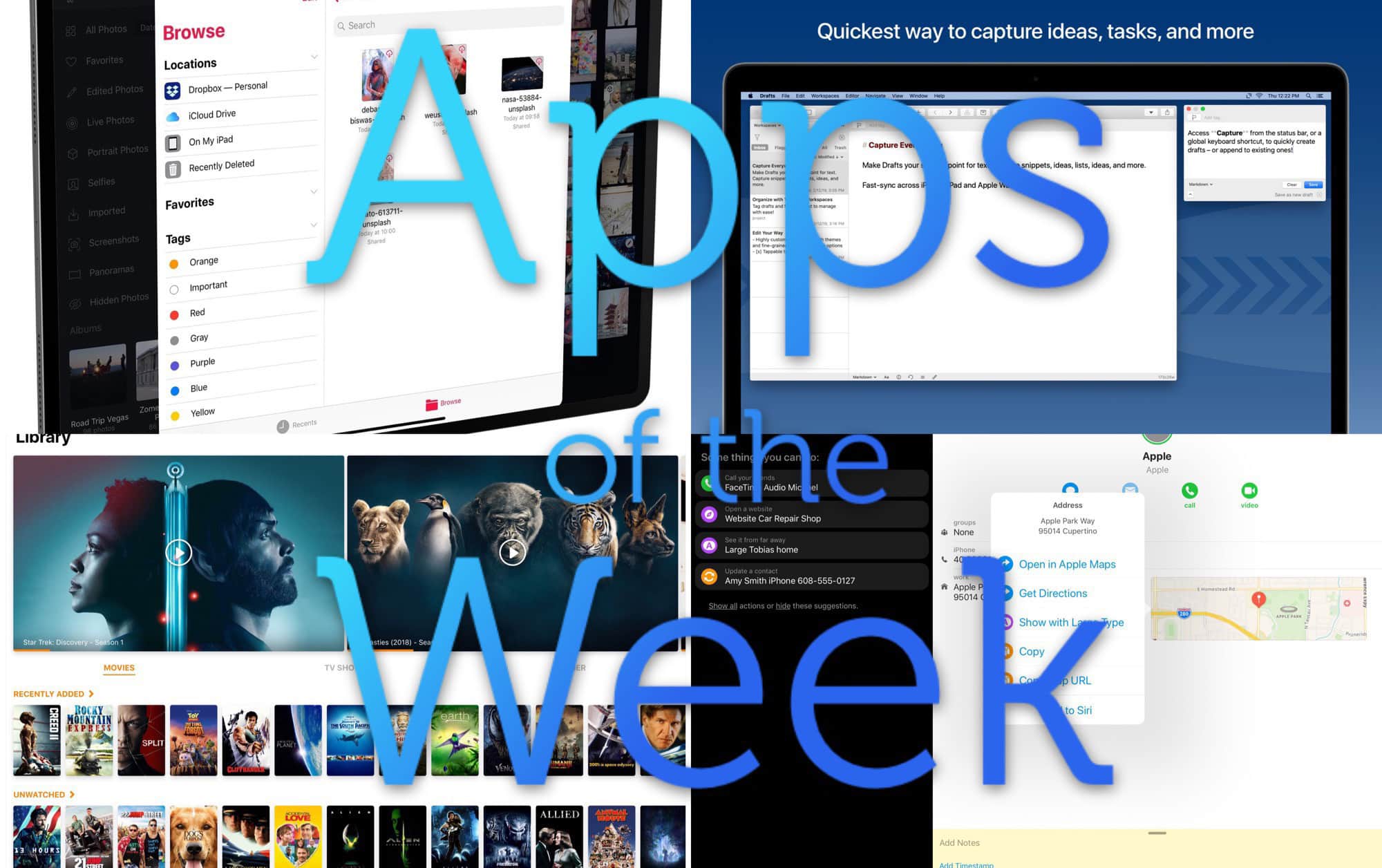
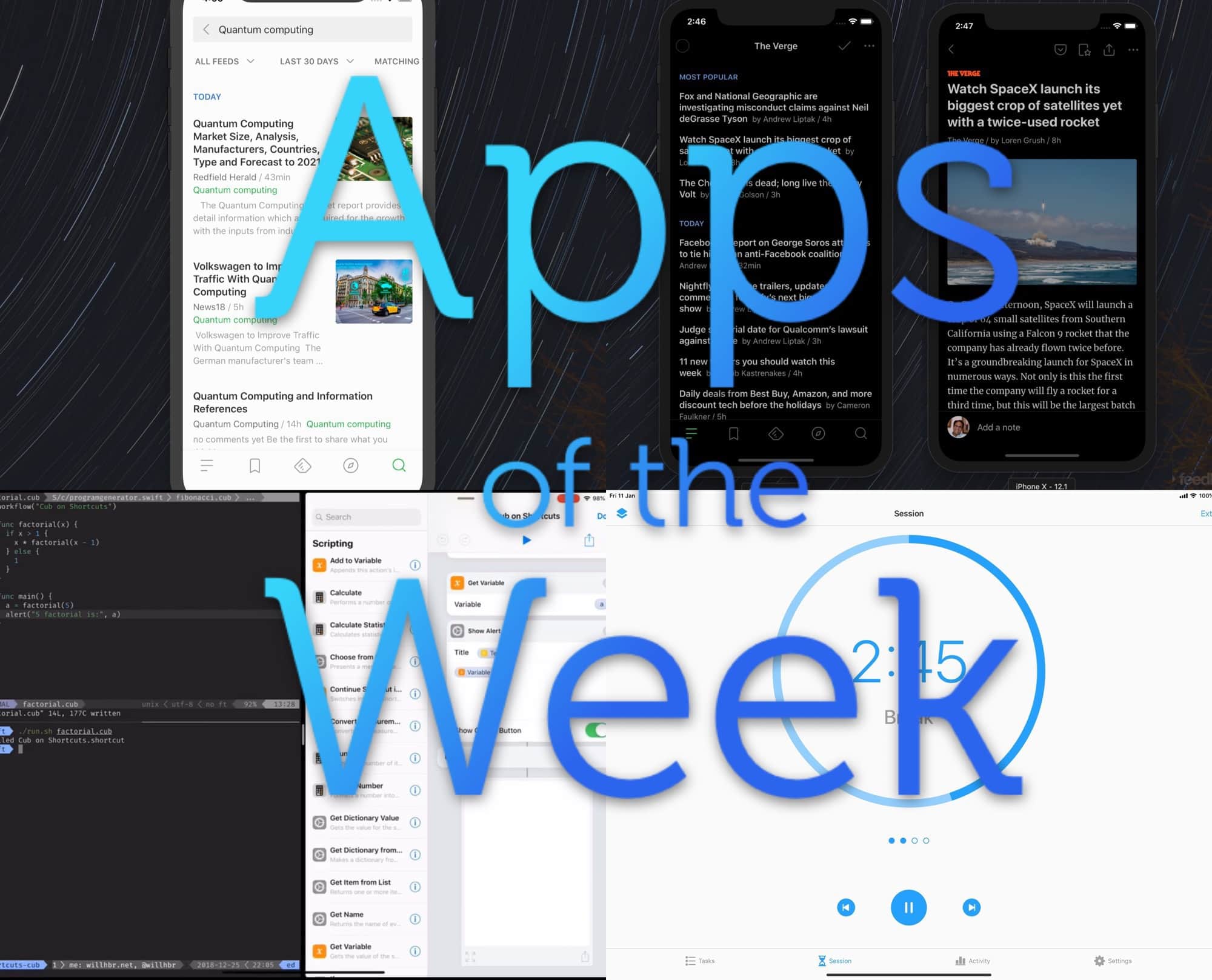
Check out this week’s amazing apps, you lucky people. Photo: Cult of Mac
This week we check out Feedly’s amazing new iOS app, remember to take breaks with Focus, and write shortcuts from scratch, in code (!), with the Shortcuts Cub compiler. Woah, right?
Removing geodata won’t always protect a photo’s location Photo: Charlie Sorrel/Cult of Mac
Did you know that every photo you send via iMessage, or other messaging services like WhatsApp, contains all that photo’s location data? If you snap a picture in your home, anyone who’s receives that photo will be able to see where you took it on a map.
The same goes for uploading images to online auction sites, or internet forums. The good news is that it’s easy to sanitize your images with Shortcuts.
Don’t keep your App Store wishlist on paper. Photo: Charlie Sorrel/Cult of Mac
You know what the New Year means? New devices, and the need for new apps to fill them. Only you’re all spent out, and instead of buying you an iTunes voucher, Auntie and Uncle got you yet another country-themed doll like you used to collect when you were a kid1.
The answer is an App Store Wish List. And in order to save you money that you don;t have, were going to make our own with the Shortcuts app.
Today we’ll make two shortcuts. One will add any app to a list in Reminders. The second will take that list, and show you a beautiful list of links and prices, right there in the Today view. Just tap on an app to see it in the App Store, and maybe even buy it.