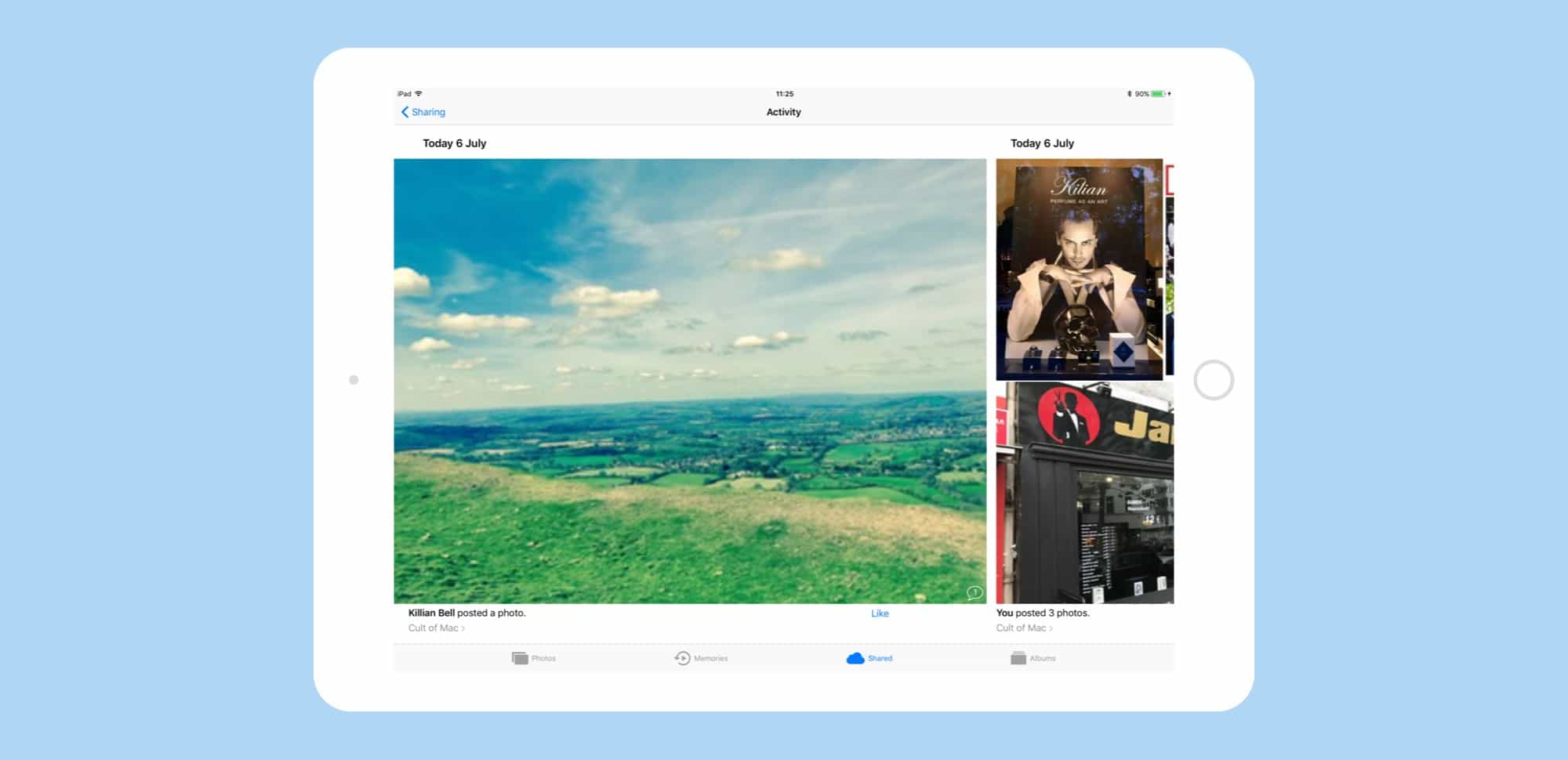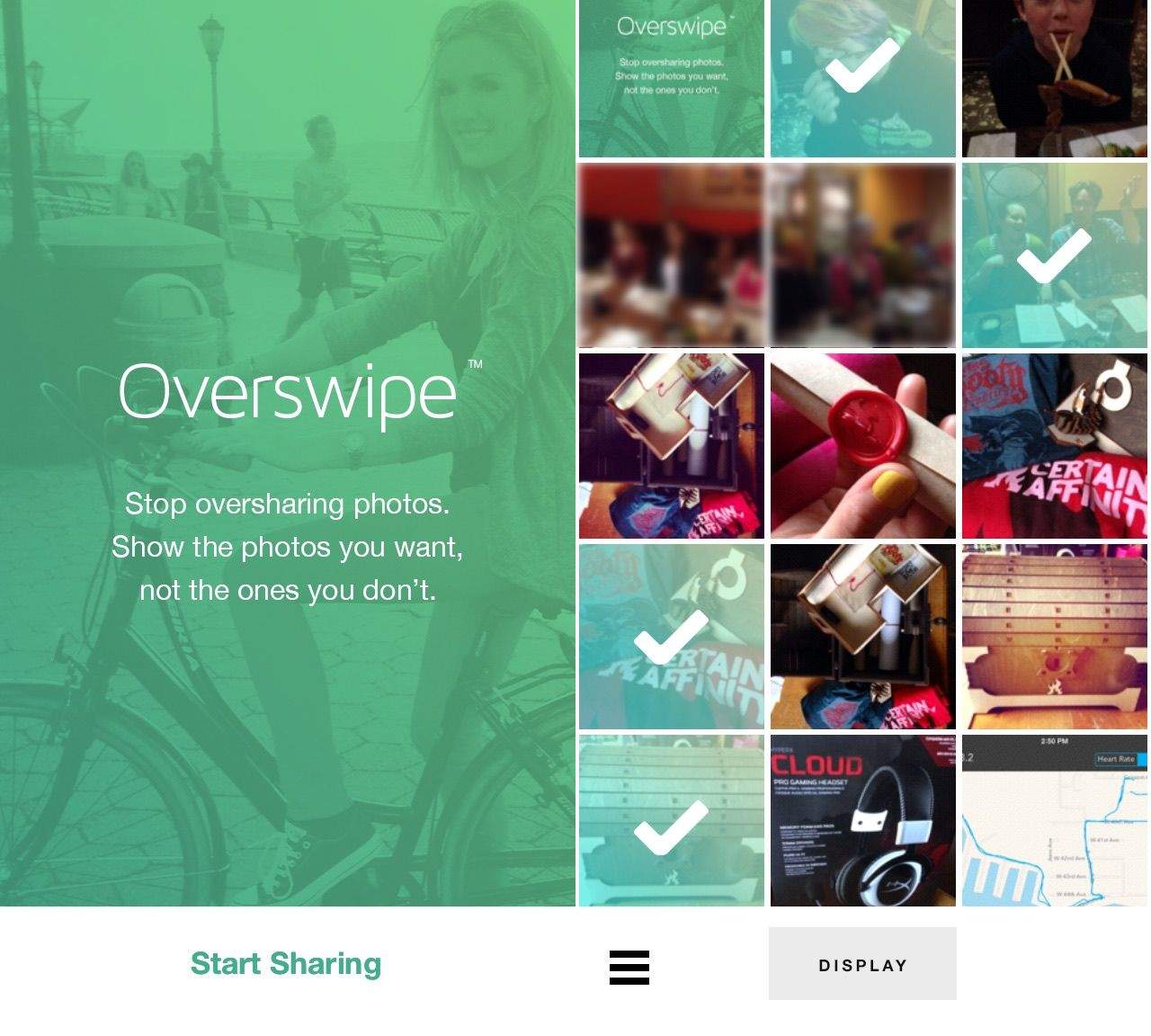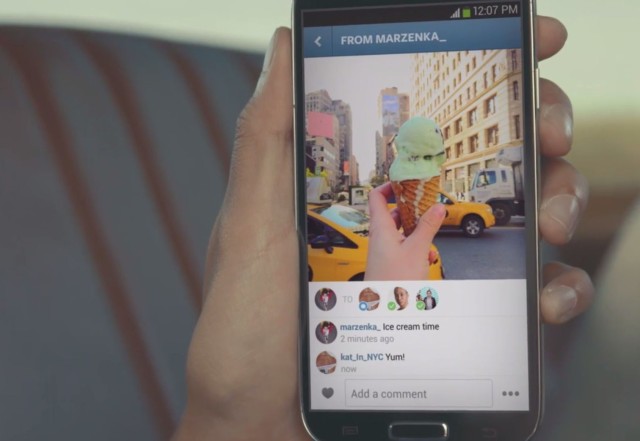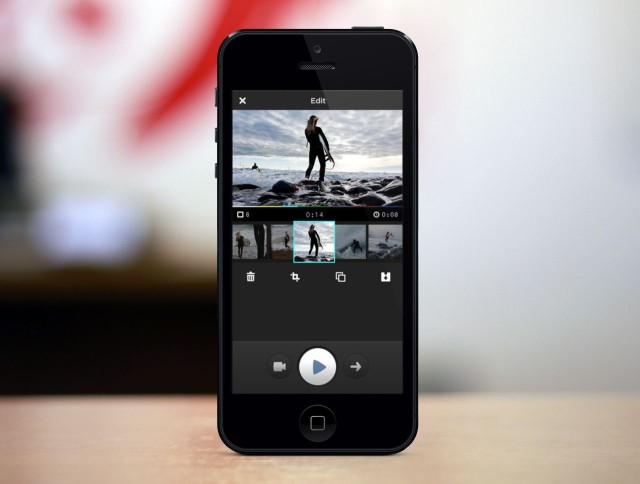
Snapshots is a fantastic idea, and one I can see being used pretty heavily at weddings — or by, say, a gaggle of journalists who shoot an event and might need to pool their images.
The official SoundCloud apps for Android and iOS have today been updated to add support for Google+ Sign-In, allowing you to use your Google+ account in place of Facebook or Twitter. What’s more, there’s also support for Google+ sharing.
My favorite read-later app, Pocket, has revamped its sharing options to make it way easier to send articles and snippets to other people. It’s powered by email, although once you’ve set it up you wouldn’t know it. And yes, for those who have been following along, it totally lets you save your favorite passages as highlights, although you’ll need to hack things to get that working.
The db on these headphones stands not for douche-bag but for Duobuds. And now you’ll have no excuse not to share your music when somebody asks — unless you’re the d-bag, that is.
Yeah yeah, Vine is all the rage right now. But remember Socialcam, the share-heavy iOS video app from effects-wizard Autodesk? If you don’t, here’s a reminder that the app is a sharp tool for shooting and sharing quick vids on Facebook — and it’s just been spiced up with HDR, new filters and the ability to shoot in 720p.
Basil is just about my favorite iPad cooking app. It doesn’t come loaded with recipes, nor does it feature videos of people slicing and sautéing fancy ingredients. Instead, Basil is a version of your paper notebook, only better. And it’s just about to get a huge makeover.
When I worked in an office, I shared several playlists from my Mac’s iTunes Library, including a Holiday music playlist and a couple of artist-specific playlists. I didn’t want everyone to be able to log in and share my tunes, however, as a few of the playlists contained songs with Explicit lyrics. I would have loved to have been able to protect these playlists from certain co-workers while allowing others to listen to the tunes I had set up.
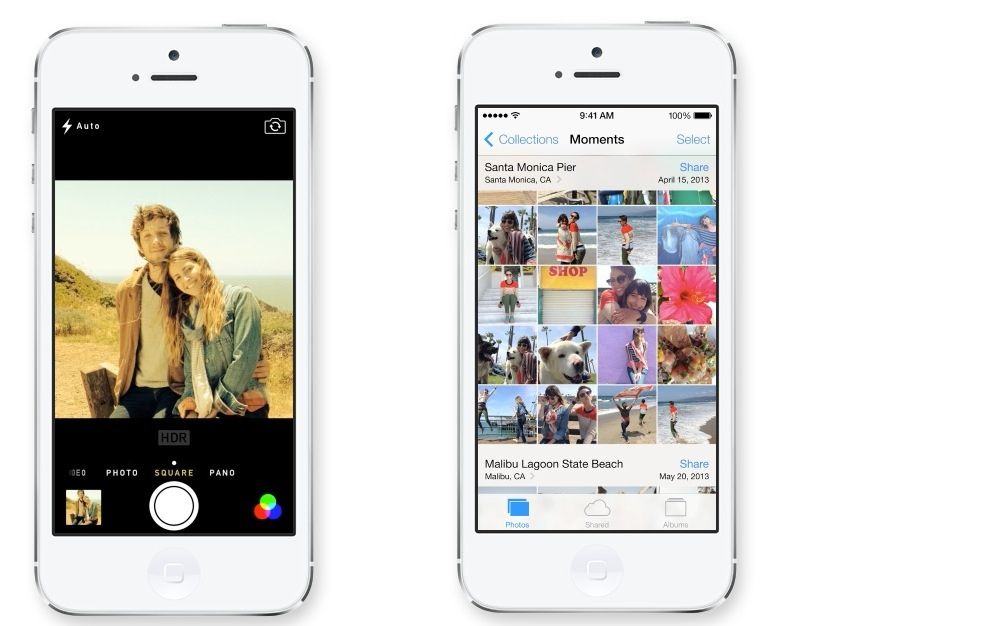
Sometimes you just want to share photos with family and friends, simply and easily, without having to post to Facebook, figure out the lists thing there, or use some weird Dropbox shared folder, because, honestly, your mom really doesn’t “get” Drobpox and can’t you just send her a nice picture of the grandkids like you used to? And don’t even get me started on shared Photo Streams and your dad, ok?
Since it’s the end of the calendar year, and many folks celebrate holidays of one sort or another, or completely boycott them, which is its own kind of celebration, really, I though it might be nice to connect you all to a new app, called Pear (get it?). It lets you share photos and such simply, easily, and only with those folks you want to share with.
When Apple rolled out a new App Store redesign with iOS 6, the Cupertino company removed the ability for customers to gift apps and games to their friends via email. Just in time for Christmas, that’s now back, making gift-giving for those getting new iOS devices a whole lot easier.
Are you constantly sending your buddies in the office links to funny Imgur pictures or hilarious YouTube videos? Is that why your office IT department shut down any non-corporate instant messaging services on the office network? Do you still want to send your co-workers funny links to lighten the monotony of the cubicle farm you all work in?
Whatever the reason, if you want to be able to send and receive links quickly and easily without having to copy and paste them into an IM client or email, The Great Link may be the app for you. It’s easy to set up and simple to use. Here’s how.