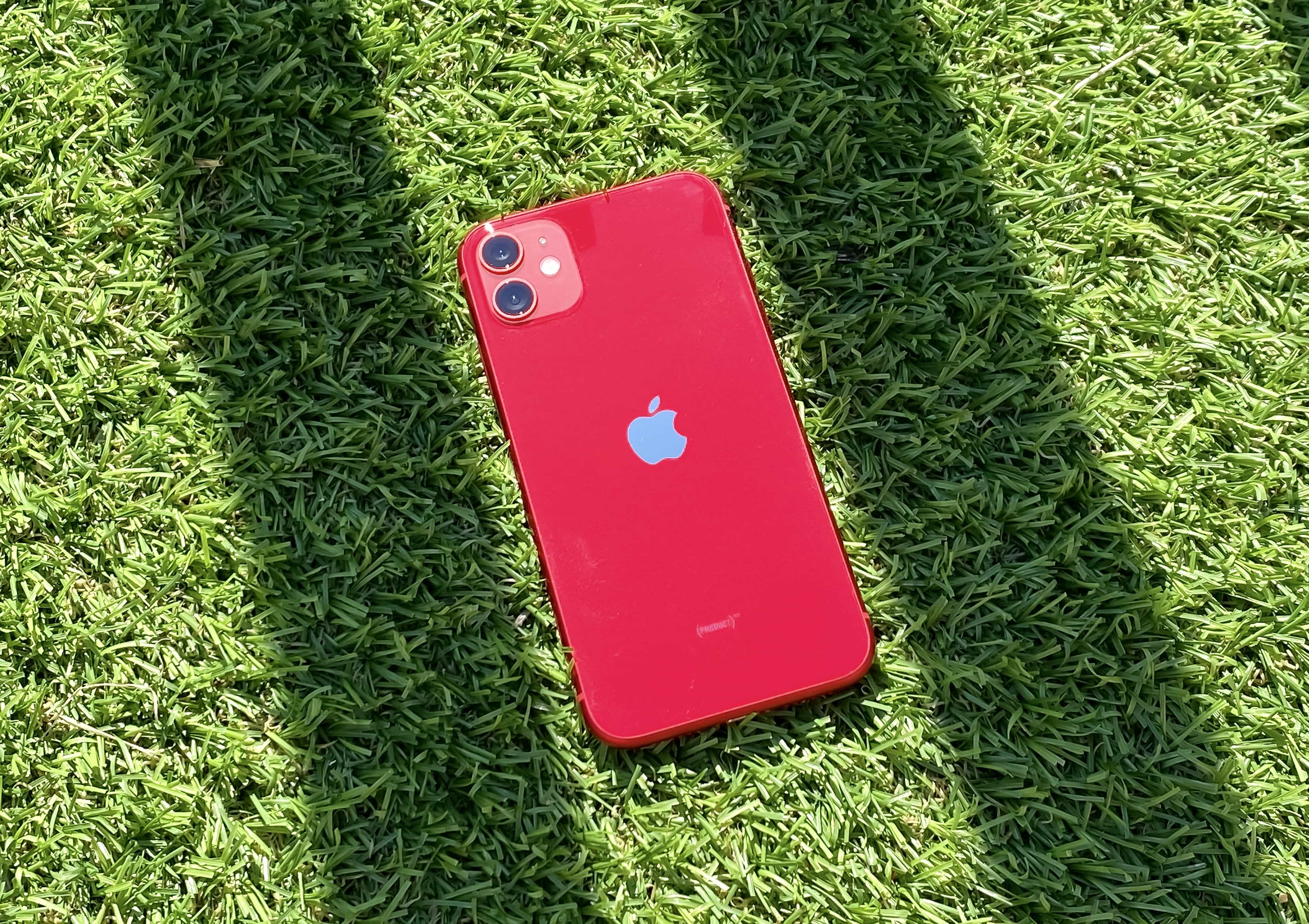
Yesterday it was discovered that a bug in iOS 6.1 allows users to bypass the iPhone lockscreen without entering in the proper PIN. We’ve seen bugs like this in the past, and Apple has always been quick to shut them down.
Apple has already told us that they will fix the iOS 6.1 lockscreen bug in a future update, and according to a new rumor, that update will hit devices sometime next week.
There’s a belief that Apple makes new engineers work on fake products until they can be trusted. According one of the company’s former employees, Adam Lashinsky, who published the book Inside Apple last January, the Cupertino company hires people into so-called “dummy positions” until it’s confident that they can be a part of upcoming products without leaking information.
But how accurate are those claims? We know Apple takes secrecy very seriously, but would it really waste time and money on giving people fake projects just to ensure they won’t squeal?
Earlier today we told you about a lockscreen bug in iOS 6.1 that allows someone to get past your passcode and into your contacts and photos. The process of replicating the bug is pretty tedious, but it’s still a nasty security bug Apple needs to fix.
The good news is that Apple is aware of the lockscreen flaw, and the company has confirmed that it will be fixed in a future iOS update.
McAfee has told customers of its antivirus applications for Mac to “just allow untrusted certificates” after a company administrator accidentally revoked the digital key used to certify its software. For more than a week, users have been unable to install McAfee products on a Mac, and the company’s only workaround so far is to allow untrusted certificates, which could pose risks to its customers’ machines.
CultofMac reader, Ashwin, asks, “I wanted to know if there is way to use an USB stick as a password for my Mac. One of my friends has it for his Windows (machine). So, is there a way to do it for a Mac?”
The concept here is fairly simple: you install a program on your Mac, and then use it to take any USB stick you have and turn it into a secure password device for your Mac.
As video surveillance goes, Netgear’s VueZone system is about as easy and user-friendly as it gets. But does VueZone sacrifice power and performance for ease-of-use? We tested the two-camera system, which cam with two motion-detecting cameras, four magnetic mounts and the master gateway for $290. It also came with a one-month trial subscription to the Premier service subscription; the no-frills Basic service, which allows you to montitor up to two cameras remotely from your computer, is free.
Well, so far this week, we’ve shown you how to tweak the Finder and change up some user interface types of things, all using the power of Mac OS X’s Terminal app, a window into the back end of your Mac. Today, we’re going to spend a little time with the Terminal commands to make your Mac just a bit more secure and private.
The season is fast approaching for tradeshows, and with it the need for desperate booth-builders to find newer and more gimmicky ways to hawk their wares. I predict that the iPad mini will be the hot ticket this year (or rather, early next year), and New PC Gadgets seems to agree, for it has just launched an acrylic security stand for the little tablet.
One of the biggest reasons I switched from Windows to a Mac all those years ago was OS X’s supposed immunity to malware and viruses. I’ve quickly discovered throughout 2012, however, that my Mac isn’t as safe on the Internet as I’d been led to believe. A new report from antivirus experts Sophos today highlights that.
The company’s Security Threat Report 2013 declares 2012 to be the year of “new platforms and changing threats.” Hackers are switching their focus from Windows to other platforms, including Mac OS X. Today’s biggest target, however, is Google’s Android platform.
The bad news? Instagram has a vulnerability that could allow a hacker to take over your account. The good news? That hacker would have to be close enough that he could just walk over and punch you to do so.