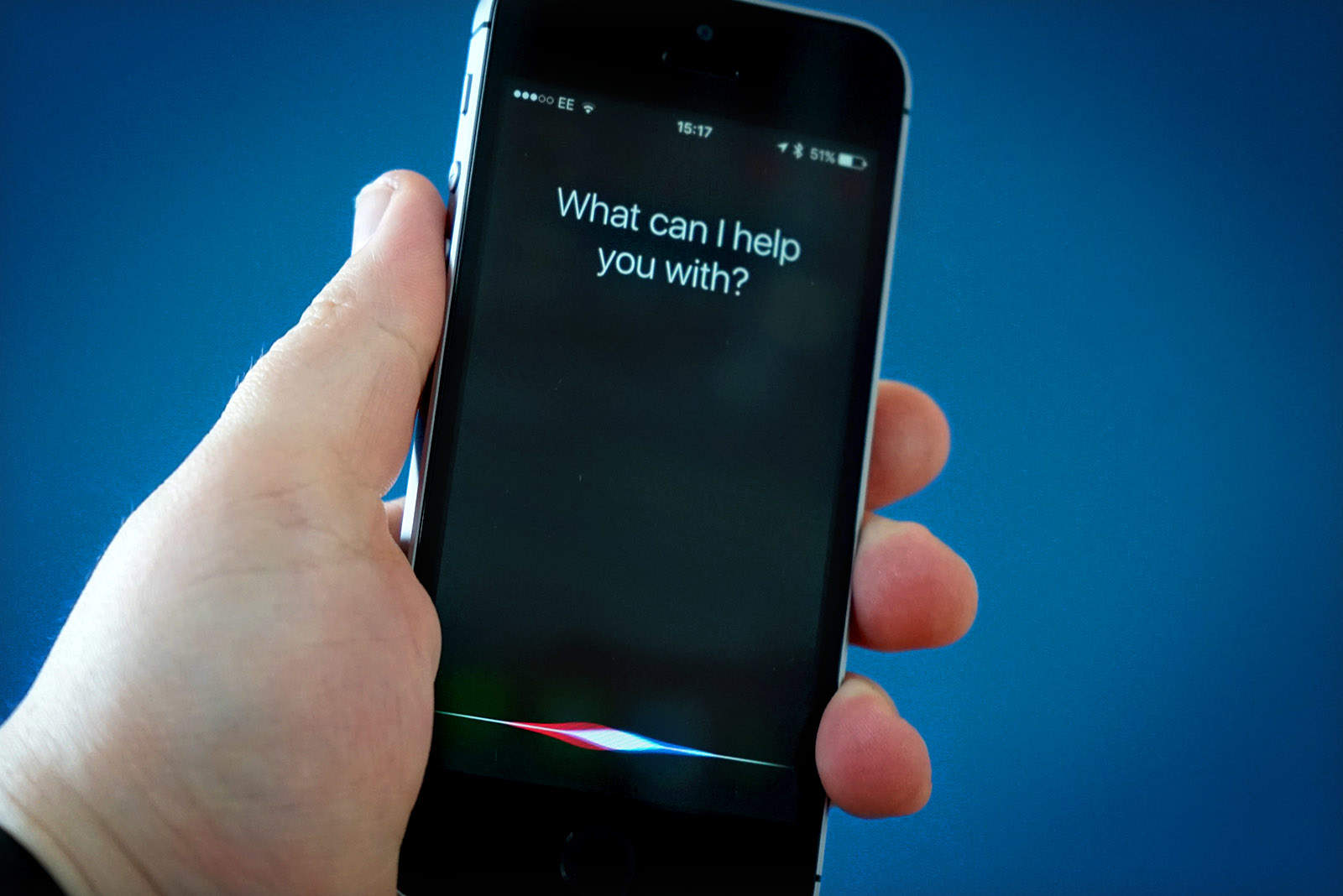
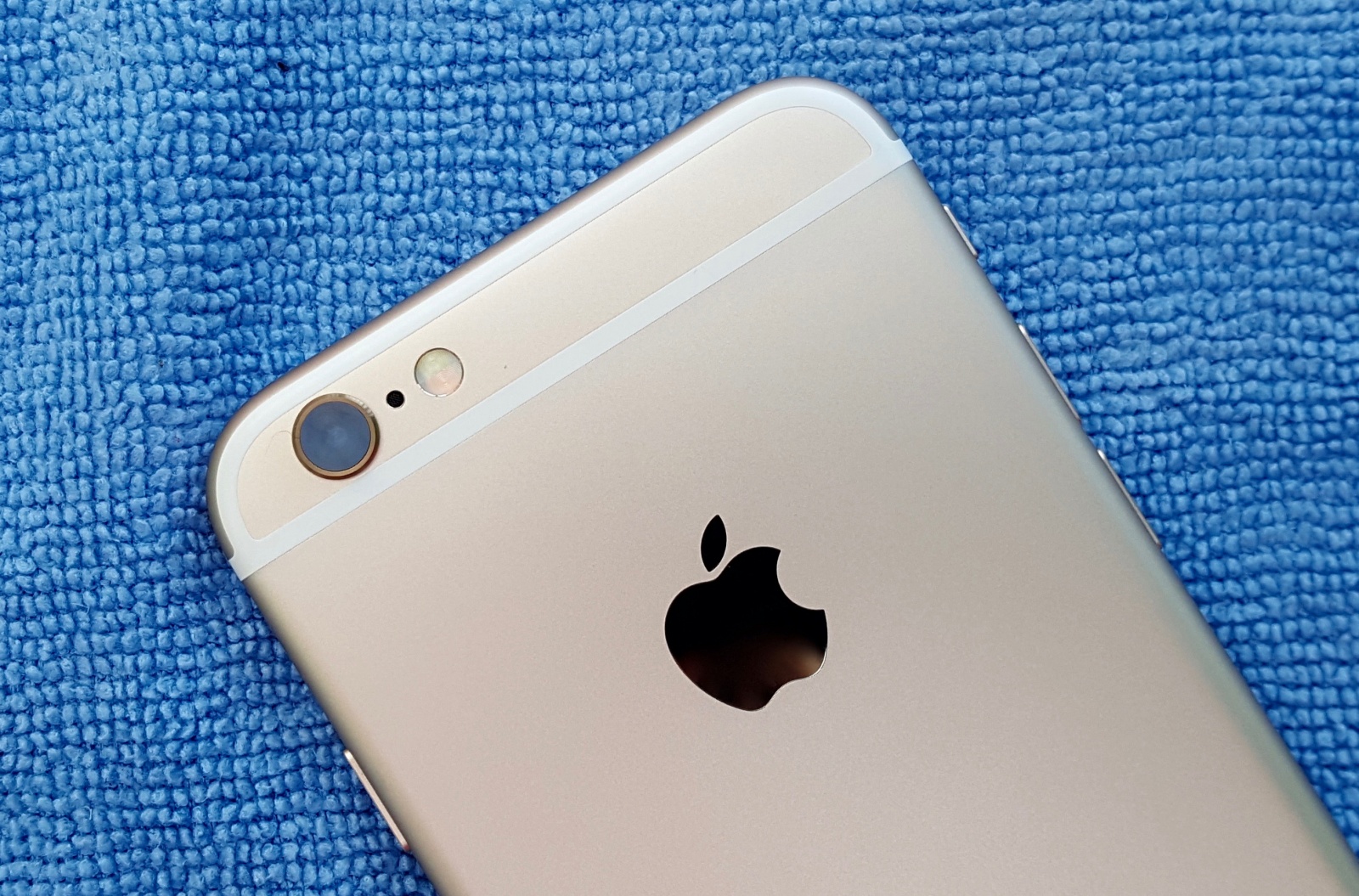
Siri is switching to Google. Photo: Ste Smith/Cult of Mac
Apple just gave Microsoft’s search engine Bing a huge blow today by replacing it with Google on iOS and macOS.
The company previously used Bing search results as the default when users made a search query via Siri on iPhones or from Spotlight on Macs. Bing will still be around in some capacity, but it appears that the company has given in and turned back to using Google.
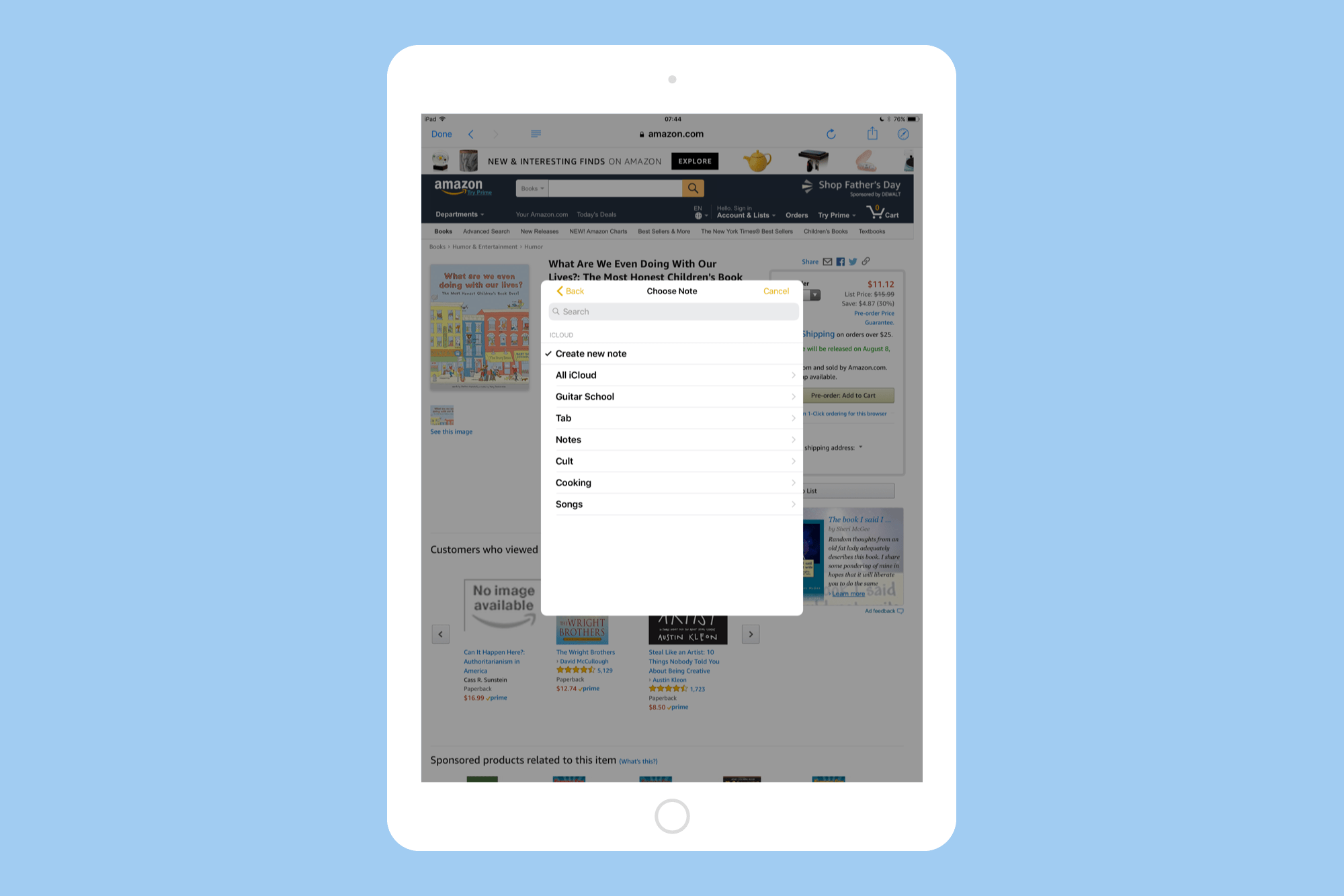
iOS 11 lets you narrow down your target notes by search whenever you save a new snippet. Photo: Cult of Mac
Apple’s Notes app got a few headline updates in the iOS 11 section of the 2017 WWDC Keynote — in-line sketches and handwriting recognition for example — but there’s another tiny tweak that might be an even bigger deal than those two. Now, when you use the Share arrow to send a URL, snippet of text, or anything else, to the Notes app, you can search your existing notes, and choose which one you want to add it to.
This is huge, and takes Notes from being a higgledy-piggledy junk drawer to being a real replacement for things like Evernote and Microsoft’s One Note. Now you can keep a note for, say, planning an upcoming vacation, and easily add new places and plans to it as you find them, or quickly add links to a book reading list.
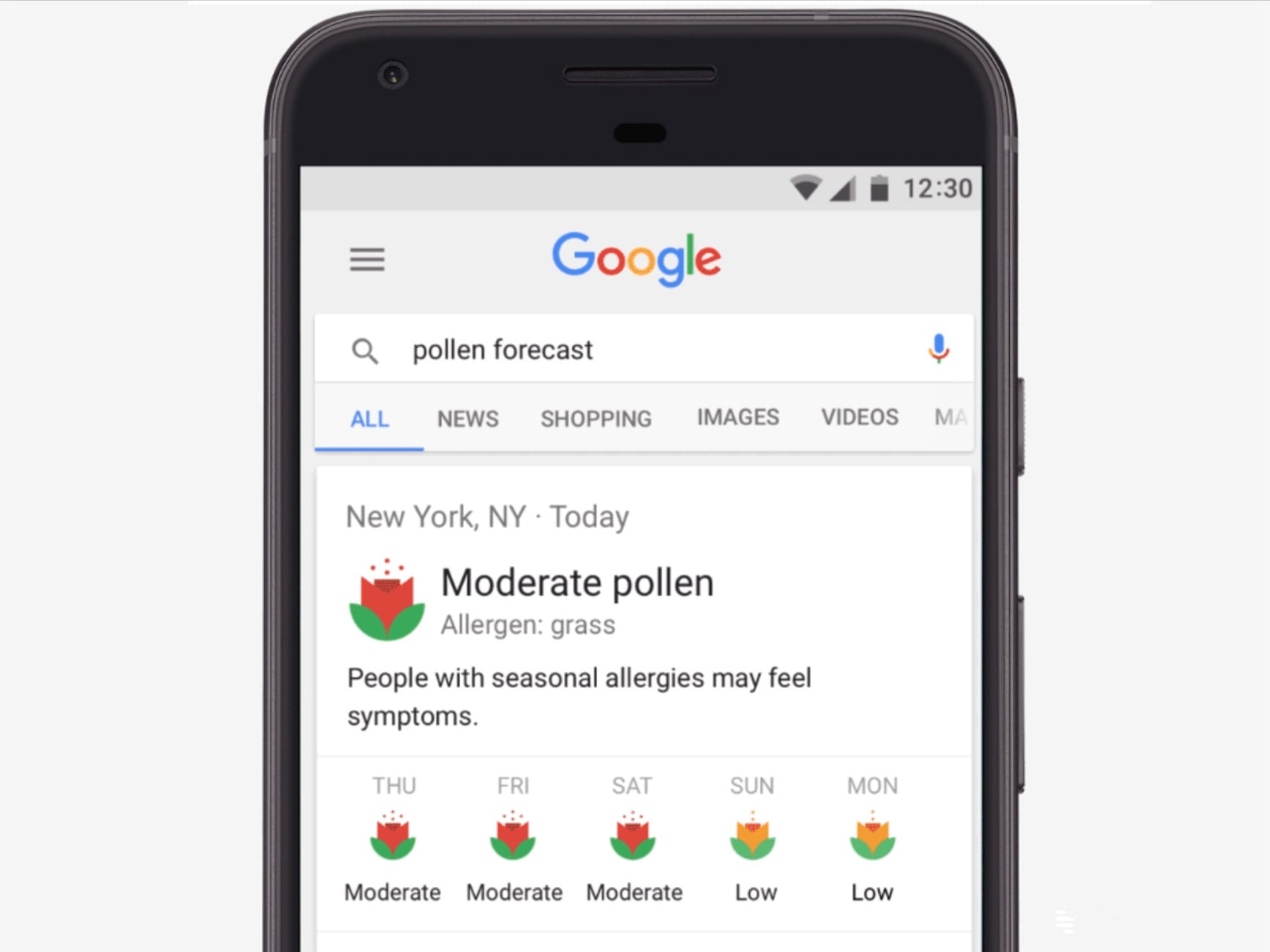
Pollen forecasts right inside Google search. Photo: Google
Google just became an even more useful place for pollen allergy sufferers. You can now view a five-day pollen forecast right inside your search results when using a mobile device to find pollen or allergy information.
Amount will bolster Apple's services business. Photo: Google
Google could pay Apple as much as $3 billion this year in order to remain the default search engine on iOS devices, a new report claims.
The claim comes from Bernstein analyst A.M. Sacconaghi Jr. If true, it would represent a sizable increase from the $1 billion that Apple was paid by Google for the same reason back in 2014.
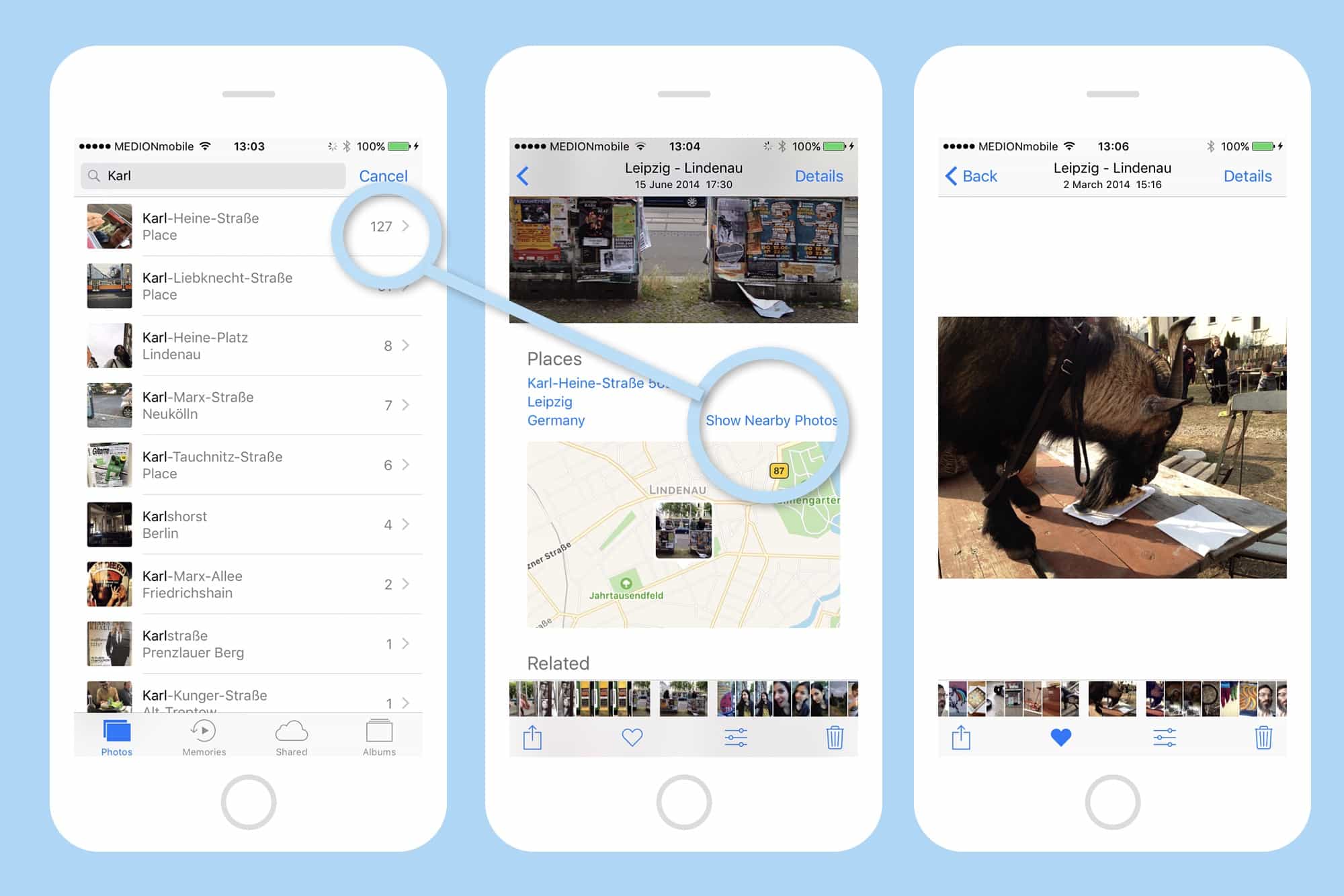
It's easy to narrow down a search, even if you can't quite remember where or when you took the photo. Photo: Cult of Mac
Search is open of Photos’ apps best features, but when do you ever really use it? Never, I’d say, but that’s about to change. Search is only useful when there’s something you’re looking for. While it’s fun to see all the photos you took of cats, or guitars, or whatever, search’s real power comes when you’re looking for something specific. That is, when you’re looking for than one photo you need to show your dining companions right now. Let’s see some tricks on how to do that.
Protect your online life with a VPN, guard your privacy with a second phone number, and lots more. Photo: Cult of Mac Deals
Welcome to the new week, same as the last week. Except of course for the great deals in the Cult of Mac Store. This go around, our very best deals include a lifetime of VPN protection, comprehensive training in Microsoft Excel, a powerful alternative to Search and Spotlight, and an anonymous second phone line perfect for first dates or Craigslist deals. Everything is discounted by more than half, read on for more details:
Apple TV may get some love at the "Hello Again" keynote. Photo: Ste Smith/Cult of Mac
Apple plans to unveil a new way to discover what to watch on TV at its event tomorrow.
The new recommendation service will come in the form of an app, according to a new report that claims it will also help networks by giving them a place to promote new show.
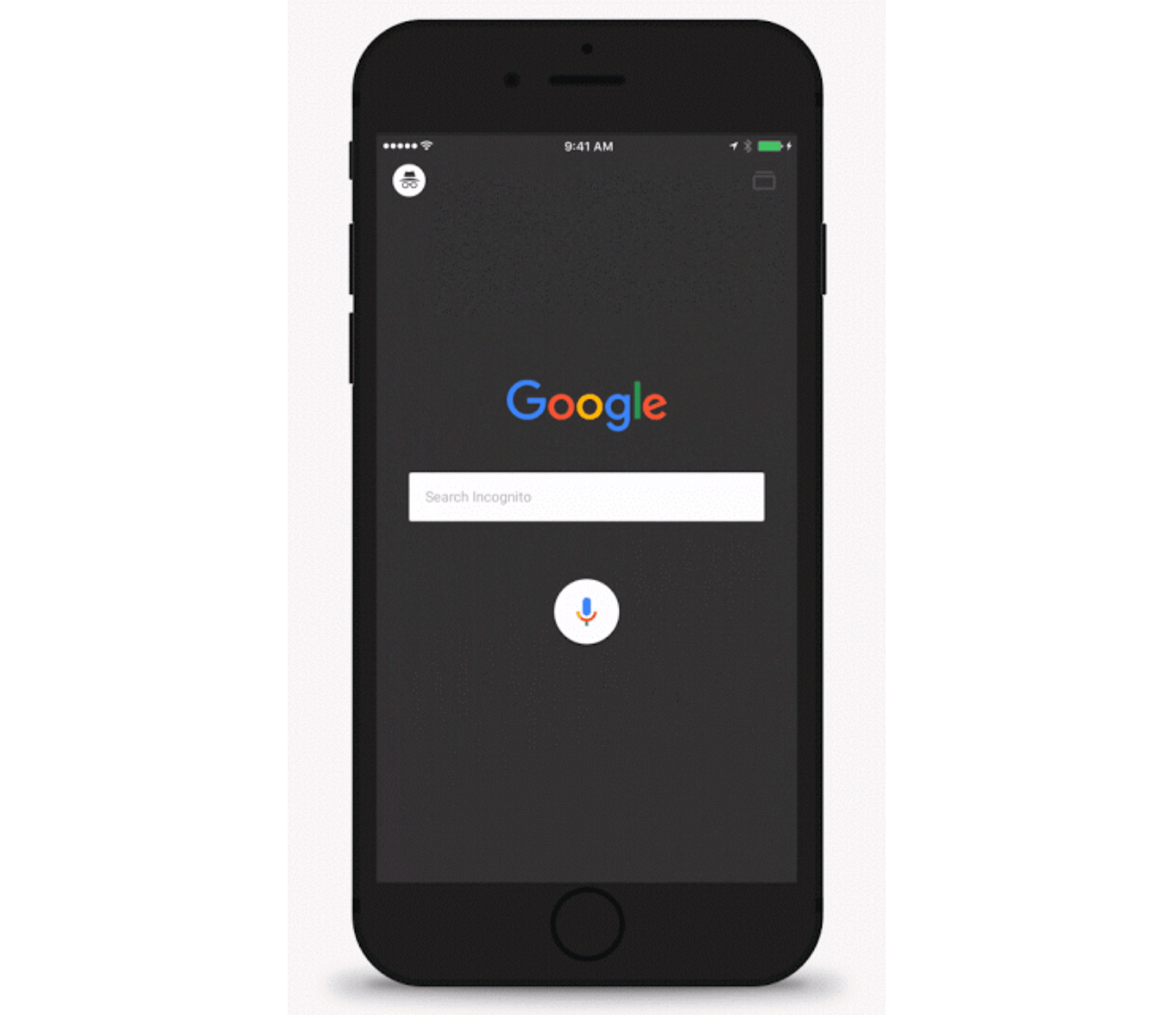
Incognito mode inside the Google app. Photo: Google
Google today rolled out a big update for its official iOS app, adding the ability to activate incognito mode, support for YouTube playback within search results, and more. The release makes the Google app “more private, video-friendly and stable,” the company says.
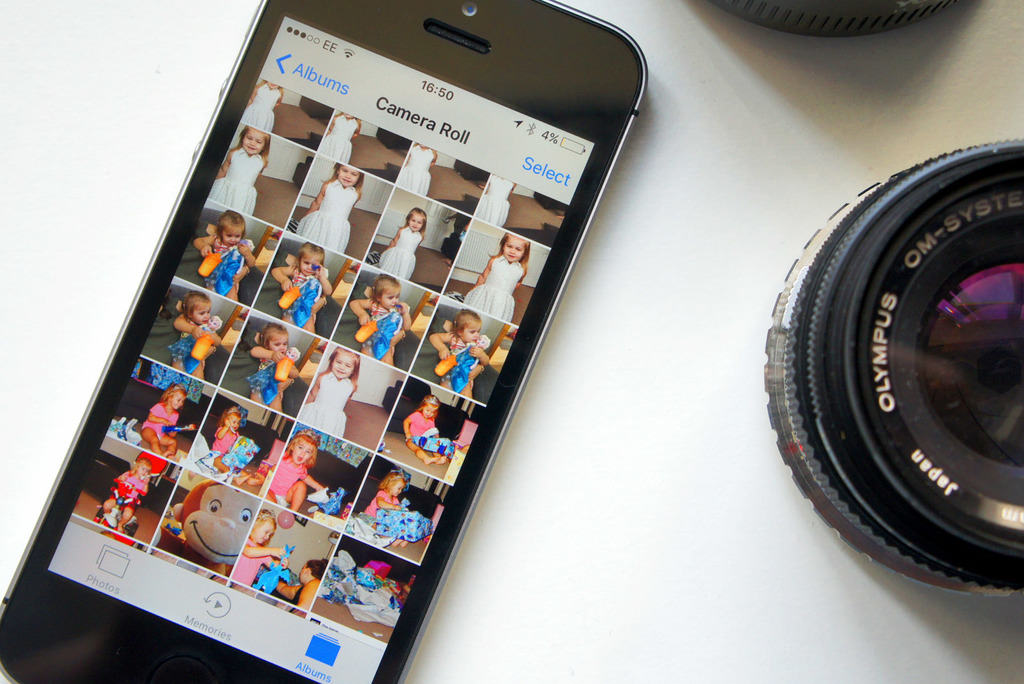
The Photos app is even greater in iOS 10. Photo: Ste Smith/Cult of Mac
Apple stole a great idea from Google for its improved Photos app in iOS 10, and that’s the ability to search for people, places and things. It makes it immensely easier to find the images you’re looking for in large libraries, and it’s so simple to use. Here’s what to do.
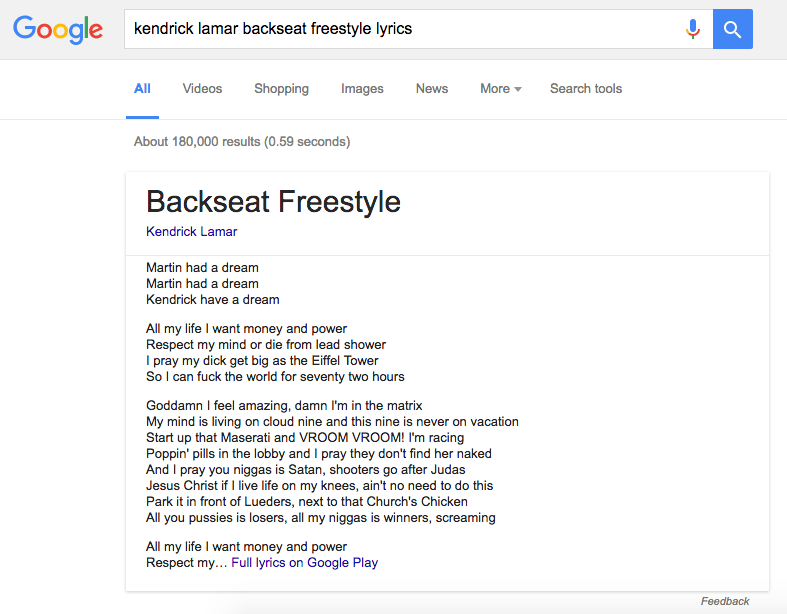
Sometimes you don’t need to click on Google links to get the information you’re looking for; it’s just presented to you instantly right inside your search results. Now the same can finally be said for song lyrics — if you live in the U.S.
Twitter stickers in action! Photo: Helen Prowse/Twitter
Sharing photos on Twitter is now a lot more entertaining thanks to funky photo stickers. Whether you’re posting pics of your graduation, a day at the beach, or a night on the town, you’ll find a stickers to suit — and they’re not just cosmetic.
Yet more reasons to download the Google app. Photo: Google
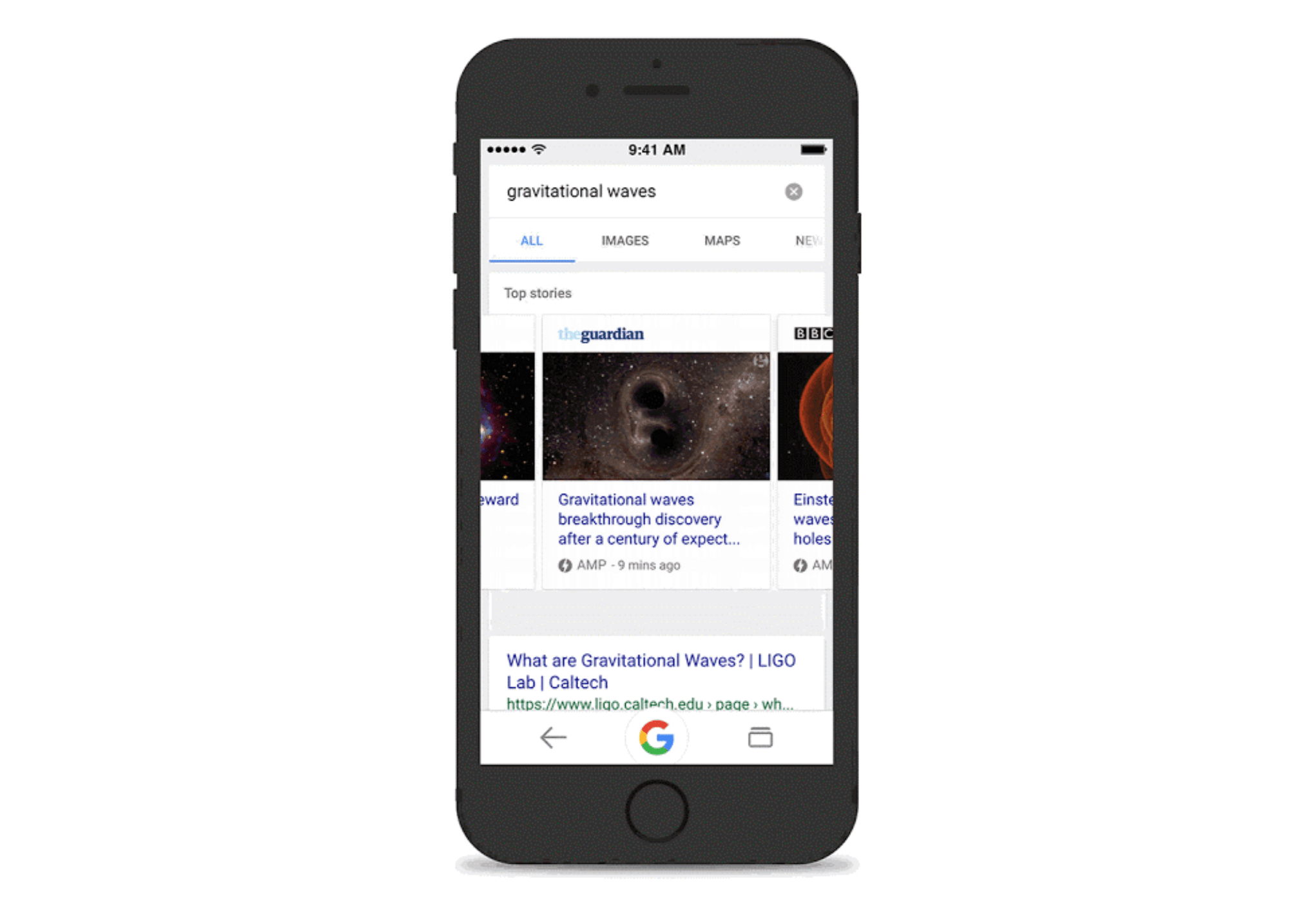
Google’s official iOS app is getting a massive speed boost. Its latest update cuts down loading times significantly using new Accelerated Mobile Pages (AMP) technology, and adds sports highlights that are baked into Google Now cards.
Gboard is probably the best third-party keyboard on iOS. Photo: Ste Smith/Cult of Mac
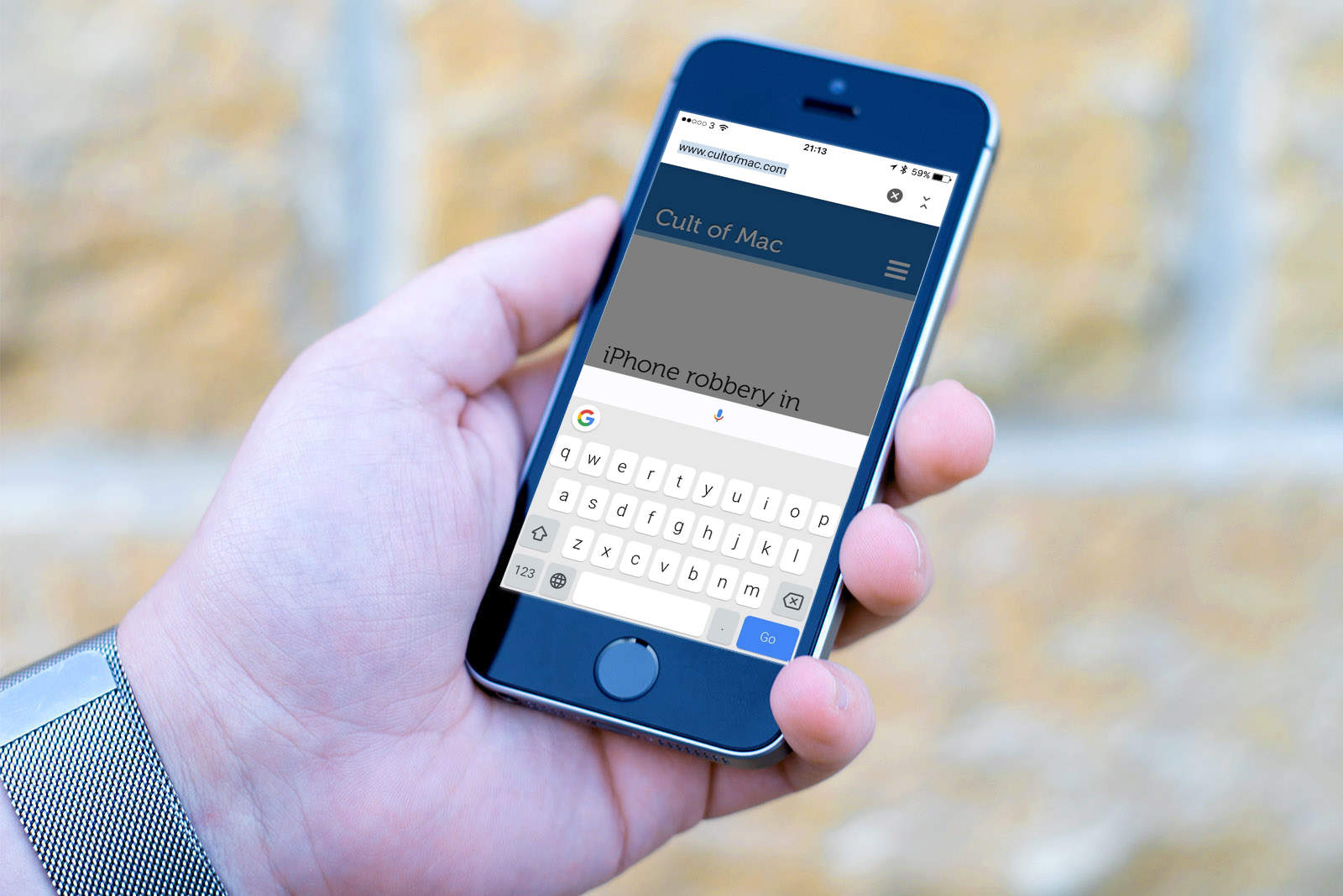
Google now offers its very own keyboard for iOS, and it’s awesome. It’s packed full of useful features like glide typing and built-in search, and it has a clean and simple design that’s a pleasure to type on. It’s probably the best third-party keyboard on iPhone.
But there are 10 things you should know about Gboard before you get set up.
Spaces is coming to Android, iOS, and the web today. Photo: Google
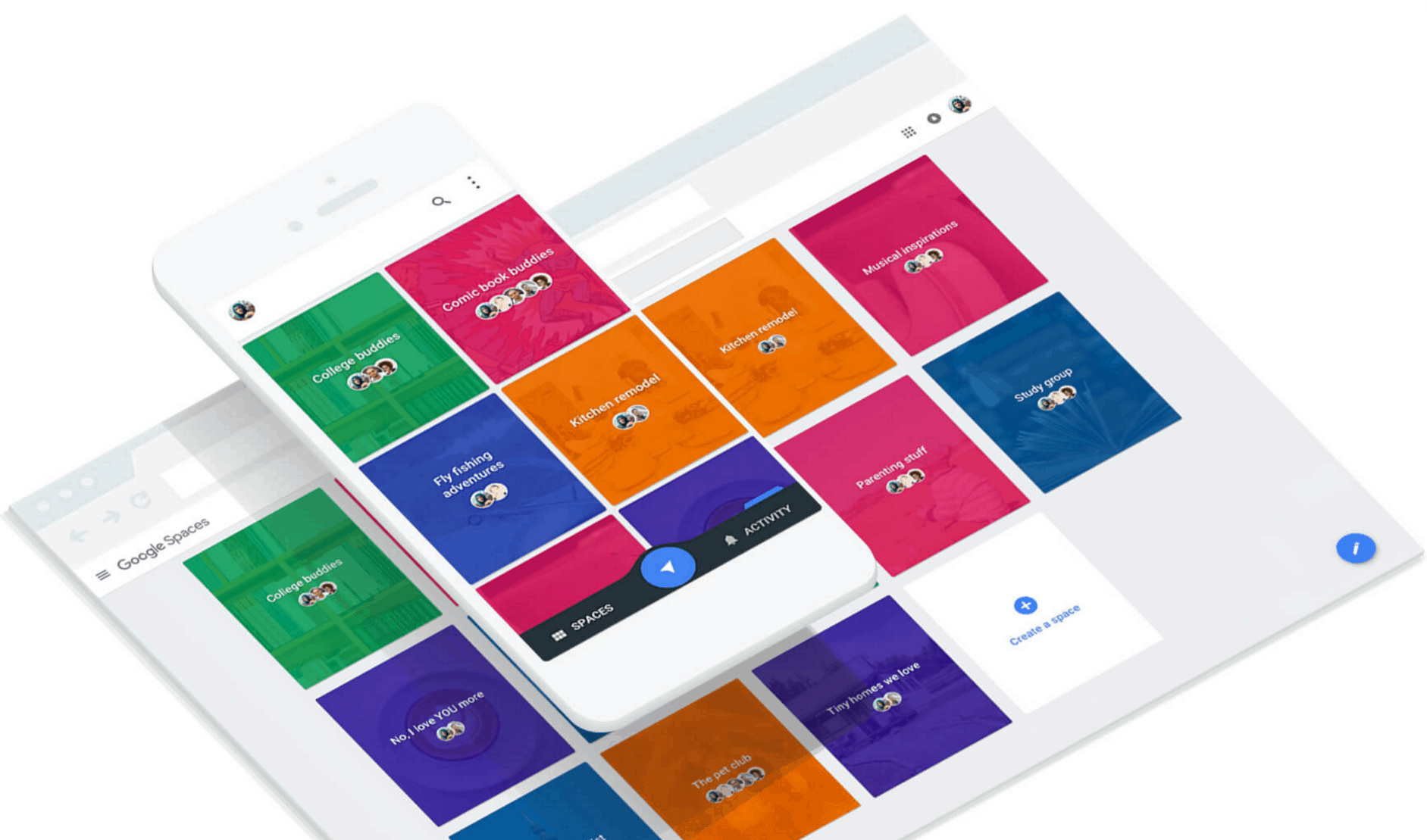
Google isn’t waiting until its I/O conference next week to put its latest app in your hands. The company today launched Spaces for Android, iOS, and the web, making it easy to share just about anything with your favorite groups of friends.
You can get your hands on Gboard today if you live in the U.S. Photo: Google
Google just launched its very first keyboard for iPhone and iPad — and it’s awesome.
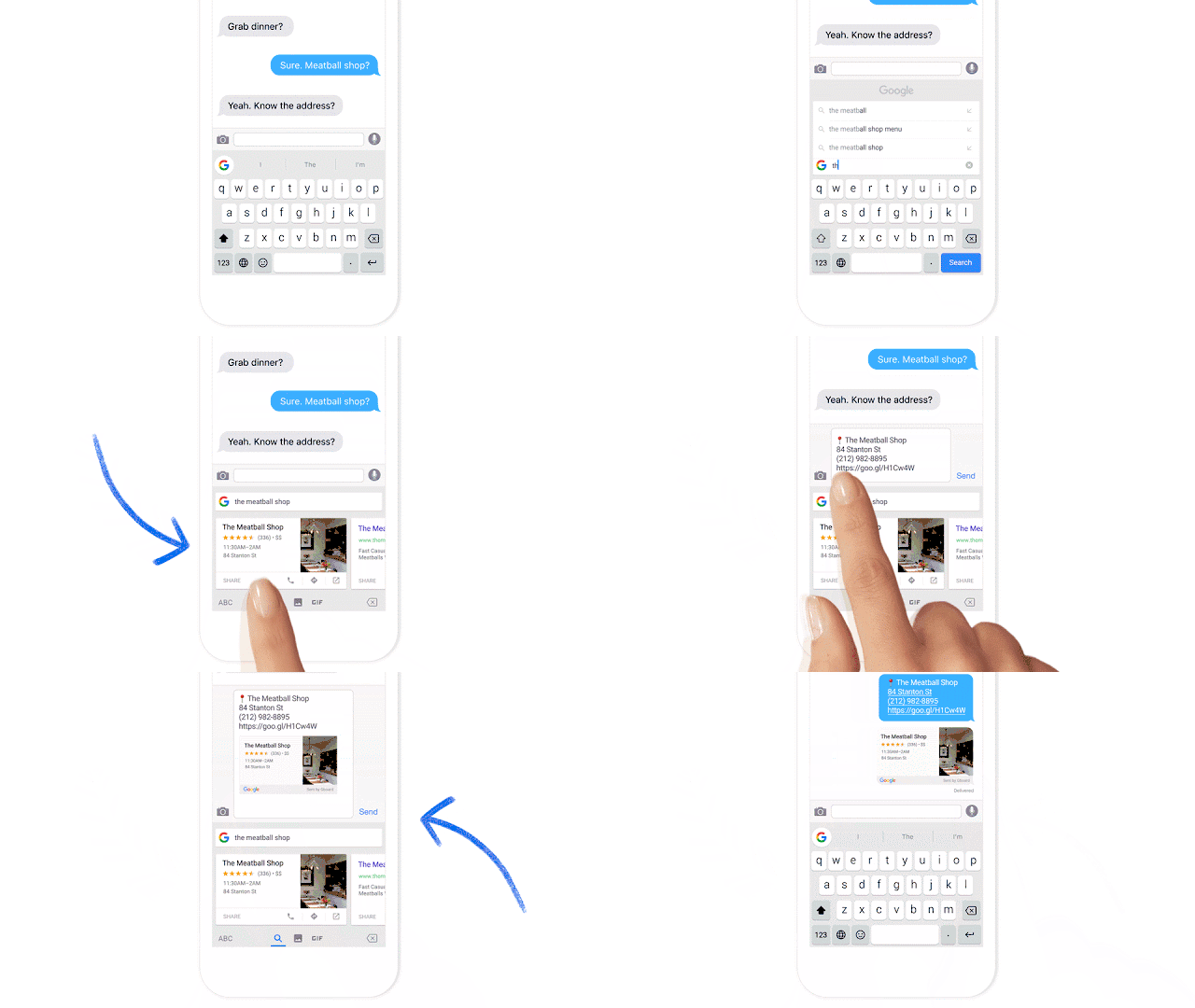
Called Gboard, and designed to look a lot like the default iOS keyboard at first glance, it’s jam-packed with useful features, including the ability to type with glide gestures, send GIFs, and search Google from almost anywhere.
Apple needs to help consumers find quality apps, and developers to sell them. Photo: Parampreet Chanana/Pixabay
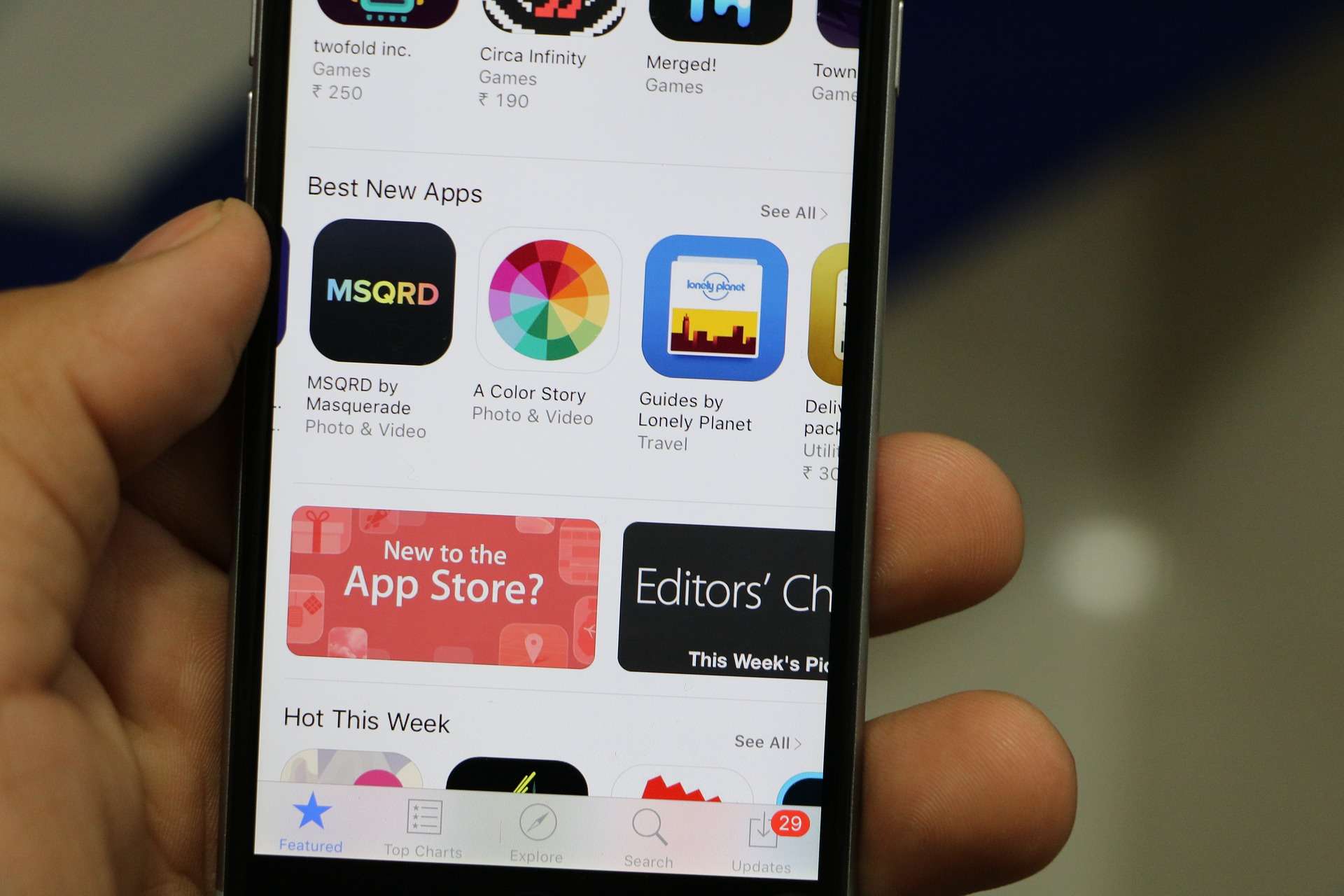
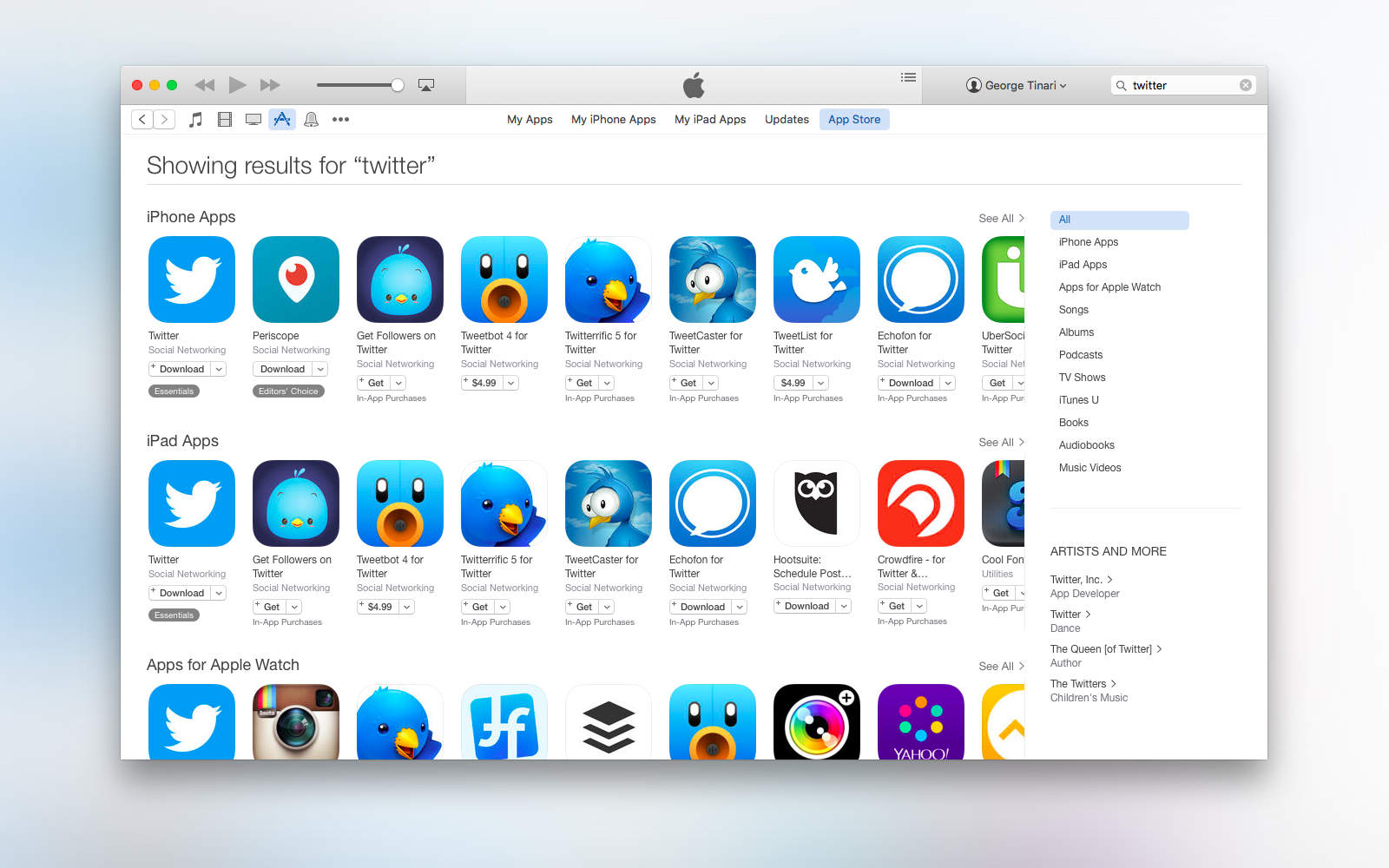
Apple seems to be looking to improve the way people find apps in the App Store. According to unnamed sources, paid search is one way Apple might both improve discoverability as well as make some money off the feature, like Google does on its own Google Play store.
Paid search would let developers pay Apple to more prominently display their apps in the App Store.
Siri can now surface Disney content on your Apple TV. Photo: Leander Kahney/Cult of Mac
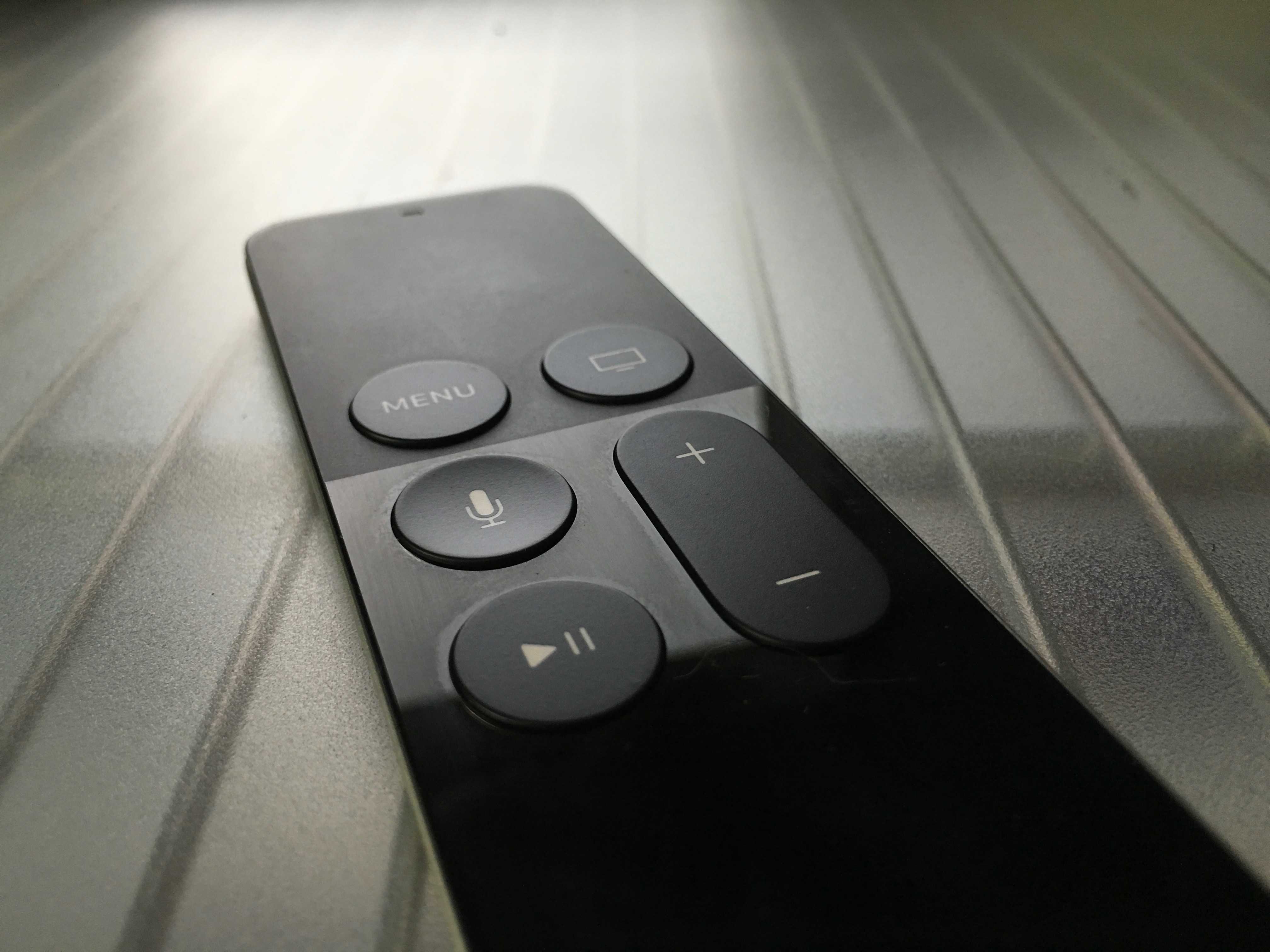
It just got a little easier to search for Disney content on the Apple TV, now that Disney properties such as the Disney Channel, Disney Jr., Disney XD, and Watch ABC are searchable through the Apple TV’s universal search API.
Twitter and animated GIFs are a popular combination – the social media company’s users shared 100 million of them last year – but finding just the right one has been more art than science.
Today, however, Twitter rolls out a new way to search for your animated funnies from within the 140-character service itself.
Breaking news: There's big money in search. Photo: Killian Bell/Cult of AndroidBreaking news: There’s big money in search. Photo: Killian Bell/Cult of Android
Android and iOS may be mortal enemies in some ways, but Google clearly realizes the value of having Apple’s hundreds of millions of customers use its search engine.
So much so, in fact, that in 2014 Google paid Apple a massive $1 billion to keep its search bar on the iPhone.
Bing's new app is both pretty and powerful. Photo: Microsoft
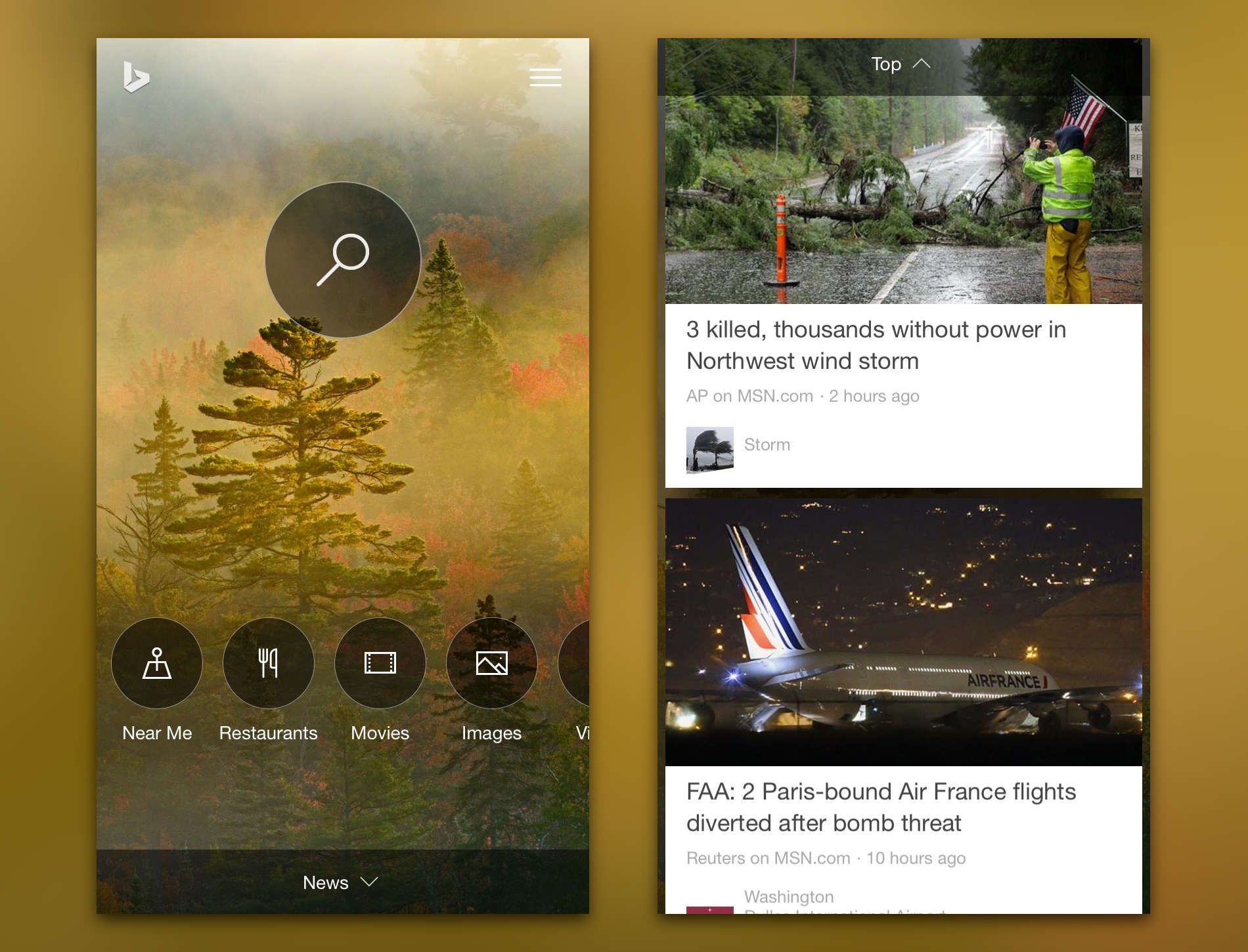
Microsoft released a completely revamped Bing app for iPhone today with a redesigned home page and a much larger emphasis on instant answers to search queries. Finding what you’re looking for now takes much less time. It’s possible that this release is a stepping stone to the iOS debut of Cortana, Microsoft’s answer to Google Now.
App searches now have a lot more in store for developers. Photo: Apple
A number of developers have reported noticing a difference in the way the iOS App Store now organizes search results. It appears Apple made changes around November 3 to the search algorithm to improve the relevancy of the results. Developers have identified multiple factors that are contributing to the new App Store search and overall, the changes are garnering positive feedback.
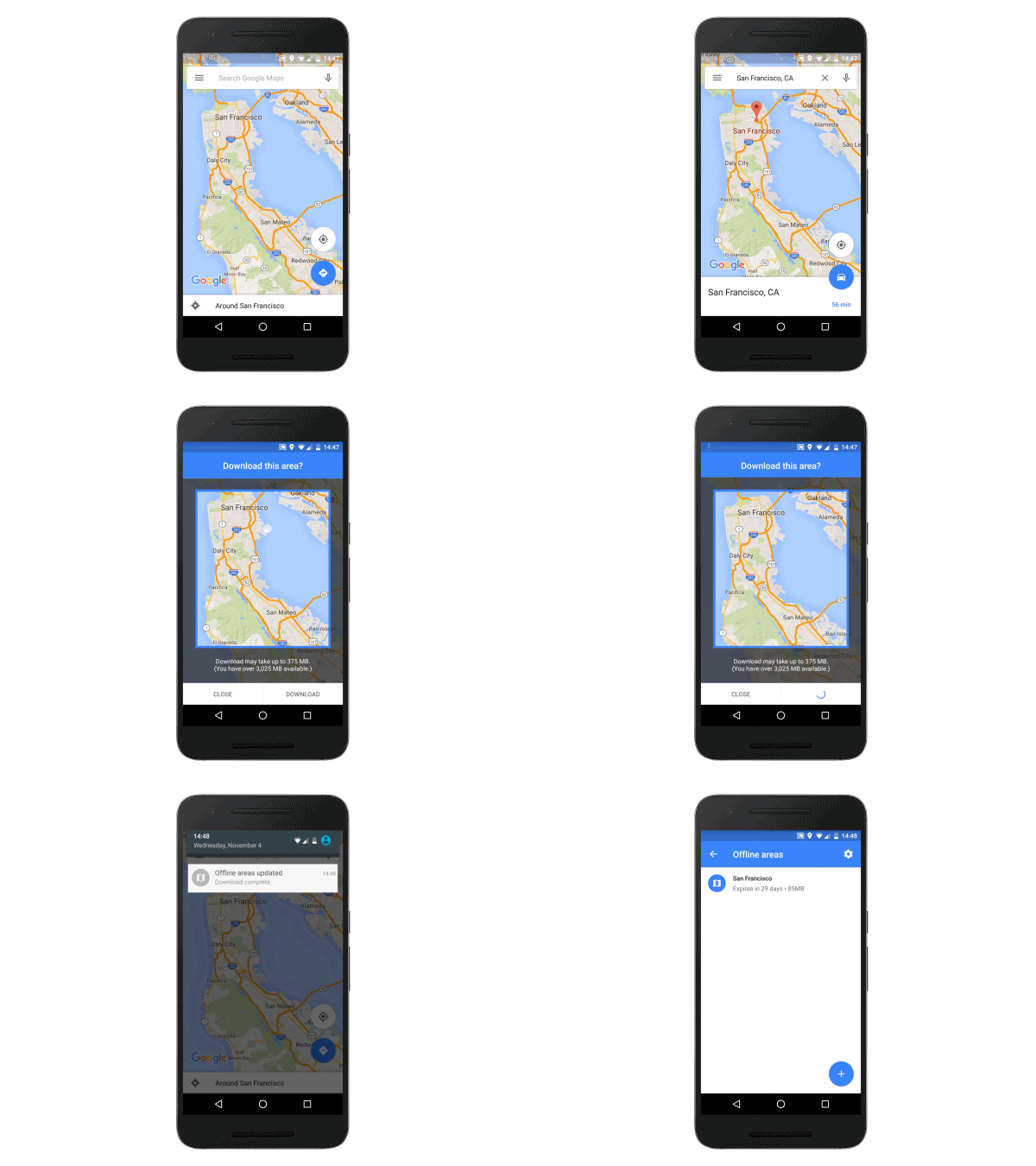
Google Maps is getting offline navigation to ensure you never get stranded in a strange place when your data connection disappears. Users can download entire areas onto their smartphone, then get turn-by-turn directions even while they’re offline.
Ok Google is listening… and recording. Photo: Google
Google is incredibly accurate at understanding voice searches, which makes it super useful on mobile when you might want to find information without using your hands. But did you know that the company records every single voice search you make?
What’s more, you can listen back to each and every one.
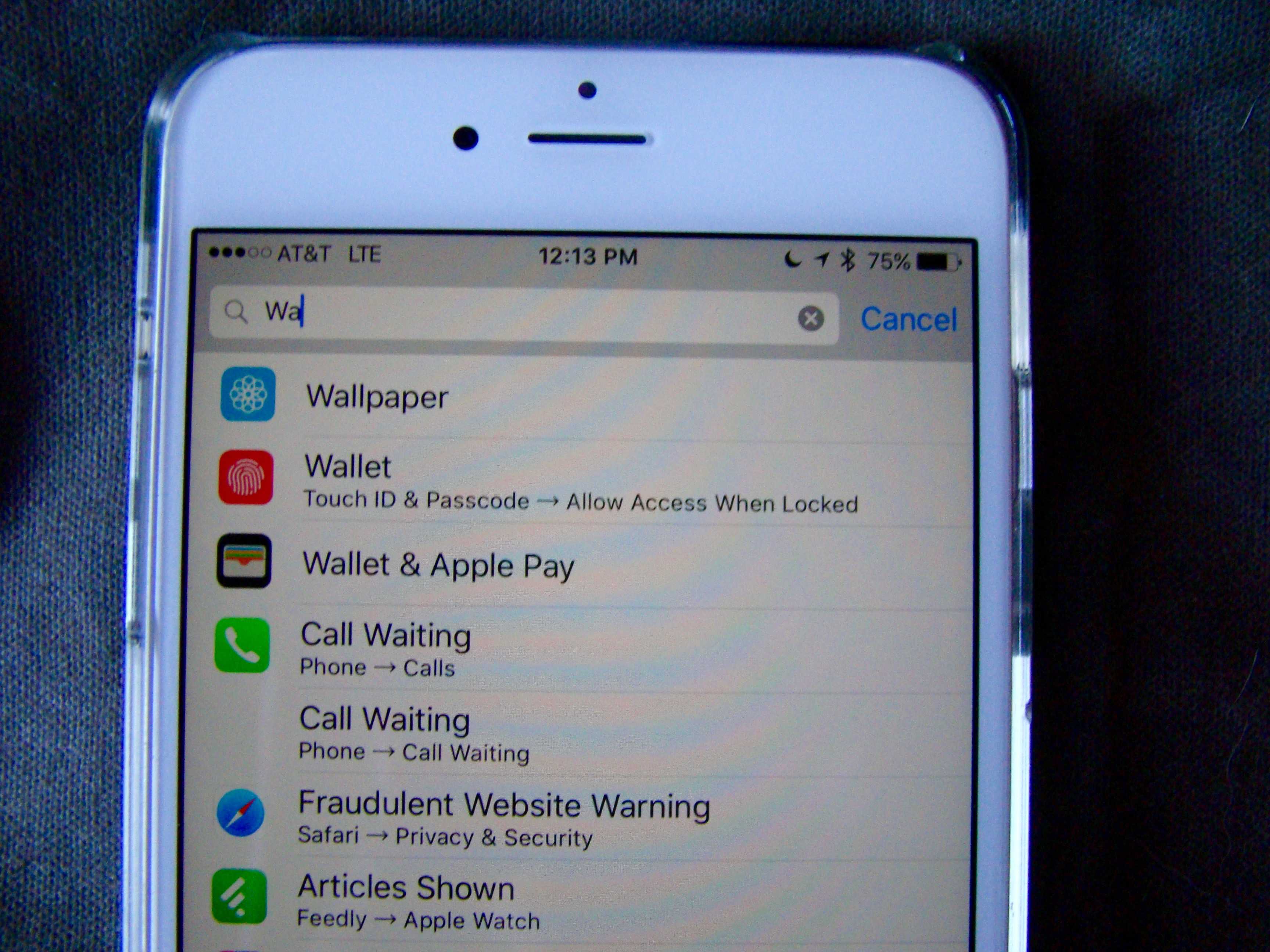
iOS has so many settings in one app, it’s kind of ridiculous.
Whether you want to change preferences for an app or the operating system itself, a trip to the crowded Settings app can often be a frustrating experience.
iOS 9 — still in beta — has a solution for that information overload though: Search.
Apple is trying to improve its search functions. Photo: Luke Dormehl/Cult of Mac
Considering how great its other products are, there’s little contesting the fact that Apple’s search functions have traditionally sucked.
That remains true to this day, although improvements are slowly being made — and proof of this is the newly-uncovered acquisition of a search startup called Ottocat, which now powers the “explore” tab in the App Store.