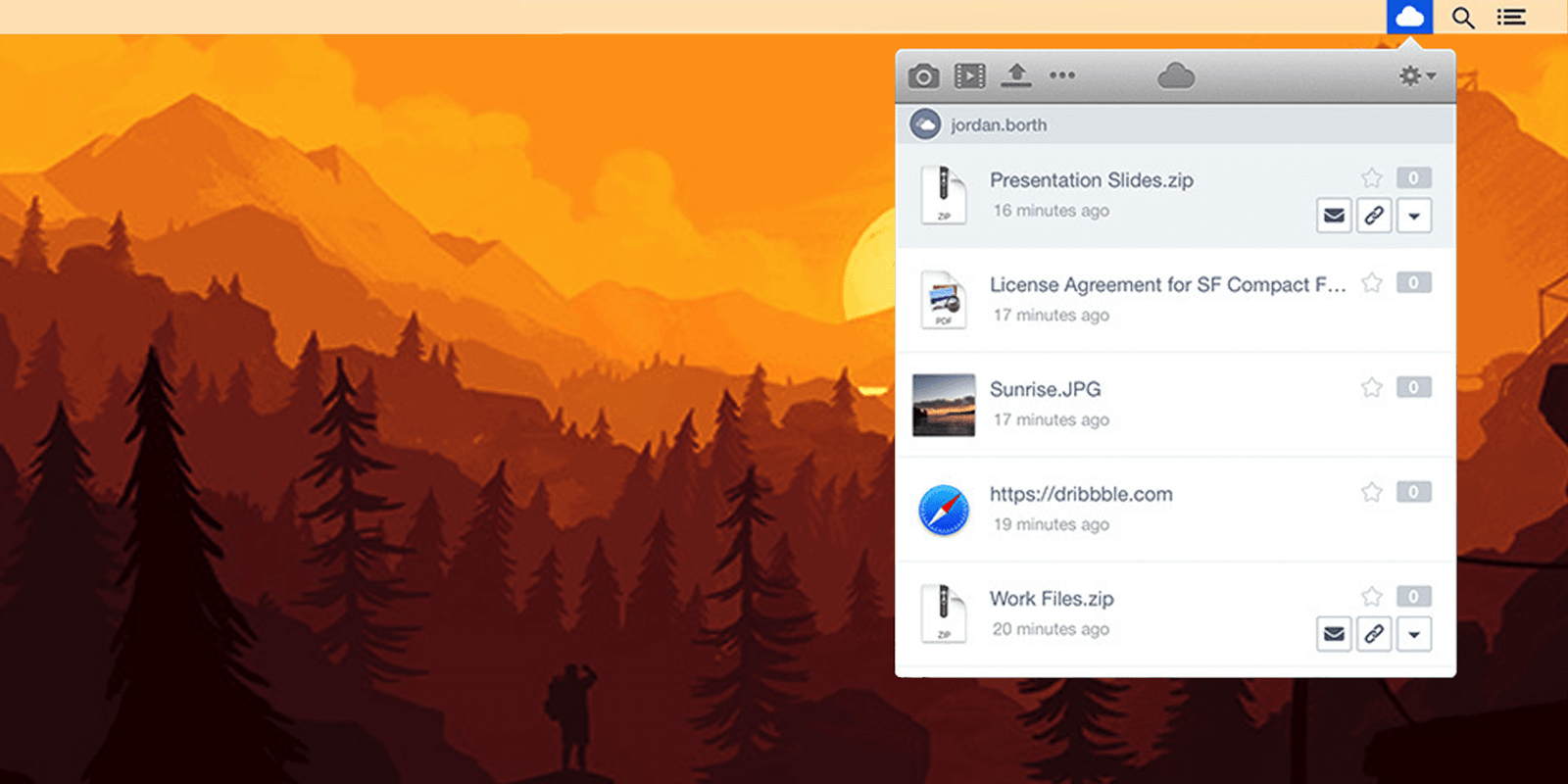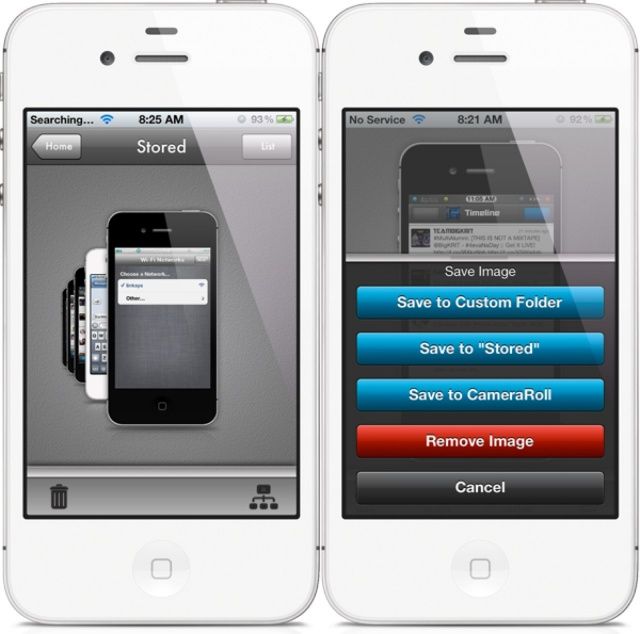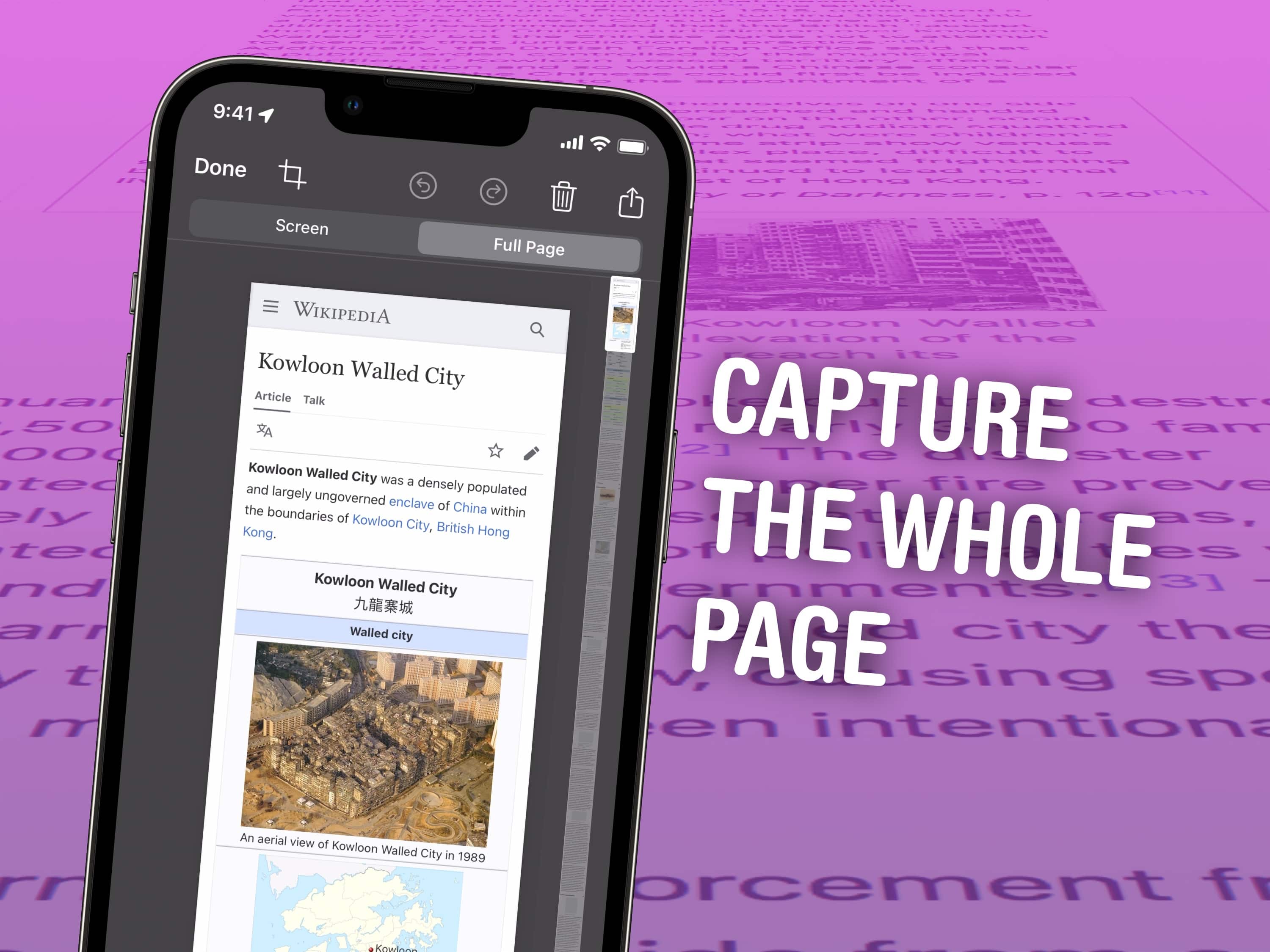
PreviewMaker is a new tweak for jailbroken iPhones that’s likely to be particularly useful to app developers, theme designers, reviewers, and more. It takes all the screenshots you’ve taken on your iPhone and applies an iPhone-style frame, meaning you no longer need to edit each one and add it manually.
Taking photos is a ton of fun, especially with our nearly ubiquitous iPhones or iPads. I can’t tell you how many people I’ve seen in the last month or so snapping pictures with the big tablet device. Looks silly, but makes sense.
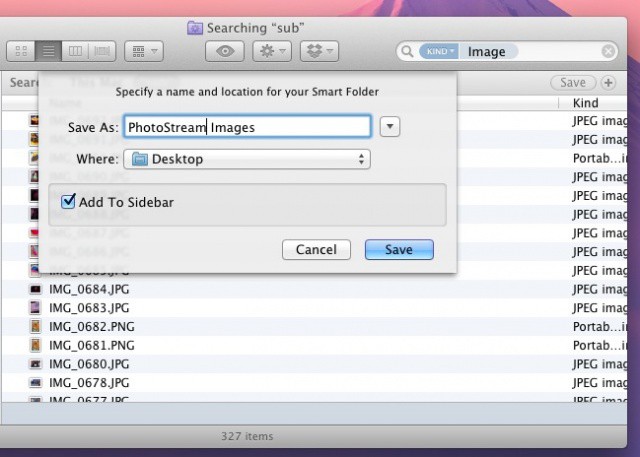
How do you get them to your Mac, though? You could email them, one at a time, or you can connect the device to the Mac and grab them via iPhoto. These days, you can even use PhotoStream in iPhoto to see the latest photos you’ve taken on any PhotoStream-enabled iOS device. Todays tip is even faster than that.
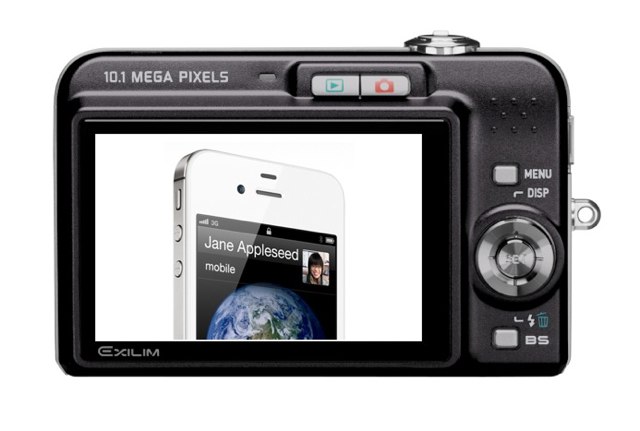
Ever wondered how you take a screenshot on your iOS device? It’s actually a lot simpler than you may think, with no need for third-party software or unauthorized tweaks.
In fact, this is one of the simplest tips we have. But seeing as though yesterday’s simple tip went down so well, we thought another one wouldn’t hurt. Here’s how to take screenshots on an iOS device.
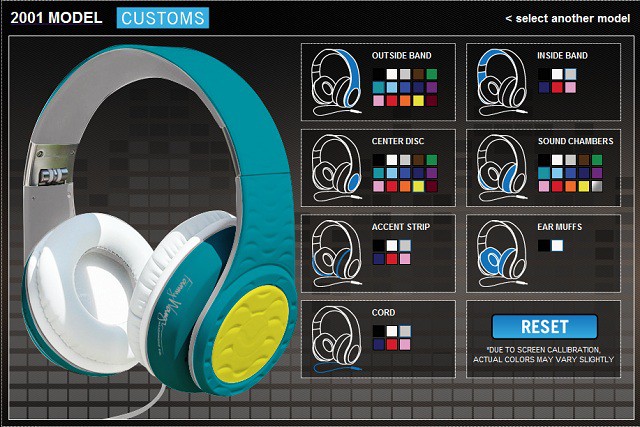
Earlier this week we reviewed the Fanny Wang On-Ear Headphones and concluded they’re a pretty great set of cans. One cool thing about the the Fanny Wang headphones we didn’t mention was that you can order a completely customized pair from the Fanny Wang website. Because we know you guys love a nice set of headphones, we’re giving away one free pair of Custom 2001 Fanny Wang On-Ear headphones to a lucky reader. You can customize them however you want and keep them for yourself, or give the coupon to a friend for the Holidays as a gift.
I’ve never been the best at math, but I’m pretty sure there are almost 1.5 million different color configurations possible, so to determine a winner for this giveaway we’re going to be taking submissions to see who can design the best pair of headphones.
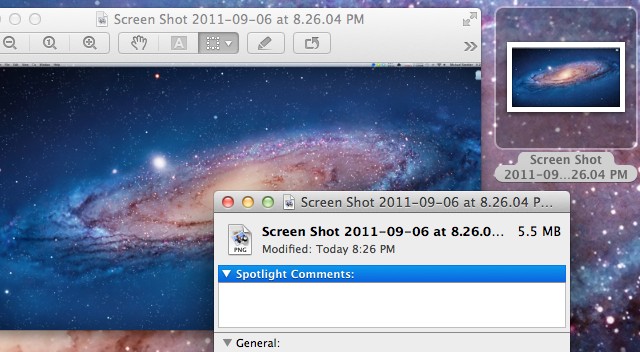
Have you ever wanted to change the default screenshot format in Mac OS X? The default PNG files can end up being huge, especially with higher resolution displays. In this video, I’ll show you how to change the format to anything you’d like, even a PDF.