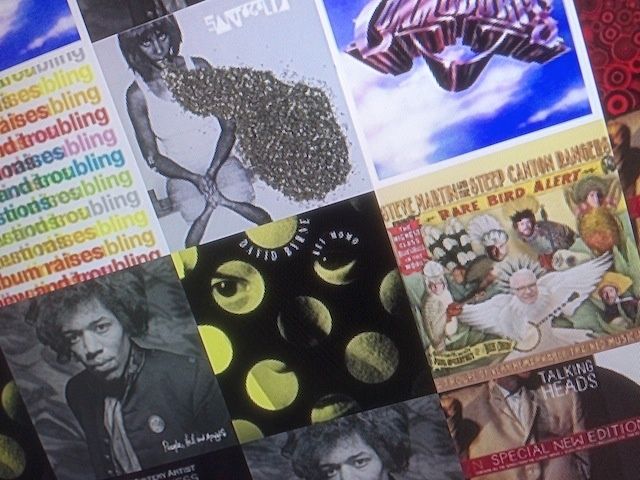
One of the trickier things about creating a playlist for any party is making sure you have the right music for the people you’ve invited. Sometimes, though, you might want to give this entire nerve-wracking process a miss, and let the guests at your house choose the music from all the songs and artists you have in iTunes on your Mac.
Here’s how to do just that, using nothing more than your Mac and the iTunes Album Artwork screensaver.
Update: Looks like Padbury has taken the screensaver off his Dribble account. If anyone has a mirrored link for others to download, please post in the comments.
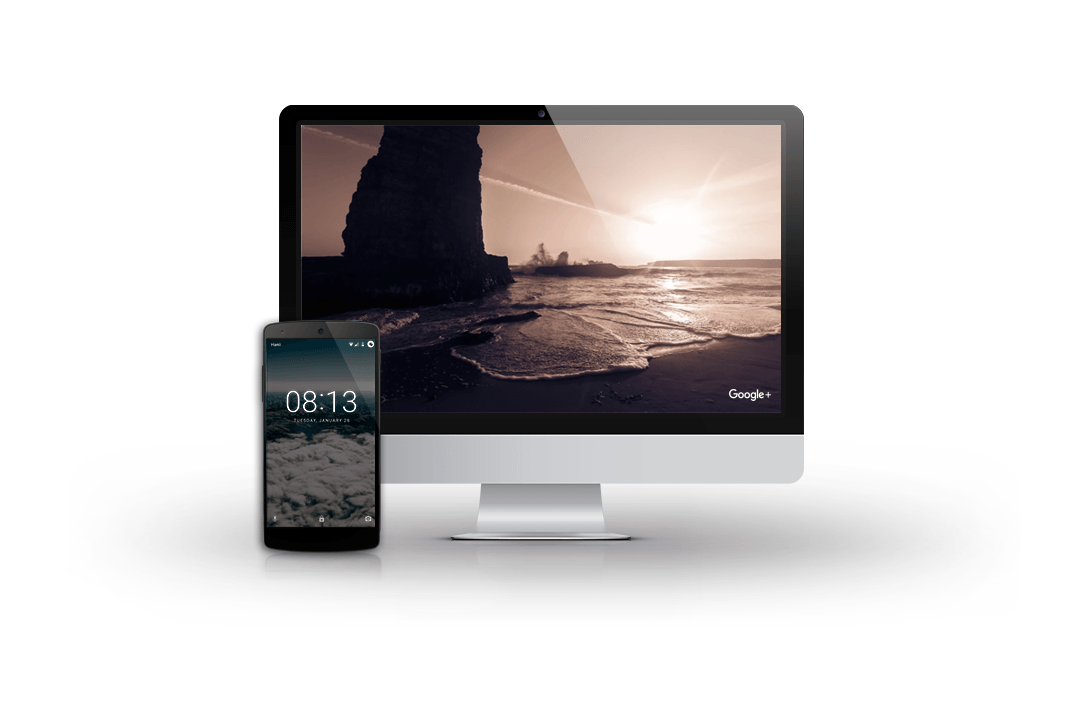
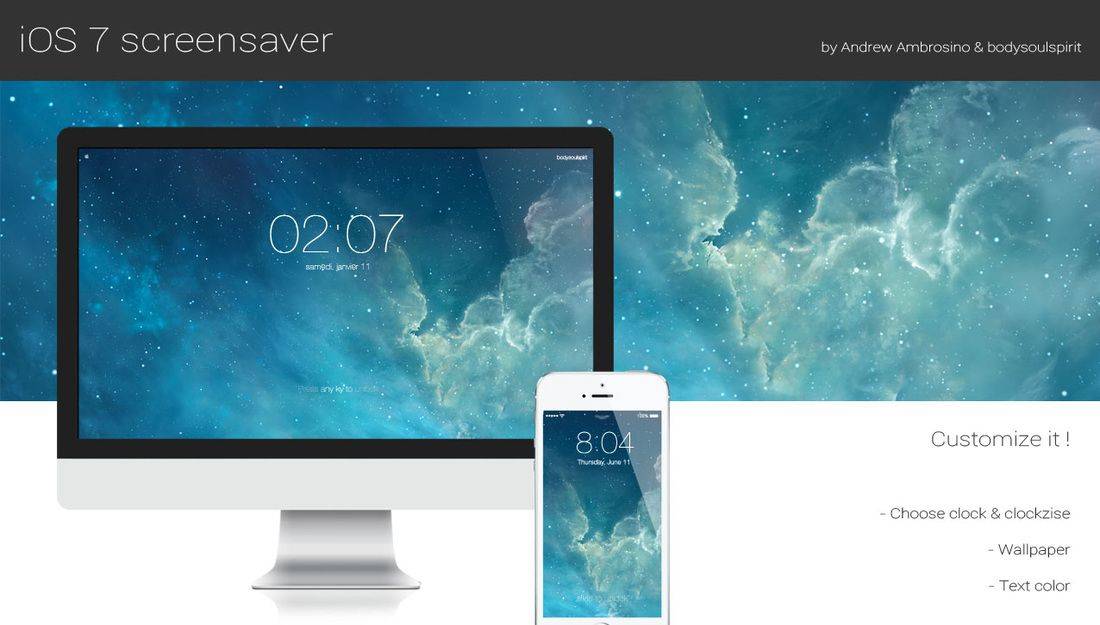
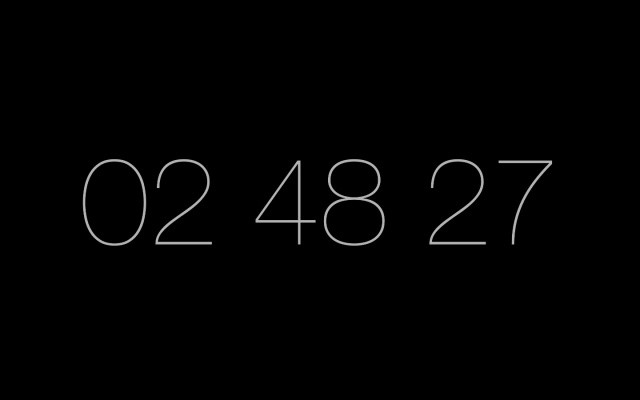
We love beautiful wallpapers and screensavers here at Cult of Mac. When Apple User Interface Designer Robert Padbury posted a beautiful screensaver to his Dribble account, we fell in love. The “Minimalist Clock Screensaver” comes in 12-hour and 24-hour versions, and you can grab it now for free to install on your own Mac.
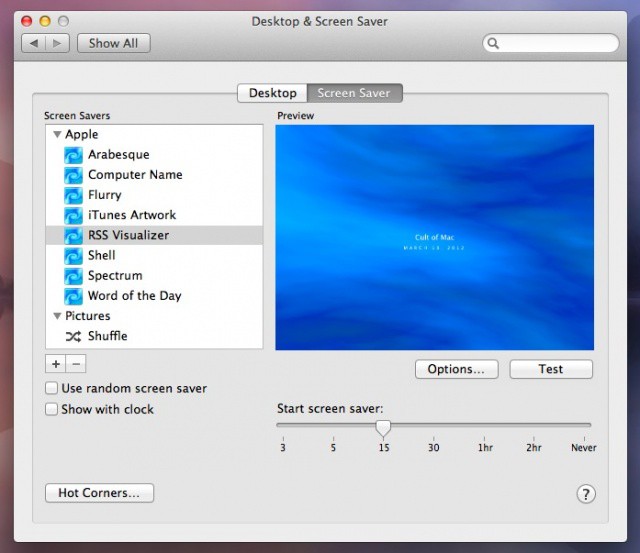
If you’re not using the RSS screensaver on your Mac, we’ll forgive you. This time. With a little terminal code and your favorite RSS feed, however, you can get this bad boy to display behind all your apps and desktop icons, as your desktop wallpaper. Cool, huh?
Ever wanted to spruce up your plain, boring desktop? There’s actually a way you can use your screensaver as your desktop wallpaper. In this video, I’ll show you two different ways of going about doing this.