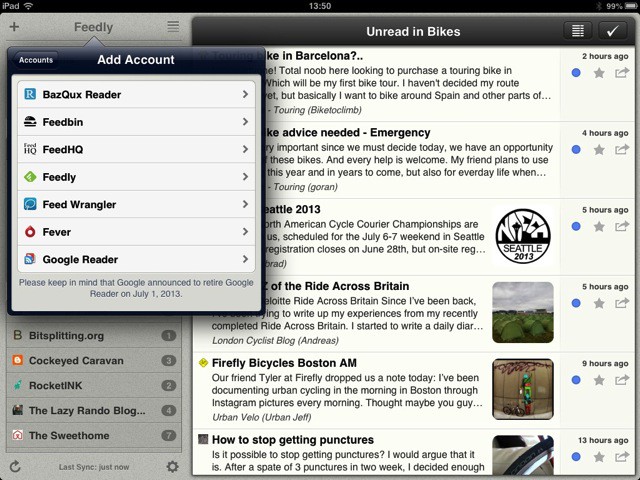
When Google announced the shut down of Google Reader this past March, Feedly stepped up, promising to create its own Reader-like system for other third party RSS apps to connect to, and thereby lessen the impact of Google’s industry-standard takedown.
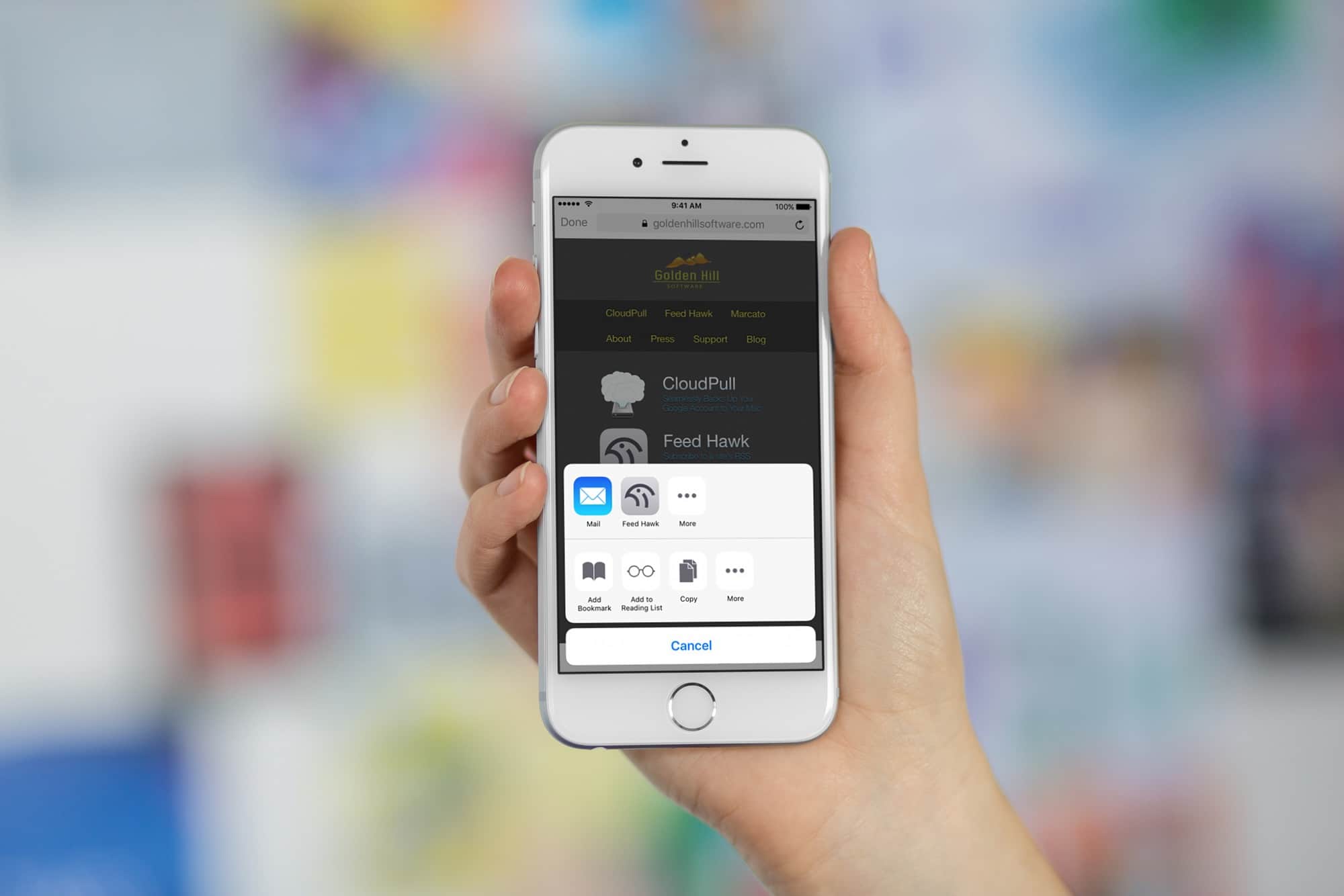
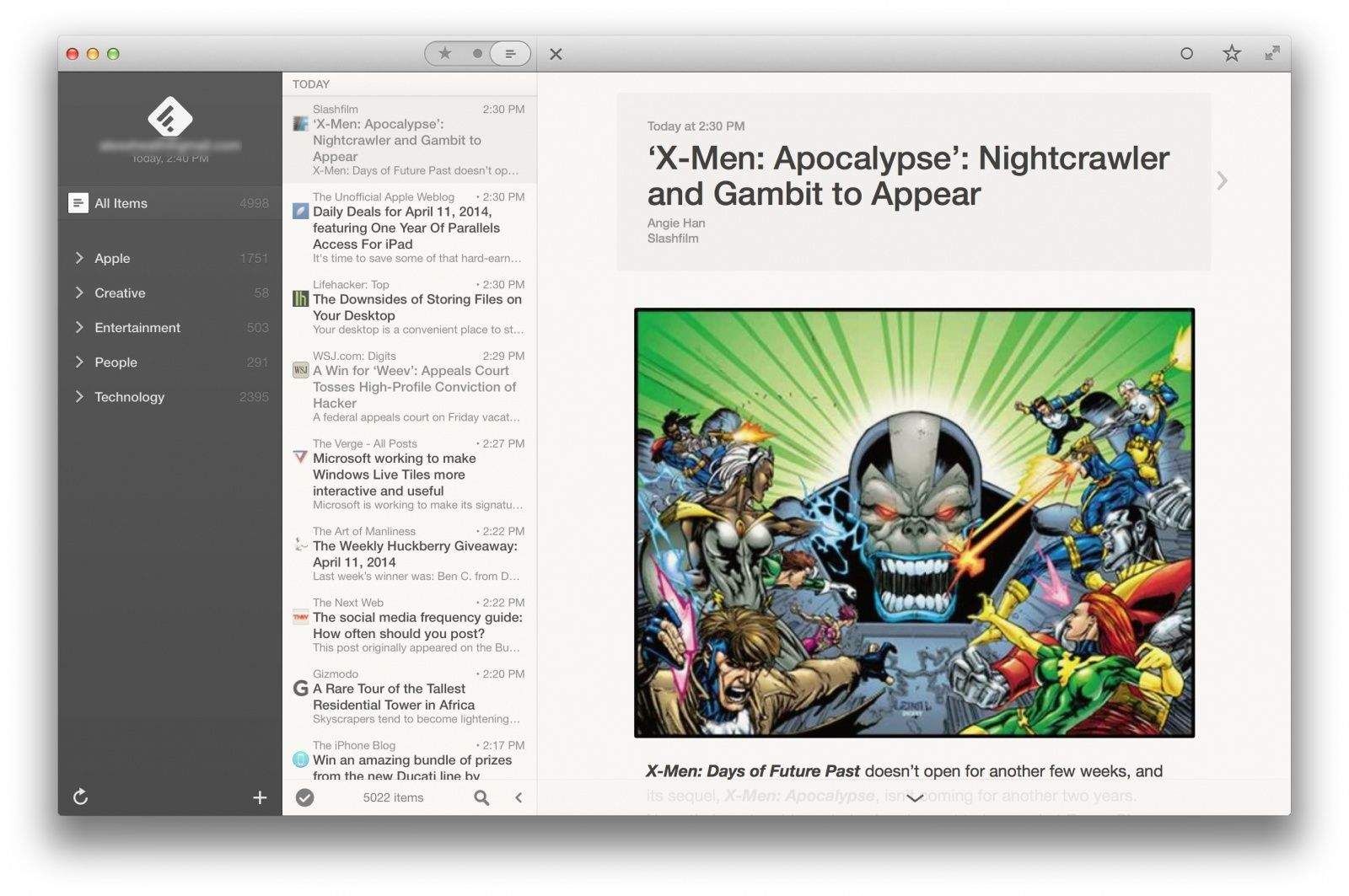
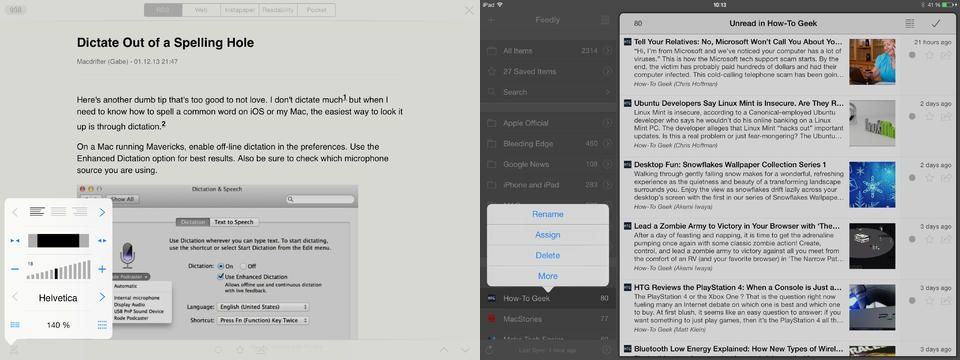
In a blog post today, Feedly announced the next step of its plan to rule the RSS landscape with the support of several third party RSS apps, including Reeder, Press, Nextgen Reader, Newsify and gReader. I use Reeder on a daily basis on both my Mac and my iPad (which continues to be free until Google Reader actually shuts down its service as of July 1).
Flipboard for iOS has received a number of new features in its latest update, which is available to download from the App Store today. Users can now enjoy profile pages with readership and curation statistics, as well as a new Friends category in the Content Guide. There’s also the ability to share stories via SMS.
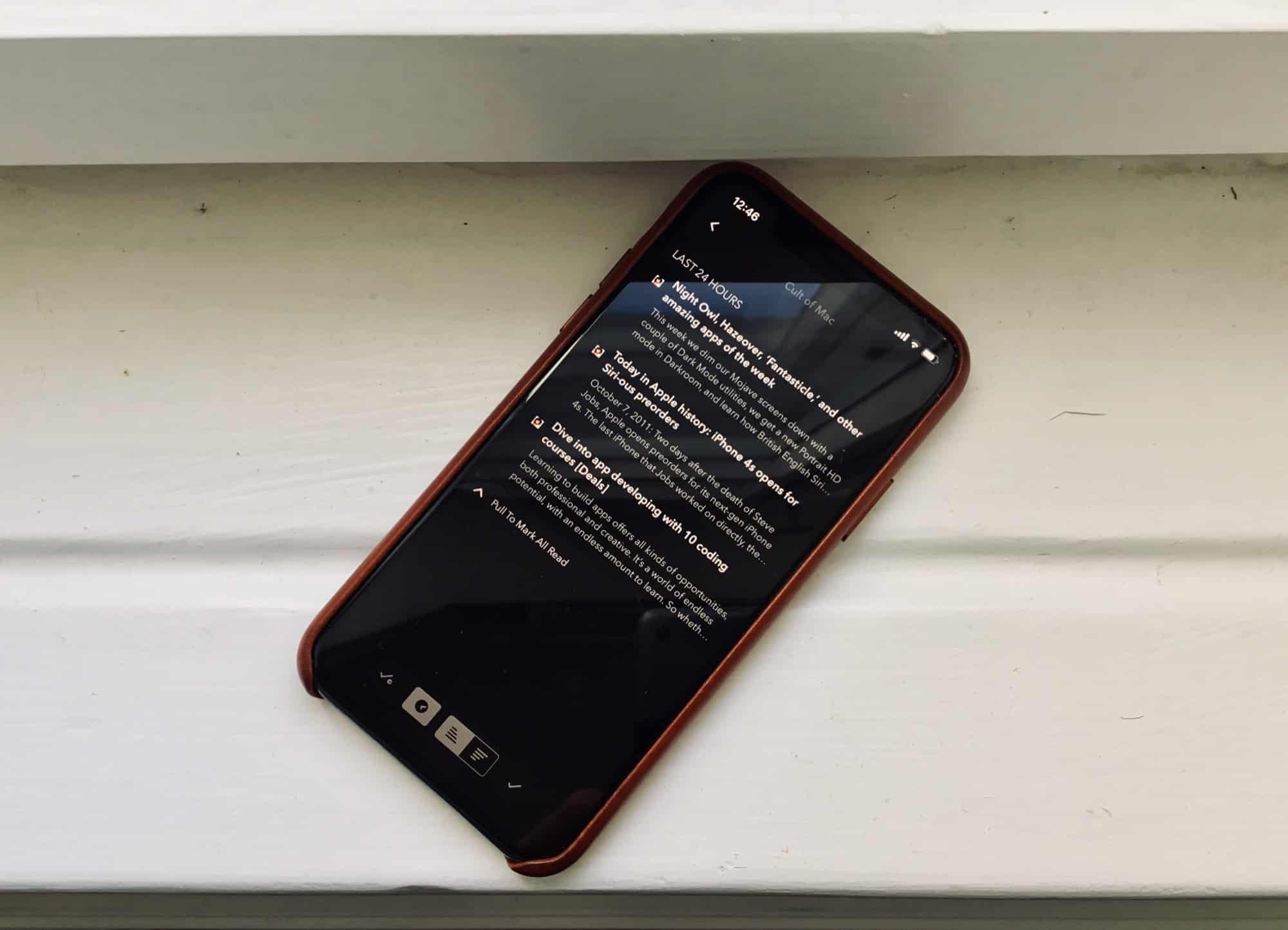
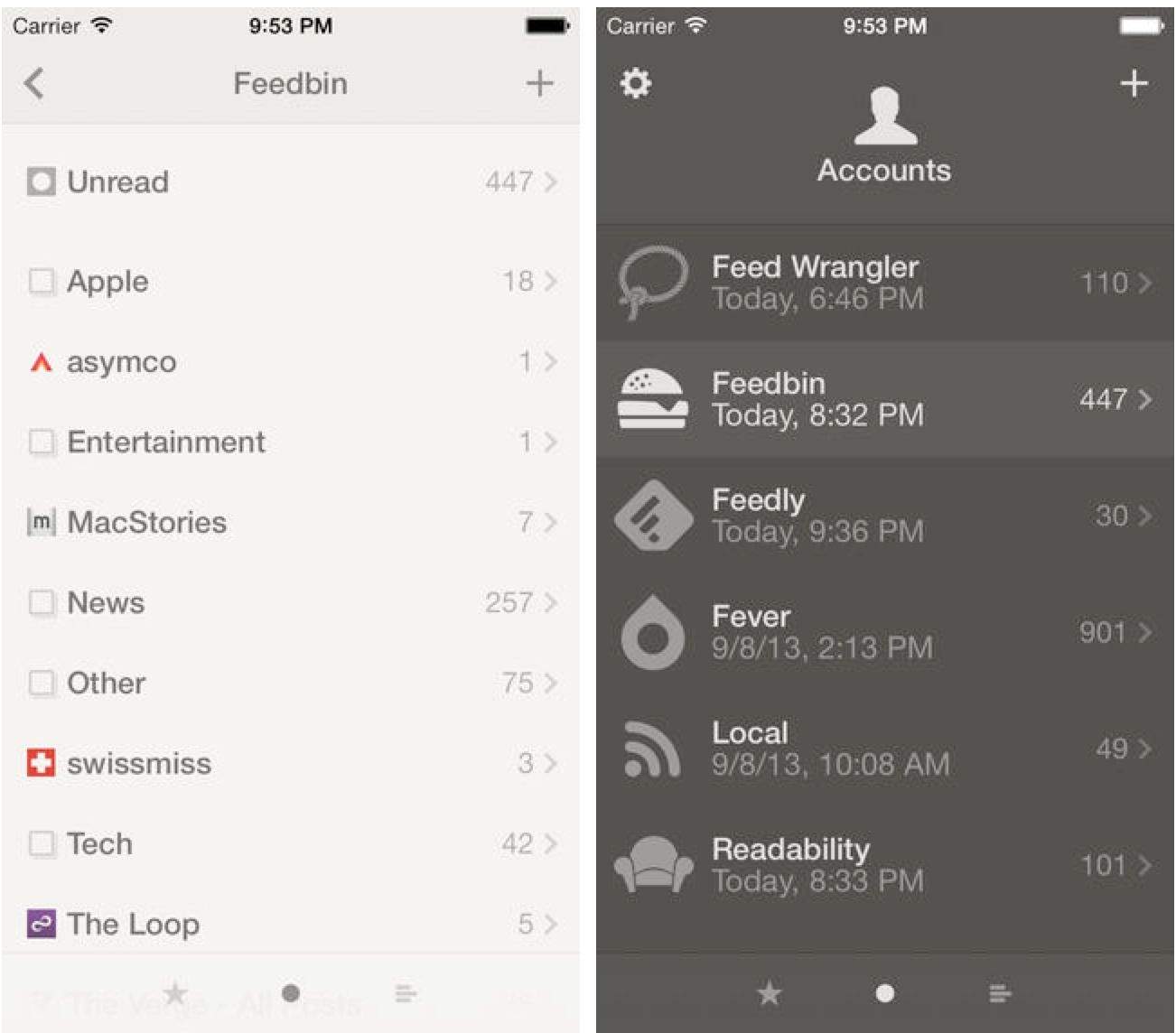
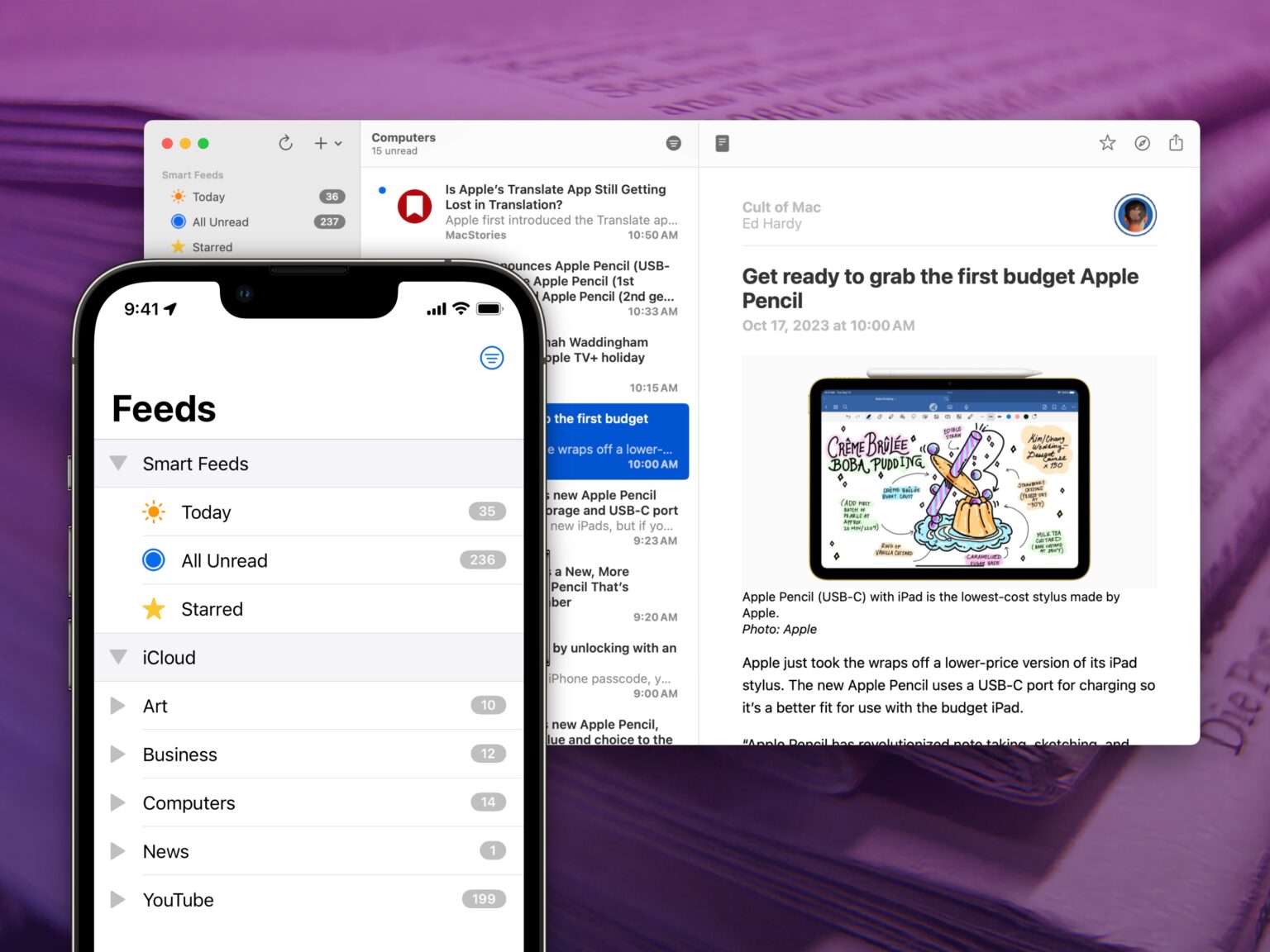
Popular RSS app Reeder received a pretty big update in the App Store today. The iPhone version of Reeder has been updated to version 3.1 with support for Feedbin, a paid Google Reader alternative. RSS feeds can now be manually entered and stored locally in the app as well.
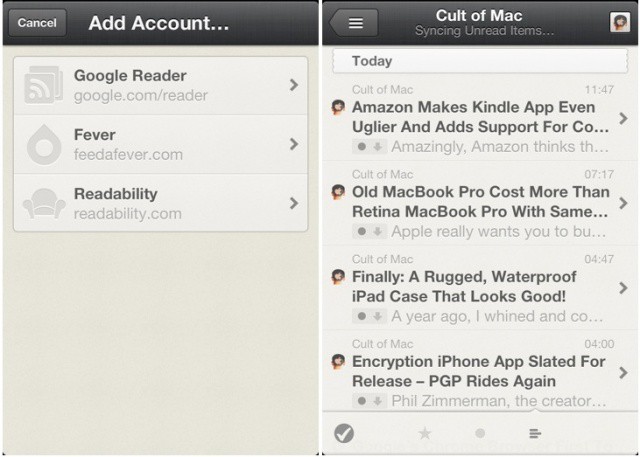
When Google declared that Google Reader is set to shut down on July 1st, Reeder announced that it would be adding Feedbin support in an upcoming update. The app already supports Fever, a Google Reader-like paid service that aggregates articles from multiple feeds and determines the most important stories of the day.
Feedbin is still in its early stages, and because the company doesn’t have Google’s deep pockets, it costs $2 per month. Reeder for iPhone costs $3 in the App Store. The Mac and iPad versions of Reeder will be receiving major overhauls in the coming months.
Reader is one of the most popular RSS clients out there for Apple devices. It’s available on OS X and iOS, and up until now it has mainly been used in conjunction with Google Reader. Now that Google has announced its plans to kill Google Reader in the coming months, many are starting to look to alternative RSS aggregators.
Today the maker of the app Reeder, Silvio Rizzi, announced that Feedbin support will be added soon to the iPhone version. Feedbin is a simple, clean-looking Google Reader replacement with an API that third-party clients can utilize.
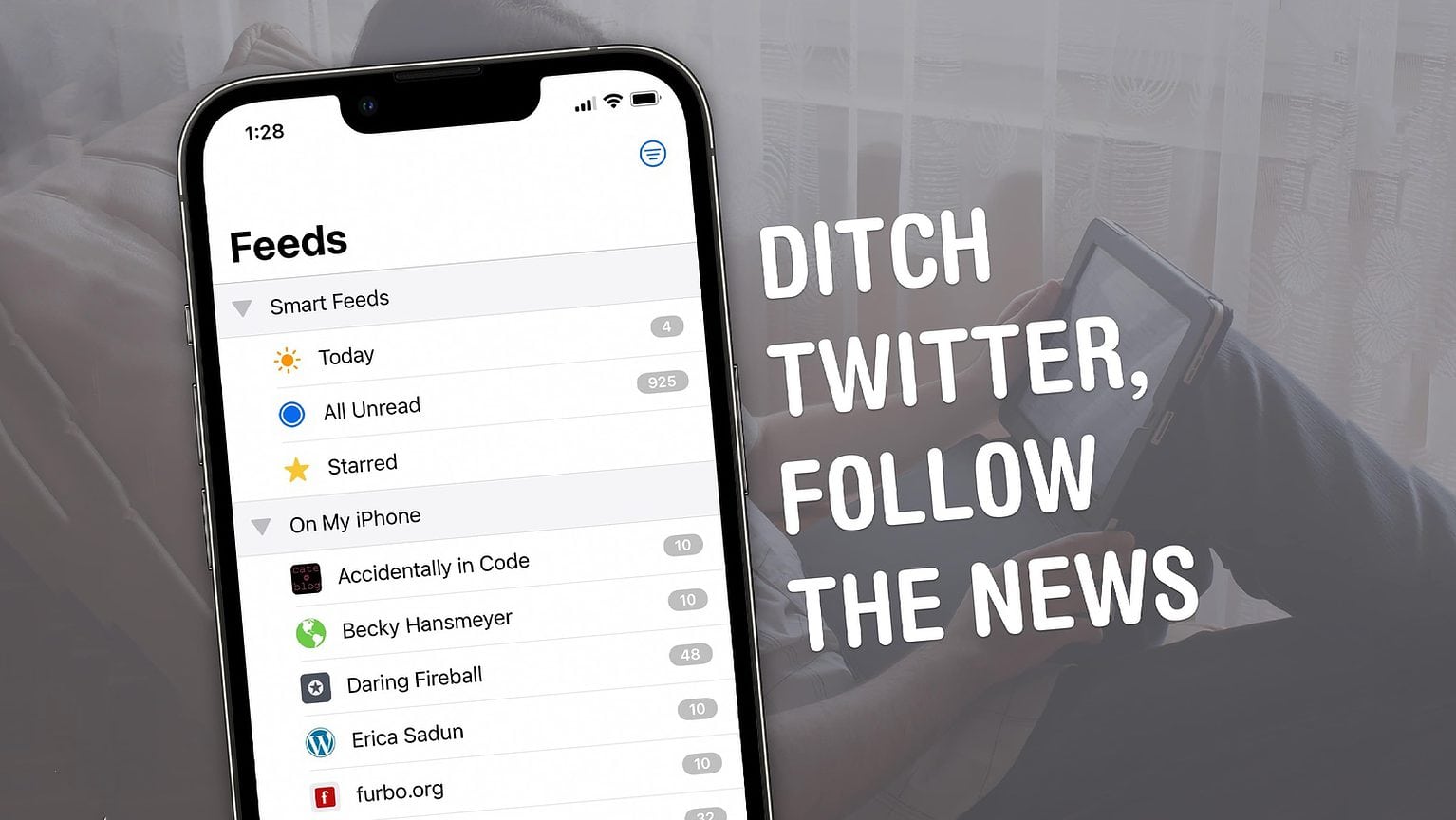
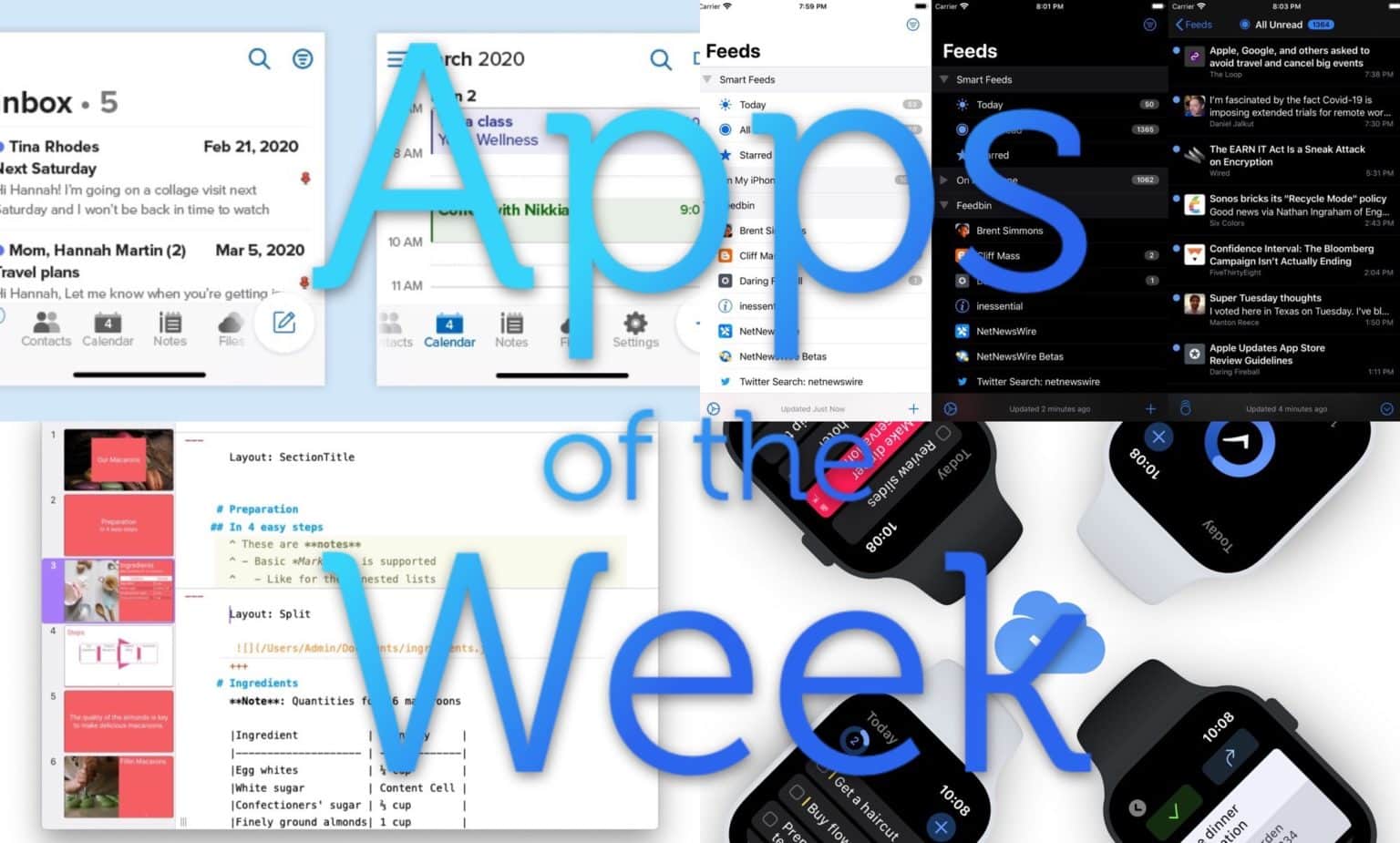
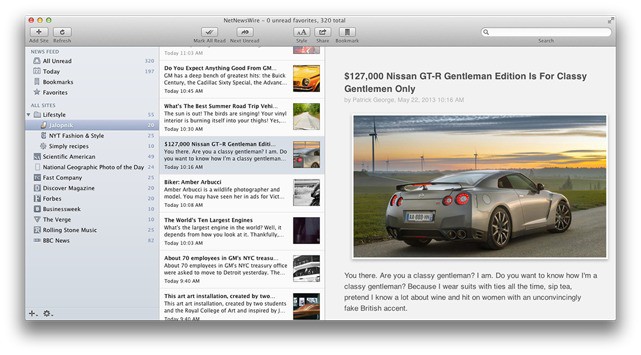
NetNewsWire is a classic RSS reader. It came out on the Mac more than a decade ago, and it’s still used on OS X and iOS. As a staple application in the Mac community, NetNewsWire has remained a fan favorite despite the lack of updates it has received in recent years.
The world of RSS got rocked last week when Google announced that it was killing Google Reader, one of the most-used RSS aggregators on the internet. In the wake of Google Reader’s death sentence, NetNewsWire is about to be reborn.
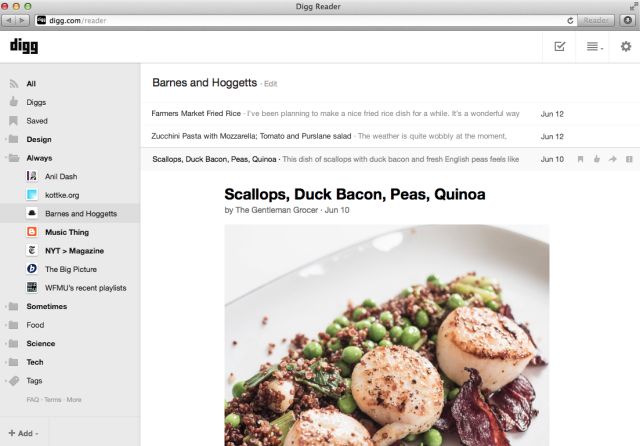
Looking for an alternative to Google Reader? The might I suggest Skimr, a rather minimal web app which will let you read your feeds right there in the browser. It shows your feeds in a big, bright and beautiful single-column list, and when you open a feed it shows you the articles in a similarly cruft-free view.
It’s just about perfect, as long as you don’t have more than a few feeds.
The Omni Group has been testing its new OmniFocus Mail Drop, a service which lets you forward emails to a secret address, whereupon they end up — moments later — in your OmniFocus inbox. This means that we can finally (finally!) add emails direct to our Omnifocus from our iPhones and iPads.
But with a little jiggery-pokery, you can finagle some automated internet services to do much more. In this post I’ll show you how I now collect news items from Google Reader and have them waiting for me in Omnifocus and Writing Kit, ready to be written up.
The simplest way to bring back RSS to Safari is with Daniel Jalkut's extension.
Mountain Lion’s version of the Safari browser brough many great things: a unified URL/search bar, iCloud tab syncing and some neat new gestures (try pinching when you have a few tabs open). What it also did was remove the RSS button, replacing it with the Reader button found in iOS. This – apparently – pissed off a lot of people.
So, for those of you who used this button daily, we’ve put together a list of alternatives. None of them will give you the same functionality, but all of them are great RSS readers which work in slightly different ways.
With the Safari 6.0 update, Apple decided we don’t need no stinkin’ RSS button in our web browser, so they took it out. Whether you agree with Cupertino or not is beside the point, the RSS button is gone and it’s probably not coming back.
Thankfully, one developer spotted the change months ago and already has a quick solution to bring back the RSS button to Safari.
With the launch of Mountain Lion, Apple also pushed out an update to Safari which removed the RSS button so many people loved. We received a lot of email over the past 24 hours asking what the best RSS Reader Apps for Mac are, but we figure you guys read just as much news as us, so why not ask you.
What’s the best RSS Reader App for Mac, and why? What do you look for most in an RSS Reader?