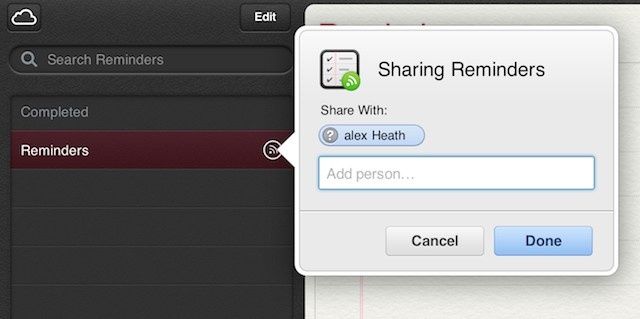
Looks like iCloud.com, Apple’s website for its cloud-based computing service, is no longer a beta. In addition to adding the Reminders and Notes apps that sync with iCloud to your iPhone and iPad, iCloud.com has made some improvements to the Find my iPhone app and added VIP mail to the Mail app.
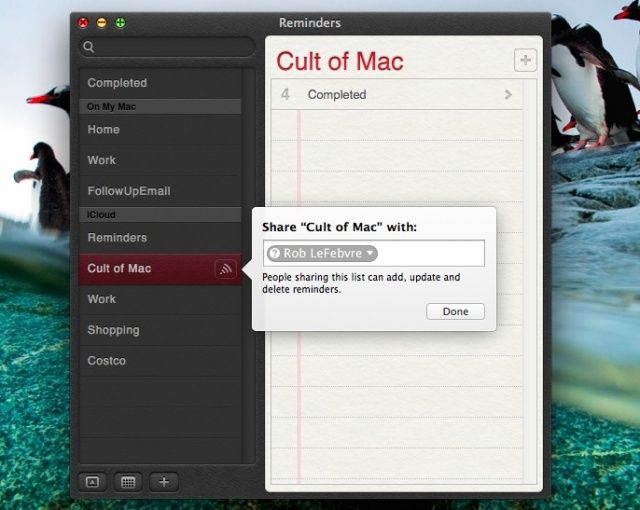
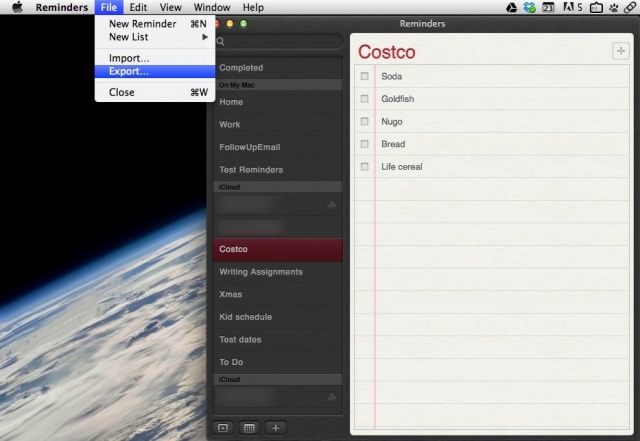
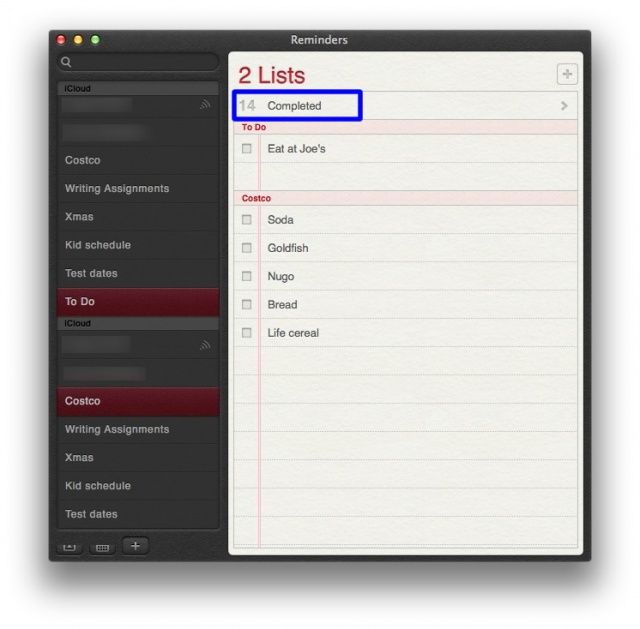
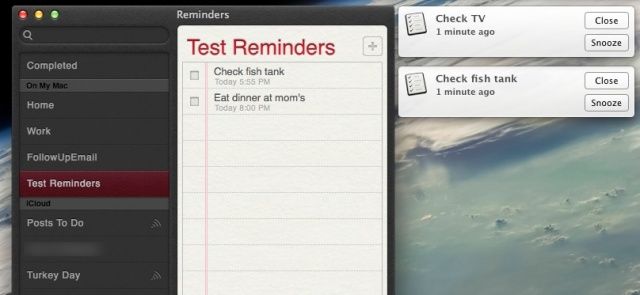
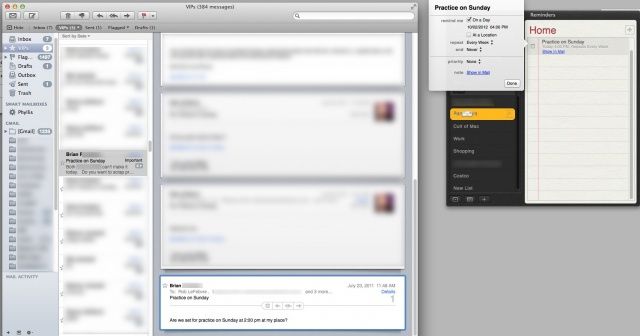
Sure, you’ve used location-based Reminders on your iPhone, iPod touch, and iPad, but did you know that you can create them from your Mac, as well? If you’re running OS X Mountain Lion and have iCloud enabled on both your Mac and your iOS devices, you can have a seamless location-based Reminders system right out of the box. Here’s how.
Dictate now supports Mountain Lion’s new Notes and Reminders apps.
Nuance has today announced Dragon Dictate for Mac 3, the latest version of its popular dictation software. In addition to being faster and more accurate than the previous Dragon Dictate 2.5, this release also boasts “more features than ever before,” including new Smart Format Rules, wideband Bluetooth support, new correction capabilities, and more.
Apple continues to test Facebook integration for Mountain Lion.
Apple has seeded a new OS X Mountain Lion 10.8.2 build (12C35) to participants in its AppleSeed program, continuing its testing of Facebook integration. Though it states that there are no known issues with this update, the Cupertino company is also asking users to focus on Messages, Game Center, Safari, and Reminders.
Toopher aims to use your location as a second way to verify you’re you that goes beyond a username and password.
When Dropbox acknowledged its recent data breach last week, the company noted that it will be adding a range of security solutions in an effort prevent such a breach from occurring again. One of the technologies that Dropbox plans to implement is two factor authentication, which requires another identifying item beyond your username and password to grant you access to your account.
The second item in two factor authentication can be any one of a range of technologies like a smart card that needs to be swiped, a USB flash drive or other mobile that contains security certifications, a one-time user password token like RSA’s SecurID, or a biometric input like a fingerprint scan.
One company has another interesting option, however, your location.
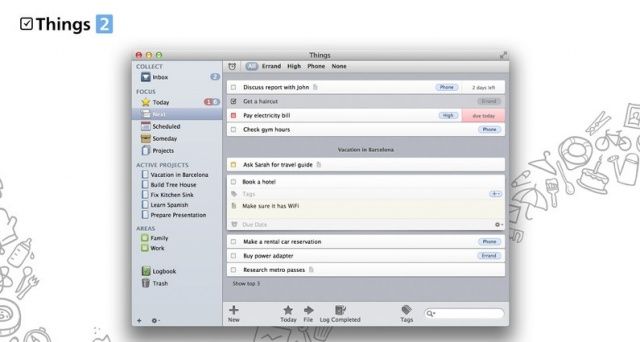
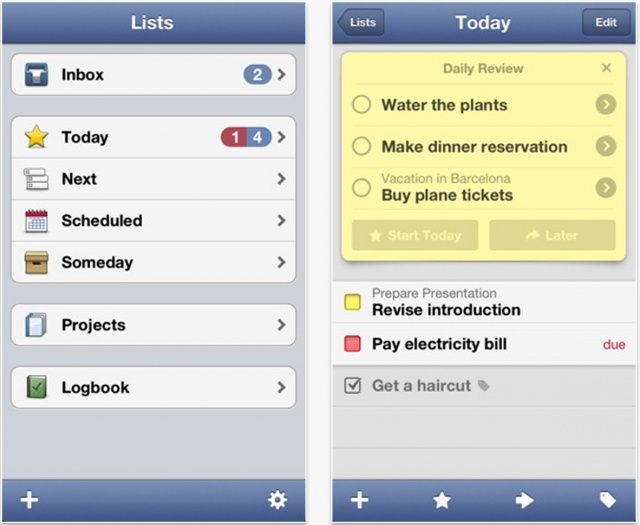
I’ve always had a lot of love for Things for iOS, ever since I began using it on my iPhone 3G. But lately I’ve felt the iOS version has been lacking a few key features, and struggling to compete with rival solutions. Today, however, Things has received a massive update packed full of new features, including a fresh new look, and Things Cloud syncing. But does it do enough?
Many of Mountain Lion’s new features are perfect for businesses, schools, and enterprises.
Mountain Lion includes over 200 new features. Some of them are dramatic and hard to miss while others are minor conveniences that don’t stand out immediately. Many of those big and small new features and improvements have a lot of appeal for business users.
Here’s a list of the many new features in Mountain Lion that can help professionals in almost any industry work smarter, more efficiently, and more effectively.
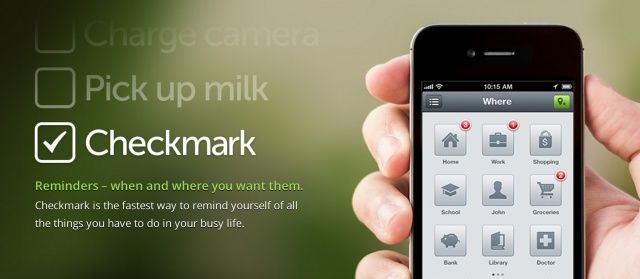
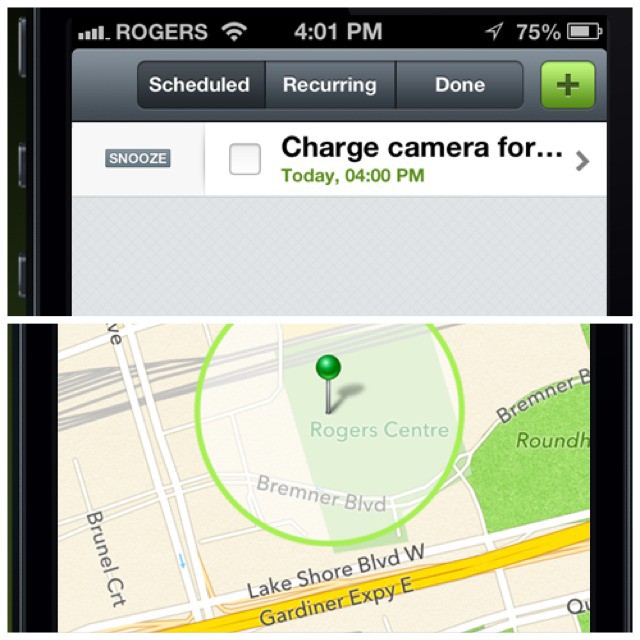
When we first saw the promo vide for Checkmark, Cult of Mac reviews editor Charlie Sorrel called it the “reminders app Apple should have made.” Today the app makers at Snowman released Checkmark for iPhone in the App store. Available for $0.99, Checkmark aims to replace Apple’s own Reminders app with a smarter workflow and much smarter location-based reminders.
As usual, Lonelysandwich (aka. Adam Lisagor)’s video is hilarious and makes you want to buy the product right away (remember the Jambox?). Checkmark is a soon-to-be-released iPhone app which makes setting (and forgetting – for now) location-based reminders easy, and effective.
Sick of forgetting to pick up that [insert household item here] every damn time you visit the grocery store? You need Checkmark.
Apple unveiled its beta.icloud.com website today after the portal went live briefly a couple months ago. Developers can log into the beta iCloud website now and test out Apple’s two brand new web companion apps for Notes and Reminders. The Find My iPhone web app has also been updated with a new look and slight improvements.
We’ve got a quick walkthrough (including screenshots) of the changes revealed in the iCloud beta website today.