This service offers comprehensive summaries of the important books you don't have time to get to. Photo: Cult of Mac Deals
Reading is one of the best things we can do to stay informed and keep our minds sharp. But it’s also one thing for which there’s never enough time. Instead of stressing over the books you can’t get to, this service gives the gist so you’re not in the dark.
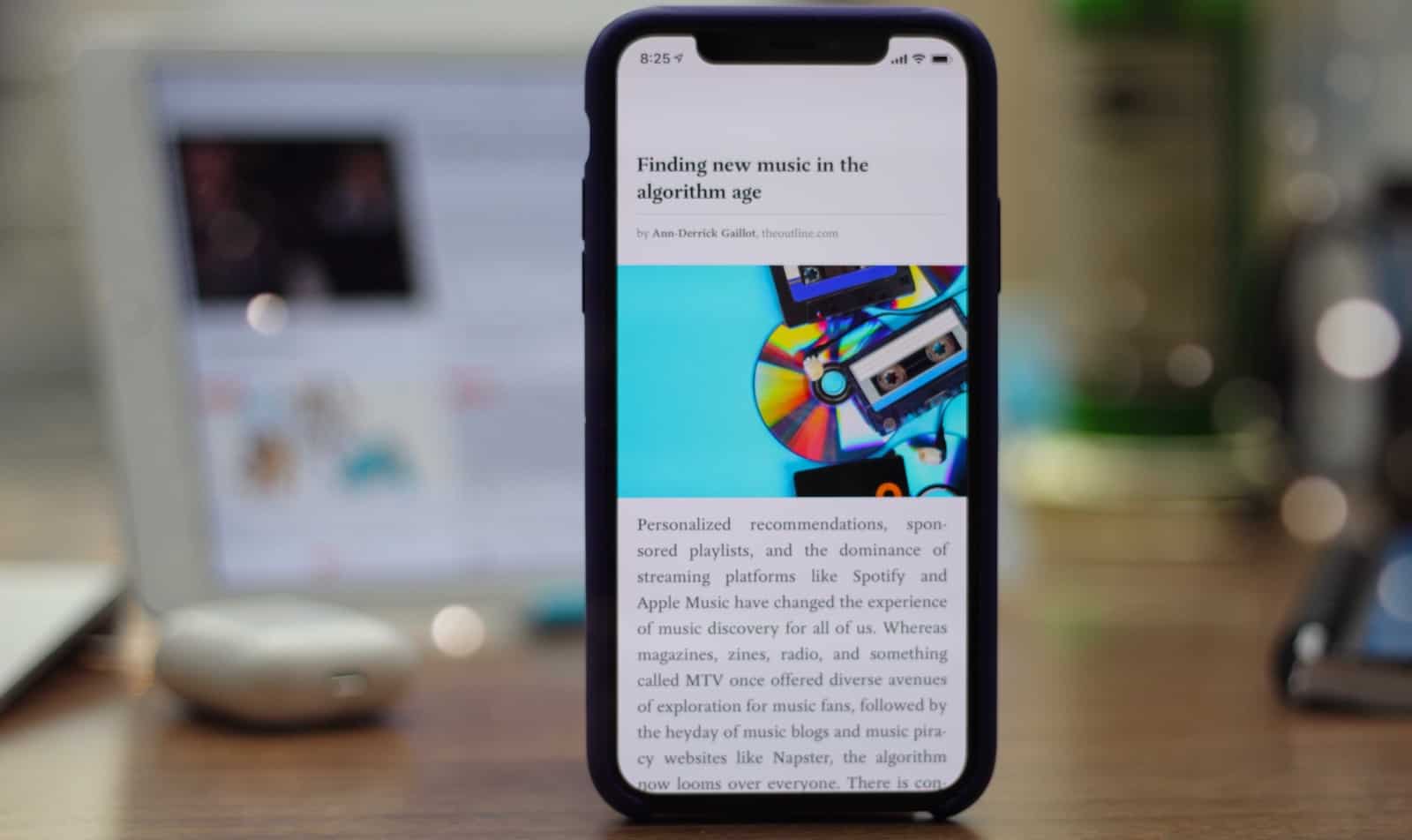
Pocket makes it easy to catch up on the articles in your reading list on your own schedule. Photo: Ian Fuchs/Cult of Mac
Staying informed and up-to-date with the latest news is tough. Scrolling through Twitter or browsing the web can often lead to news stories that you want to read, but can’t be bothered to read RIGHT NOW. With Pocket, you can save those stories for later and catch up on the stories you want to read on your schedule.
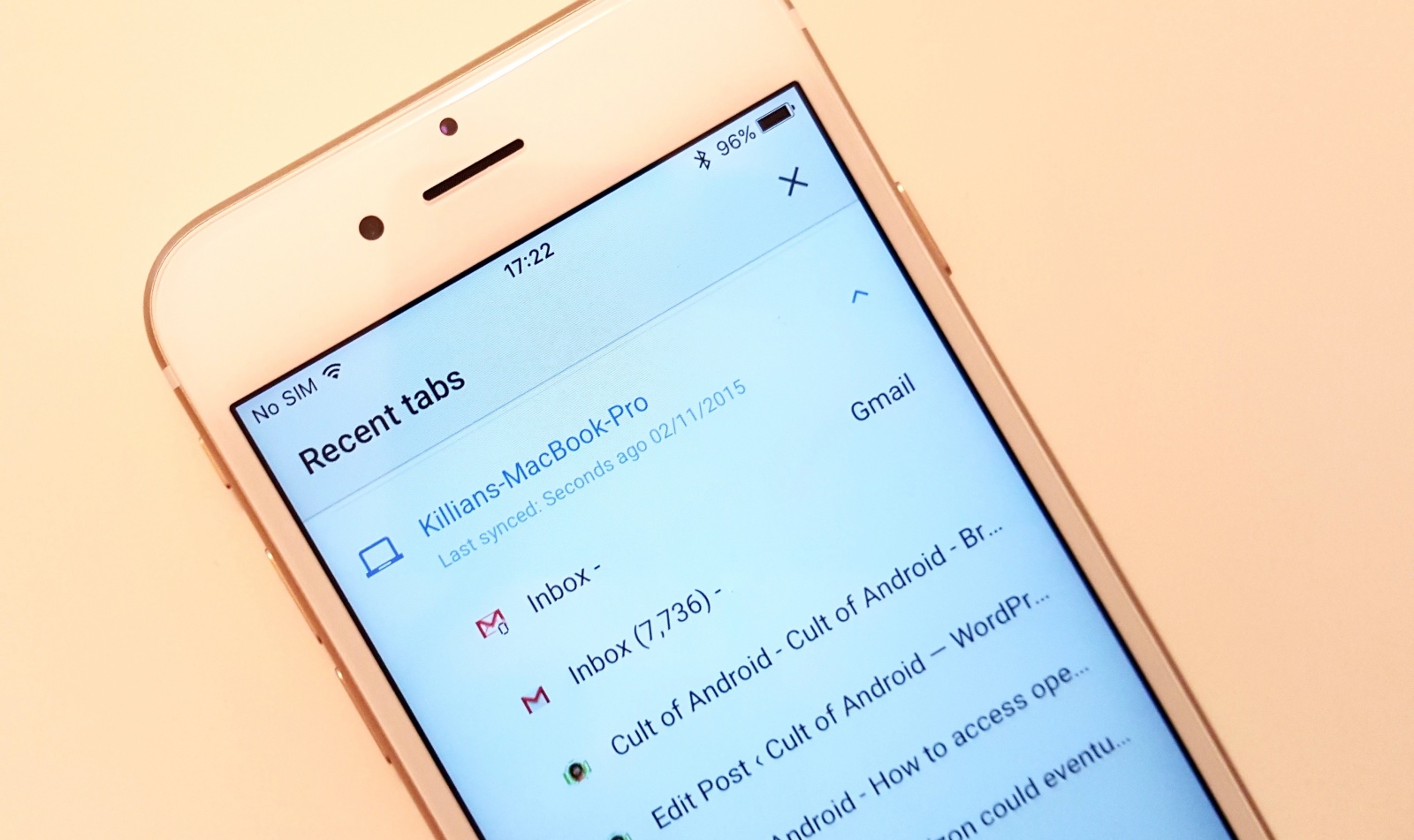
Chrome on iOS just keeps getting better. Photo: Killian Bell/Cult of Mac
Google Chrome is already the best third-party web browser on iOS, and with every update, it gets even better. The next will bring a Safari-like Reading List feature that lets you save web pages for later.
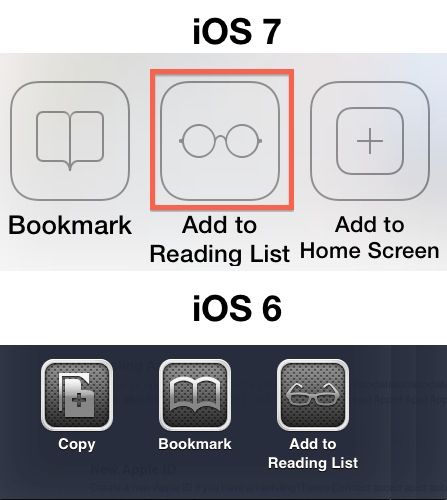
The iOS 7 icon for ‘Reading List’ now contains a subtle tribute to Apple cofounder Steve Jobs. The thick rectangular frames used in the ‘Add to Reading List’ icon for iOS 6 have been replaced by Steve’s signature rimless spectacles.
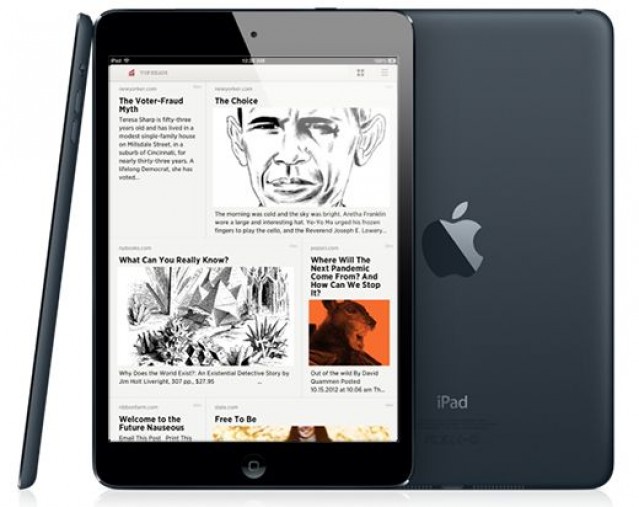
Curated reading lists never looked better in Readability.
Readability has updated its iOS app to bring a new grid view to the Top Reads and Longform Picks curated reading lists on the iPad. Version 1.2.3 of the app also promises “even more sync speed improvements” which should make Readability even snappier than it was before.
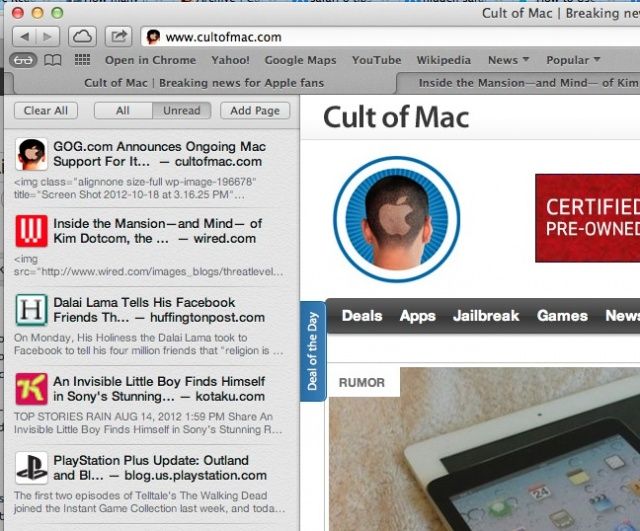
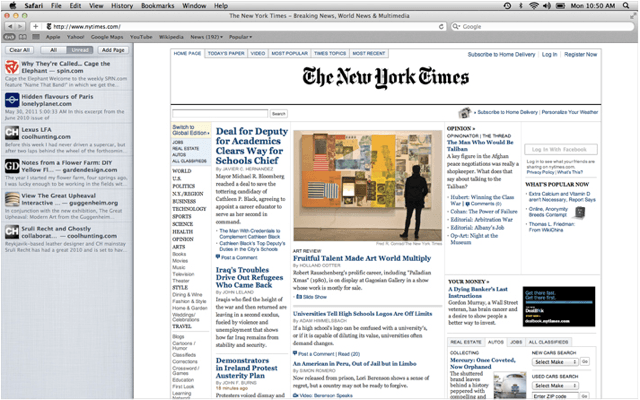
Safari 6, the web browser that comes with OS X Mountain Lion, added a ton of new features when it launched a while back, and Reading List is one of the cool ones. Reading List will let you save articles without having to bookmark them, thus avoiding all the hassles of organizing and/or synchronizing bookmarks. It’s a similar system to something like Instapaper or Pocket (formerly) Read It Later, but baked right in to your Safari browser.
We’ve all been itching to get our hands on iOS 6 since it got its first unveiling at WWDC back in June, and today, three months after that announcement, the software finally gets its public debut. Apple’s packed a ton of new features into this update, including some major new features like Map and Passbook, plus some enhancements to existing apps and features, such as new Siri capabilities and a VIP inbox in Mail.
Apple’s been promoting some of these features on its website, but there are tons you may not have heard about. With that said, here’s your comprehensive guide to everything that’s new in iOS 6.
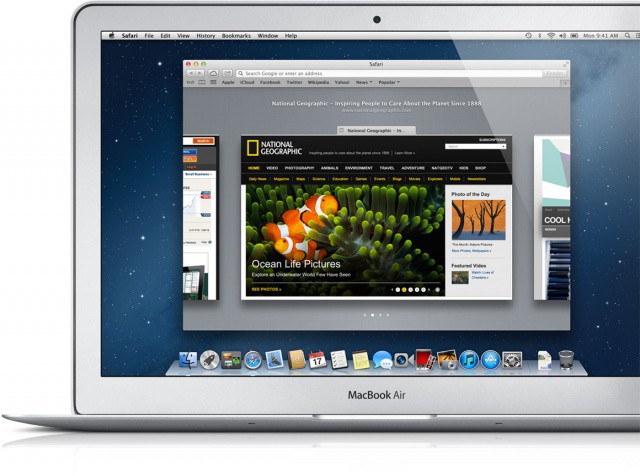
If you’ve decided to wait for OS X Mountain Lion until all of your apps are compatible, don’t think Apple has forgotten all about you already. The Cupertino company has just released Safari 6 for OS X Lion, which introduces a number of new features, including the smart search field, an offline Reading List, and more.
Apple has apparently released an update to its Safari web browser to registered developers which features support for the company’s upcoming iCloud service. Safari 5.1.1 introduces syncing for iCloud bookmarks and the new Reading List feature.
The list of products flying out of Cupertino today continues to grow. Safari 5.1 is now available to download and introduces full screen mode, new multi-touch gestures, Reading List, and a whole lot more.
While there’s no question that Mac OS X Lion will be one of the main talking points at this year’s Worldwide Developers Conference in June, we weren’t quite expecting it to launch during the event. However, one report believes Apple is currently prepping Lion for a WWDC release.
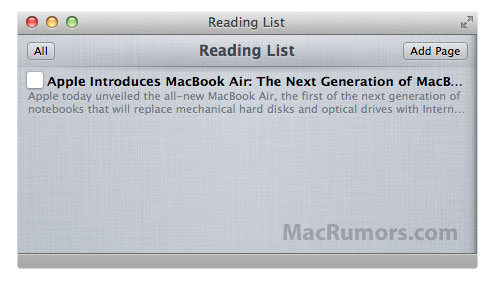
A new Safari feature hidden within the latest Mac OS X Lion build is expected to compete with services like Instapaper and ReadItLater as a method of saving pages for later reading. The ‘Reading List’ feature appears to be partly based on HTML and javascript, and is likely synchronize bookmarks between Mac and iOS devices.
Discovered by MacRumors, Apple’s description of the feature is the following:
Reading List lets you collect webpages and links for you to read later. To add the current page to your Reading List, click Add Page. You can also Shift-click a link to quickly add it to the list. To hide and show Reading List, click the Reading List icon (eyeglasses) in the bookmarks bar.
The feature is currently inactive within the latest build of Lion, so those running the release won’t be able to try it out just yet, but as a massive Instapaper addict I can’t wait for Reading List to go live.