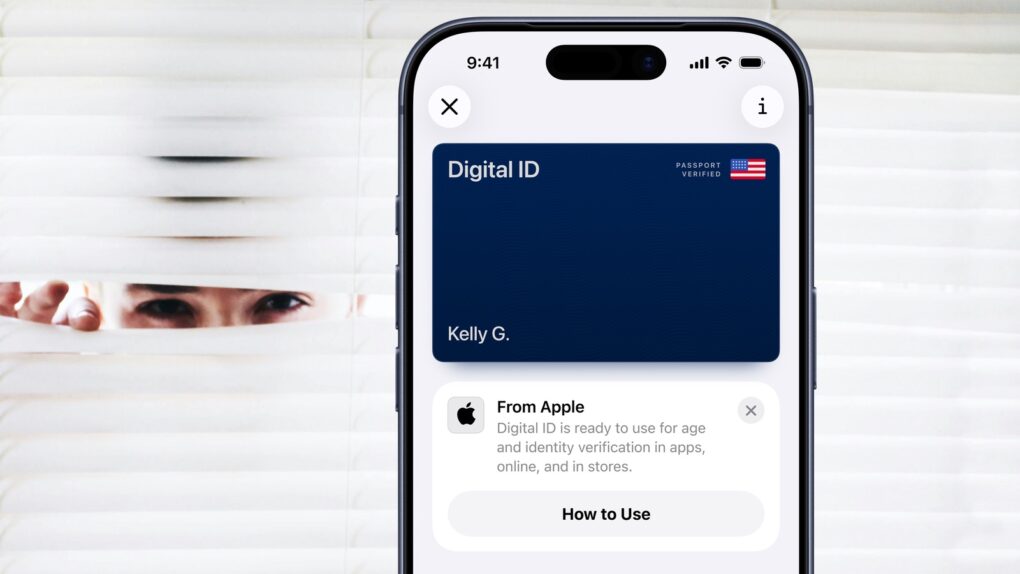
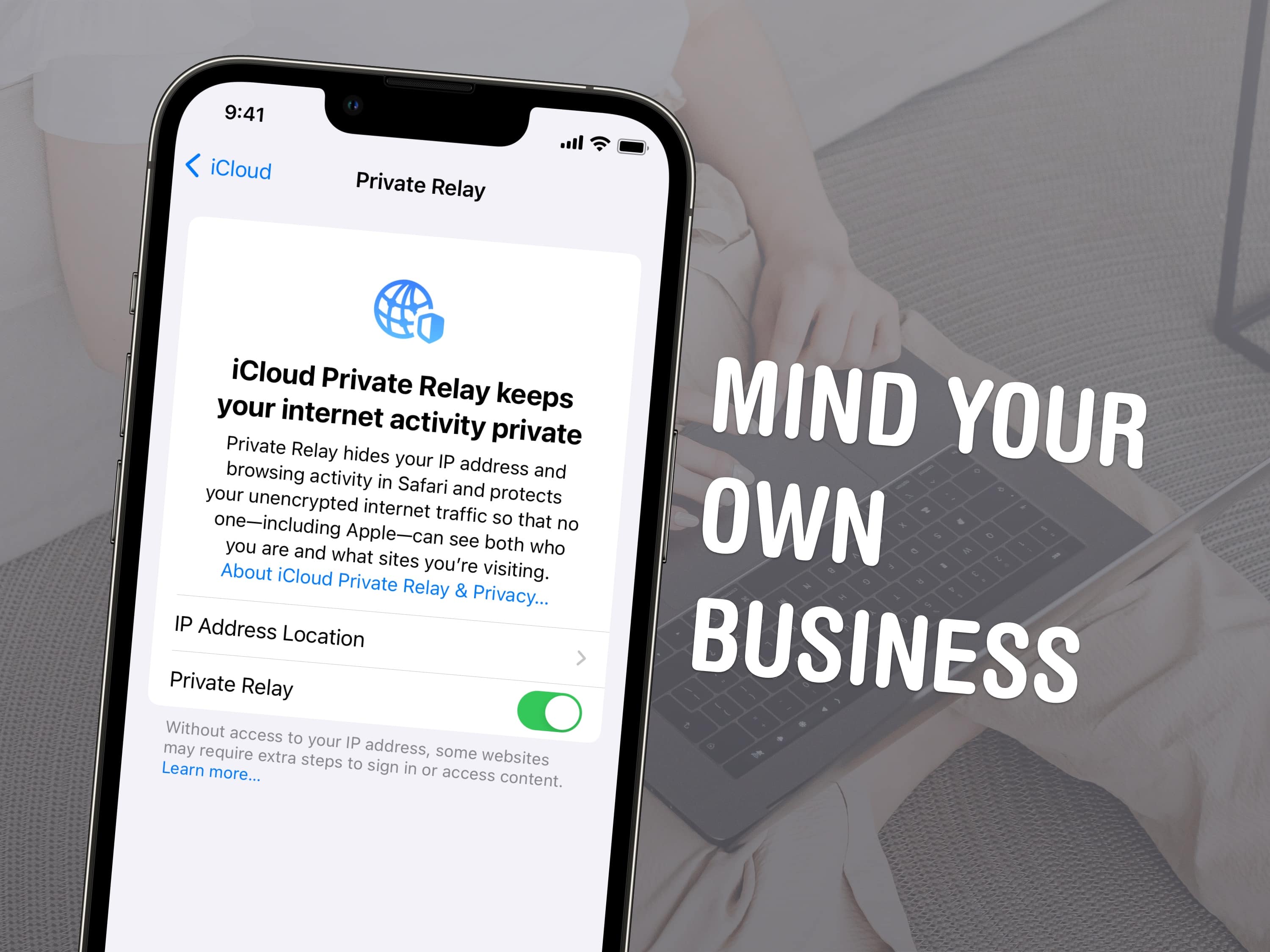
Apple has been facing a number of privacy issues and lawsuits in the U.S. for the last year or so, but things aren’t going any better abroad either. A German court ruled that Apple will have to change some of its practices for how it handles consumer data.
The Berlin court recently struck down 8 of 15 provisions Apple’s listed in its general data-use terms. The court found that the 8 terms deviate too much from German laws because Apple is asking for “global consent” to use consumer data without telling them how the data will be used.
Somehow, Apple managed to cram in a ton of web browsing functionality into a teeny, tiny package called Safari. To distinguish the mobile web browser from the one of the same name on OS X, we’ll call it Mobile Safari and be done with it.
Regardless of the name, the mobile version of Safari is chock full of features both subtle and hidden. Here are five great tips and tricks to help you master Mobile Safari on your own iOS device, whether that be an iPhone, iPad, or iPod touch.
If you share your songs and movies via iTunes on your home network, you might not want just any old people to access your shared media or playlists, even if you let them onto your Wi-Fi. While iTunes lets you share all the types of media it can serve up, maybe your kids or office mates don’t need to listen to those hardcore rap tunes.
It’s fairly easy to protect your shared items with a password, using the iTunes Preferences. Here’s how to do just that.
There are so many pictures of clouds, coffee, sunsets and trees on Instagram, that sometimes it can be hard as hell to find pictures of things you actually care about, like family and friends. Instagram is rolling out a new photo tagging feature today that will help make finding people way easier – which might be a good or bad thing.
The new feature, called Photos of You, allows users to tag friends who are in the photo. A new Photos of You section now graces the your profile, where you can find all the Instagram photo’s you’ve been tagged in. Just like on Facebook, if you don’t want to be tagged in a certain picture, you can decided to remove it.
Here’s a video Instagram released to promote Photos of You:
Everyone’s favorite digital rights crusaders Electronic Frontier Foundation (EFF) have just released an annual report, ranking the biggest companies in tech for who does the best job protecting your data from being rifled through by the Federal Government.
Google’s really good about it. Apple? They’ll give away all your emails and data if the government just breathes on them, and they won’t bother telling you about it either.
Google updated its Google Search app earlier this week to introduce Google Now to iOS. The feature brings Android’s awesome digital assistant to your iPhone, iPad, and iPod touch, allowing you to get information like the weather, sports scores, and travel assistance all in one place.
But many users have found that it also has a significantly negative affect on battery life. Because many of Google Now’s “cards” rely on location data, the service constantly gets updates on its whereabouts from nearby cell towers and Wi-Fi hotspots, and this means it’s eating away at your battery all the time.
Path was recently fined $800,000 by the U.S. Federal Trade Commission for deceiving its users “by collecting personal information from their mobile device address books without their knowledge and consent.” Last year, the social network was caught storing all of its users’ contacts on its servers under the radar. Now users have started accusing Path of spamming friends to join the service via text message.
Last year, I told you about Picture Safe, a great app that lets separate, group, organize and password protect any iOS device photos you want. It’s an app that I’ve used since then to keep photos that I want to keep privately archived on my iPhone.
Just a couple weeks back, though, when I launched the app, I got a notification to upgrade to Video Safe 2, an app by the same developer that does the same thing as Photo Safe, but allows you to keep video behind the password as well. Even better, it had a migration tool that let me move all my folders and photos from Photo Safe over to Video Safe, using my Mac and the USB Lightning cable that came with my iPhone 5.
Has this happened to you? You’re out and about with friends, and a text message (or iMessage) hits your iPhone. Being a serious iPhone user and Tweeter, of course, you’ve left your iPhone out on the tabletop. Unfortunately, the text message that shows up on your screen isn’t very flattering to the friend sitting immediately to your left. She sees it, gets upset, and storms off. Nobody wins.
With a quick trip to Settings, however, you can prevent this tale of tears and keep your iMessages for your eyes only. Here’s how.
Under no circumstance does Apple want to part with its company secrets. Even when it’s been ordered to do so by a U.S. Judge.
Apple must show in detail how it’s complying with a court order to turn over evidence related to its privacy lawsuit, because U.S. Judge Grewal says he can no longer rely on what Apple tells him in the case.