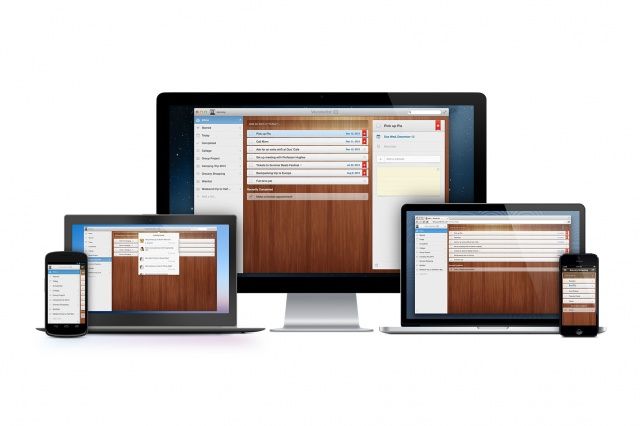
Wunderlist for Mac has today been updated to introduce a number of new features including the ability to email and print your to-do lists. It also adds contextual menus, makes performance and stability improvements, and adds additional languages.
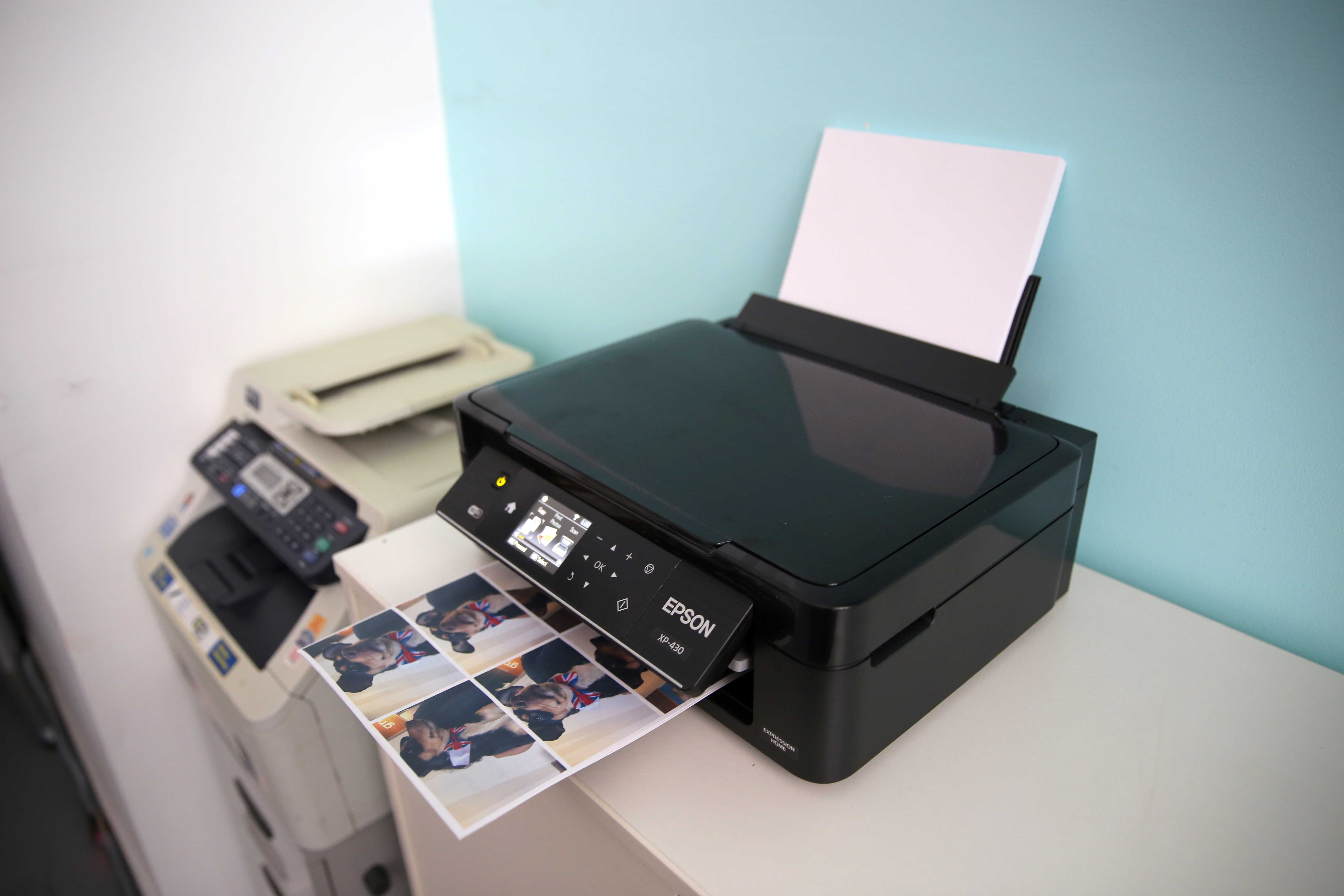
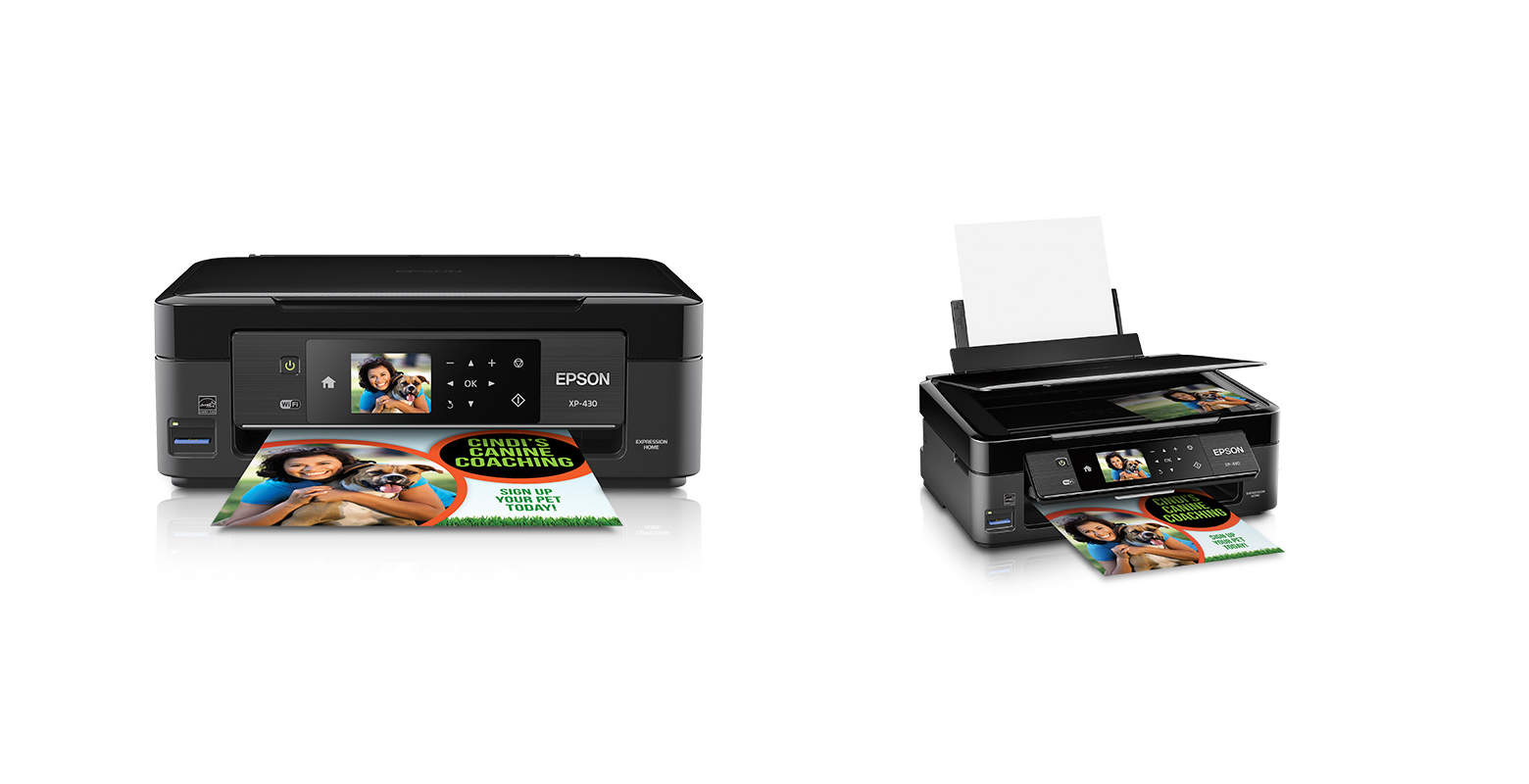
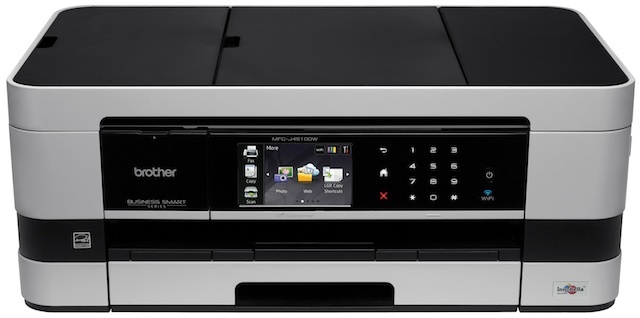
Small, wifi-enabled with the ability to print from tablets and smartphones, low-cost printing, equipped with a touchscreen, relatively inexpensive, fast…looks like a shopping list for the perfect printer, right? And that’s what Brother might have in their just-launched MFC-J4510DW, a sleek printer with Google Cloud Print connectivity and a price tag of $200 (though I’d love an explanation as to why Brother has stuck with alphabet-soup product names while its competitors have moved on to printers with names like “Artisan” and “Envy”).
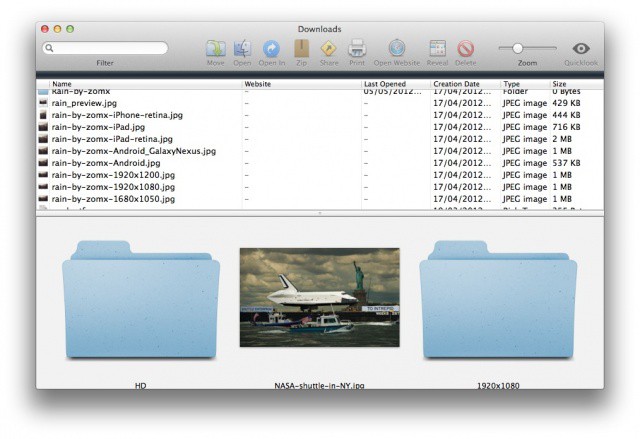
Is your downloads folder out of control? Use Downloads for Mac to tame it.
I don’t know about you, but the downloads folder on my Mac is one that I just cannot keep organized. Every so often I’ll trawl through it and delete all the stuff I don’t want, while filing the stuff I do want into other folders. But most of the time it just includes a heap of documents and images that I’ve picked up over a course of many months.
But Downloads for Mac is a simple app that can change this. It displays each and every item in your downloads folder — whether its at top level or buried deep within other folders — and makes it easier to see what you have going on in there. For those of you with downloads folders like mine, this should make the cleanup process much quicker, and much easier.
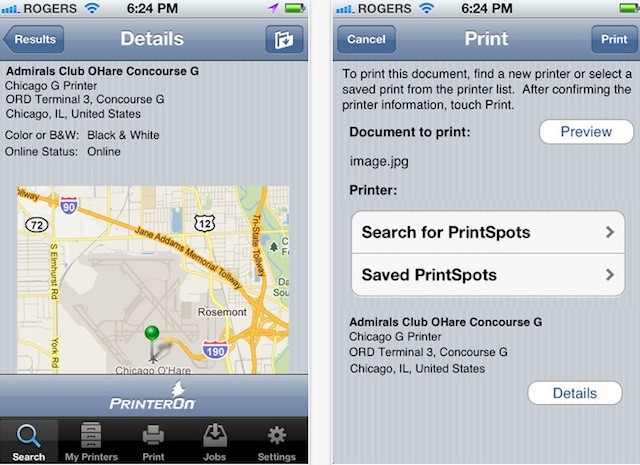
PrinterOn's iPhone app offers mobile printing to 10,000+ public printers
The AirPrint feature in iOS let’s you print from your iPhone or iPad to your home printer – directly if you have one of the handful of AirPrint-capable printers on the market or using a print server device or utility on your Mac like Printopia or FingerPrint.
AirPrint addresses the basic need to print, but it isn’t really a mobile solution. What if you’re on a business trip or vacation and need to print? What if you’re headed to a meeting and forgot to print out brochures ahead of time?
Having the Maps app on the iPhone is a lifesaver for me. Not only does it help me navigate my way around places I don’t know, but it’ll also tell me how to get there when I leave the house.
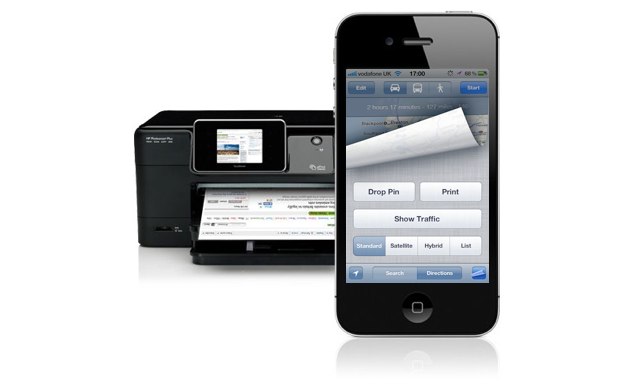
However, trying to read directions from an iPhone while driving isn’t ideal, and it’s certainly not safe. Fortunately, iOS 5 allows you to print your directions from directly within the Maps app as long as you have a printer compatible with AirPrint. Here’s how!
Apple has released an updated version of iBooks, version 1.2, introduces PDF printing and Collections. Collections allow you to organize your books and PDFs.
The app is now able to provide better graphics support for children’s books and there is even an option that will allow you to display more words per page for devices with smaller screens like the iPhone and iPod touch.
It’s available now, for iPhone, iPod touch, or iPad via updates in the iTunes App Store app or grab a copy here.
Check out the iPhone 4 screen shots after the jump.