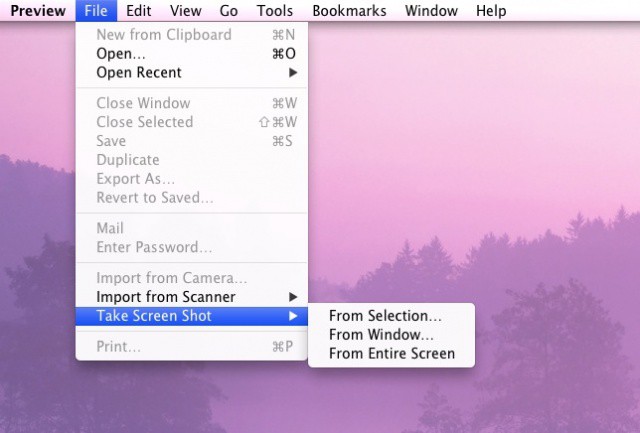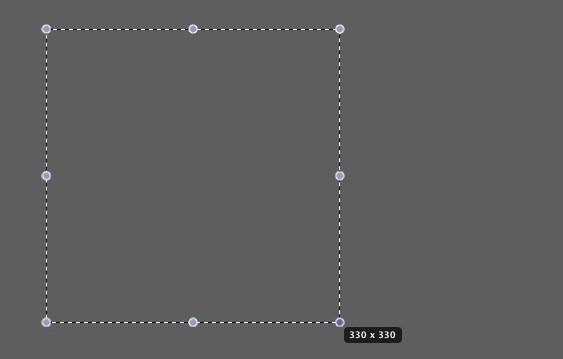
Command-Shift-3 is so last year. Using Grab to, well, grab shots of your screen is blasé. If you’re really hip, you’ll use today’s tip to get your screenshots and thank us for it in the comments below.
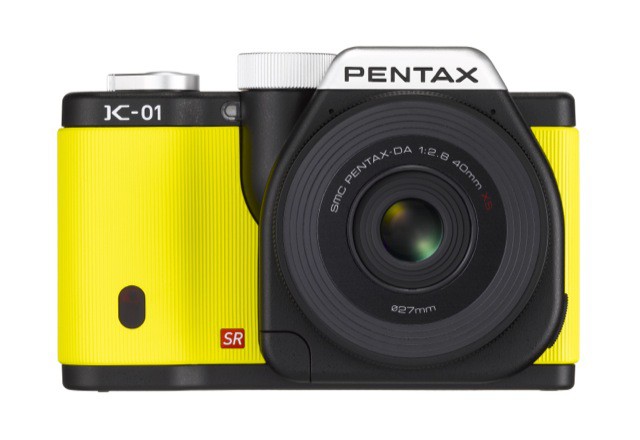
Pentax just announced a new interchangeable lens digital camera, the K-01. Like a lot of mirrorless cameras these days, the idea is to create something smaller than a DSLR, without sacrificing image quality or the flexibility to swap lenses when you need to.
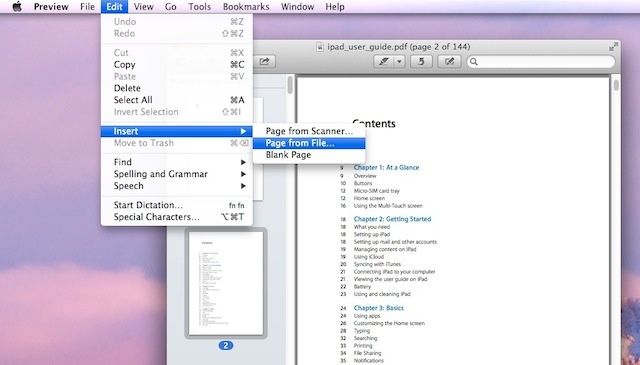
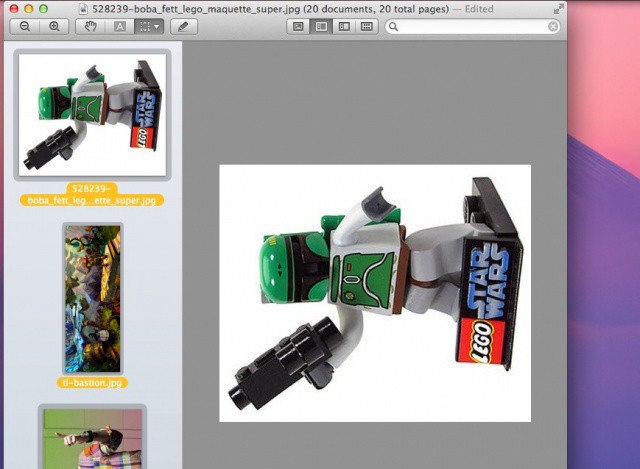
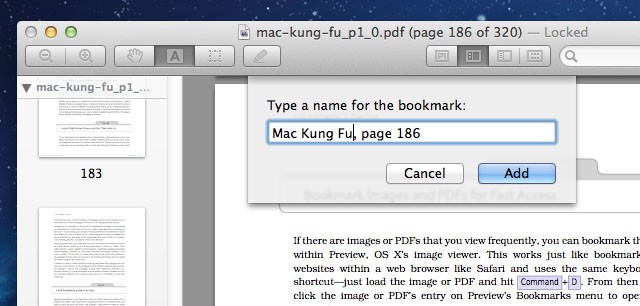
Here’s a neat trick that can be used if you need to view the same images or PDFs repeatedly, or if you want to simply record your position within a long PDF document.
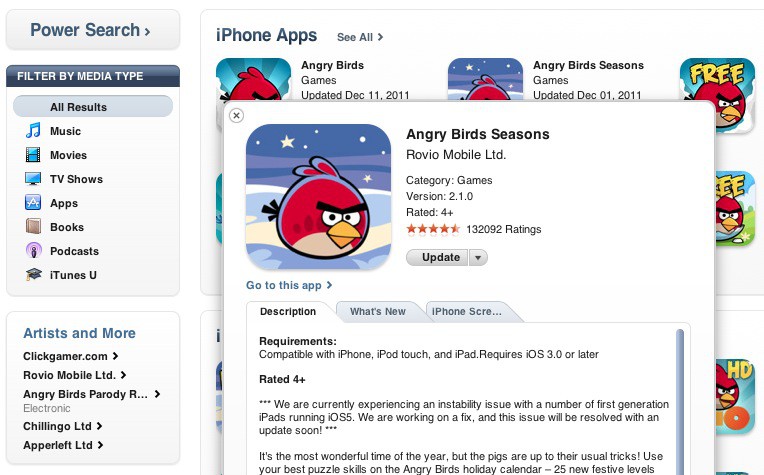
Apple has added a handy feature for finding apps and videos in the desktop version of iTunes. When searching for App Store apps, a new info button is available in the bottom right of each app icon.
Clicking this “i” button will open a preview of the desired app. From here you can quickly see the price, average rating, description, and screenshots.
The area where the fitness tech companies congregate at CES seems to get larger and louder every year — and based on the preview emails or stuff we’ve chatted about on the phone, fitness at CES 2012 looks like it’ll be bigger than ever.
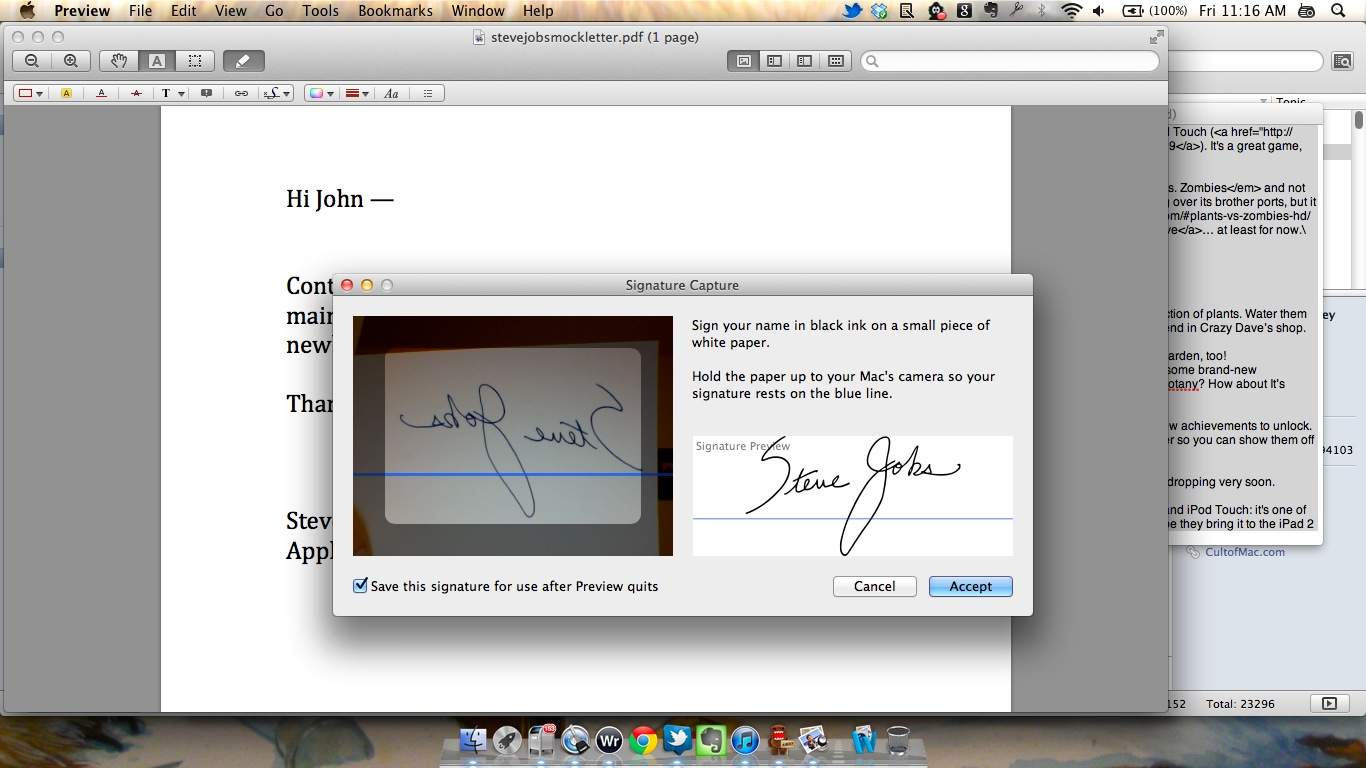
I like the new Preview app that ships with Mac OS X Lion. It comes with a lot of new features, but one I find particularly useful is the feature you can use to sign PDFs digitally.
The new version of Preview in OS X Lion has a handful of interesting new features. From adding signatures to improved searching, the application is overall more useful and handy when it comes to viewing and editing documents and PDFs. In this video, I’ll show you the new features in Preview, and how to use them.
There’s plenty of software programs on the Mac App Store that will allow you to add a signature to a PDF, but come Lion, you won’t need any of them: Preview.app will do it by creating a perfect digital pen signature via FaceTime.
Here’s how to sign a PDF in Preview under OS X Lion.
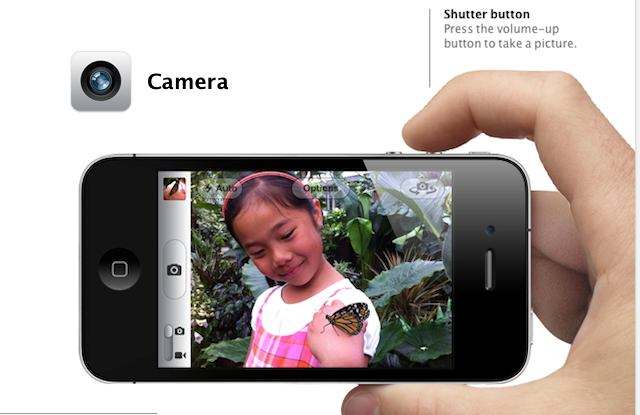
Apple didn’t announce a new iPhone with a beefed up camera on Monday, but they did inform us that they are making some big improvements to their camera app. With the ability to take pictures from the lockscreen, volume shutter buttons, basic photo editing and much more, Apple’s done a great job of making sure the iPhone will continue to be one of the most popular cameras on the web. Here is our run down of the new features in iOS 5’s camera app.