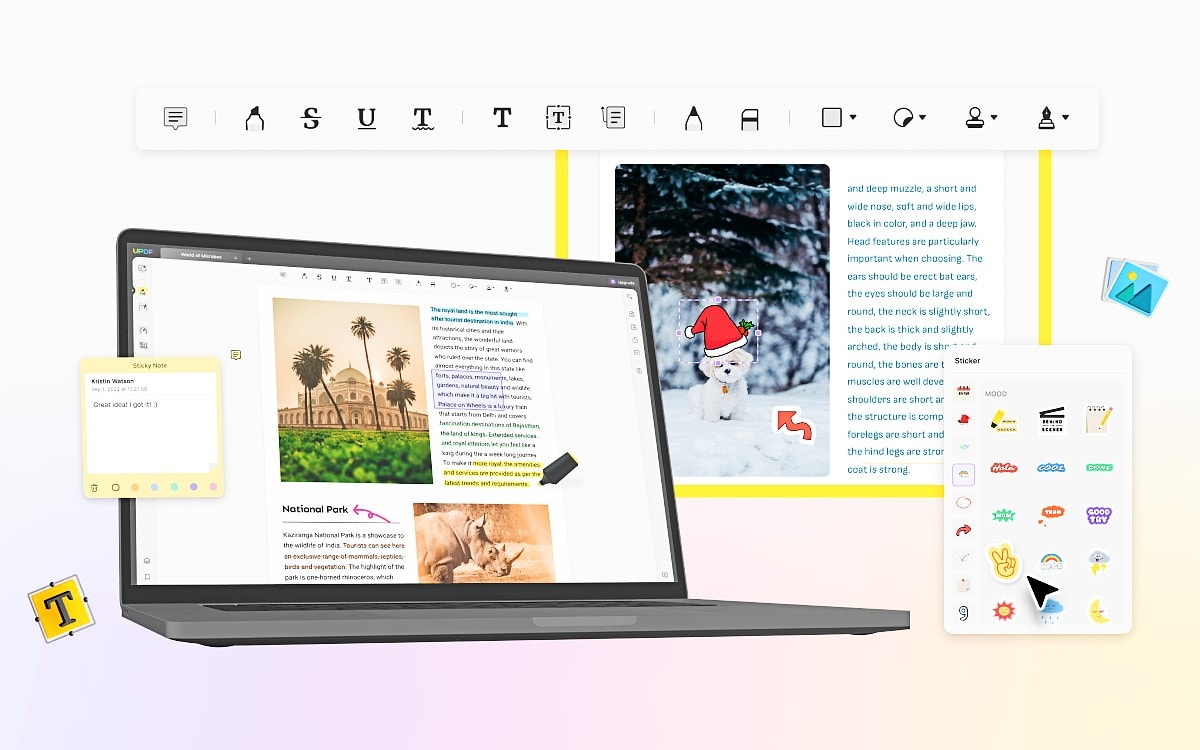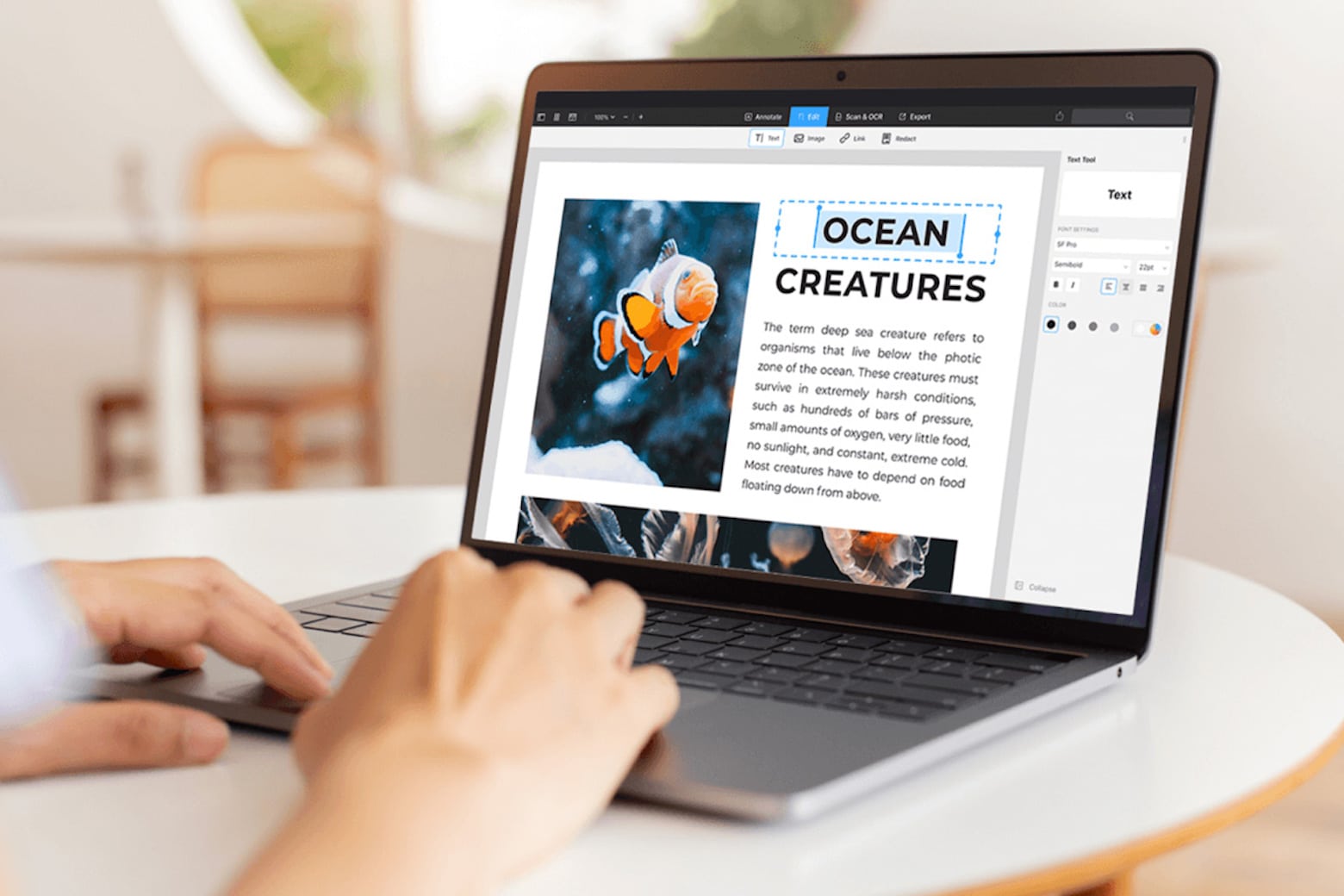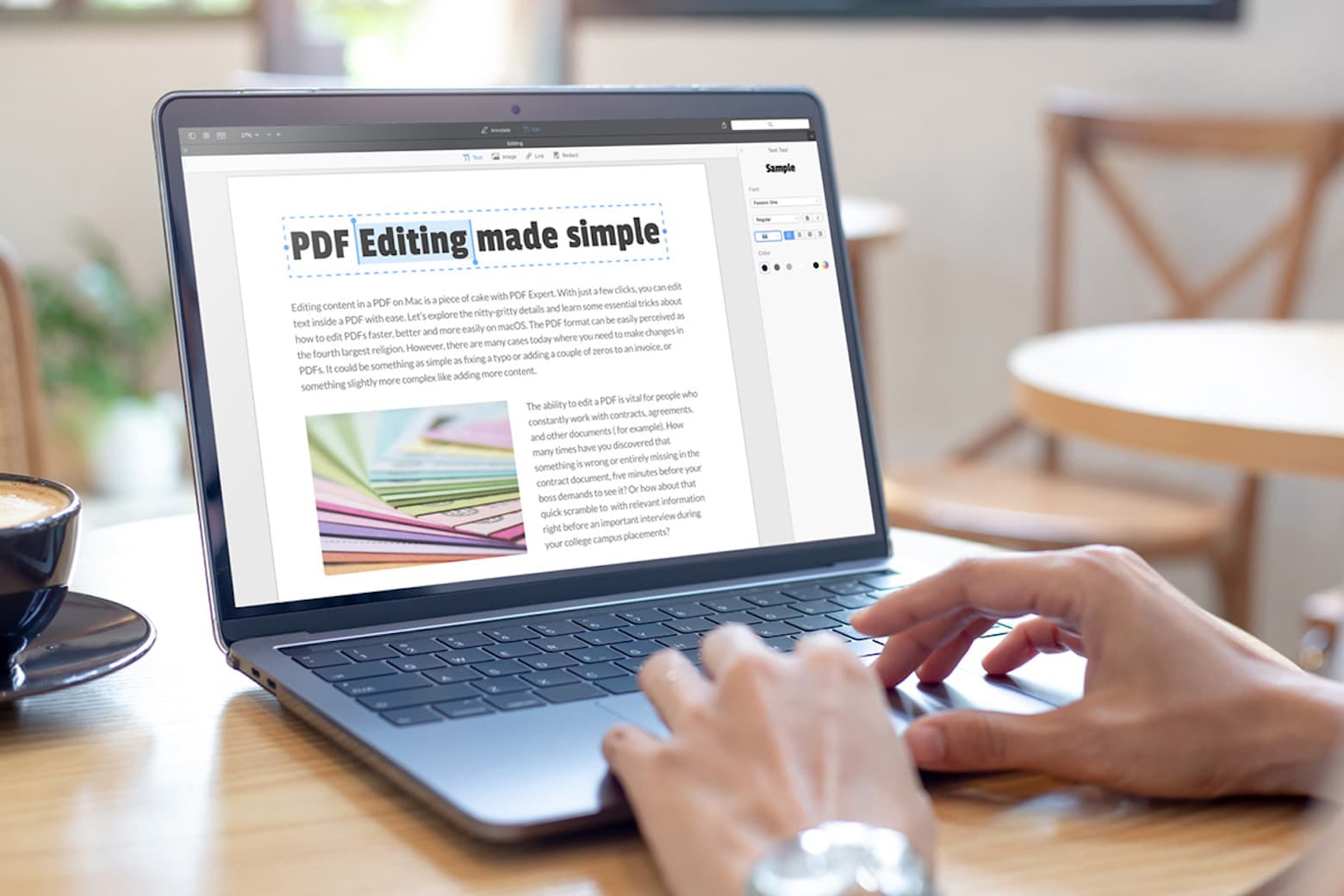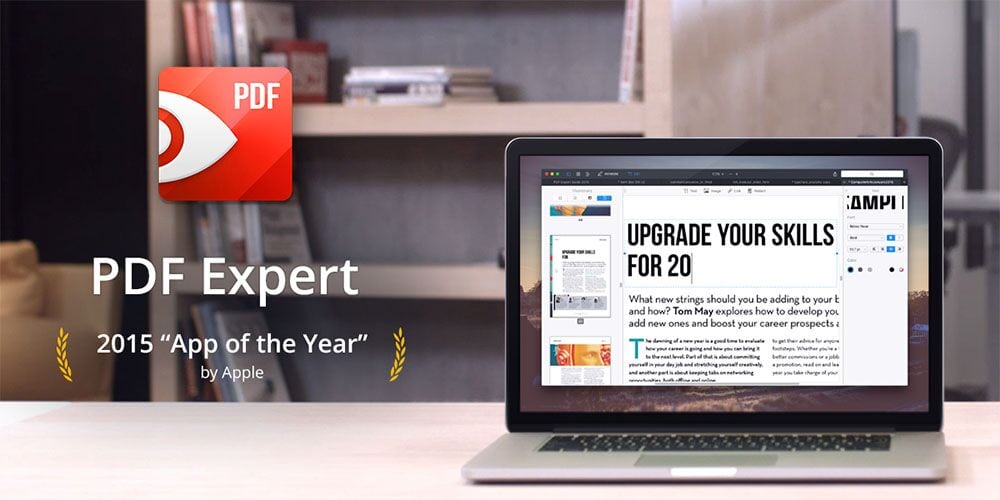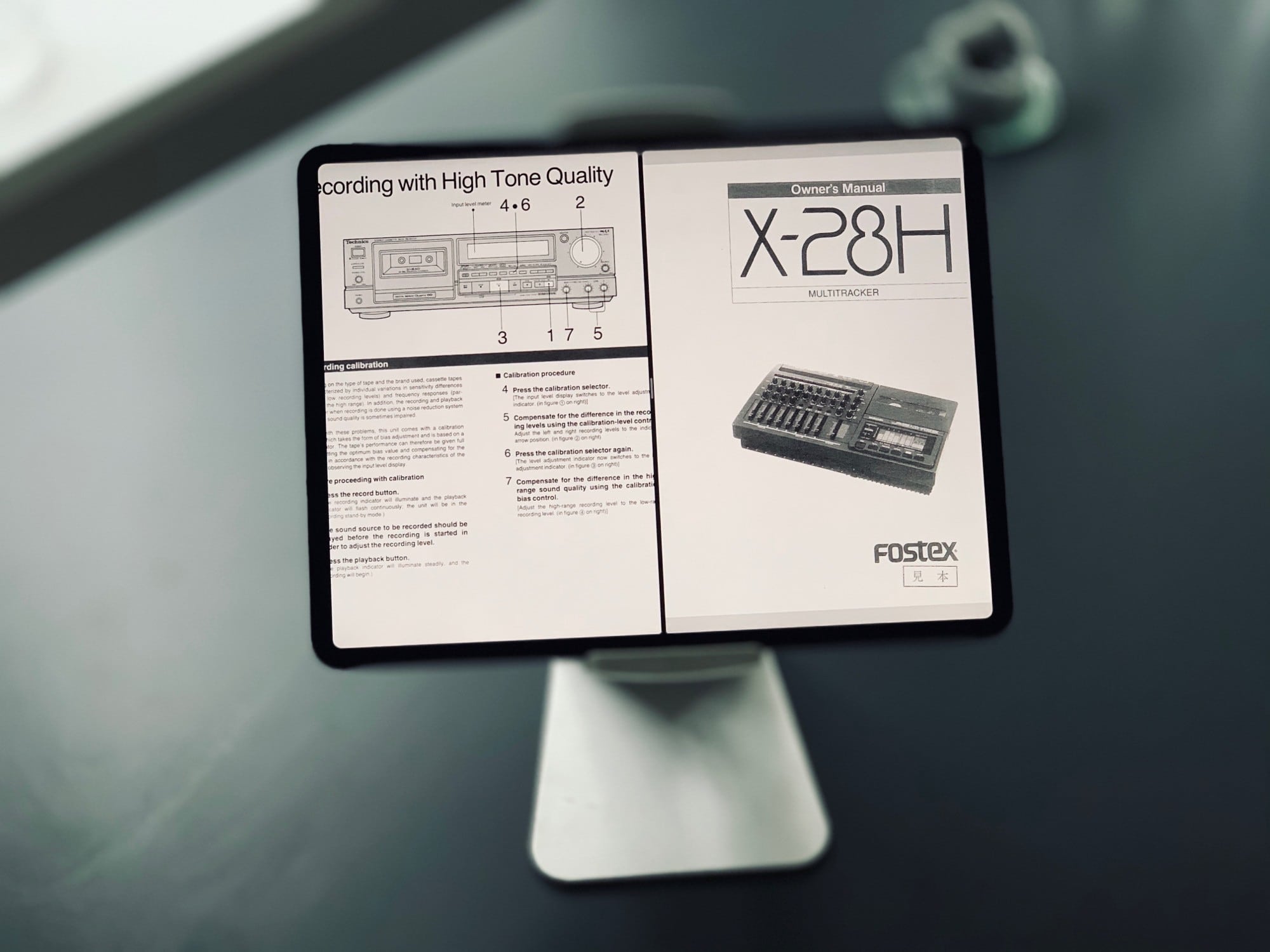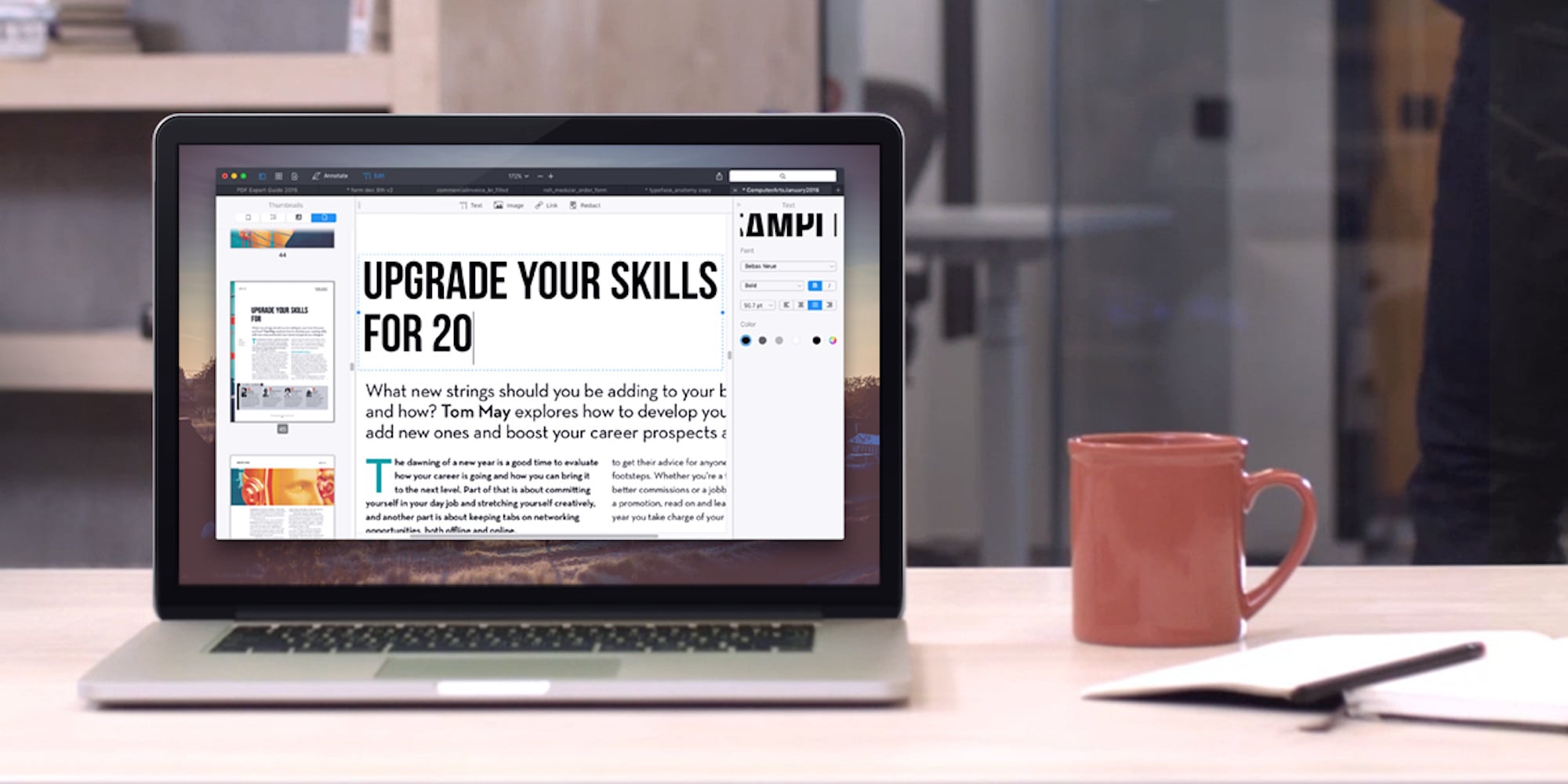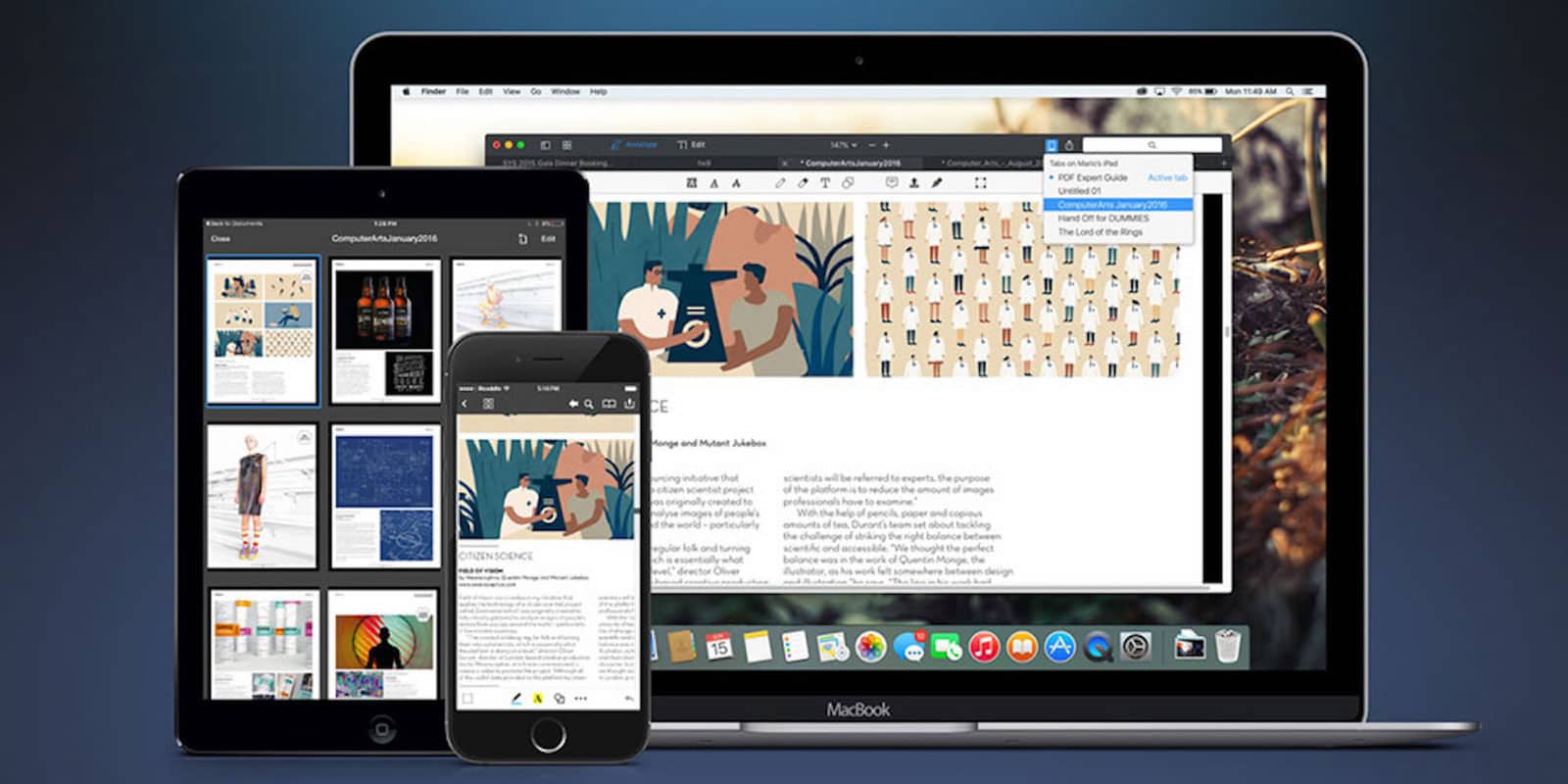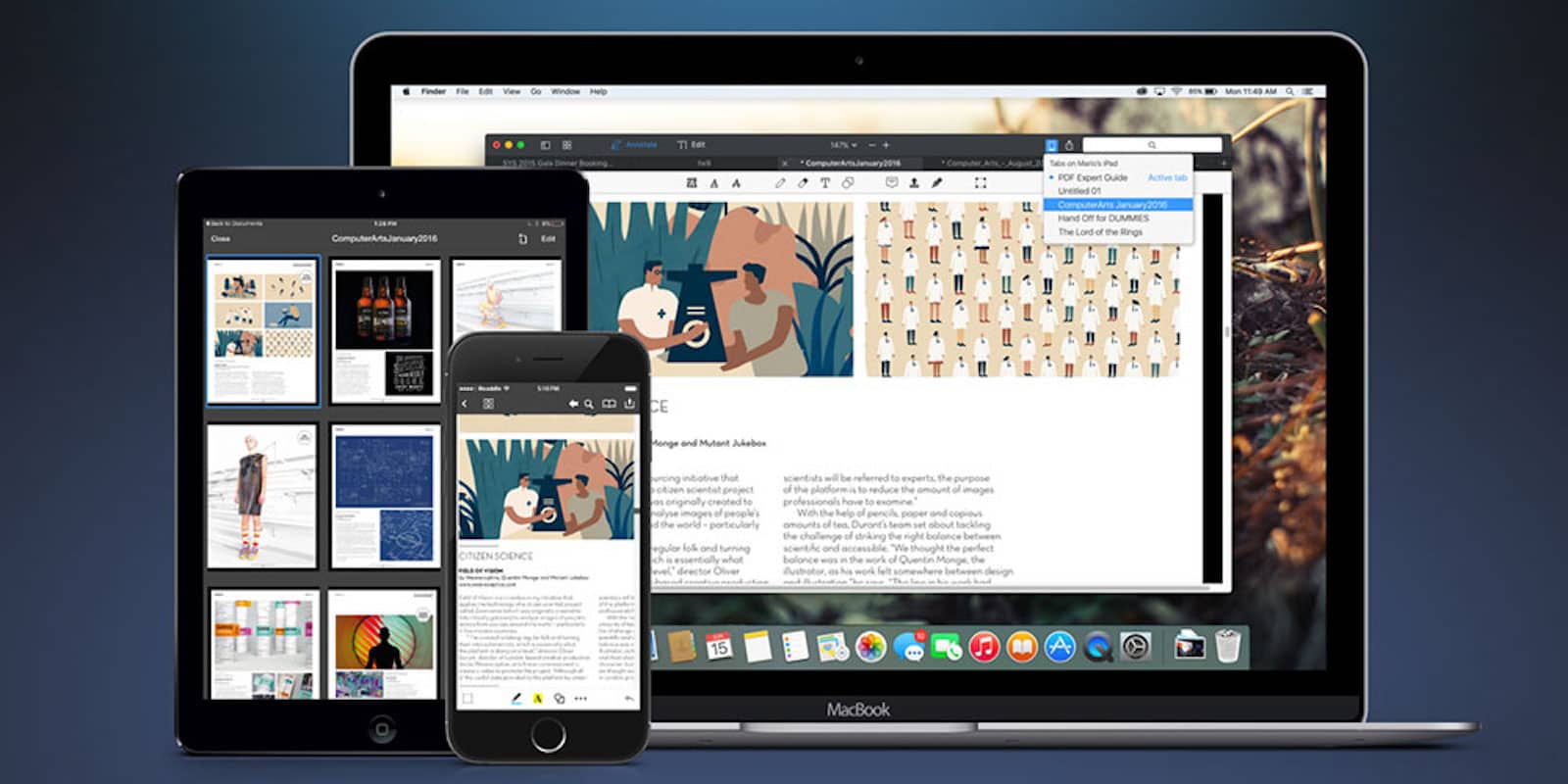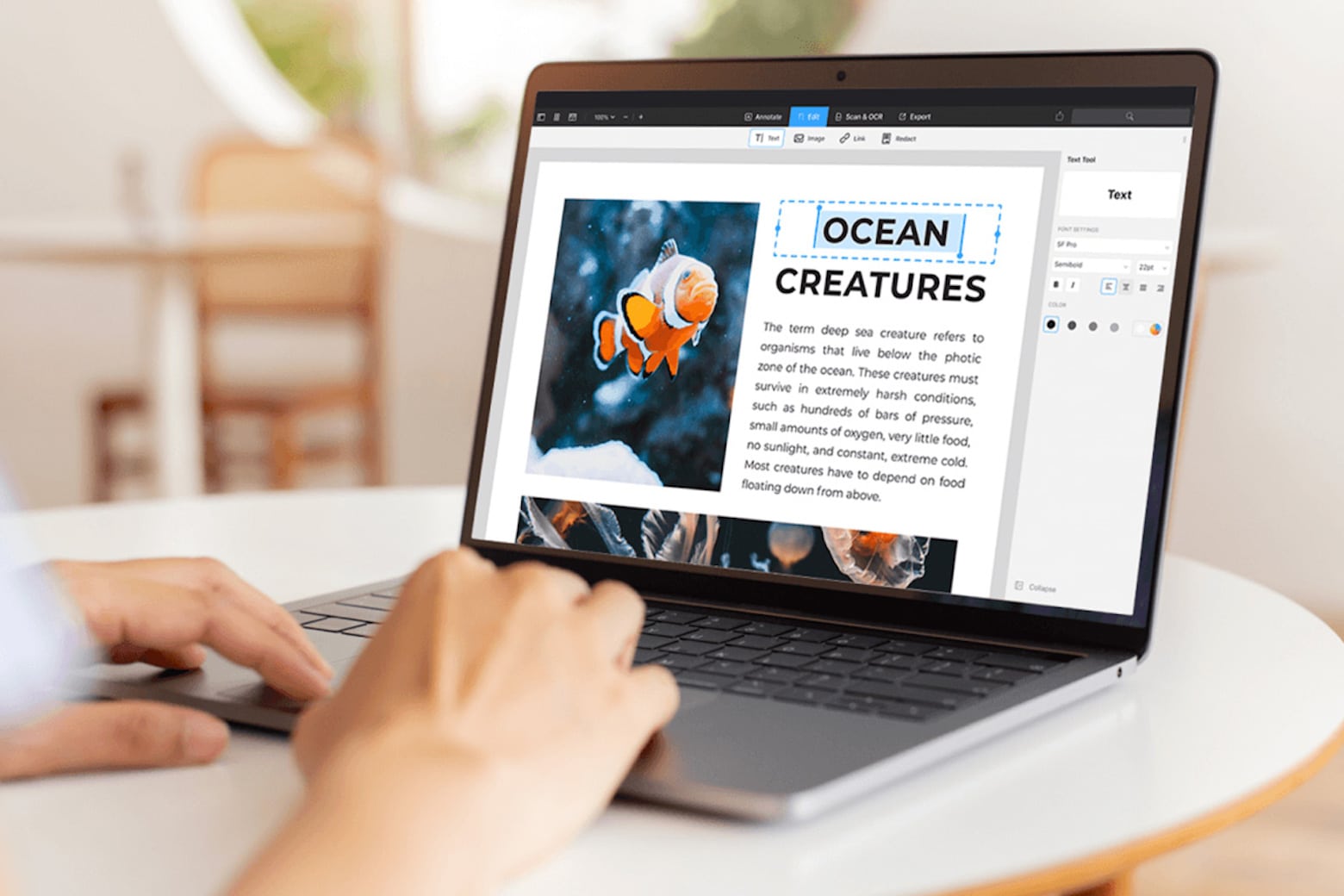
Readdle is great at regularly updating its popular productivity apps for iOS, and today PDF Expert app for iPad has today received more than 20 new features and improvements. Among some of the new additions is a selection tool, the ability to copy and paste annotations, and a custom keyboard that makes it easier to enter times and dates.
Readdle adds even more features to the iPad’s best PDF management solution.
Readdle has today updated its popular PDF Expert app for iPad to introduce a number of new features that include Google Drive syncing, integration with the PDF Converter app, faster PDF rendering, and more. It also promises “dozens” of other improvements, and it’s available to download from the App Store now.
Readdle, the developer behind some of the most popular productivity apps for iOS, has discounted a few of its best offerings for Black Friday. Some of which are down by as much as 80%, while PDF Expert for iPhone is now completely free. We’ve got a complete list of the reductions below, but remember: they’re only for a limited time, so grab the while you can.
Readdle adds even more features to the iPad’s best PDF management solution.
PDF Expert for iPad, arguably the best and most powerful PDF editor for iOS, has been updated today to introduce new features and improvements, including support for multiple signatures, and up to five times faster syncing.
Readdle adds even more features to the iPad’s best PDF management solution.
Readdle has today issued a major update to PDF Expert, its excellent PDF management app for iPad, to introduce a number of handy new features. In addition to faster PDF rendering, version 4.1 brings Dropbox AutoSync, Microsoft SkyDrive integration, and more.
Readdle has released a major update to PDF Expert, its flagship PDF Expert app for the iPad, introducing high-resolution Retina support for the latest device, and a number of handy new features like document thumbnails and support for embedded media.
Remarks, along with PDF Expert, will be one of Readdle's first apps to get high-resolution artwork.
We’re huge fans of Readdle’s productivity apps here at Cult of Mac, and we’re delighted that they’re getting ready for the new iPad’s Retina display. Remarks and PDF Expert will be Readdle’s first two apps to get high-resolution artwork in their latest updates, in addition to a number of new features.
How do you stop kids from cheating on exams in an iPad age? Photo Brad Flickinger/Flickr CC By 2.0
A Scottish School is prepping its iPads for exam season. Cedars School of Excellence in Greenock, Inverclyde, was the first school in the world to deploy an iPad to every one of its pupils. Now it may become the first school to try to stop its pupils from iCheating in exams.
PDF Expert is a popular iOS app from Readdle that promises to be the ultimate solution to all your PDF needs. In addition to its excellent ability to let you read and annotate PDF documents, its latest update allows you to finalize documents on the go with support for signature fields.
This week’s must-have iOS apps features a new application that allows you to have free, high quality video calls over both Wi-Fi and 3G. Tango Video Callsis free a application to download, and works on other smartphones as well as the iPhone.
PDF Expert for iPad is Readdle’s latest application that delivers the ultimate solution for all your PDF needs on your iPad. It lets you read and annotate PDF documents, highlight text and make notes. You can also edit the documents you have stored on your Dropbox, iDisk, and Google Docs accounts.
PlainText is a free text editor compatible with all of your iOS devices that uses your Dropbox account to save your work. It has a paper-like interface that provides a nice, simple feel, and it’s a great substitute to iOS’s built-in Notes app.