All items tagged with "passwords"

Sort All Your Passwords By Strength In Mac App, 1Password [OS X Tips]

1password

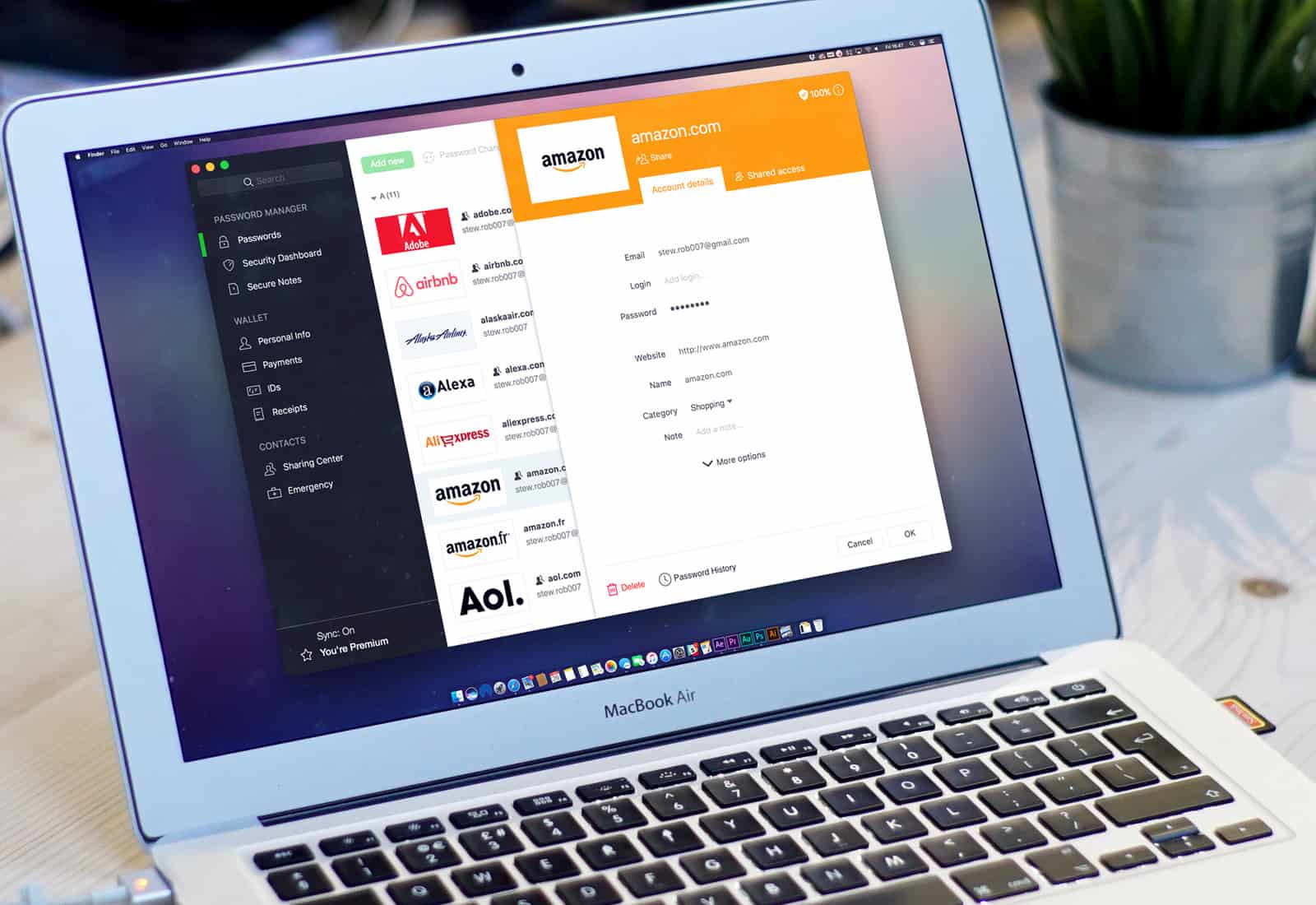
The excellent Mac app 1Password is a cross-platform password management app which makes it easy to have unique strong passwords for every site you visit, as well as keeping all your private bits of data secure and available to only you. While you’d think a single app that holds all your sensitive data would be a point of weakness, AgileBits has proven its app to be super secure, even against hackers with malicious intent.

When you use the app to create or store passwords, though, you might want to be sure that you don’t reuse a password you’ve already used on a different site: it’s more secure if you don’t. You also want to make sure that all of your passwords are strong ones. How can you know that, though, with a long list of them? It’s simple, really: just sort by password strength.

Read the rest of this post »

Show All Of Your Saved Website Passwords In Safari 6 [OS X Tips]

Show All Of Your Saved Website Passwords In Safari 6 [OS X Tips]

Yesterday, we showed you how Safari 6 keeps track of the passwords you use when you visit websites that require them. They’re kept in a list in the background, so that when you connect to a secure website, you don’t have to enter in your user name or password every time. This is enabled (or disabled) in the Safari Preferences window, under the Auto-Fill tab, for some reason.

Disabling this feature makes your Mac more secure, if you are sharing the Mac or other folks have access to it. If you do use the saved password feature, however, there’s a cool little way to see what those passwords are right in Safari.

Read the rest of this post »

Make Safari More Secure By Disabling The Saved Website Password Feature [OS X Tips]

Make Safari More Secure By Disabling The Saved Website Password Feature [OS X Tips]

Safari does a great job at making your time on the web easy and simple. It will fill in frequently occurring form information, like your name, address, and email address, so that you don’t have to for every site you visit with a form requesting this information. Fill it out once, then let Safari auto-fill the info the rest of the time. It will also save website user names and passwords. Which, when you think about it, is a great idea for your own personal computer at home, but not so great for a work or shared computer.

Here’s how to disable that.

Read the rest of this post »

Study Shows Most IT Departments Fail To Explain Or Enforce iPhone/iPad Security

Study Shows Most IT Departments Fail To Explain Or Enforce iPhone/iPad Security

A new study shows that IT departments are dropping the ball when it comes to mobile security.

Another study of the bring your own device (BYOD) phenomenon concludes that the trend of employees bringing the personal iPhones, iPads, and other devices into the office shows no sign of slowing down. It also confirms previous reports that indicate many personal devices being used in the workplace don’t have even basic security features enabled.

The study by Coalfire, a company the specializes in IT risk management services, paints a particularly grim picture of the lack of security for iOS and Android devices in the workplace. With the BYOD trend show no signs of slowing or ending, Coalfire CEO Rick Dakin, notes that companies cannot afford to keep ignoring mobile security concerns.

Read the rest of this post »

Safely Move Keychain Files From Your Old Mac To A New One [OS X Tips]

Safely Move Keychain Files From Your Old Mac To A New One [OS X Tips]

Copying files to a new Mac? Perhaps one of them newfangled MacBook Pros? While most of us use Migration Assistant to move our files from one Mac to a new one, it may not be an option in your particular case. I’ve definitely wanted to move just the bare minimum of files over to a new Mac before, and today’s tip should help with just that.

The Keychain is a place to store passwords and login information, and it’s fairly easy to move your Mac’s Keychain to a new one. Here’s how.

Read the rest of this post »

Subscribe to the Cultcast

PasswordPilot Pro Automatically Inserts Your Apple ID Password For Downloading New Apps And Updates [Jailbreak]

PasswordPilot Pro Automatically Inserts Your Apple ID Password For Downloading New Apps And Updates [Jailbreak]

PasswordPilot Pro manages your Apple ID password for you.

Have you ever wished that iOS would automatically fill in your Apple ID password when making purchases in the App Store? Apple requires the user to confirm the password associated with an Apple ID before purchasing and downloading new apps and updates. Once you enter your password, iOS keeps your account logged in for a short time, but you’ll have to re-enter your password again after a few minutes.

What if you only had to enter your password once and never worry about it again? A new jailbreak tweak called PasswordPilot Pro automatically inserts your Apple ID password for you, making the process of buying and updating apps faster and more efficient.

Read the rest of this post »

Dolphin Browser 5.0 Brings Saved Passwords, Autocomplete, Email Sharing & More

Dolphin Browser 5.0 Brings Saved Passwords, Autocomplete, Email Sharing & More

Dolphin's latest update means you'll never have to type out a password again.

Dolphin is widely regarding as one of the best third-party web browsers for the iPad, and it’s a particular favorite of mine, firmly stuck to the first page of my home screen on all of my iOS devices. With version 5.0 for the iPad, Dolphin gets even better, with the ability to save passwords; autocomplete browsing history, bookmarks, and searches; share URLs via email, and more.Dolphin Browser 5.0 Brings Saved Passwords, Autocomplete, Email Sharing & More

Read the rest of this post »

New Legislation Introduced In Order To Protect Your Passwords From Inquisitive Employers

New Legislation Introduced In Order To Protect Your Passwords From Inquisitive Employers

Ongoing concerns over the practice of employers requiring prospective and current employees to hand over their social media passwords has led to the introduction of new legislation prohibiting the practice. According to Senator Richard Blumenthal’s (D-CT) government page, the Password Protection Act of 2012 will enhance current law to prohibit employers from compelling or coercing employees into providing access to their private accounts:

Read the rest of this post at Cult of Android »

Become a Password Gorilla [OS X Tips]

Become a Password Gorilla [OS X Tips]

The most secure way of password protecting your online life is to create a random strong password, one now one can ever guess. The problem, of course, is that you won’t be able to guess it, either. Or remember it. Luckily, we’ve found a nice solution to this problem: Password Gorilla, freeware that will help us all keep track of our passwords.

Read the rest of this post »

How To Delete Saved Usernames & Passwords In Mobile Safari [iOS Tip]

How To Delete Saved Usernames & Passwords In Mobile Safari [iOS Tip]How To Delete Saved Usernames & Passwords In Mobile Safari [iOS Tip]

The ability to have mobile Safari save the usernames and passwords that we enter frequently on our iOS devices can be hugely helpful, especially for the forgetful minds amongst us. But not everyone feels comfortable having these details saved on their device. After all, if it gets into the wrong hands, anyone can login to our favorite sites at the tap of a button.

So what if you save these credentials accidentally, or you decide that you no longer want these details saved on your device. Well, fortunately, it’s very simple to delete them without having perform a complete restore on your device. Here’s how to delete saved usernames and passwords in mobile Safari.

Read the rest of this post »