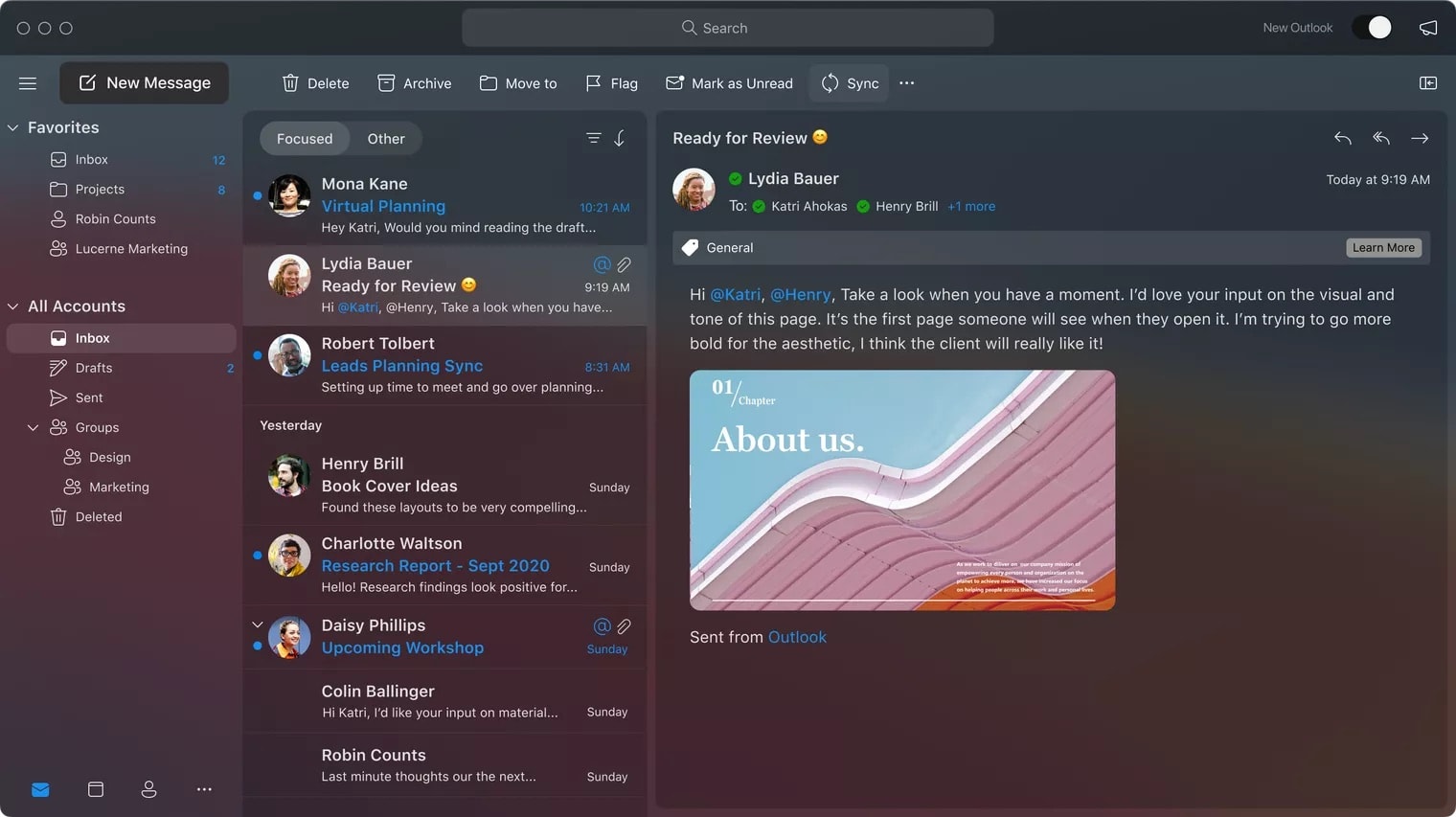
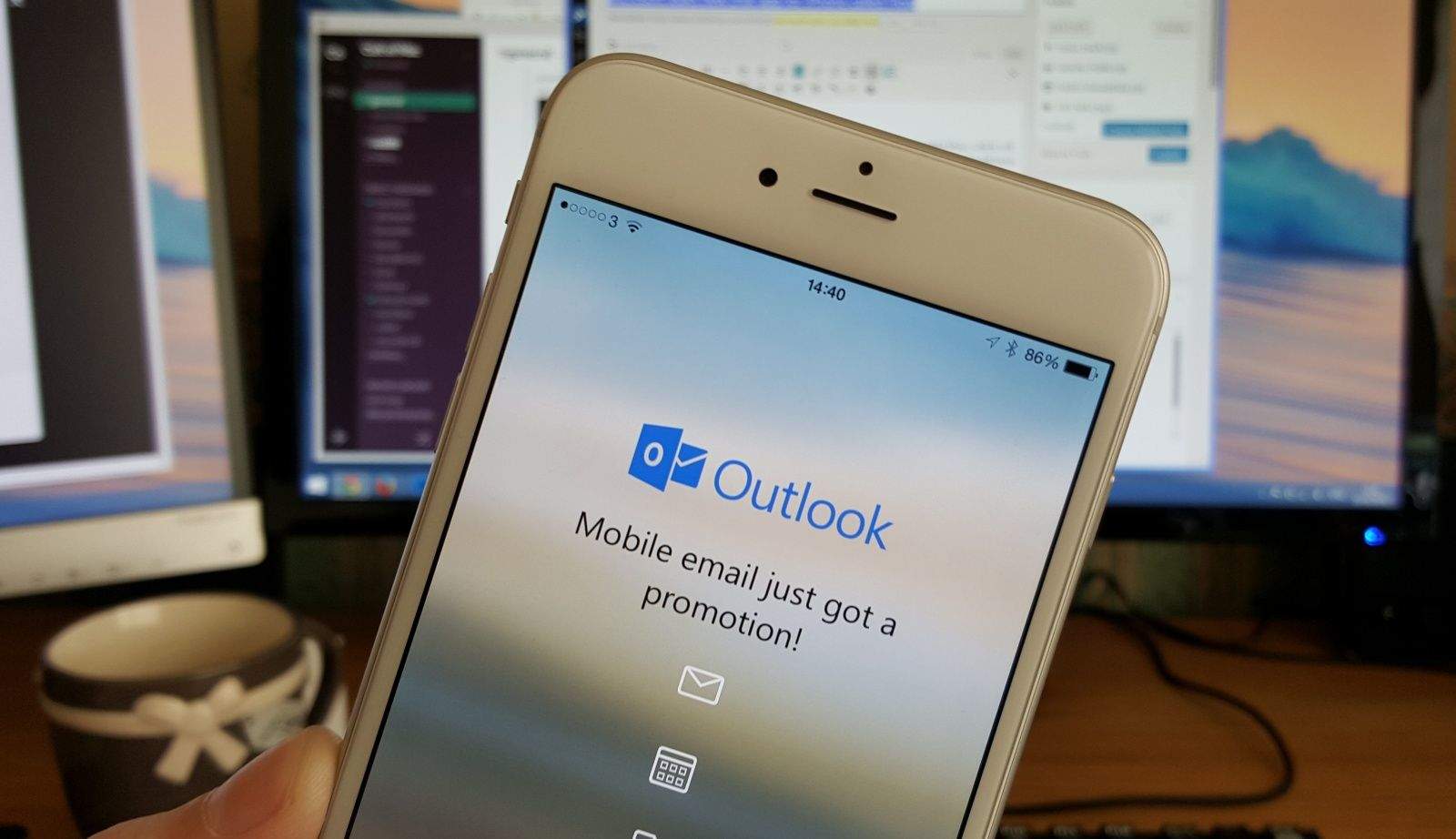
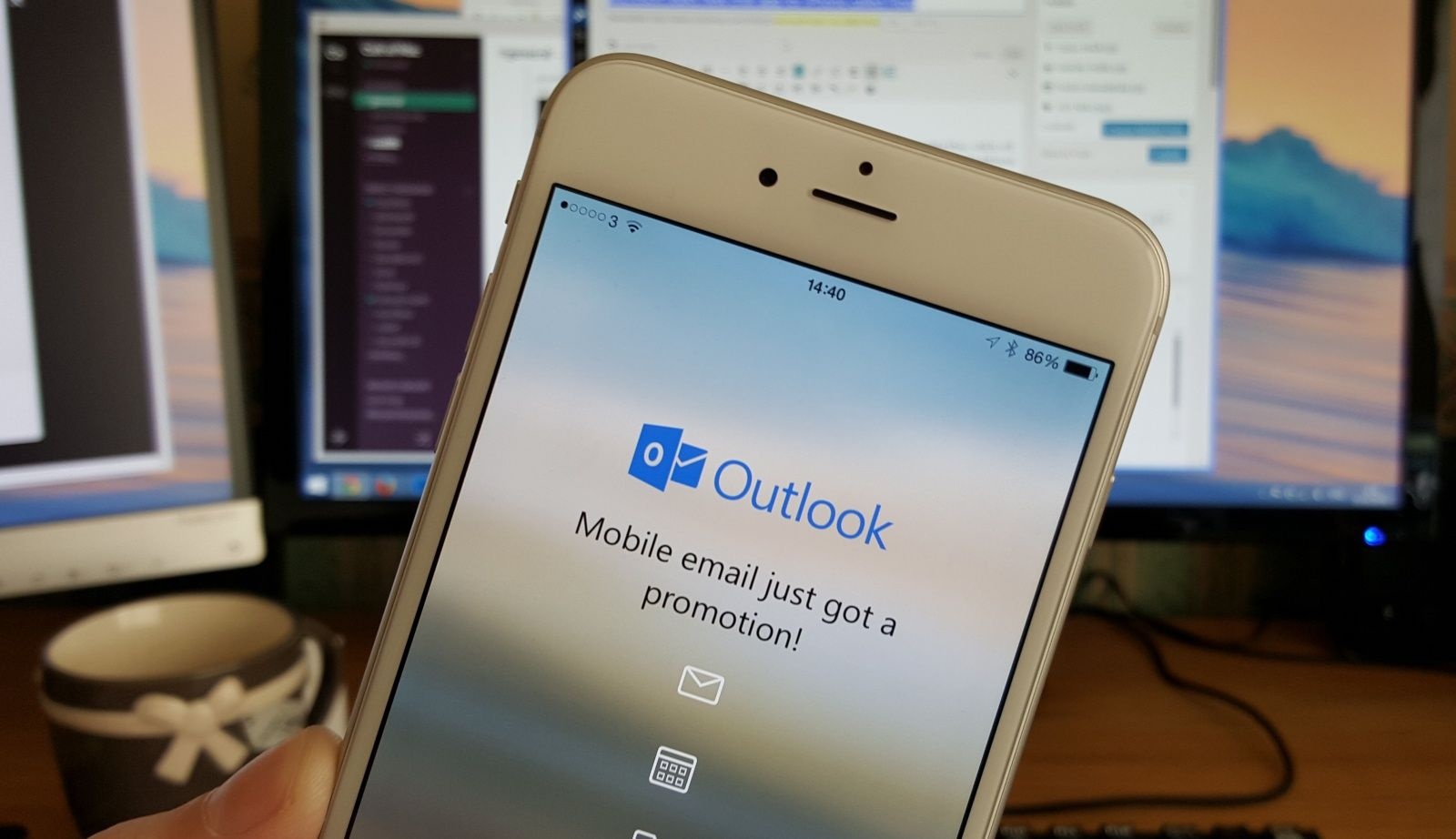
A new look and big improvements across the board. Photo: Microsoft
Microsoft is working on a major Outlook redesign inspired by macOS Big Sur. Its new app, which is redesigned from the group up and promises to deliver a reimagined email experience, will land in October.
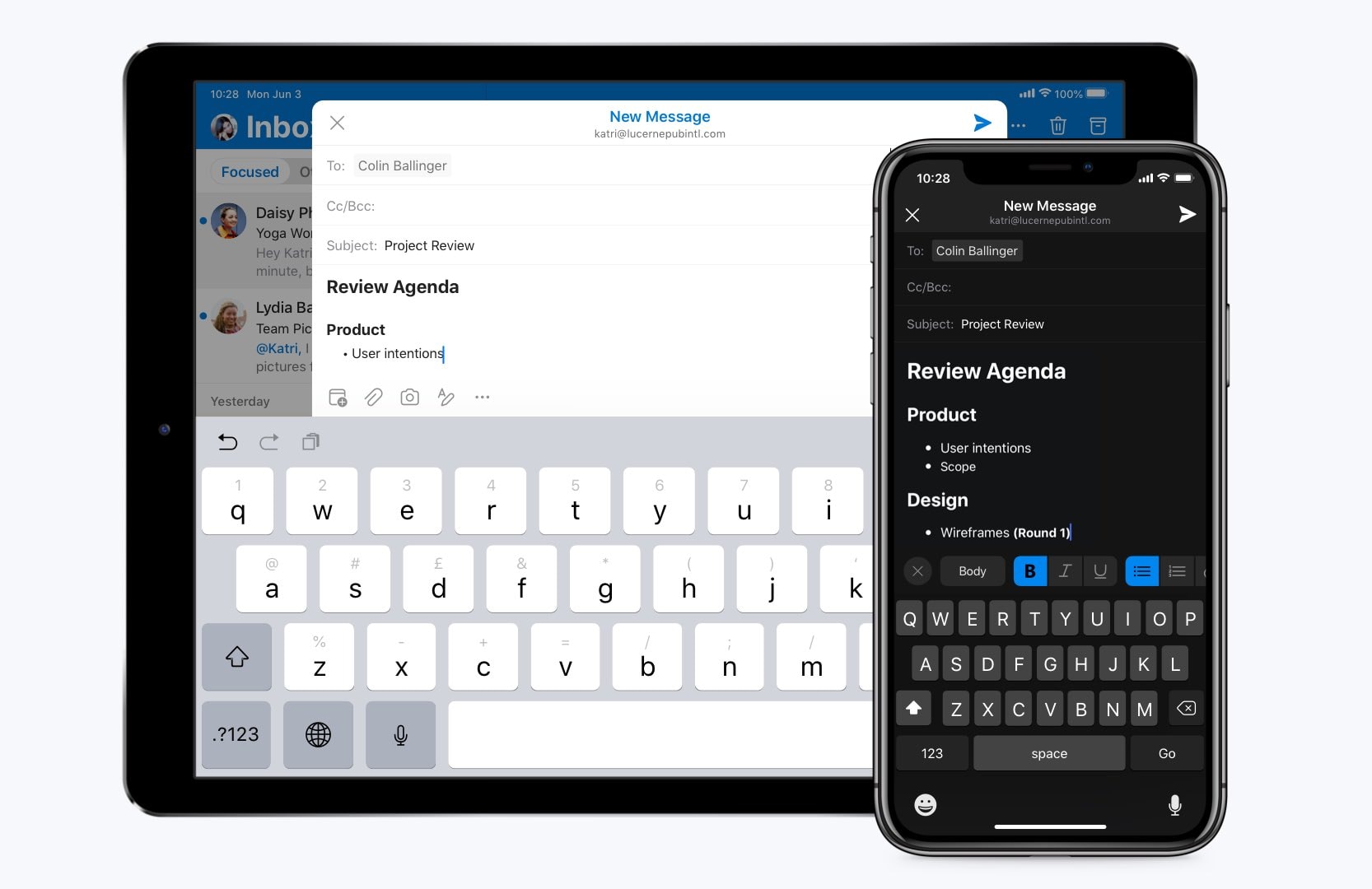
Composing emails in Outlook never looked so good. Photo: Microsoft
Microsoft Outlook’s newest update is out on iOS with new text formatting options. It’s now possible to use bold, italic, and underlined text — as well as inline links — in your emails.
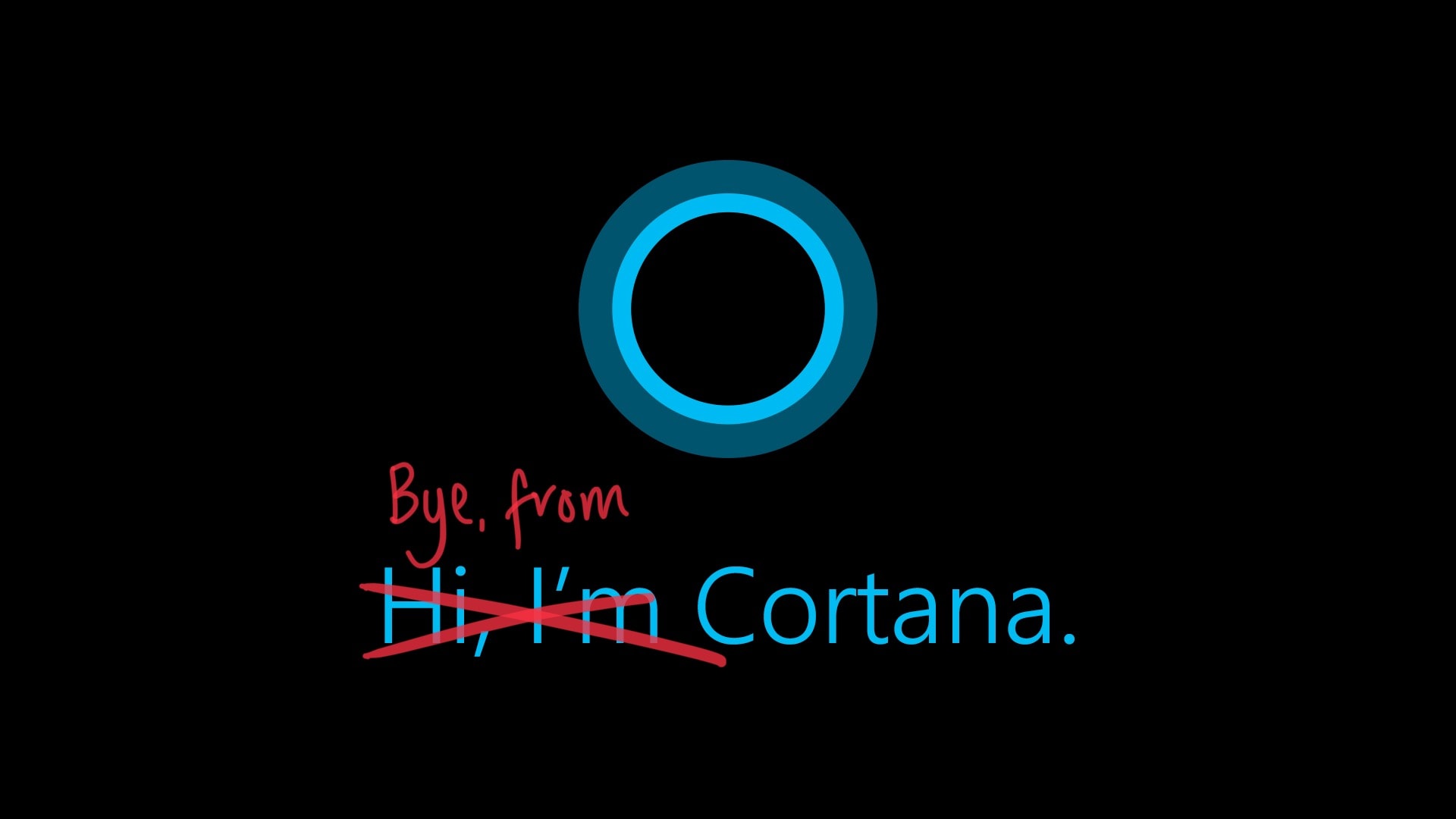
But Cortana isn't dead yet. Photo: Microsoft/Cult of Mac
Microsoft has confirmed plans to kill off Cortana — but only on mobile in only eight countries.
A new support article confirms that the Cortana app will disappear on January 31. You will still see it in Windows 10, and Microsoft says it will be more deeply integrated into Office 365.
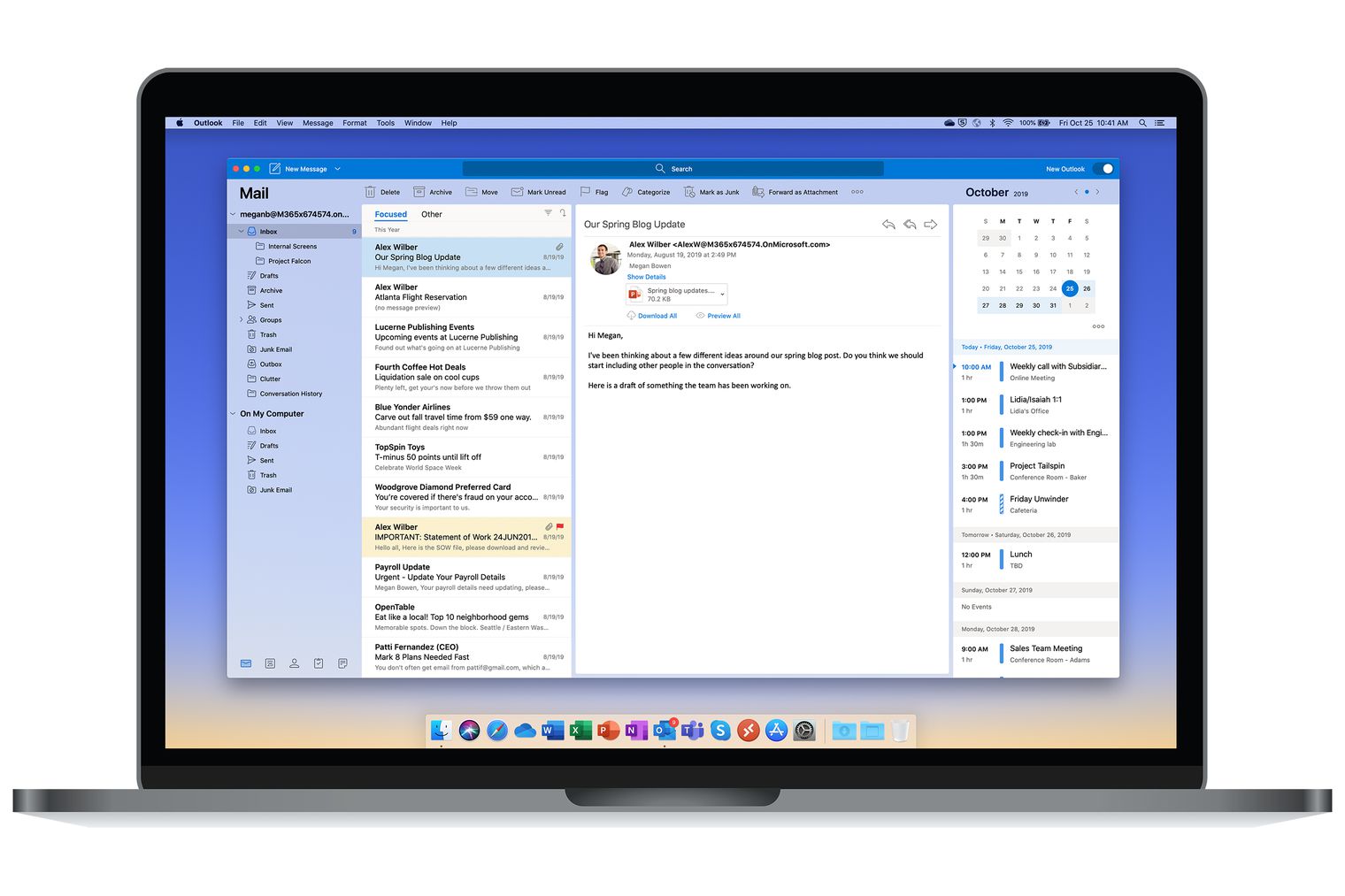
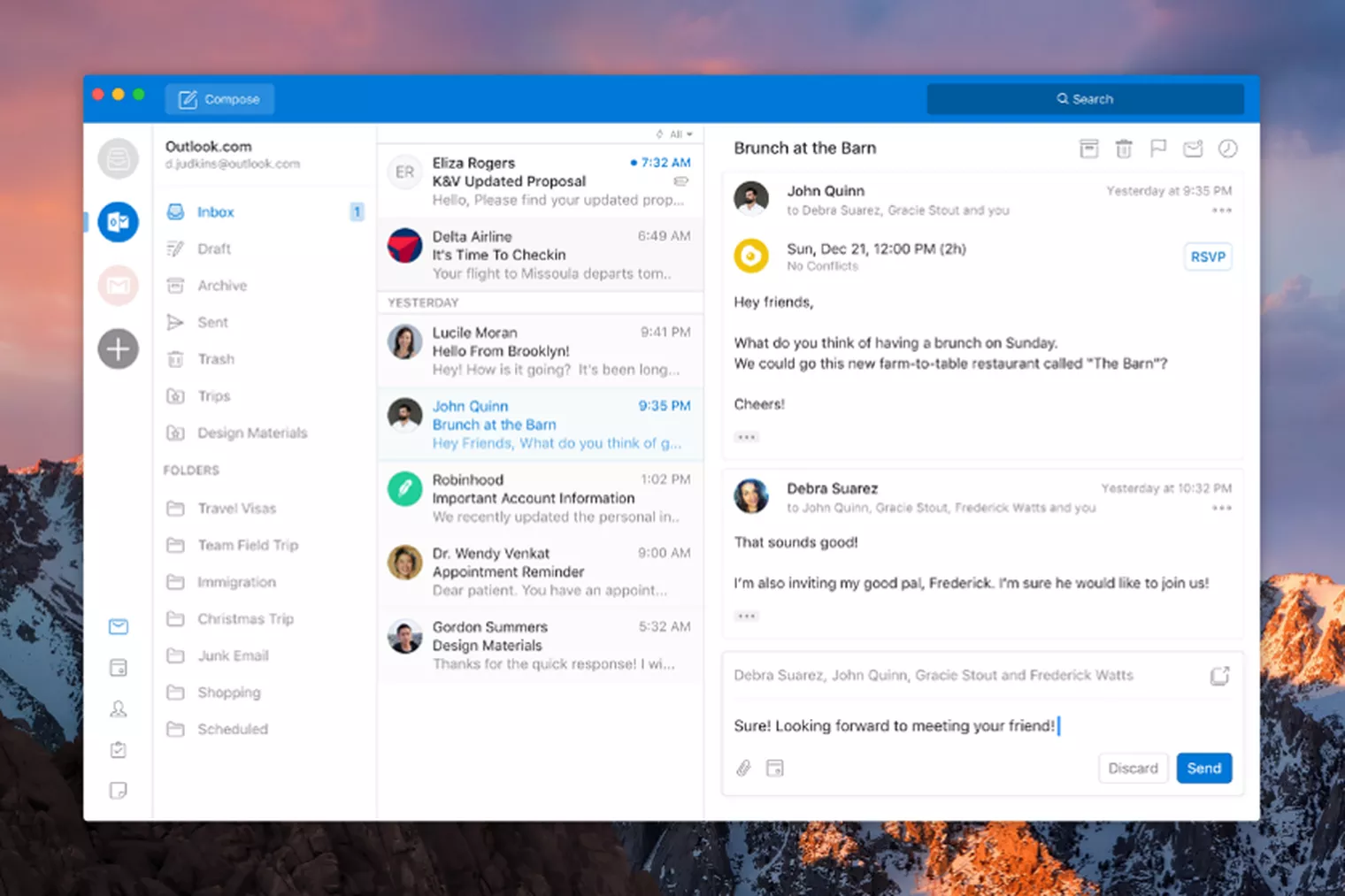
The new Outlook will be better than ever. Photo: Microsoft
Microsoft is preparing to make its Outlook app for macOS better than ever. An overhaul will introduce new sync technology and big performance improvements, as well as welcome design tweaks.
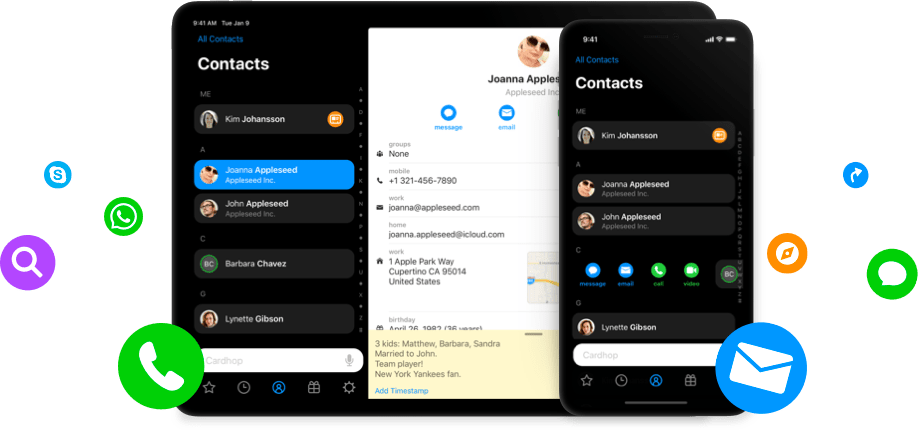
The app makes it easier than ever to find contacts and, more importantly, keep your contact lists in order. It looks great, is incredibly fast, and works with all of your existing contacts on iOS.
We don't need two Gmail clients anymore. Photo: Google
It’s nearly the end of the road for Google Inbox.
A new popup that has started appearing inside the Inbox app confirms it will be closed down on April 2. Fans of the email client have just two weeks to find an alternative, but Google recommends another of its own.
Check out this week’s awesome new and updated apps. Photo: Cult of Mac
This week we use AirBuddy to bring iOS-like AirPod integrations to the Mac, we play the amazing Synth One on our iPhones, and use the Apple Pencil to play music. And that’s just the beginning of this week’s amazing app roundup.
Get your Apple Watch for under $200. Photo: Ste Smith/Cult of Mac
You can now sign into your Microsoft account using your Apple Watch.
Microsoft’s free Authenticator app, which brought password-free logins to iOS last year, has made the leap to watchOS. It’s in beta testing for now, but it’s easy to sign up for early access.
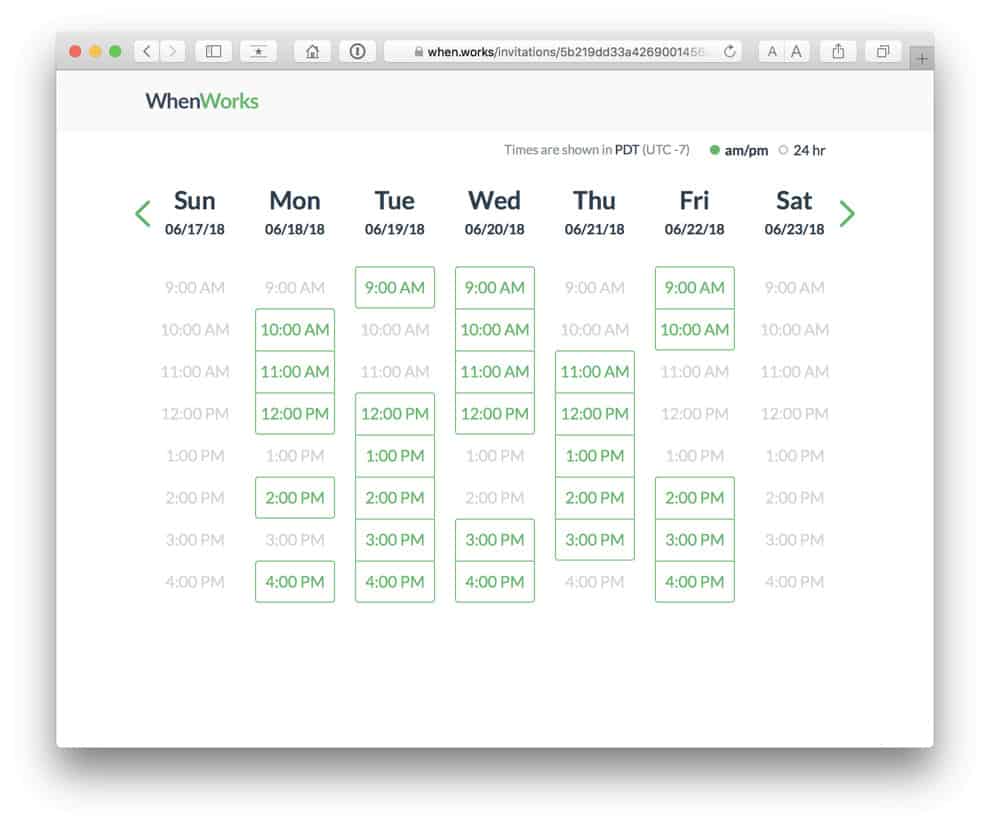
Take the pain out of scheduling a meeting. Photo: WhenWorks
Scheduling a meeting should be a simple task, but it never is. WhenWorks is a new app that takes away the pain by allowing clients and colleagues to book time with you only when you’re free.
All you have to do is decide when you want your meetings to take place.
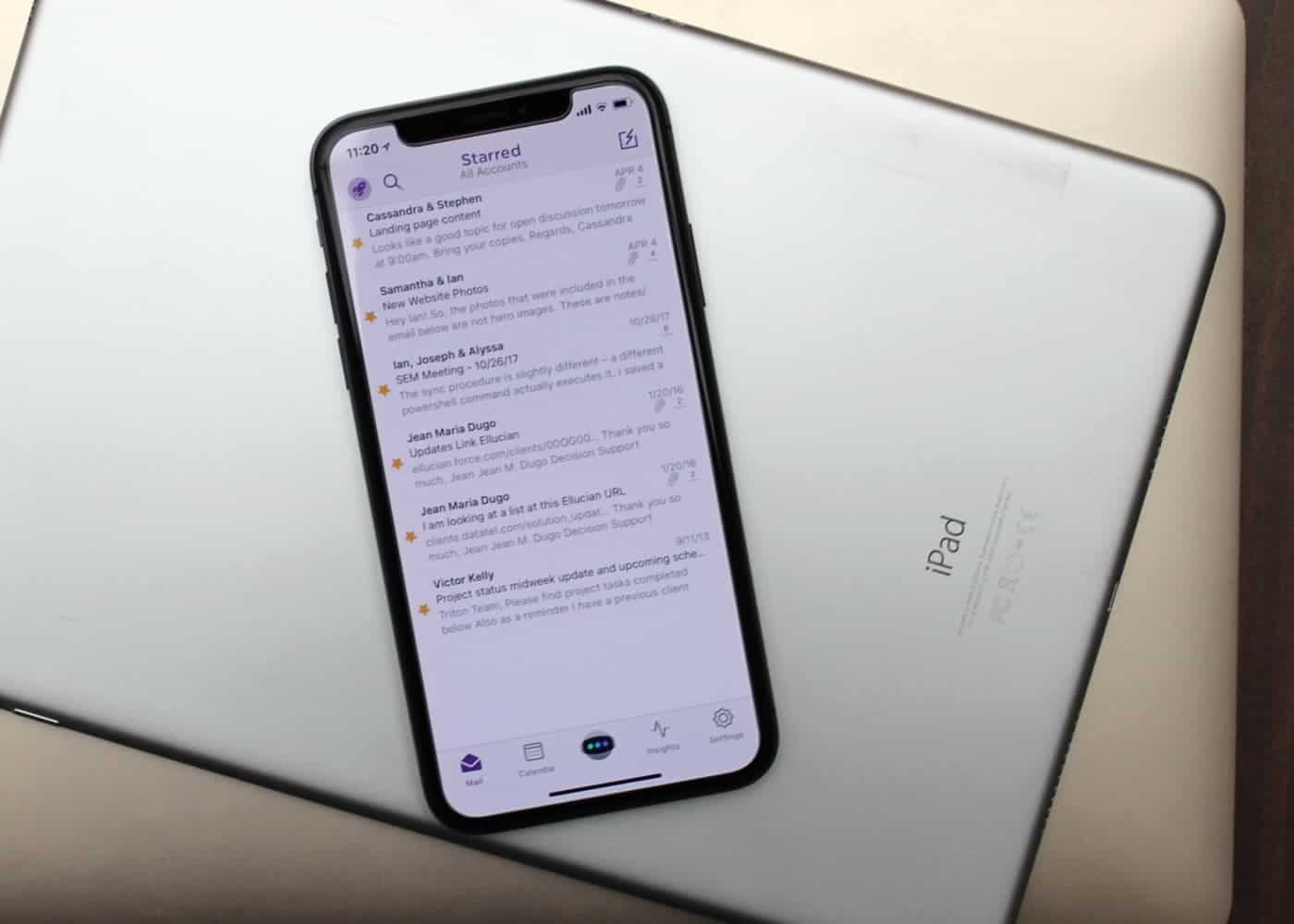
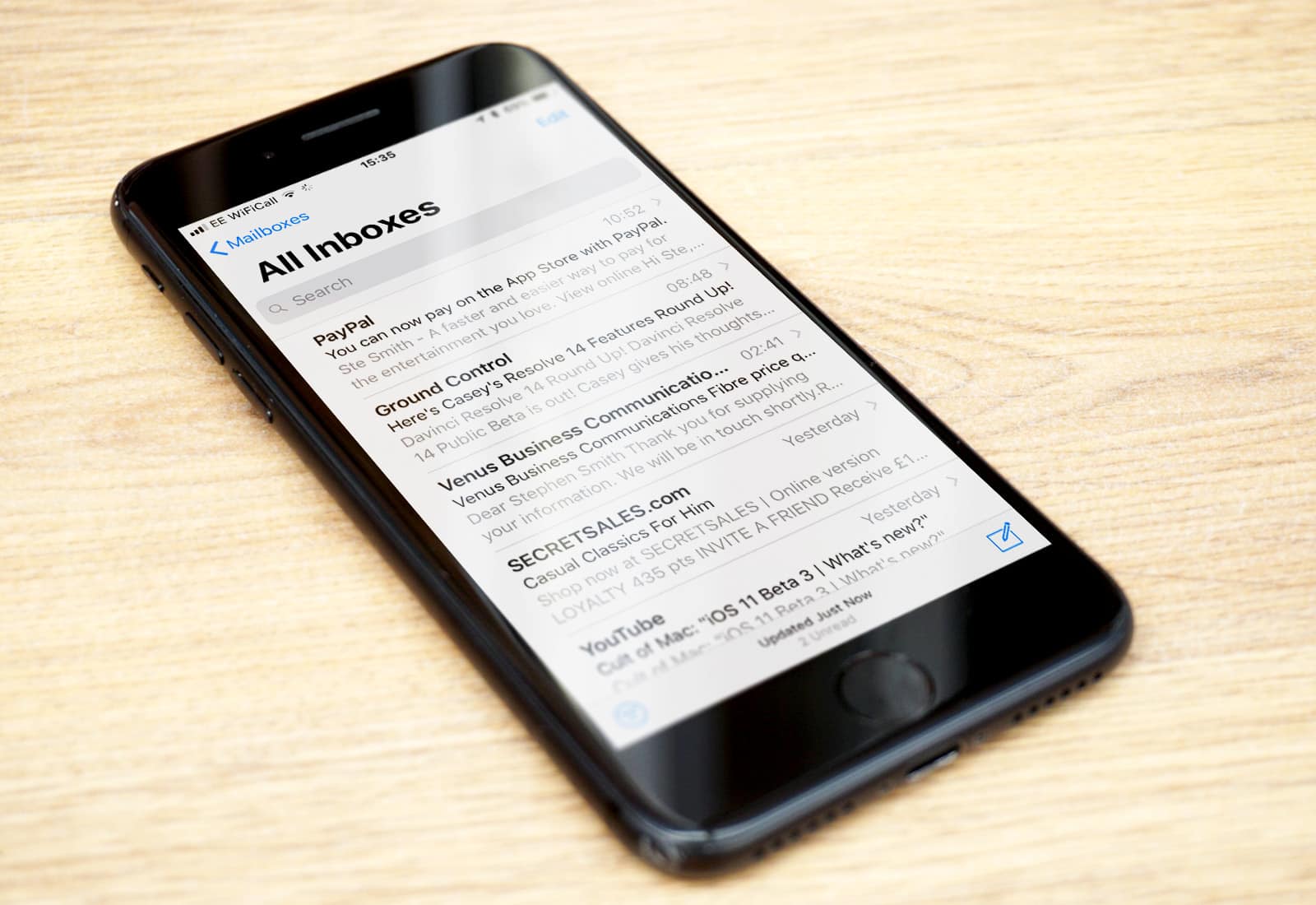
Mail isn't always best for email. Photo: Ian Fuchs/Cult of Mac
Email is a necessary evil. Whether it’s personal communications, work-related updates or the latest sale at your favorite store, email is something we deal with nearly every day.
After trying dozens of email apps over the past eight years, Astro is the best email app I’ve come across, and the first that I both recommend and enjoy using.
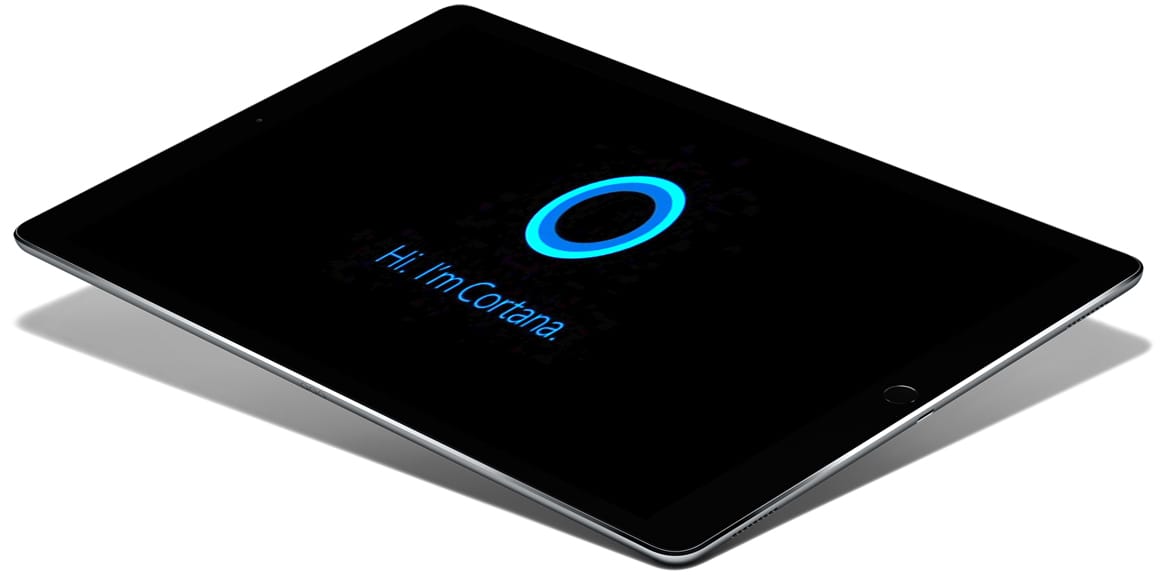
Cortana could be reading your emails soon. Photo: Cult of Mac
Microsoft is working to bring Cortana to its Outlook app for iOS. The virtual assistant will give users the ability to listen to their emails, which will be particularly useful in situations where you need to be hands-free.
Microsoft is planning new improvements for Office on iOS that will rollout this month.
The updates, which will be available to Office Insiders first, will improve collaborative working, make it easier to read documents on smaller screens, and more.
Get your hands on the latest Gmail update now. Photo: Google
Google is hard at work updating all its apps for iPhone X. Gmail is the latest to embrace the Super Retina HD display — and the update also brings support for third-party email accounts.
Microsoft is overhauling its Outlook app for macOS. It will borrow from its mobile user interface to simplify the user experience and reduce complexity. The redesign is already being tested internally by Microsoft employees ahead of its public debut.
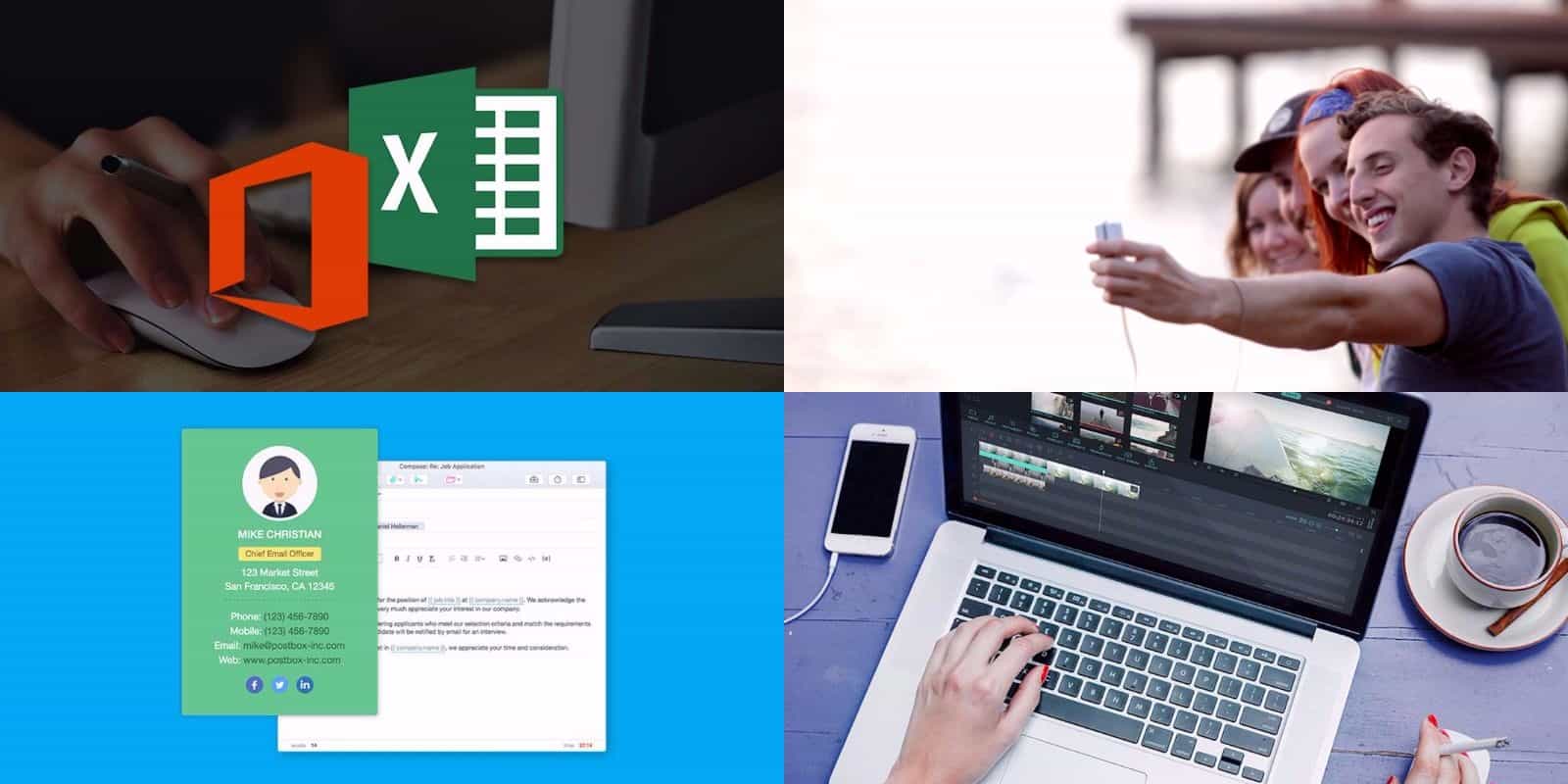
This week's best deals include a powerful email platform, a waterproof all-purpose camera, and lots more. Photo: Cult of Mac Deals
Every week here at the Cult of Mac Store, we’re busy finding great deals on tech tools, gadgets, and courses. This round, we’ve got an email app contender for Outlook and Gmail, and an all-purpose, waterproof HD camera. Also check out the comprehensive course in the Microsoft Office suite, and a video editor packed with 60 video assets. So there’s something here for everybody, read on for more details:
You might have problems with Exchange and Outlook accounts. Photo: Ste Smith/Cult of Mac
Apple has confirmed that it is working closely with Microsoft to resolve an issue with Mail syncing in iOS 11.
Some users have discovered that they are unable to send emails using their Exchange or Outlook accounts since updating their devices. Apple promises a fix will be available in a future iOS 11 release.
You can finally do more than just view your calendar. Photo: Microsoft
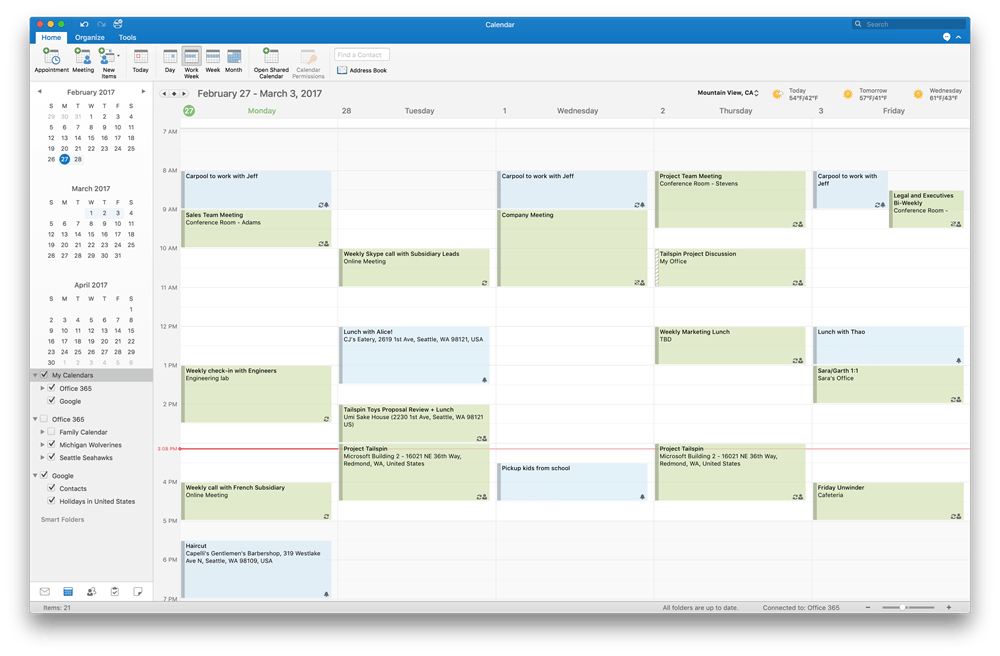
Microsoft is inviting Outlook 2016 users on macOS to preview Google Calendar integration.
Users will have the ability to not only view their appointments, but add, edit, and delete them, too. All changes will be synced to their Google Calendar and updated on other devices automatically.
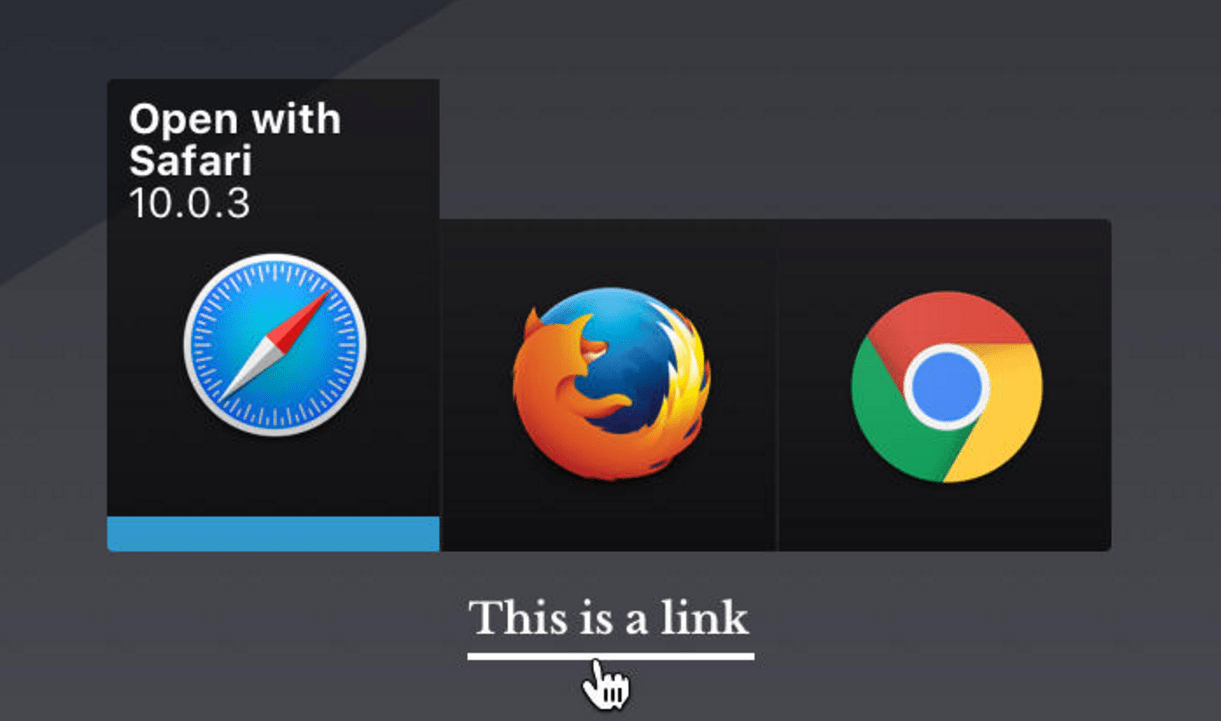
Bumpr is there right when you need it. Photo: Scott Osler
Most of us have a favorite browser, but some of us use different browsers for different purposes. The same goes for email clients. With Bumpr for Mac, you don’t have to be tied to one default; you can switch between your favorites on the fly.
The new Focus Mode in Microsoft Word. Photo: Microsoft
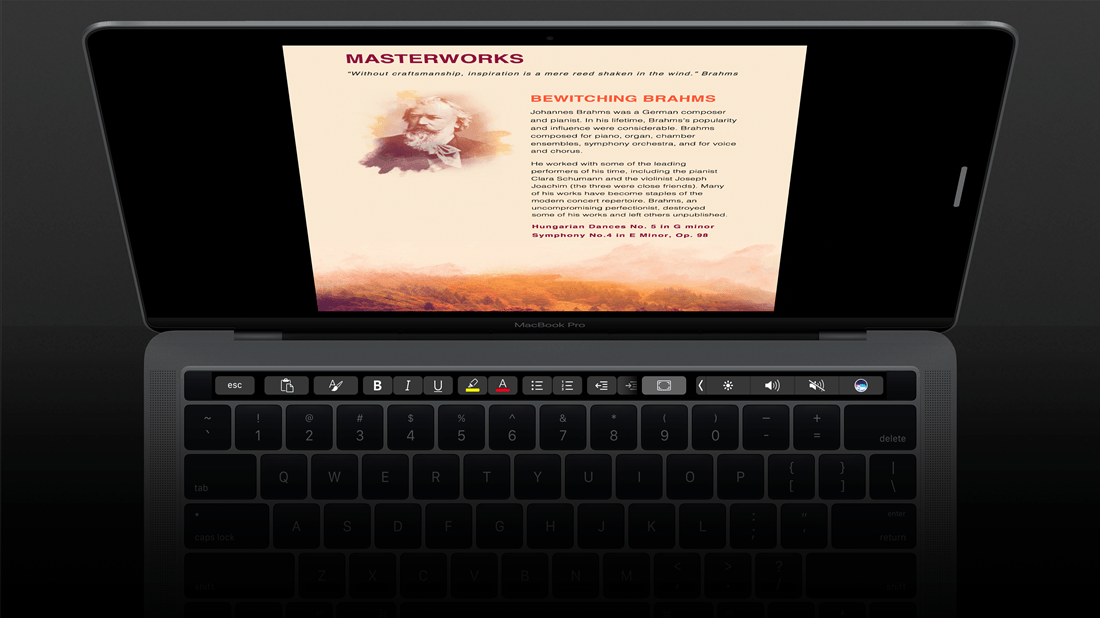
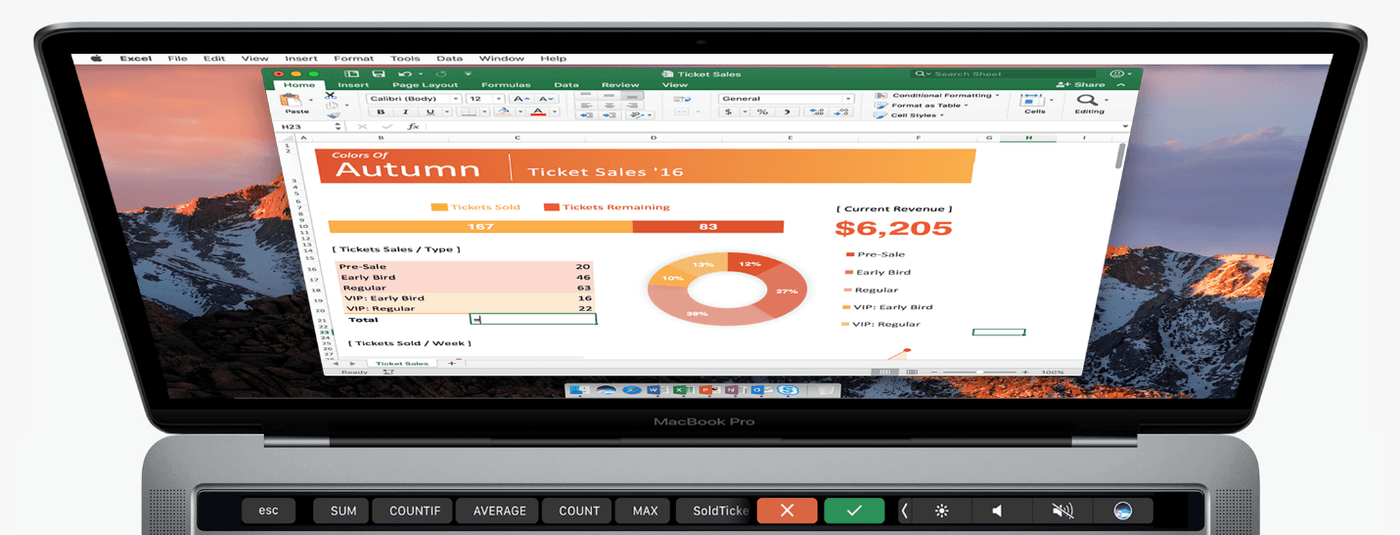
Microsoft is now rolling out support for the MacBook Pro’s Touch Bar in Office for Mac.
Word, Excel, and PowerPoint users will get to take advantage of it first, but Microsoft will be adding shortcuts and other features for Outlook and Skype later on.
All Office users will be able to enjoy it soon. Photo: Microsoft
Microsoft has started testing support for the MacBook Pro’s new Touch Bar in Office. Preview testers can enjoy it in Word, Excel, PowerPoint, and Outlook starting this week — and it’s scheduled to rollout to everyone in the coming months.
Protect your emails with a quick fingerprint scan. Photo: Apple
Microsoft’s co-founder Bill Gates may not be fully in support of Apple in its ongoing privacy battle with the U.S. government, but Microsoft is certainly embracing the importance of security.
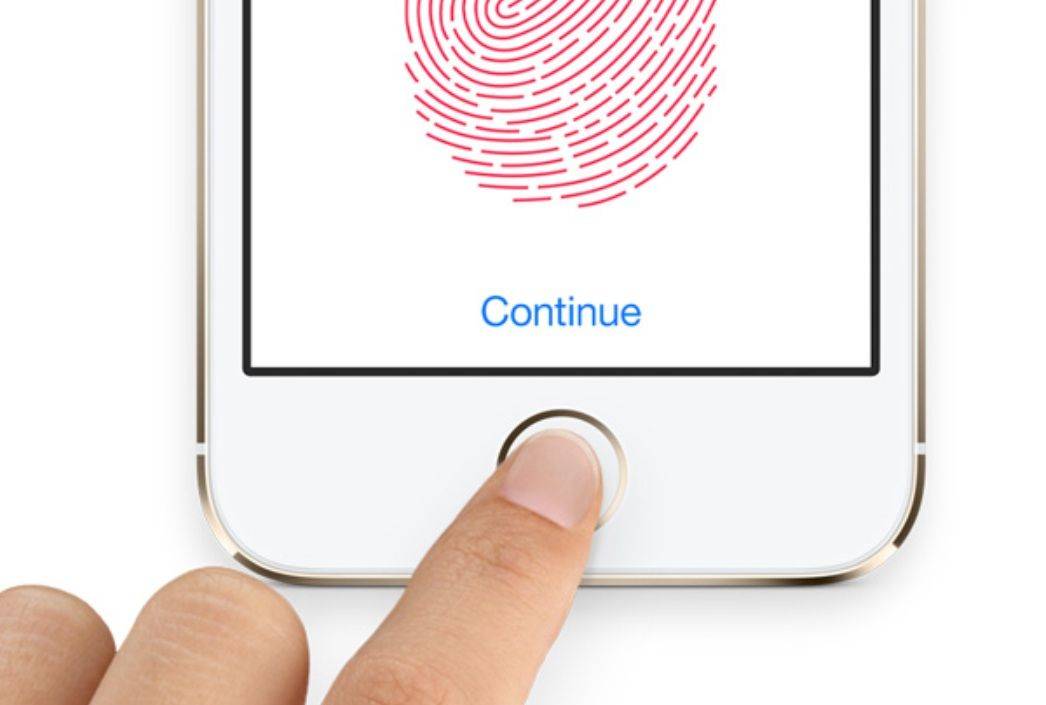
In its latest update, the Microsoft Outlook app for iOS adds new support for Apple’s Touch ID sensor — meaning that you can set the app to let you read your messages only if you scan your fingerprint first.
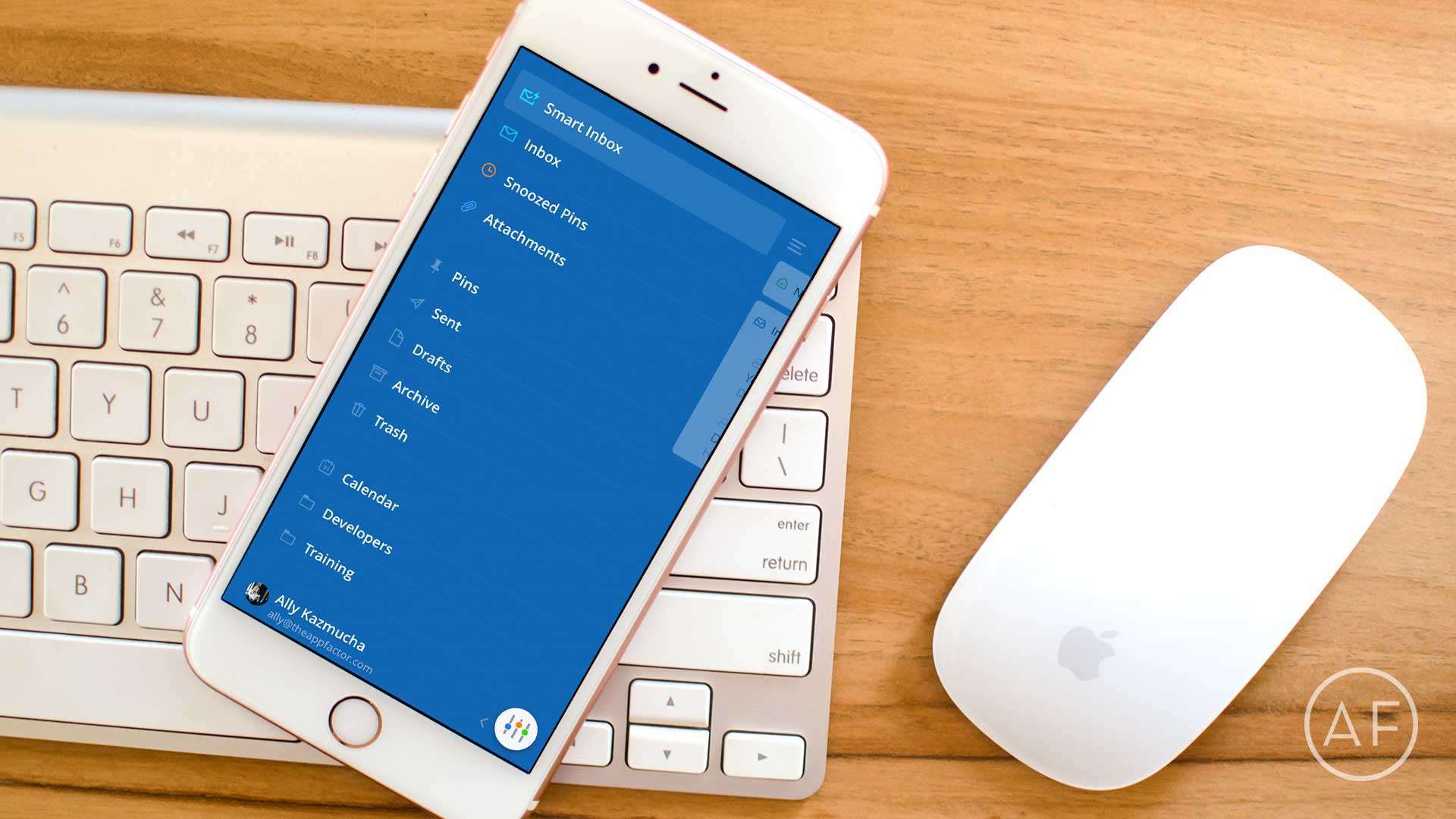
When the stock email isn't enough anymore, give these mail app alternatives a try. Photo: Ally Kazmucha/The App Factor
Traditional email isn’t for everyone, and neither is the built-in Mail app for iPhone. If your email needs are minimal, the Mail app works just fine. However, if you live and breathe mail, you’ll want something that helps you triage faster. These are currently the best mails apps available for iPhone.
You can now use the iPhone 6s' big feature with Outlook. Photo: Killian Bell/Cult of Mac
Microsoft has given its Outlook iOS app an overhaul — offering iPhone 6s owners the chance to use 3D Touch to create new emails and events, or access the calendar directly.
Microsoft has a new outlook on its email and calendar app. Photo: Killian Bell/Cult of Mac
Microsoft has a new outlook on its email and calendar app. Photo: Killian Bell/Cult of Android
Microsoft is merging two of its most popular mobile apps into one: Outlook email and Sunrise calendar. Outlook has always been a favorite among email users while Sunrise rose to fame for being both free and feature-packed. Combined as one, Microsoft is hoping the move enables users to more seamlessly glide between emailing and calendar tasks.
The result isn’t really a huge departure from what Microsoft currently offers in Outlook, since Outlook already has your calendars built in. Instead, it’s more about refining navigation within the app while additionally bringing in some features from Sunrise.
The biggest change is that the sun is setting on Sunrise. After Microsoft bought the calendar app just this year, the company is already pulling the plug on it.