The Spotify app is killing your Mac’s solid-state storage drive, and you need to update now to prevent it.
For the past five months, a bug has caused the app to write massive amounts of data to SSDs, potentially knocking years off their lifespan.

The Spotify app is killing your Mac’s solid-state storage drive, and you need to update now to prevent it.
For the past five months, a bug has caused the app to write massive amounts of data to SSDs, potentially knocking years off their lifespan.

Security researchers discovered a new way to hack the Mac’s built-in webcam this week, and the method is undetectable by users.
Apple built a green LED light into every Mac with firmware-level protection that turns on anytime the sensor is tripped by unauthorized access. The security feature has become increasingly difficult for hackers to beat, but former NSA staffer Patrick Wardle found a way to piggyback on outgoing feeds and record them.
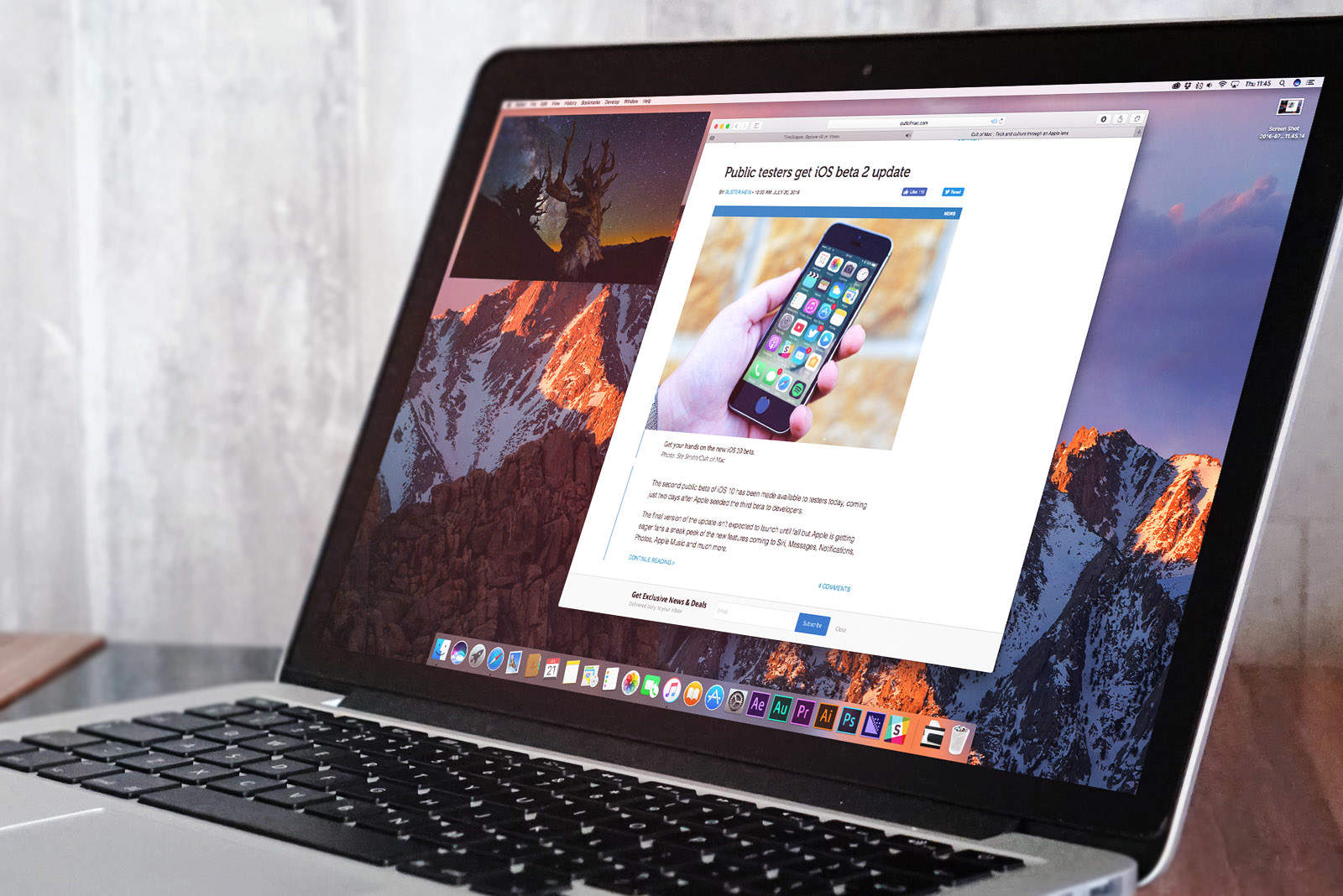
Apple didn’t reveal any new MacBook Pros or iMacs at today’s iPhone-focused keynote, but the company’s next big software update for Macs finally got an official release date.
In a new wide ranging interview, Apple’s senior VP of internet software and services, Eddy Cue, revealed how the company fixed a lot of mistakes it made with the launch of Apple Maps in 2012 by utilizing data from the hundreds of millions of iPhones around the globe.
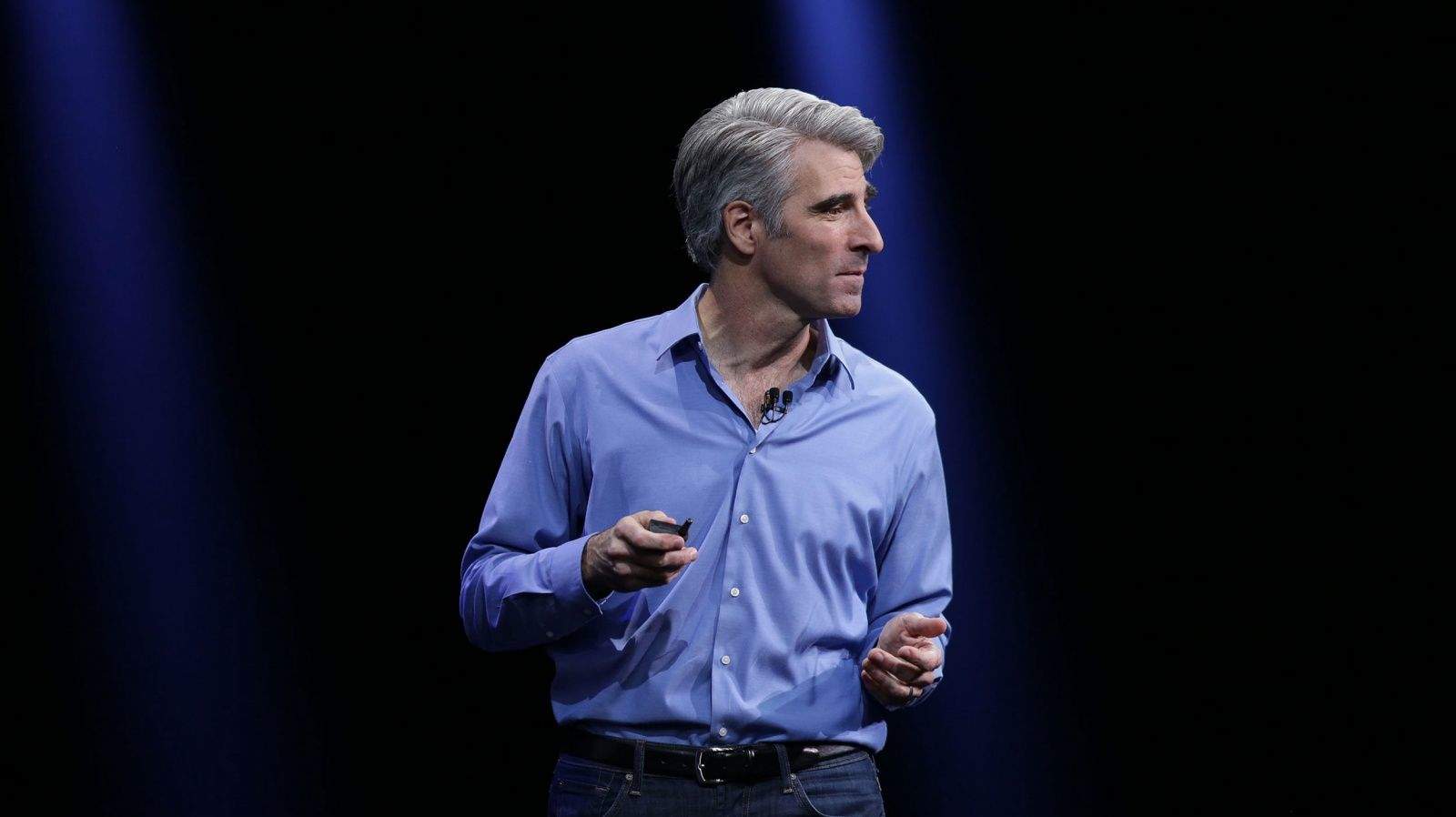
Cue and Apple software chief Craig Federighi sat down to talk about the troubles with Apple Maps, the difference between working for Tim Cook and Steve Jobs, Apple’s competition with Facebook and Amazon and learning from failure.
Apple’s latest acquisition could play a big role in the iPhone maker’s future artificial intelligence products.
Turi, a Seattle-based startup specializing in machine learning and AI, was reportedly acquired by Apple for around $200 million. The startup creates software that gives developers the ability to add AI capabilities that scale automatically, which could certainly be an attractive addition to Apple’s platforms.
Apple’s head of security and engineering architecture, Ivan Kritic, revealed yesterday that the iPhone maker is finally creating a bug bounty program that will offer rewards of up to $200,000 to security researchers who find vulnerabilities on the company’s various software platforms.
The news came during a keynote at the annual Black Hat Conference in Las Vegas where Kritic also gave attendees a behind-the-scenes look at iOS 10 security as part of Apple’s effort to become more open about its architecture in hopes of improving it.
If you haven’t already installed Apple’s latest round of software updates, go do it now.
A flaw in earlier versions of iOS, OS X, tvOS and watchOS makes it possible for hackers to remotely steal saved passwords from your Apple devices without your knowledge.
Following the launch of three new beta builds this morning, Apple has now made a new beta of macOS Sierra beta 3 available to developers this afternoon.
The new beta is available for download directly from the Mac App Store and comes two weeks after Apple dropped the second beta build of macOS Sierra that brings a ton of new features, including Siri for Mac, auto-unlock with Apple Watch, Apple Pay, better iCloud integration and more.
Along with seeding a batch of new beta builds for developers, Apple has a slew of new updates for the public this morning, bringing bug fixes and other software improvements to every single one of its platforms.
The public release of OS X El Capitan 10.11.6, iOS 9.3.3, watchOS 2.2.2 and tvOS 9.3.3 are now available to Apple users, after five beta builds were seeded to developers.
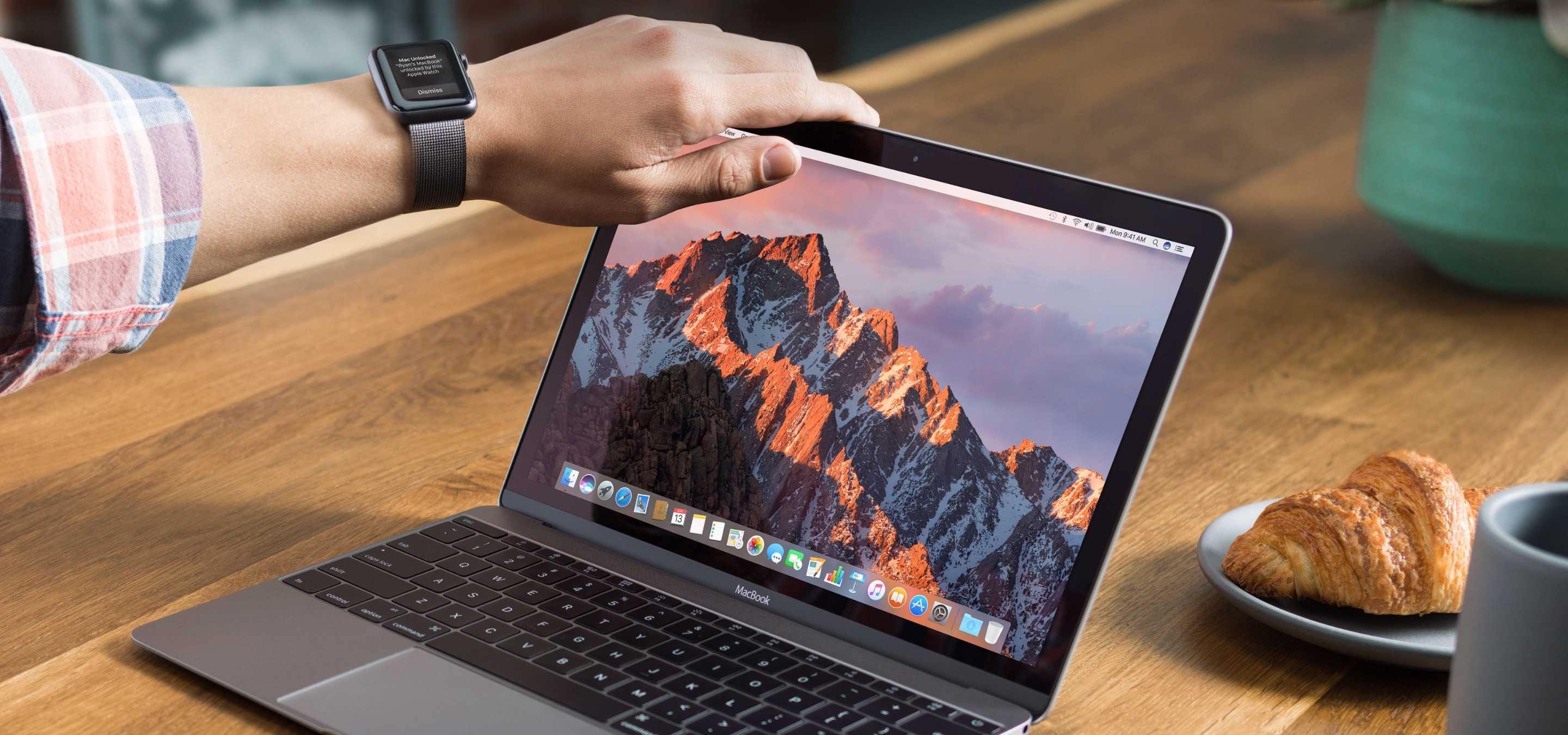
iOS 10 might not be not be the only Apple operating system set to get a darker coat of paint later this year.
After scouring through Apple’s first two betas of macOS Sierra, an OS X developer has discovered that Apple has hidden the ability to activate Dark Mode in a broader way on the Mac — and it’s making it easier for third-party developers to take advantage of the new feature.

Yet another strain of malware targeted at Mac users has popped up this week to prove you shouldn’t disable the Gatekeeper feature baked into OS X. “OSX/Keydnap” disguises itself as an innocent text or image file, then installs malicious code onto your Mac.
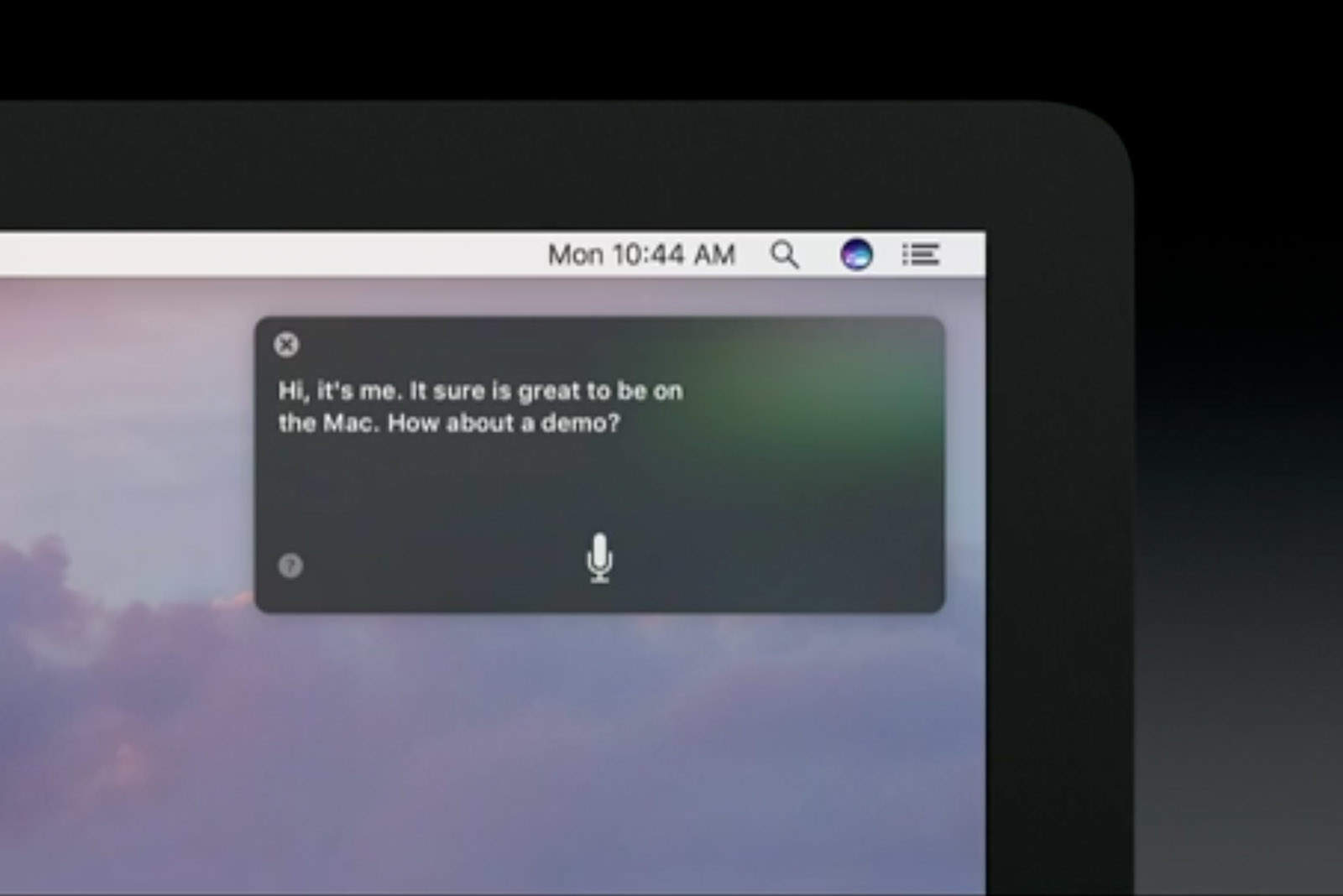
If you’re planning to install the new macOS Sierra public beta today, one of the first things you’ll want to check out is Siri. The virtual assistant is just as useful on your desktop as it is on iOS, and summoning it is super simple with this keyboard shortcut.
Developers got an exciting new batch of iOS 10 and macOS betas yesterday, but Apple is still working on new updates for iOS 9 and OS X El Capitan.
Apple seeded the fifth betas of iOS 9.3.3 and OS X 10.11.6 to developers and public testers this morning, along with a new build of tvOS 9.2.2 just for devs.
Apple’s Mac systems have been exposed to a dangerous new piece of malware that allows attackers to take full control of OS X.
The new malware, dubbed Backdoor.MAC.Eleanor by security researchers, provides attackers with a backdoor into OS X systems by embedding a script into a fake file converter application that’s found on many reputable sites that sell Mac apps.
If you haven’t already ditched Evernote for Apple Notes, now is the time. Changes to the company’s subscription plans mean the basic Evernote account is now next to useless for the vasty majority of users who don’t want to pay up.
Unlike its rivals at Facebok, Twitter has shown little interest in virtual reality, but it appears that the company is finally ready to make a play and an ex-Apple designer is leading the charge.
Twitter has hired Alessandro Sabatelli as its first Director of VR and AR where he has been charged to “empower us all in the spatial computing revolution.”
Developers and public beta testers can now get their hands on the third beta build of iOS 9.3.3 after Apple seeded the update this morning.
The new iOS 9.3.3 beta comes two weeks after Apple released the second beta. Apple has also released two new betas for tvOS 9.3.3 and OS X 10.11.6.
The first macOS beta was released this week, so of course I downloaded it straight away on my Mac to bring you all a quick hands on video.
Although this is still the first beta, and many functions still don’t work as intended, it gives us our first glimpse at Apple’s next-gen desktop OS in action. Check out the macOS Sierra hands on video below.
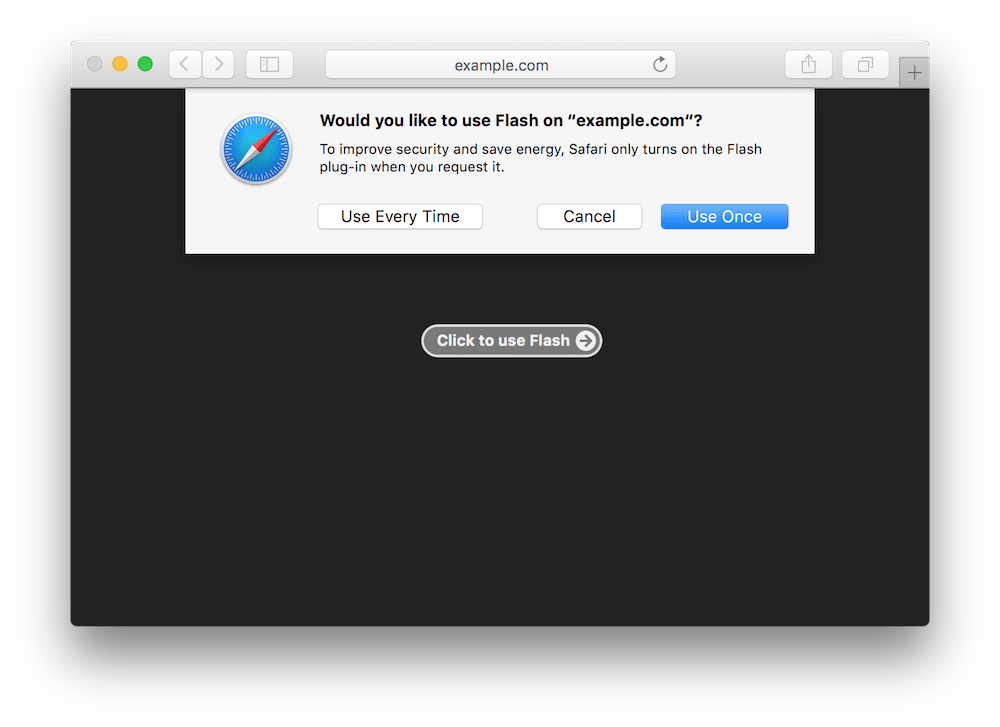
Apple’s next Safari update will arrive with new ways to handle legacy plugins like Adobe Flash to provide users with a better browsing experience, improved performance, and greater battery life.
Safari 10 will also use the speedier and more stable HTML5 over Flash whenever possible.
OS X is dead. The name, at least.
Apple’s desktop operating system will become macOS this fall with its next major update, which will bring a whole host of exciting new features and improvements — including Siri integration, automatic unlocking, and Apple Pay for the web.
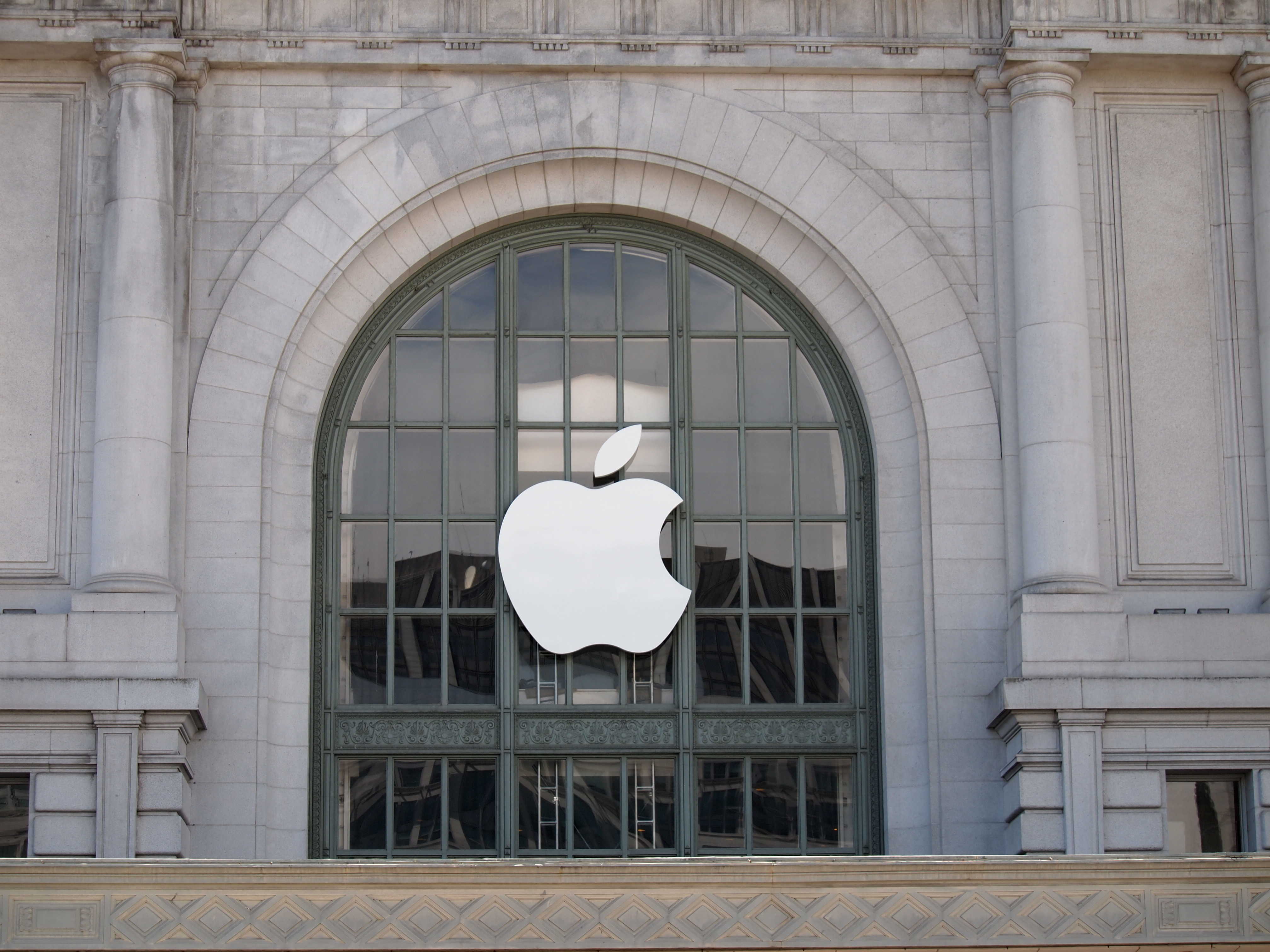
Nerds rejoice. WWDC is finally here!
Apple’s annual developer conference is set to get underway in just a few hours. The company is expected to unveil the future of iOS, OS X, Apple Watch, Siri and much more in what is expected to be one of the most action-packed keynotes we’ve seen in years.
Cult of Mac will be liveblogging all the action of today’s events right here and we won’t stop until every last morsel of info has been dished out by Tim Cook and the rest of Apple’s team. If you’re not sure what to expect from today’s keynote, take a look at this quick refresher — “Everything to expect from Apple’s jam-packed WWDC 2016 keynote” — and then join us for our WWDC liveblog below. The keynote starts Monday at 10 a.m. Pacific.
We’re all stoked for our first previews of iOS 10 and macOS from WWDC, but according to sources familiar with Apple’s plans, it’s going to be Siri that steals the show.
The virtual assistant is expected to make the leap to the Mac for the first time, and could also open up to third-party apps and services — allowing users to check in for flights, book Uber rides, and do more using only their voice.

Apple’s keynote to kick off this year’s Worldwide Developers Conference is going to be huge. So huge, in fact, that Apple already revealed some stuff early because Tim Cook and his Cupertino cronies won’t have time to cover everything during the jam-packed, two-hour event.
While WWDC might seem like a bit of a snoozefest for Apple fans who don’t know anything about Xcode and Swift, the 2016 edition of the annual developer conference should bring lots of new stuff even normals can get hyped about. The WWDC keynote will give us a peek inside the ever-evolving Apple ecosystem — and thus our clearest picture of the future of all Apple products.
This year, all of Apple’s platforms are set to get major updates, as are some of the company’s most popular services, like Siri and Apple Music. Here’s what to watch for during Apple’s keynote, which will kick off WWDC 2016 next Monday morning in San Francisco.

Apple has rolled out a major Logic Pro X update that beings new features and performance improvements. The release also contains 300+ Chinese instrument loops, bringing it in line with the most recent release to GarageBand.
Apple’s big keynote for WWDC is just a few days away, but if you want some hints about what the company will unveil, just ask Siri.
Apple’s digital assistant won’t spill the beans on iOS 10 or macOS, however asking her questions like “What will happen at WWDC?” currently cause Siri to unleash some hilarious responses that are straight out of Game of Thrones.
Take a look at some of these funny answers: