Did Evernote just shoot itself in the foot? Photo: Evernote
If you haven’t already ditched Evernote for Apple Notes, now is the time. Changes to the company’s subscription plans mean the basic Evernote account is now next to useless for the vasty majority of users who don’t want to pay up.
Is iCloud down for you this morning? Photo: Jim Merithew/Cult of Mac
Apple’s service status page confirms an issue with iCloud Mail and Notes that is rendering the services unavailable for some users. The outage has been ongoing for two hours now, and there’s currently no word on when we should expect it to be fixed.
Keep your notes secure in OS X. Photo: Ste Smith/Cult of Mac
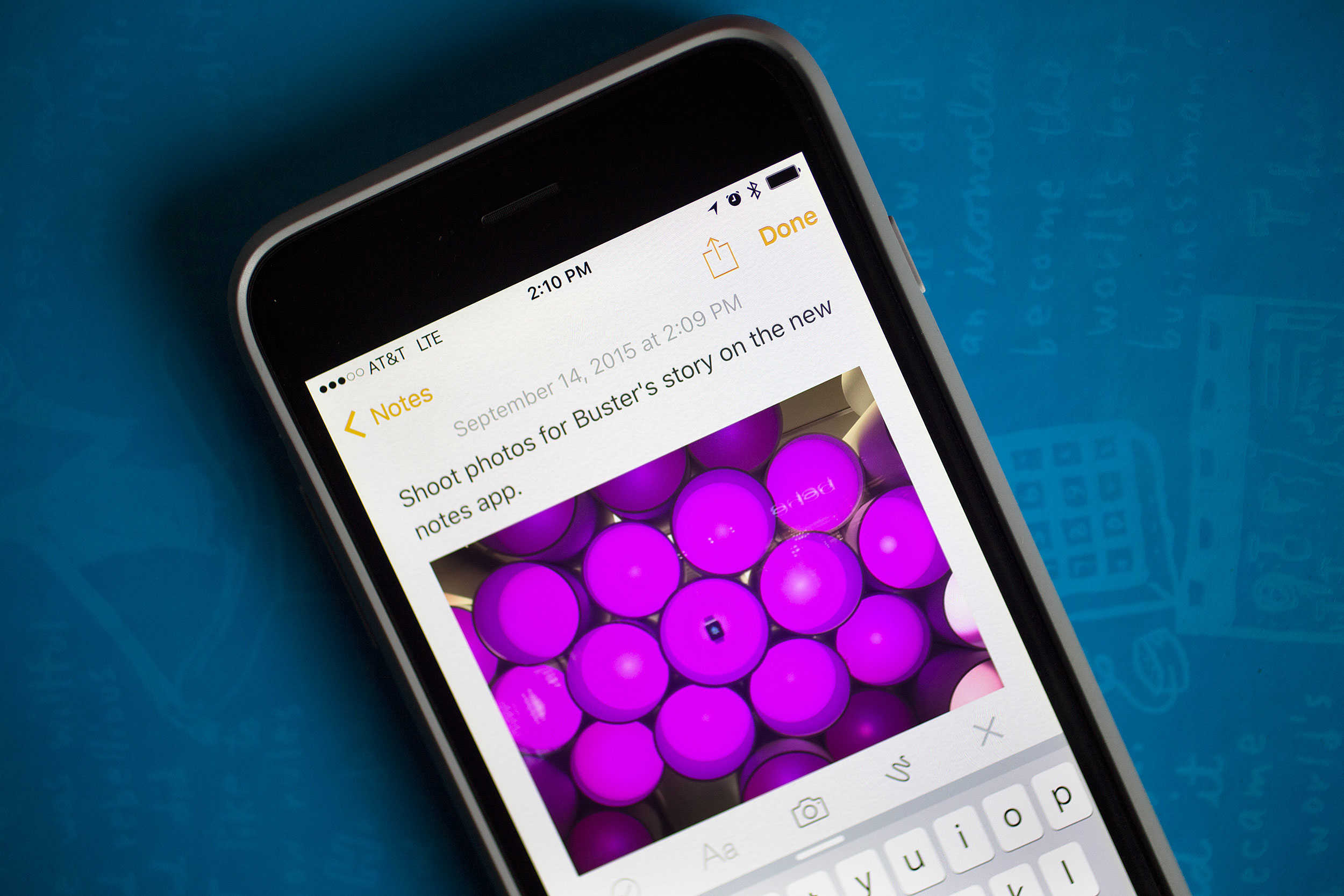
Lots of us were excited to keep our Notes private when iOS 9.3 added the feature to Apple’s mobile devices. We all store private details in our notes such as bank details, pin numbers and more within the notes app for convince. Knowing this information is now more secure than ever is one less thing to worry about.
But did you know that you can do the same on your Mac?
In this week’s Quick Tips video, I’m going to help you with your peace of mind and show you how to secure your notes in OS X.
This is a bigger update than anyone anticipated. Photo: Apple
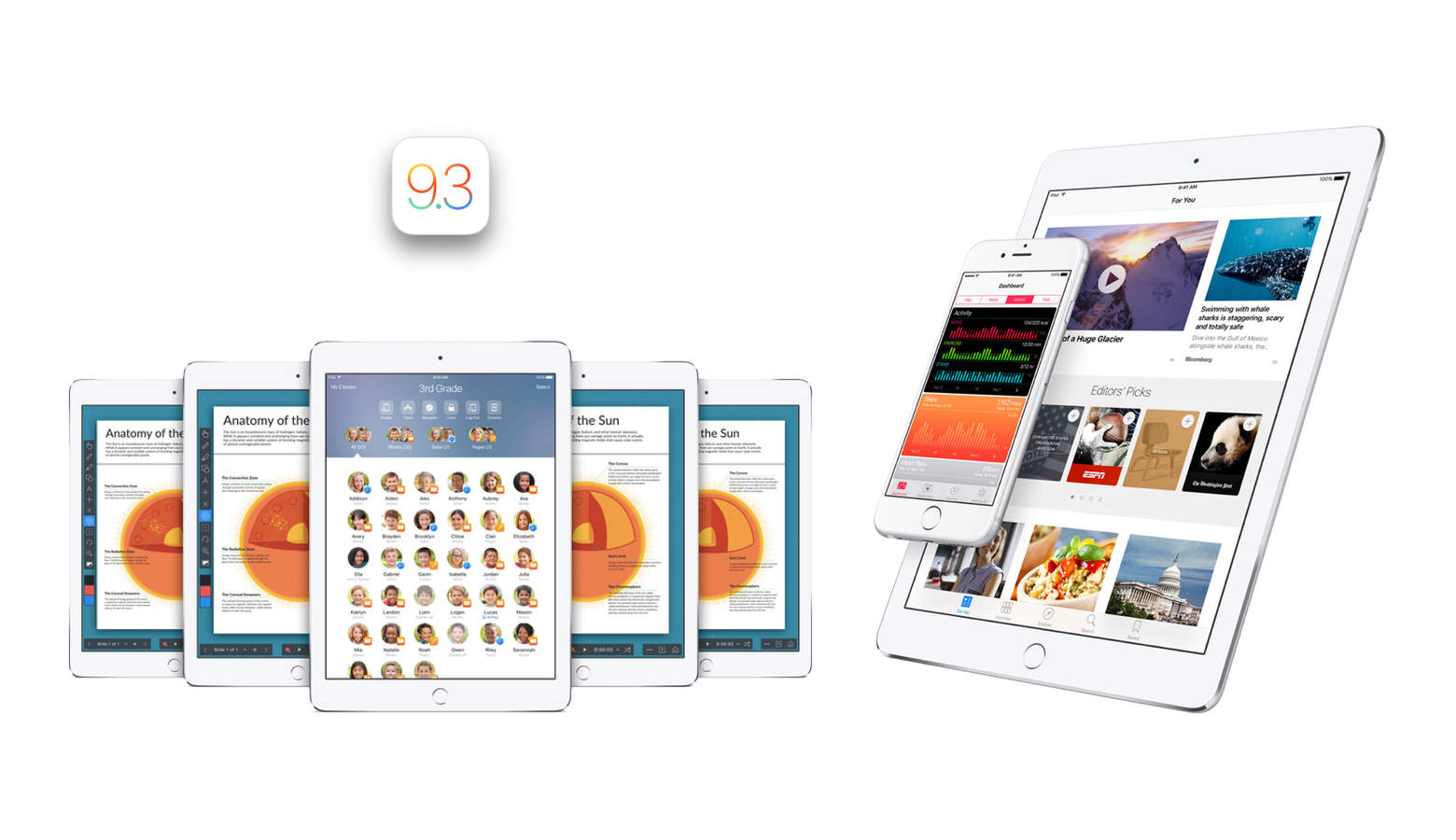
Apple released the developer beta for iOS 9.3 today. To the surprise of many, it actually includes quite a few brand new and useful features whether you’re in the classroom or trying to sleep — or both. There are so many new features that we can actually dedicate an entire post to explaining all of them. So here we are doing exactly that.
Note that since today marks iOS 9.3’s release only for developers, it might be a while before the rest of us see the final version show up in the Settings app. But without further ado, here is everything you can look forward to in iOS 9.3.
El Capitan beta is here to change your Mac. Photo: Apple
OS X El Capitan promises to redefine the Mac experience with a host of new improvements that make working (and playing) smoother than ever.
There’s a lot to learn about all the new goodies in El Capitan, which finally became available to the public for free today. Everything from Notes to Safari, from AirPlay to Spotlight, has seen gains both big and little.
After spending a lot of time with the new OS, which has been in beta for months, we’ve found 13 killer features every Mac owner needs to know to get the most out of El Capitan. Here they are!
Keep your dirty words out of the Notes app. Photo: Jim Merithew/Cult of Mac
The busier my life gets, the more disorganized I become. I fumble for a notepad when I’m out and want to get someone’s phone number. I think of get short story ideas when I’m in the shower, and I have tons of books and movies I want to get (usually when I’m broke). Don’t get me started on shopping lists. Who has time to write those out?
My digital life is just as disorganized. There are web links to save, photos of stuff I want to share with friends, and notes I need to refer to while writing articles on the web. They’re each in their own separate apps or websites, making pulling everything together a pain.
Notes in iOS 9 solves this dilemma by allowing us all to keep all our photos, notes, shopping lists in the one place we’re most likely to find it: on our iPhones.
Better yet, you can dictate an idea for your next screenplay right out of the shower, then pick up your iPad when you get to work and resume it right there.
Here’s how to get the most out of your new Notes app, and never be disorganized again.
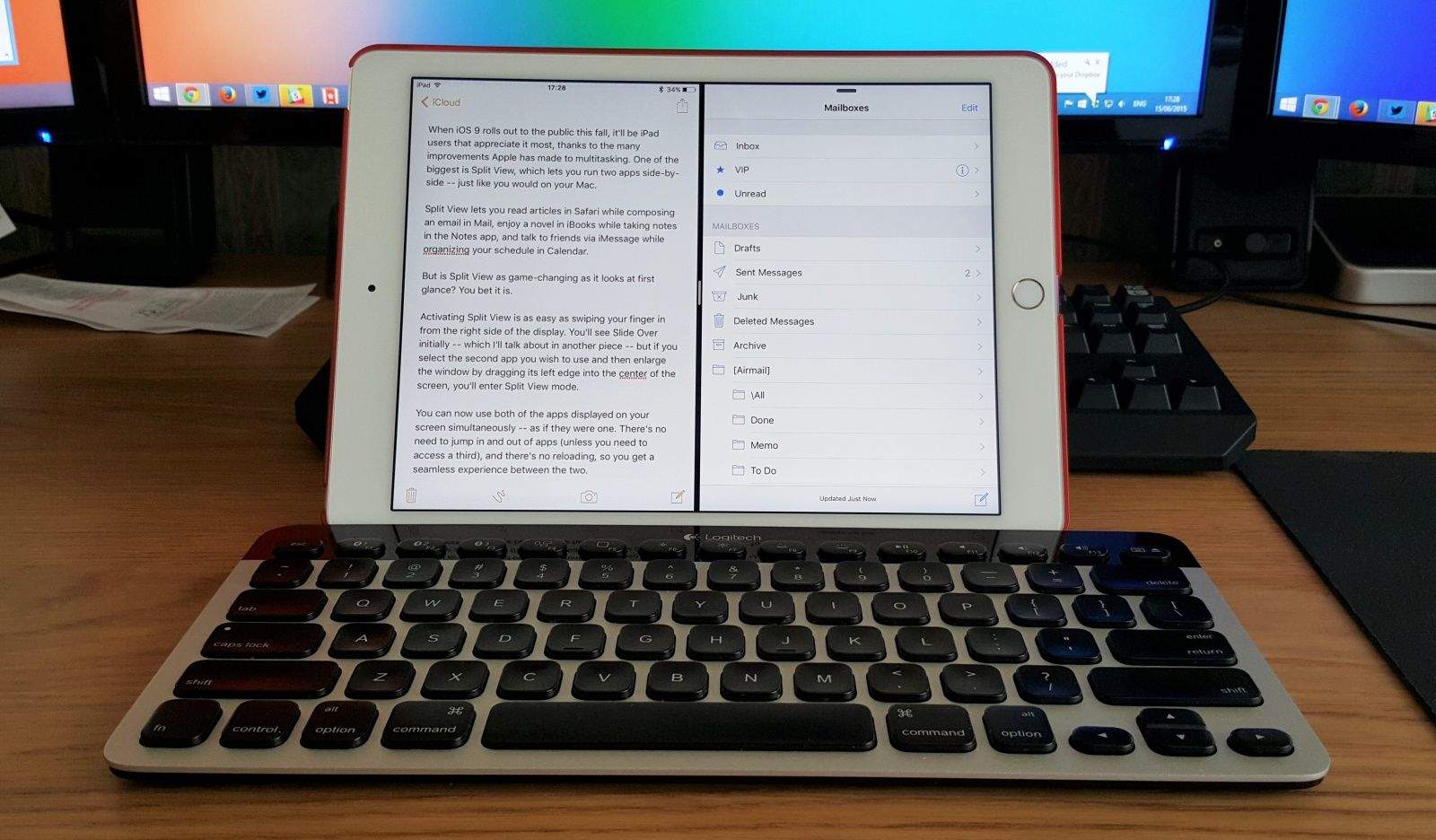
When iOS 9 rolls out to the public this fall, it’ll be iPad users that appreciate it most, thanks to the many improvements Apple has made to multitasking. One of the biggest is Split View, a feature that’s exclusive to the iPad Air 2, which lets you run two apps side-by-side — just like you would on your Mac.
Split View lets you read articles in Safari while composing an email in Mail, enjoy a novel in iBooks while taking notes in the Notes app, and talk to friends via iMessage while organizing your schedule in Calendar.
But is Split View as game-changing as it looks at first glance? You bet it is.
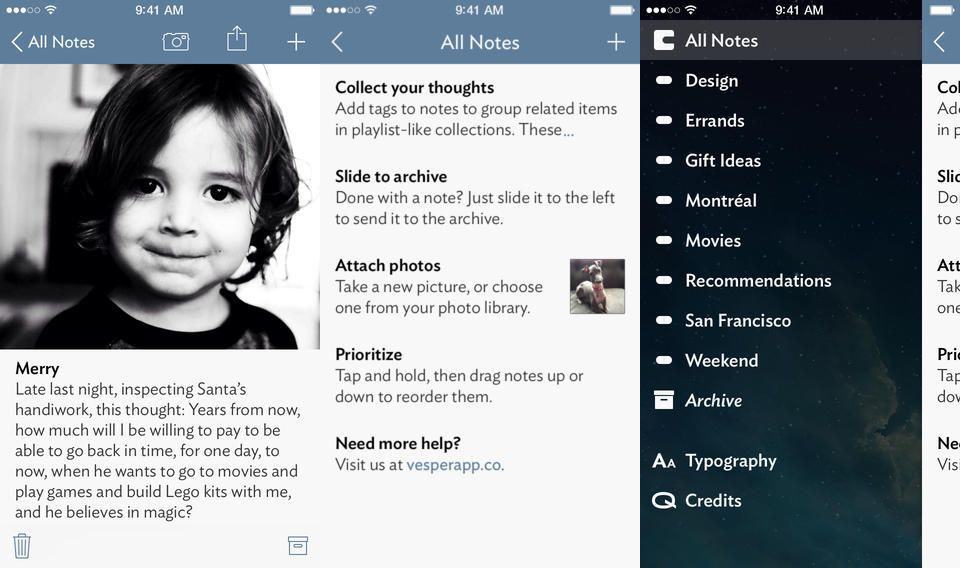
Vesper, the note-taking app developed in part by John Gruber of Daring Fireball, has been updated with a cool new feature that allows you to easily see the timestamp, character, or word count for a Vesper note… without adding a lot of on-screen clutter.
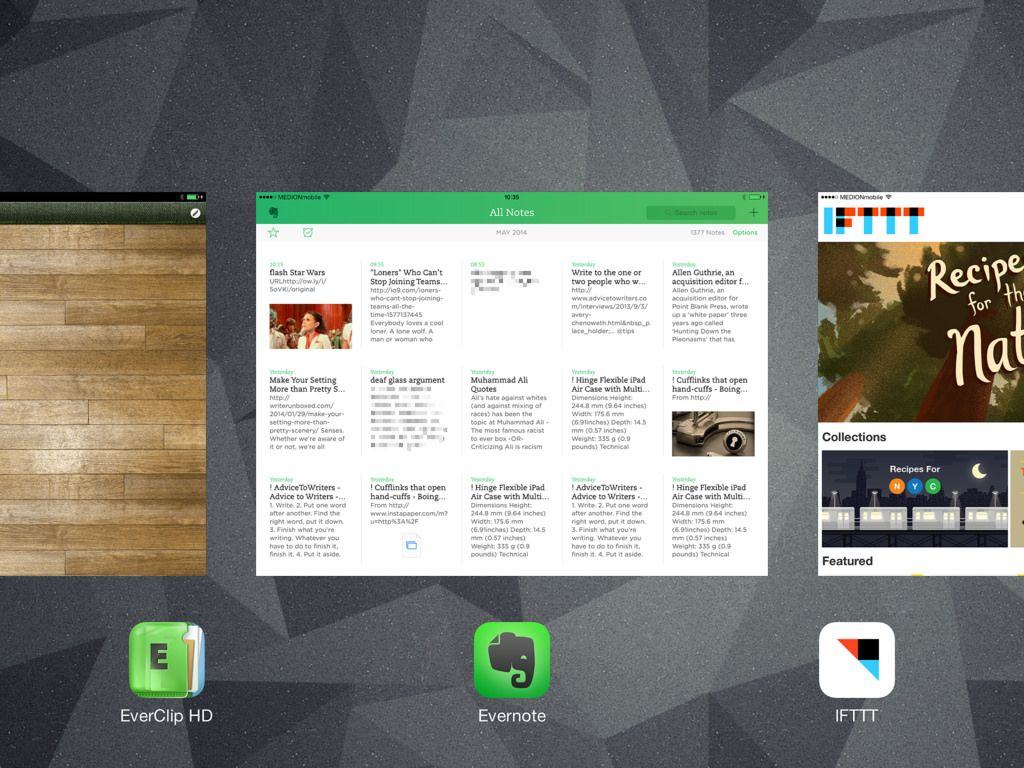
Welcome to the final part of our series about note-taking for writers (or anyone else). Today we’re going to look at getting clippings and bookmarks into Evernote, to be stored and accessible alongside your scanned, paper-based notes (Part 1) and your text notes grabbed on your iPhone or Mac (Part 2).
We’ll use a few apps and services to get this done – EverClip, Mr Reader, IFTTT and Pinboard are the main ones.
As ever, you could just do much of this using Evernote and its web clipper, but this only works in Safari and Chrome on the desktop. In 2014! Clearly that’s no good. Let’s see how we can do it better.
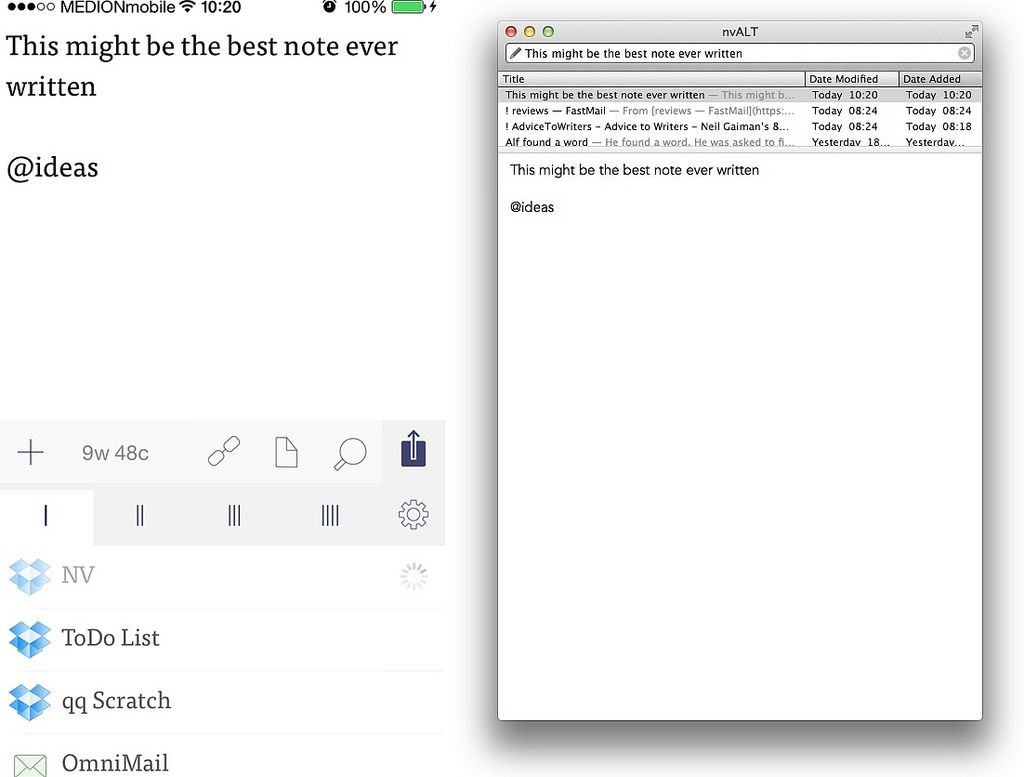
Welcome to Part 2 of our series on note-taking for writers (or anyone who takes lots of notes). In three posts we’re looking at ways to take notes on paper, on your iPhone or Mac, and collected from the web, and combine them all (optionally) into Evernote for easy browsing and retrieval. In theory you can do all of this just by launching Evernote, but that app is pretty terrible at capturing notes.
Part 1 dealt with paper notes. This part is all about grabbing quick text notes on your iPhone and Mac, and then using Hazel to send them to Evernote. Have fun!
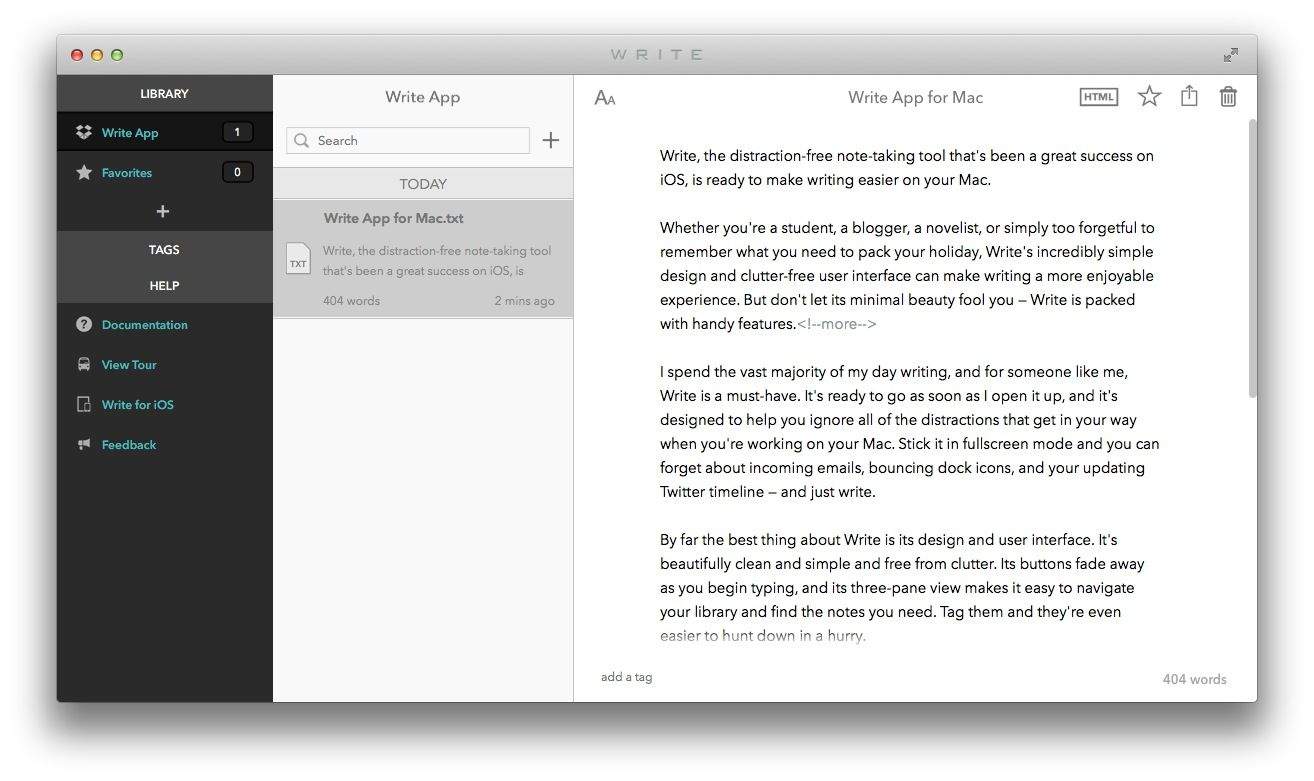
Write, the distraction-free note-taking tool that’s been a great success on iOS, is ready to make writing easier on your Mac.
Whether you’re a student, a blogger, a novelist, or simply too forgetful to remember what you need to pack your holiday, Write’s incredibly simple design and clutter-free user interface can make writing a more enjoyable experience. But don’t let its minimal beauty fool you — Write is packed with handy features.
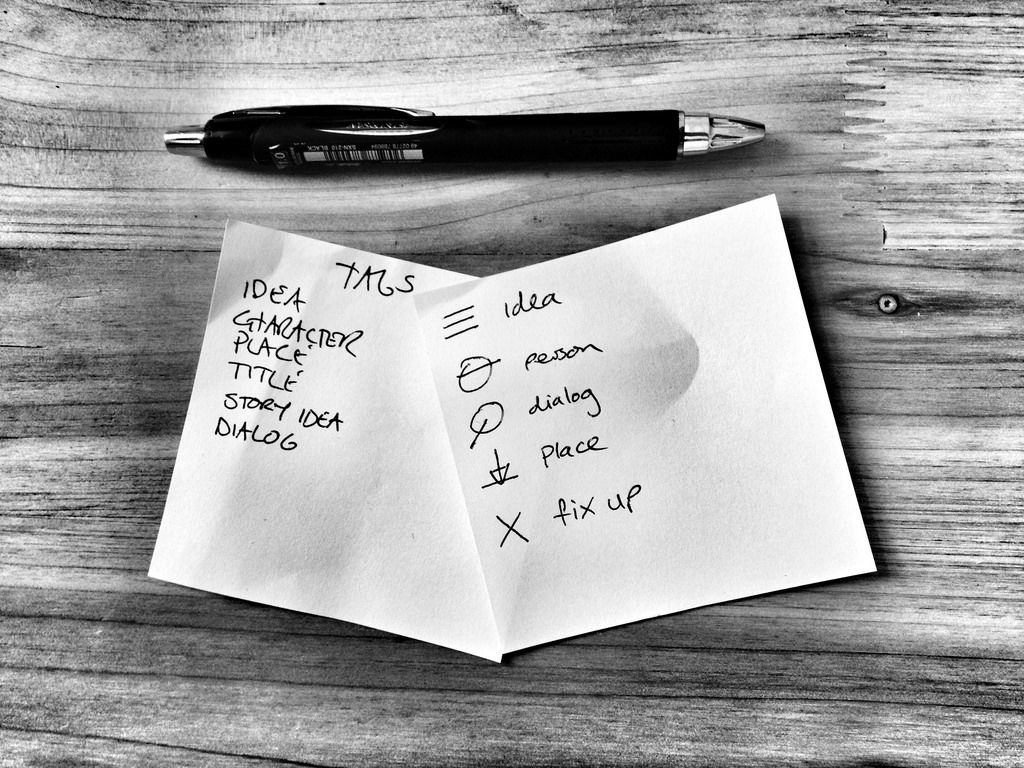
I started writing stories this year – short fiction and a couple of novellas so far – and I’ve found I need to make a lot of notes. The iPhone is pretty great for this, as you’d expect, but not always: Sometimes it’s just not appropriate to tap away on a cellphone, and sometimes you might want to make little drawings, or maybe you just find it easier and faster to pull out a paper notebook or index card.
The biggest advantage of iPhone notes is that they are sync-able and searchable. Paper is neither. But using a combo of apps, old-school paper hacks and an easy-to-maintain “workflow”, I came up with a simple note-taking system that keeps paper and pixels together, both equally searchable, sync-able and usable.
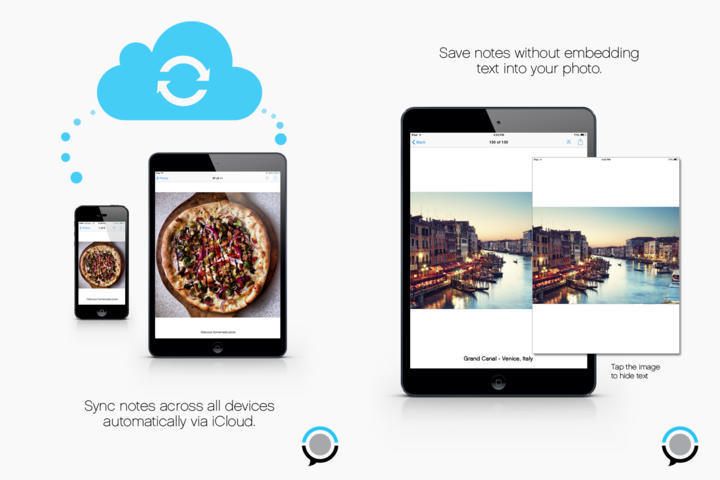
PhotoFlip has the beginnings of a great idea, let down by poor implementation. Here’s the idea: The app lets you add notes to the photos you have in your iPhone camera roll, without copying those images. That is, the pictures stay in your regular photo library, and the app just displays them with your text note added underneath.
It’s a great idea right? It uses almost no storage, and doesn’t double up on picture libraries. You can even snap photos from within the app and they’re saved ion the regular camera roll, and everything is synced via iCloud (if you want anyway).
Microsoft today launched a new OneNote application for Mac after more than 10 years of desktop exclusivity on Windows. You can download it now from the Mac App Store, and just like its iOS counterpart, it’s completely free.
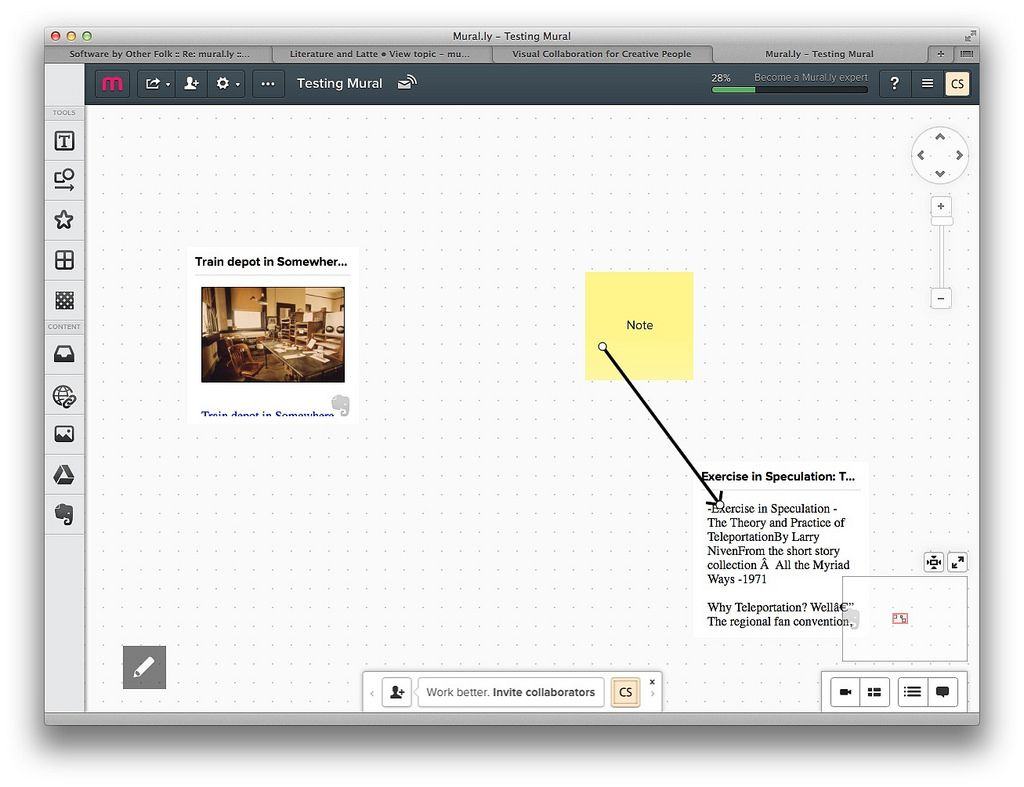
Mural.ly is a mood-board app, or white-board app, or cork-board app, or whatever you want to call it, and it works in the browser and as an iOS app. I’ve been testing it out (briefly) and so far it’s pretty great. It even lets you access your Evernote notes and drop them into a “mural.”
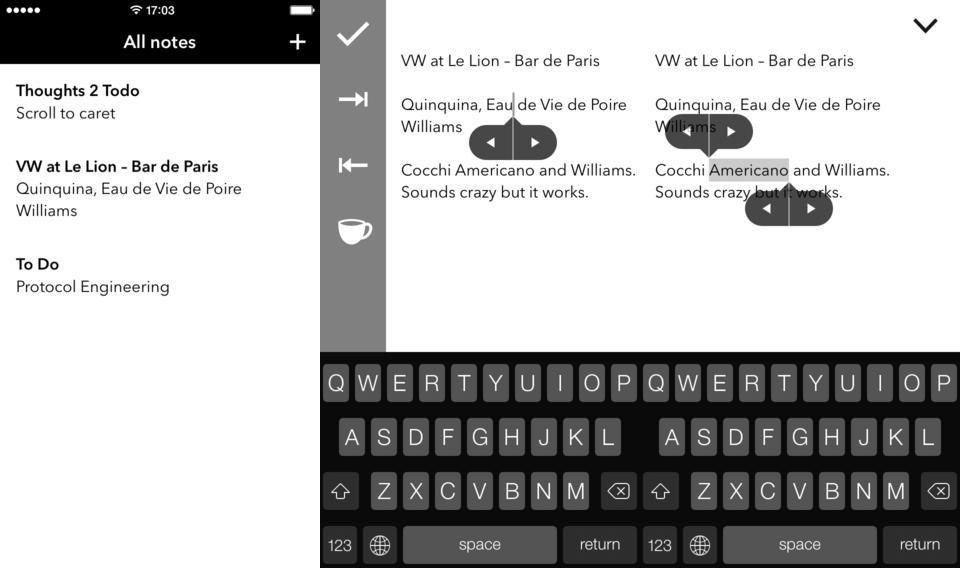
Text selection on iOS is still a pain in the ass. Some apps fix it up with extra buttons above the virtual keyboard, but Thoughts 2, an iPhone notes app, adds extra buttons to the text selection itself. This makes it easy to expand and contract the selection one character at a time which – given the fickle nature of text fields in iOS – should help a lot.
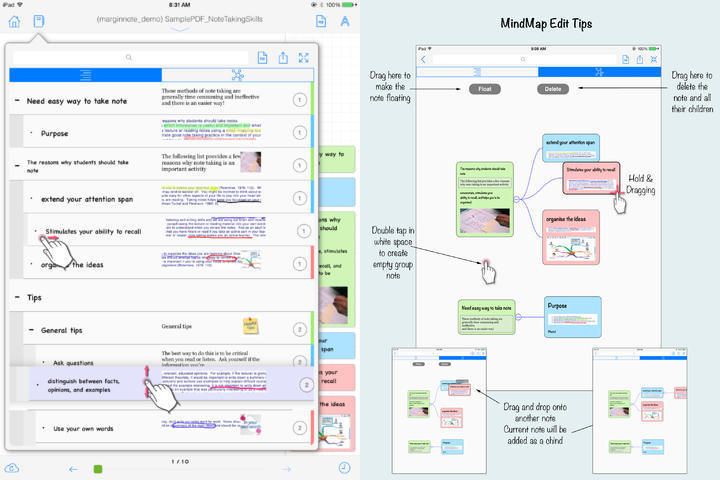
MarginNotes is an interesting app that may just be a little too confusing to use, or may be the perfect document markup app ever. I still can’t figure out which.
The app will open EPUB and PDF files and let you mark them up, adding comments, margin notes, sketches and anything else, and also lets you add entire outlines, or turn the document into an outline – I’m not quote sure. Let’s take a quick look:
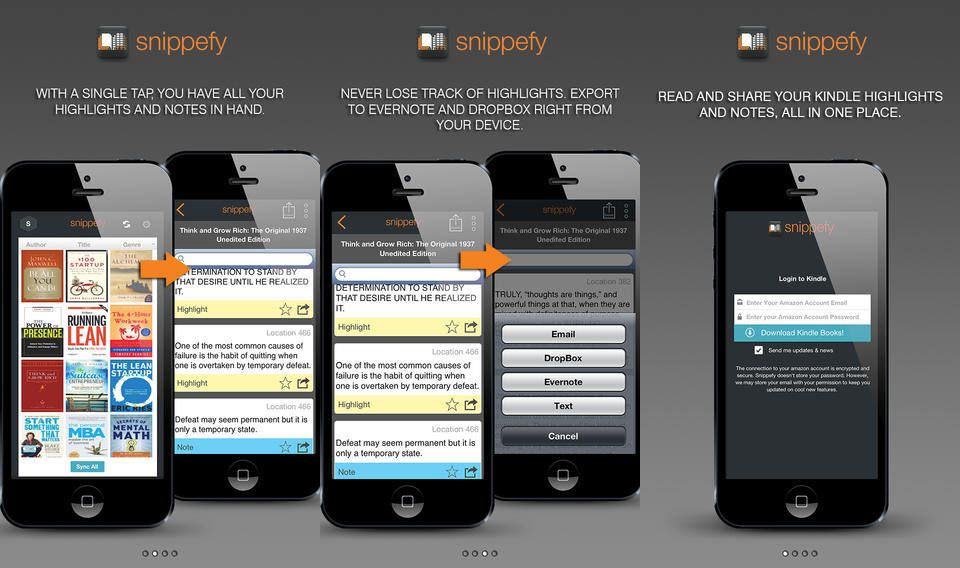
Snippefy takes the almost-useless highlights from your Kindle and syncs them to Evernote, Dropbox or anywhere that’ll accept text. It’s an iPhone-only app, but as it’s only really there for processing your snippets to use somewhere else, it’s fine for the iPad too.
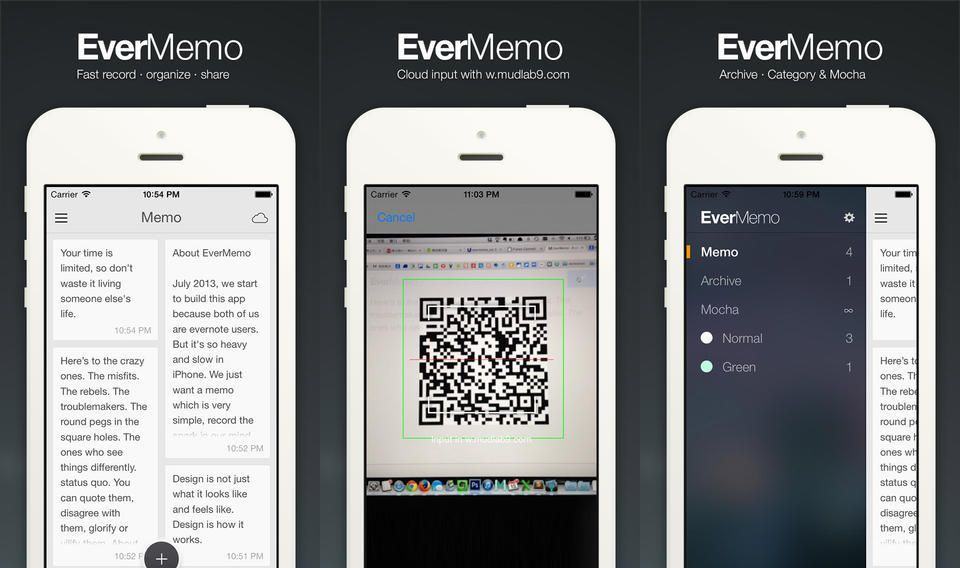
Evernote continues to suck as an app, and excel as a back-end service for better-designed apps. EverMemo is yet another quick note taking app which posts your important scribblings direct to your Evernote account to be indexed and assimilated, all without having to launch Evernote’s own bloated monster and tap desperately as you try to find the new-note button before you forget whatever it was you were trying to remember.
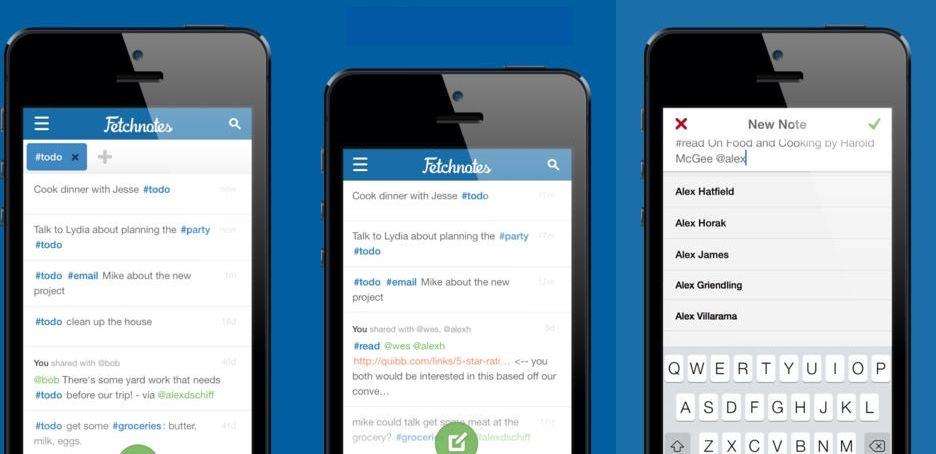
I like Fetchnotes 3, a new and deceptively simple update to the iOS/web app which lets you take, organize and share notes. At first, it looks a lot like Simplenote, with a very plain and simple UI, plus tags and easy sharing. But it’s actually a lot more powerful than that.
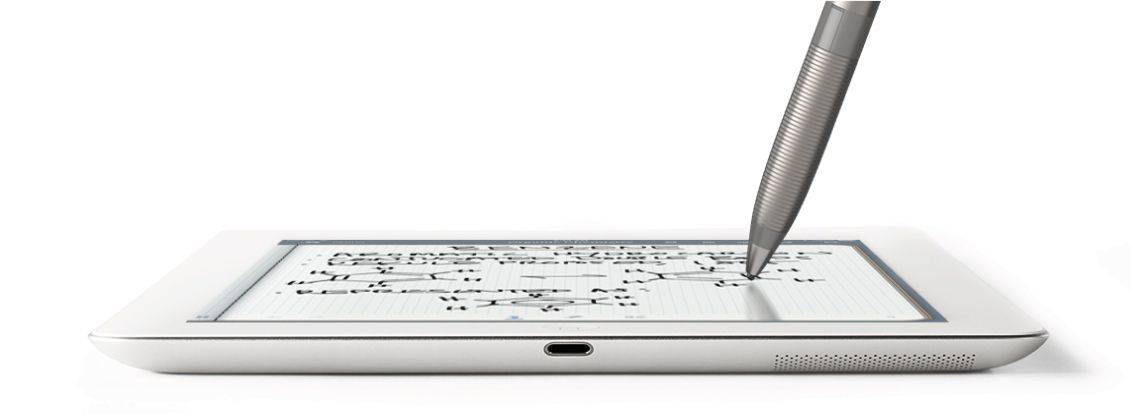
Somehow, Adonit and Evernote have together managed to solve the biggest problem in iPad styluses: the size of the tip. Instead of a big fat pinkie-sized blob of rubber, the new Jot Script has a point that’s more or less the size of a regular rollerball ball.
And best of all, the latest version of Penultimate, Evernote’s note-taking app – has been developed in tandem with the pen to work like, well, to work like an Apple product.
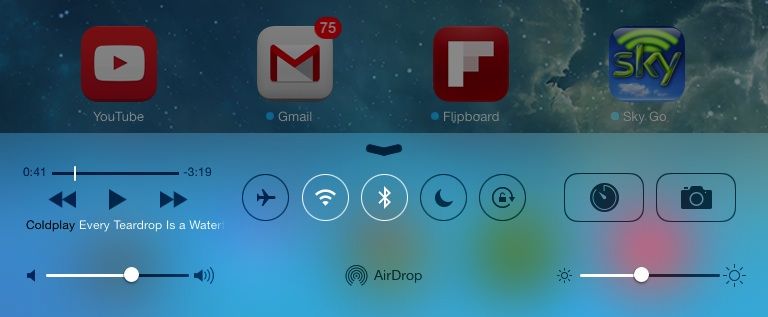
iOS 7 is much more than a pretty face. Early “news” reporting focussed on the new look provided at the last minute by Jony Ive and team, but the inner workings of the new OS have clearly been under development for a lot longer. So, try to look past the bright colors, blurred popovers and beautiful parallax for a moment, and join us as we take a tour of the best new features of iOS 7.
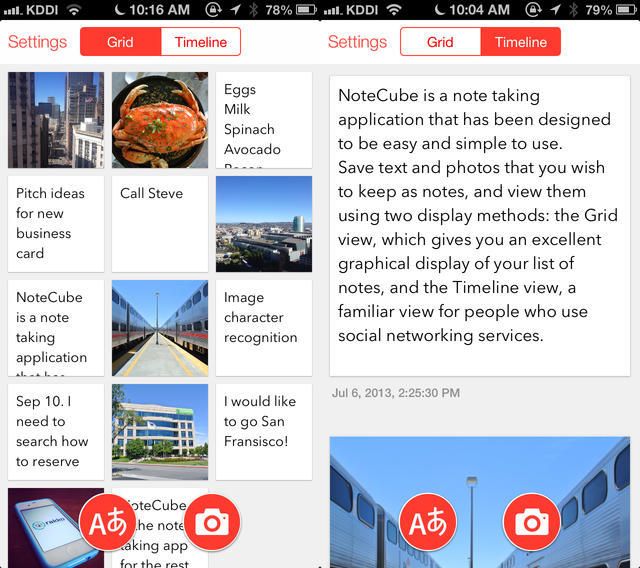
NoteCube is another one of the “new generation” of note-taking apps, started by Q Branch’s Vesper, which are ultra-clean (in the iOS7 style) and work with pictures (the other one being Whitespace).
The USP of NoteCube is that it syncs with Evernote, which means that a) it actually syncs, unlike the other two apps, and b) it gets access to Evernote’s neat text recognition in photographs.
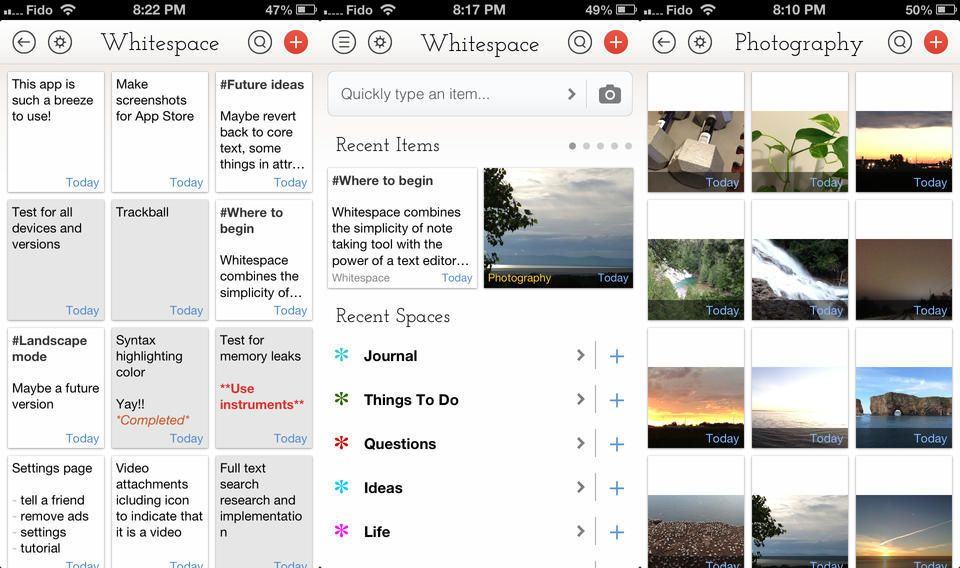
Whitespace is an note-taking iPhone app that kind of combines Q Branch’s Vesper with a corkboard concept (only without the actual cork texture — this is the age of iOS 7 after all). It’s slick, it works with pictures, and it’s free (ish).
With less a month to go until Apple unveils its new iPhones and the release date of iOS 7, the iCloud beta site just received a redesign to bring it more in-line with iOS 7’s UI.
Apple has replaced the old iCloud app icons for Mail, Contacts, Calendar, Notes, Reminders, and Find My iPhone with their counterparts from iOS 7. Along with the new icons, Apple has redesigned the UI of each app with the updated look of iOS 7 as well.