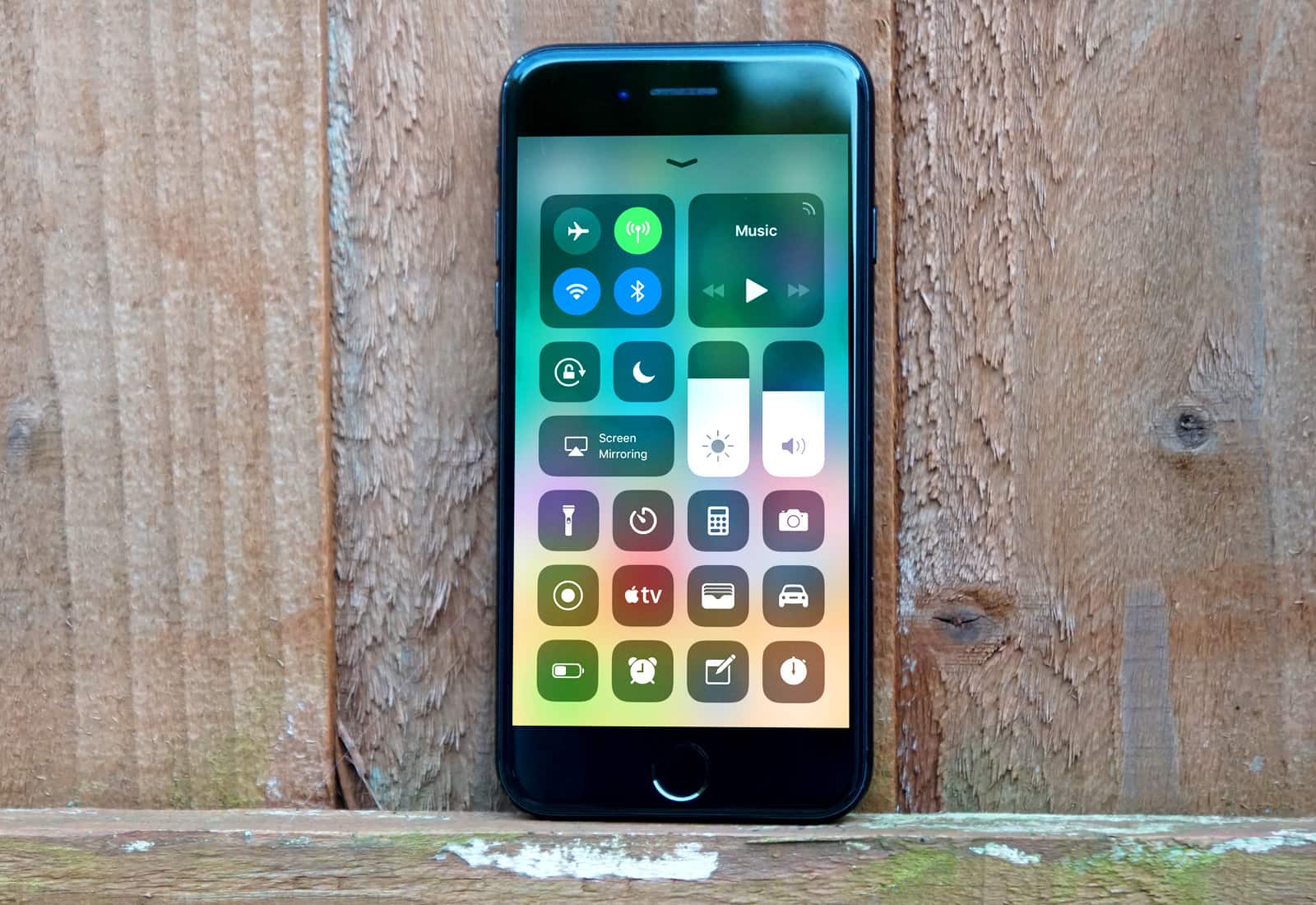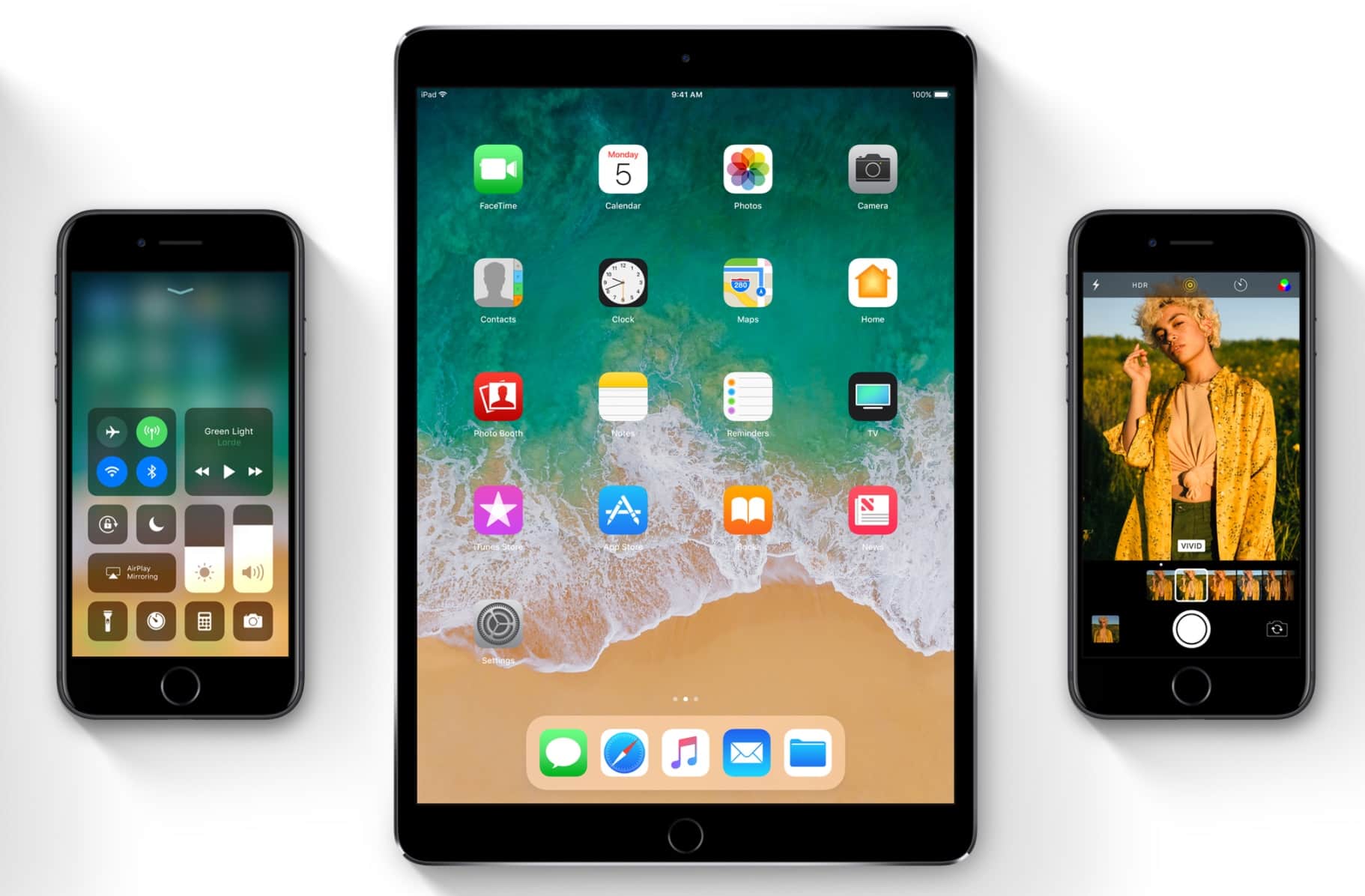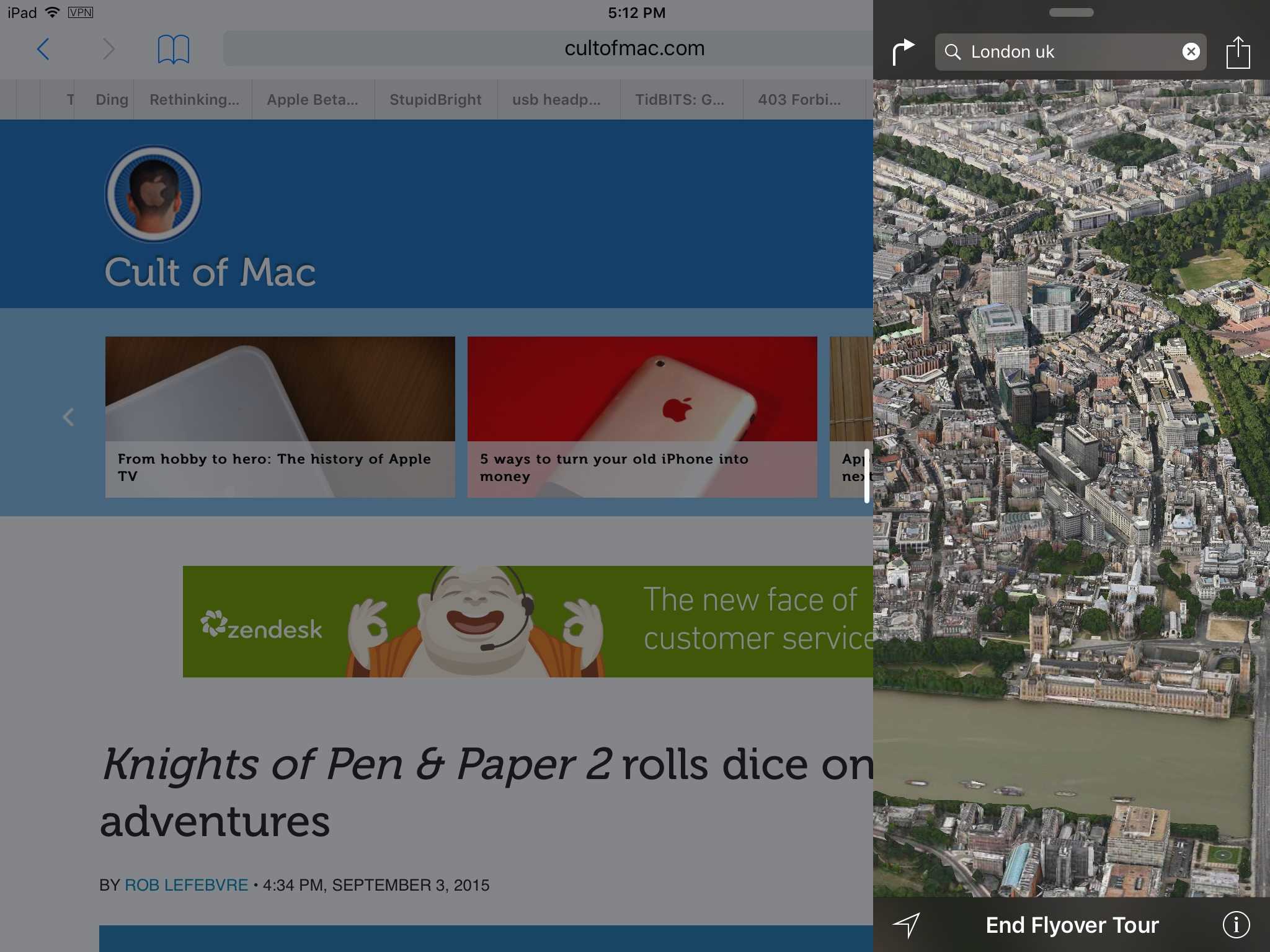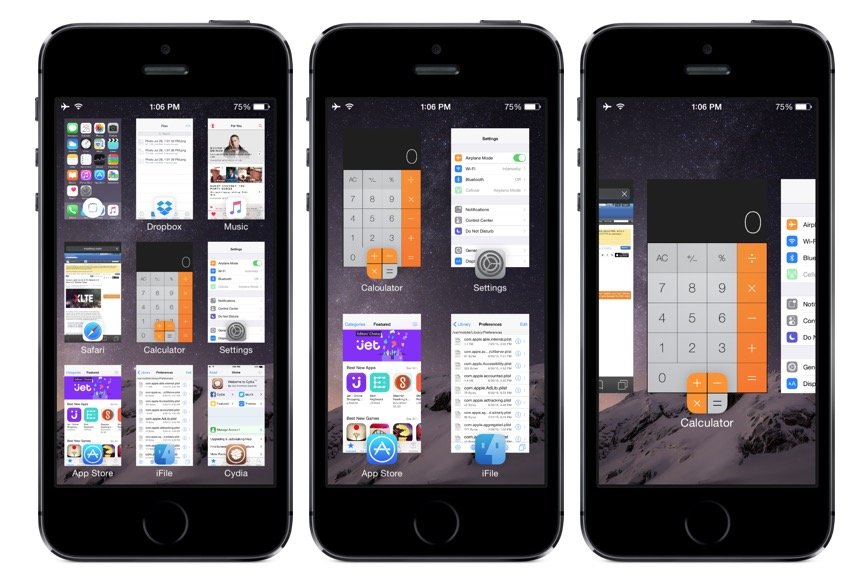
Killing iOS apps — not just closing them, but killing them completely — is nowhere near as simple as it should be.
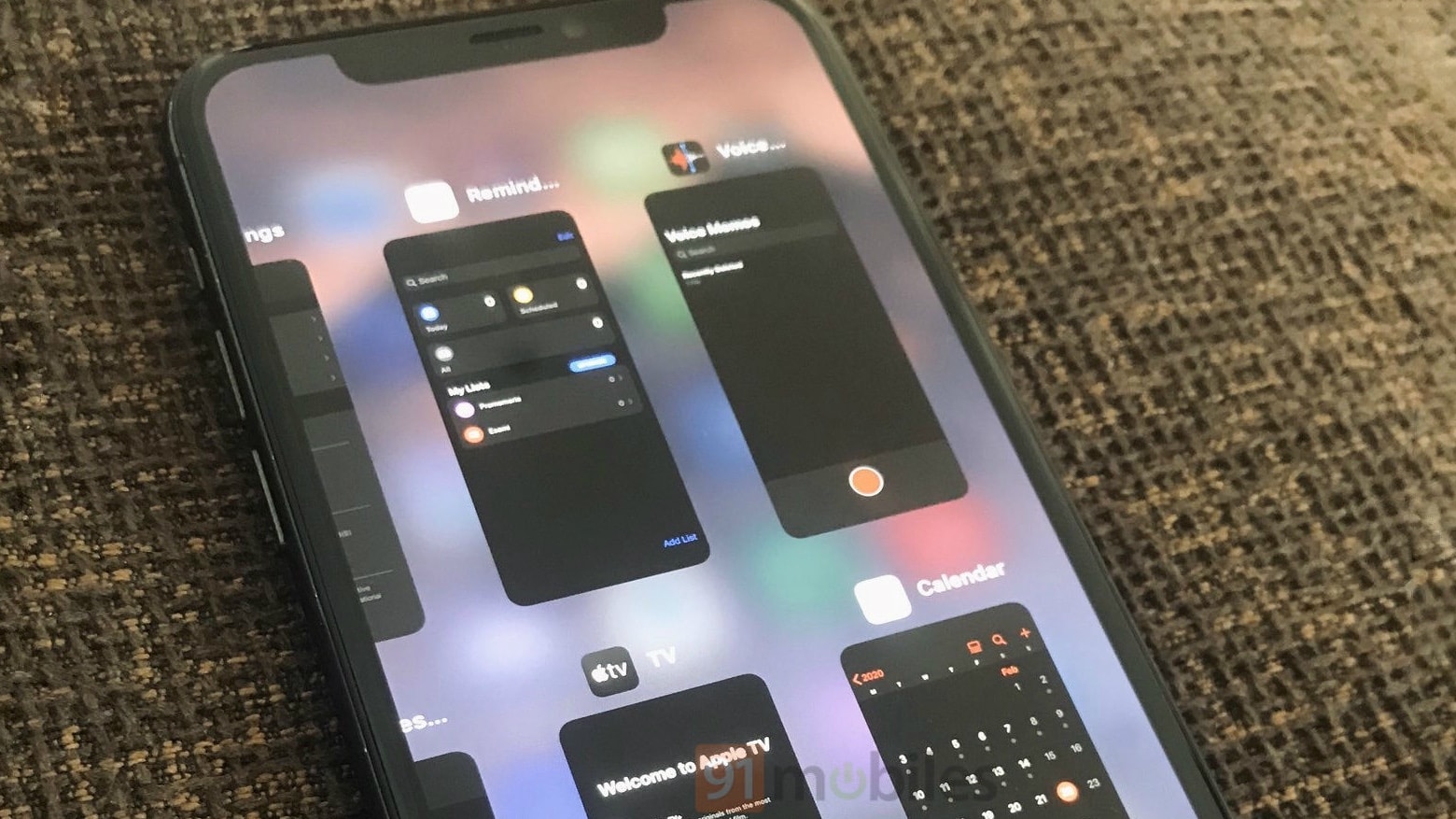
First you have to double-tap the home button to open the multitasking tray, then you have to tap and hold the app’s icon, and then you have to close it by tapping the tiny circle. That’s a pain if you have several apps you wish to kill at once.
But with a new tweak for jailbroken iOS devices called Slide2Kill, you can completely kill iOS apps with just a swipe.
The HBO Go app for iOS has today been updated to add some great new features, including support for AirPlay multitasking. Game of Thrones fans will also be able to enjoy enhancements to the interactive experience on iPad.
Auxo, a popular jailbreak tweak that supercharges your multitasking tray, has been updated to version 1.4-2. The latest release adds a number of new toggles, including one for Do Not Disturb, and makes improvements to the flashlight and respring toggles. It also carries a number of bug fixes.
It’s probably true that you’ve learned some great iOS gestures with two or three fingers, like pinching in or out to zoom and the like. But did you know that you can use some multitasking features with just the addition of another finger or two?
Use the claw technique to activate the following swipes on your iPad and you’ll be one step closer to gestural iOS nirvana. Or is that nerd-vana. Either way, I suppose.
Auxo, a wonderful app switcher from interface designer Sentry, has become a must-have tweak for jailbroken iPhones since it hit Cydia back in December. But it seems Sentry has plenty of other ideas up his sleeve when it comes to improving the multitasking experience on iOS.
He’s released a new concept for switching between apps on the iPhone that’s unlike anything you’ve seen before. Check out the video below.
We’re all itching to see what iOS 6 has in store for our iPhones, iPads, and iPod touches, and we’re expecting Apple’s keynote address at WWDC next week to provide the first look at the new update. But the software could already be out in the wild. One YouTuber has published a three-minute video in which a purported iOS 6 beta is shown off for the first time.
Some of its features include new “iStore” and Dictionary apps, improvements to Spotlight search and the Maps app, enhancements to multitasking, and more.
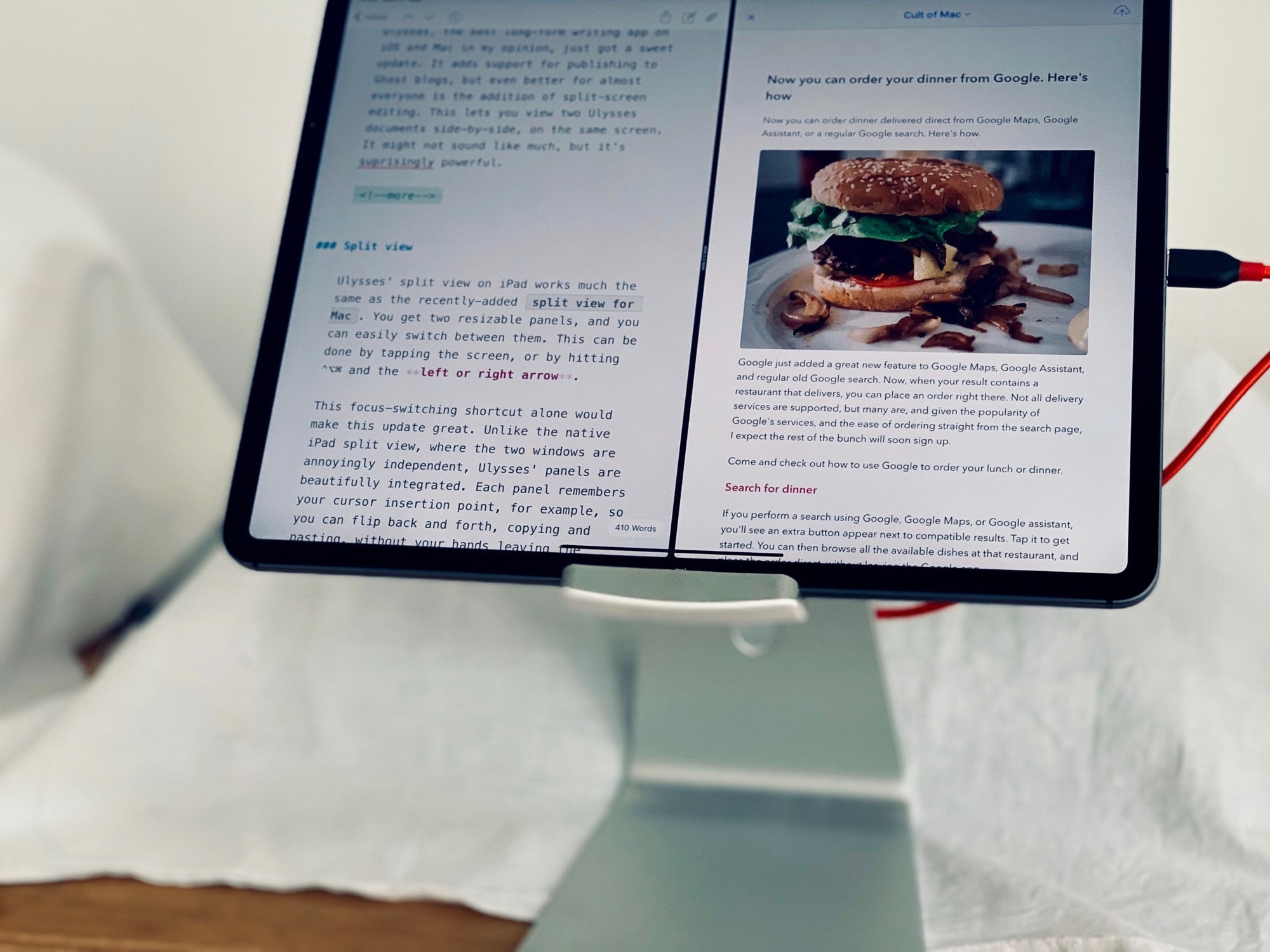
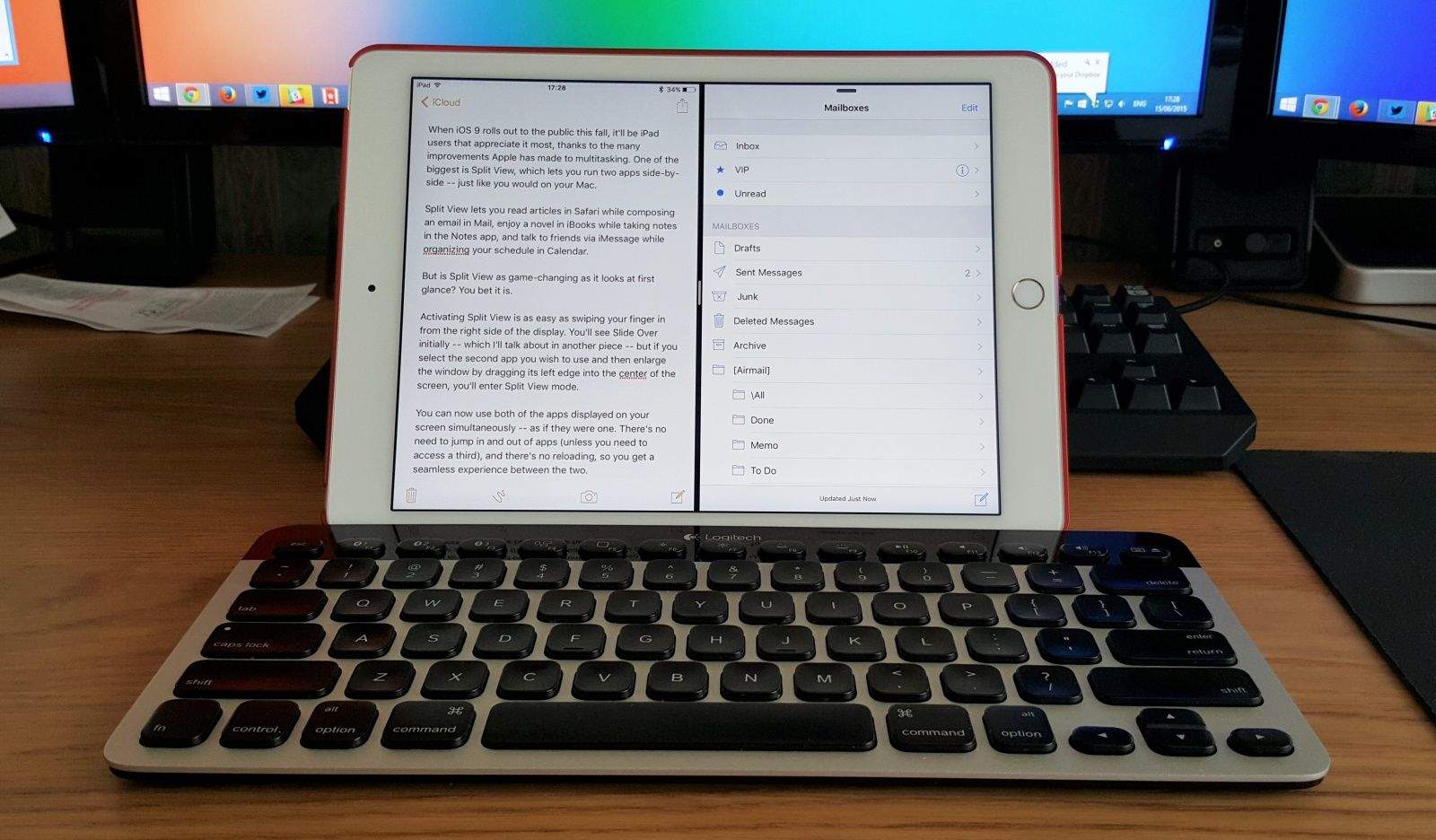
When Windows 8 debuts as a tablet OS later this year, it will have one major advantage over the iPad for people who want to use a Windows 8 slate as a laptop replacement: you can run apps side-by-side, consulting a document in one pane while writing up an email, say, in another.
I’ve been saying since last year that this is a killer feature Apple should try to lift in iOS 6, but up until now, all we’ve seen are jailbreak hacks sloppily emulate the functionality. No longer. A hack has finally come along that does it right.
A jailbreak tweak called Aero reinvents the interface for multitasking on the iPhone. With Aero, you use a list of animations and effects to create your optimal multitasking environment in iOS 5. It completely changes the feel of switching between apps.
Popular multitasking tweak CardSwitcher has been updated to version 2.0 in Cydia for iOS 5. If you remember Palm and the webOS platform, the look and feel of CardSwitcher will be very familiar. For jailbroken iPhones, this slick tweak brings the card-like multitasking environment of webOS to iOS.
If you want a change of pace from the tiny app switcher Apple has implemented when you double tap your Home button, CardSwitcher 2.0 is something you want to consider. There’s also an included multitasking interface that iPad users will enjoy.
Every once in a while a jailbreak tweak comes along that tires to reinvent multitasking on the iPhone. We’ve seen webOS-inspired tweaks like Multifl0w, multiasking-focused tweaks like Zephyr, and many others over the years.
A relatively new package called Imperium aims to change the way we jailbreakers multitask on the iPhone yet again. Is it worth the $1 price tag? Let’s take a closer look.