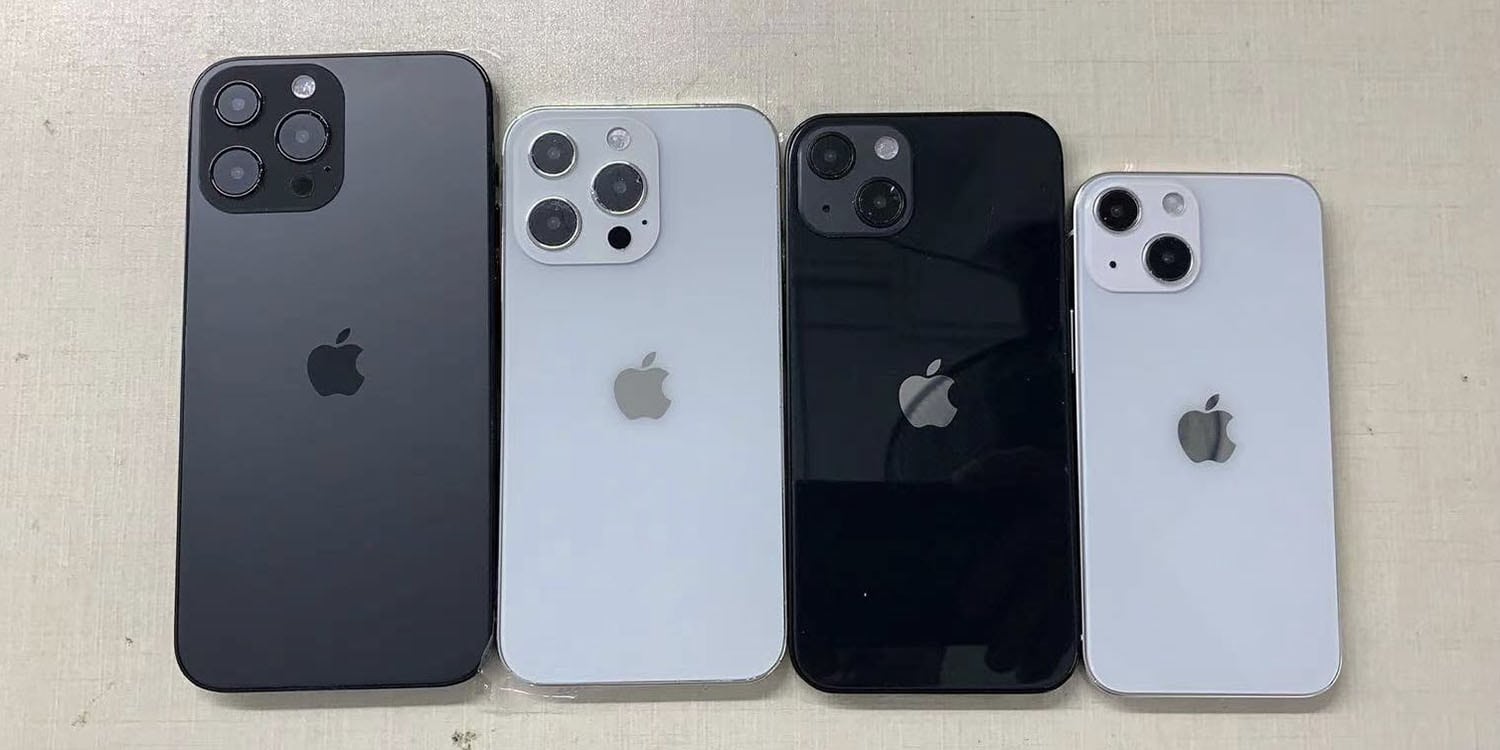
Dickson's dummies show small changes to four possible iPhone 13 models. Photo: Sonny Dickson
Leaker Sonny Dickson showed off iPhone 13 dummies Wednesday of four possible models that could be released this fall, in addition to case renders and video of a case, included below.
They all suggest a handful of tweaks to iPhone 12 that may be forthcoming in the new models.
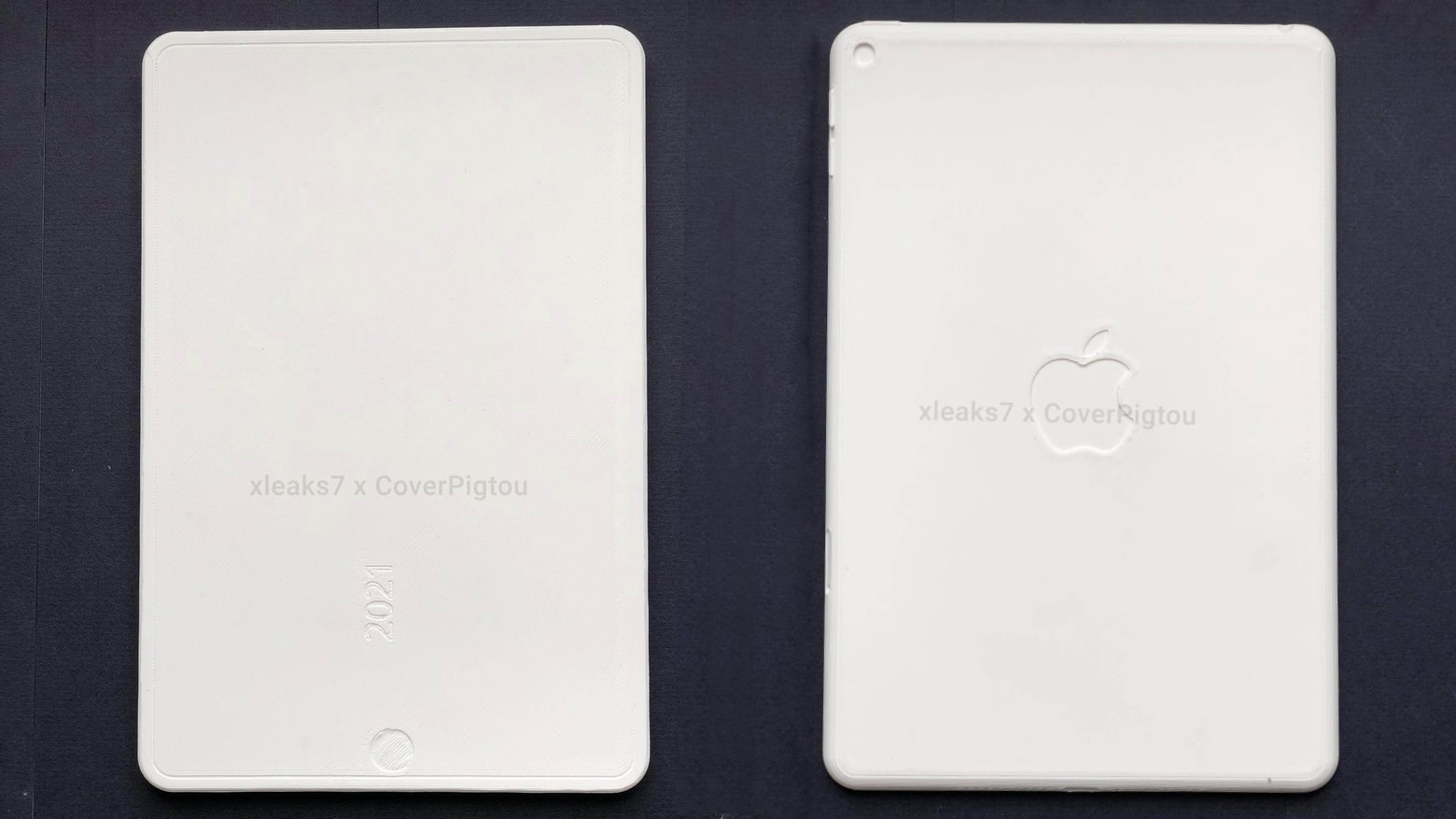
An iPad mini 6 mockup could show that a significant redesign is one the way. Photo: xleaks7/Pigtou
There’s a bit more evidence that the iPad mini 6 will feature a dramatic redesign. A mockup of the tablet leaked out, showing an edge-to-edge display and an in-screen fingerprint scanner.
Other sources previously pointed to Apple’s smallest tablet getting a size upgrade in the near future.
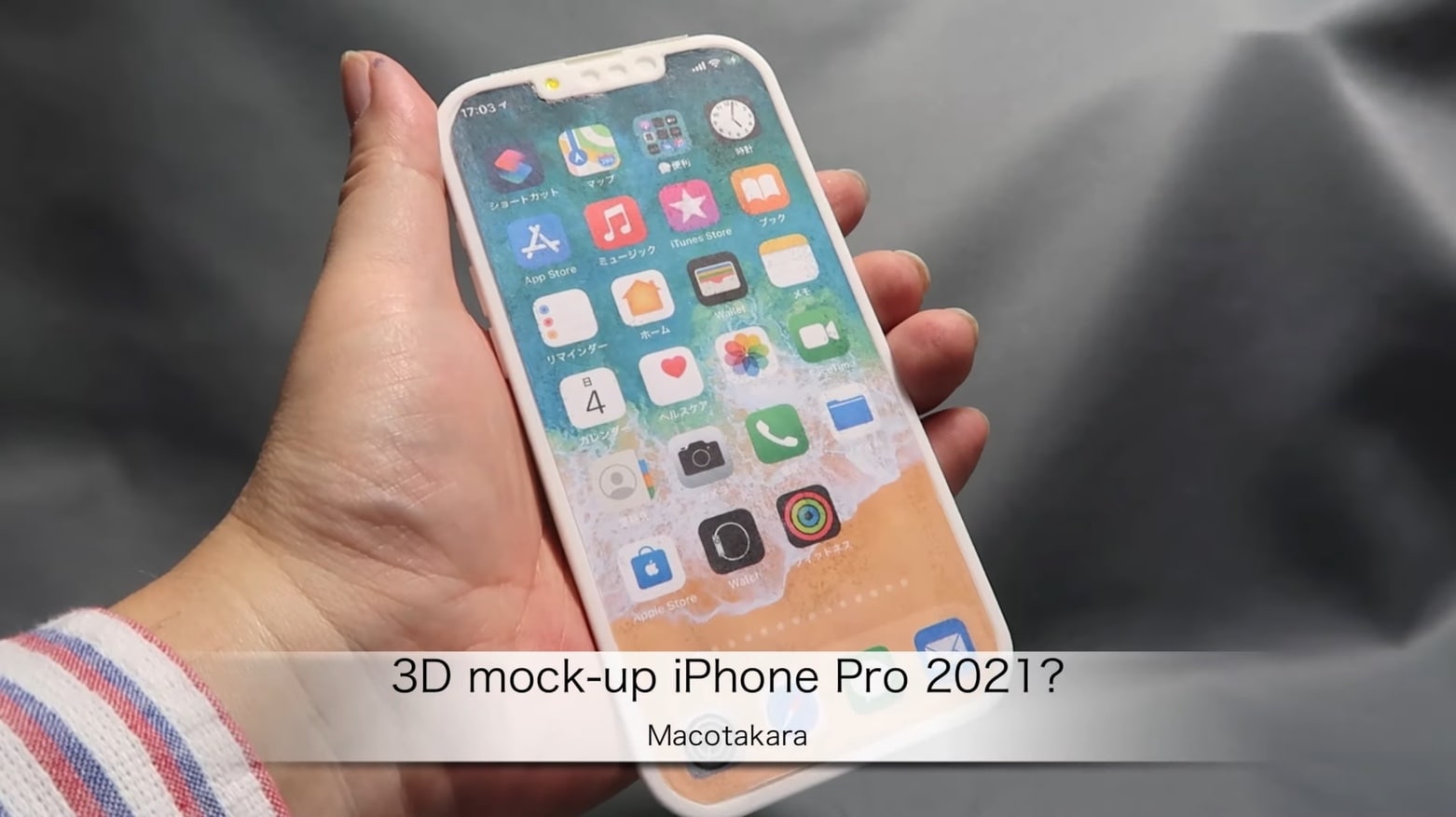
The iPhone 13 might look much like this 3D-printed mockup. Screenshot: Macotakara
Among the improvements expected in the iPhone 13 is a smaller notch. The latest evidence is a 3D-printed mockup of the device that supposedly shows how Apple rearranged the components behind the screen cutout for the upcoming model.
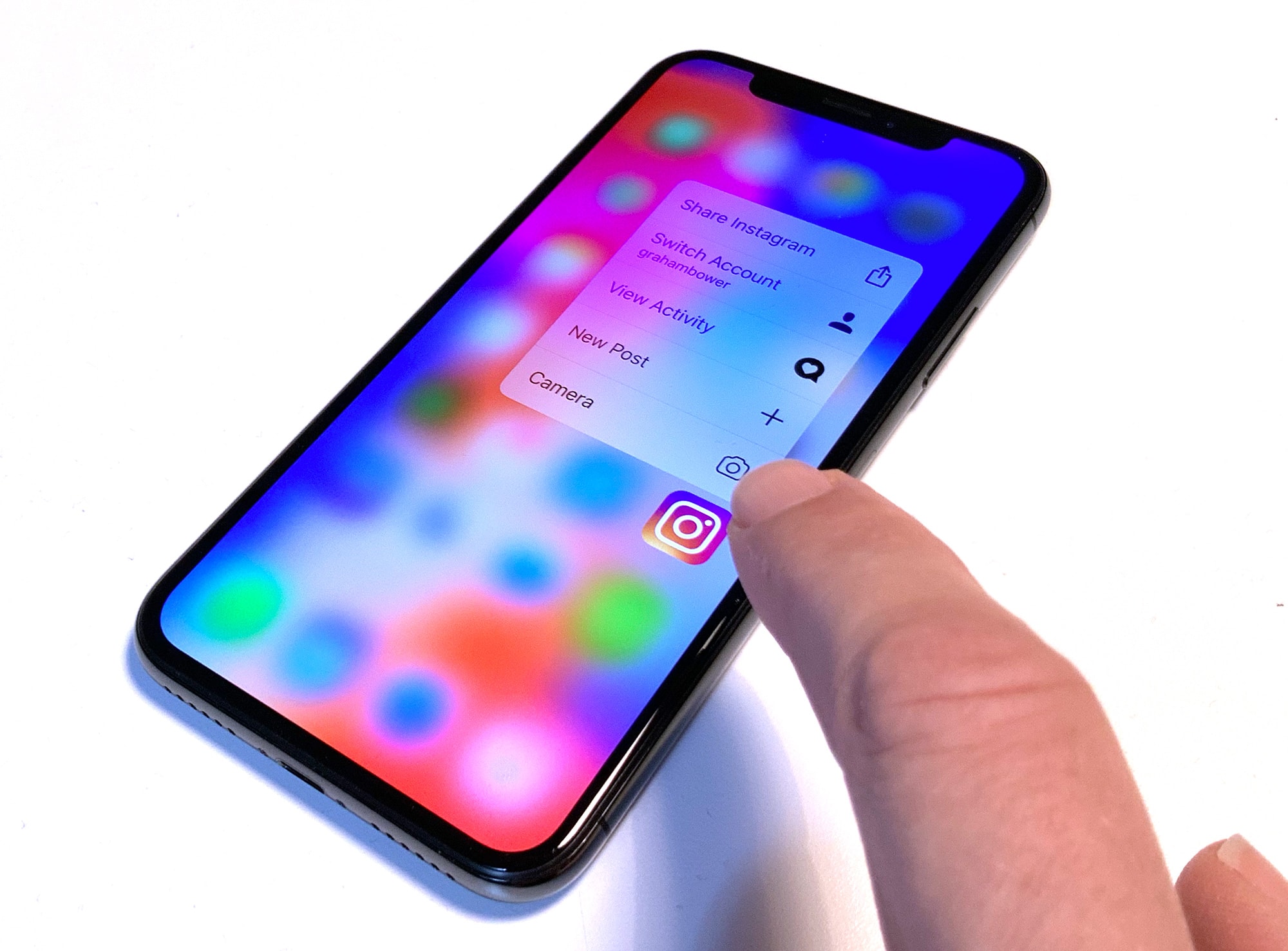
Hovering your finger over an icon could bring up more options Photo: Graham Bower/Cult of Mac
Next week at Mobile World Congress in Barcelona, LG looks set to unveil a revolutionary new smartphone with gesture controls. In a brief teaser video, the South Korean tech giant boldly promises the end of multi-touch — the way we’ve all been interacting with smartphones ever since the iPhone launched in 2007.
A gesture sensor could pick up hand movements in front of the device, rather than requiring physical interaction with the screen itself. So, for example, you could point at a button from a distance, rather than actually needing to tap the glass screen to select it.
In reality, I doubt that gestures will replace multi-touch anytime soon. However, I do think Apple could make intelligent use of this new tech. It could replace 3D Touch (which Apple looks set to scrap), and it could serve as a clever way to finally bring multi-touch to the Mac.
We’re less than a month away from seeing what the iPhone 5C and iPhone 5S will look like—fingerprint sensor and all—but some artists on Dribble have been dreaming of a new feature for the iPhone: an infinite screen.
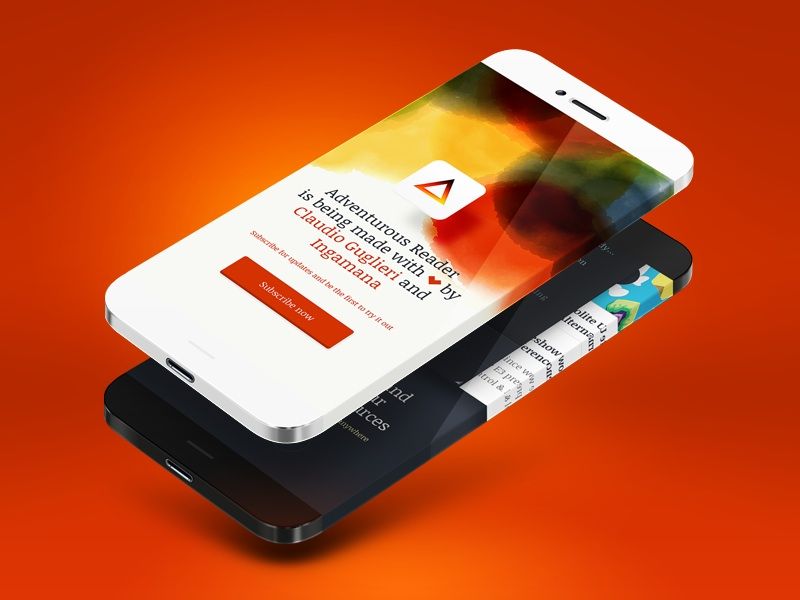
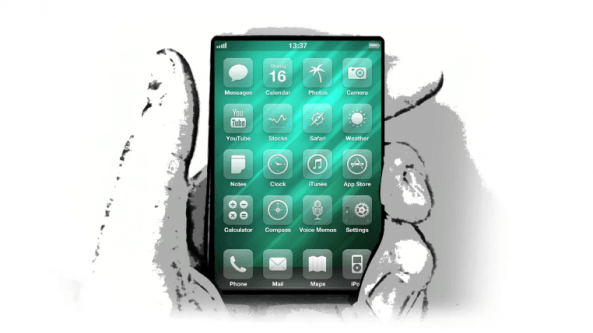
Claudio Guglieri’s iPhone 6 Infinity mockup and template sparked a mess of awesome rebounds from other artists who added their own bits of flair to the idea of an iPhone with a display that wraps completely around the device.
Leander Kahney's plans for world domination grow ever more ambitious
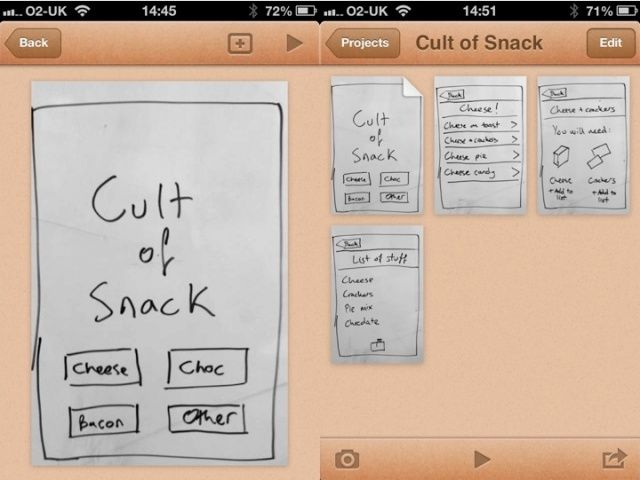
Ever had an idea for an app, but no way to record it? Worry no more: Pop is an ingenious free app for prototyping apps. You don’t need to know any code. All you need is a pencil and paper and an idea.
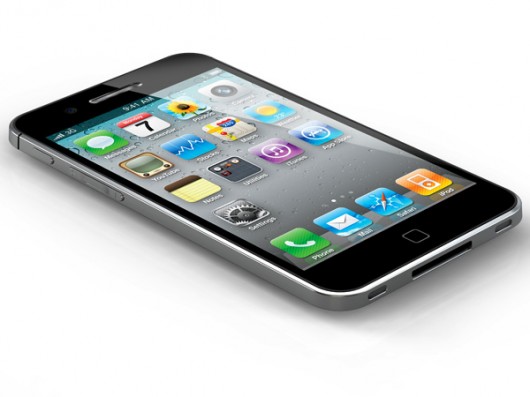
The folks over at Yanko Design put together these extremely attractive mock-ups of what they imagine the next iPhone might look like when it’s released in September.
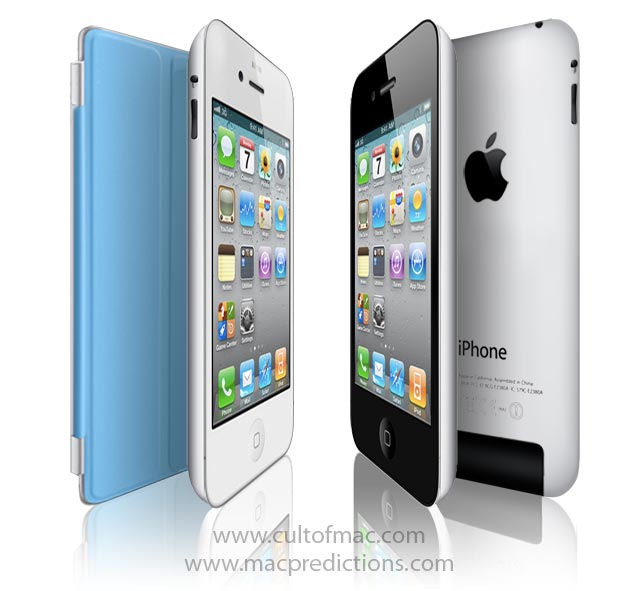
Every so often, a new Apple product comes along with a breakthrough form factor that Jonathan Ive’s design team will riff on for years to come. As a result, there are many recurring motifs that provide clues to where Apple’s industrial design is heading.
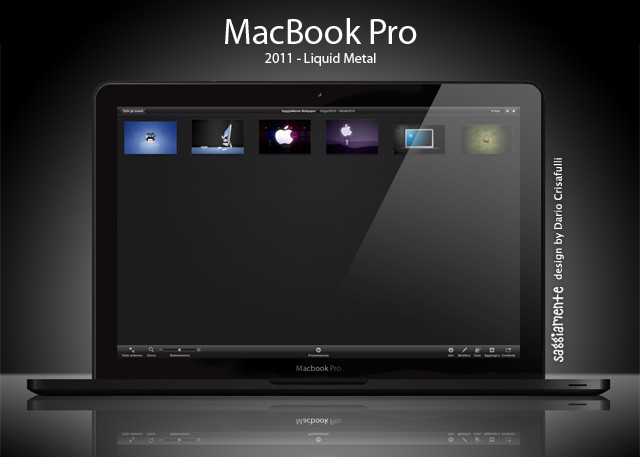
It’s unlikely that Apple will use Liquidmetal for the new MacBooks that are expected any day now, but it sure would be sweet. Check out how svelte the machines would be if Apple used the extra-stiff material.
If Apple shrinks the iPhone to nano size with a screen that runs edge-to-edge and no Home button, how will users quit apps and return to the Home screen?
Developer Max Rudberg suggests that users could squeeze the sides of their iPhone to close apps. He writes:
This could be a real wow effect. Seeing how the phone reacts to your grip and then having the app vanish in the palm of your hand.
To avoid ‘squeeze to go Home’ from happening by accident, a visual cue could show that pressure is being applied. In this concept, the app begins to shrink to reflect the pressure that is being applied. When the pressure goes over a defined threshold, the user is returned to the Home screen.
The strength of a users grip will of course vary. Therefore, a setting for how much pressure that’s needed before an app is exited could be a good idea.”
Rudberg, who runs Max Themes and created popular jailbreak themes Glasklart HD and Serious SBSettings HD, suggests the iPhone nano have a pressure-sensitive body. He made a cool video showing how it would work:
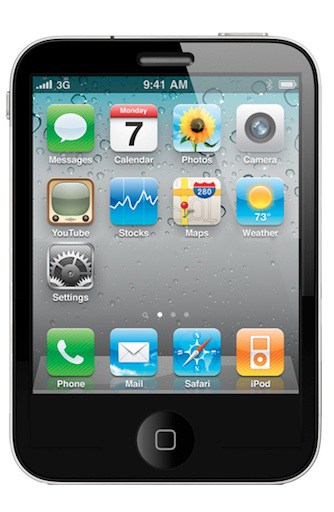
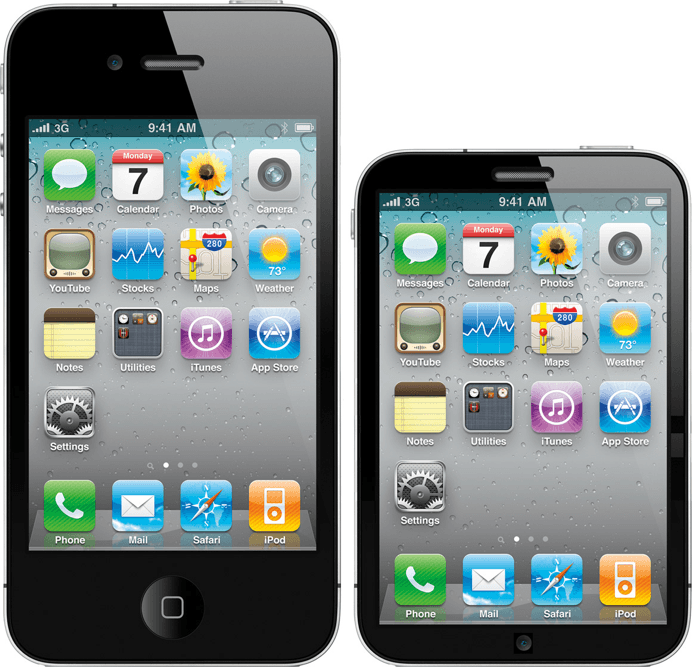
This is probably the best iPhone nano mockup so far from our friend Tyler Hojberg, who writes:
Hey, just thought I’d share my concept idea of the “iPhone nano.” Creating a smaller chunkier screen allows more room for a full sized keyboard and contrary to popular belief, I decided to keep the home button. I don’t believe Apple is ready to do away with the iconic home button just yet, as I believe it’s one of the distinguishing form factors of the iPhone. Notice the change in antenna at the bottom which I believe would be blocked because of the way a smaller iPhone is held, leaving only one at the top. It’s conceptual, but not too far-fetched.
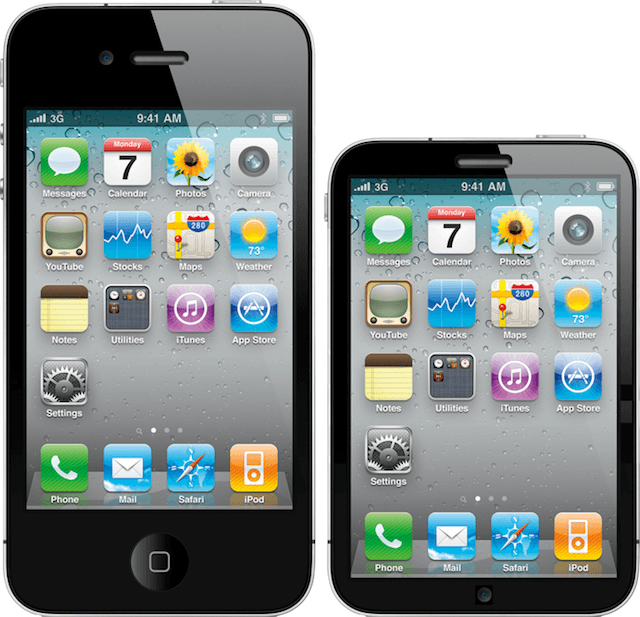
The iPhone nano mockups are coming in thick and fast.
The one above is by iOSboy. It has the same screen size as the full-size iPhone to make it easy for app developers. But he’s put the camera on the bottom. Does that make sense?
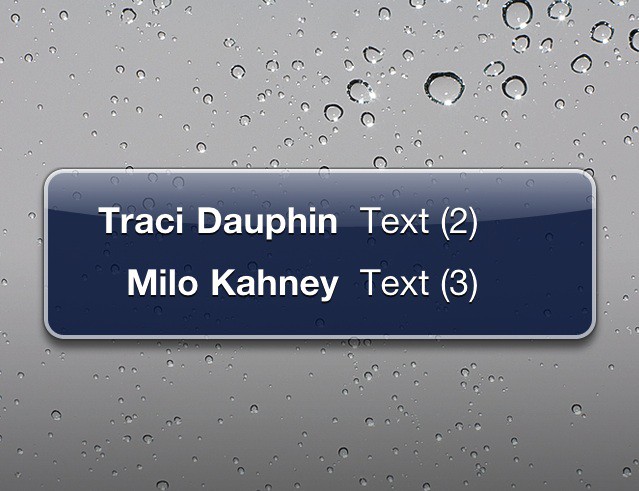
Ben David Walker, a student from the U.K., has designed a new banner notification system for the iPhone that cleverly uses some empty space in the current iOS.
As we reported yesterday, Apple is revamping the much-criticized pop-up notification system in iOS and is buying a third-party app developer for its technology.
The current notification system is a mess. It was designed in 2007 when users had the odd SMS message or alarm, but is useless for 2011 when users have multiple messages coming in from Twitter, Facebook, SMS, as well as alarms, reminders, voicemails and missed calls. There is nowhere in iOS to see them all in one location.
But there would be using Walker’s new system. Here’s how it would work.