It's time to update your iPhone again. Photo: Cult of Mac
Apple is continuing its push to patch the numerous bugs that still plague iOS 13 with a new software update for iPhones and iPads.
iOS 13.2.3 was released this morning as a free update that promises to fix a number of issues with the system search on iOS while also resolving issues with the Mail app and problems with iMessage.
Sorry, Alexa: Siri still the most widespread AI assistant Photo: Ste Smith/Cult of Mac
Apple will roll out a software update later this year that eases some of the Siri restrictions for third-party messaging and phone apps.
Siri currently defaults to using Apple’s own apps when sending messages and making calls. But it will later default to the services that are used most frequently, based on specific contacts.
It's even simpler to block email, messages and unknown callers in iOS 13. Photo: Charlie Sorrel/Cult of Mac
The trouble with modern technology is that anyone can try to reach you, at any time. Your boss can leave a passive aggressive email at the top of your inbox overnight, so you see it when you want to check personal mail. Anyone can send you an SMS or iMessage. And anyone with your phone number can spam you, any time.
Currently in iOS, you can block iMessage senders. But in iOS 13, you gain two new ways to keep stalkers, weird friends and over-sharing co-workers out of your digital life. Now you can block unknown phone callers and email senders.
Apple has no intention of scrapping iMessage games — despite some of the rumors you might be reading online this week.
Stories surrounding the supposed move started trending on Twitter, causing some fans to freak about the feature’s removal. But at no point has Apple stated that it will close the iMessage App Store.
That doesn't mean you should stop using it. Photo: Apple
Security researchers have uncovered new flaws in iMessage that could give hackers control of your iPhone or iPad.
Apple has already patched five similar bugs, but several are still present in recent versions of iOS. What makes these particularly concerning is that a potential attack requires no input from the user.
Delta has become the first airline to adopt Apple’s Business Chat feature.
The service will be used to conveniently connect customers to a Delta representative when they need support. It will be tested with a select group of users over the summer before expanding its reach this fall.
Apple is coding up some big upgrades for Mac this fall. Photo: Apple
iOS 13 is expected to be the star of WWDC 2019, but this year’s conference could unleash some of the biggest changes for the Mac we’ve ever seen.
The rumor mill has been dishing out tons of details about macOS 10.15 in the lead up to WWDC 2019. We’ve already seen screenshots of some of the new apps and gotten some good details on how iOS apps are making their way onto the Mac. There’s still plenty of room for Apple to surprise us when it reveals the full details of macOS 10.15 on June 3, but here’s what we know about it so far.
Your voice messages get a quality boost in the latest iOS 12.2 beta. Photo: Charlie Sorrel/Cult of Mac
Among the changes hidden in the new iOS 12.2 beta is improved audio quality for audio messages sent using the Messages app.
The switch involves transitioning over from the previous 8000 Hz .AMR file format to .24000 Hz .CAF files. What this means from a listening perspective is that audio messages now sound clearer and louder. Check out this direct comparison.
Get your freshly-printed WhatsApps here. Photo: Charlie Sorrel/Cult of Mac
Yes, this sounds like a joke about the olde worlde CEO who has his secretary print his emails, then transcribe his dictated replies. But printing message threads can be pretty useful. Lawyers, for example, may want a printed record, or a PDF, of a message thread. And even regular humans might appreciate a well-formatted archive of their messages that can be easily searched and marked up.
You still can’t do this on your iDevice. However, thanks to the amazing iMazing Mac app, you can quickly create PDFs of your messages, and even print them. Onto paper.
It’s hard to convey a moving photo with a still image, but doesn’t this smoothie look delicious? Photo: Charlie Sorrel/Cult of Mac
Quick question: How do you send a GIF selfie from your iPhone? One answer is just don’t bother. It’s too much hassle. Another way is to use this handy shortcut to make one. But there’s a third way, which is also the best way: Don’t send a GIF at all.
If you and your intended GIF recipient both use iOS devices, there’s a much better option.
Who wouldn’t want to receive this totally non-creepy stickered-up selfie? Photo: Cult of Mac
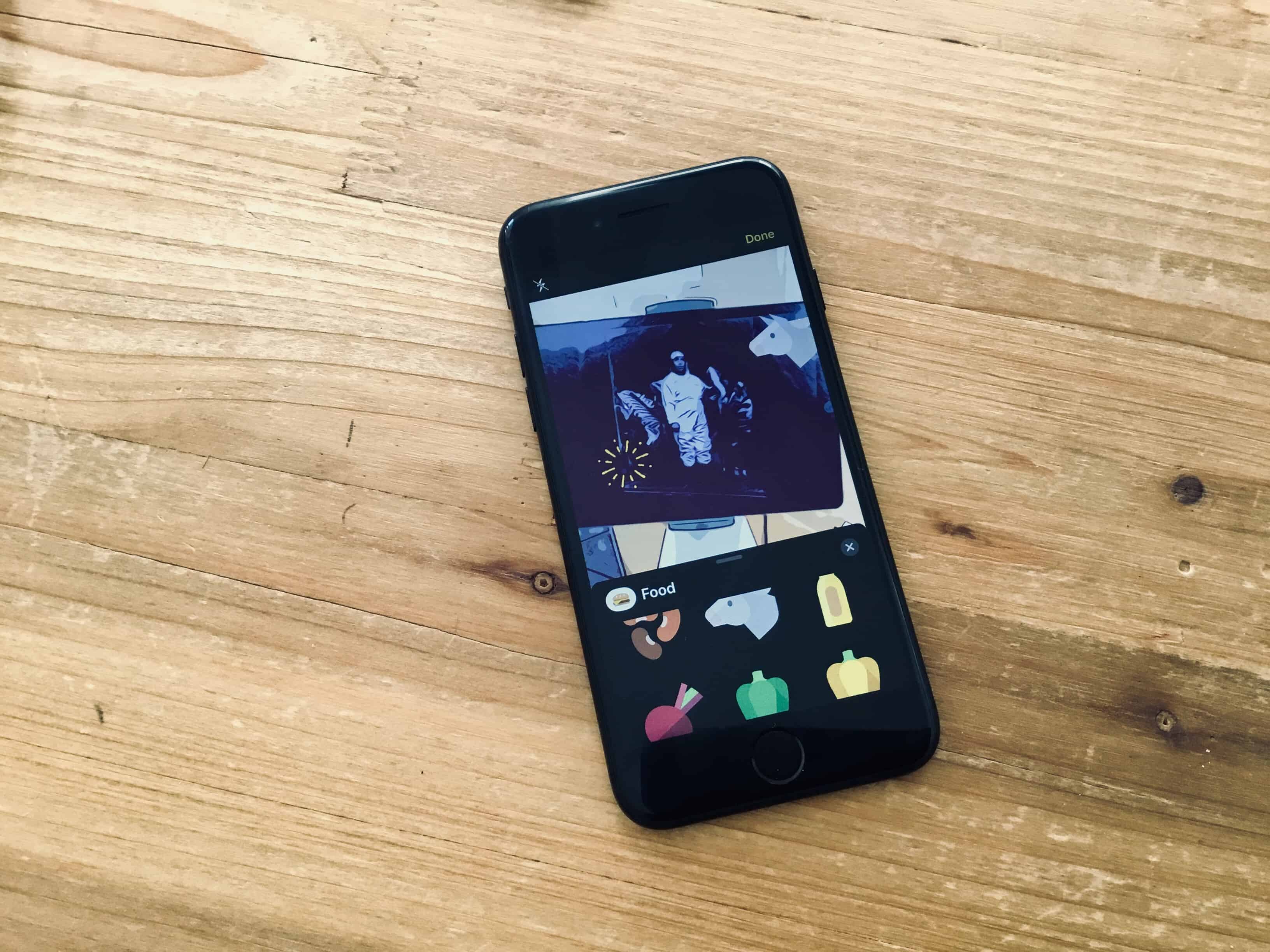
You already know how to take a selfie. It’s probably the first thing you did when you got your iPhone up and running. But did you know you can take a selfie and add stickers? Right there in the Messages app?
Your friends are already hungry for another one of your awesome selfies. Imagine how fired up they’re going to be when they see those stickers.
Extra protection for your messages. Photo: Killian Bell/Cult of Mac
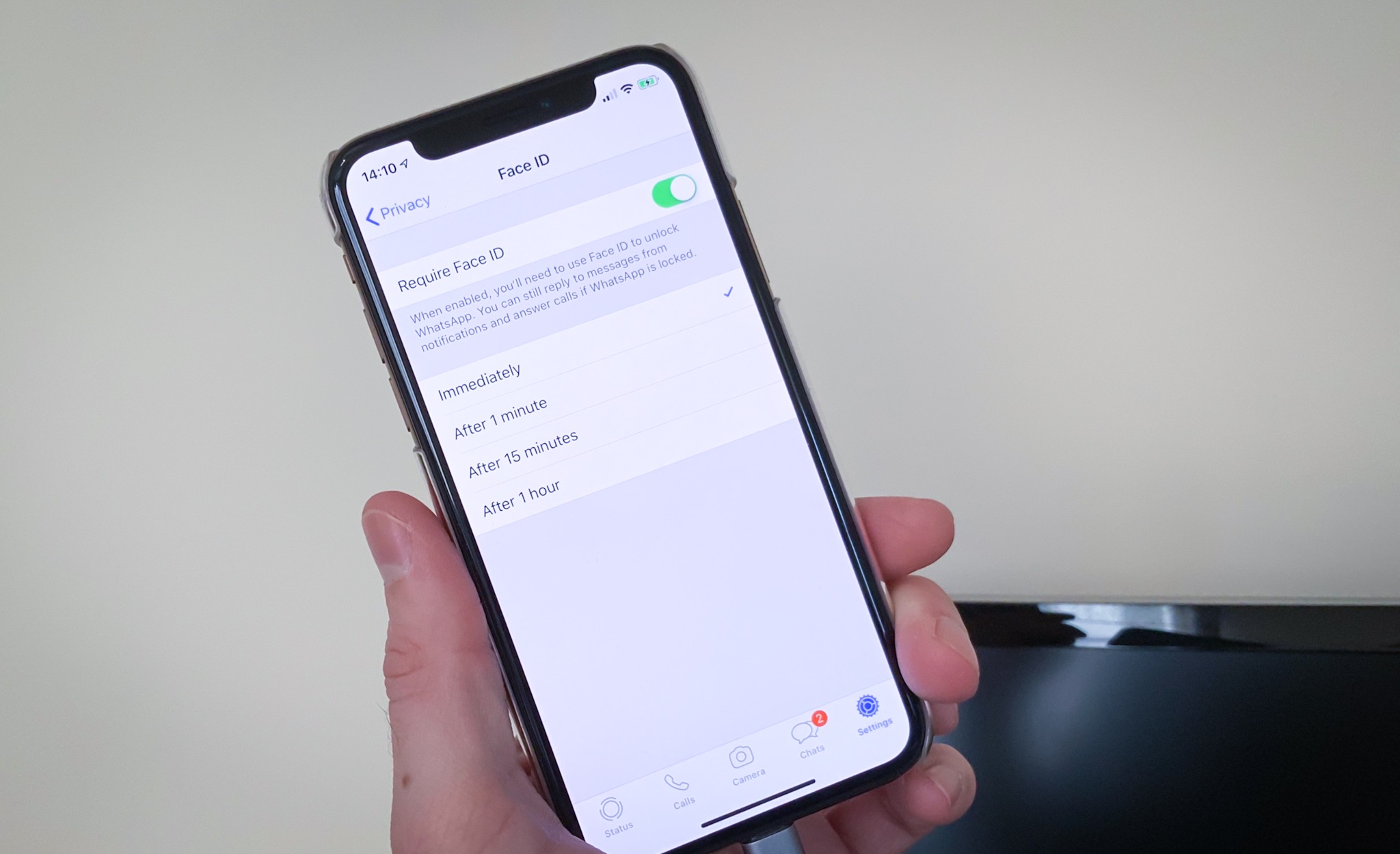
Your WhatsApp conversations can now be protected by Face ID or Touch ID on iPhone.
The latest update to the world’s most popular messaging app lets users take advantage of the iPhone’s biometric security features for an extra layer of protection. Here’s how it works.
Ever looked at your iPad and thought, “I’d love to hold that huge thing up to my ear and make a phone call. I’d look to-ta-lee badass. Now, where’s my cellphone holster?”? Bonus points if you had this thought while looking at a huge 13-inch iPad Pro.
Of course, it might actually be handy to make calls on your iPad, especially as you probably would use AirPods or EarPods to do so. Your iPhone may be charging, or in another room, or maybe you’re there with a number ready to call on your Mac or iPad. Now, the iPad still can’t use its cellular connection to send or receive SMS messages, or make phone calls, but if you have an iPhone nearby you can use it as a bridge to do both. Bonus: This even works with the Wi-Fi-only iPad.
This flight tracker is built into every iPhone and iPad. Photo: Charlie Sorrel/Cult of Mac
It’s Christmas season, and you know what that means: Extra-long queues at airport check-in and “security;” once-a-year travelers who won’t just get out of the plane’s aisle and just sit the hell down; and of course parents/kids/friends who insist that you never emailed them the details of your flight.
We can’t fix the queues, the morons who mill in the aisles, or your lying friends and family, but I can show you how to quickly track a flight right from the Messages app, or anywhere else you see a flight number written down on your iPhone. Let’s take a look.
It's time to upgrade if you haven't already. Photo: WhatsApp
WhatsApp is one of the biggest messaging platforms on the planet, and it has somehow gone without support for stickers — until now!
Some users now have the ability to send and receive stickers, and the rest will be able to enjoy the same functionality on both Android and iOS in the coming weeks. A selection of sticker packs from WhatsApp own designers are available, and third-party packs are coming soon.
Shoot your own comic-book remake of A Scanner Darkly. Photo: Charlie Sorrel/Cult of Mac
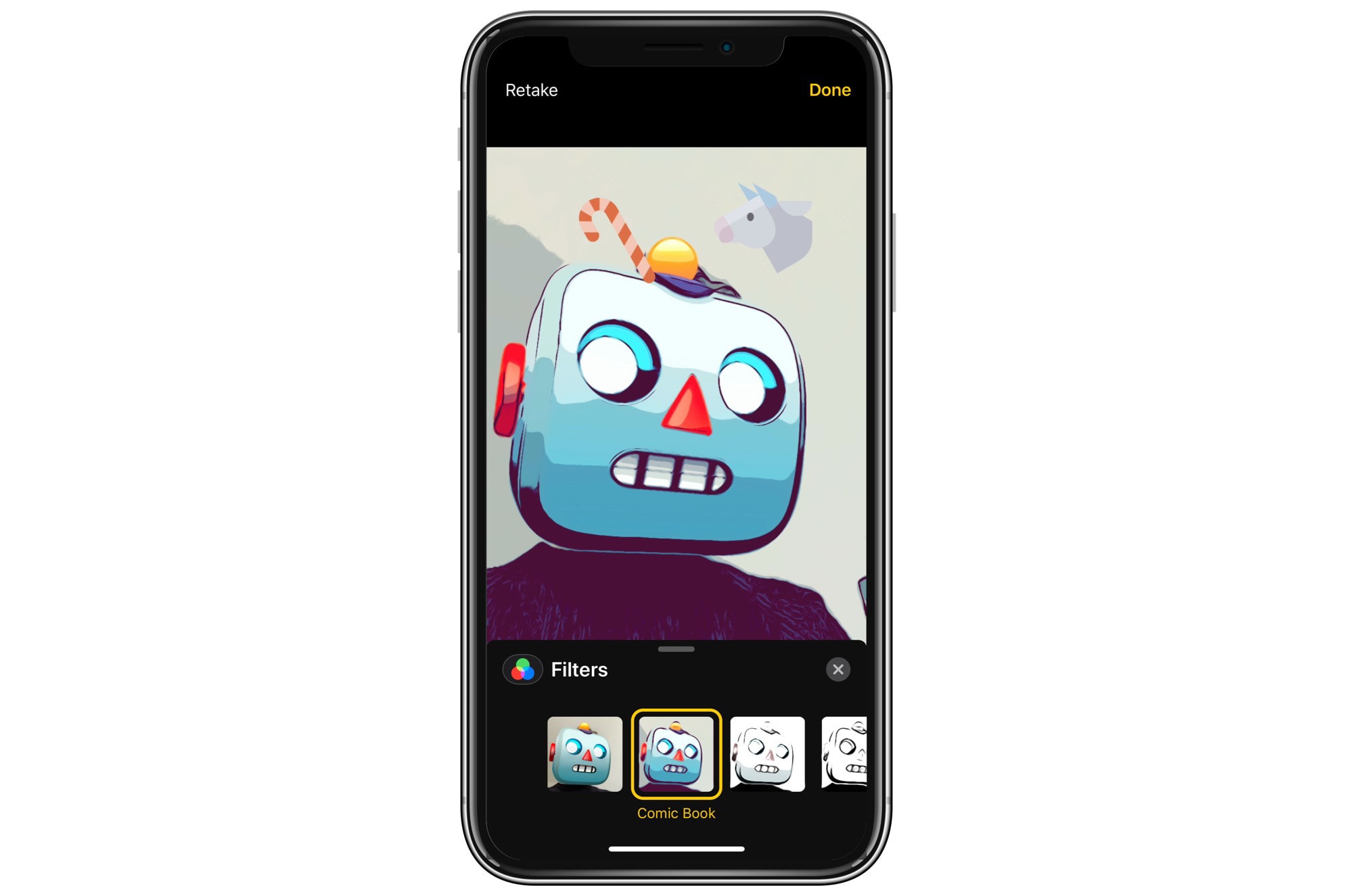
iOS 12 has a great new camera filter: Comic Book. It turns your selfies and photos into pretty convincing pen-and-ink-style drawings, complete with flat blocks of color. It even works with Animoji selfies.
But hold on one second. You won’t find this filter in your iPhone’s Camera app, or even in the Photos app. Instead, you need to fire up the Messages app and use the camera there.
iMessage photos are now saved to the camera roll, automatically. Photo: Charlie Sorrel/Cult of Mac
If you take a photo inside the Messages app in iOS 11 and earlier, that photo stays trapped in the message thread forever, unless you explicitly long-press and save it to your camera roll. In iOS 12, that’s changed. Now, when you take a photo using the messages app, any pictures you snap are saved to your Photos library. But that’s not quite the whole story.
Airmail 3 could leave you open to attack. Photo: Airmail
Airmail 3, a popular email client for macOS, ships with big security vulnerabilities that could put users’ personal data at risk.
Researchers uncovered an exploit that allows attackers to steal users’ emails and attachments simply by convincing them to open a message. Here’s how it works.
Apple Pay has been a key service for Apple. Photo: Apple
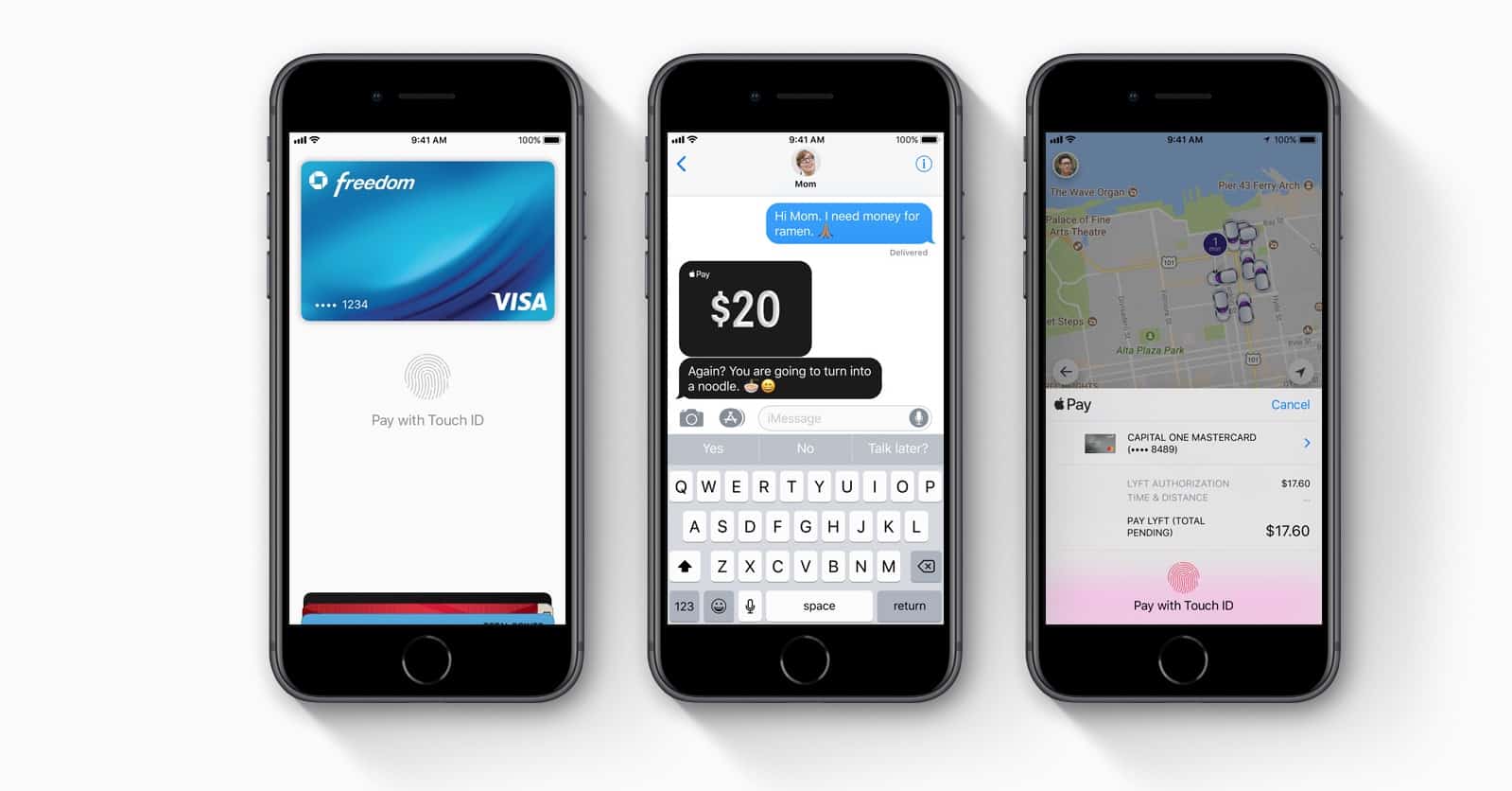
Apple Pay Cash is the easiest way to send money between iPhone users. And it gives us a whole new way to argue over who pays for dinner — as Apple demonstrates in its latest ad from the “Just text them the money” campaign.
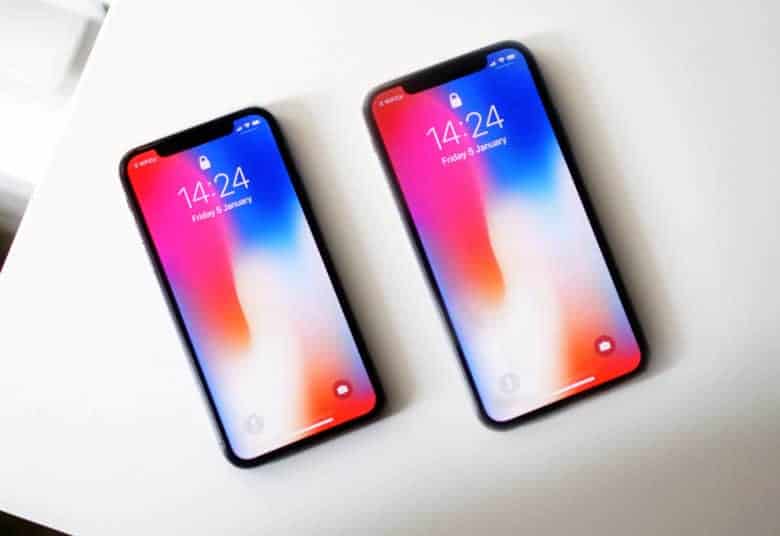
The iPhone X Plus is set to launch this fall. Photo: Ste Smith/Cult of Mac
Apple’s new big-screen iPhone launching later this year will come with some UI perks other 2018 iPhones can’t match.
Based on info found in the latest iOS 12 beta, the extra screen real estate on the iPhone X Plus (or whatever Apple calls it) will allow users to operate it in landscape mode with extra information, like the one found on the iPad.
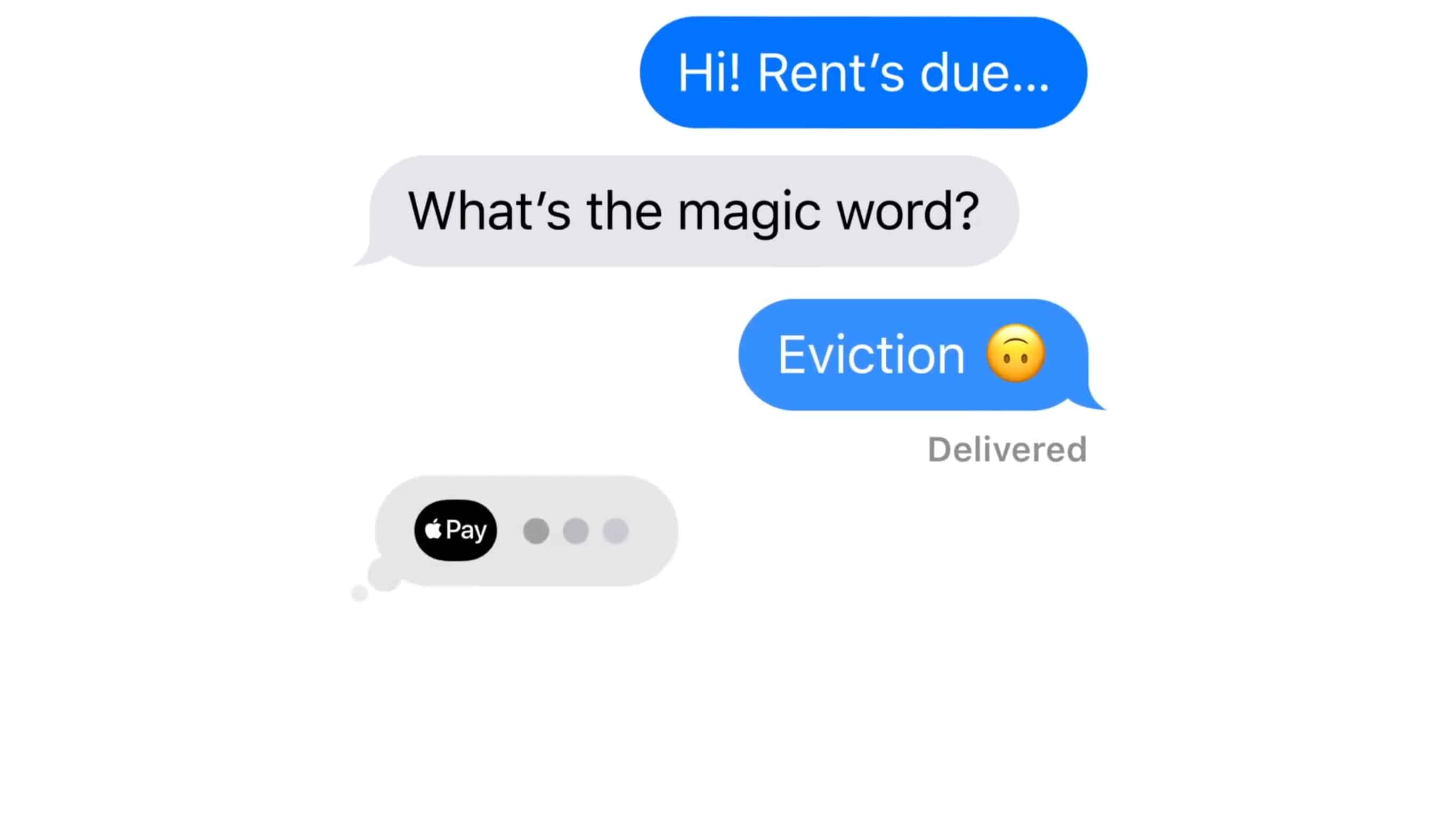
Warning messages from your landlord aren't always a joke, but a new ad for Apple Pay in Messages is. Screenshot: Apple
Apple Pay isn’t just for trips to Starbucks. It can also be used to send or receive money from friends. Or your landlord, as shown in a humerous new ad.
Money can be transferred in a simple text using the Messages app. This works for sending and receiving the cash, after Apple Wallet has been properly set up.
Watch the new advertisement for Apple Pay in Messages now:
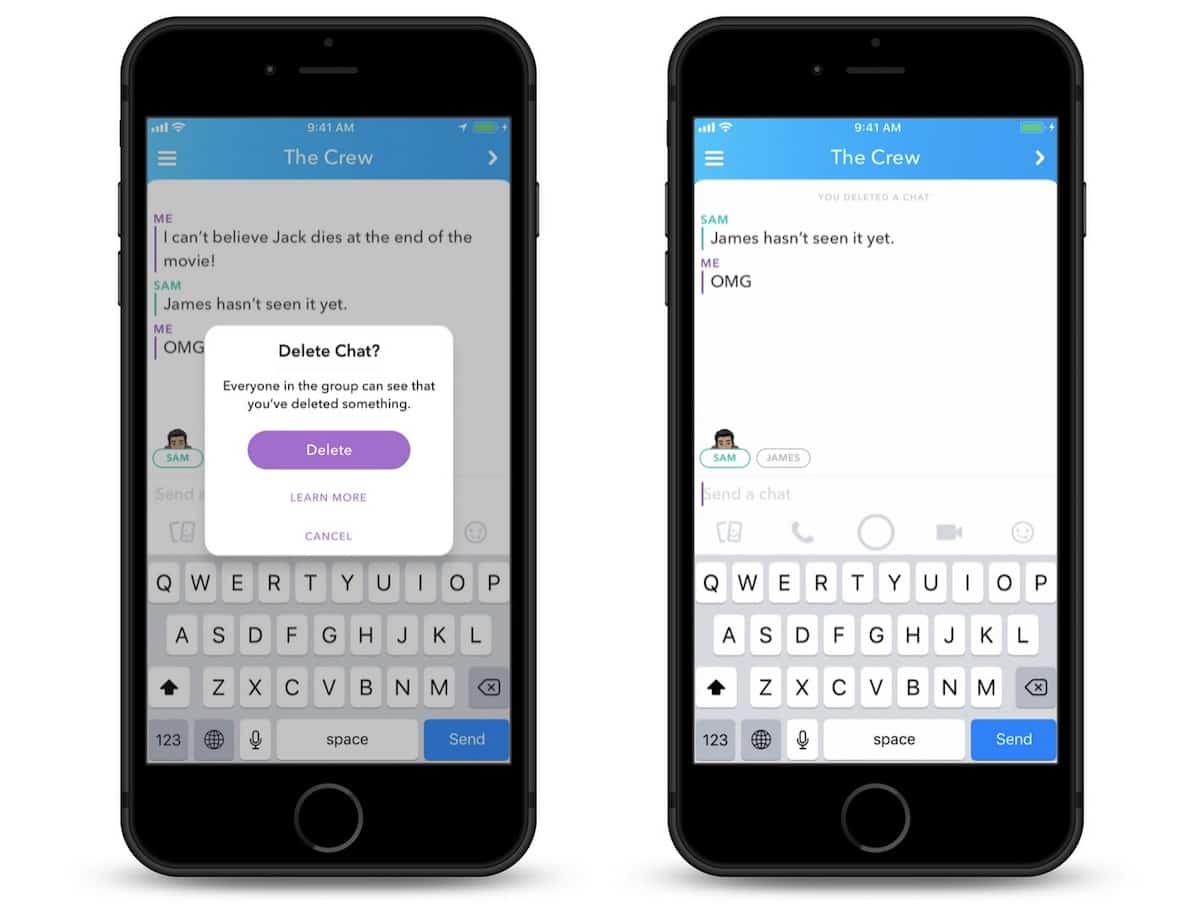
Get rid of risky messages before they're seen. Photo: Snapchat
Snapchat is making it easier to deal with messaging regret by giving us the ability to delete chats after they’ve been sent.
The new “Delete Chat” feature is available for both group and one-to-one conversations. It can be used to recall text as well as voice notes, stickers, photos, and videos.
Microsoft’s new Your Phone service can sync messages with Android, but not with iOS. Photo: Microsoft
Microsoft wants to work with Apple to bring iMessage to Windows machines.
The company’s upcoming Your Phone app will seamlessly sync content between your iPhone and your Windows 10 PC, but unlike those with an Android device, you won’t be able to sync messages. Microsoft is hoping it can team up with Apple to change that.