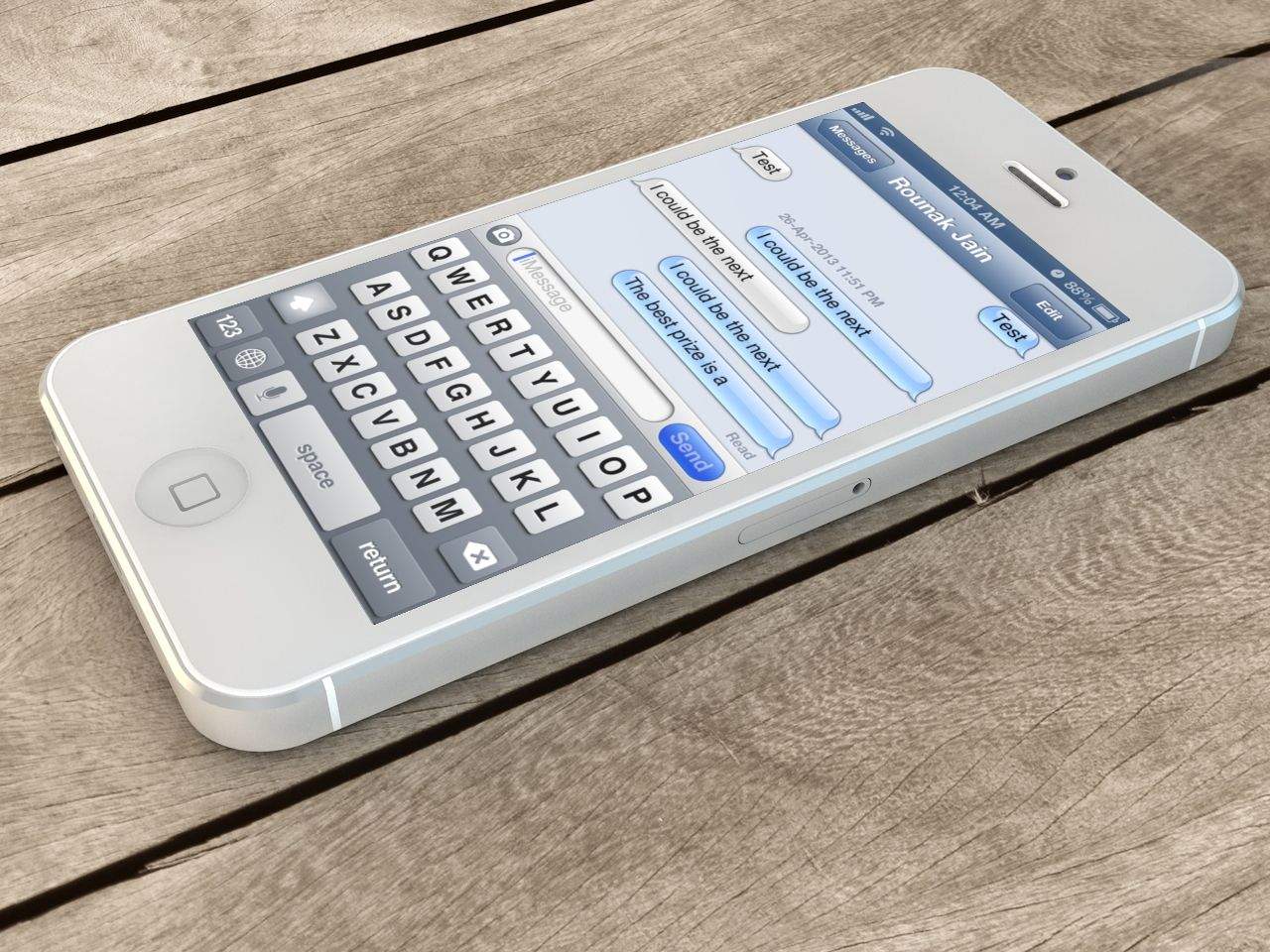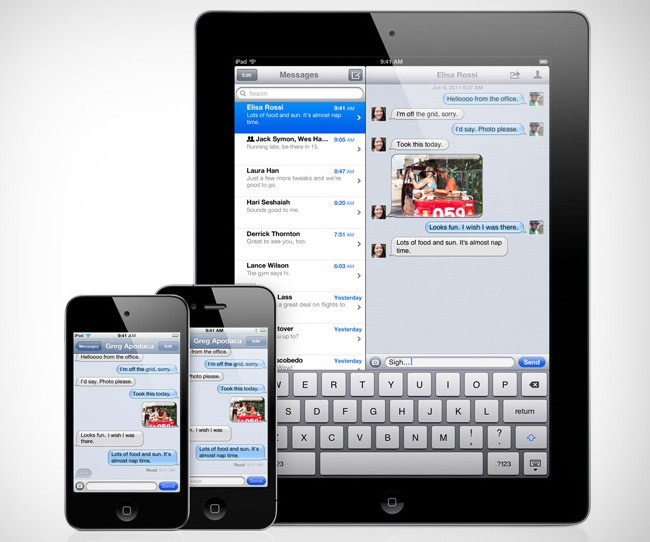
Do you ever worry that federal agencies might be hacking into your smartphone to read your text messages and listen to your calls? Then you’re probably up to no good, but you can sleep easy if all of your dirty business deals are carried out through iMessage on your iOS device.
Apple’s iMessage encryption is so good, not even federal agencies are able to crack it.
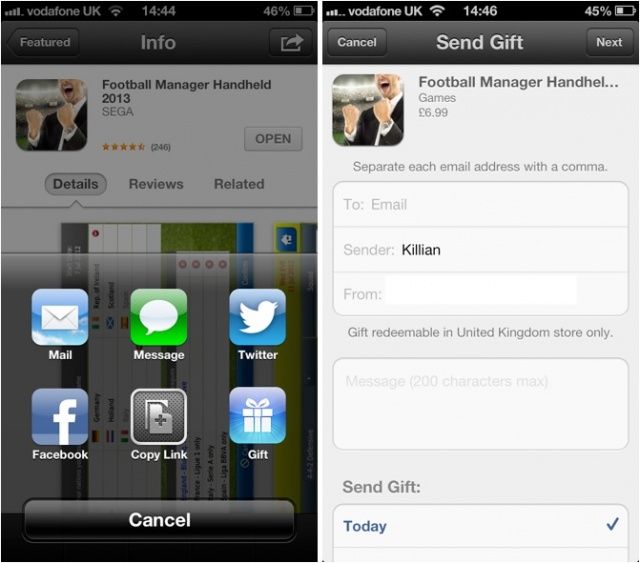
When Apple rolled out a new App Store redesign with iOS 6, the Cupertino company removed the ability for customers to gift apps and games to their friends via email. Just in time for Christmas, that’s now back, making gift-giving for those getting new iOS devices a whole lot easier.
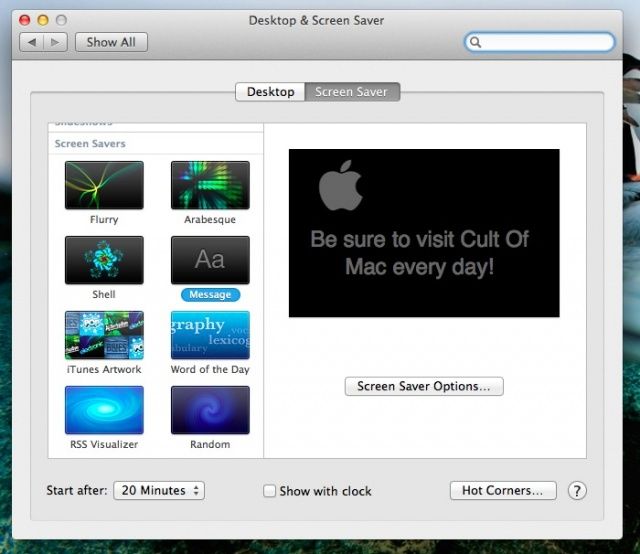
Apple has had a basic screensaver in OS X from way back, but it’s now possible to add a custom message to it, to leave valuable information for someone who might see it. It used to be called Computer Name, as it defaults to the name of your computer that’s set in your Sharing preferences. These days in Mountain Lion, it’s called Message.
Here’s another one of those tips that should be blisteringly obvious, but isn’t.
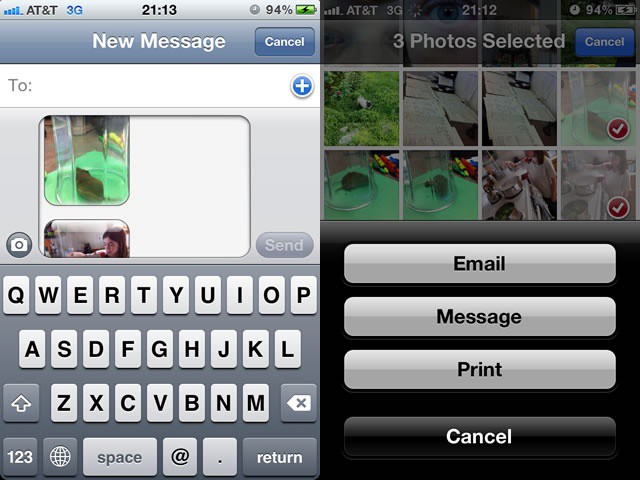
If you try to send a photo via iMessage (or text message), you’re limited to one photo at a time. Go ahead and give it a shot. I’ll wait.
See? From the Messages app on your iPhone, you only have the option to take a photo or choose an existing one. What if you want to send more than one photo at a time, though?
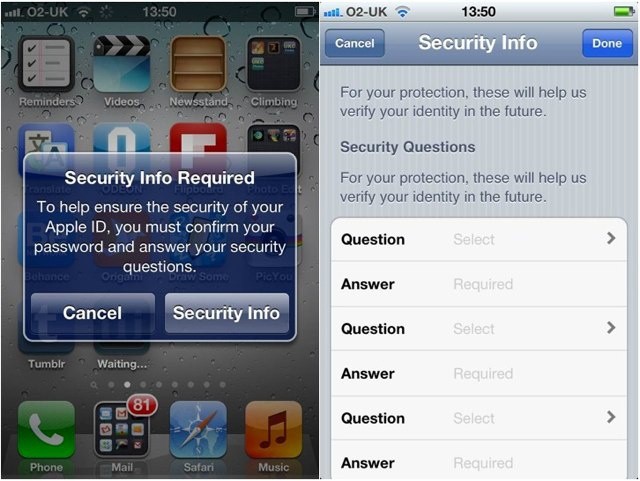
Apple wants you to set a number of security questions that will help identify you in the future.
In an effort to increase security for your Apple ID, Apple is forcing users to set a number of security questions and answers that will help “verify your identity in the future.” If you forget your password or your account is compromised, you will be asked to answer these questions to prove who you are.