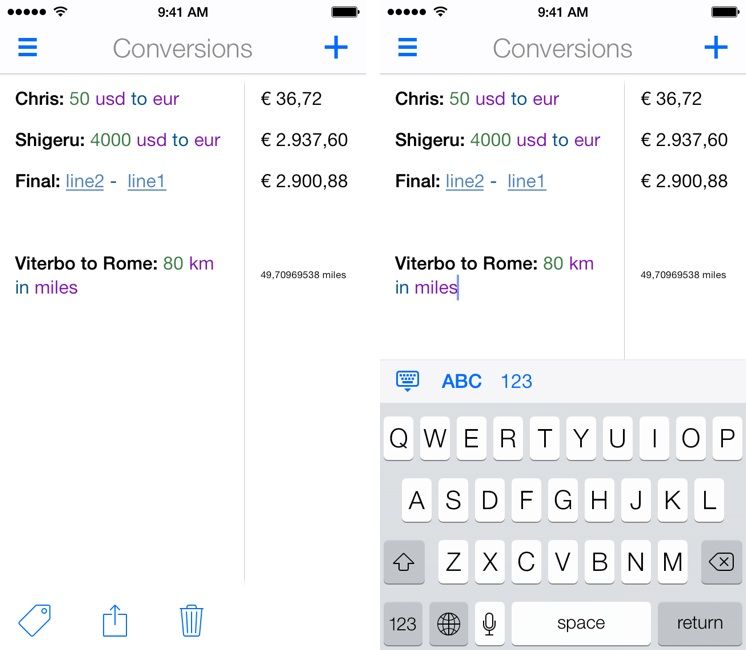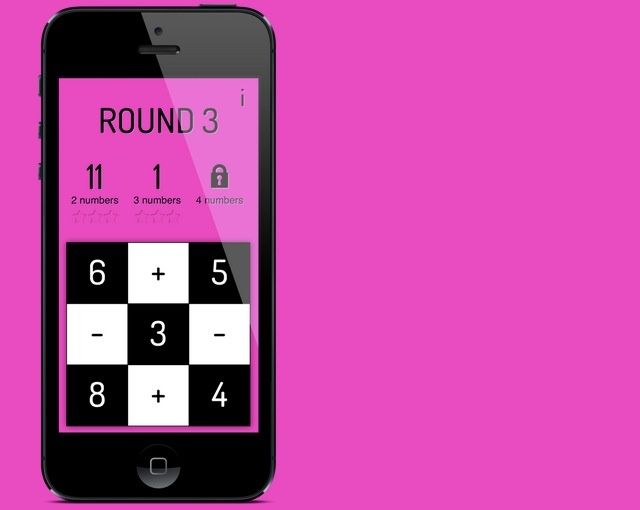
Soulver is pretty much the best calculator app on the Mac and iOS, mostly because it doesn’t tie itself to the UI of old pushbutton calculators. But Llumino will probably win the award for the best-looking calculator app in the App Store, coming on like a 1970s flashing disco floor and, uh, a pushbutton calculator.
The reason Orchestra has set it up this way is to prevent demand from crushing their servers, but that doesn’t make it any less annoying (for more info on Orchestra’s rationale, see this article). When we download apps, we expect to be able to use them right away, not sit in a queue for an indeterminate amount of time.
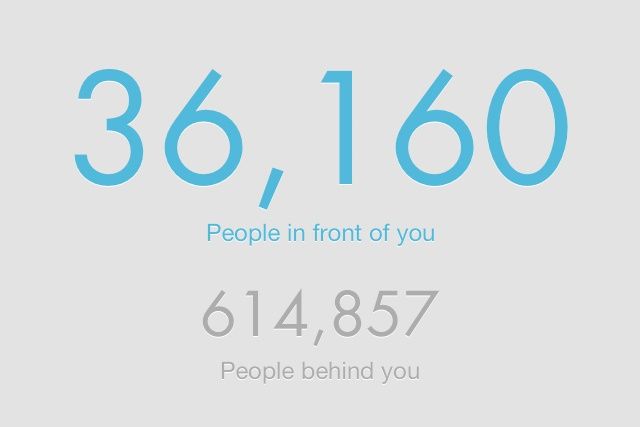
We can’t help you get to the head of the Mailbox queue, but we can tell you roughly how long you’ll have to wait based on how fast Mailbox has let people into the app in the past. Here’s how.
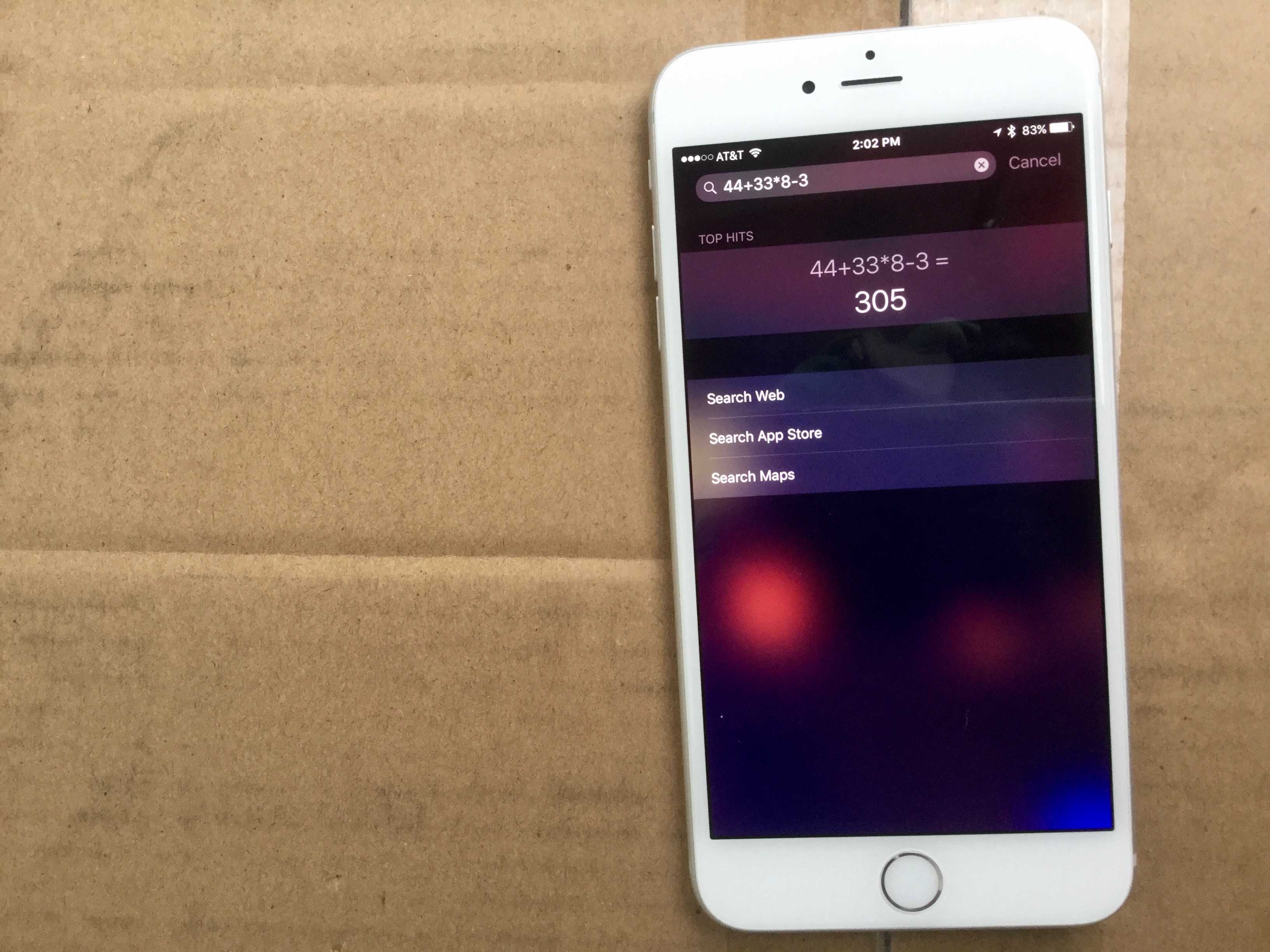
Sure, you could use the calculator, or any one of a dozen-odd apps that allow you to tap the screen and calculate the tip in a restaurant, but why even bother? iOS and Siri can meet your needs just by talking to your iPhone–or iPad, but won’t that get meatloaf gravy all over it?
Regardless, here’s how to ask Siri the right way to calculate the tip for the super-helpful server or bartender in your life.
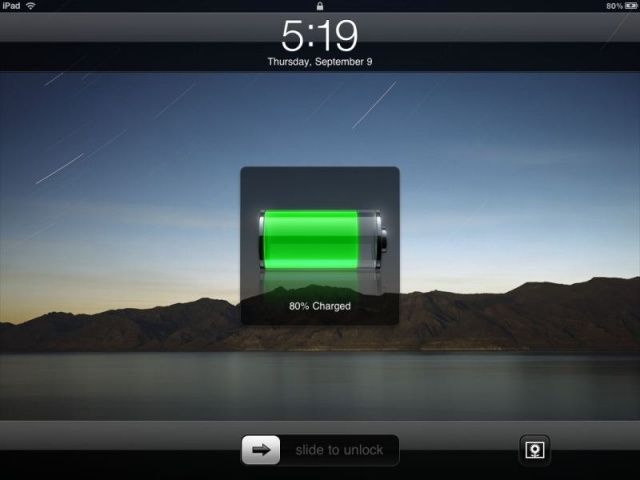
Plug in your iPhone or iPad and charge it up, and you’ll notice that while the first 80% or so will go by pretty fast, they actually kind of suck at charging up that last 20%, taking a lot more time to do so than it feels like they should.
There’s a reason for this. Charging batteries up to “full” is a complicated process. There’s no real way to tell if a battery is completely “full” so all you can do is measure the voltage, which (and this is a vast simplification) tells you how much resistance is being met when you try to put more electricity into the battery.
That’s why it takes so long for an iPhone to charge that last 20%. It charges full blast until it measures a certain voltage, then goes into what’s called “trickle mode” to slowly allow small sips of electricity into the battery until it thinks, based upon some software calculations, that the battery is more or less full. But a new algotihm could make the time it takes to charge your iPhone or iPad go by a lot faster.
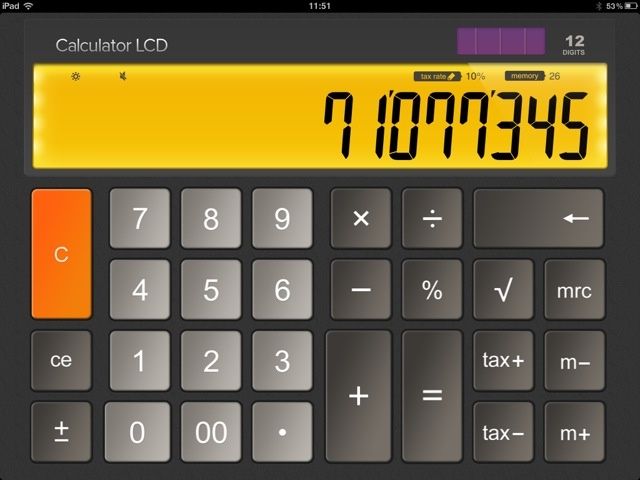
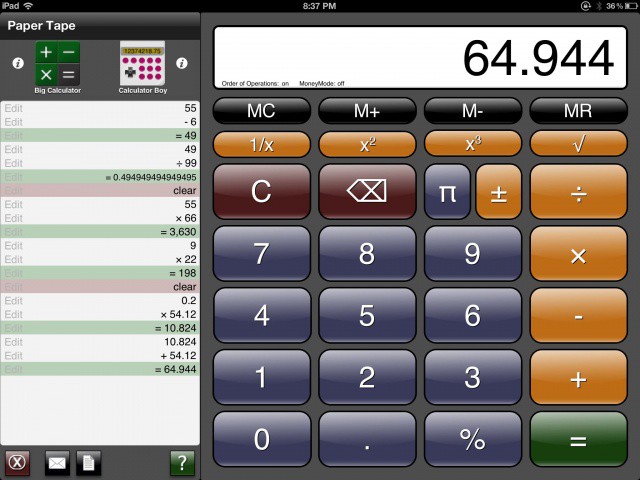
You wait for ages for a calculator, then two come along at once. Following on from Sums which we reviewed the other day, here’s Calculator LCD, a smart-looking one dollar desktop-style calculator for iPad.
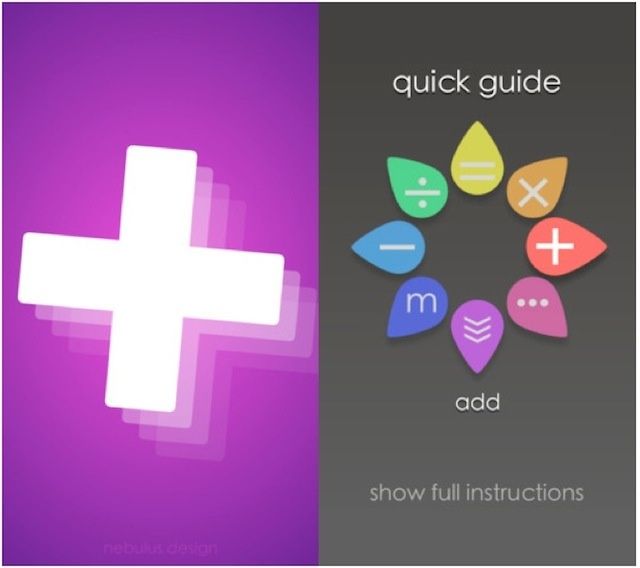
Sums is a gesture-based calculator for iOS, and whether you like it will, I suspect, largely depend on how much you’re already accustomed to using traditional calculators.
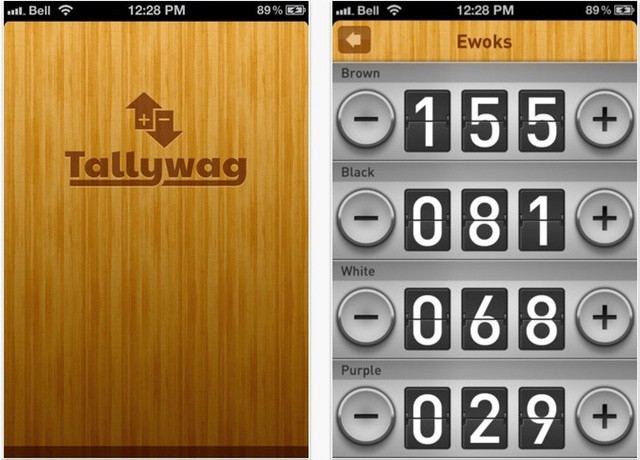
Hands up if you like counting things. Keep still while I count you all. Wait – arg. This isn’t working. How can I keep count? Maybe Tallywag will help me.
If, like many people, you find Mondays just too much to cope with, you might want to avoid today’s app. It’s not the sort of thing that’s going to make your Monday feel any better, and in some cases it will just fry your brain until next Monday. Which would be a shame, because you’d miss out on a whole weekend.
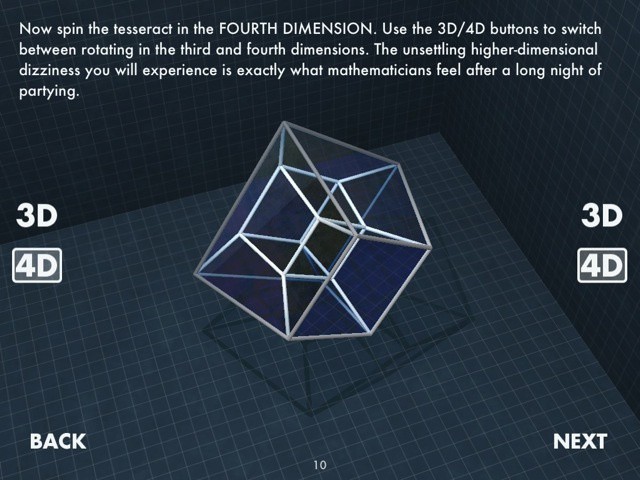
Be forewarned, then: The Fourth Dimension is an app which will mess with your head. Deliberately. Even though the aim is education and expansion of knowledge, it will still mess with your head. You will emerge from the experience only fractionally the wiser, and quite a lot more confused than you were at the beginning. Don’t worry, this is perfectly normal.
Ever try to do a quick bit of math on your iPad when it was fresh out of the box? What’s up with that, Apple? Where’s the app that comes with every iPhone and iPod touch, the calculator? Well, today, we’ll point you in the direction of a good free one, so you can add the functionality that should have been on your iPad to begin with.