The MacBook Neo became an overnight success, but it's getting hard to find. Photo: Apple
Customers are buying Macs in such high numbers that even Apple’s vaunted manufacturing expertise can’t keep up — and current Mac supply constraints could extend for months.
Apple CEO Tim Cook said Thursday that a couple of factors mean the Mac mini, the Mac Studio and the new MacBook Neo laptop might not be easy to find.
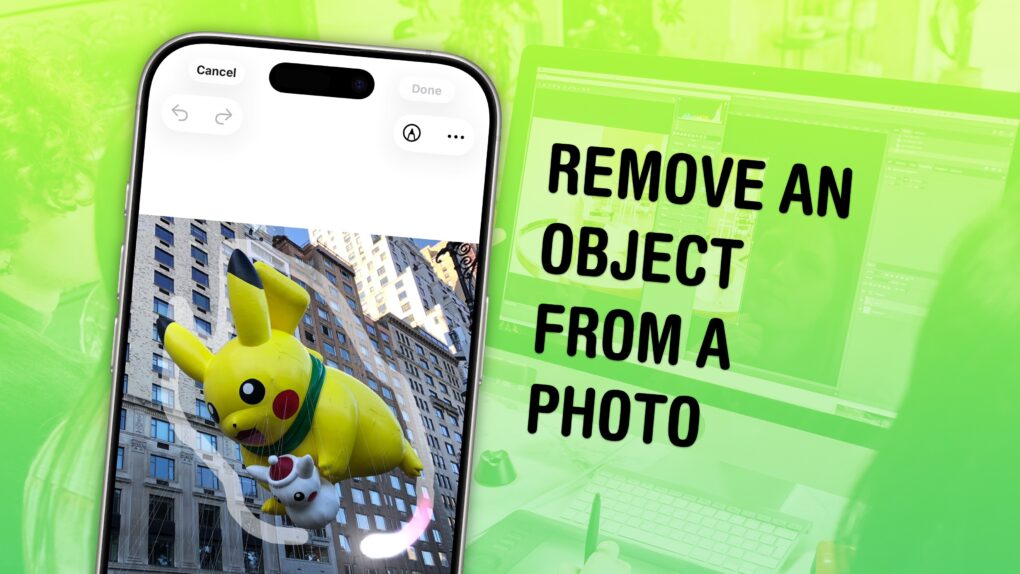
You don’t have to be a Photoshop master to edit things out of your photos. Image: D. Griffin Jones/Cult of Mac
You can easily remove any object from a photo using Apple Intelligence’s free Clean Up tool on your iPhone, Mac or iPad. It works fairly well — but it’s good to know its limitations.
As the only graphic designer among my friends, I’ve frequently been asked over the years to Photoshop unwanted elements out of pictures. Take, for example, a romantic shot of a couple in a gazebo, with a phone sitting on the handrail in an obvious spot. The image might look a lot better if you delete that stray device.
Or imagine a group photo from a fun night out, with someone’s dumpy tote bag sitting by their feet, or a picture from a big conference that shows an ugly lanyard around someone’s neck. With Apple Intelligence’s free Clean Up feature, anyone can make the tote bag and the lanyard disappear, right from their iPhone.
Now, you have the power to clean up your own photos — a chance to make your almost-perfect shots perfect in an instant.
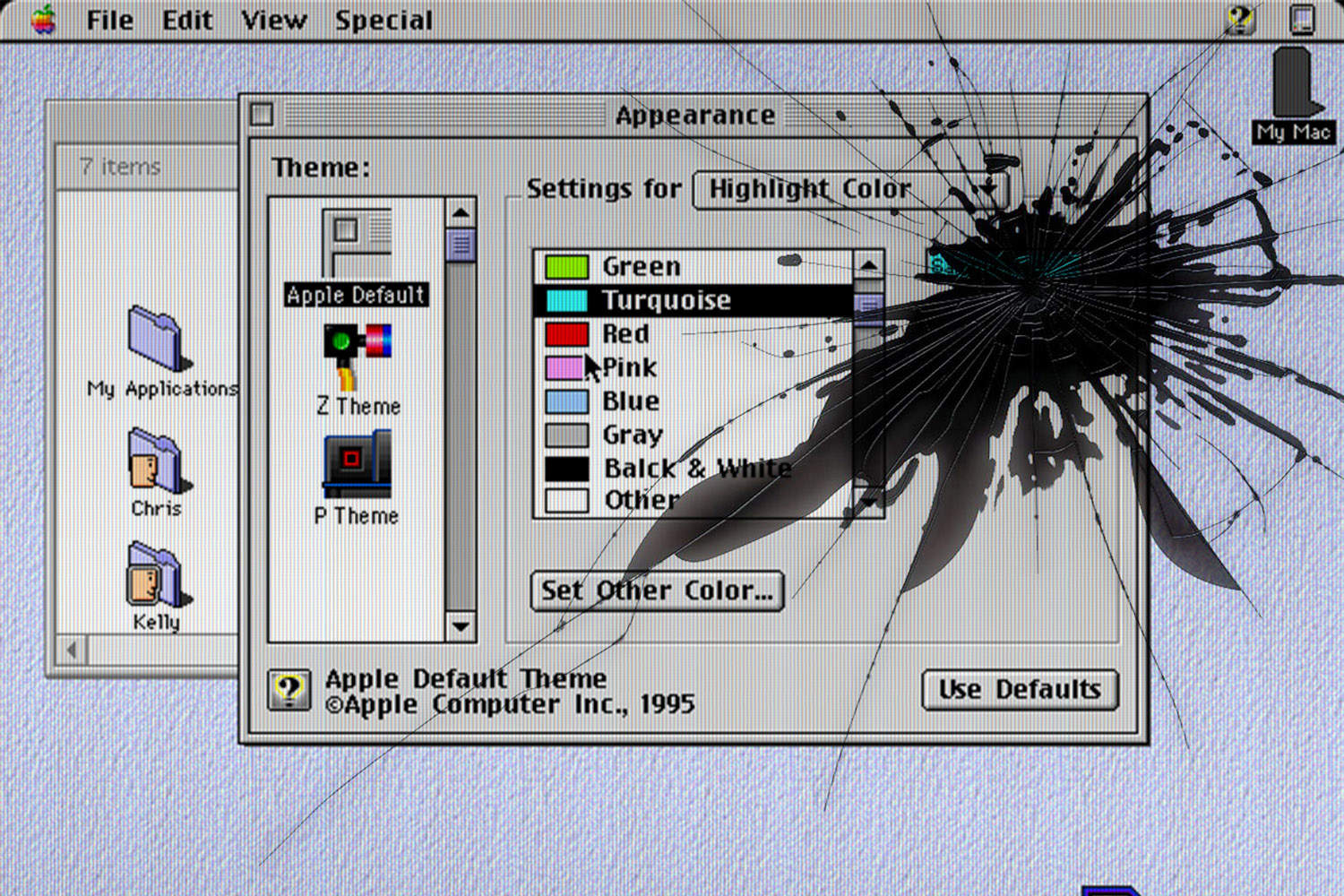
Mac OS Copland never saw the light of day. Photo: Ste Smith/Cult of Mac
April 26, 1996: Mac OS Copland, Apple’s eagerly anticipated but much-delayed operating system for the Macintosh, suffers a fatal blow when the senior VP in charge of the project leaves the company.
David C. Nagel, Apple’s chief technologist, previously promised Mac OS Copland would ship to users by mid-1996 at the latest. With meeting that deadline no longer possible, he leaves Apple for a job running AT&T Laboratories.
It’s yet another sign that Apple’s top-to-bottom Mac operating system upgrade is in major trouble.
This user ponders whether the replacement for the Xiaomi curved display in this moody MacBook Pro setup will be a Samsung ViewFinity S9 or a Studio Display. Photo: [email protected]
There’s a certain magic in watching someone squeeze maximum capability out of a beautifully spare workstation. While plenty of computer setups aspire to the look of a NASA mission control center — bristling with displays, peripherals and enough RGB to signal alien life — a different school of thought holds that the best setup is the leanest one. Fewer devices mean fewer cables, fewer distractions and more space to think. You can do a lot with a little.
The latest rumor gives us a better idea what to expect from Apple's smart glasses. Illustration: Midjourney/Cult of Mac
This week on the Cult of Mac podcast: New details emerge about Apple’s smart glasses, including possible shapes, sizes and colors.
Now for the important question: Will we — or anybody else — actually want to wear a pair?
Also on the Cult of Mac podcast:
Apple reportedly plans a last-ditch effort to get its Siri team up to speed on AI-powered coding. Meanwhile, Siri’s worse than ever! Will Apple make the WWDC26 deadline for the Siri upgrade?
The tech behind the first folding iPhone’s (supposedly) crease-free screen sounds insane.
A MacBook Pro setup puts the weirdest hinged screens we’ve ever seen front and center.
And finally, Griffin shows us how to walk back one of macOS Tahoe’s most divisive design decisions.
Listen to this week’s episode of the Cult of Mac podcast in the Podcasts app or your favorite podcast app. (Be sure to subscribe and leave us a review if you like it!) Or watch the video version, embedded below.
Sadly, it doesn't quite work out as planned. Photo: Paramount
April 18, 1996: Apple unveils a massive $15 million promotional tie-in for the Mission: Impossible movie starring Tom Cruise.
Designed to promote the PowerBook, which Cruise uses in the spy flick, the marketing campaign comes at a particularly bad time. Attempting to climb back into the black after reporting its largest quarterly loss ever, Apple is in the middle of trying to perform its very own impossible mission. And that’s just the start of the problems.
Can you leave Apple's ecosystem? AI image: ChatGPT/Cult of Mac
What makes the Apple ecosystem so alluring? Individually, the iPhone, iPad, Mac or Apple Watch might not be the best devices in their respective categories. Yet, when combined, they form one of the best ecosystems in the world.
It’s this Apple ecosystem — the so-called walled garden — that makes it almost impossible to ditch Apple devices. But what makes it so good?
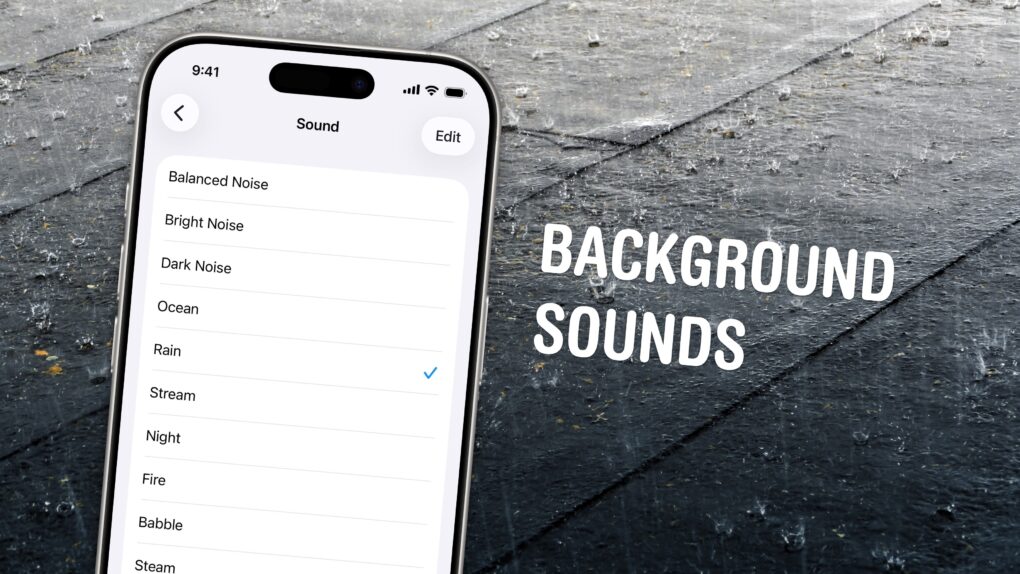
Chill out and silence the sounds of your environment with the sounds of rain, the ocean, a fireplace and more. Photo: W.carter/Wikimedia Commons/D. Griffin Jones/Cult of Mac
If you’re working in an office or in the city, you’re probably inundated with noise from people chattering, cars running and nearby music. Your iPhone has a built-in feature called Background Sounds for playing rain noises or white noise to tune it all out.
Or, if you work at home and want some of that office or coffee shop ambiance, you can add some of those chatter sounds back in. You can even simulate a commute, with sounds of a bus, train, airplane or even boat.
You don’t need to download any apps or pay a cent. Background Sounds is a free feature on your iPhone, iPad and Mac. Let me show you how it works.
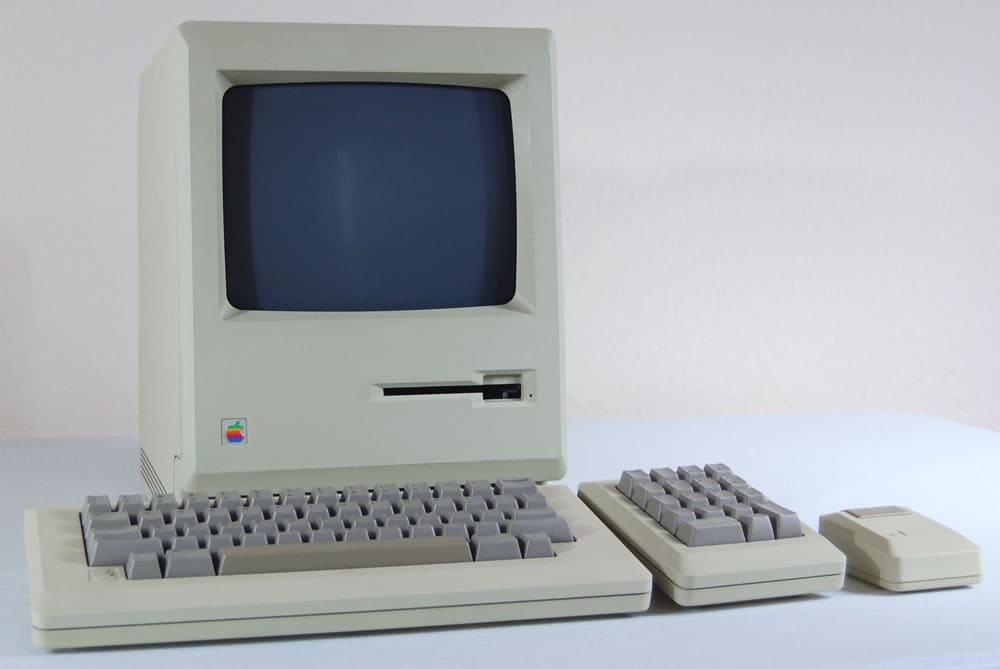
April 14, 1986: The “low-cost” Macintosh 512Ke brings hardware upgrades — and a bit of confusion — to the low end of the Mac lineup.
The Mac 512Ke is an “enhanced” (hence the “e”) model of the Mac 512K. The upgrade addresses complaints that the original Mac lacked enough memory. The 512Ke adds a double-density 800KB floppy drive and a 128KB ROM to the Mac 512K formula.
Get rid of all those distracting icons. Image: D. Griffin Jones/Cult of Mac
The macOS Tahoe menu bar icons are one of the more universally panned changes in Apple’s redesigned Mac operating system. They clutter the interface, making it hard to find what you’re actually looking for. And on top of that, different apps use different icons for different actions — it’s not remotely consistent.
You don’t need to live your life this way, though. Developer and hacker Steve Troughton-Smith figured out a quick way to disable the icons. You need to crack open the Mac’s Terminal app, but luckily, you can paste a single command in to bid (most of) the icons adieu.
The MacBook Neo is shaking up the industry, but it might be too successful. Photo: Apple
This week on the Cult of Mac podcast: The MacBook Neo looks like a runaway success. And Apple’s clever use of binned chips in the budget laptop is textbook Tim Cook — magically turning slag into gold.
However, the brilliant tactic might have paid off too well.
Also on the Cult of Mac podcast:
Dummy units of the rumored folding iPhone and iPhone 18 Pro give us a better look at what Apple has planned for later this year. But will the foldable be called the iPhone Fold, the iPhone Ultra or something else? And do we really need a folding iPhone?
Try to buy a Mac mini or a Mac Studio and you’ll likely be waiting quite some time (up to five months!). What’s going on?
There’s a simple way to add gorgeous moon shots from the Artemis II mission as wallpaper on your iPhone.
Griffin gives us an update on his AirPods Max 2 review.
And finally, we check out a gorgeous Mac Studio setup that’s one of the best we’ve seen.
Listen to this week’s episode of the Cult of Mac podcast in the Podcasts app or your favorite podcast app. (Be sure to subscribe and leave us a review if you like it!) Or watch the video version, embedded below.
There's a new version of macOS ready to install on your Mac. AI image: Apple/ChatGPT/Cult of Mac
Apple on Thursday released macOS 26.4.1, a minor but essential update for Mac users running macOS Tahoe. The software arrived a day after the corresponding iOS 26.4.1 and iPadOS 26.4.1 reached iPhone and iPad users.
The update does not introduce major changes. Instead, it focuses on fixing bugs.
Apple has a problem with the MacBook Neo that other companies can only dream of. AI image: Apple/Gemini/Cult of Mac
Want a MacBook Neo? Better order it soon. It’s possible Apple will sell out of the affordable notebook … and not just for a few weeks. It’s not impossible that the laptop will go completely off the market until Apple can solve a shortage of a critical component … and it’s not RAM! Alternatively, Apple could be forced to raise the price.
And it’s all because the Neo is so wildly popular. Here’s what’s going on.
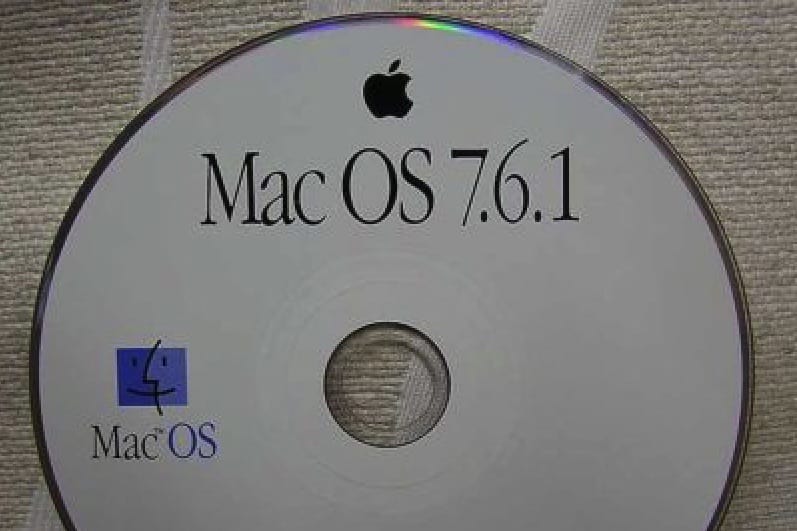
This was the beginning of the end for System 7. Photo: Apple
April 7, 1997: Apple’s System 7 operating system receives its last update with the shipment of Mac OS 7.6.1.
The update brings a few bug fixes and support for Apple’s new PCI Power Macs and the PowerBook 3400. Most importantly, it marks the end of the System 7 era, which dawned way back in 1991.
Keep your distractions at bay with Focus modes — easier to set up than ever now. Image: D. Griffin Jones/Cult of Mac
Apple’s Focus modes are a powerful way to change how your iPhone, iPad and Mac look and feel whether you’re driving, sleeping, relaxing or working. It’s all about fully immersing yourself in whatever you’re doing.
You can change all kinds of things: from who can reach you and which apps send notifications to custom Lock Screens, Home Screens and more. The tools can totally transform how your phone looks and works based on context. You don’t need all the same apps and widgets on your Home Screen while you’re at work or yoga as you do at home.
Setting up a Focus with rich customization makes your phone more personal. Keep reading to find out how.
Apple's first 50 years took fans like us on a mighty wild ride. Image: Cult of Mac
This week on the Cult of Mac podcast: The hoopla surrounding Apple’s 50th birthday makes us reflect on the company’s most important products of all time. Contrary to what you might think, most did not become hits right out of the gate.
Also on the Cult of Mac podcast:
And then there are the personally most important Apple products. We reveal our first, transformative encounters with Apple computers.
Griffin offers his first impressions of AirPods Max 2. Long story short, the headphones sound awesome, the hardware is interesting and yet perplexing, and the Smart Case is still a disaster.
Apple killed the Mac Pro on the same day we published a roundup of the best Mac Pro setups. We hope the two events weren’t related.
Listen to this week’s episode of the Cult of Mac podcast in the Podcasts app or your favorite podcast app. (Be sure to subscribe and leave us a review if you like it!) Or watch the video version, embedded below.
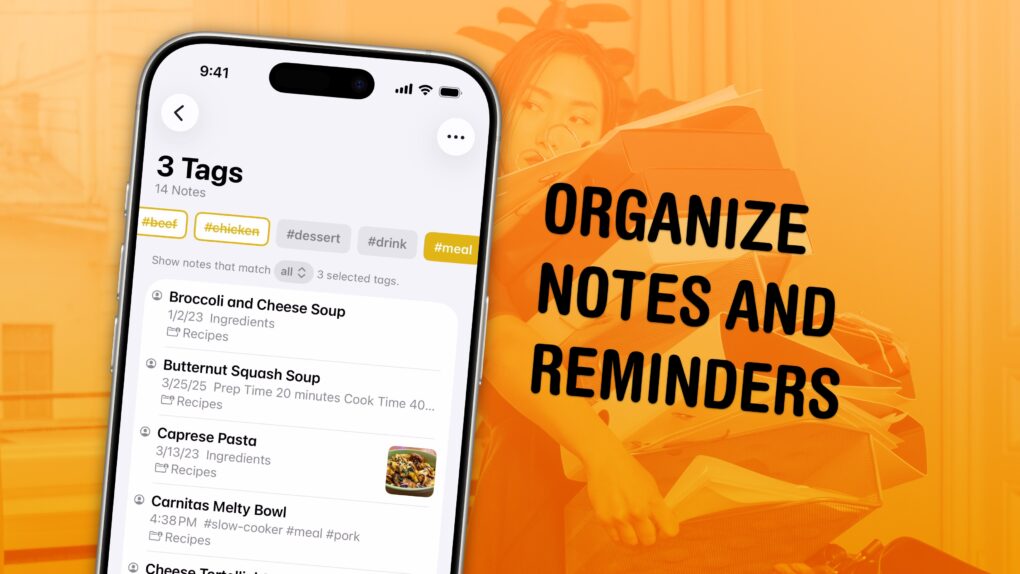
Sort out your digital library of tasks and notes. Image: D. Griffin Jones/Cult of Mac
I have a bunch of pro tips to help you organize the Notes and Reminders piling up in your iPhone. Apple has added tons of powerful new features over time, making them comprehensive tools for all the goings-on in your life.
With tagging, you can quickly filter and search through a big folder of notes or a long to-do list. You can easily put together a bunch of filters by date, location and tag to create a smart list of everything that needs your attention in Reminders. You can even set up template Reminders lists that you can copy at any time.
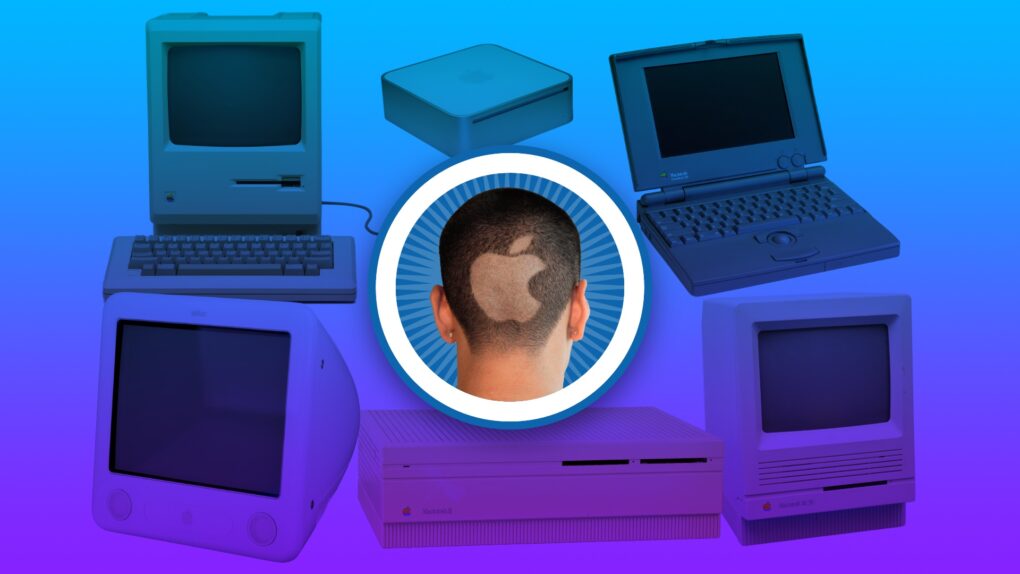
You always remember your first. Image: Apple/D. Griffin Jones/Cult of Mac
Apple started exactly 50 years ago, and most of the Cult of Mac staffers have been Mac users almost since the beginning. We have 170-plus years of experience!
Today’s milestone has us looking back on how we got started using Apple computers, from the original Macintosh to the first PowerBook to the early Mac mini.
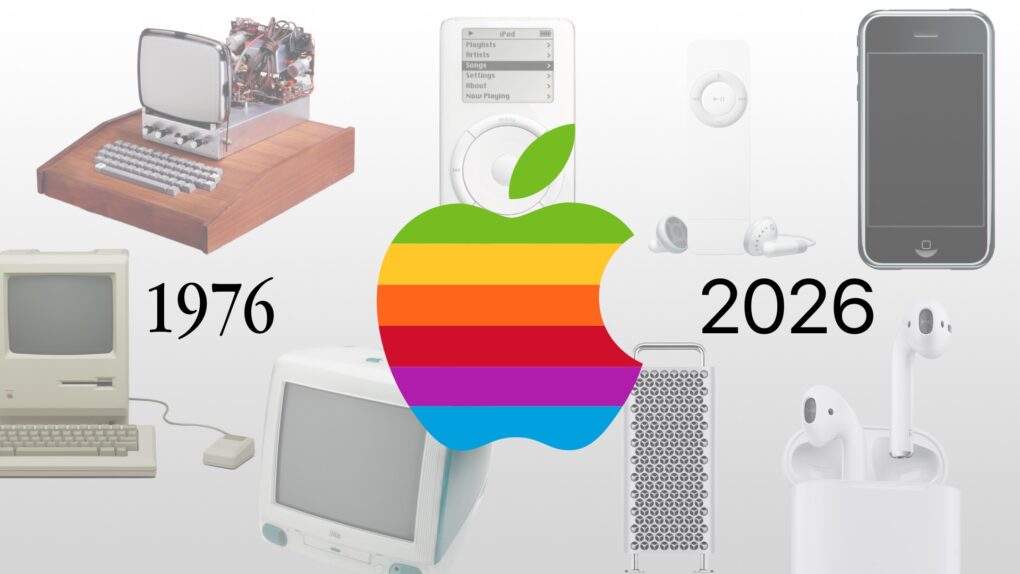
It’s a big birthday for the fruit company. Image: Apple/D. Griffin Jones/Cult of Mac
As Apple turns 50, it’s worth looking back on the company’s greatest accomplishments and lowest moments through history. If you don’t have time for David Pogue’s 600-page epic, Apple: The First 50 Years, maybe you can spare eight minutes to relive the single biggest piece of Apple news every year.
Some of the most important products from Apple's first 50 years might surprise you. Image: Midjourney/Cult of Mac
Apple produced an amazing string of hit products over its 50 years, but to paraphrase Napoleon the pig: Some are more important than others.
Here are the most important products in Apple’s 50-year history. And no, this list is likely not what you were expecting. They’re not necessarily the biggest or the most well-known.
These Macs will outlast Windows PCs, and give the users fewer problems. Photo: Mapbox/Unsplash License
Macs in enterprise settings typically last for five years, besting the three-year lifespan for Windows PCs, according to a company that makes software to help businesses manage their computers.
But the really shocking revelation from the report is that more than half of Windows PCs used in big business get replaced within a year.
So many iconic Apple products came after rivals made unsuccessful versions. AI image: Apple/ChatGPT/Cult of Mac
Looking back over Apple’s first 50 years, it’s clear what the company’s greatest talent is: turning rivals’ niche products into mainstream hits.
Apple proves adept at releasing new products in categories that looked like failures because customers simply lacked interest. But then Apple figured out what its competitors were doing wrong and released its own versions that quickly became iconic.
Here are five examples of Apple turning other companies’ fiascos into triumphs.
So long, you gorgeous beast of a machine. Photo: Apple
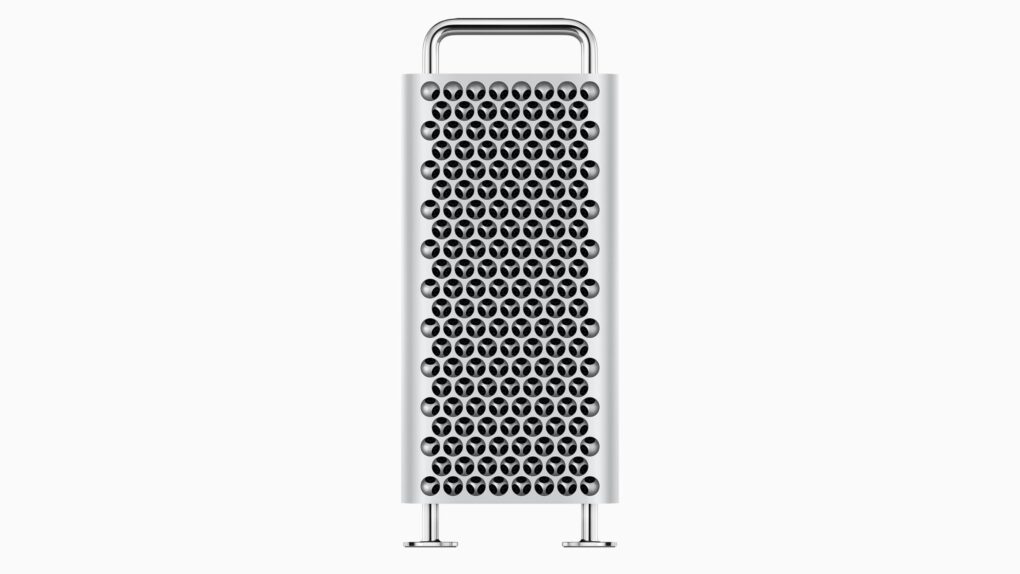
Apple officially pulled the plug on the Mac Pro on Thursday, scrubbing its most expensive desktop computer from its website. Links that used to go to the top-end machine now redirect to the overall Mac page.
Quietly killing the machine brings an ignominious end to the $6,999 computer that Apple had not updated in years.
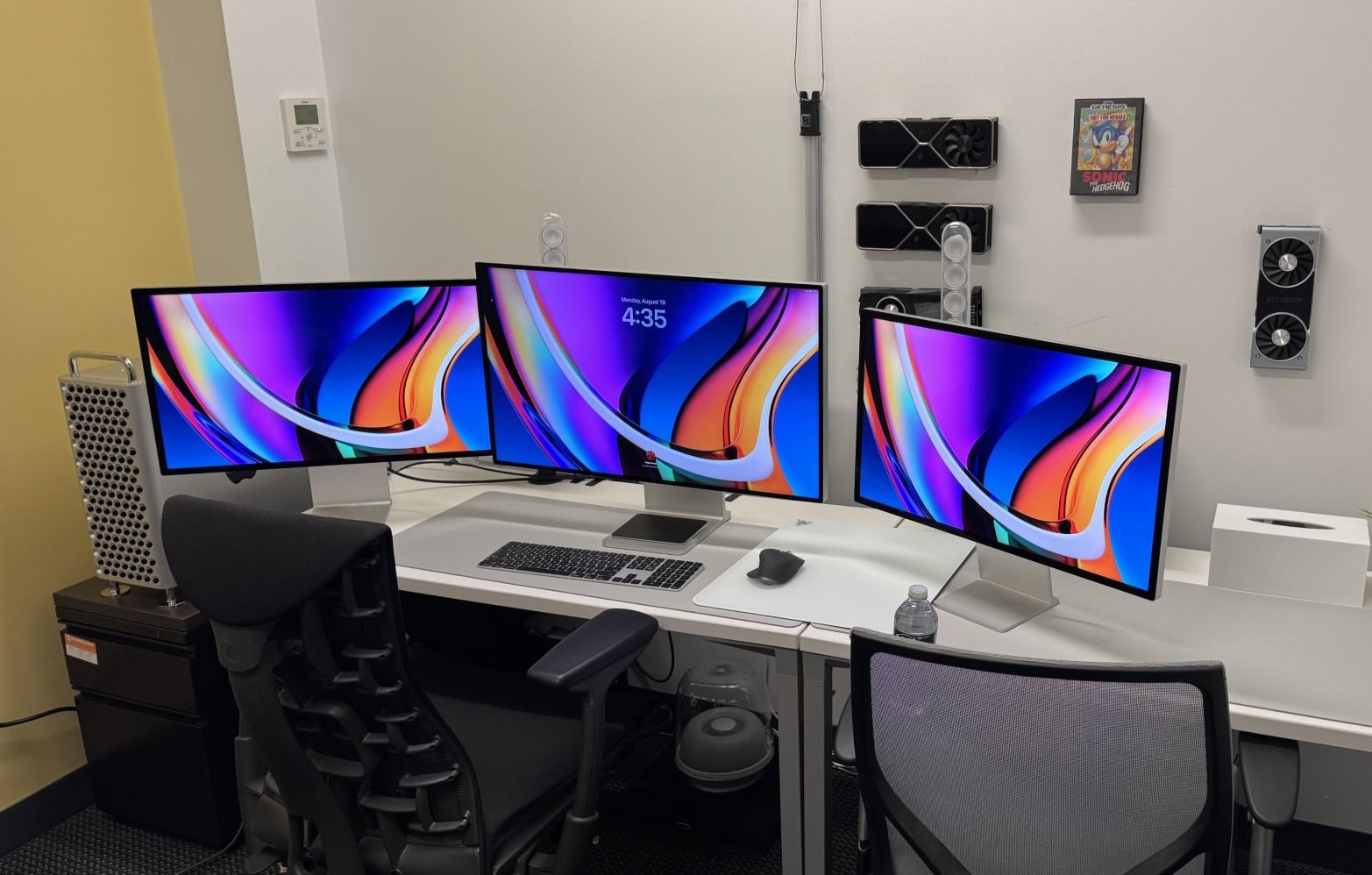
So ... crippled by envy much? This one has a high-end M2 Ultra Mac Pro, a Mac Studio, a Pro Display XDR and two Studio Displays. Photo: [email protected]
The Mac Pro, which Cupertino quietly discontinued Thursday, always occupied a rarefied tier in the Apple universe — a machine for serious professionals, well-heeled enthusiasts and the kind of person who actually needs 96GB of RAM.
Whether it’s the iconic cylindrical “trash can” from 2013, the stainless-steel-handled cheesegraters of the early 2000s, or the current M2 Ultra tower that started at $7,000 and climbed past $12,000 with upgrades, the Mac Pro commands attention wherever it appears. Feast your eyes on the top nine Mac Pro setups from Cult of Mac‘s archives.


 April 26, 1996: Mac OS Copland, Apple’s eagerly anticipated but much-delayed operating system for the Macintosh, suffers a fatal blow when the senior VP in charge of the project leaves the company.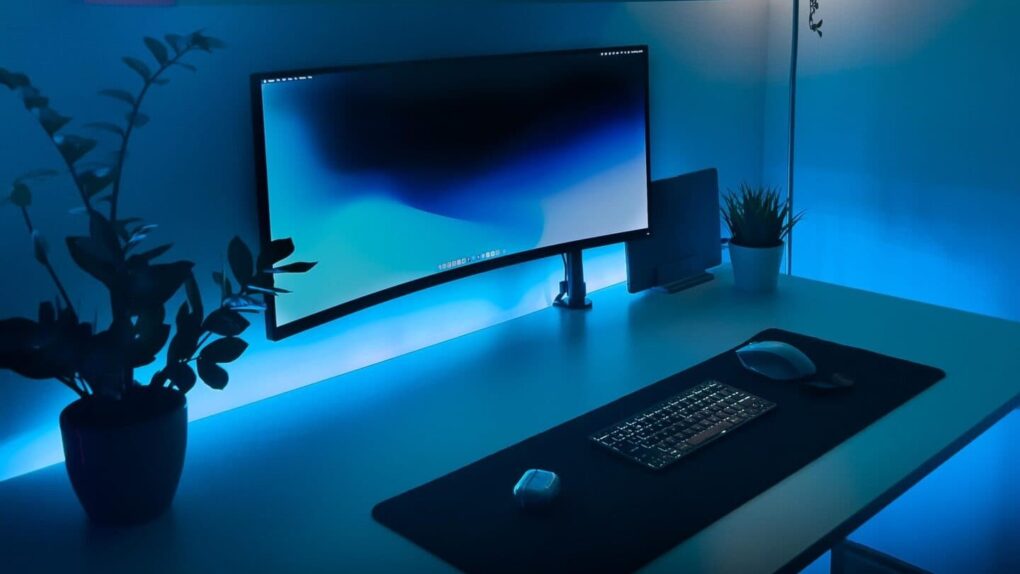

 April 18, 1996: Apple unveils a massive $15 million promotional tie-in for the Mission: Impossible movie starring Tom Cruise.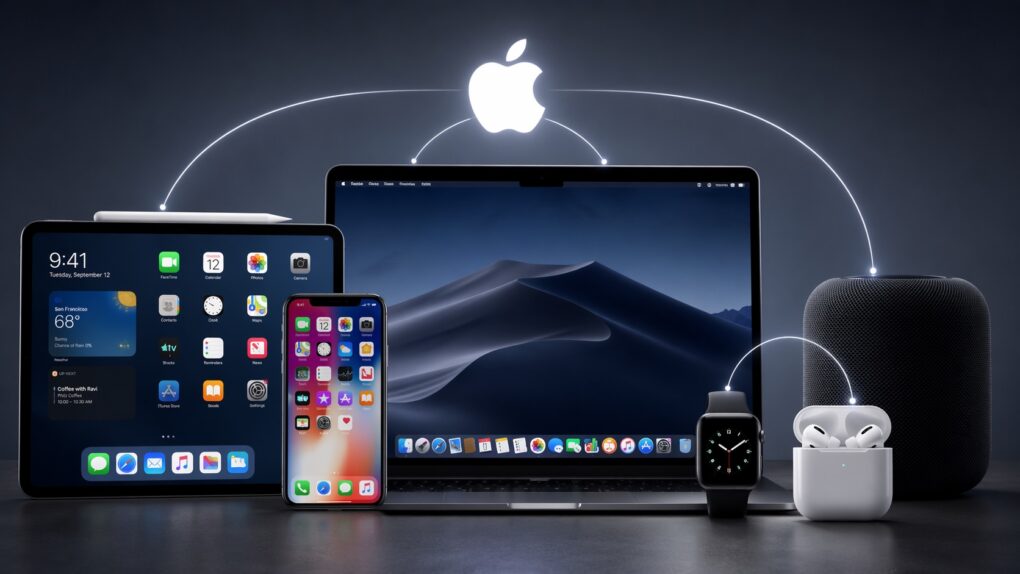
 April 14, 1986: The “low-cost” Macintosh 512Ke brings hardware upgrades — and a bit of confusion — to the low end of the Mac lineup.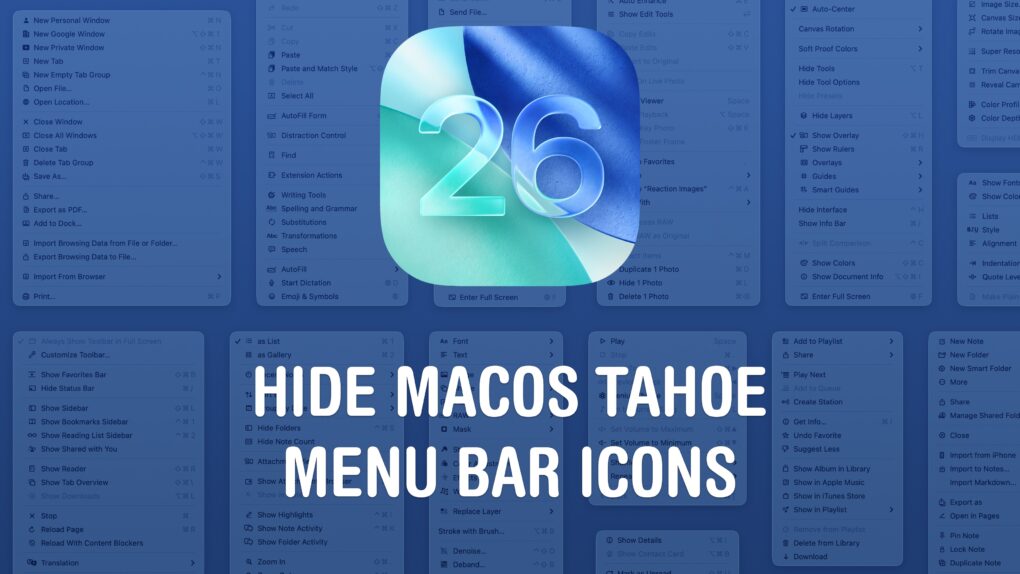
 April 7, 1997: Apple’s System 7 operating system receives its last update with the shipment of Mac OS 7.6.1.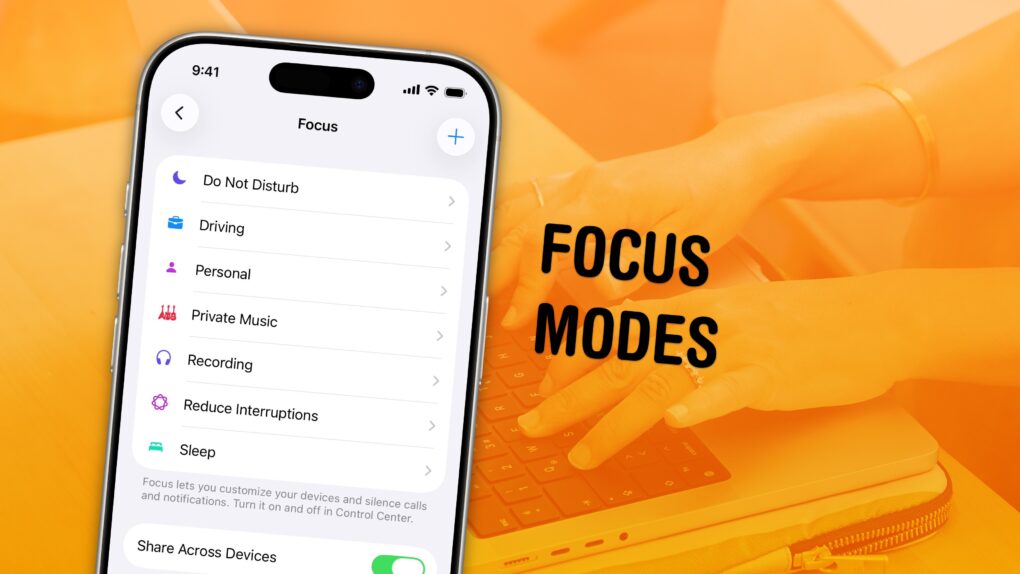
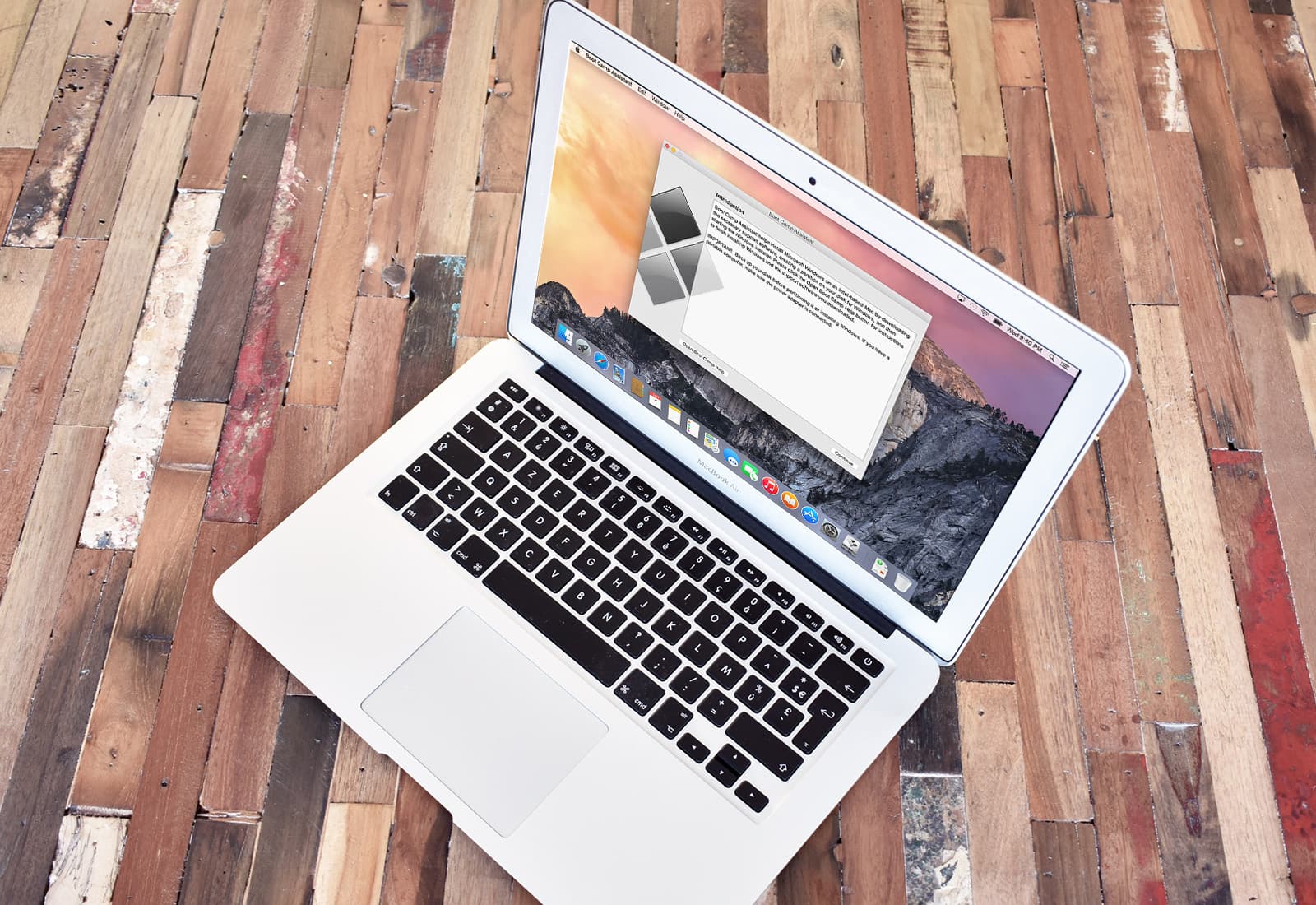
 April 5, 2006: Apple introduces the public beta of Boot Camp, software that allows users with an Intel-based Mac to run Windows XP on their machines.