You should give these powerful Mac apps a try today. Graphics: Rajesh Pandey/CultofMac
As a longtime Mac power user, I’ve come to rely on a handful of essential apps that supercharge my workflow. These Mac productivity apps not only streamline my daily tasks but also simplify complex jobs, making my work faster and more efficient.
Check out my favorite Mac apps that I can’t recommend enough as a power user.
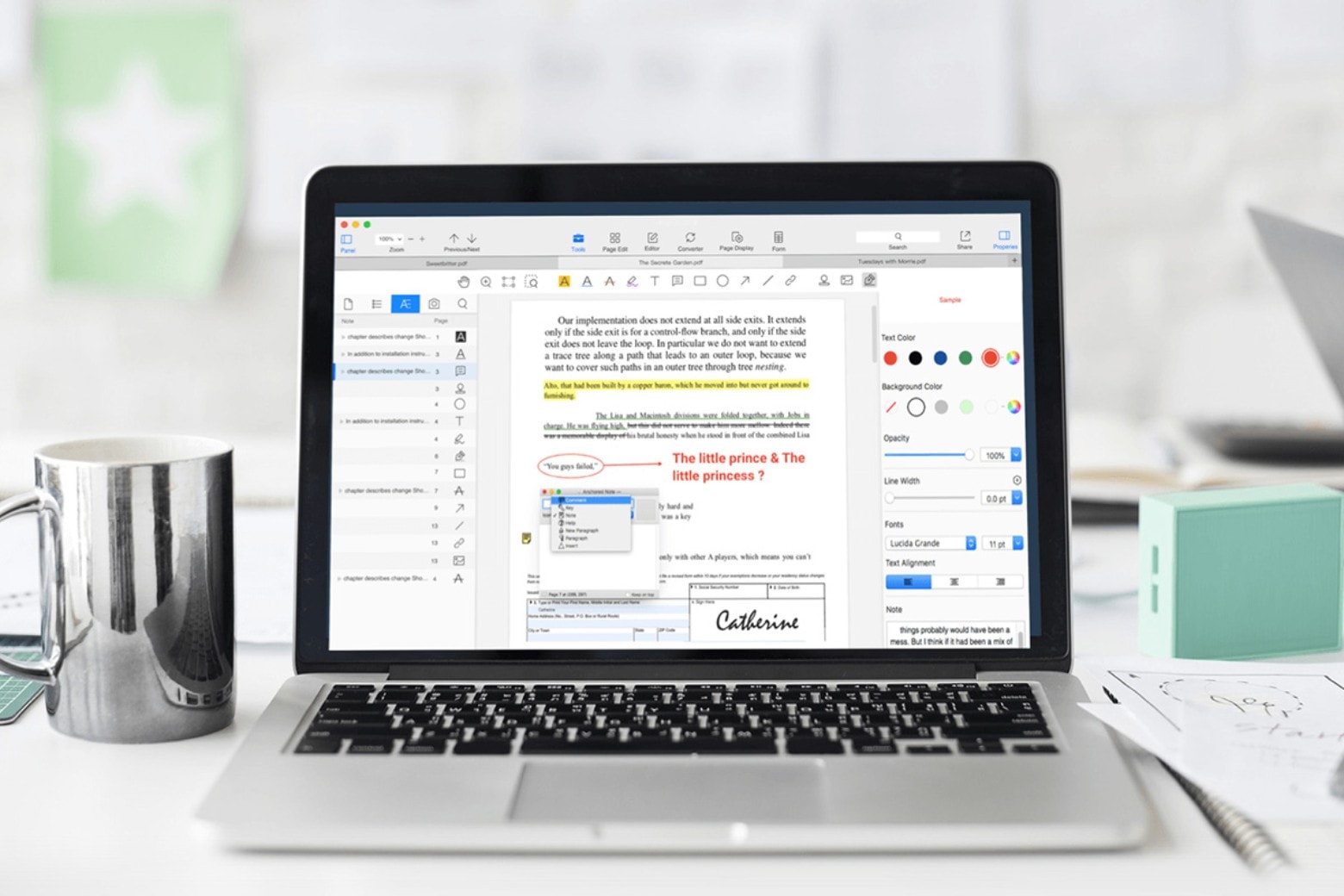
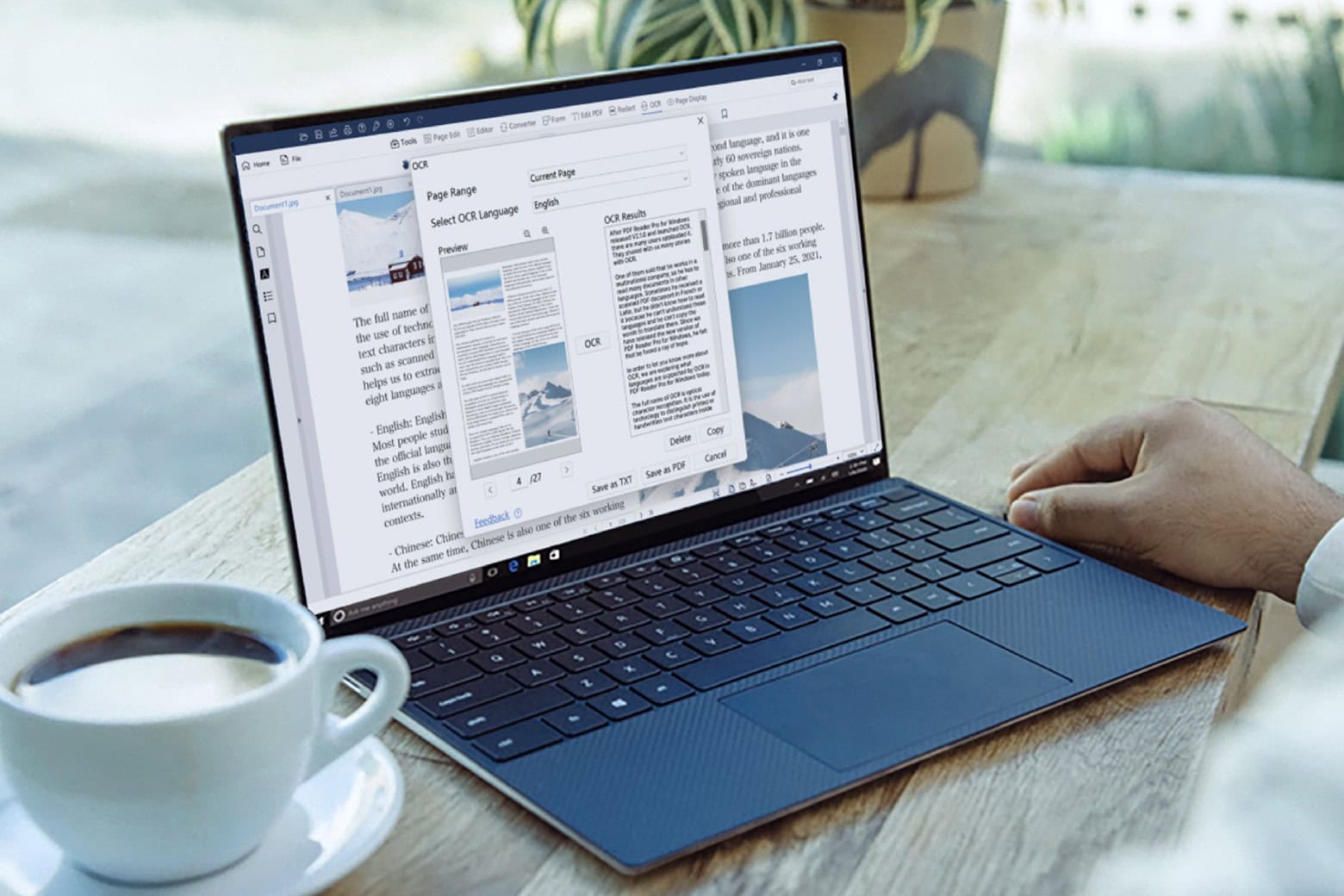
Don't miss this limited-time price cut on PDF Reader Pro for Mac or PC. Get a lifetime license for less than $25. Photo: Cult of Mac Deals
PDFs are supposed to make sharing documents easier, but they are often difficult to manage, edit or annotate. To streamline and improve your things, try PDF Reader Pro for Mac. The software tackles PDFs and empowers Mac users to do virtually whatever they’d like with them.
False alarm! The Docker app for Mac is not a malware. Photo: Docker
Getting a “Malware Blocked” warning on booting your Mac or when starting Docker? You are not alone. Hundreds of Mac users worldwide report seeing a similar message on their machine over the last few days.
The error is due to an issue with Docker, a popular platform designed to build and run apps using containers.
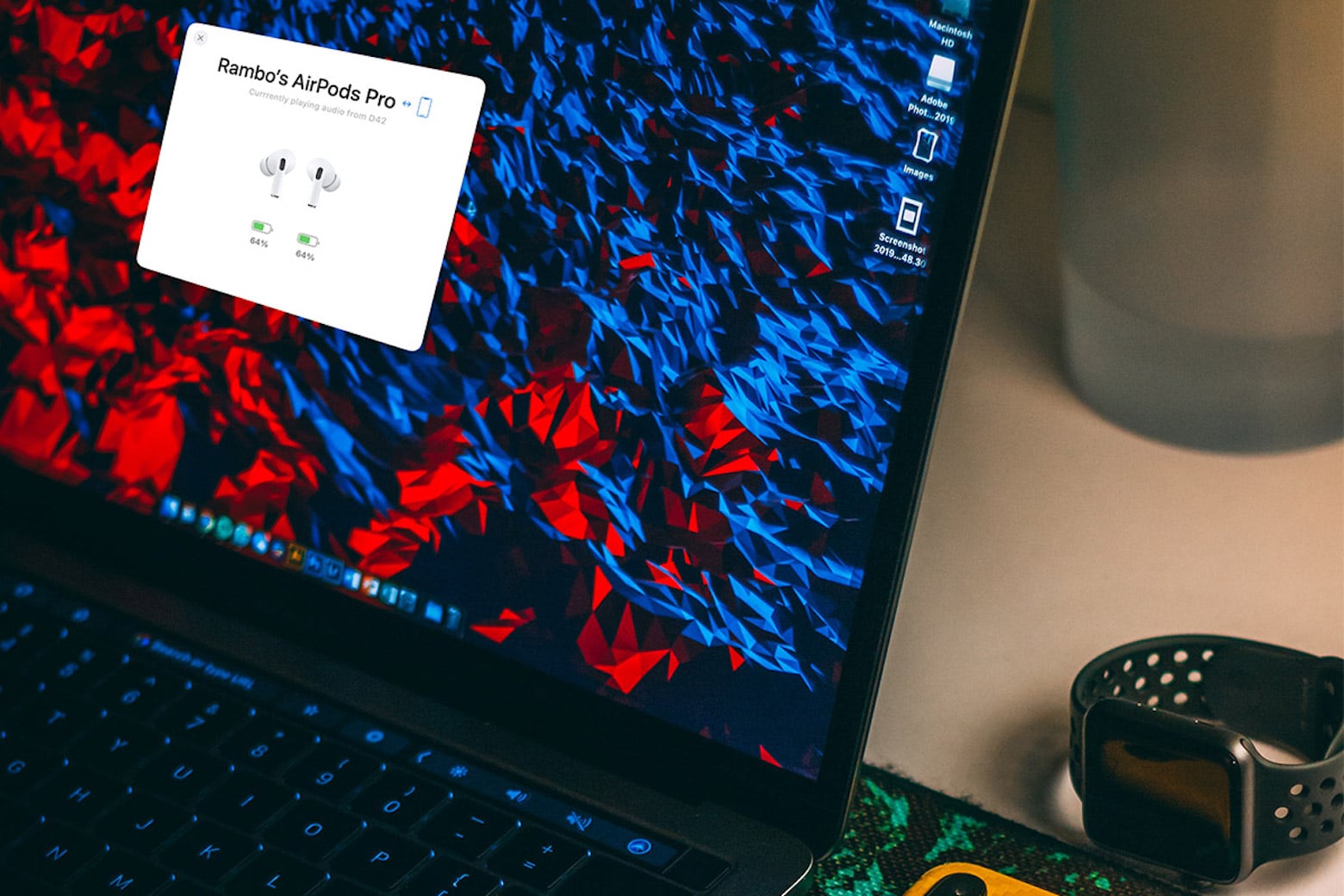
Enjoy enhanced AirPods functionality on Mac with AirBuddy, on sale now for only $8. Photo: Cult of Mac Deals
Love the way AirPods work with an iPhone but a little meh about how they work with a Mac? The AirBuddy Mac app will connect AirPods to Mac, with enhancements that provide the same advanced features you enjoy when using Apple’s earbuds with an iPhone.
Enjoy all of Microsoft Office 2019 on any Mac for less than $25. Photo: Cult of Mac Deals
There comes a time in nearly every adult’s life when you must install Microsoft Office. Yes, you can technically get by without Word, Excel and the other essentials. But if you want to get certain tasks done on your killer Mac setup, you’ll need these tools. And this limited-time deal on Microsoft Office Home & Business 2019 for Mac might be the time to get them.
Get a lifetime license to Paintstorm Studio for just $19.99.
Photo: Cult of Mac Deals
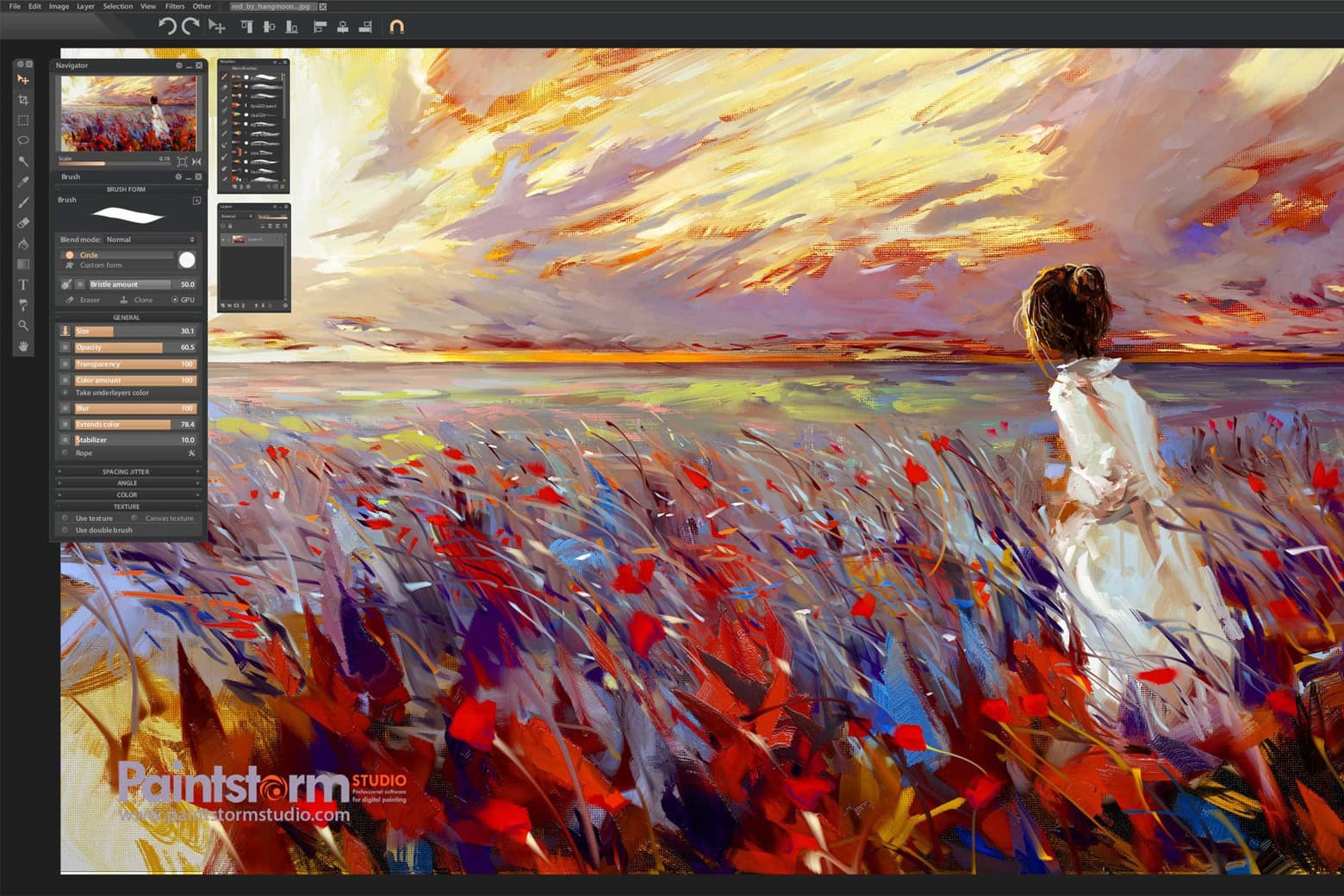
For digital artists, illustrators and anyone with a passion for creating art, Paintstorm Studio is a versatile toolkit. With a lifetime license, you gain access to an intuitive, high-powered painting app for Mac and Windows, without the hassle of monthly subscriptions.
Whether you shot the video or not, sometimes it's just in the wrong file format. Image: Movavi
When you need to convert a video to a different file format, what’s a quick, easy way to do it? Movavi’s free Online Video Converter. This incredibly intuitive tool makes the tedious task simple.
And if you need to convert really big video files, or edit them, Movavi’s desktop converter software can help. More than 70 million users in more than 190 countries enjoy software from Movavi, which turned 20 years old in 2024.
Find out how to use the free online video converter below.
System files piling up all over the place in your Mac will eventually slow it and might crash it. Photo: Brett Sayles/Pexels/CC
Just as your house accumulates dust and trash, your computer gets cluttered with unnecessary, often automatically generated, files known as “system junk.” The files pile up gradually and then start affecting your Mac’s performance. Fortunately, simple tools like JWizard Cleaner quickly and easily clean up your Mac so you don’t need to do it manually.
Get a three-month Adobe Creative Cloud subscription on sale for just $75. Photo: Cult of Mac Deals
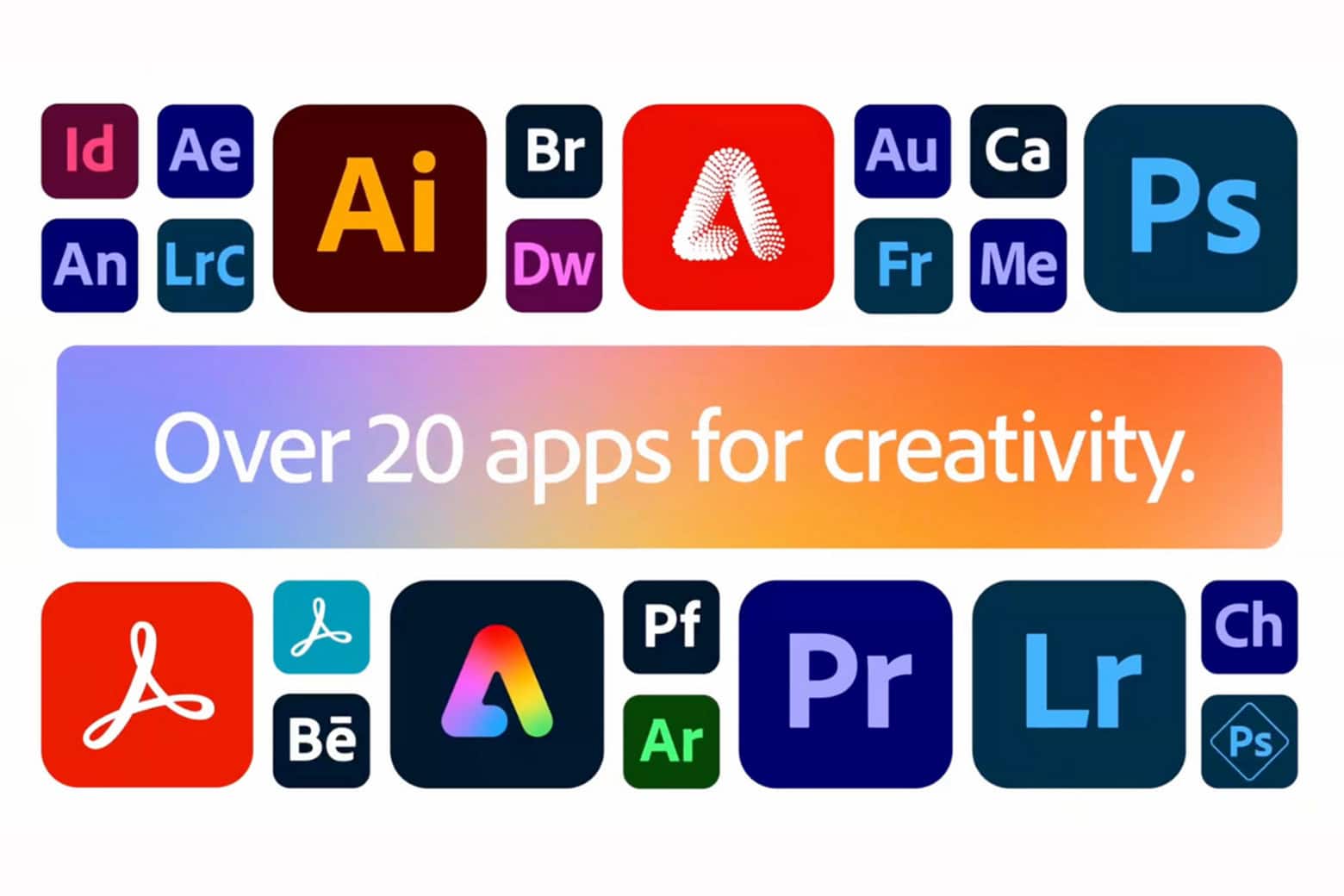
Whether you’re a professional graphic designer, an aspiring photographer or a hobbyist exploring your creative side, it’s worth it to invest in software that really lets your creativity run wild. This Adobe Creative Cloud discount gains you access to more than 20 Adobe apps that professionals love, including Photoshop, Illustrator and Premiere Pro.
Normally, this three-month subscription to Adobe Creative Cloud would cost $179. But the price dropped recently to $75 — although that’s not going to last much longer.
Don't miss your chance to score a PDF Reader Pro Permanent License at a big discount. Photo: Cult of Mac Deals
If you find yourself working with PDFs day in and day out, a PDF Reader Pro Permanent License could become your new best friend. This lifetime subscription to the excellent PDF editor for Mac costs just $60 (regularly $79) and lets you convert PDFs to Microsoft Office file formats.
Bring your artistic vision to life with this discounted Adobe Photoshop & Premiere Elements 2023 bundle.
Photo: Cult of Mac Deals
Want Photoshop’s photo editing capabilities without Adobe’s monthly subscription fees? This Mac software bundle combines Photoshop Elements and Adobe Premiere Elements to give you plenty of creative firepower for life — all for one low price. It’s the Photoshop Elements sale the subscription-averse have been waiting for!
Jump on this deal to make your photos and videos look better than ever.
User-friendly and AI-integrated Afirstsoft PDF makes working with PDF files easy. And you can get a great deal on it. Photo: Afirstsoft PDF
Apple fans are just like everybody else. In a world filled with digital documents, job applications and more, we often need to deal with PDF files. But instead of spending a ton of money on big-name software, or hunting around for severely limited free apps, wouldn’t you rather try the efficient and effective Afirstsoft PDF app for Apple users?
At a quarter the annual cost of Adobe Acrobat, Afirstsoft PDF helps you view, annotate, edit, convert, scan and organize PDF files. And its artificial intelligence feature analyzes and summarizes PDF files for you in seconds. Even better, you can use it across Mac, iPhone and iPad with ease (Windows and Android, too). And you can save even more money with special discounts for new users (see below).
Learn new languages for life with the award-winning Babbel. Photo: Cult of Mac Deals
Whether you want to get more from your travels or boost your career opportunities, speaking an additional language is one of the most rewarding ways to do it. And the most convenient way to learn? With an award-winning language-learning app like Babbel.
The Babbel app teaches you a new language with short daily lessons that take only 10 or 15 minutes that you can take on your iPhone or Mac. Right now, you can grab a lifetime subscription to every single language on the app for only $139.97 (regularly $599). That’s a 76% discount on this incredible software, but this price drop only lasts until July 17.
This versatile DVD ripper brings content directly to your Apple devices. Photo: Cult of Mac Deals
DVDs may seem like a thing of the past as streaming options like Netflix and Apple TV+ continue to gain popularity, but there’s no reason those shiny discs need to sit around collecting dust. Discover new ways to enjoy old favorites by taking advantage of a discount on a highly rated and speedy Mac DVD ripper.
For a limited time, you can grab a lifetime license to MacX DVD Ripper Pro for just $24.97 (regularly $67.95). That’s a 63% discount on a product that supplies endless options for adding content to Apple or Android devices.
Need a top-notch PDF editor for Mac? Get PDF Reader Pro and you can easily sign PDFs, edit text, swap out images and more. Photo: Cult of Mac Deals
PDFs have become the standard for document sharing and archiving, but the file format is notoriously difficult to work with and manipulate. However, there is a way around that problem, thanks to purpose-built PDF editors like PDF Reader Pro for Mac.
Download bulk images from Pinterest, Instagram and more with this $30 app. Photo: Cult of Mac Deals
Before you start right-clicking up a storm to save multiple images from a website, try Imaget. This bulk image downloader works on Mac and Windows, and you can use it to grab multiple pix from Instagram, Pinterest and more.
OpenAI introduces a native ChatGPT app for Mac, and it's free for all users. Photo: Unsplash
OpenAI made the native ChatGPT Mac app available for all users Wednesday. It gives Mac users easy access to the artificial intelligence capabilities of the cutting-edge chatbot, as well as features not available with the web interface.
The free macOS app is “designed to integrate seamlessly into anything you’re doing on your computer,” according to OpenAI.
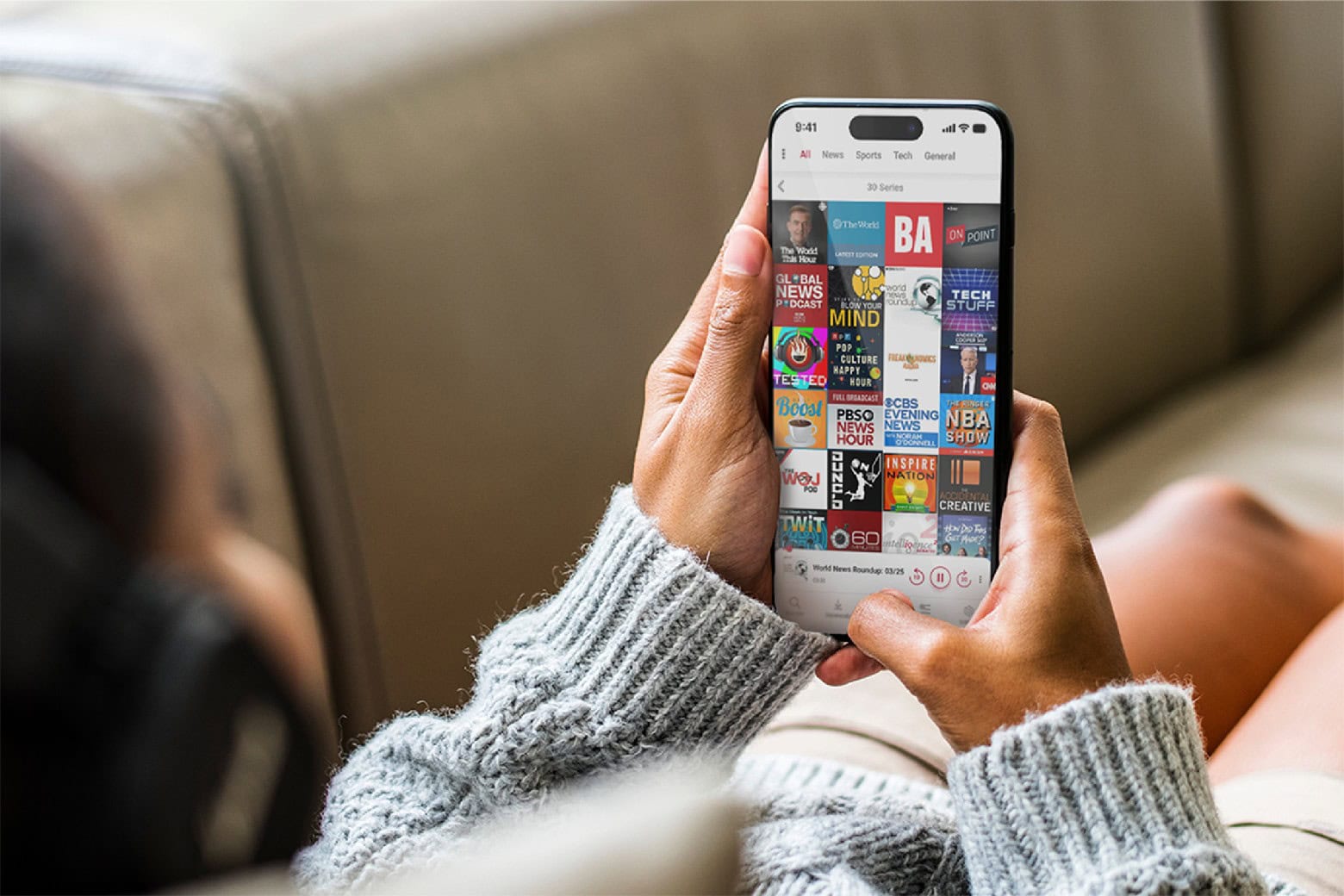
This trendy podcast app syncs with your entire Apple ecosystem for under $40. Photo: Cult of Mac Deals
Sure, Apple’s Podcasts app is free. But it’s also kind of basic. If you’re a total podcast freak, you’ll surely enjoy an alternative podcast app like Player FM. It offers advanced features like customization, organization and personalized search. It can even automatically compress downloaded episodes to save space on your devices, without compromising audio quality.
Assassin’s Creed Shadows is coming to Mac -- no PC needed. Image: Ubisoft
When Ubisoft launches Assassin’s Creed Shadows this November, Mac will be on the list of platforms supported by the action-packed role-playing game.
The adventure is set in medieval Japan, and players can choose either a samurai or a shinobi for very different gaming experiences. For more details on the game’s setting and storyline, check out the latest updates on Assassin’s Creed Japan.
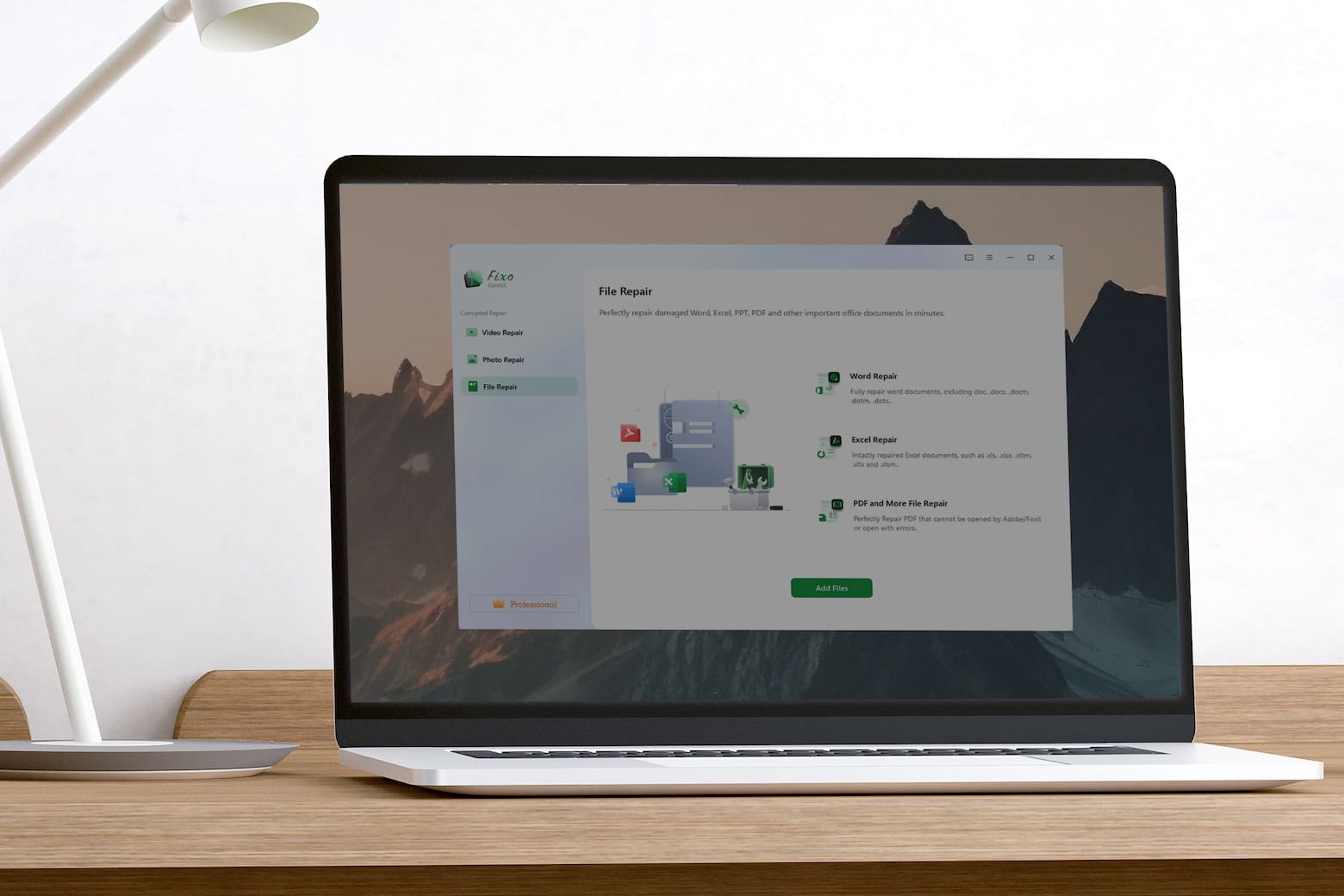
Fight file corruption with this $49.99 Mac app. Photo: Cult of Mac Deals
Digital photos may not fade in the sun, but virtually any file can be corrupted. If you’re getting an error message whenever you try to open an old file, all hope isn’t lost. You can use photo and video repair software to make things right.
EaseUS Fixo is an all-in-one file repair toolkit for Mac that can revive corrupted and unopenable photos, documents and more. Normally, a lifetime subscription would cost $119, but you can get it on sale for only $49.99.
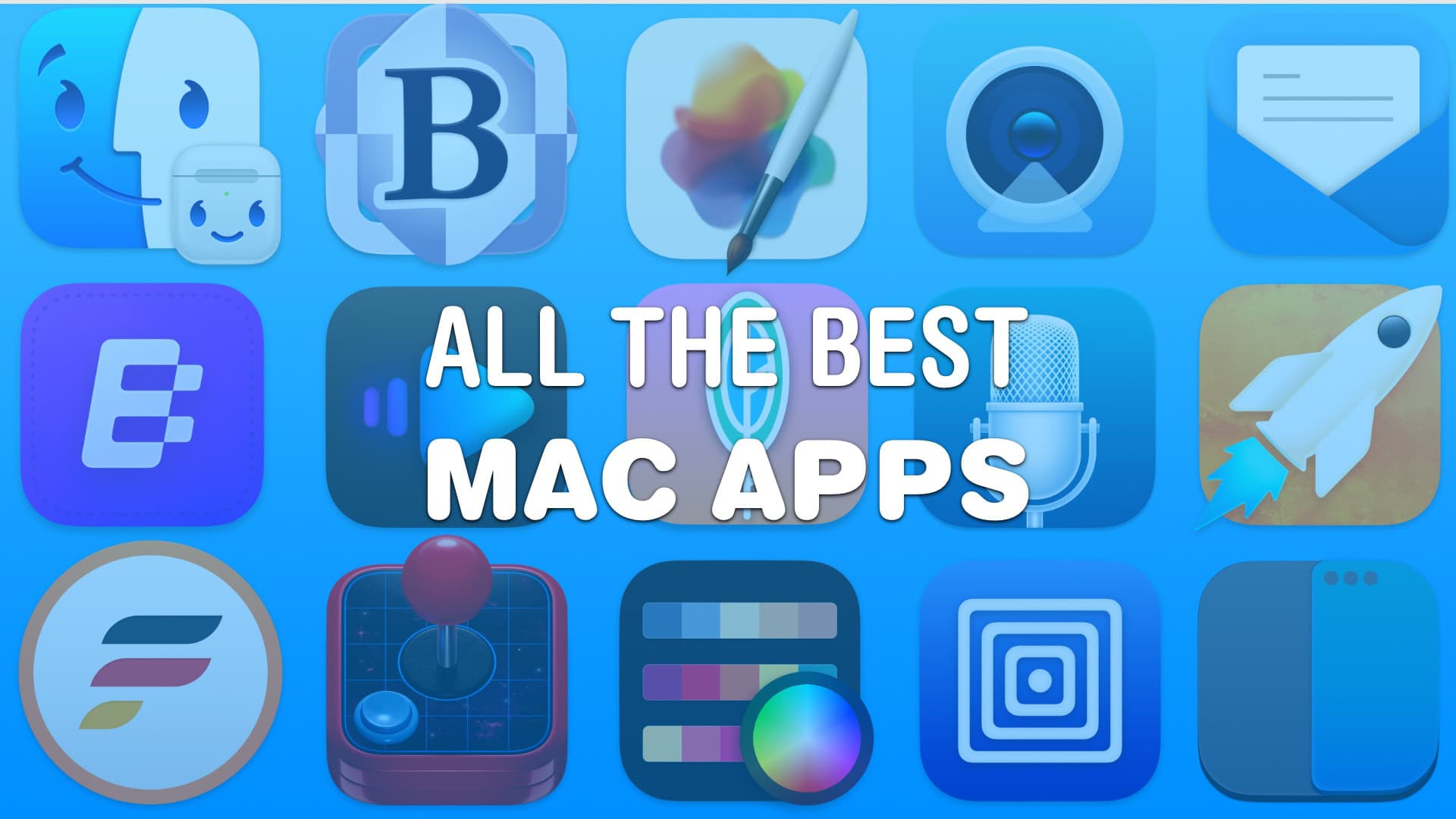
You’re bound to find some of these handy. Image: D. Griffin Jones/Cult of Mac
These are the best Mac apps that’ll help you through all kinds of work — writing, graphic design, video editing — with a few simple (must-have) utilities that everyone can make use of.
Finding good apps can be hard, especially if you’re new to the Mac. Luckily, we’ve put together a list of the very best.
Unlock your Mac's full potential with 16 macOS-friendly apps for $39.99. Photo: Cult of Mac Deals
The Big Mac Utility Bundle is a collection of 16 Mac productivity apps you can use for everything from generating QR codes or troubleshooting your Wi-Fi connection to revealing the files your Mac automatically hides.
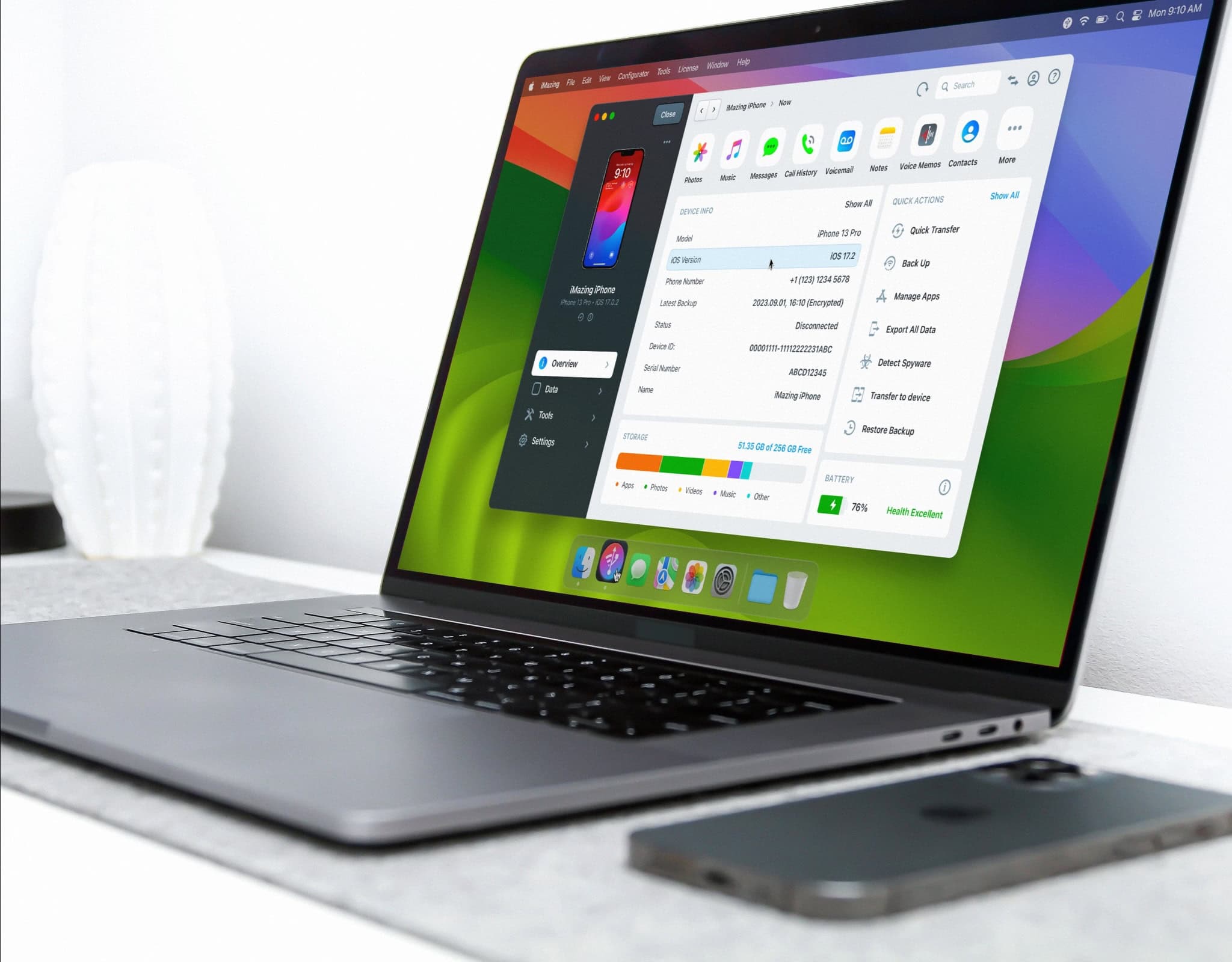
This is a major overhaul of the app, which lets you manage functions and content on iPhone and iPad. Photo: DigiDNA
The new iMazing 3 app redesign brings a fresh user interface and Vision Pro connectivity support to the software, developer DigiDNA said Wednesday. The widely used software helps you manage iPhone, iPad and iPod content and functionality from a Mac.
“In the eight year since we released iMazing 2, regular updates have improved functionality and expanded device and OS support,” said DigiDNA CEO Jerome Bedat.
“To achieve our vision for iMazing 3, we had to redevelop our approach, with a modern user interface and new codebase that will allow us to deliver features in the future that no one else can offer,” he added.
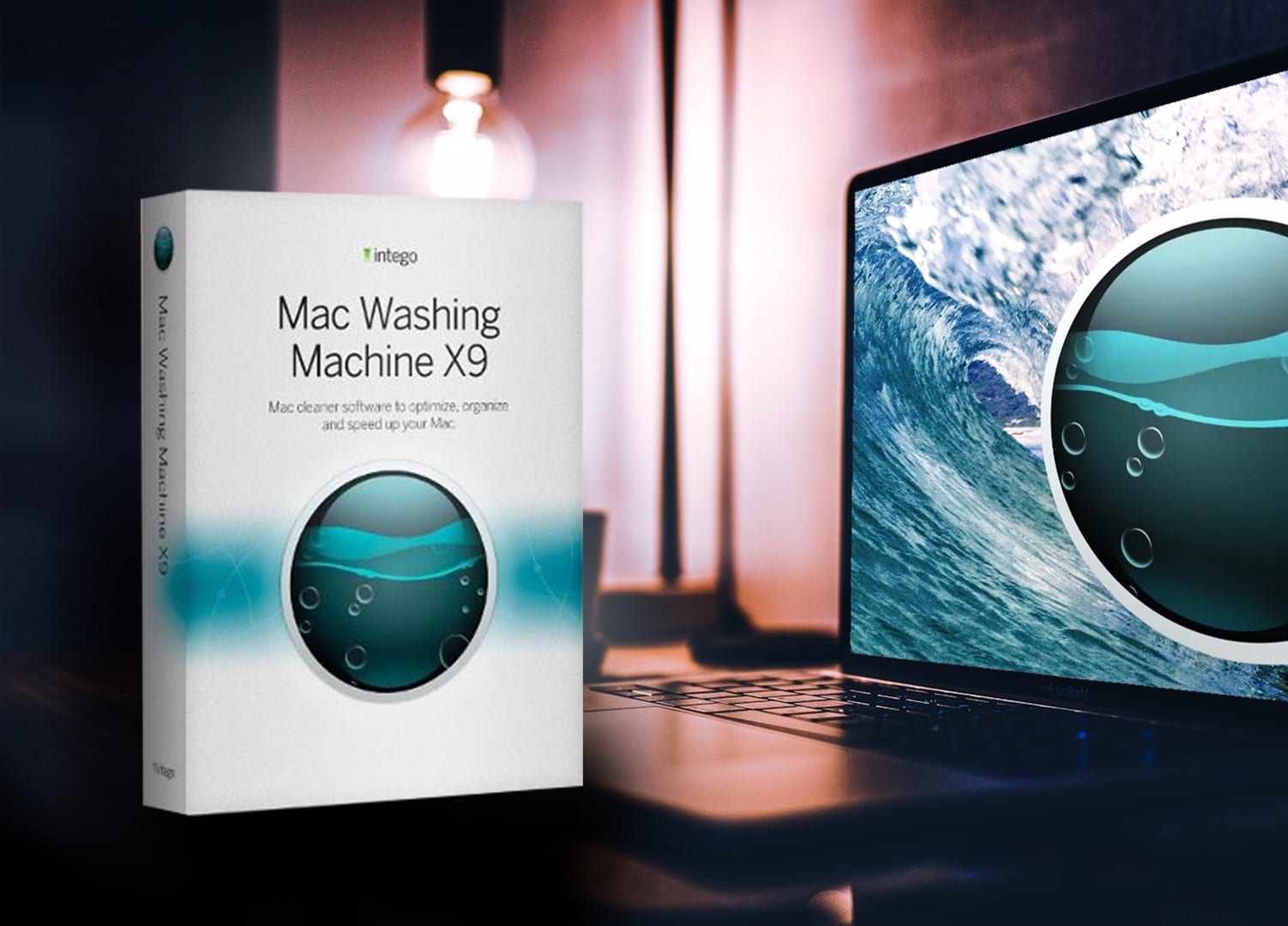
Getting rid of unnecessary files will speed up your Mac. And this software makes it easy. Photo: Intego
It’s almost time for spring cleaning — and that can and should include tidying up your Mac’s files. If you want to do the job right, try professional software like Mac Washing Machine X9 from Intego’s robust software suite.
SPONSORED
This post is brought to you by Intego.
Read more about the software — and how to get a great deal on it — below. It’ll get rid of unneeded files and have your Mac running like a champ in no time.
Awesome Mac apps of the week. Photo: Midjourney/Cult of Mac
In this week’s Awesome Apps roundup, you’ll find apps for managing files, using AI to boost your writing, and turning an iPad into a creative input device for a Mac.
And if all that productivity wears you out, we’ve got other options. You can relax with a charmingly peaceful Apple Arcade game with a delightful Japanese theme. Or you can blast enemy spaceships in an arcade-style game that’s great on iPhone — but even better on Vision Pro.