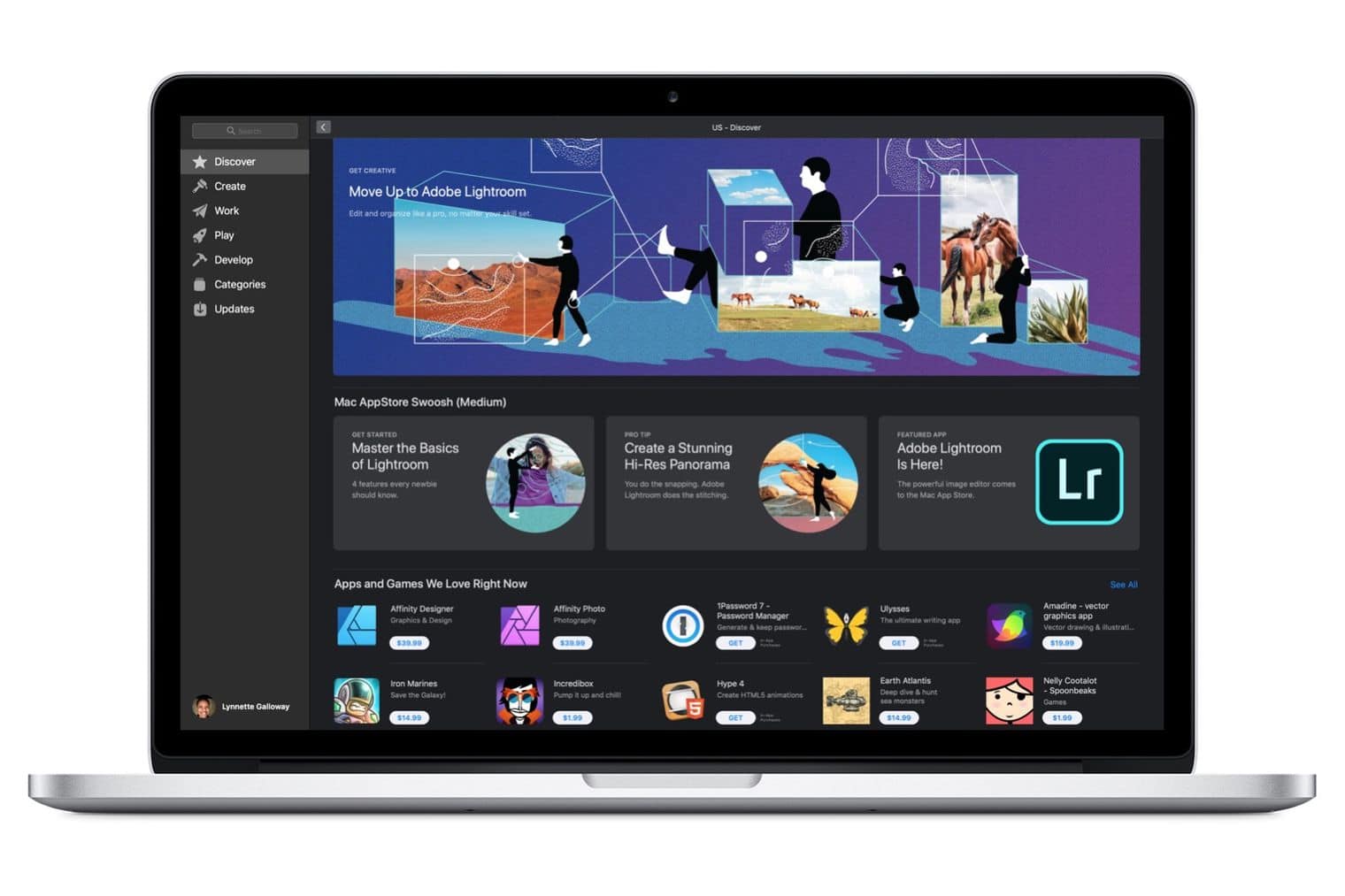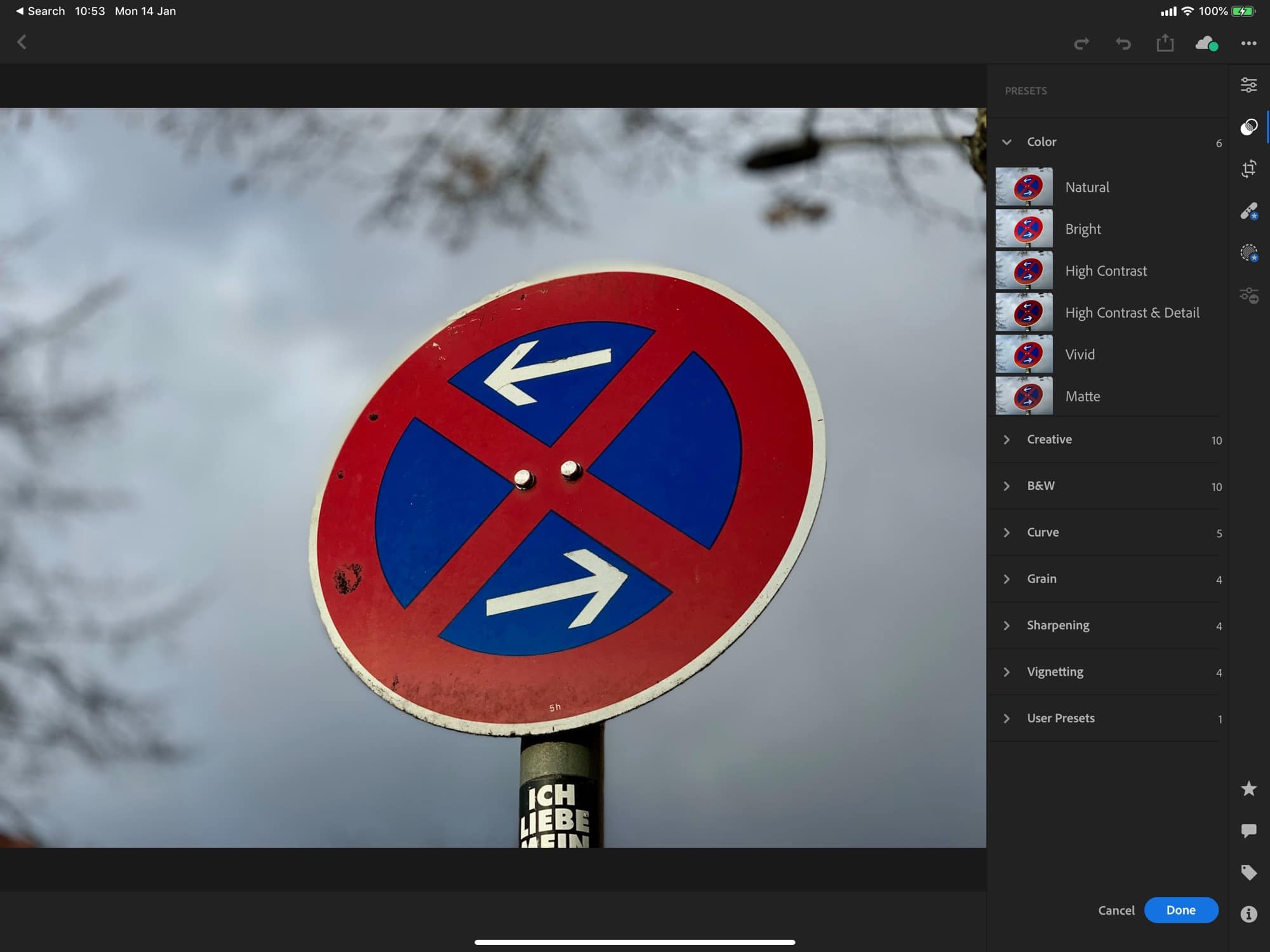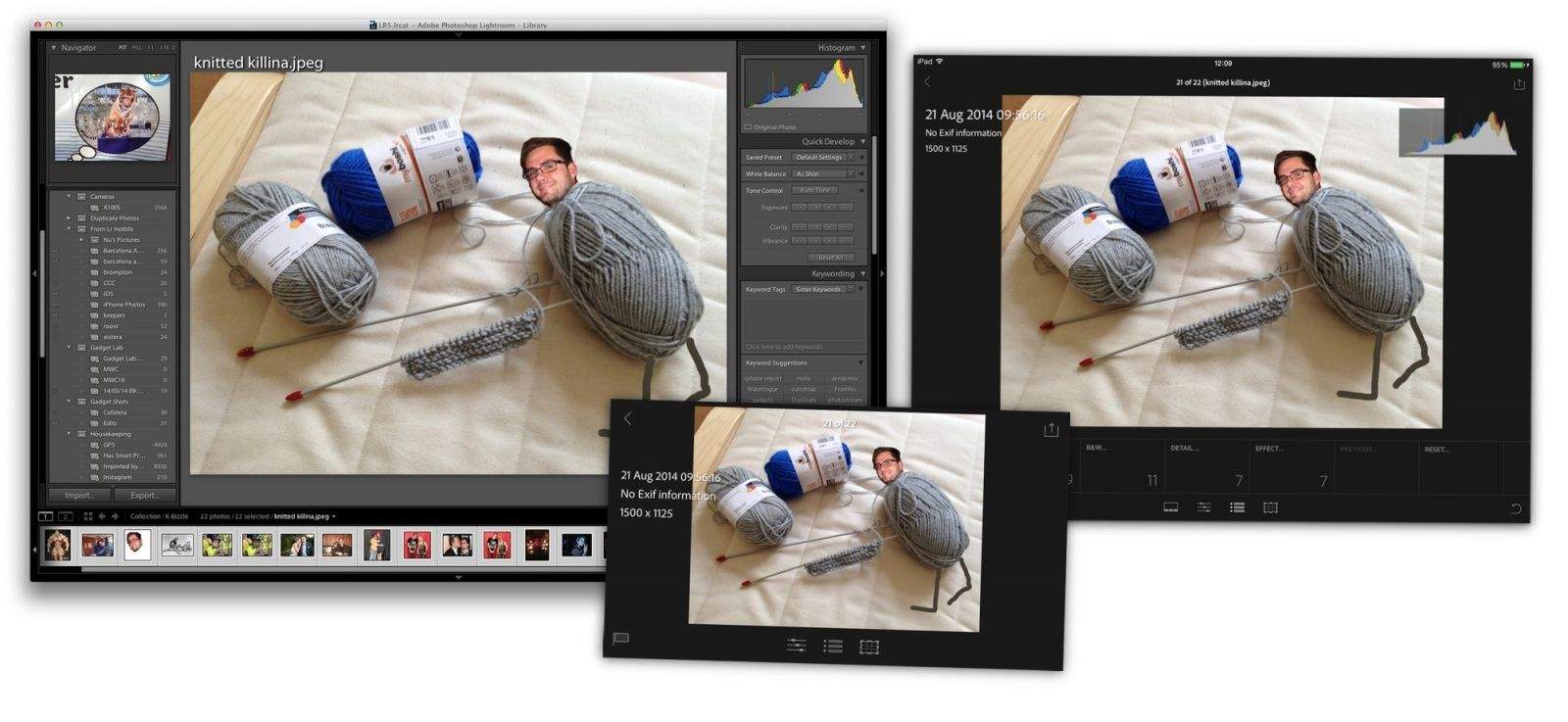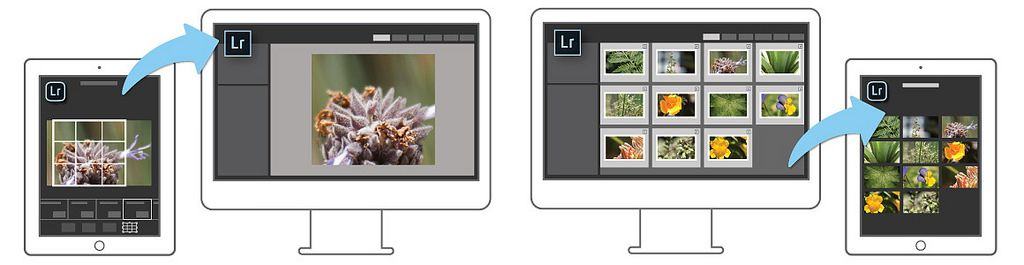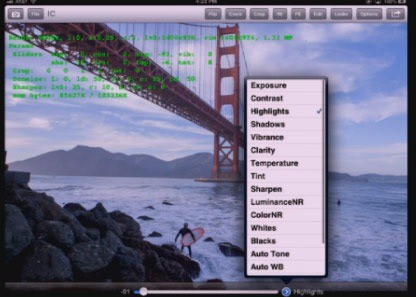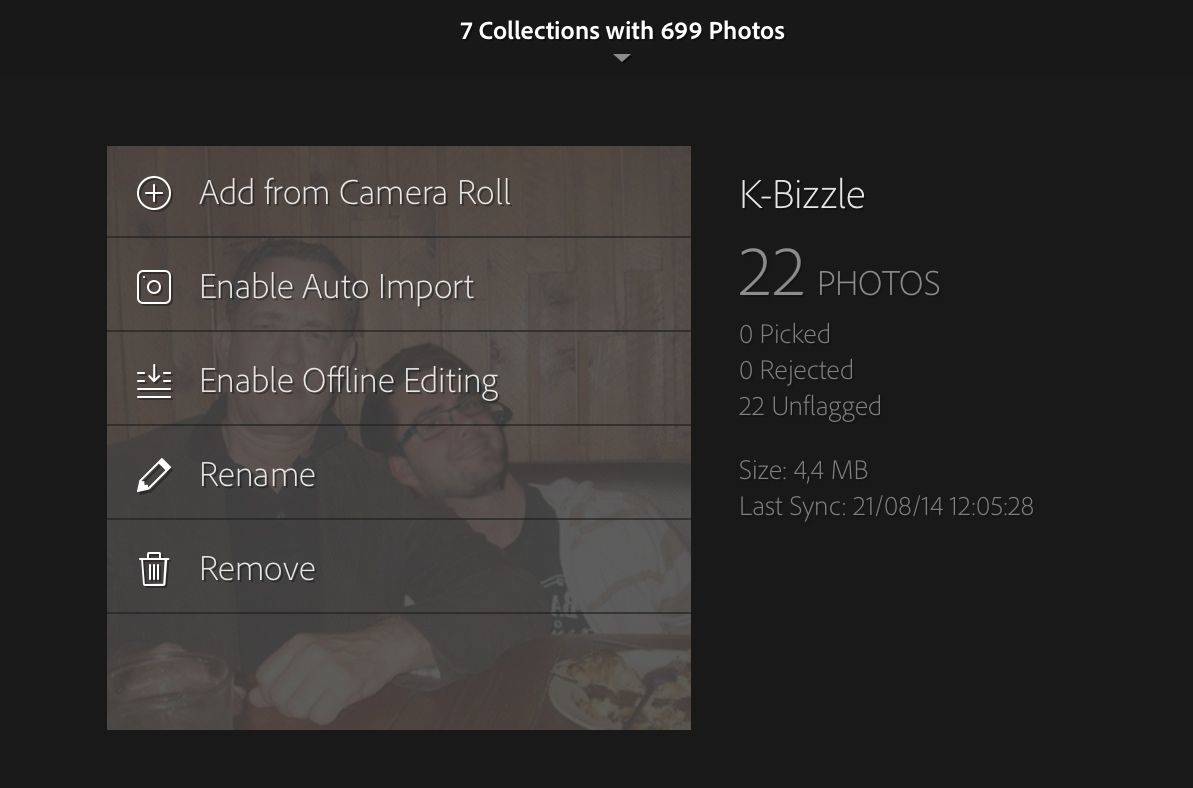
You know those cool mini DNG previews that let you take edit your RAW photos even when your don’t have the drive containing your photos connected to your MacBook Air? That tech could soon lead to Lightroom on your iPad. On Scott Kelby’s show The Grid, Adobe’s Lightroom boss showed off a prototype of the app.
I have gotten more mail asking about how I keep my Lightroom mostly in my Dropbox than pretty much anything else recently, after I mentioned it in a recent article. So here goes: an in-depth look at how I have things set up.
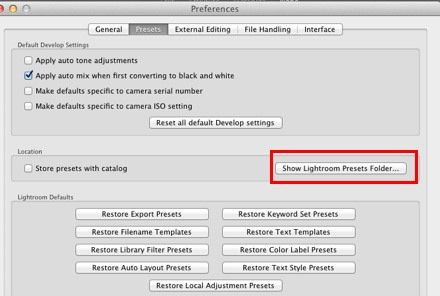
It’s not just for Lightroom/Dropbox nerds either: Using this method, you can keep pretty much anything in Dropbox and sync it between computers, even if the folders involved absolutely have to stay in a certain place on your hard drive, like your ~/Library folder.
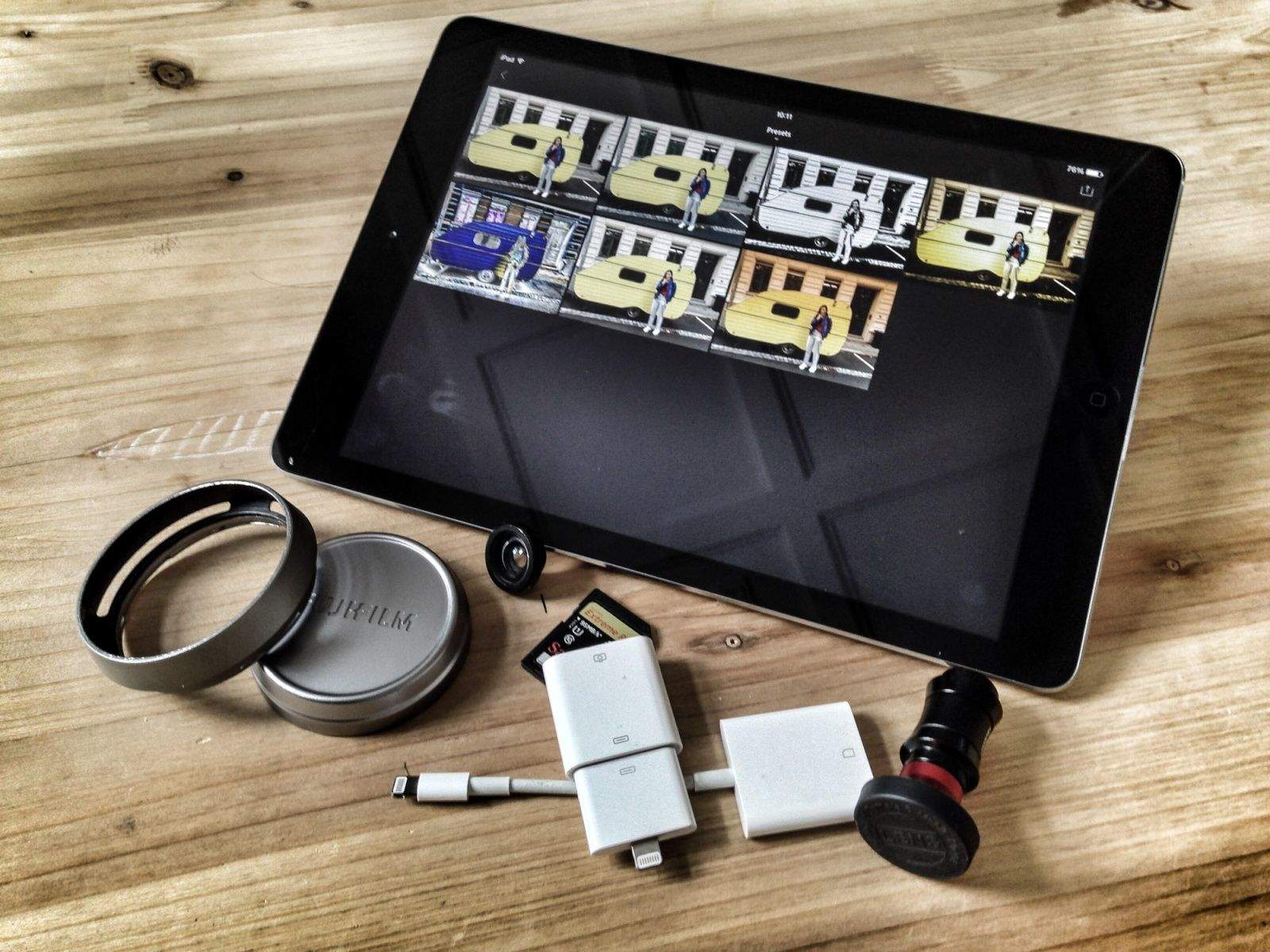
The ones that can be deleted were created on the iPad. The others come via iTunes.
The state of iOS photo management is a mess. In typical Apple fashion, the built-in tools work fine, but if you try to add anything else to the mix things get messy, fast. And in “anything else,” I even include iPhoto on the Mac. If you want to have be able to see all your photos on your iPad, regardless of what gear was used to take them, you’re out of luck.
If you shoot with both an iPhone and a regular camera, things get even worse. Sure, you can suck it up and use Aperture or iPhoto, but Lightroom is (for me anyway) way better.
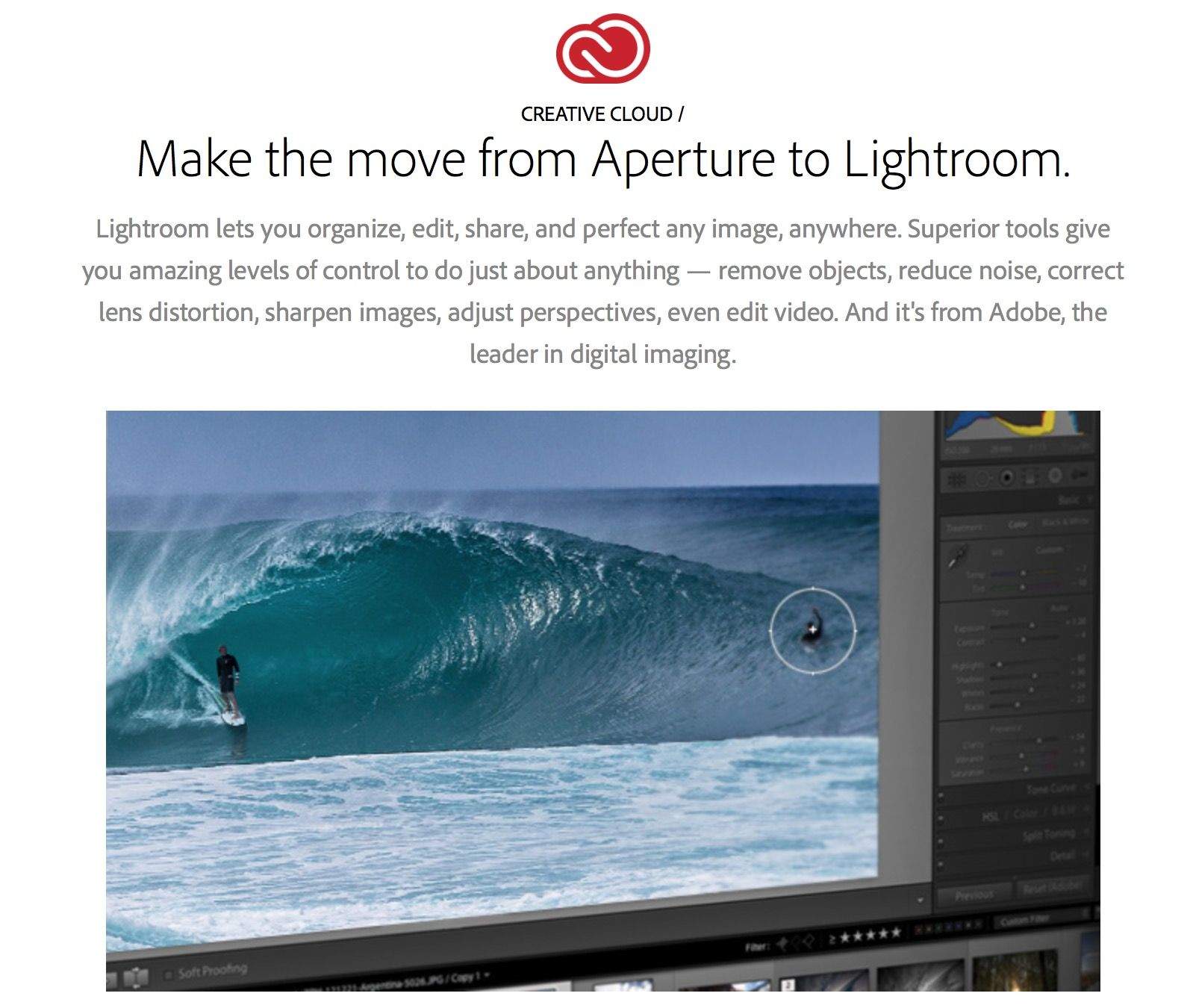
Adobe has released a public beta of Lightroom 5, the next major version of its photo editing and management application. The download is free for anyone to use until June 30th. Adobe says Lightroom 5 will ship later this year.
I recently switched to a MacBook Air for writing, and it is easily the best Mac I’ve owned in terms of speed and comfort. But, like the sports car your friends assume you’ll sell now that you have kids on the way, the Air is also lacking in space1.
Now, I’m using this 128GB (with 4GB RAM) 13-inch MacBook Air primarily for work, but that doesn’t mean I want to ditch my music, TV shows and photos altogether. Luckily, with modern Internet™ Technology™ I don’t have to. I can use cloud services and a little judicious tidying to make my New York walkup-sized MacBook Air feels like a mansion.
If you’re the proud owner of a Fujifilm X100s camera, then today is yet another happy day for you: Lightroom has been updated to v4.4 and now supports your camera’s wacky X-Trans sensor, the clever sensor which removes the need for an anti-aliasing filter by placing the color pixel filters in an irregular grain-like pattern.
And of course the update supports a whole bunch more camera (listed below), as el as fixing bugs.
The Touch is a cool-looking new way to control Adobe Lightroom, either using your Magic trackpad or your iPad. It’s a small app that runs alongside Lightroom (or Final Cut Pro X) and lets you control it using all manner of gestures, taps, and swipes, letting you focus less on which slider to grab and more on looking at the image itself.
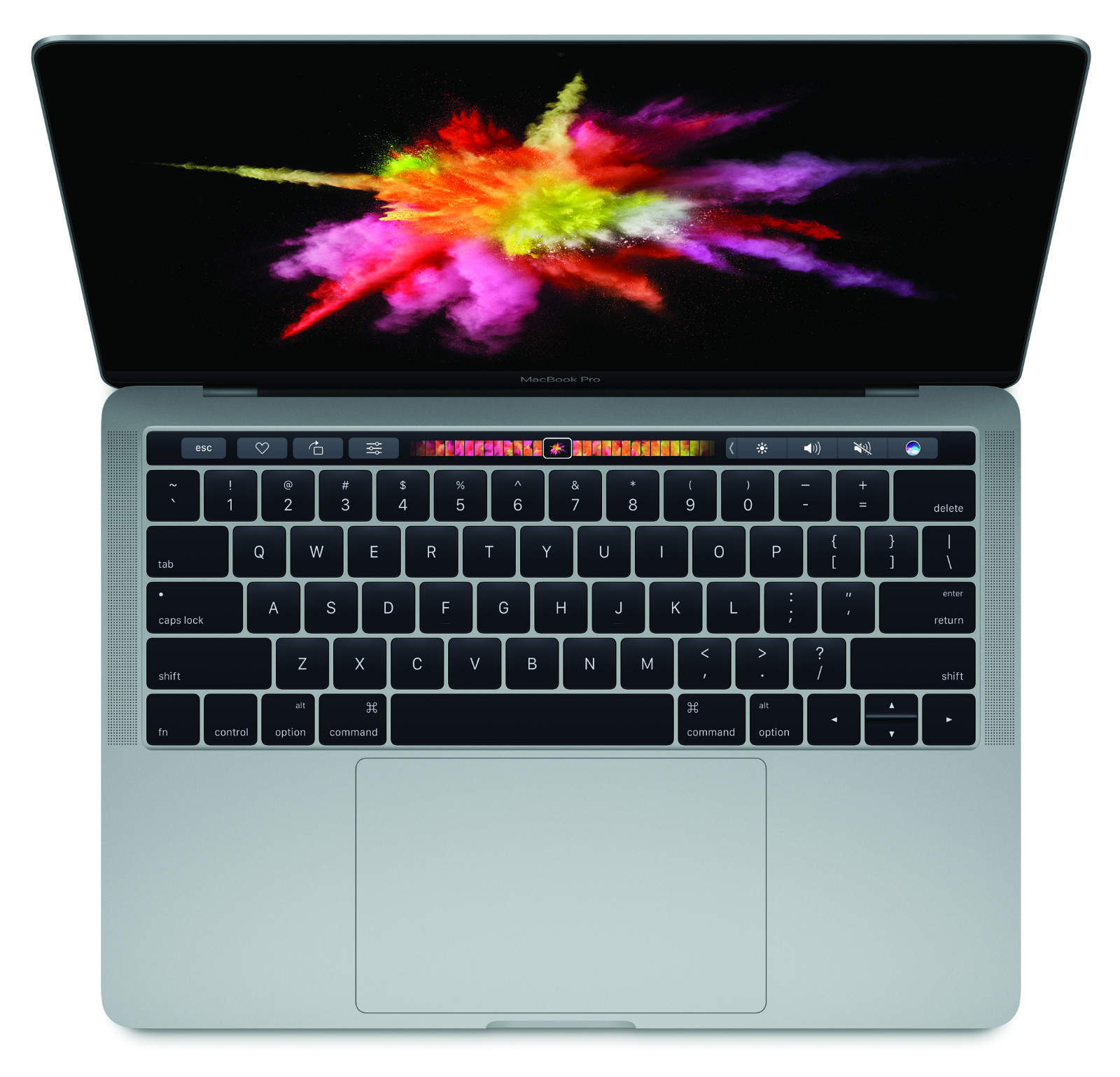
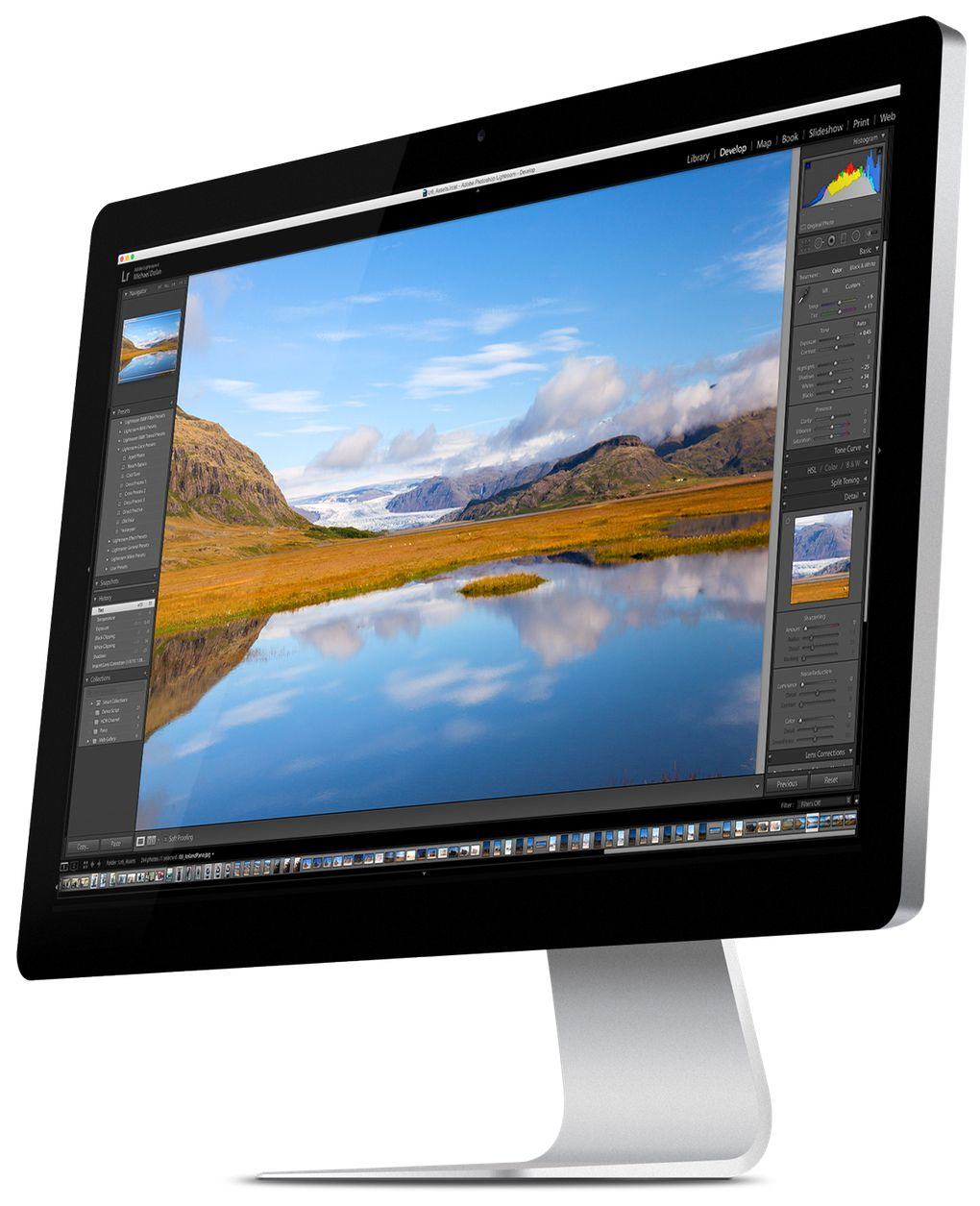
If you need something with more oomph for managing your photos than iPhoto but don’t really care for Aperture, good news: Adobe has updated Photoshop Lightroom to version 4.3, not just fixing a ton of bugs, but adding Retina support for MacBook Pros and adding support for twenty new digital cameras.
Adobe has made available a new RC (release candidate) version of Lightroom, numbered v.4.3. On its own, this is clearly not worth an entire blog post, or even a tweet. But there’s one new feature that you Retina MacBook Pro owners might be interested in: HiDPI support.