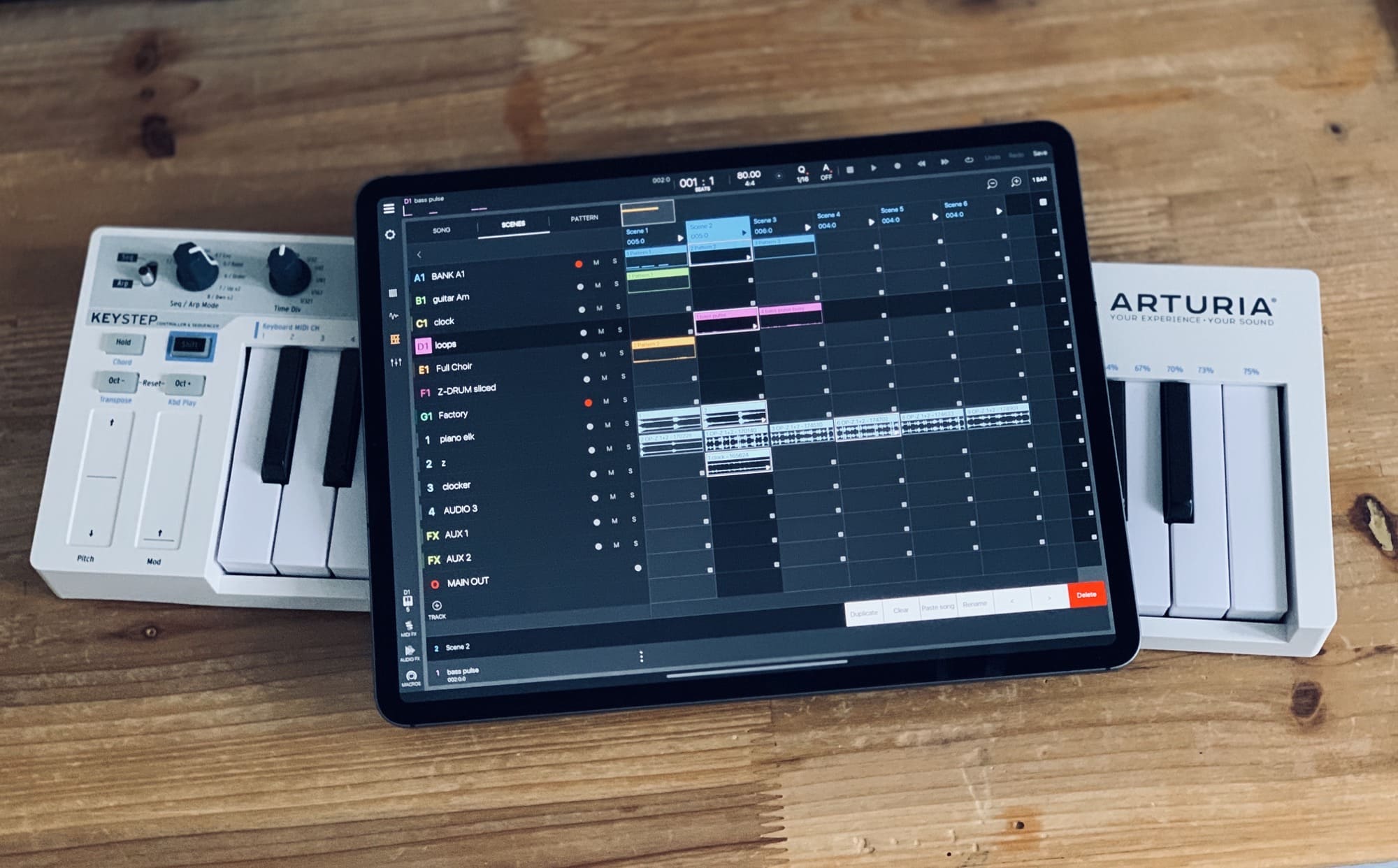
Beatmaker 3 is my favorite app this year. Photo: Charlie Sorrel/Cult of Mac
For my job at Cult of Mac, I test a lot of apps. But of course, I also use a lot of apps, for work, for recreation, and for making music. I thought I’d make a short list of my most-used apps this year. Few, if any, of these apps are new this year, although some of them received major updates in 2019. But all of them are excellent, well-made apps, well worth checking out.
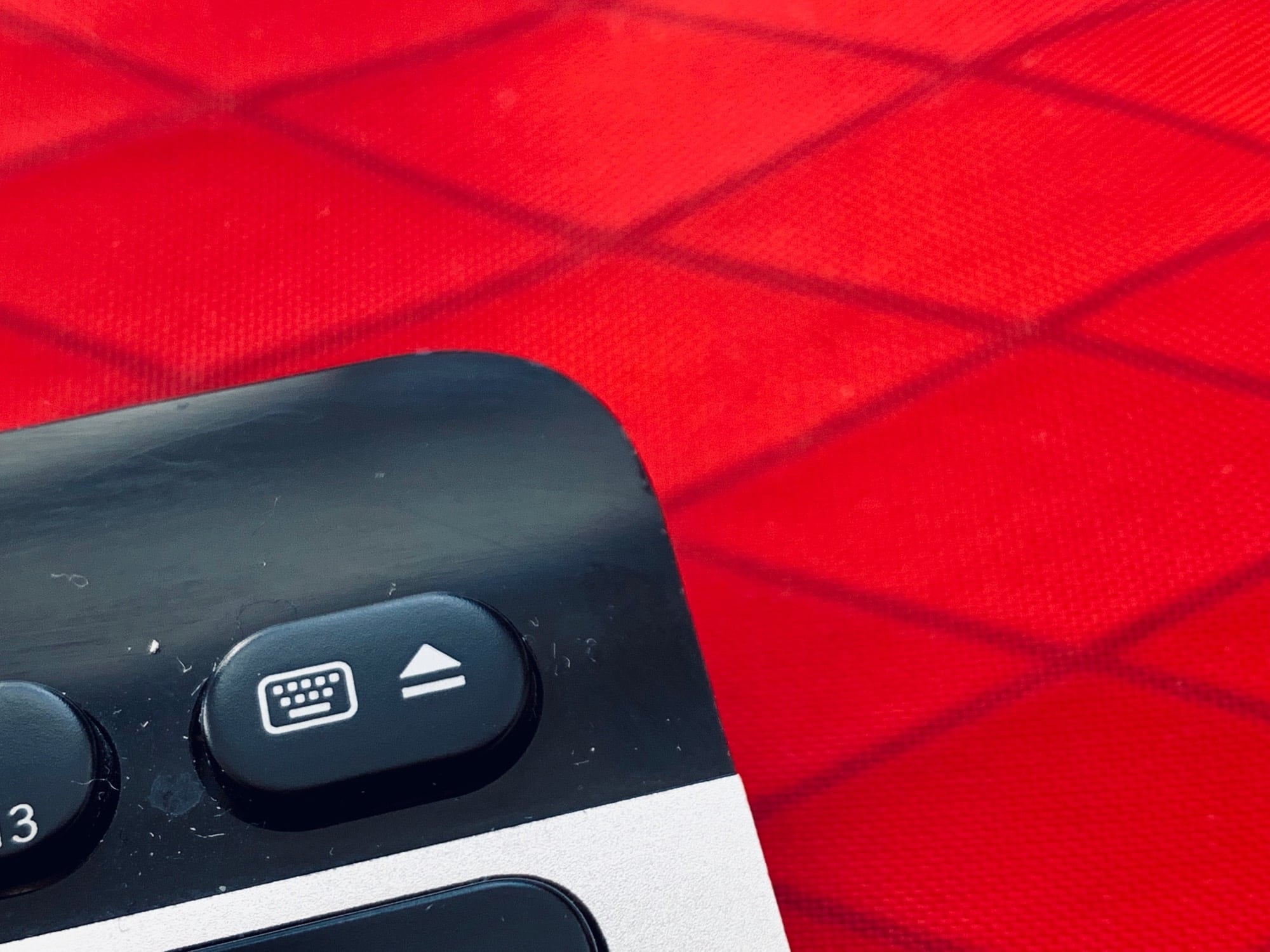
Make eject great again. Photo: Charlie Sorrel/Cult of Mac
Take a look at the top right corner of your keyboard. Unless you’re using a recent MacBook, you’ll see a vestigial Eject key. It used to be used to eject CDs, DVDs and even floppy disks back in the olden days. Now it sits there doing nothing1.
I wonder how many eject keys are manufactured each year? How much plastic is wasted? Truly, we humans do not deserve this Earth.
Sorry, back to the point: Ejector is a Mac app that reclaims this useless plastic square, turning it into a way to eject USB drives and more.
A spotlight helps find things. Photo: Charlie Sorrel/Cult of Mac
Did you know that you can use Spotlight on iOS as an app launcher? It works just like Launchbar or Alfred on the Mac. You just hit a keyboard shortcut and start typing, then hit enter to launch the app. If you have a wireless (or wired) keyboard attached to your iPad, you’re going to love this tip.
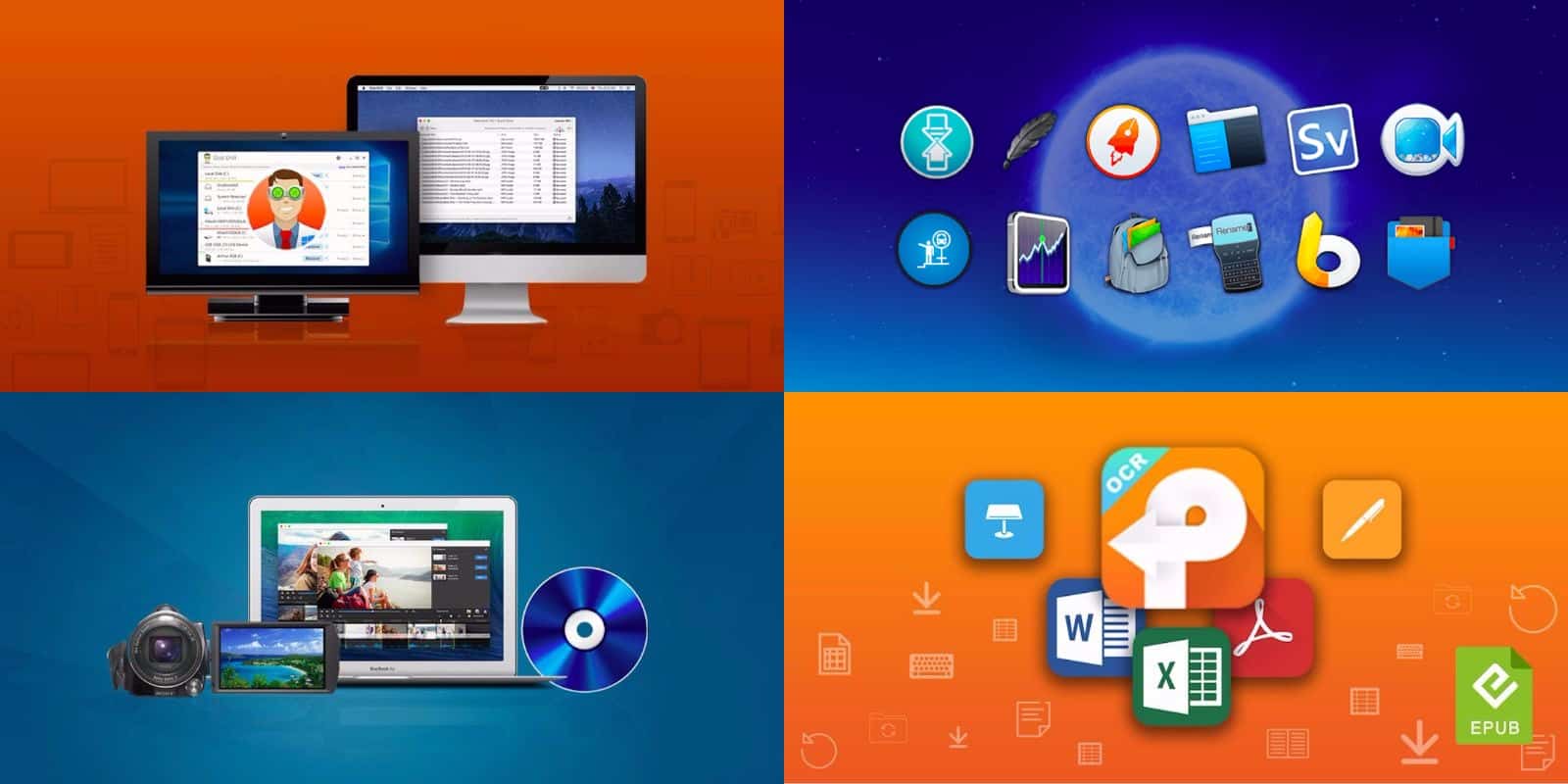
We've rounded up dozens of top shelf apps for Mac, from productivity to utility and beyond. Photo: Cult of Mac Deals
If you’ve been thinking about adding some new apps to your Mac, you’re in the right place. We’ve gathered some of the best offers on a range of Mac apps: a comprehensive drive utility, Roxio’s latest version of Toast Titanium, a powerful PDF converter, and a bundle of 12 Mac apps that you can name your price for.
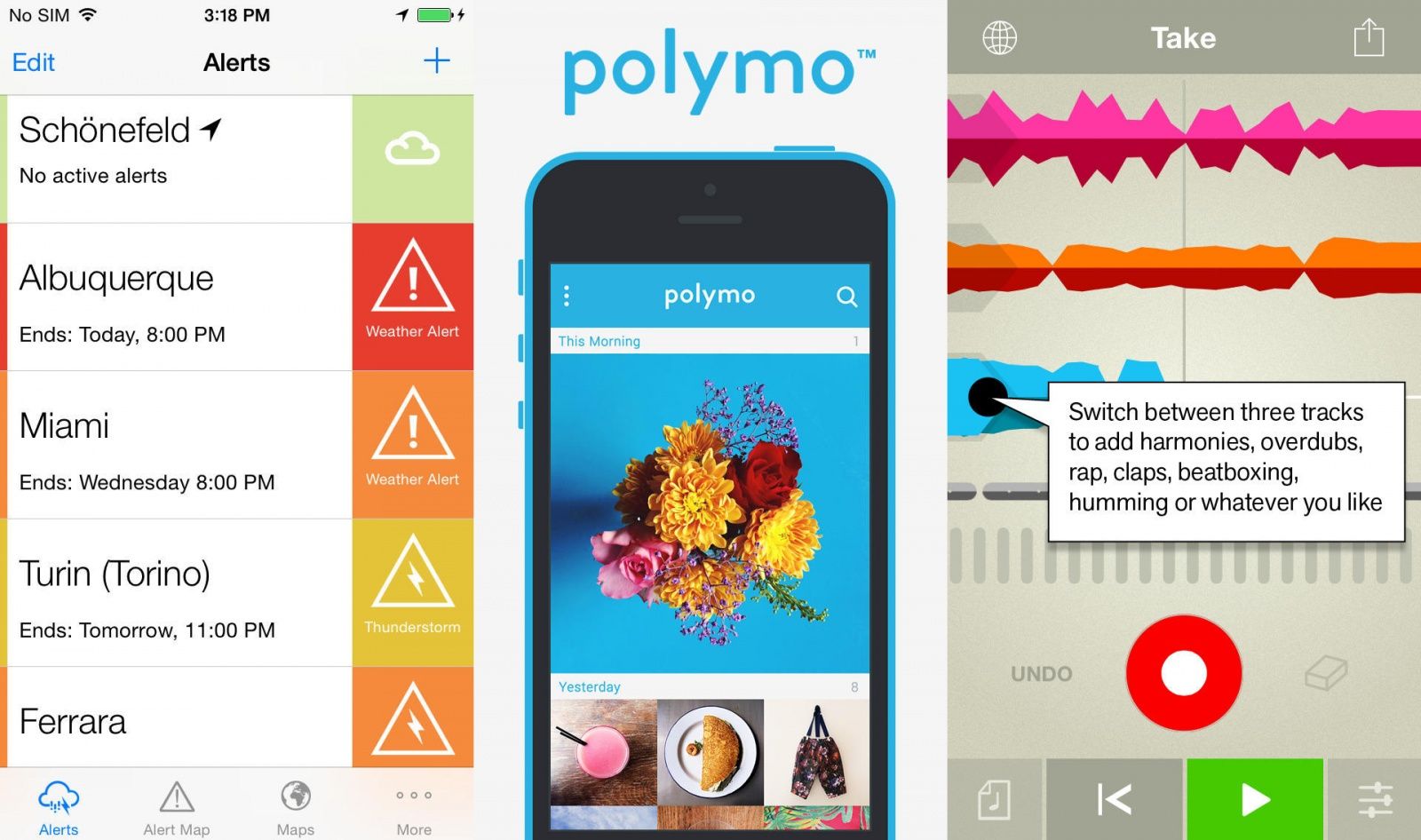
Whether you're watching the weather or making music, clipping notes or snapping photos, this week's selection of new and updated apps should have something for you.
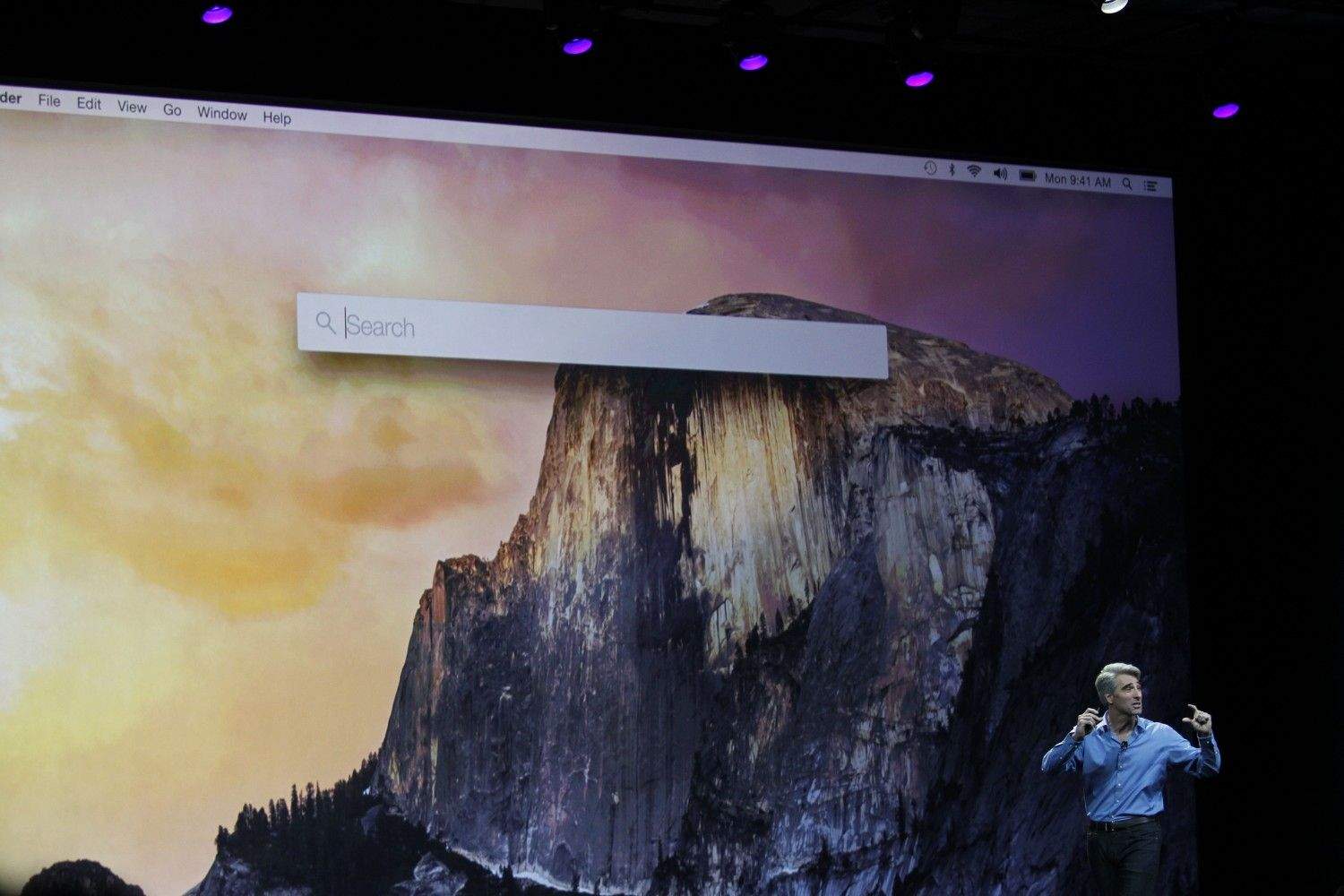
App launchers on the Mac have always been geared toward power users, and lately tools like Alfred have become even more sophisticated, with user-created scripts and extensions. When Apple debuted the new Spotlight in OS X Yosemite at WWDC, it took many of the best features from existing launchers, like the ability to find any app you have installed with a couple keystrokes.
LaunchBar was the original app launcher on the Mac, and today a brand new version was released with a themable interface and new features.
Will tools like LaunchBar and Alfred live on when millions of Mac owners start using the new Spotlight this fall? Now that Apple has capitalized on the more consumer-friendly aspects of what makes a good launcher, third-party alternatives are going after power users like never before.
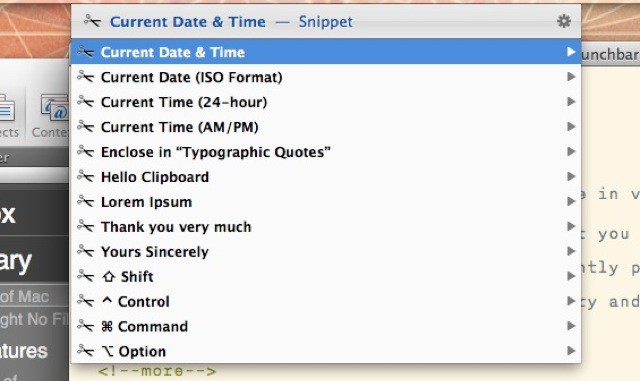
Launchbar users can enjoy a brand new feature in v5.5 of the find-everything Mac app. Launchbar – if you’re not familiar with it – is an app that you trigger with a shortcut (I use ⌘-Space) and then type into the pop-up window. Launchbar instantly presents results, letting you launch apps, send emails, play music, browse your iPhoto library and a whole lot more. And now it has snippets.
LaunchBar power-users should get their virtual asses over to developer Obdev’s nightly builds page and grab the latest version of v5.5. Amongst a whole bunch of neat fixes and tweaks it adds one essential new feature: support for your iCloud documents.
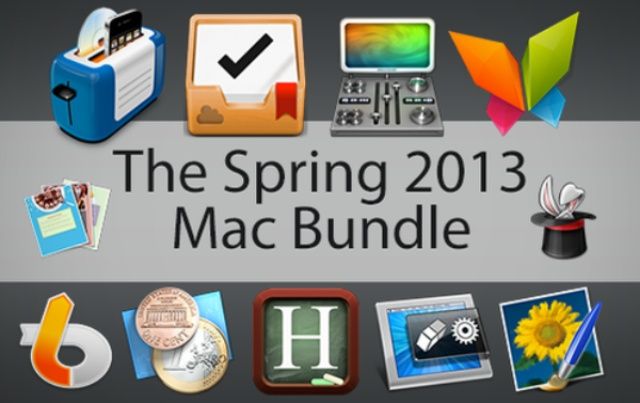
Your Mac is an incredibly capable device – one that, when armed with the right apps, can take your productivity to a whole new level. This Cult of Mac Deals offer will help you reach new heights with your Mac as we’re hooking you up with 10 elite Mac apps in The Spring 2013 Mac Bundle. These apps are valued at over $390 – and you can get them here for only $50 for a limited time!
Your Mac is an incredibly capable device – one that, when armed with the right apps, can take your productivity to a whole new level. This Cult of Mac Deals offer will help you reach new heights with your Mac as we’re hooking you up with 10 elite Mac apps in The Spring 2013 Mac Bundle. These apps are valued at over $390 – and you can get them here for only $50 for a limited time!
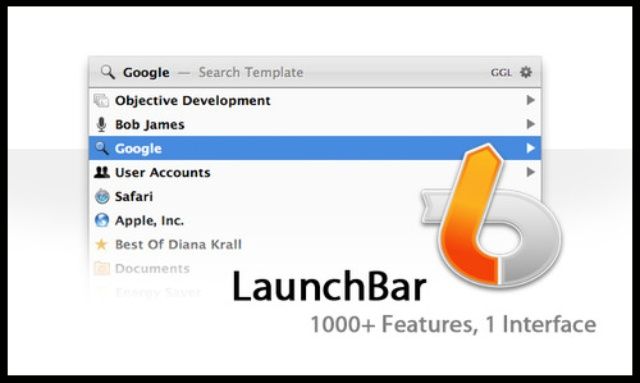
LaunchBar is a smart and powerful, keyboard driven productivity utility that lets you access and control every aspect of your digital life. Whatever you want to get done on your Mac – with LaunchBar, it’s only a few keystrokes away. It’s simply the must-have Mac app for getting stuff done.
And right now Cult of Mac Deals will help you save time and avoid headaches with a deal on LaunchBar – it’s only $26 for a limited time!
One of iCloud’s biggest problems comes from its iOS origins: There’s no easy way to open, say, a TextEdit document in another app for viewing and editing. To do this, you need to either open the source app (TextEdit, in this case), use the iCloud document picker and then drag the file to the target app, or you need to go digging around inside your (hidden) Library folder to find the local copies of your iCloud documents.
The first is a real pain. The second is — as anyone who has ever dug around inside an iPhoto bundle will tell you — a really, really bad idea. Luckily, for LaunchBar users, the answer is (literally) a few taps away.
App Cubby has made a little teaser video for the forthcoming new app Launch Center Pro. As you may remember, Launch Center is kind of like Quicksilver or Launchbar for your iPhone — you fire it up and tap buttons to perform actions. You can quickly compose a Tweet, or tap a button to open the Mail app with a new draft already pre-populated with a recipient’s address, or even schedule a message, say, to be sent at a certain time (this will pop up a reminder in the Notification Center).
SAN FRANCISCO, MACWORLD/IWORLD 2012 — One of the closing events from the first day at Macworld / iWorld was the RapidFire session. If you wanted to learn about one cool thing about a variety of Apple-related stuff, it was the place to be.
Each presenter delivered a quick-paced talk that offered information, tips and tricks that shed some light on a little known or understood piece of software or hardware. The scope of the talks ranged from unconventional uses of Photo Booth to how to fix some of your Apple devices on your own, but here were the ones that I felt were the best of the bunch.