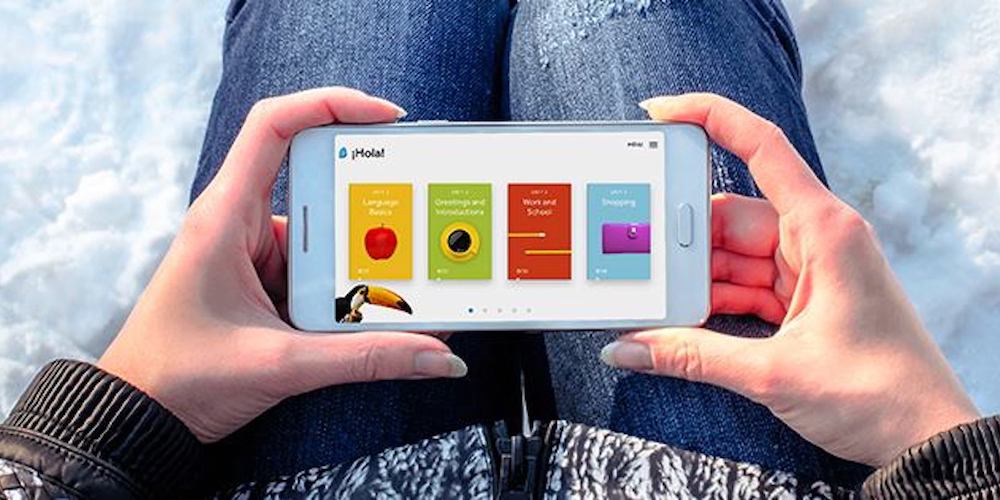
Save big on a lifetime of language lessons with the award winning Rosetta Stone. Photo: Cult of Mac Deals
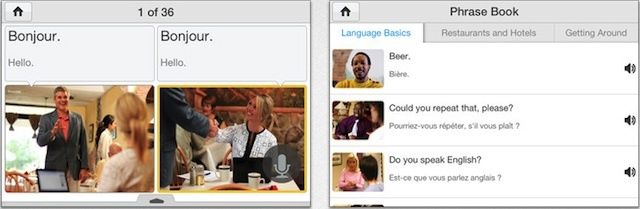
Learning a language takes discipline, time, and quality instruction. It’s hard to find better instruction than what you’ll get from Rosetta Stone, often called the gold standard. So if you’re looking to speak new tongues, these massively discounted subscriptions to Rosetta Stone language courses is a can’t-miss opportunity.
One of the most useful travel features from Google Assistant is ready for the iPhone.
After bringing its real-time translation feature to Assistant-enabled smart displays and speakers earlier this year, Google is finally adding to the feature to the Google Assistant app on Android and iOS today.
The iPhones may change but the words describing remain the same. Screenshot: James Brown/YouTube
When you compare the iPhone 4 to the iPhone XS, virtually everything has changed. All except the script Apple uses when introducing its new handsets to the public.
This is the tongue-in-cheek observation of James Brown, a YouTuber and Reddit user who posted a video comparing the use of adjectives from Steve Jobs in 2010 with Apple executives talking about the iPhones XS and XS Max at last week’s new product showcase.
uTalk is offering a convenient, comprehensive set of language lessons for pennies on the dollar. Photo: Cult of Mac Deals
With the new year comes a renewed energy to improve ourselves. But new year or not, it’s always the right time to expand your world by learning a new language.
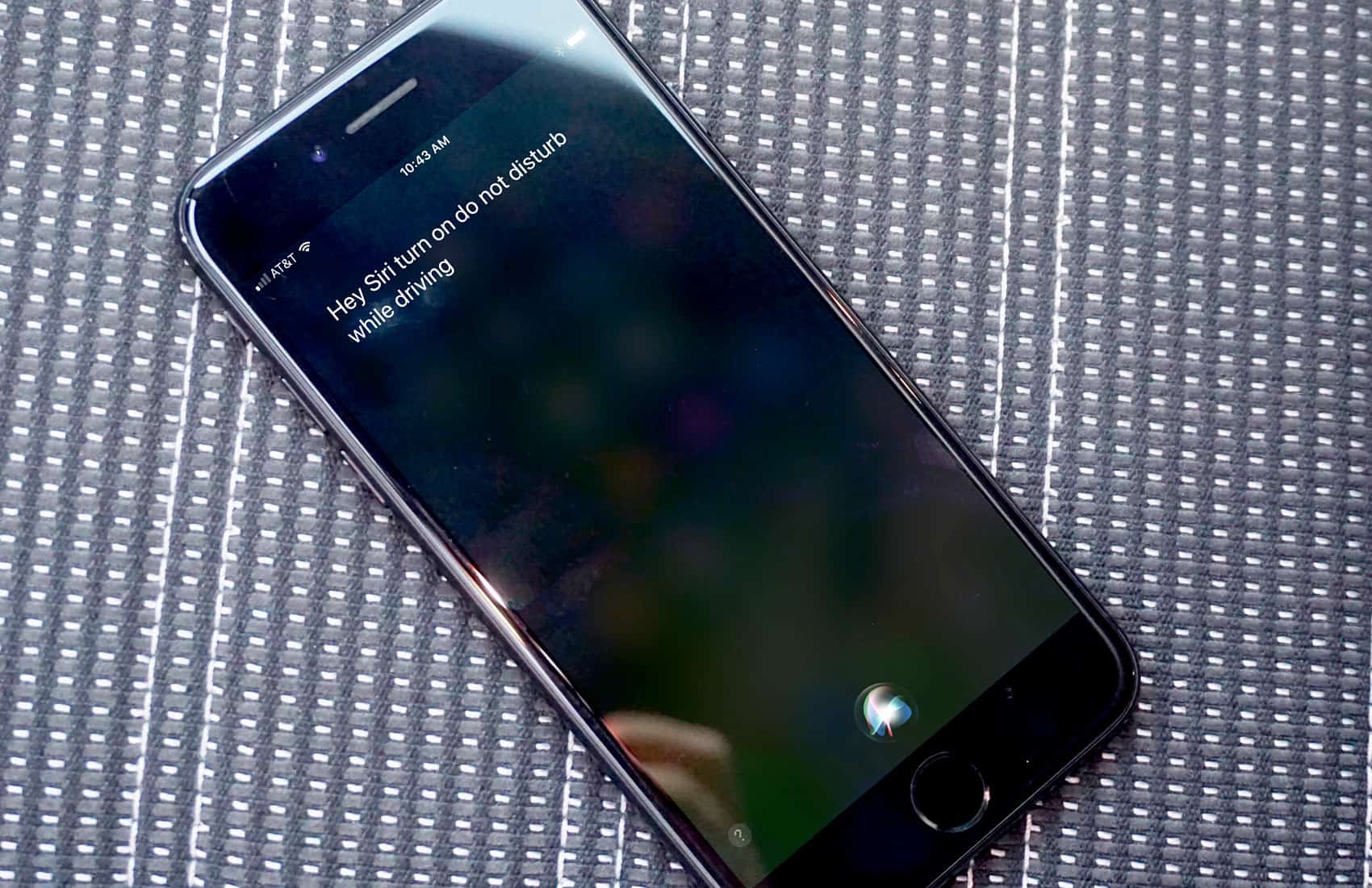
Siri is set to get some big upgrades with iOS 11. Photo: Ste Smith/Cult of Mac
For its next act with Siri, Apple is taking some cues from one of the tech world’s biggest sources of inspiration: Hollywood.
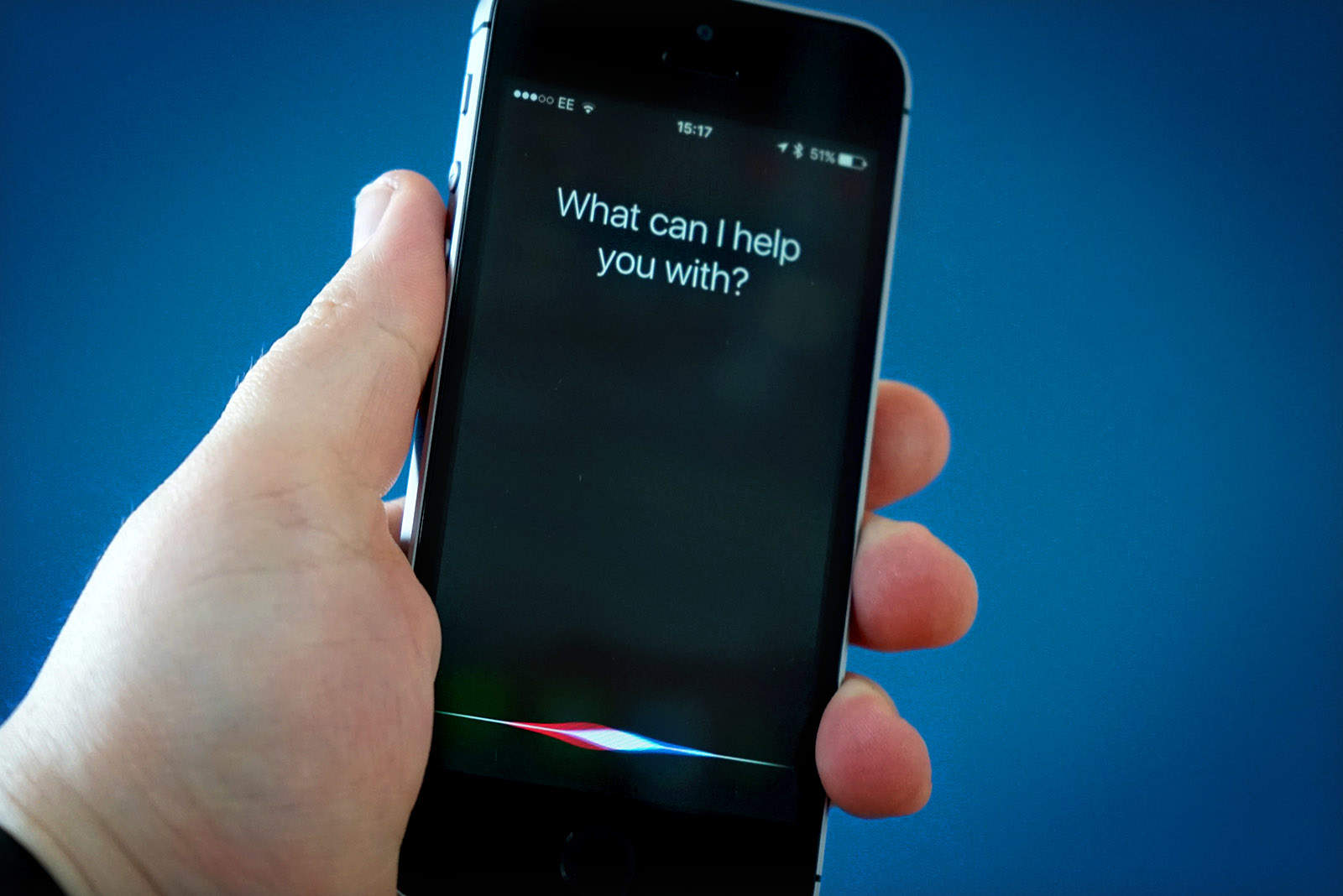
With the release of iOS 11 later this month, Siri is set to get some big upgrades. The most notable will be the AI helper’s silky-smooth voice. And according to one Apple exec, the movie Her played a big role in helping the company figure out the changes they should make.
This week's best deals will turn your phone into a mindfulness tool, make your PDFs more flexible, and more. Photo: Cult of Mac Deals
It’s getting hot out there. But it’s still nowhere near as hot as the new deals coming into the Cult of Mac Store. This week we’ve added an app that’ll change how you work with PDFs, and a set of future-ready Bluetooth earbuds. There’s also a comprehensive set of courses in Apple’s Swift coding language, and an app that turns your phone into a mindfulness tool. Most are discounted by half or more, read on for more details:
Sorry, Alexa: Siri still the most widespread AI assistant Photo: Ste Smith/Cult of Mac
If you’ve ever tried to learn a new language, you’ll know it’s a hard and incredibly time-consuming process. It’s not much easier for virtual assistants like Siri.
Here are the mind-blowing steps Apple goes through to teach Siri new languages and dialects that help it stay one step ahead of the competition.
Gboard just got even better. Photo: Ste Smith/Cult of Mac
Google’s awesome Gboard keyboard for iPhone finally supports voice dictation. The feature is powered by Google’s own voice recognition technology, and you can access it quickly by holding down the space bar.
This update also brings new emoji, Google Doodles, and support for 15 additional languages.
No comprende? No problem! Photo: Rob LeFebvre/Cult of Mac
Instagram is going to make it easier to understand posts in foreign languages. In the coming months, the service will rollout a new translate button that will help you understand the full story, no matter which language it was posted in.
Wonder how Facebook users will react to this new software. Photo: Leander Kahney/Cult of Mac
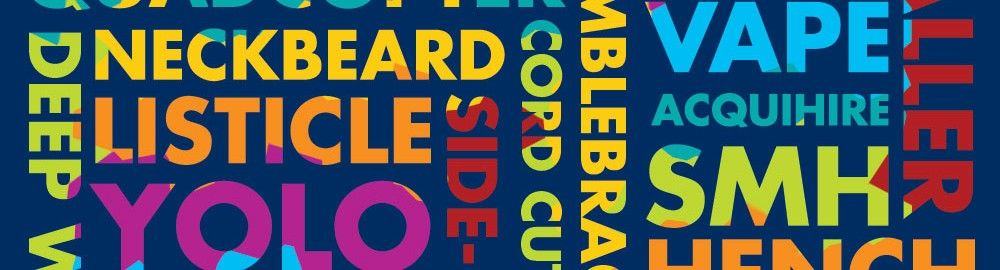
Spend some time around any teenager and you’ll probably hear some new slang that you don’t understand. If you do get it, and you’re not a teenager or young adult yourself, chances are it’s already gone the way of the dodo in the minds and twisted hearts of said youngsters.
Facebook is hoping to combat this with a new software patent that would detect and gather new lingo as it appears on the social network, making it available to everyone.
Most folks learn their vocabularies while growing up. Adding new words or changing the meaning of existing ones can be confusing to the human mind. Many of us pass judgment on these new words, upset about how technology is “dumbing down” the language.
This type of linguistic change — and the inevitable backlash to it — is nothing new, says Roy Mitchell, assistant professor of anthropology at University of Alaska Anchorage. “All living languages are always changing,” he told Cult of Mac over the phone. “Even some dead ones change,” he added, noting that Neo-Latin is simply the addition of Greek roots to a long-dead Roman lexicon.
You don’t have to like it. You just have to accept that it’s happening. And that there’s nothing you can do about it.
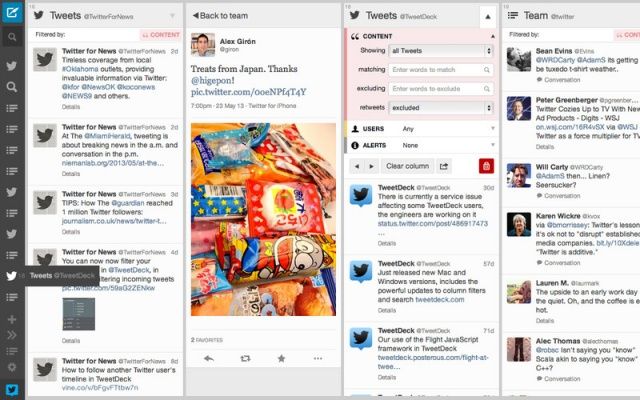
TweetDeck for Mac just got a pretty nice update via the Mac App Store that introduces a new user interface and a number of new features. Users will find it’s now easier to navigate their way around the app thanks to a new sidebar, while the built-in translation makes it easier to communicate with foreign friends.
Most Mac users will experience one of three reactions after reading the word “Rosetta.”
The first involves breaking into a cold sweat, and possibly hives, after remembering that Apple no longer supports the translator that ran all those old, useful apps written for PowerPC-based Macs after Apple switched over to Intel chips.
Option two, imagining the Rosetta Stone itself, the magical key to unlocking ancient script, stumbled upon by Napoleon’s troops
Or there’s an association with foreign phrases, mall carts and almost certainly the most recognizable name in language software, Rosetta Stone.
We’re focusing on that last one here, and about how Rosetta Stone has finally brought their language software, in the form of the Navigator series apps, to the iPhone — for free.
While registered developers have already been testing iOS 5.1 betas for some time, it seems the firmware holds several new features that Apple is yet to release to developers. A leaked “pre-GM” build has reportedly been obtained by a Brazilian iPhone blog, which reveals a new camera slider for the lock screen, and support for the Japanese language within Siri.
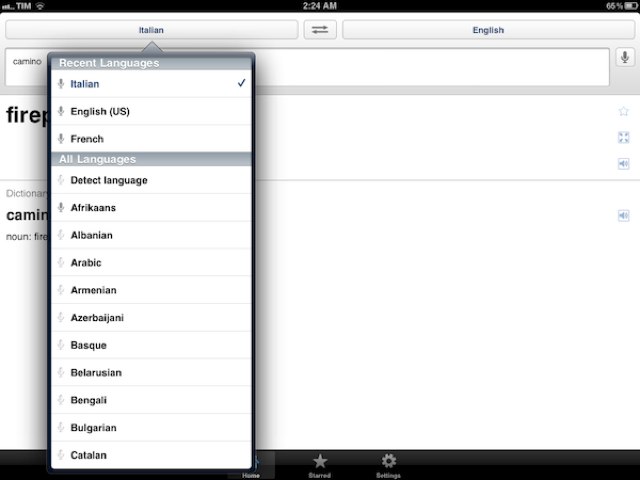
Google has updated its popular Google Translate app for iOS today, introducing native support for the iPad. Instead of running in a small window in the center of screen, the app will now take advantage of your iPad’s large display to make text translation easier on the go.
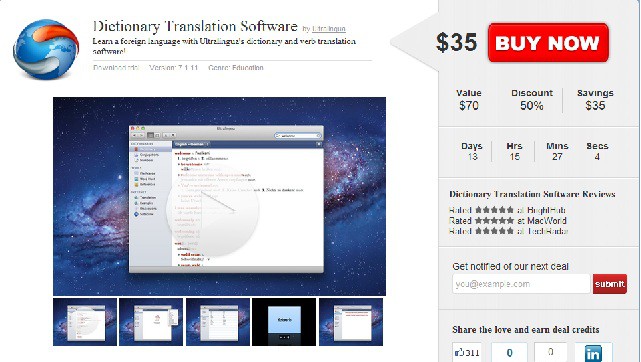
Ever gone a trip overseas and felt silly trying to talk to locals who didn’t speak a lick of English? Yeah, me too. It’s actually become a bit of problem for me because I love traveling to different countries, but hate not being able to communicate with the locals. Today we’re offering a heat-seeking deal from Ultralingua. If learning a new language has ever crossed your mind, this buy one, get one free Cyber Monday special is a definite piece of gold!
Ultralingua dictionaries are available in dozens of language combinations, and they make a great gift for students, business professionals, teachers, and travelers. Use this deal for yourself or any of the language lovers on your gift list! Each language app includes a variety of reference and learning tools in a beautiful and simple interface.
For only $35, you’ll get two Mac App Dictionaries of your choice!
Cherokee Nation language school students (photo: cherokee.org)
Surviving for centuries and advancing across cultures, the Native American Cherokee language has gone digital and is now available for iPhone and iPod touch handhelds running iOS 4.1:
The Cherokee Nation has been working with the software developers at Apple, Inc. for several years to incorporate the tribe’s unique written language, called the Cherokee syllabary, into new technology offered by the software giant. Cherokee is the first Native language to be featured on Apple, Inc. devices, and one of about only 40 languages overall.
“People communicate differently today,” said Cherokee Nation Principal Chief Chad Smith. “Including our language on the iPhone and iPod makes it accessible to more people, especially our youth. This is critical to the survival and growth of our language.”
[Cherokee Nation]
Email, text messaging and other apps now have access to the language as a native part of the operating system. The Cherokee Nation website contains instructions for how to use the Cherokee syllabary (and how to type on the ᏣᎳᎩ keyboard).
Calling all Star Trek fans out there: The iPhone 3Gs has a universal translator — Jibbigo. Speak into your iPhone in any of the five supported languages, and the iPhone speaks the translation back.







![Cherokee Nation language school students [photo: cherokee.org]](https://www.cultofmac.com/wp-content/uploads/2010/10/iPhone-Kids_LG179514361lg.jpg "Cherokee Language Now Available for iPhone and iPod touch")