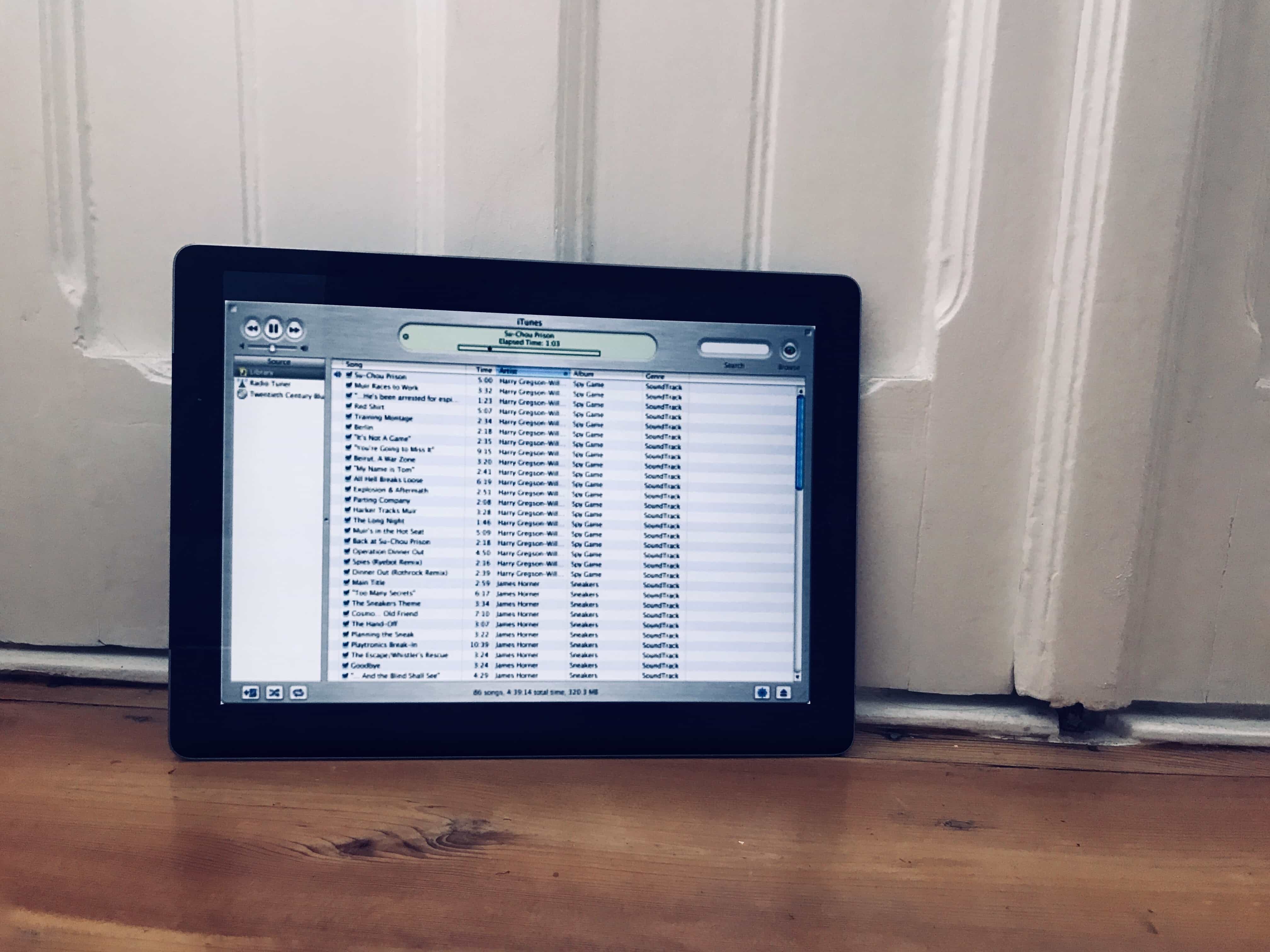
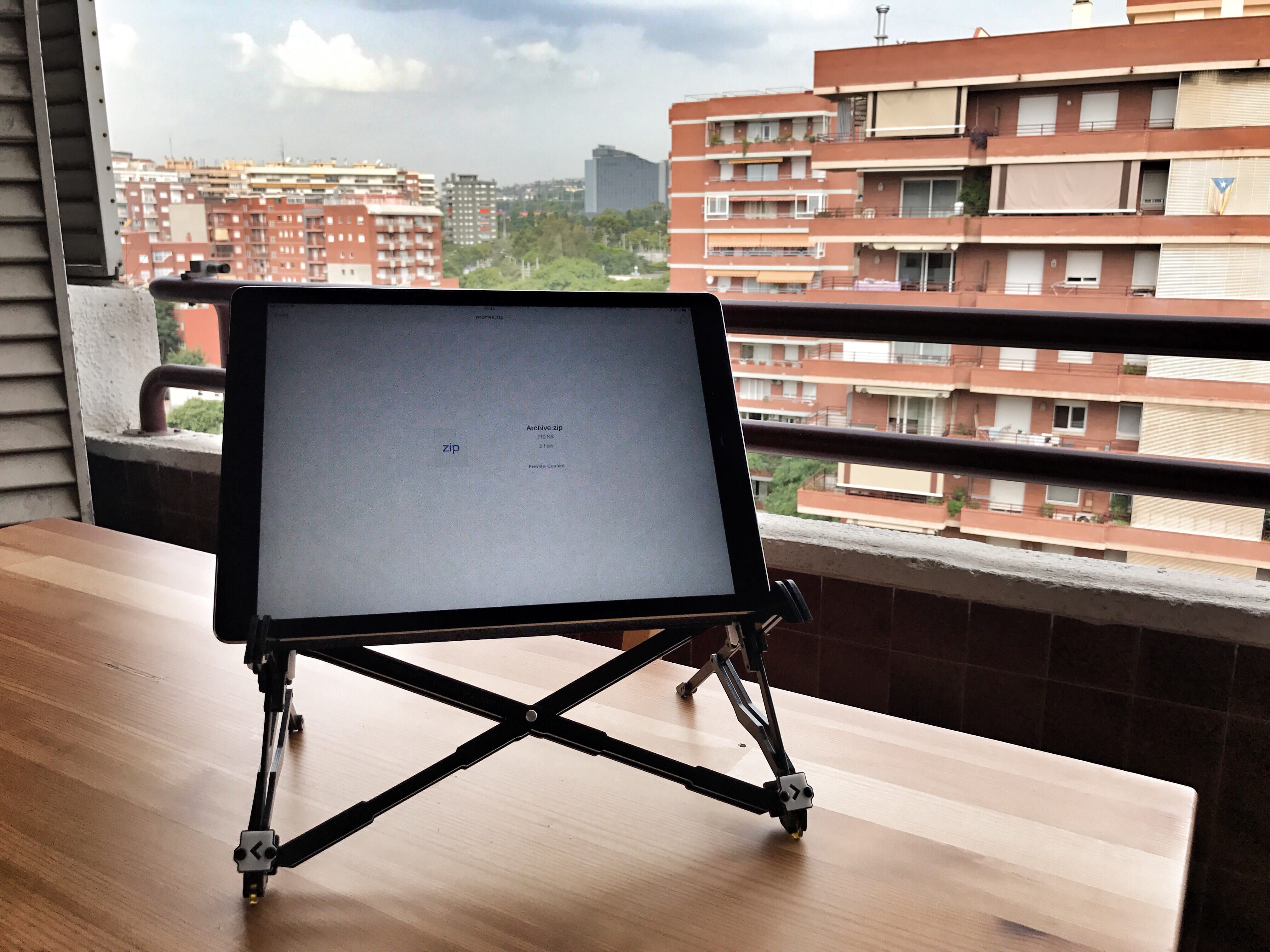
This is a screenshot of the original iTunes, on an iPad. Photo: Cult of Mac
There are very few iOS tasks that still require a Mac. One of those is getting your own ringtones onto your iPhone. You can buy them, but you can’t add a downloaded ringtone onto your iPhone without hooking up to iTunes. Or can you? GarageBand on iOS lets you save your own creations as ringtones, to be used immediately. Here’s how.
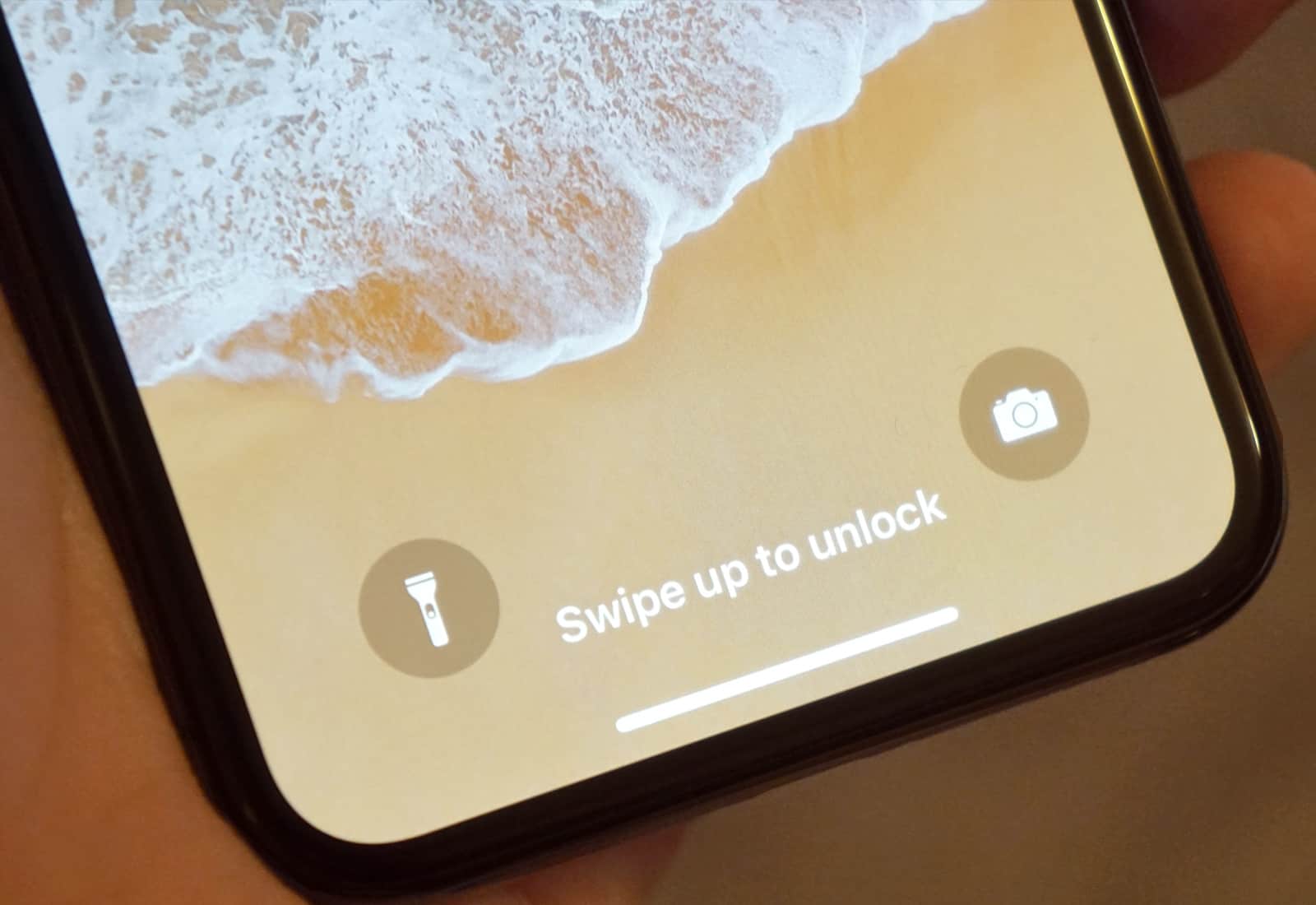
The iPhone X is overloaded with essential gestures. Here's another one for you to learn. Photo: Ste Smith/Cult of Mac
Ever since the early days of the iPhone, you have been able to tap on the status bar at the top of the screen to quickly scroll a long page back to the top. You may have been at the bottom of a long document, an epic web page or a particularly brutal Instapaper article, and one tap takes you back to the beginning. It’s a fantastic feature that really saves a lot of crazy finger-flicking, and is just plain convenient. Once you get used to it, the few apps that manage to disable the feature seem broken.
And yet now in the iPhone X, tapping the top of the screen no longer scrolls to the top. But don’t worry: There is still a way to do it. You’ll just have to learn yet another gesture.
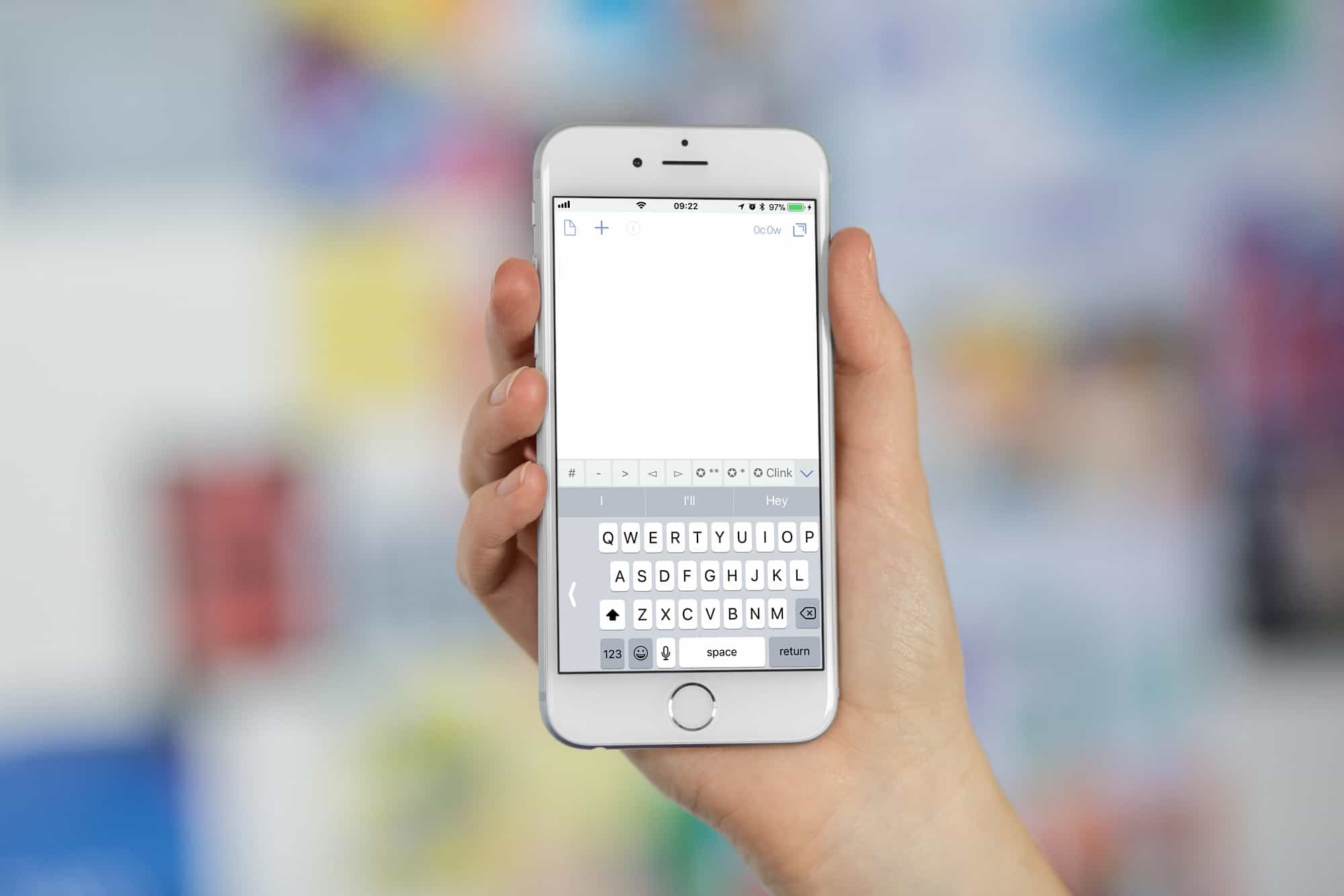
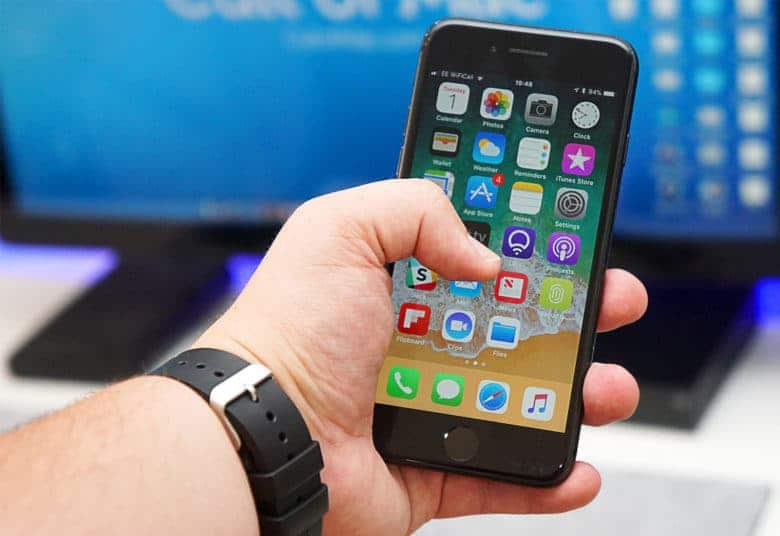
Stop hating words containing Q, A, and Z, with the iPhone's new one-handed keyboard. Photo: Cult of Mac
If you have small hands, or a big-screen iPhone, or both, then you may love the new one-handed keyboard in iOS 11. It’s a simple software tweak that squishes the on-screen keyboard horizontally, and slides it to the left or right, so you can more easily reach all the keys with a thumb.
This is great news for folks who like to walk along the street sipping coffee and texting, instead of looking where they’re going. It’s also neat for people trying to get a baby to sleep, so they can tweet about it as they bob the baby into slumber on their hip.
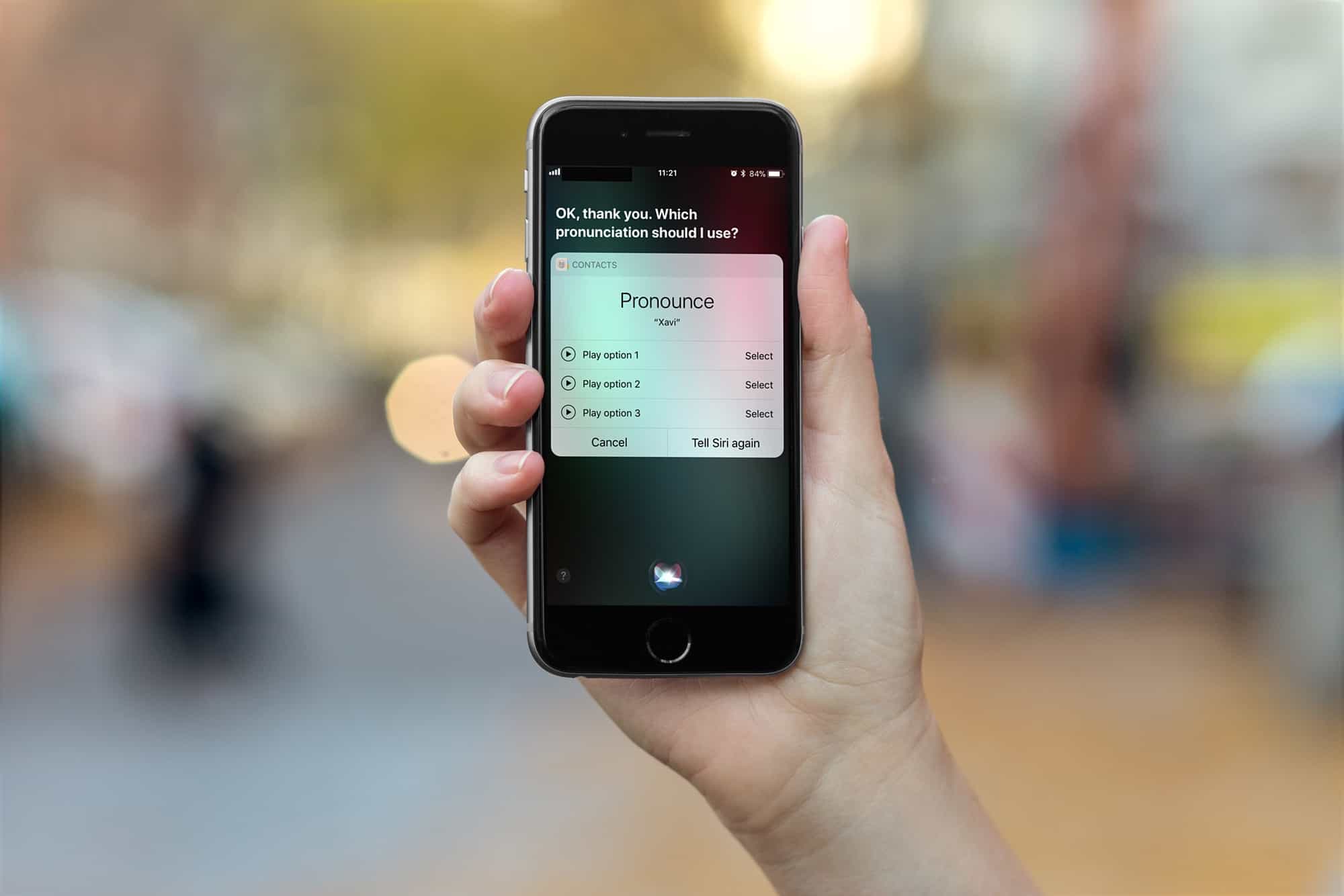
Siri will teach you how to teach her. Photo: Cult of Mac
Siri is great for setting reminders and timers, but in recent times Apple’s AI assistant has gotten a lot better at other things, too. For instance, sending iMessages to folks via your EarPods or AirPods, with your iPhone still in your pocket, works well enough that you can use it reliably all the time.
However, if Siri can’t pronounce the names of your contacts, then it’ll drive you crazy. Luckily, you can teach Siri to say these names correctly.
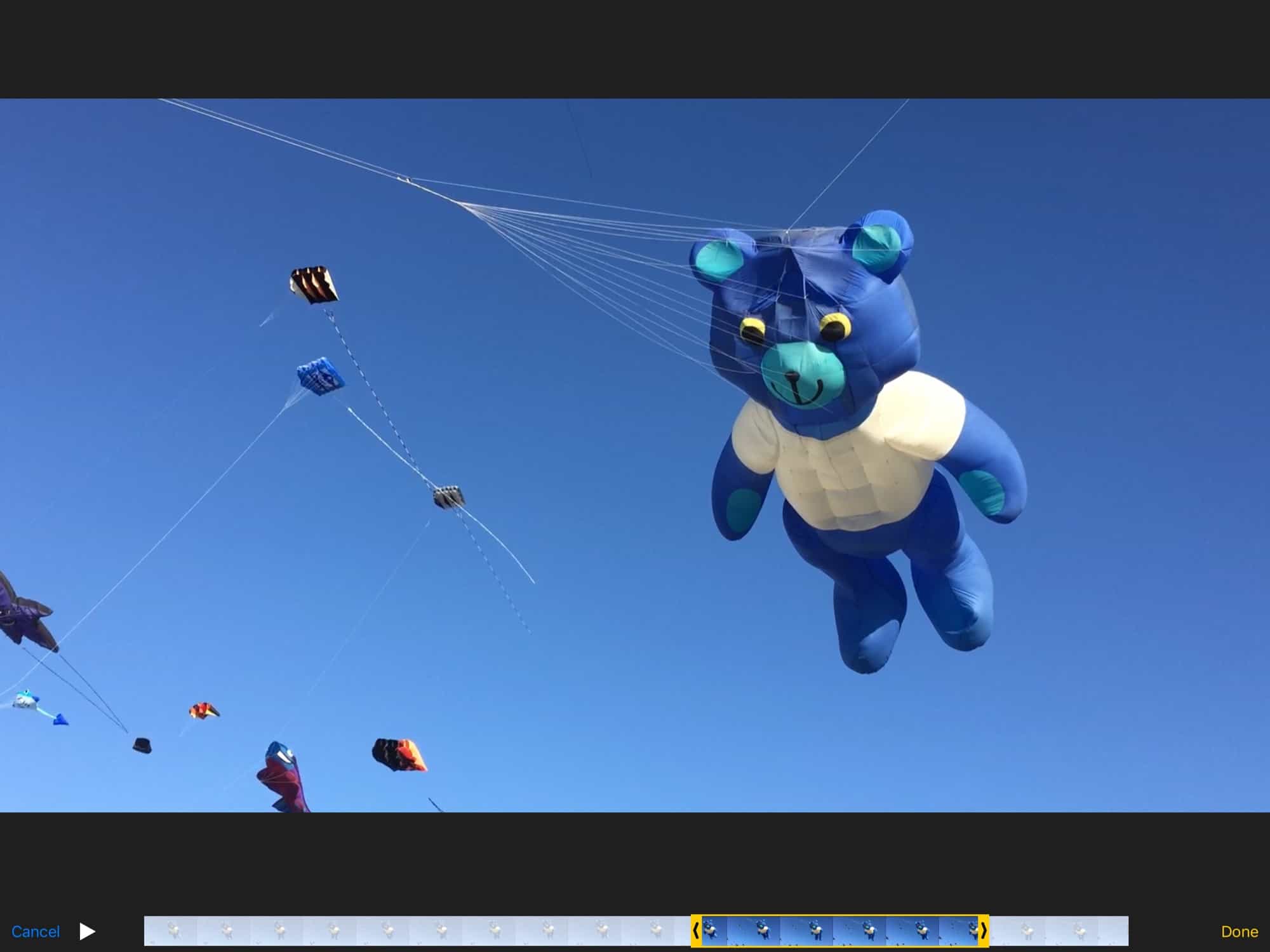
Editing your video clips will make them way less boring. Photo: Charlie Sorrel/Cult of Mac
The secret of a good movie is in the editing. Well, the script, the lightning, the directing, the photography and the acting are all important, but for home movies, you have little control over those.
So it’s down to the edit. And the most basic of edits is to lop the ends off a clip, to trim video and make it shorter. Watching excessively long clips is the equivalent of a conversation with someone who can’t ever get to the point. “Let me tell you about that time I fell out of the plane. It was a Tuesday. No, I think it was Wednesday. Wait, it must have been a Tuesday because …”
It’s painful. So, do yourself a favor and trim your video clips. Even if you’re not planning on combining your edits into a short movie, you should at least remove the cruft from anything you’re going to show. The good news is that it’s dead easy to trim video on Mac and iOS.
iOS 11 introduces 'offloading,' a way to delete an app without deleting its data. Here's how to manually offload and reinstall any app on your iPhone or iPad Photo: Ste Smith/Cult of Mac
iOS 11 can automatically delete apps when space gets tight on your iPhone or iPad. It’s called offloading, and only the app itself gets removed.
All the app’s data is saved. That way, if you reinstall the app in the future, it will be like you never deleted it. Wouldn’t it be great if you could choose to offload apps yourself, instead of deleting them? Well, good news, because you can totally do that. Here’s how.
You can now record iPhone screen easily using the Control Center toggle. Photo: Apple
Recording your iPhone screen used to be a hassle. If you wanted to capture iOS gameplay, or make a funny or informative GIF of on-screen action, you needed to download a third-party app or connect your device to a computer.
Those days are over: With iOS 11, Apple baked in sweet functionality that lets you record your iPhone screen effortlessly. Here’s how to do it.
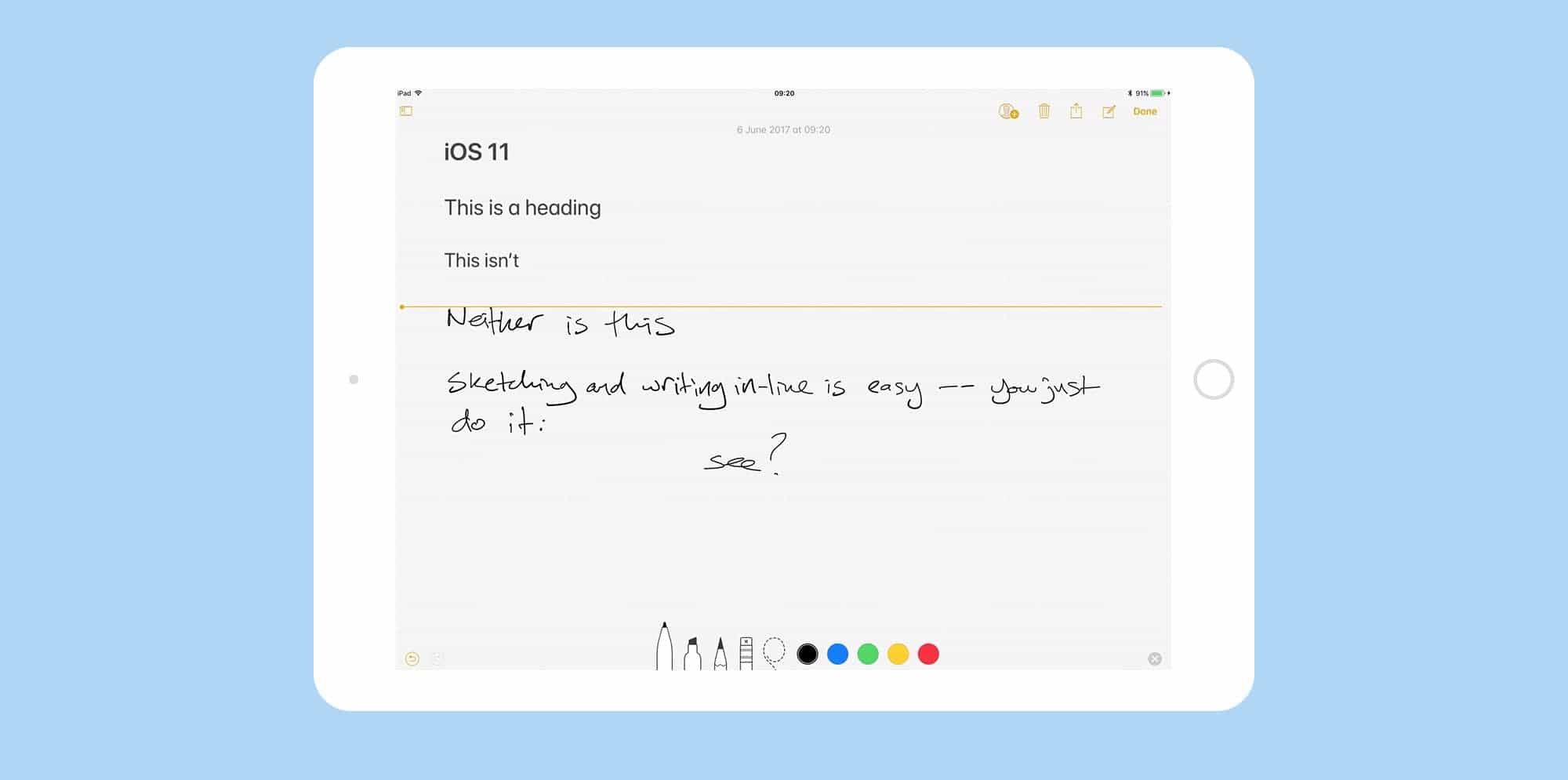
Notes app behaves more like a piece of paper than ever in iOS 11. Photo: Cult of Mac
Up until now, if you wanted to do fancy formatting with the iOS Notes app, you had to dust off your Mac to do it. Now, with the iOS 11 Notes update, you no longer need to boot up a desktop computer just to switch a note to a monospaced font, or add a table. You can do it all on your iPhone or iPad. And this is in addition to the great new in-line sketch features and document scanner that headline this update.
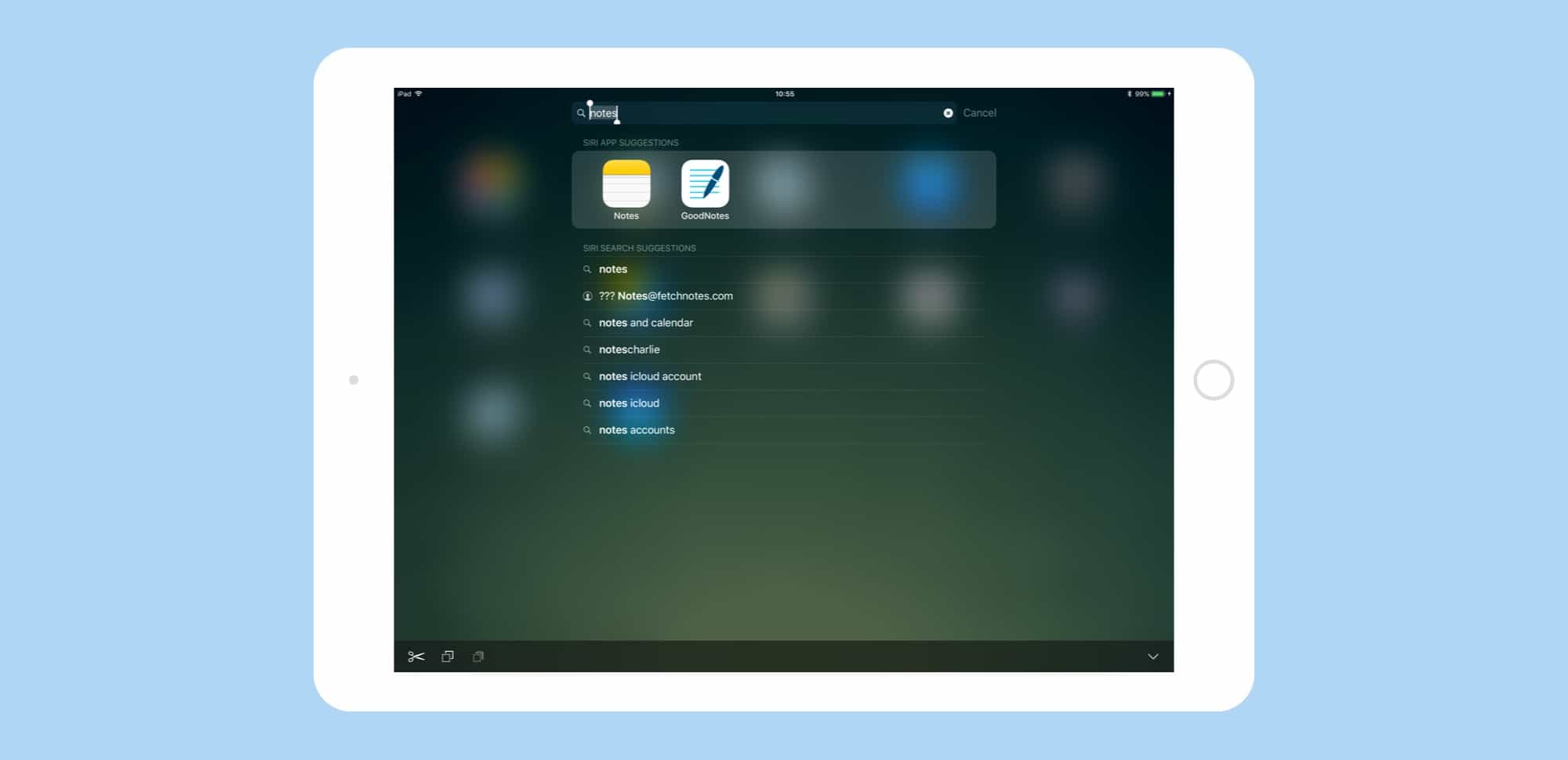
Spotlight in iOS 11 is a power-users dream, letting you find anything -- whether on the web on on your device -- fast. Photo: Cult of Mac
Spotlight search gets a big overhaul in iOS 11. The Spotlight updates in iOS 11 don’t seem quite as spectacular as the iPad’s new Dock, or drag-and-drop, but the small tweaks make the search tool a lot more useful.
Now you can search both your iPad and the web, similar to how you conduct a search in Safari. If you ever used Launchbar, Alfred or Quicksilver on the Mac, the new iOS 11 Spotlight will feel familiar.
The new Control Center is just one of many great new iOS 11 features. Photo: Ste Smith/Cult of Mac
Over the past two months, Cult of Mac scoured the iOS 11 betas to collect tips and tricks for Apple’s latest mobile operating system. We’ve covered everything, from the iPad’s amazing new Dock and Drag-and-Drop to the iPhone’s new lifesaving Do Not Disturb While Driving.
We’ve created this iOS 11 guide, which we will update going forward, so you can easily find links to our best iOS 11 tips and how-tos. Read on for more on the radically improved Notes app, iOS 11’s powerful new camera features and more.
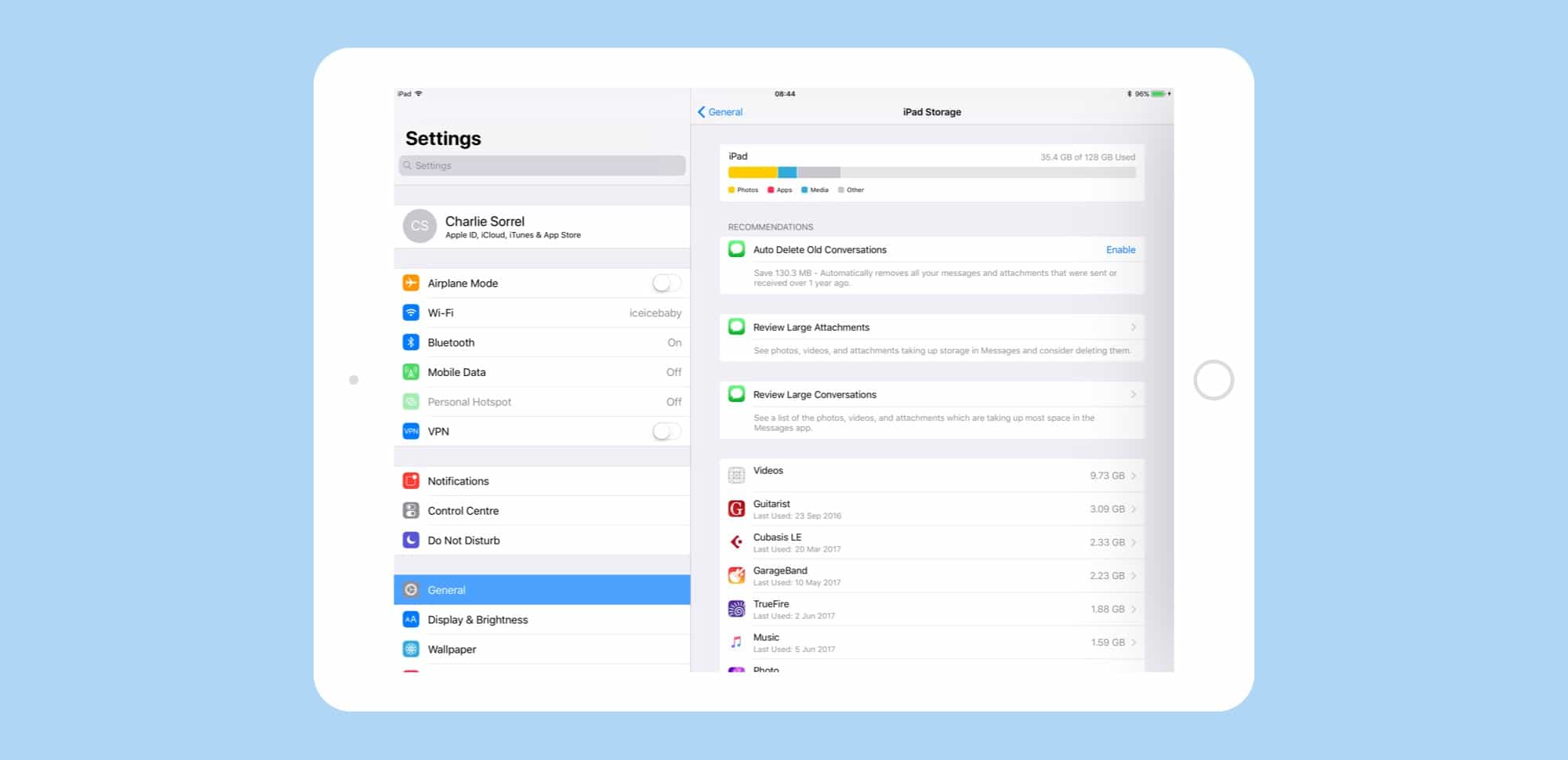
New features in iOS 11 make it easier to avoid the dreaded "Storage Almost Full" message. Screenshot: Cult of Mac
Running out of storage space on your iPhone or iPad is a total drag. It slows down your device and can make it impossible to download files or perform other essential tasks.
With iOS 11, Apple takes some serious steps to free up space on iOS devices. Here’s a quick look at how Apple will ease the pain when iOS 11 lands this fall, with instructions for taking advantage of the new features.
iMessage gets a bunch of new space-saving features in iOS 11 beta. Photo: Cult of Mac
Maybe, if you opt for one of the new 512GB iPads, you won’t have to worry about storage space. But for everyone else, iOS 11 has you covered. Now, under a new section in settings, you can whittle down the storage used by the iMessage app, weeding out old conversations, revealing oversized attachments, and even check to see which conversations are taking up the most space.
The more you use it, the more you realize just how great drag-and-drop is on the iPad. Photo: Cult of Mac
Drag and drop is the headline feature of iOS 11 on the iPad, and rightly so — it changes the whole iOS paradigm, integrating a decades-old desktop feature in a way that makes it feel like drag and drop was just waiting for touchscreens to come along.
It seems like all of Apple’s own apps have gotten a dose of drag and drop in iOS 11, including Maps. Let’s take a look at it.
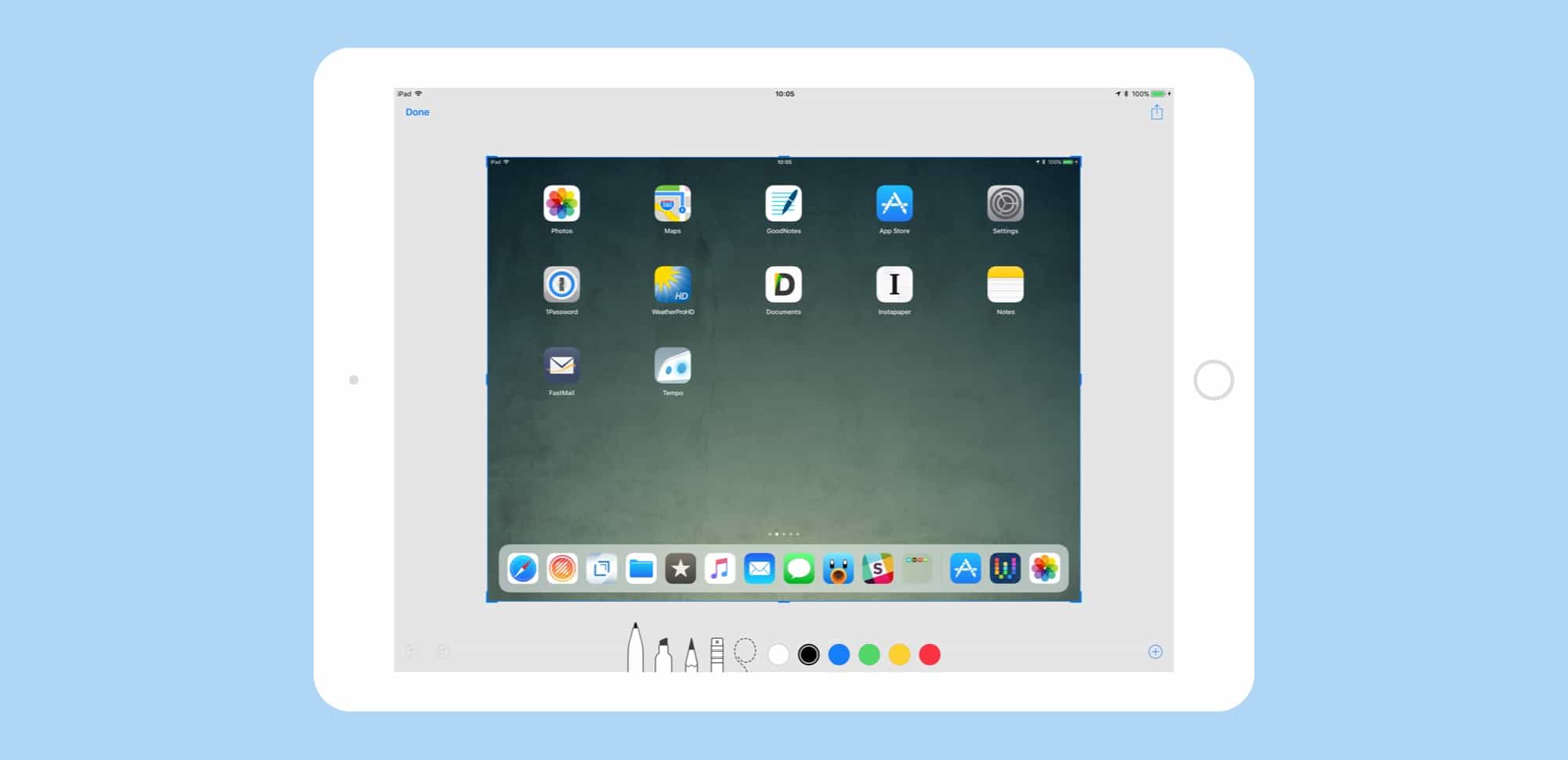
Screenshots have moved from a semi-secret, mostly-hidden feature to a proper tool. Photo: Cult of Mac
iOS 11 has added some great new features to the humble screenshot tool. You can quickly view a new screenshot without a trip to the Photos app first, and you can edit and mark it up before saving it. By adding some powerful pro-level features to screenshot markup, Apple has –somewhat ironically — made them way more useful and accessible for everyone.
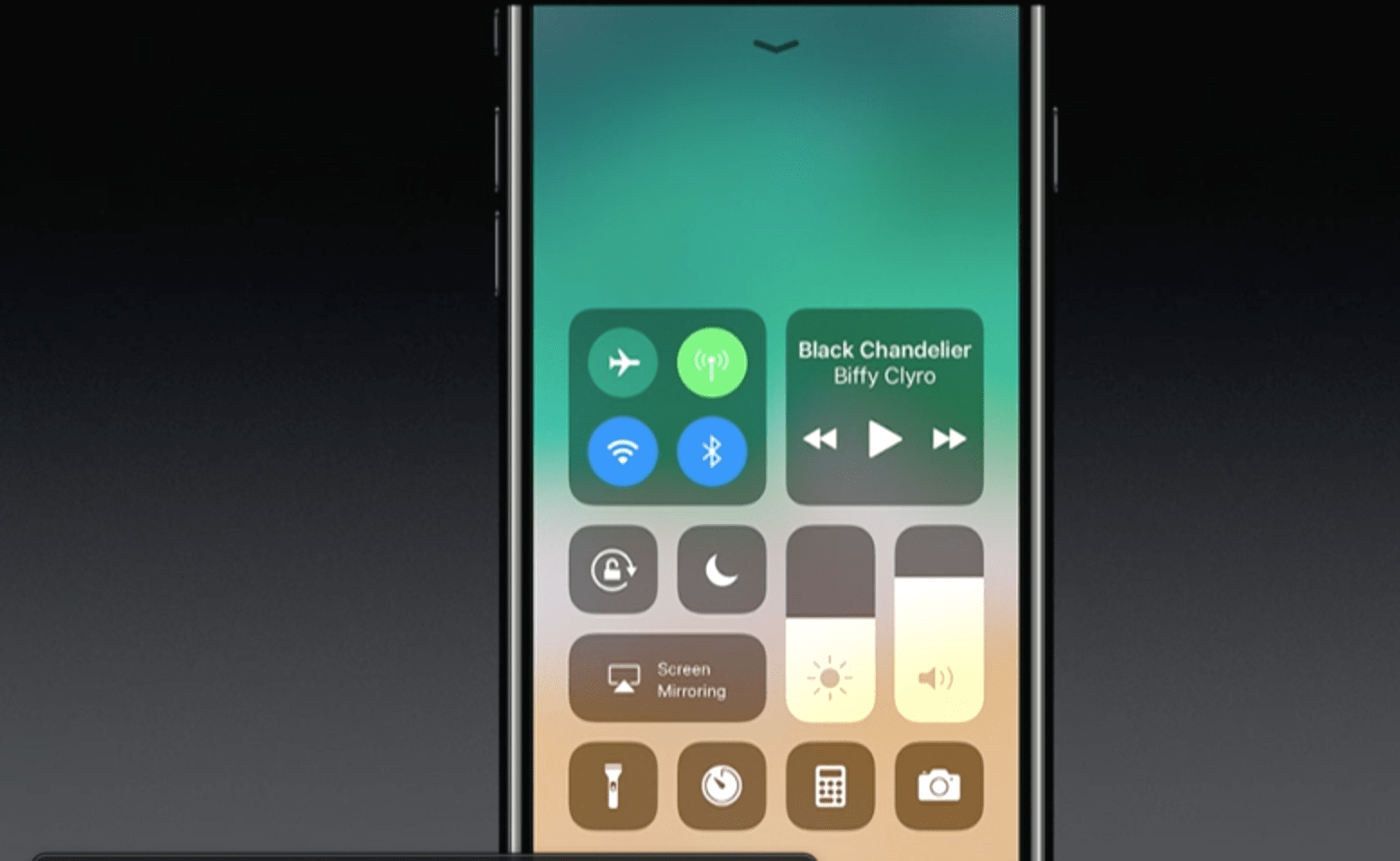
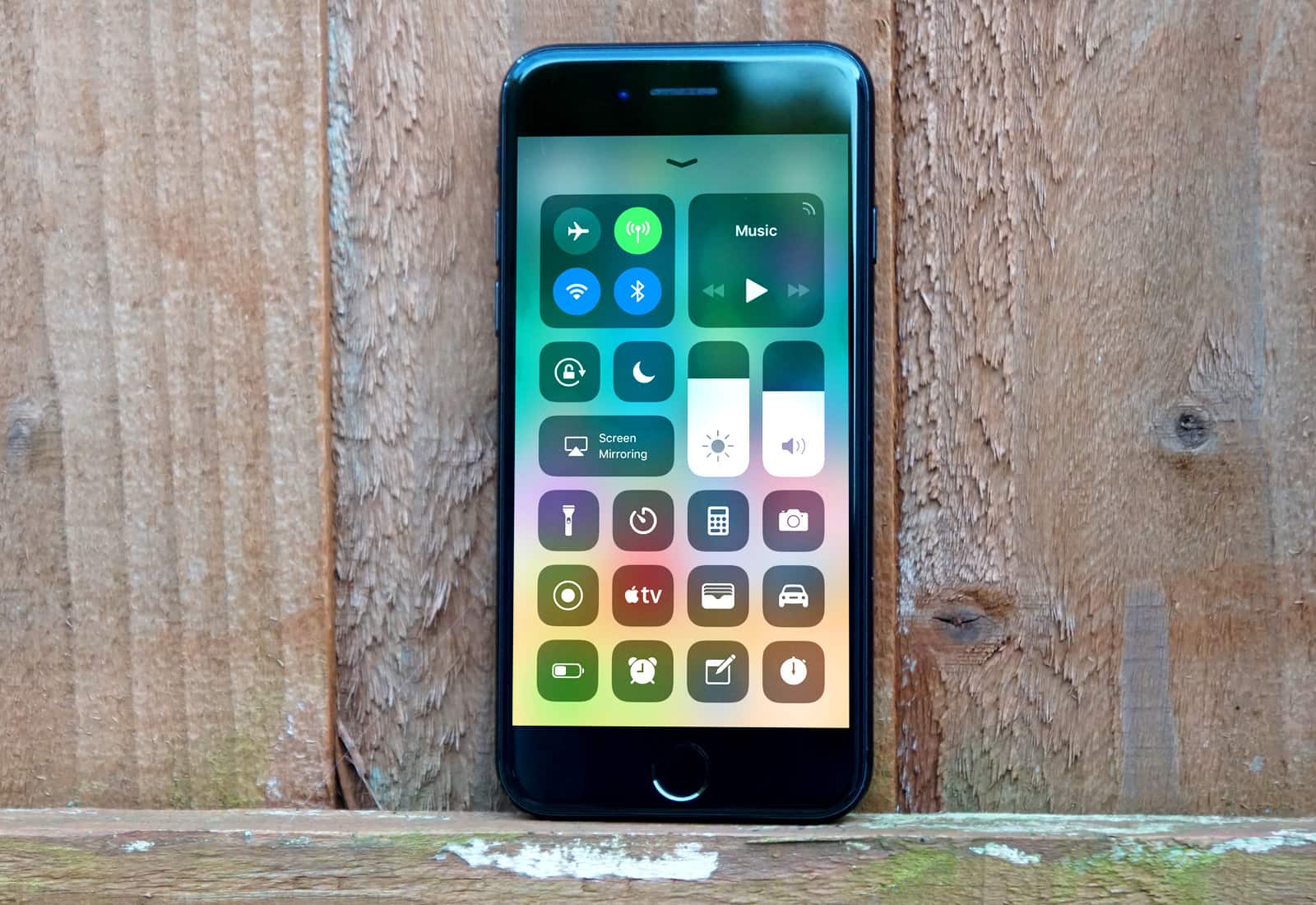
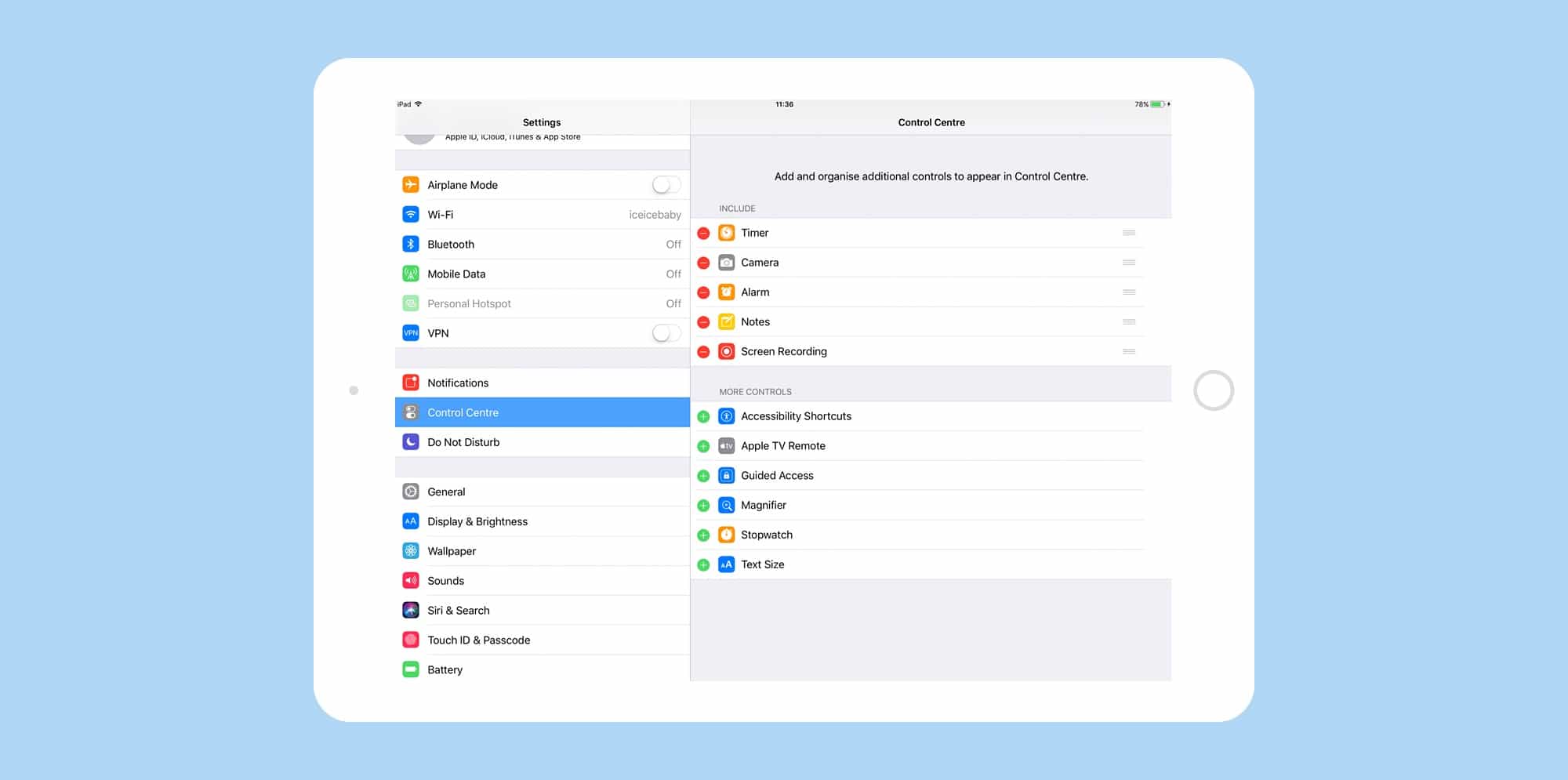
At last, you can customize the Control Center in iOS 11. Photo: Cult of Mac
In iOS 11, you can customize the Control Center, removing some of the shortcuts you don’t use, and adding in some new ones. This, combined with Control Center’s new in-depth, 3D Touch controls, makes it a lot easier to quickly access functions you don’t necessarily want to open an app to use.
For instance, you can get quickly access an Apple TV remote, add widgets for alarms and timers, change text size, and even start screen recordings.
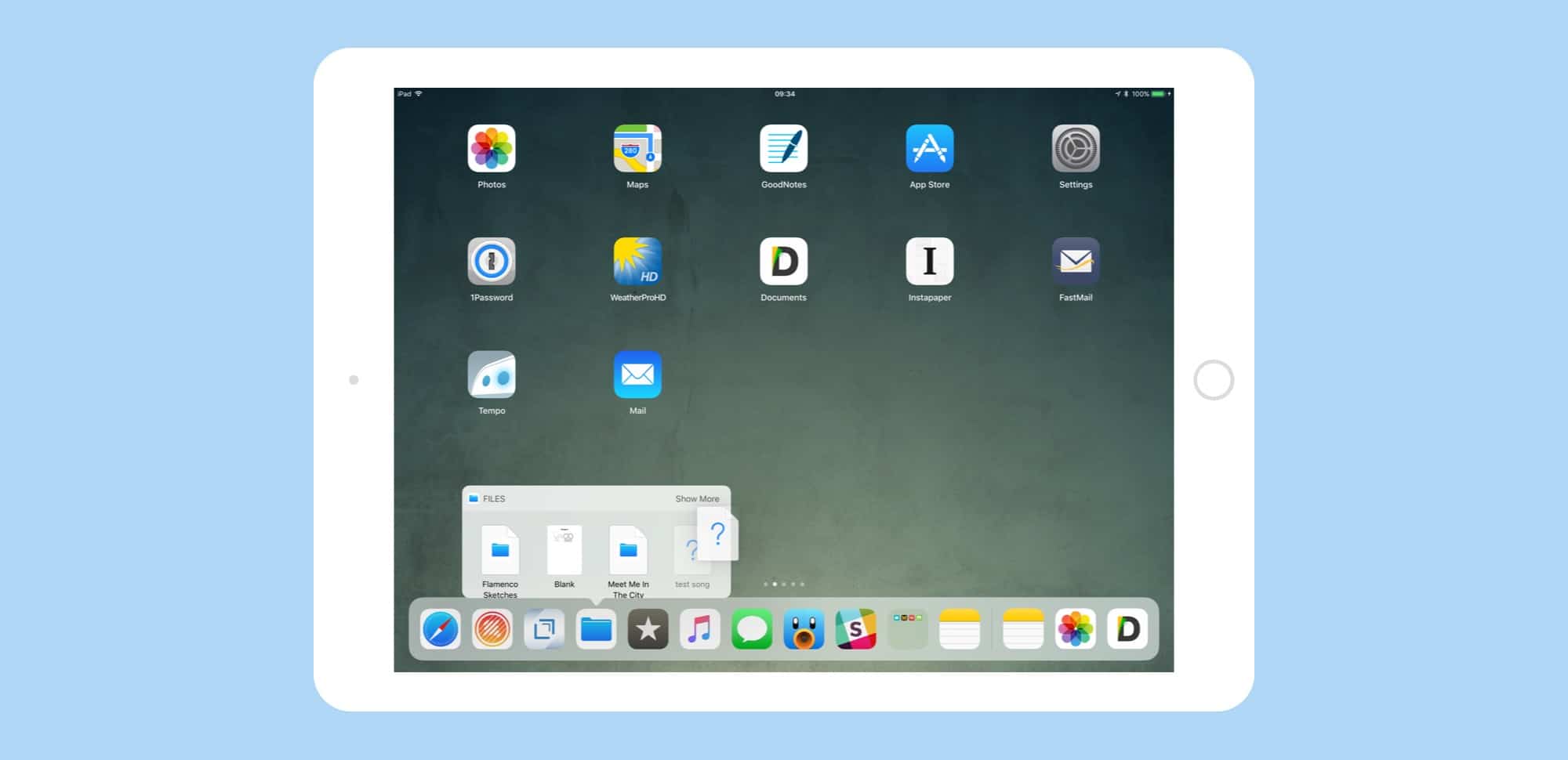
The new Dock is essential to iOS 11's drag-and-drop, but there's a lot more packed there. Photo: Cult of Mac
iOS 11 introduces a new Dock. It is conceptually related to the Mac Dock introduced in OS X, and is surprisingly similar. In fact, the biggest difference may be that so far people seem to love the new iOS 11 Dock, whereas there are still beardos who hate the Mac Dock.
Like its Mac counterpart, the iOS 11 Dock packs in a surprising number of features. Lets take a look at them.
Snap your Live Photos on your iPhone, edit on your iPad. Photo: Cult of Mac
iOS 11 brings some neat new editing features to Live Photos, but the good news is that you can edit those same Live Photos, with the same new filters and effect, on an iPad. Let’s take a look.
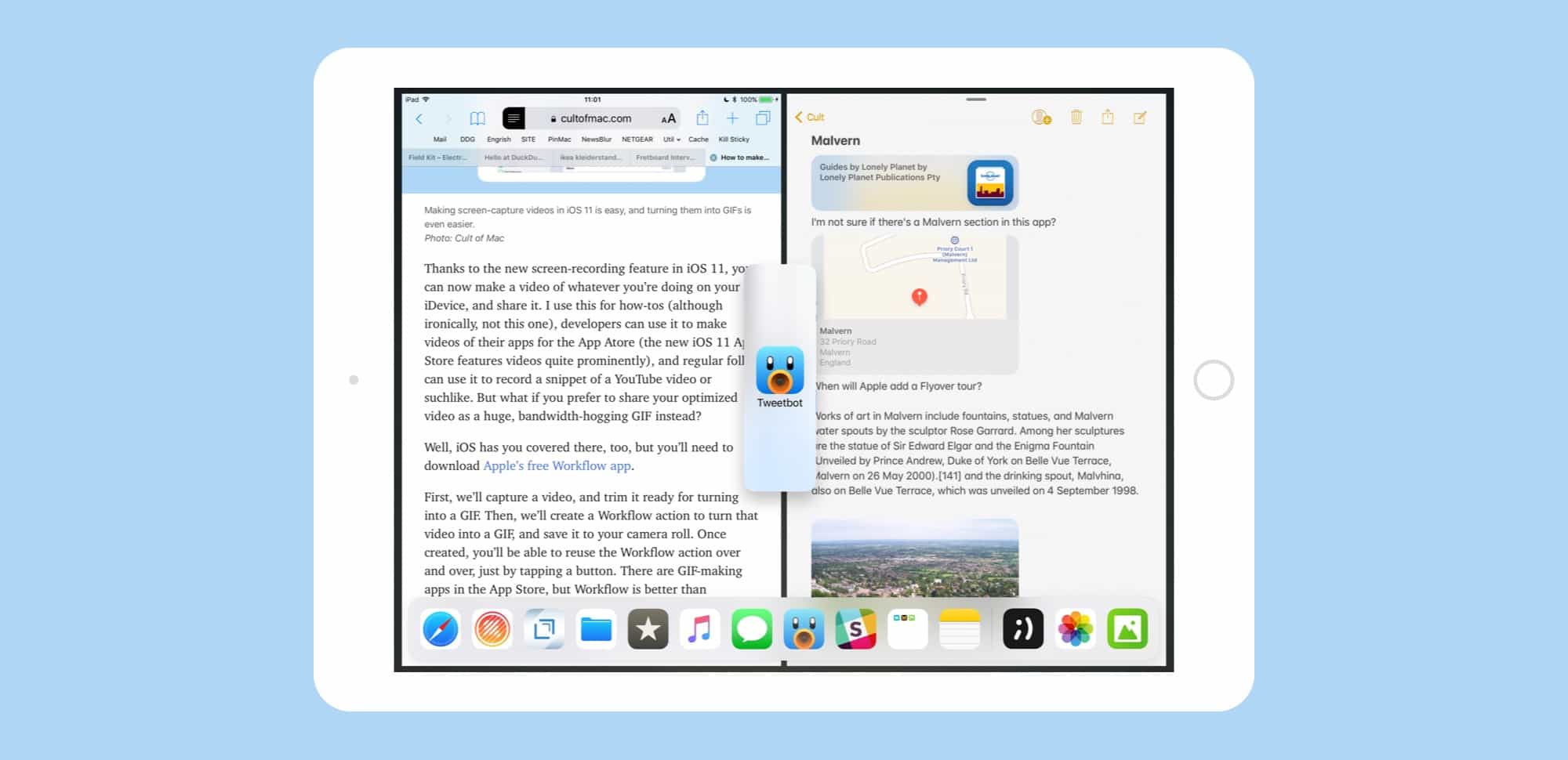
Apple probably won't admit to it, but iOS 11 now has windows, and lots of them. Photo: Cult of Mac
Slide Over and Split View have been overhauled in iOS 11, making them more powerful but also more complex. Both have been available since iOS 9, but — without drag-and-drop — they were little more than a convenient way to view two apps at once. Now, Slide Over and Split View are essential, allowing you to drag pictures, documents, text, and URLs between apps, as well as work with up to three apps on screen at once, along with a video playing picture-in-picture.
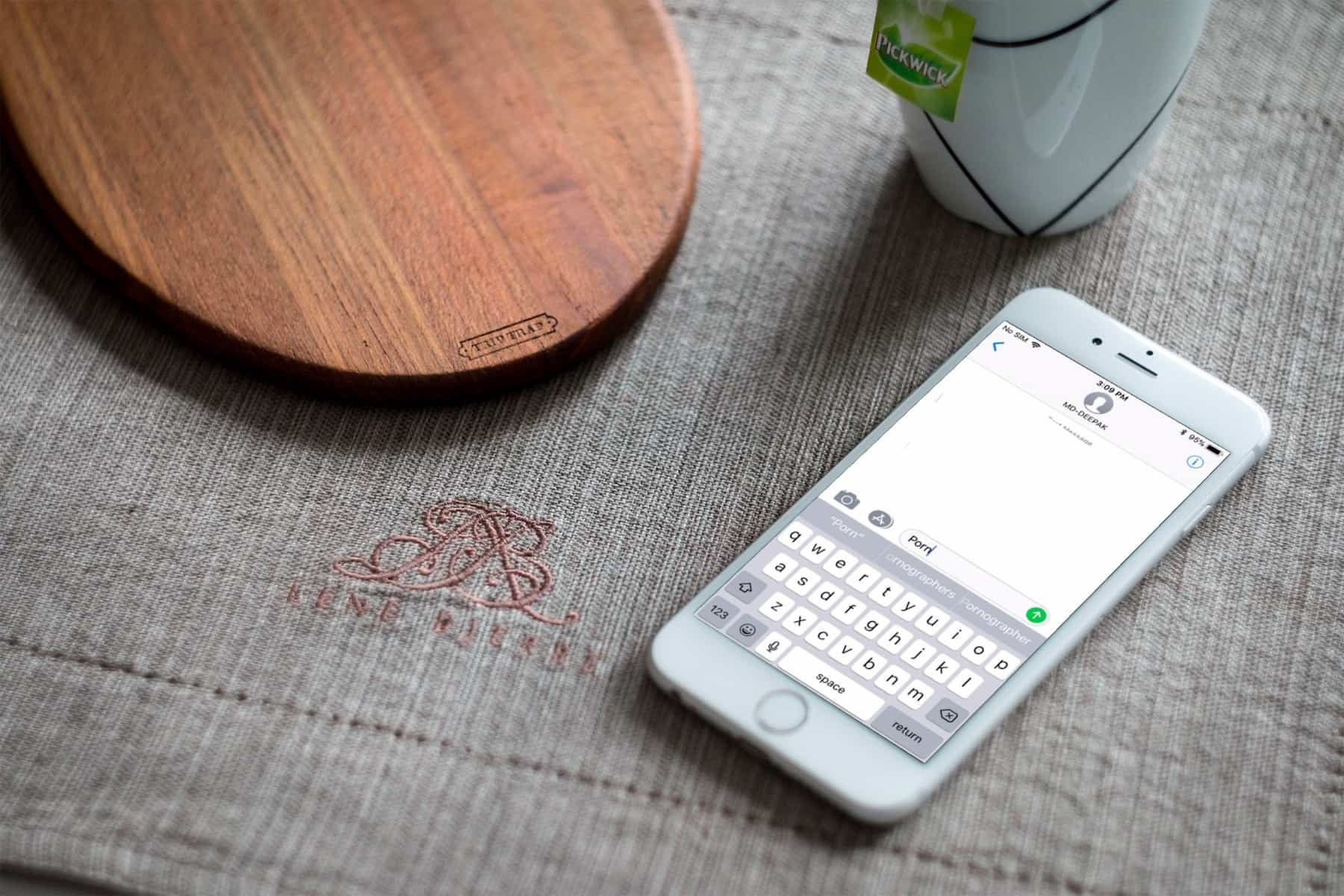
The iPhone's keyboard is smart enough to learn the words you type. Photo: Cult of Mac
Since iOS 8, the QuickType predictive text has been a tentpole feature of the iPhone’s keyboard. It analyzes the text you’ve typed so far and remembers new words that you type so it can suggest them later. However, if you tend to misspell a word, it automatically learns that word and offers it in the suggestions. If this happens a lot, it might even attempt to autocorrect the correctly spelled word to the misspelled “learned” word.
The iOS keyboard might also offer suggestions for embarrassing words it has learned. Having such words pop up in the suggestions can be really annoying. If you’re experiencing this, you may want toreset keyboard dictionary to remove unwanted words and start fresh.
In 2017, you still have to copy-and-paste Javascript to save a bookmarklet on iOS. Photo: Cult of Mac
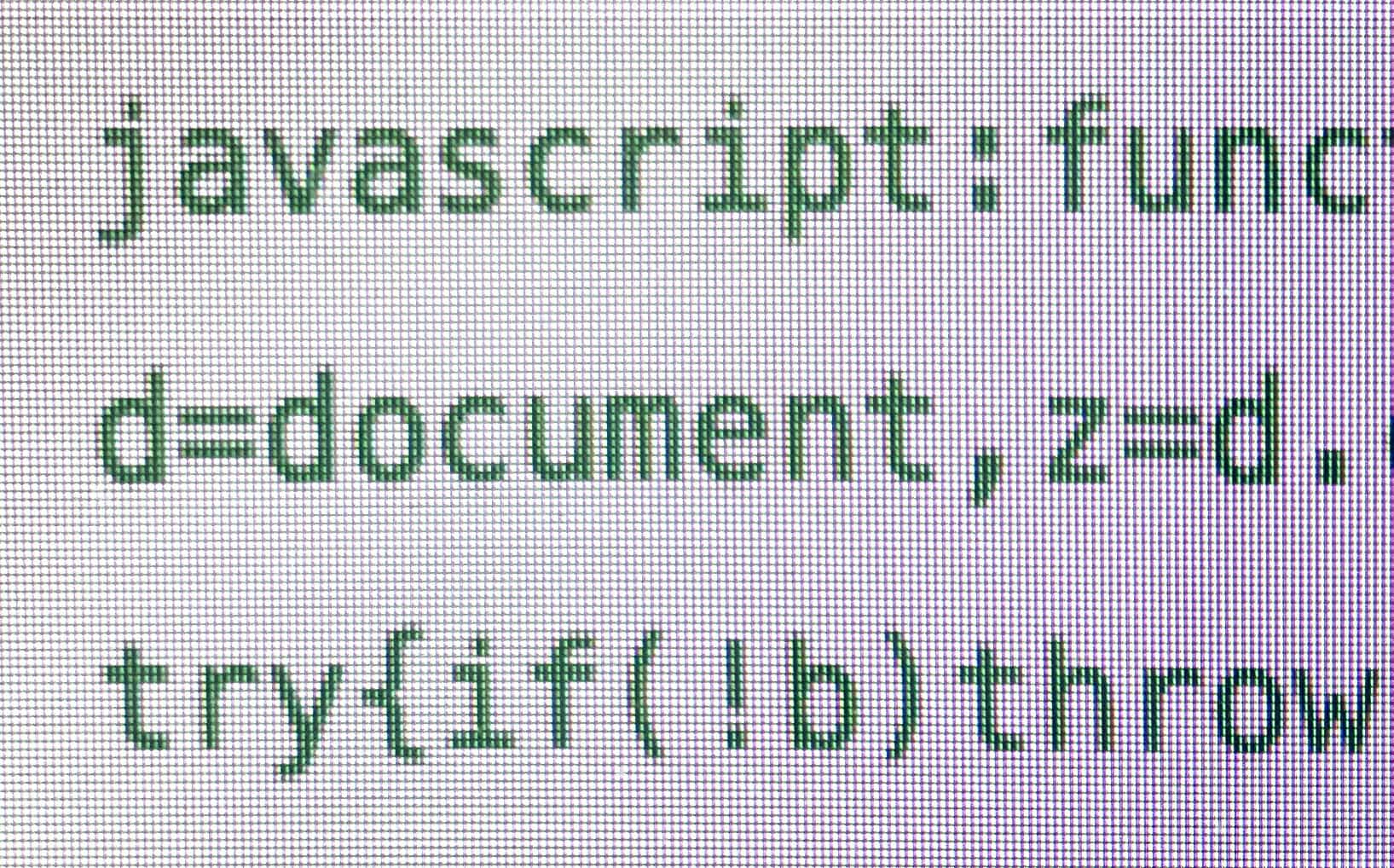
Bookmarklets are those little bookmarks you click to run mini “apps” in your web browser. You might have one that saves the current page to your Instapaper account, or one that launches a Google search focused only on the current site. Bookmarklets can translate highlighted text on a page, send something to your to-do list, or pretty much anything. On the Mac, installing a bookmarklet is easy. You just drag it to the bookmarks bar in Safari and you’re done. On iOS, though, it’s still a real pain.
So, bookmark this how-to (in the usual way), and have it handy for those times you need to install a bookmarklet on an iPhone or iPad.
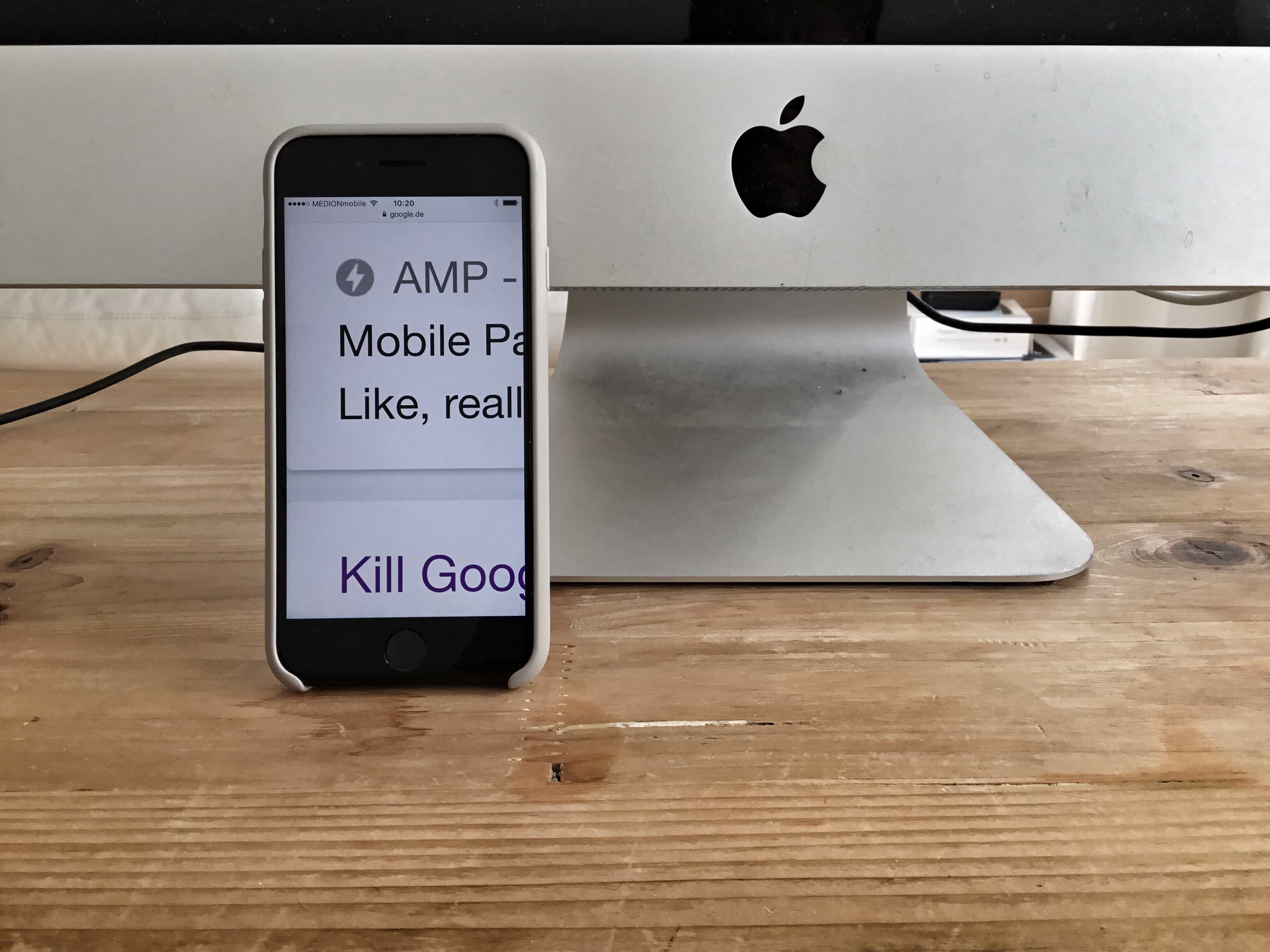
Google AMP is bad for the web, and Apple is fixing it so you don't have to. Photo: Charlie Sorrel/Cult of Mac
Google’s web-hostile AMP scheme makes copies of web pages, shrinks them, and serves them instead of the original when you click on a Google search result. It renders your content in non-standard HTML, and removes the original link to the article’s source. Whenever you share the page you’re reading, it forces you to share a the Google AMP URL instead of the original.
Unless you’re using an iPhone, that is. In iOS 11, Mobile Safari strips AMP from any links you share. And iPhones running iOS 10 will load the non-AMP version (i.e. the original version) of a page if you press a link with 3D Touch.
Which apps are running riot on your iPhone's battery? Photo: Charlie Sorrel/Cult of Mac
Sometimes an app gets out of control and eats up your battery, even while it doesn’t seem to be active. Once, I had an iPad drained almost completely by a runaway instance of Skype. Or you may have an app that is supposed to run in the background — a synthesizer, or another music app, for example — and you forget you left it running, draining your iPhone battery.
Or perhaps you just want to see how much battery your various apps use. In any of these cases, you can open up a Settings screen that will report which apps have used how much battery, and for how long, over the past day or week. It’s a very handy screen indeed.
Nothing says 'JPG conversion' better than an over-copied photo of Killian's hair on a dusty red velvet cushion. Photo: Charlie Sorrel/Cult of Mac
Yesterday, we saw how to set the default screenshot format on your Mac to JPEG instead of PNG, in order to make your screenshots more universally usable. You can’t change the default screenshot file type on iOS, so today we’re going to look at the next best option — converting PNG to JPEG as easily and quickly as possible.
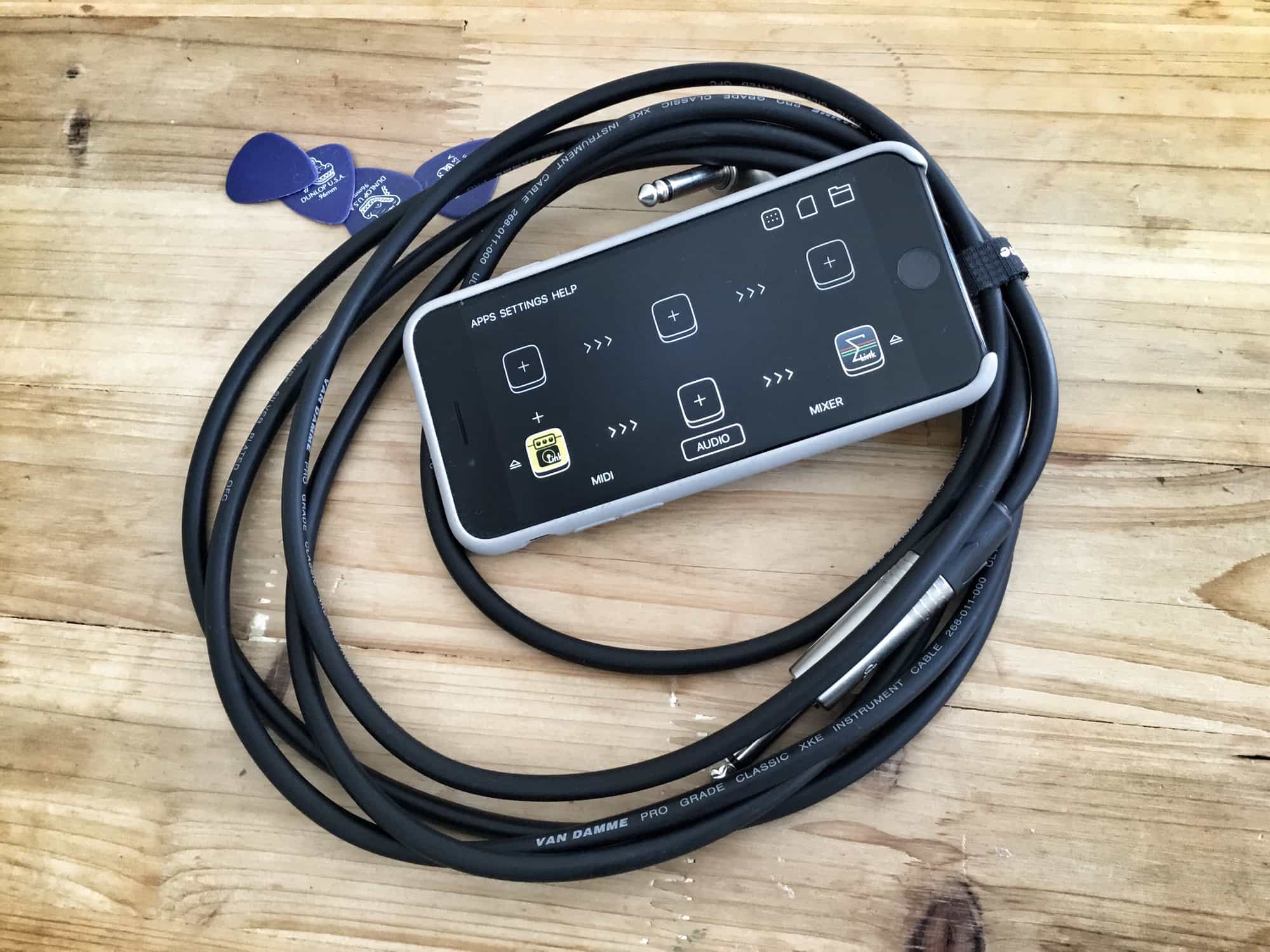
Audiobus now syncs with all other apps using Ableton Link. Photo: Charlie Sorrel/Cult of Mac
Audiobus, the iOS app that lets you route audio between apps on your iPad or iPhone, just got an update. The version number is 3.0.5, which belies the fact that Audiobus 3 just got one huge new feature: support for Ableton Link, which means that it will now keep tempo with all the other music apps on your iDevice.
Zipping is so last century, but you can still do it easily enough on iOS. Photo: Charlie Sorrel/Cult of Mac
Zipping files is easy on the Mac. You just right-click on one or more selected files in the Finder, then click Create Archive. The files get turned into an easy-to-handle .zip file.
On iOS, it’s a bit trickier. Even in iOS 11’s new Files app, you’ll find no built-in support for zipping files into a single package (or for unzipping them). To zip files in iOS, I use Readdle’s excellent Documents app. Lots of one-shot iOS apps will also do the job, but I like Documents because it’s also where all my documents live.