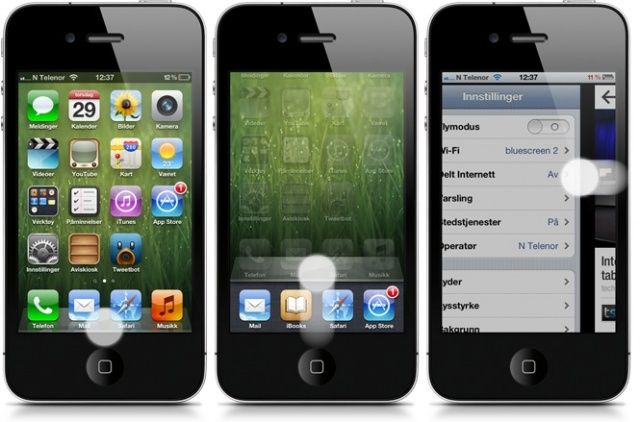
The popular jailbreak tweak Zephyr has today been updated to squash a number of incompatibility issues with iOS 6, and to bring the iPad’s four-finger gestures to the iPhone. It now allows you to close apps and swipe between the ones you have running without touching the home button.
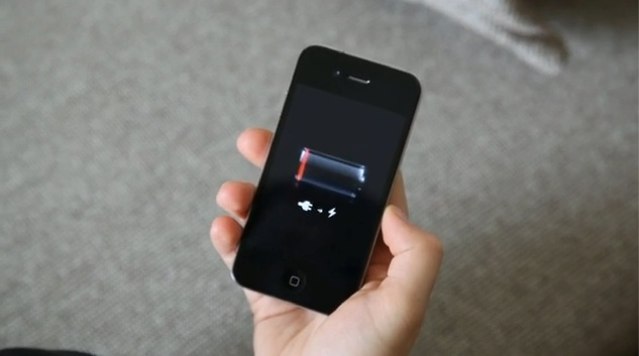
Even under iOS 6.1 the iPhone struggles to stay awake.
iOS 6.1 has already been out for a few weeks, but we’re now seeing reports that it’s causing problems for a lot of upgraders.
Multiple users have taken to Apple’s iPhone support forums to report that their battery life has dropped significantly since the iOS 6.1 upgrade. Others have claimed that iOS 6.1 has given them a slew of problems when trying to connect to 3G networks, and Apple has yet to respond.
A pair of European carriers have told iPhone 4S users not to upgrade to Apple’s latest iOS 6.1 firmware due to the 3G connectivity issues that come with it. Both Vodafone U.K. and 3 Austria have reported the issues, which sometimes makesit difficult for the device to connect to the network, or make or receive calls and texts.
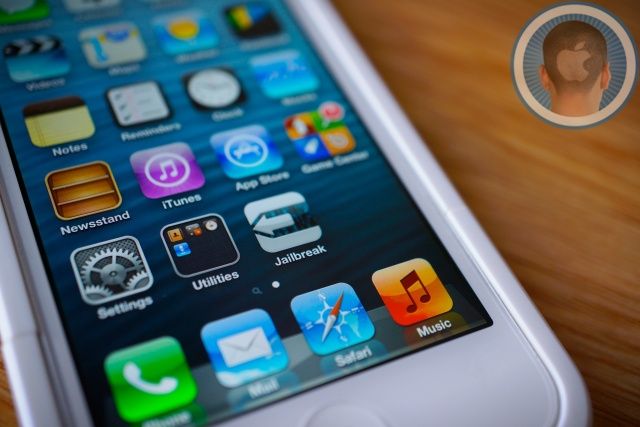
Hot out the oven, a new iOS 6.1 jailbreak is ready to set free your iPhone! On our newest CultCast (episode 58), we’ll tell you why you should and shouldn’t jailbreak your precious iDevice, and the story of how a team of geniuses hacked into the brain of iOS to make it possible.
Then, what’s next for Mac Pro; the apps and gear you need to live an iPad-only life; and our favorite apps and tech on an all-new Faves ‘N Raves!
Eager to listen but not sure how? Easy! Subscribe to The CultCast now on iTunes, or easily stream new and previous episodes via Apple’s free Podcasts App.
Shortly after the evasi0n jailbreak made its much-anticipated debut earlier this week, Apple pushed out its iOS 6.1.1 beta to registered developers. We suspected that the new release would patch the exploits that evasi0n used to hack iOS devices, but fortunately for the many millions of people enjoying its benefits, that’s not the case. At least not yet.
Now that you’ve jailbroken your iOS device running iOS 6, it’s time to check out some tweaks and apps in Cydia, the jailbreak alternative to the App Store. There’s a lot of stuff to try in Cydia, and sometimes it can be hard to weed out of the very best tweaks from the rest.
We’ve gathered some jailbreak tweaks you need to take a look at on iOS 6:
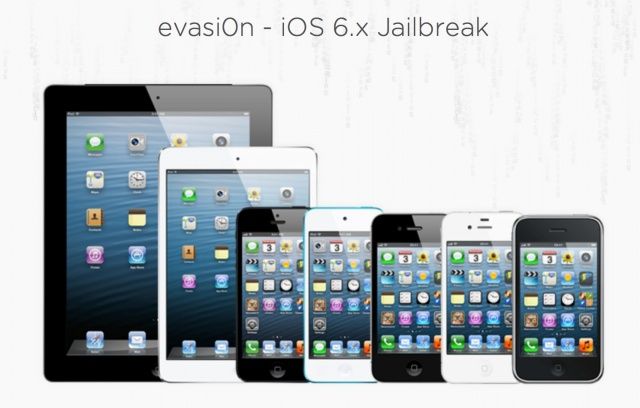
The official iOS 6.1 Evasi0n jailbreak tool has been released for iOS devices. Evasi0n will jailbreak all iOS devices capable of running iOS 6.0-6.1, including the iPhone 5 and iPad mini. The only current device that is not supported is the third-gen Apple TV.
The Evad3rs, a group of prominent iOS hackers behind past jailbreaks, have released their free tool for iOS 6.1 online. There are Mac, Windows, and Linux versions.
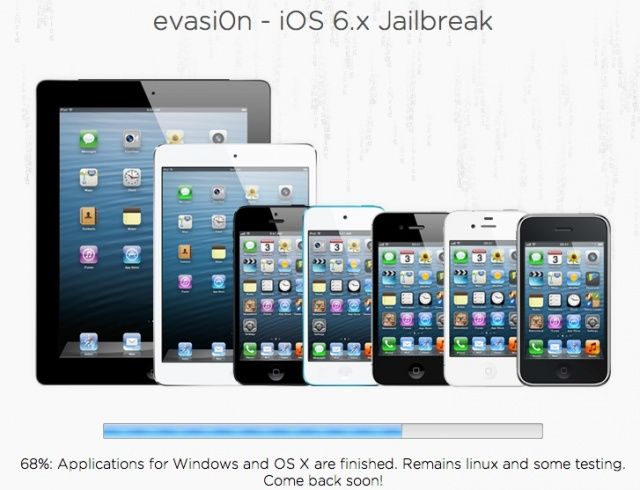
The upcoming evasi0n jailbreak that will will allow users to hack iOS devices running Apple’s latest iOS 6.1 firmware has been completed for Mac and Windows ahead of its public release. The team behind it the exploit confirmed the update on Twitter this morning. All that remains is the Linux client and “some testing.”
Samsung has gone before the Seoul Central District Court to ask to see Apple’s iOS source code. The goal of seeing the source code is to confirm whether Apple’s iOS 6 infringes on any of Samsung’s software patents. Yes, this is the same Samsung that Apple won $1 billion+ in damages against for patent infringement in U.S. court last year.
Since the innards of iOS are full of valuable company secrets, Apple has of course declined Samsung’s request, “calling it ridiculous.”
An iOS 6 jailbreak has been in the works since Apple released the iPhone 5 last fall, and it’s taken a long time for hackers to crack the enhanced security measures in Apple’s latest mobile operating system. After many months, the pieces have finally been put together. There is a full jailbreak for Apple’s latest iOS devices, and iOS 6.1 is the key to unlocking it.
While the jailbreak could be released for everyone now, trusted hackers behind past jailbreaks are waiting to see if Apple squashes any of their exploits in the final version of 6.1. If the bugs that form the jailbreak are still working, the iOS 6 jailbreak will be unleashed on the world after 6.1’s release.
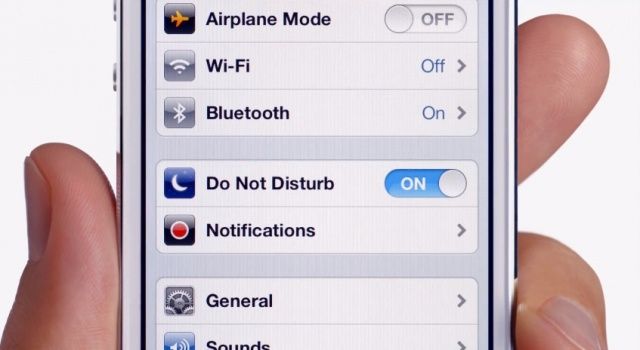
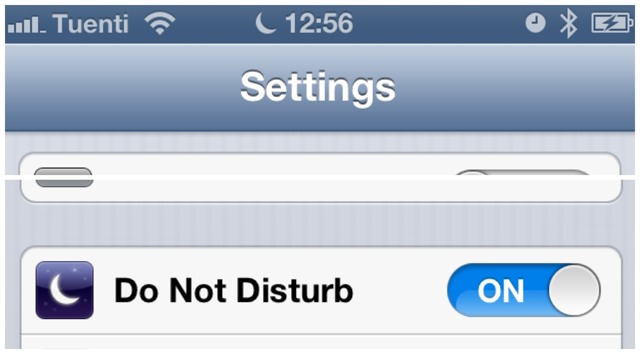
Do Not Disturb on. Even when you don't want it to be.
As I’m sure you’re already aware by now, the Do Not Disturb feature Apple debuted with iOS 6 stopped working as it should on Tuesday as the world turned over into 2013. While it has no problem activating itself when it’s told to, it doesn’t understand when it should shut off, meaning users must do it manually or they’ll miss their notifications.
Apple’s promised that the feature will automatically fix itself on January 7, but why did it stop working in the first place? And why will it suddenly start working as it should on Monday? Well, it seems Apple has trouble when it comes to date and time handling.
Do Not Disturb on. Even when you don't want it to be.
Apple has posted a brand new iPhone 5 ad to YouTube called “Dream.” Featuring tennis stars Venus and Serena Williams, it humorously promotes the Do Not Disturb feature that Apple introduced with iOS 6. However, Apple could have picked a better time to publish it. The clip comes a day after iPhones switched over to 2013 and the Do Not Disturb feature stopped working properly.
If you had to get up early on January 1st, I hope you used the built-in Clock app to set your iOS alarm; otherwise you may have spent an unintentional extra few hours in bed. Why? Because the Do Not Disturb feature of iOS 6 switched on as usual on the last day of 2012, and then stayed on.
Many users of Do Not Disturb report that the feature didn’t switch itself off yesterday morning.
Just in the last year, we’ve published over 400 helpful tips and tricks for both iOS and OS X. That’s a lot of learning, and a lot of information for you to go through. We though it might be nice to take a look back through them all and come up with our favorite tips, organized into topical sections for your browsing pleasure, below.
Last week we told you about Auxo, an innovative concept for the iPhone app switcher that was brought to life in the form of a jailbreak tweak. Auxo takes the bland iOS multitasking bar to the next level with live app previews, gestures, settings toggles, and more. iPhone jailbreakers on iOS 6 can now install Auxo in Cydia for $1.99.
Unlike Apple’s stock app switcher, Auxo shows you live previews of apps you have running. You can use swipe gestures to close apps or kill all running apps at once. Auxo also comes with an enhanced music player that gives you basic controls and even the ability to view album artwork. Swipe to the far left and there are toggles for various settings, like Wi-Fi and Airplane Mode. If you hate having to go into the Settings app to constantly toggle Wi-Fi or change your screen brightness, then Auxo is a breath of fresh air.
Siri made its debut on the iPhone 4s almost four years ago. Photo: Cult of Mac
As Apple slowly but surely turns its back on Google, Siri, its intelligent digital assistant, is doing the same. If you’d have asked Siri a question back in June, there’s a 60% chance the data it came back with would have been from Google. Ask it a question today, however, and that chance is reduced to just 30%. Not only has Apple given YouTube and Google Maps the boot, then, it’s shunning Google’s search data, too.
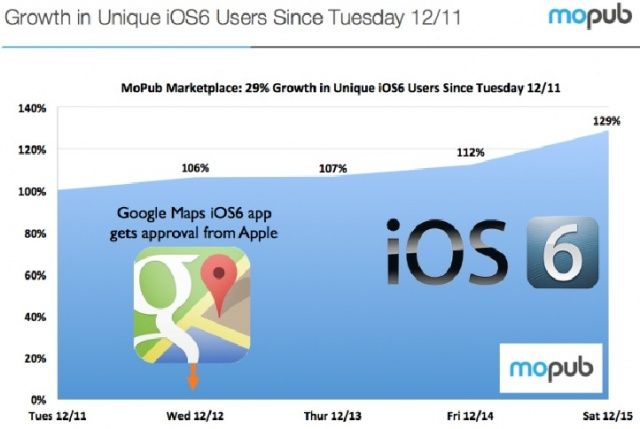
It seems Apple’s problematic new Maps app was discouraging a lot of people from upgrading to iOS 6, the Cupertino company’s latest software. But now that Google Maps is official available as a native iOS app, there’s nothing to stop users from finally performing the upgrade. In fact, its arrival boosted iOS 6 adoption by 29%.
We’ve been waiting for Apple to release iOS 6.1 for a few weeks now, but before they bring out the good stuff, Apple is pushing out a small iOS update for iPhone 5s and the iPad mini.
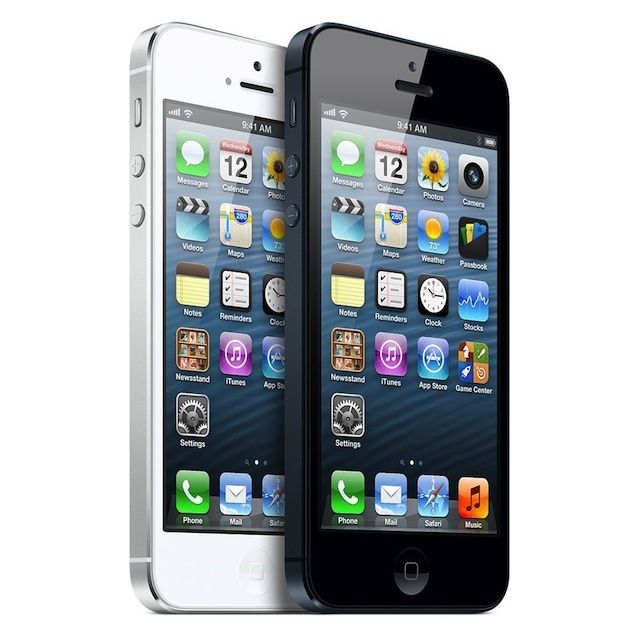
iOS 6.0.2 is available for download now through iTunes or via over the air updates, but it looks like it’s only for the iPad Mini and iPhone 5. All other iOS devices will have to wait for an update. According to Apple the update fixes a bug that could impact WiFi. We’ll let you know if there are any major changes inside once we get it on our devices.
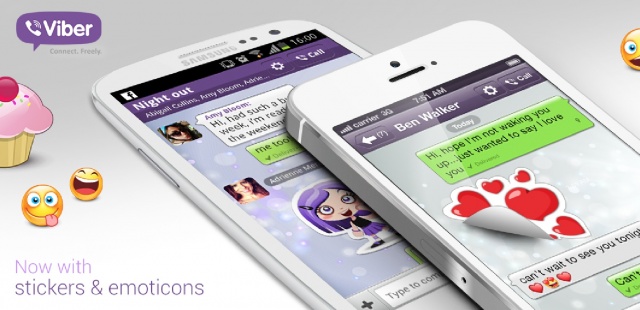
Viber, the popular cross-platform mobile communications service, has today announced that it has now surpassed more than 140 million users across six platforms, with 400,000 people joining the service each and every day. To celebrate the milestone, the company has introduced a number of new features to its Android and iOS apps, including the ability to send “fun stickers” and “playful emoticons,” and support for the iPhone 5’s larger display.
Have you been waiting for Google Maps to come back to the App Store before you update to iOS 6? Given the incredibly harsh media attention that Apple Maps has received since iOS 6 went live back in September, you’d think that there would be a significant number of users holding out for Google Maps to make its triumphant return.
Since the release of Google Maps a few days ago, there hasn’t been a noticeable spike in iOS 6’s adoption rate. In fact, it’s had no real impact on users updating to iOS 6 at all. Was the ‘Mapplegate‘ fiasco really that exaggerated?
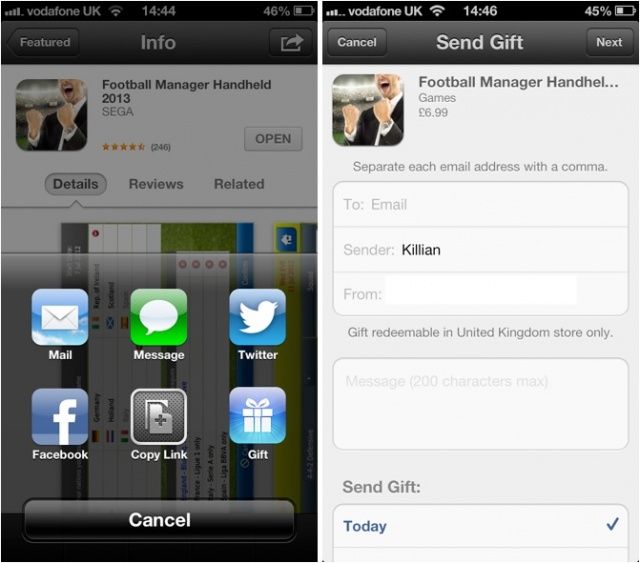
When Apple rolled out a new App Store redesign with iOS 6, the Cupertino company removed the ability for customers to gift apps and games to their friends via email. Just in time for Christmas, that’s now back, making gift-giving for those getting new iOS devices a whole lot easier.
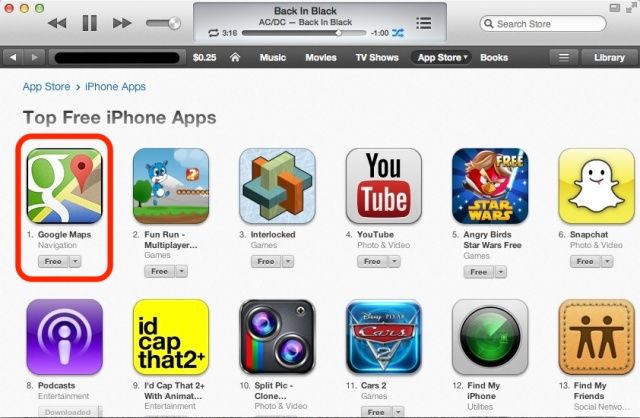
Google released an official Google Maps app for the iPhone on Wednesday evening — I’m sure you’ve already downloaded it to your device — and as you might expect, it’s already incredibly popular. Users have since been rushing to reclaim the mapping service that Apple booted out of iOS with its latest iOS 6 update, helping Google Maps rocket to the top of the App Store’s free chart in just seven hours. It has knocked Apple’s own 12 Days of Christmas app down to second place.
Update: Shortly after this article was published “Dream JB” turned out to be a complete fake. The person behind the website literally rick rolled everyone and shut the site down. It was all apparently a “social experiment” from the beginning, and there was never an actual jailbreak for any kind. If a jailbreak release isn’t coming from known and respected hackers, don’t trust it. The source link to the site has been removed from the bottom of this post.
A mysterious hacker has begun teasing the first untethered jailbreak for the latest devices running iOS 6, including the iPhone 5, the iPad mini, and the fourth-generation iPad. The hack will not come from the usual suspects — the iPhone-Dev Team — but rather from an individual calling himself “Dream JB.” He promises it will arrive on December 22, but are we getting our hopes up over nothing?
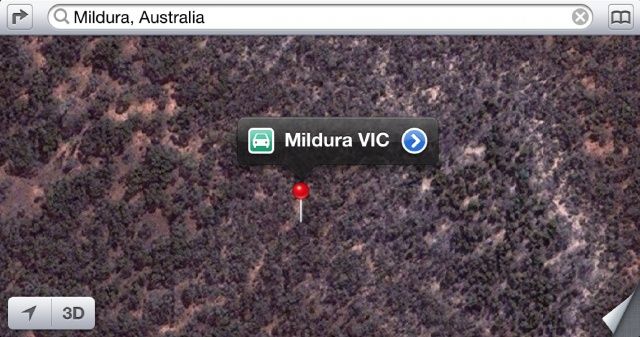
Apple’s Maps struck again this morning when it was reported that multiple drivers were being guided into the wilderness when searching for the city of Mildura. The local police deemed the glitch in Maps a “potentially life-threatnening issue” because the Australian wilderness is not exactly a safe place to get lost in. The temperature gets really hot and there’s no water.
Since the fiasco started circulating in the media this morning, Apple has quietly fixed the inaccuracy in Maps and started pointing users in the correct direction.