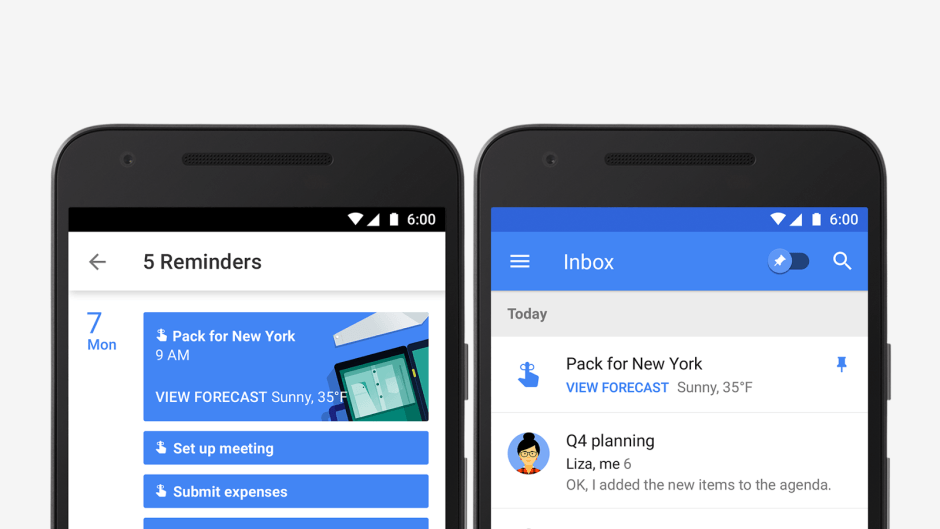
We don't need two Gmail clients anymore. Photo: Google
It’s nearly the end of the road for Google Inbox.
A new popup that has started appearing inside the Inbox app confirms it will be closed down on April 2. Fans of the email client have just two weeks to find an alternative, but Google recommends another of its own.
Newton’s True Inbox reinvents the way you do email. Photo: Newton
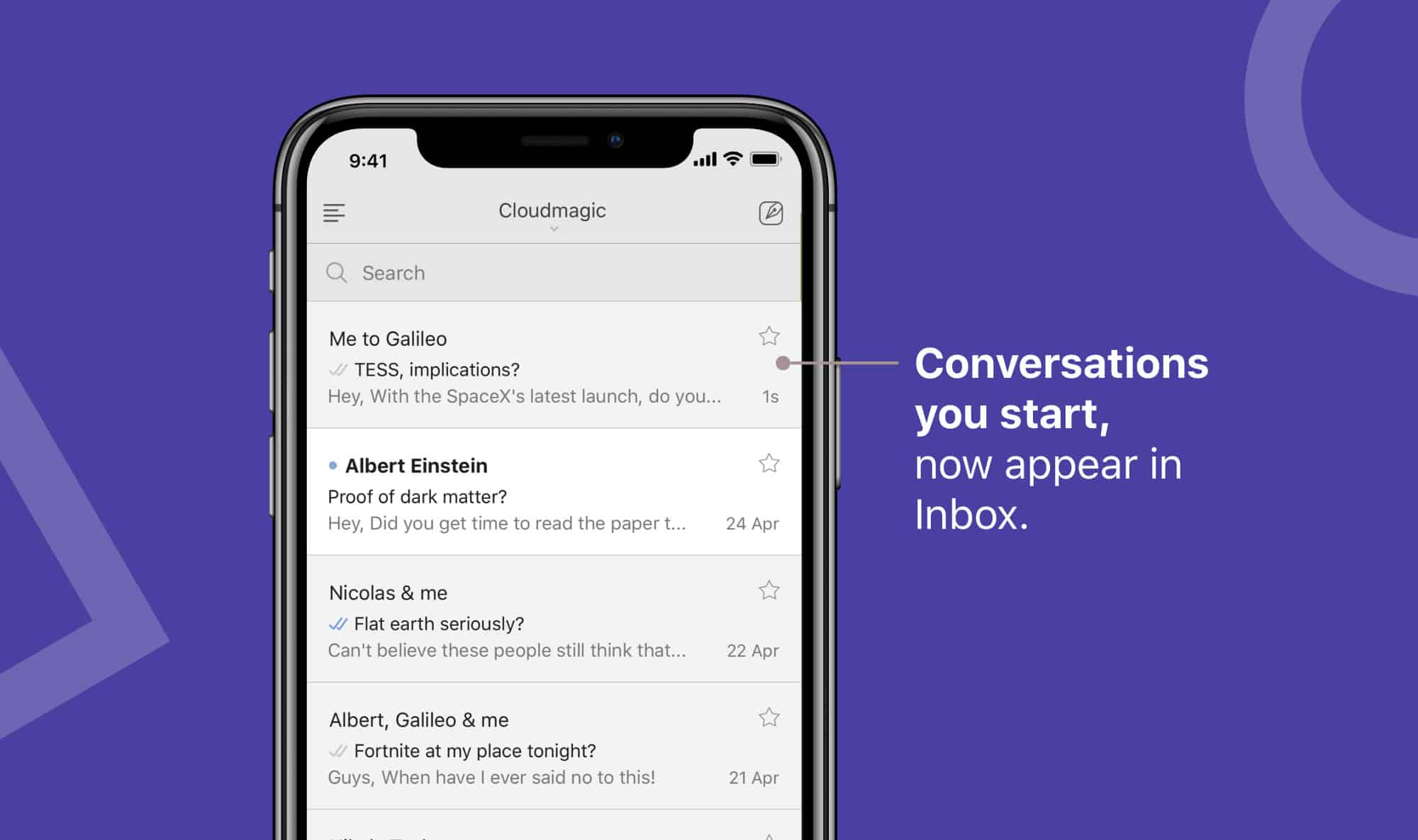
Awesome email app Newton has killed off the “Sent” folder to make email as easy as instant messaging.
When using Newton, your sent messages now appear right inside your inbox alongside everything else, making it easier than ever to keep track of your conversations. Here’s how you can start enjoying this new feature today.
We don't need two Gmail clients anymore. Photo: Google
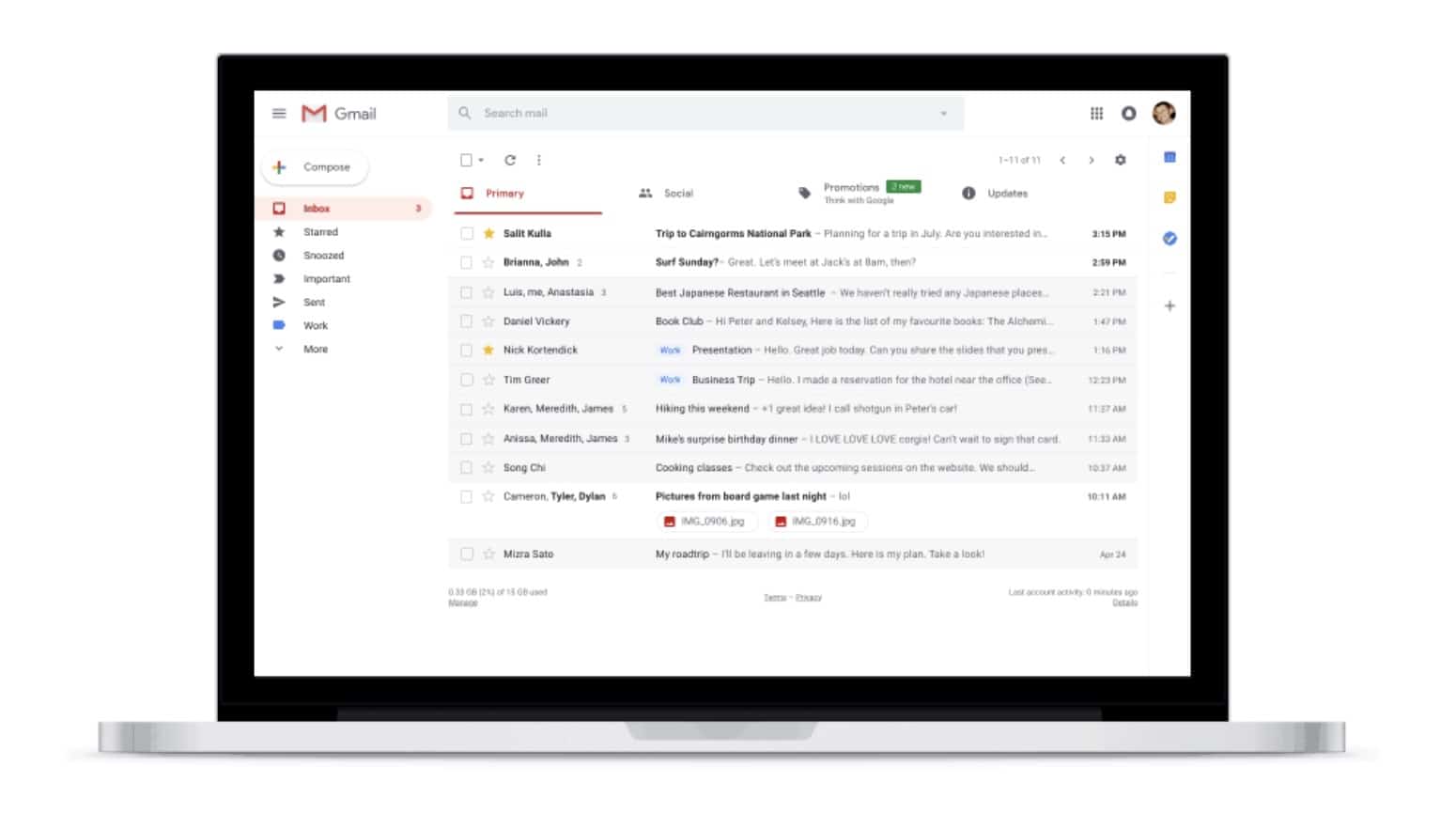
Google Inbox will finally be optimized for iPhone X “soon,” according to a new report.
Google has been working hard to update its most important iOS apps for Apple’s flagship smartphone since it made its debut last November — but Inbox, its nicest Gmail client, has somehow been neglected. Now that Gmail’s big redesign is out of the way, that’s set to change.
Web users can look forward to a fancy new look with features like Confidential Mode, Smart Replies, Snooze, and more. They finally make Gmail in your browser as good as Google’s mobile apps.
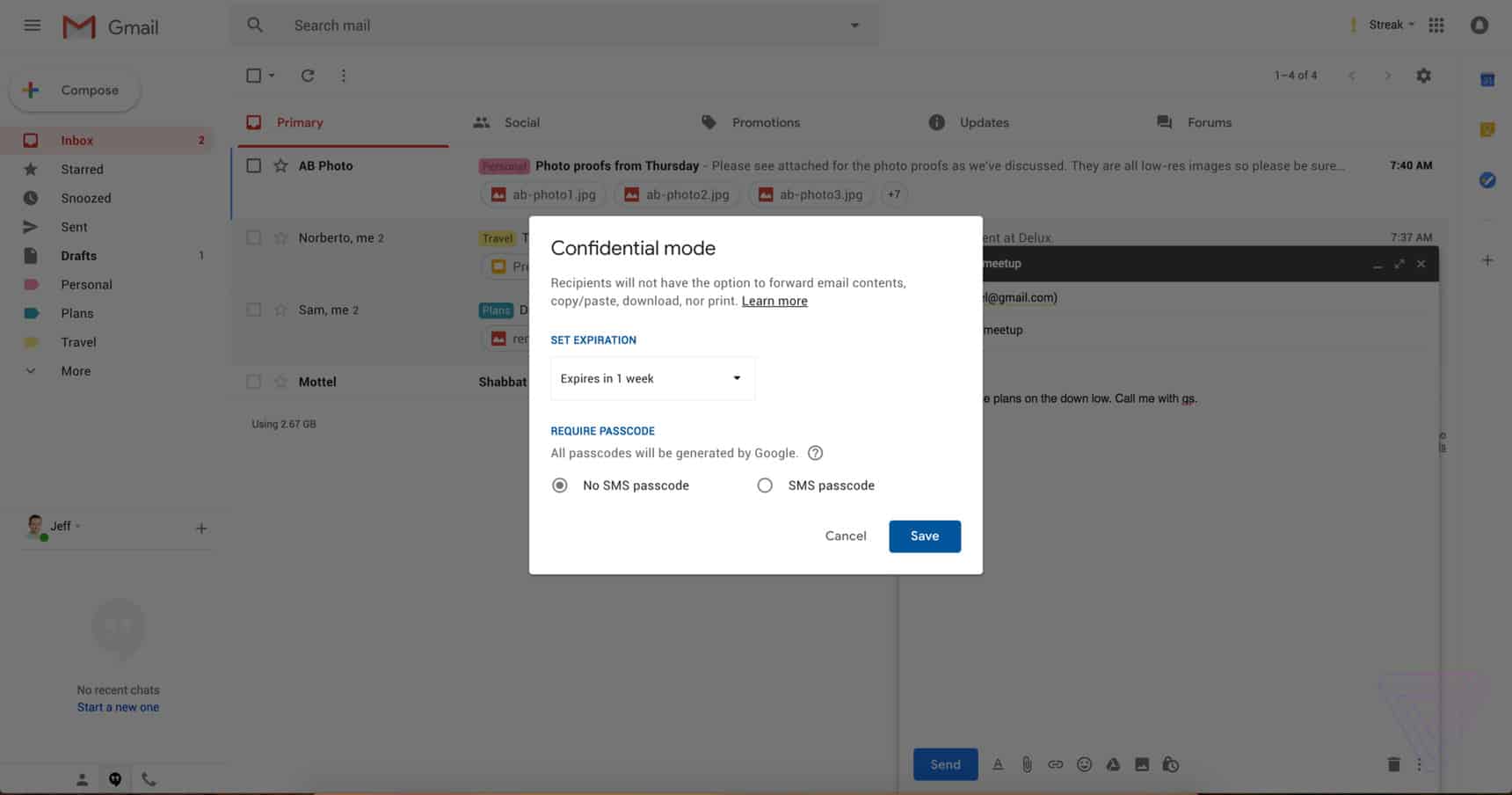
Gmail’s new Confidential Mode in action. Photo: The Verge
Gmail is getting a gorgeous redesign on the web, which will include a bunch of awesome new features. One of those is a “Confidential Mode” for sensitive messages, which prevents them from being forwarded, downloaded, printed, and more.
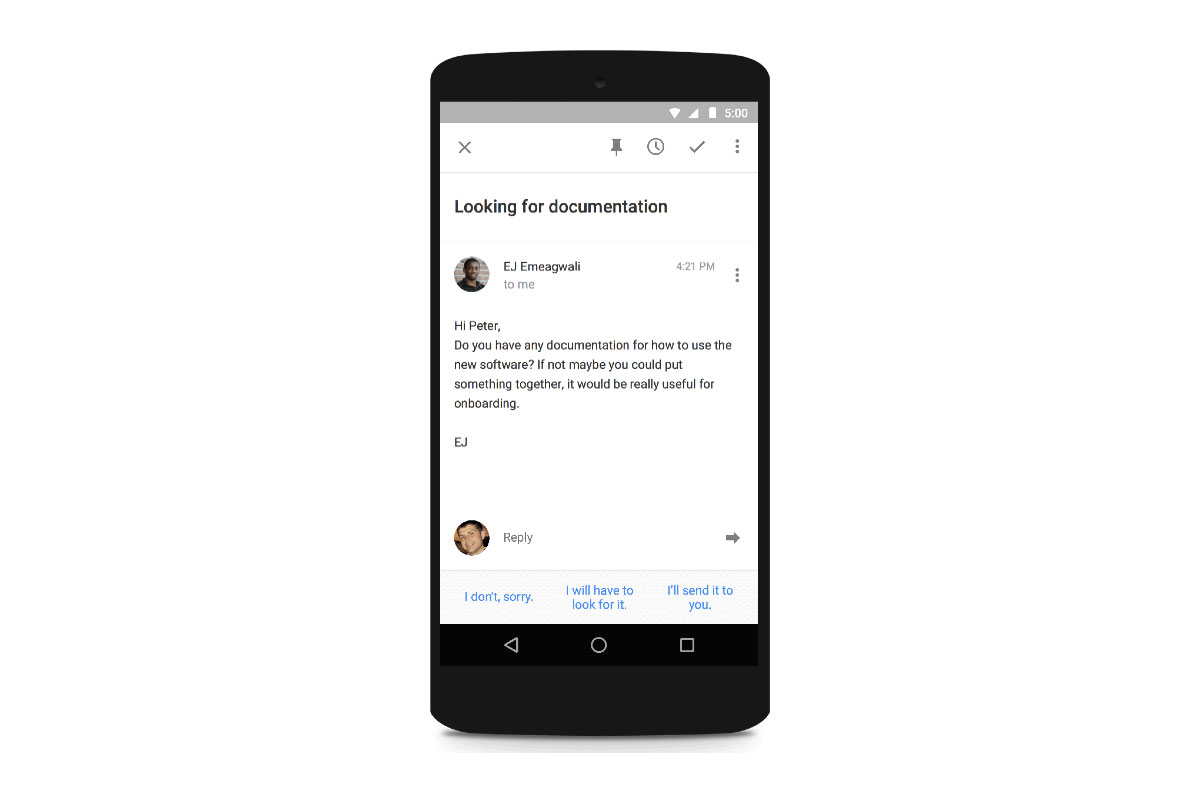
The official Gmail app for Android and iOS is getting Google’s impressive Smart Reply feature.
By taking advantage of machine learning, Smart Reply can help you power through outstanding emails in your inbox by suggesting suitable replies that are friendly and conversational.
Get a grip on your inbox, hard drive, and more with this week's best deals. Photo: Cult of Mac Deals
As the weather warms up, we’re still rounding up the hottest new deals at the Cult of Mac Store. This go-round, we’ve got a set of future-ready wireless earbuds, a swiss army knife for iOS data, a full terabyte of super secure cloud storage, and a tool that’ll help you finally reach the bottom of your inbox. Best of all, everything is discounted by more than 60 percent. Read on for more details:
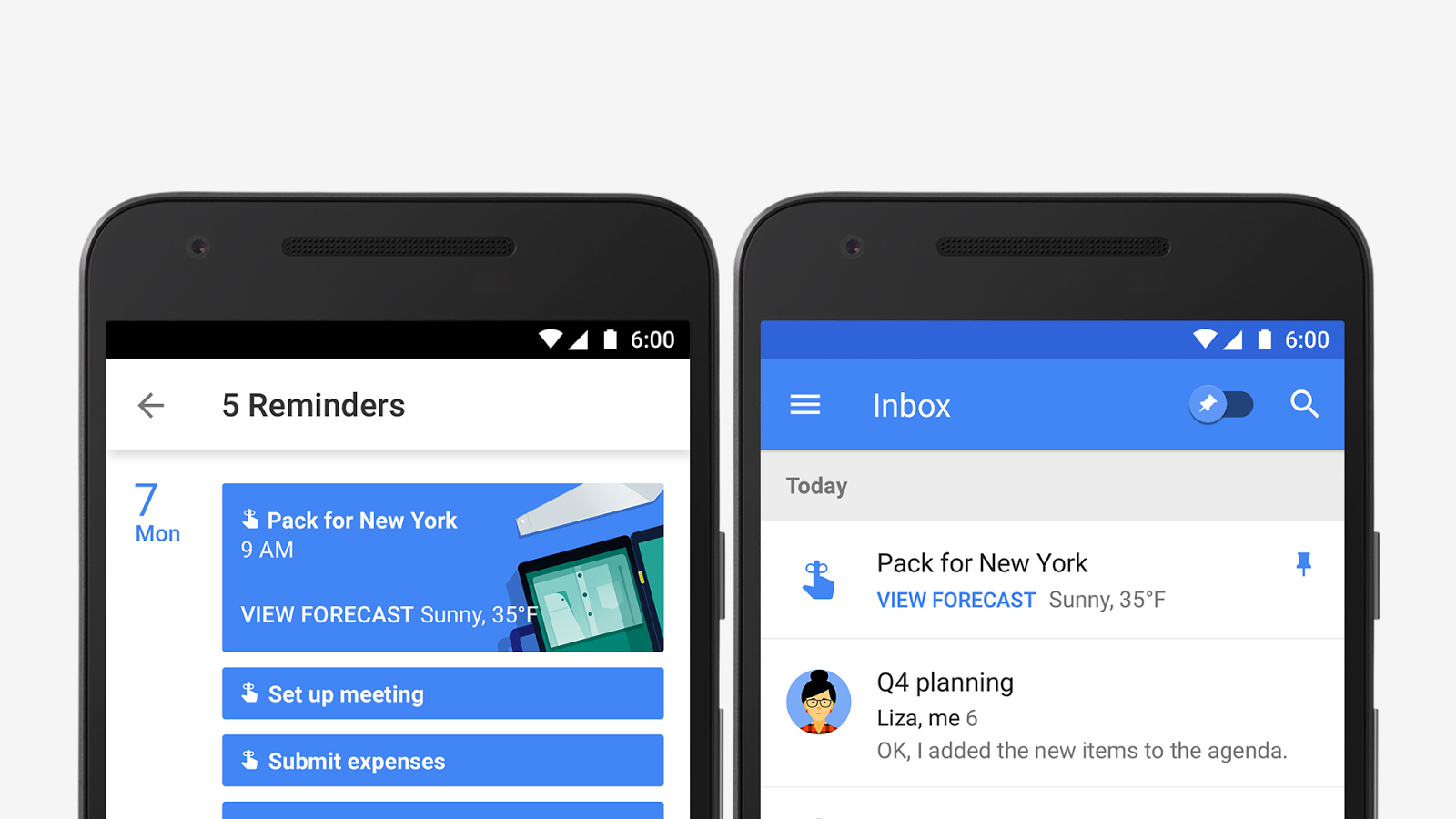
Google Calendar is bringing your appointments and to-do list together with a new update that adds support for reminders. Calendar will display your tasks and to-dos alongside meetings and events so they’re harder to forget, and sync them across Inbox, Gmail, Google Keep, and Google Now.
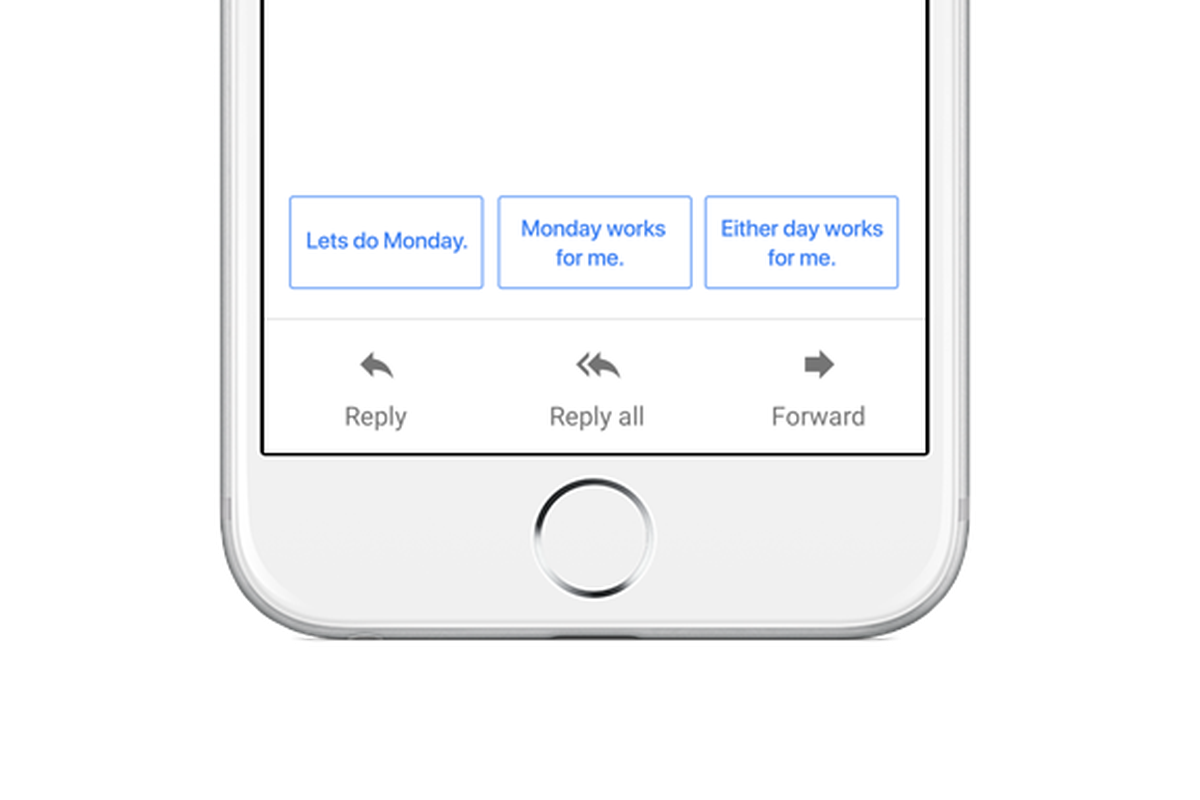
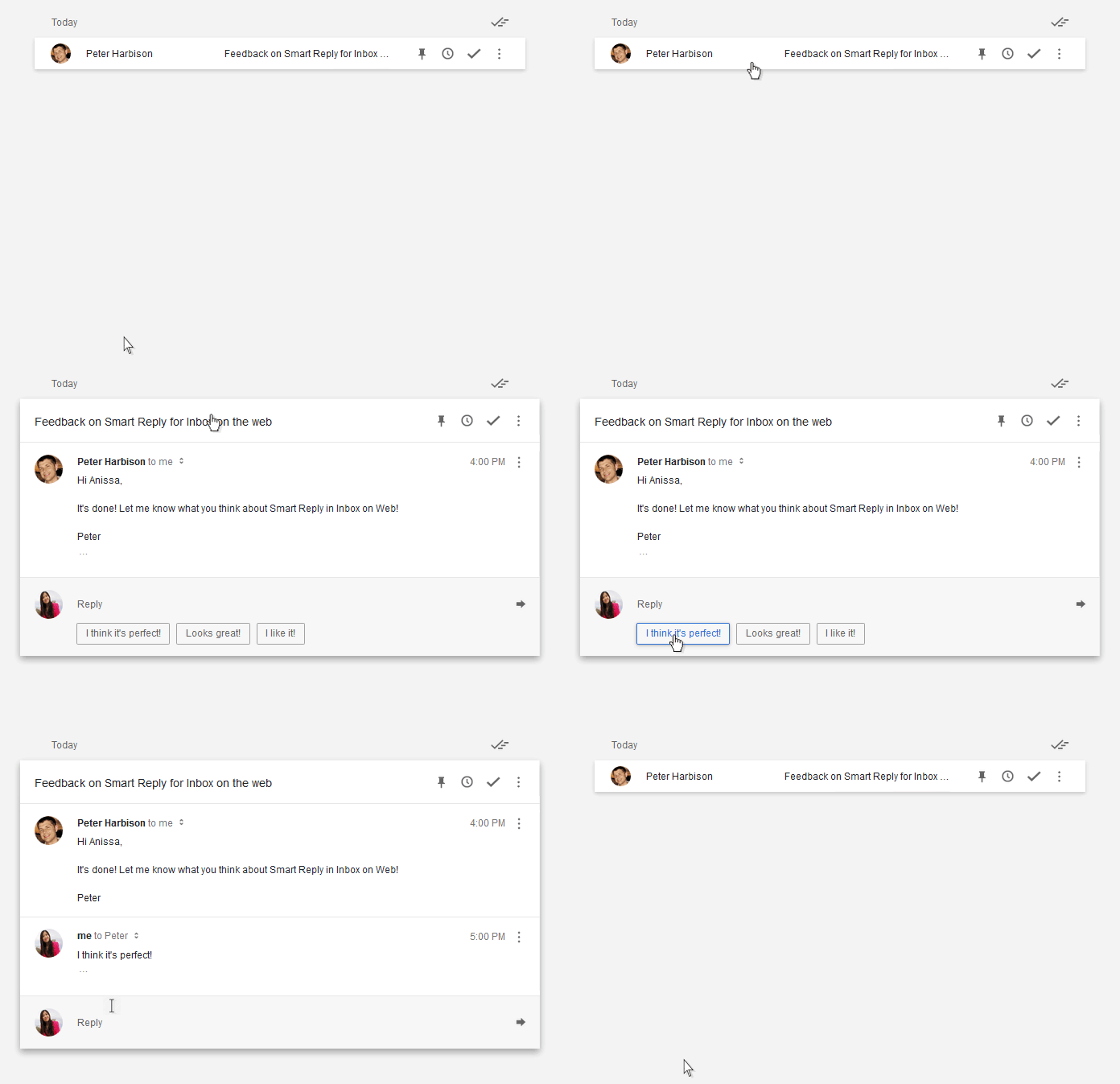
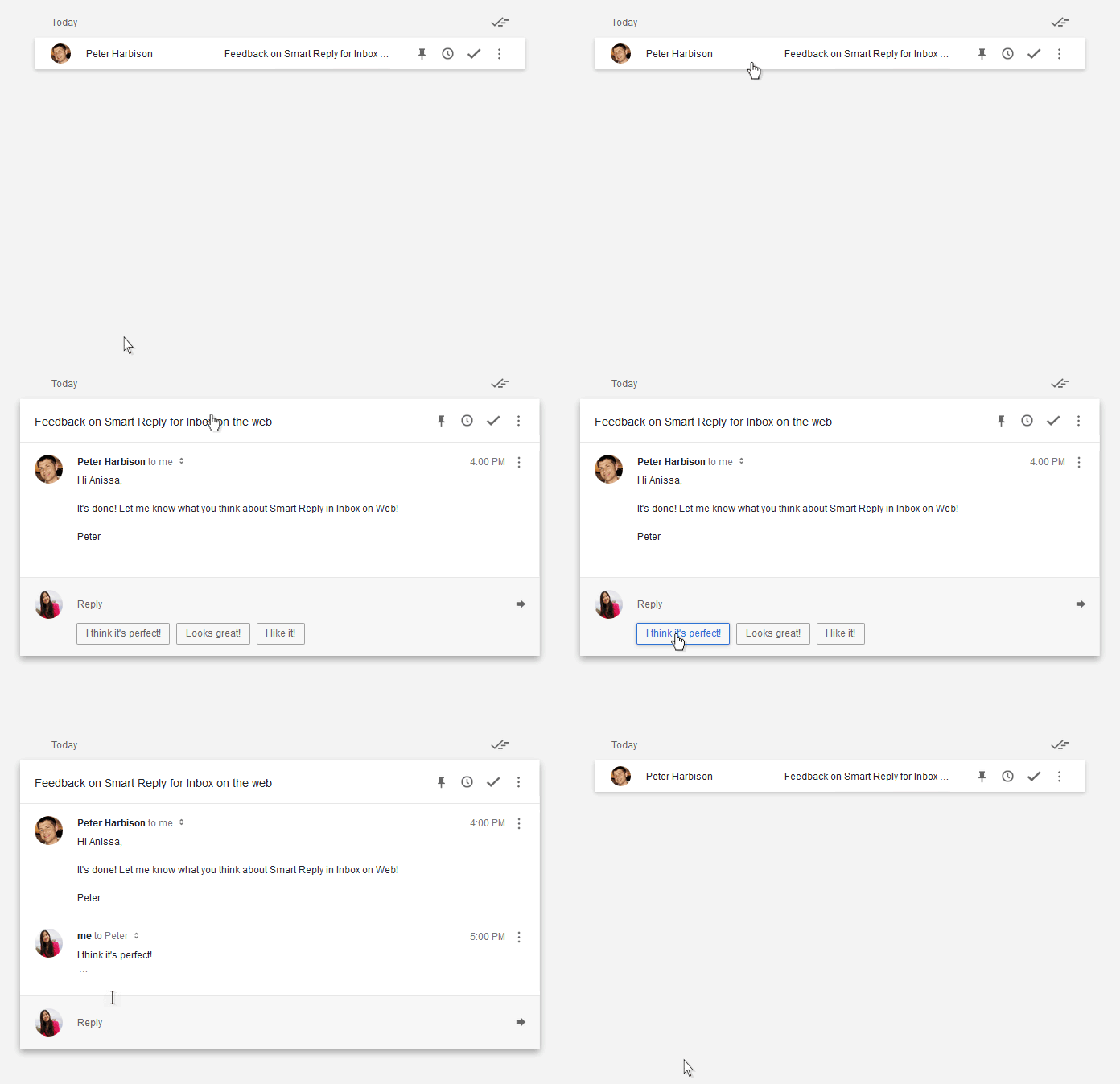
Google’s Inbox app is getting a handy “Smart Reply” tool that’ll suggests short, simple responses to your emails when a quickly reply is all that’s required. The tool hopes to help you wade through your busy inbox a whole lot faster.
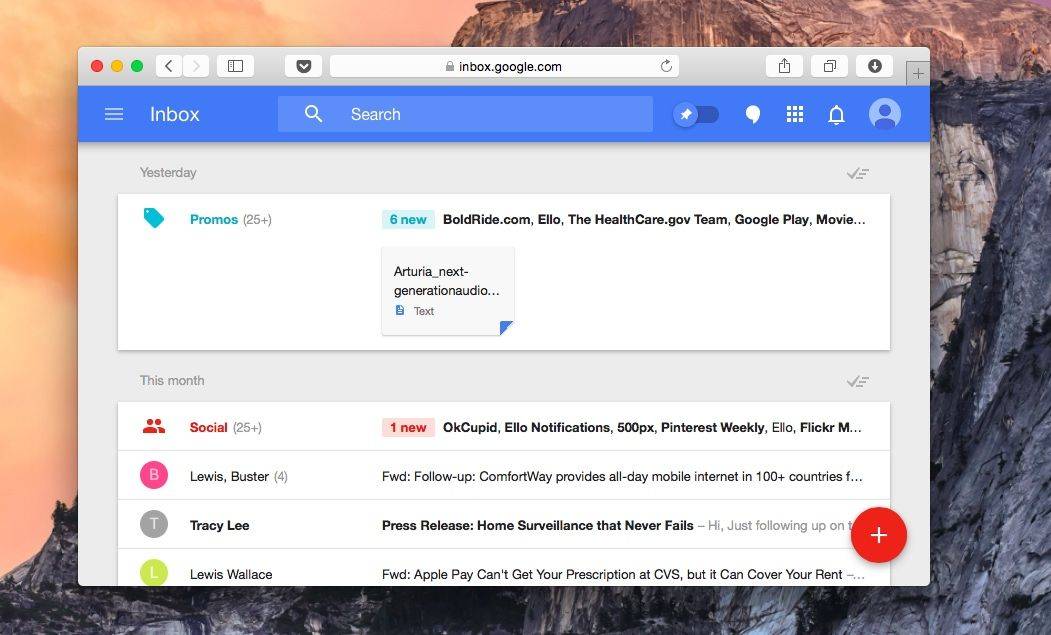
Google Inbox is now works in Safari. Photo: Buster Hein/Cult of Mac
Google’s new Inbox app is a godsend for people like me who seem to teeter on the brink of inbox bankruptcy weekly, but there’s one problem with the killer Gmail manager: it’s not only available on iOS, Chrome, and Android.
The Inbox team might not be in a hurry to bring its service to Safari, but if you want don’t want to defect to Chrome just manage play with Inbox, our friend Rishi at Zinx has discovered how to access Inbox from Safari.
Good news: as long as you have a real-world friend who is already part of Inbox’s invite-only beta, you can easily get in, no invite required. Here’s how.
An iOS version has been available since last year, but today sees the official launch of popular email client (and former Kickstarter project) Mail Pilot for Mac.
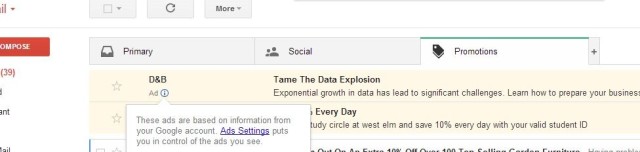
I don’t know about you, but I spend a lot of time deleting spam messages from my inbox — despite using a junk mail filter. But the issue is about to get a whole lot worse, with Google gearing up to deliver adverts to our Gmail inboxes. The messages will appear under the new Promotions tab that was recently introduced in a Gmail update, and Google is testing them on a small number of users now.
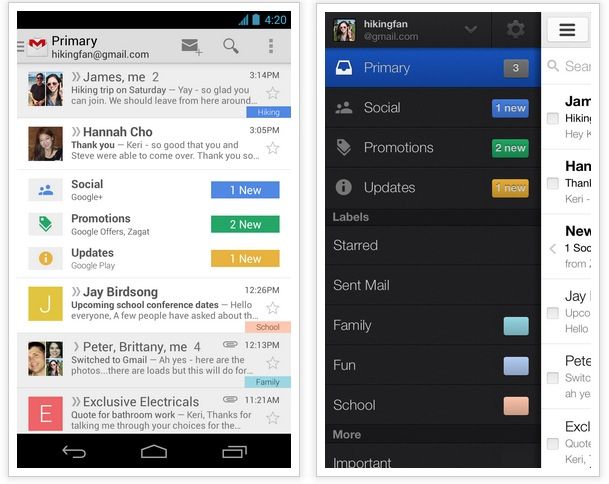
If you use Gmail on the desktop, Android or iOS, Google’s about to rock your inbox with new, customizable tabs that let you easily filter between messages from friends, your social notifications, your deals, your receipts, your tracking numbers, and much, much more.
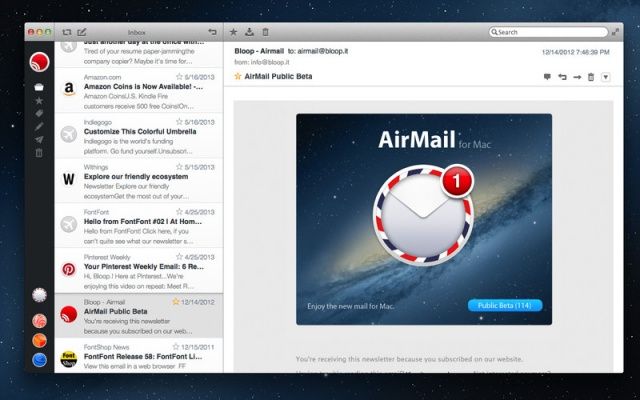
If you’ve been looking for that perfect mail client for Mac since Sparrow sold itself to Google, then now’s the time to stop and check out Airmail, a gorgeous new mail client that just hit the Mac App Store.
It actually looks a lot like Sparrow, and it’s designed to provide you with a “modern and easy-to-use experience.” But it’s packed full of great features to give you everything you’ll ever need for your email. It’s also a bargain at just $1.99.
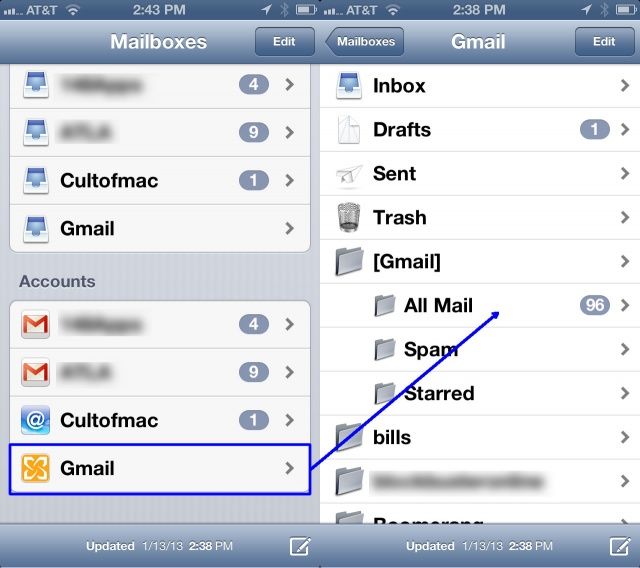
So, it’s Sunday evening, and you realize you have an email from your boss from Friday that you really need to follow up on. You launch your Mail app on your iPhone and go to the Inbox, only to find that the message you saw on Friday afternoon is no longer in the Inbox because you archived it all on your computer before you want home.
Instead of freaking out, you can find that archived email, right there on your iPhone, and move it back to the Inbox where it belongs, so you can follow up on it before your boss comes in on Monday.
Kicking off this week’s must-have apps roundup is a brand new Newsstand publication that’s “loosely about technology,” from Instapaper developer Marco Arment. We also have an awesome new email client that turns items in your inbox into tasks and to-dos, a great little iPhone app for remembering recommendations, the ultimate unarchiver, and more.
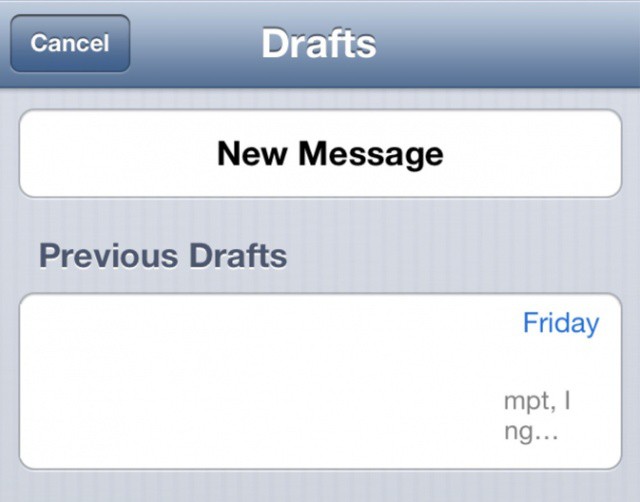
Accessing draft emails couldn't be easier in iOS 6.
If you tend to stick to using the unified inbox in Apple’s built-in Mail app in iOS, then accessing your draft messages is a bit of a pain. First you have to remember which of your accounts you created the email with, then you have to hunt down the drafts folder for that account.
In iOS 6 beta 3, however, accessing all your drafts is as simple as holding down the new mail button, which takes you to the new page you see above. Isn’t that handy?
Sparrow for Mac finally supports POP email accounts.
Just a day after releasing Sparrow 1.2 for iPhone, the Sparrow team has issued an update to Sparrow for Mac. This release brings a number of new features, improves Sparrow startup times, and quashes bugs.
Have you checked your email today? How many times? I bet you’re itching to check it right now, aren’t you?
We spend a lot of time in email when we should probably be doing something more productive. Yet we still check it…all the time. It’s kind of insane, isn’t it?
This is where the latest Cult of Mac Deals offer comes to the rescue…with SaneBox. But this deal ends at the end of the day, so you’d better hurry and git it while you can.
As we kick off another weekend, I’m sure you’re not thinking about all of the email you have to deal with when you return to work. I’m not just talking about the email that you left behind for follow-up; I’m also talking about all of the email you’ll receive over the weekend. After all, the Internet never sleeps.
Knowing all of this, can your mind truly be on the weekend at hand? Furthermore, can you keep your mind on the important stuff that goes on outside of your email inbox knowing that you’re going to have to deal with both the important and unimportant messages that will arrive in your inbox on a non-stop basis?