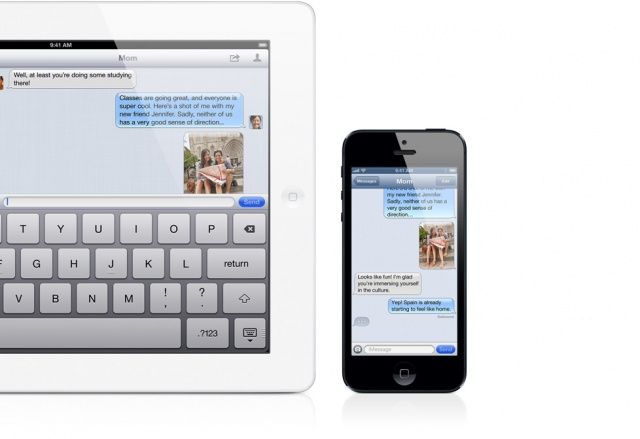
iMessages have taken the iOS world by storm, offering multi-device messaging services that go across the internet, rather than the SMS systems of your cell phone provider. For those who pay per SMS message, this is great news, and for the rest of us it’s still, well, great news.
Here are five ways to get the most out of Messages and iMessage on your iPhone, as well as other iOS and Mac devices.
Here’s another one of those tips that should be blindingly obvious, but isn’t. At least, it wasn’t to me, at first.
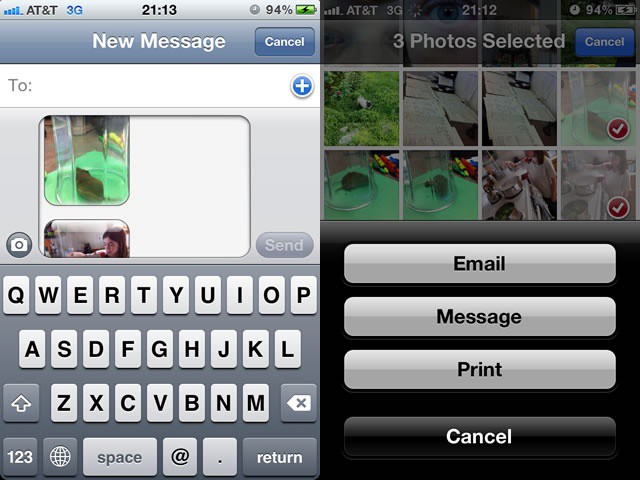
If you try to send a photo via iMessage (or text message), you’re limited to one photo at a time. Go ahead and give it a shot. I’ll wait. No, really–give it a shot.
See? From the Messages app on your iPhone, you only have the option to take a photo or choose an existing one. What if you want to send more than one photo at a time, though?
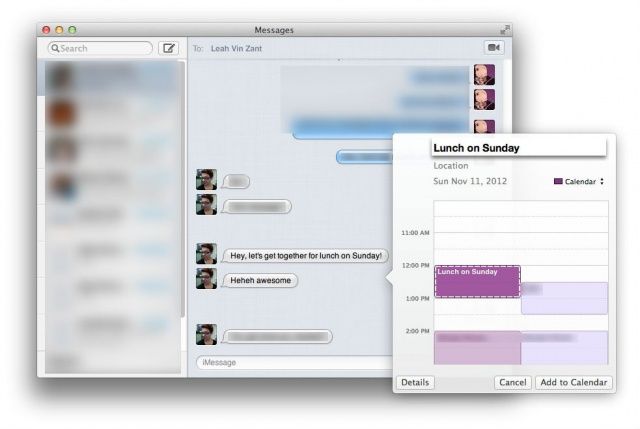
Mac OS X has had the ability to recognize data like dates, times, and phone numbers for a while now. If you’re using the Mail app, you can right click on a recognized date and add it to the Calendar app. If you right click on a phone number, you can add it to the Contacts app. Pretty neat, right?
But what you may not have known, however, is that the app you can see iMessages in from anyone on an iOS or OS X device, Messages, is also able to recognize this data, making adding Calendar events from within Messages super easy. Here’s how to do it.
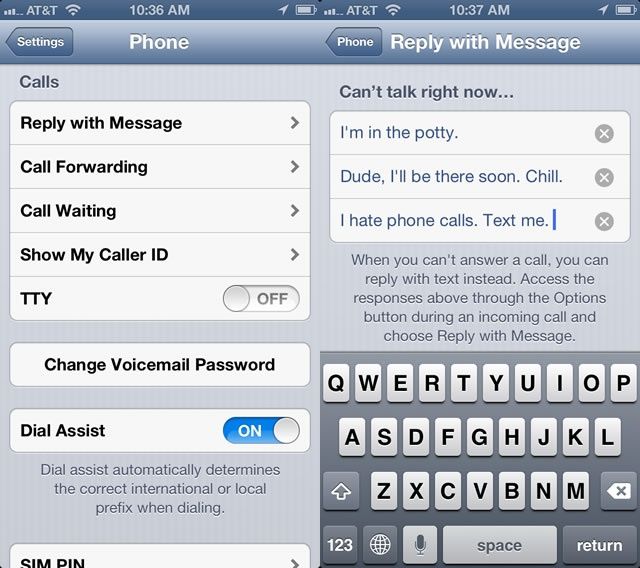
In our Ten Killer Tips for iOS 6 feature, we showed you how easy it is to reply to a phone caller with a text message in iOS 6. When the call comes in, tap on the little phone icon in the lower right and slide up. You’ll get the option to either reply with a message or have your iPhone remind you to call the person back later.
If you choose to reply with a text message, you get a couple of built in replies–Call you later, I’m on my way, What’s up–or you can type a custom message. Ever wanted to change those pre-written messages? I know I have. Here’s how.
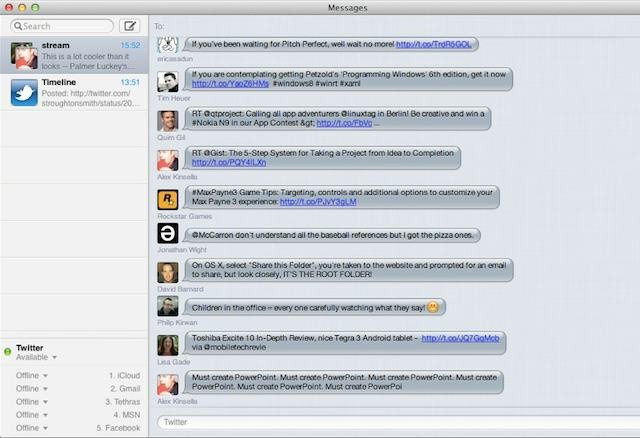
The problem with using OS X Messages, Twitter, Facebook, and other communication clients is that they operate in separate locations. I got like five different ones open on my desktop right now and it’s a confusing mess of switching windows and tabs and errant messages.
To make life easier one clever hacker figured out how to add a Twitter Timeline to OS X’s Messages app so that you can read your entire Twitter stream, in realtime, from the Messages app. It’s awesome, and I want it now!
RIM's former boss was planning to bring BlackBerry Messenger to low-cost non-RIM smartphones
According to a new report RIM’s former co-CEO Jim Balsillie was attempting to reinvent the company as a network services provider before he and RIM’s other former co-CEO Mike Lazaridis were forced to step down earlier this year. Balsillie envisioned RIM partnering with mobile carriers to offer basic smartphone messaging and social network service plans at a fraction of the cost of traditional data plans. The most surprising part of this revelation is that Balsillie planned to offer these services on devices made by other manufacturers.
As with many of RIM’s moves over the past couple of years, this highlights the identity crisis that developed within the company as its market share dwindled after the release of the iPhone and Android.
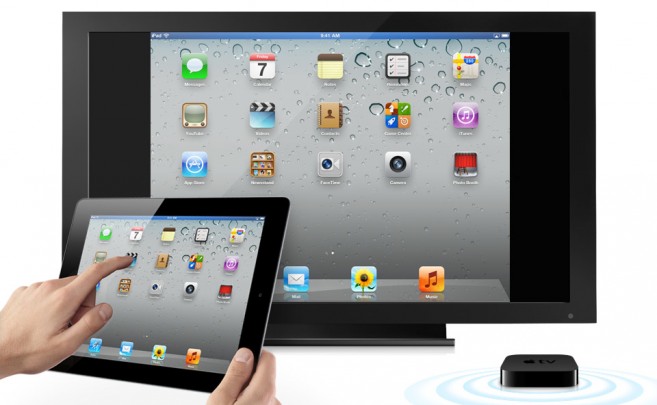
This weekend broke news that Apple was already hard at work on OS X 10.8, so it would be natural to assume that in the next version of OS X, Cupertino will bring even more iOS functionality to their desktop operating system: stuff like Airplay and iMessages.
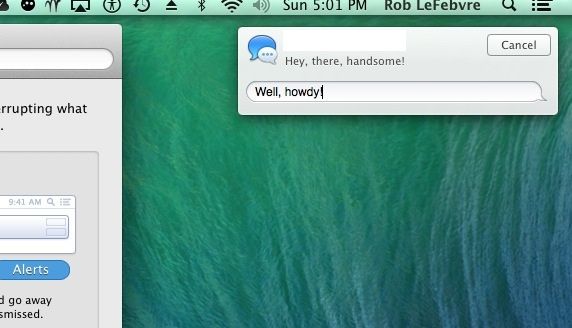
Nope. But don’t be too disappointed. AirPlay and iMessages are reportedly coming to OS X 10.7 Lion, instead.