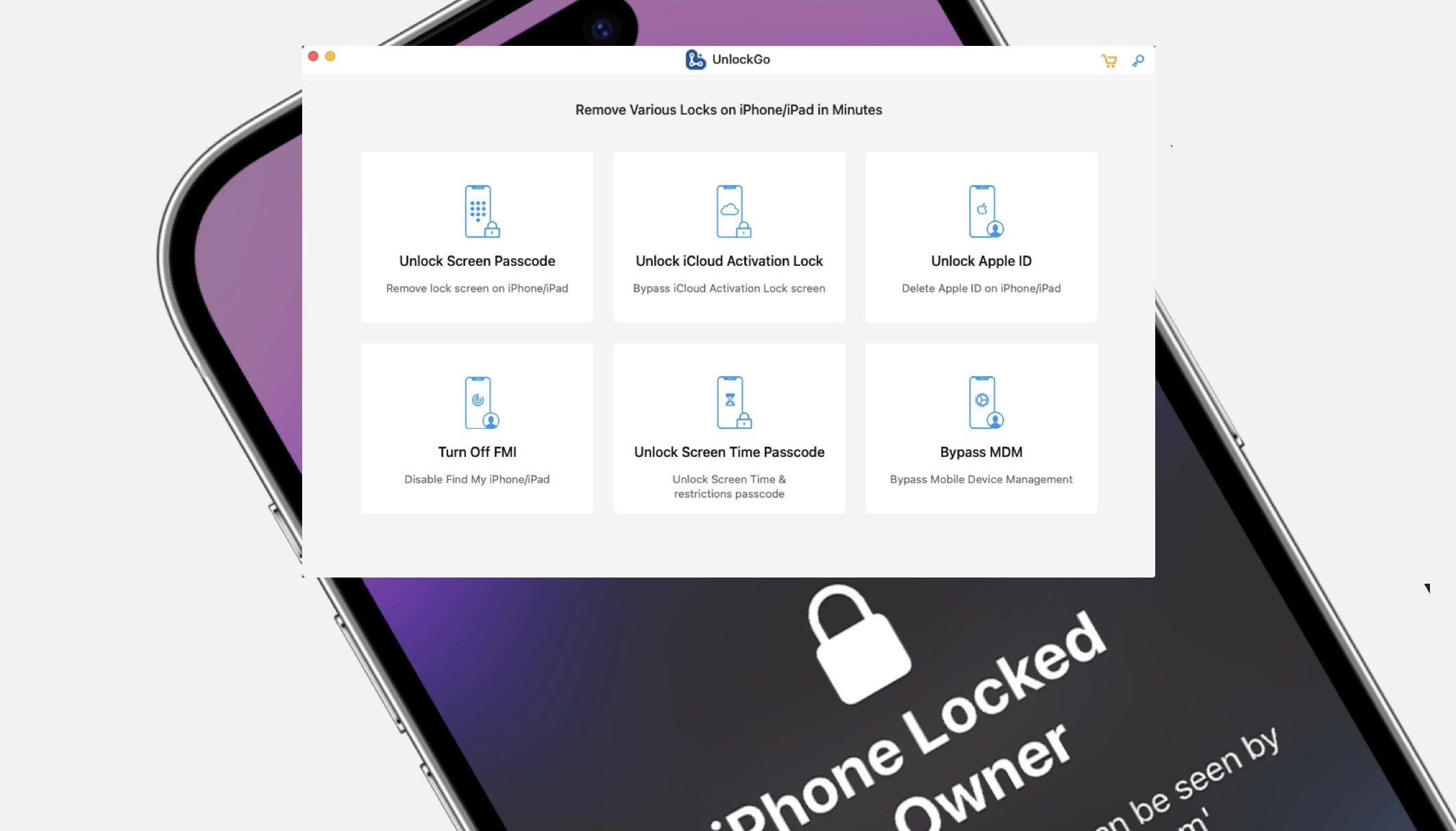
Remove your Apple ID without a password from your iPhone. Image: D. Griffin Jones/Cult of Mac
It’s possible to remove an Apple ID from your iPhone without a password using UnlockGo.
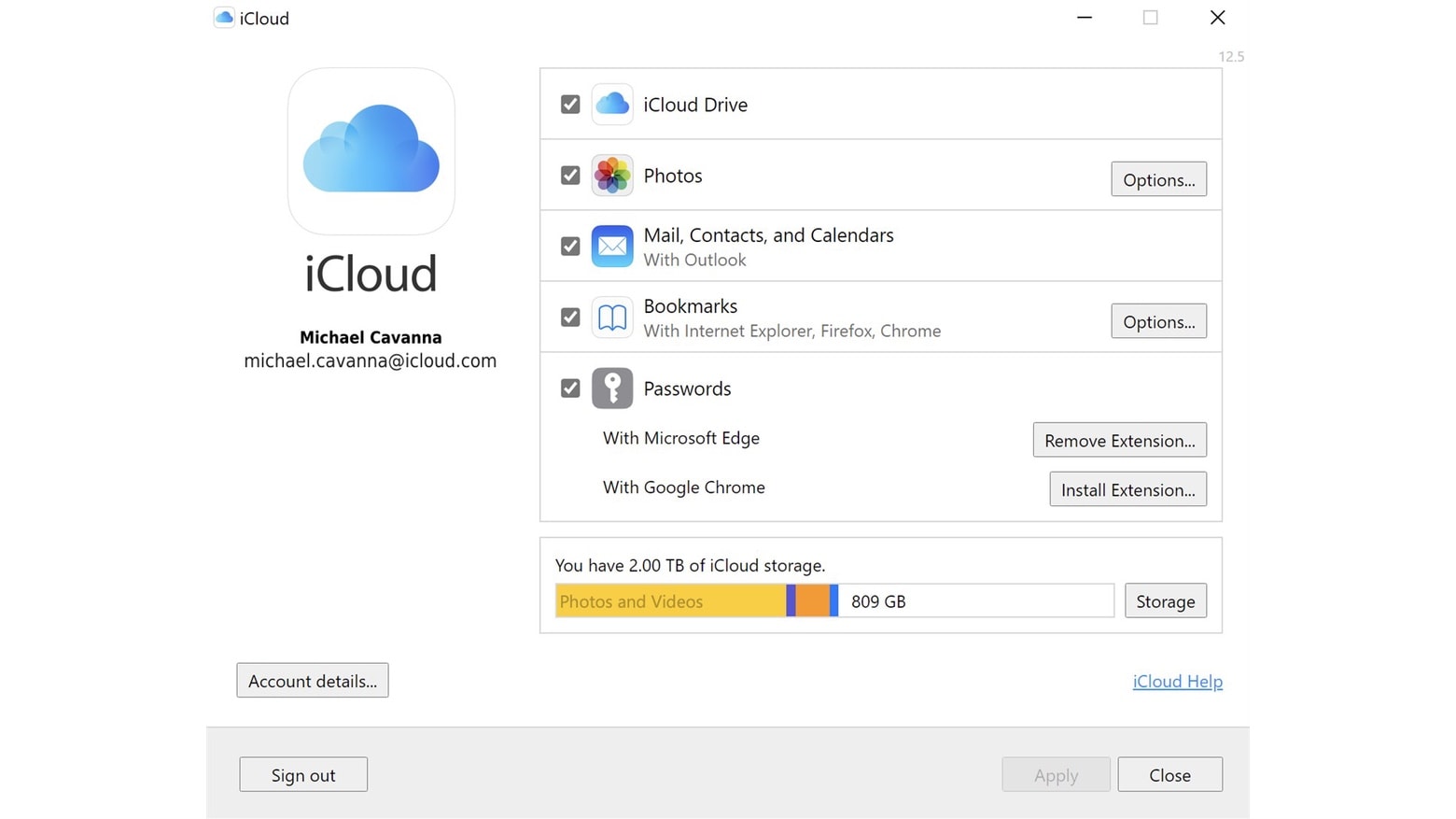
You can unlock iCloud Activation Lock without a password or the previous owner, remove a forgotten Screen Time passcode without data loss, bypass MDM locks and more. It’s a really powerful app and it’s available for both Mac and PC.
SPONSORED
This post is brought to you by UnlockGo.
If you get a second-hand iPhone but find out the seller didn’t fully reset it beforehand, UnlockGo will fix it. Here’s how it works.
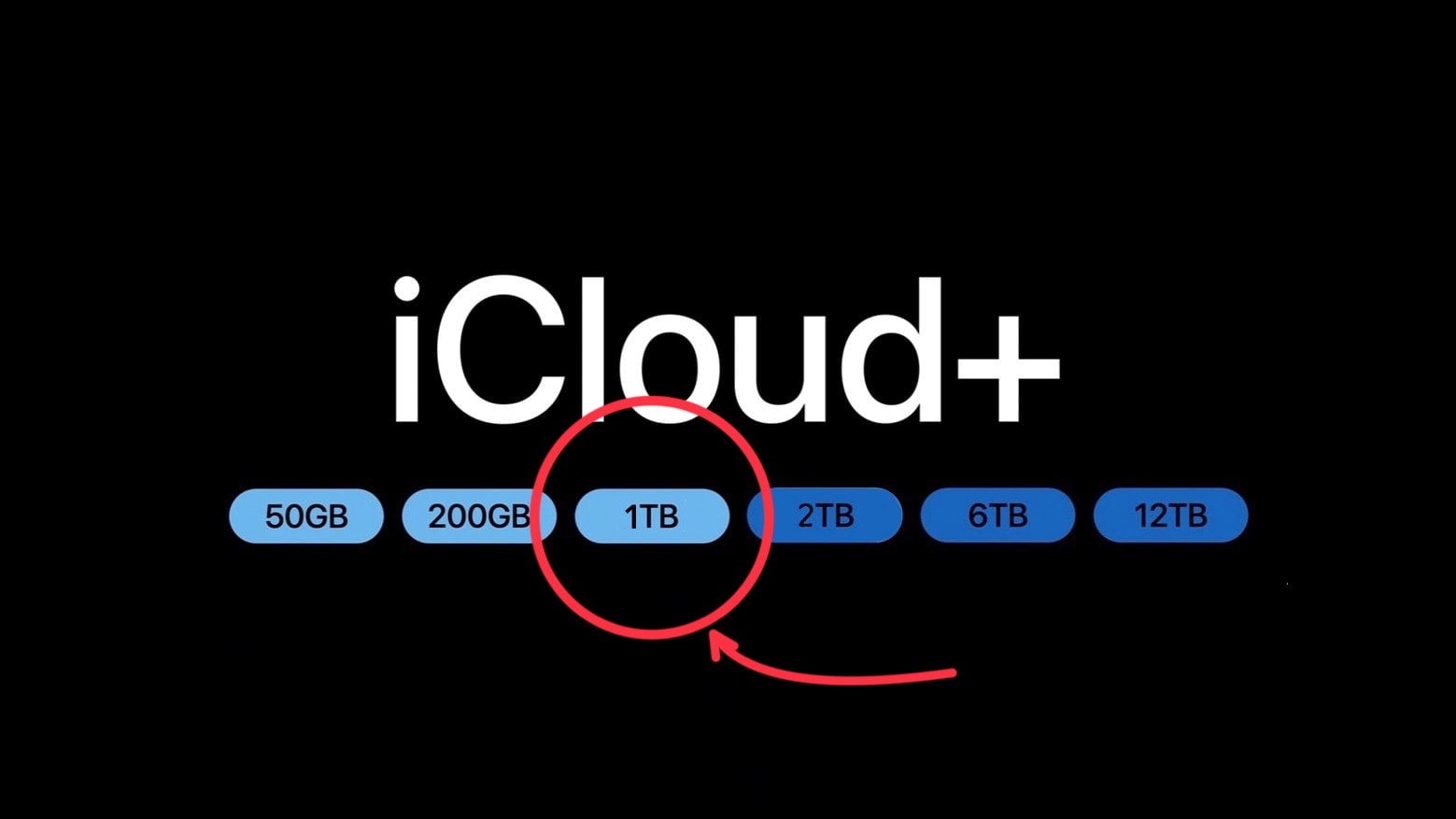
Adding a 1TB iCloud storage plan makes so much sense. Photo: Apple/Cult of Mac
Apple offers iCloud plans for iPhone and Mac users who need a bit of extra storage capacity, and other plans for those who want a huge amount. But there’s a noticeable gap in the middle the company should really fill.
The lack of a 1TB iCloud+ storage plan is painfully evident. Adding it would be a boon to many users, and to Apple, too.
Today is World Backup Day — a fine opportunity to lobby for the additional tier.
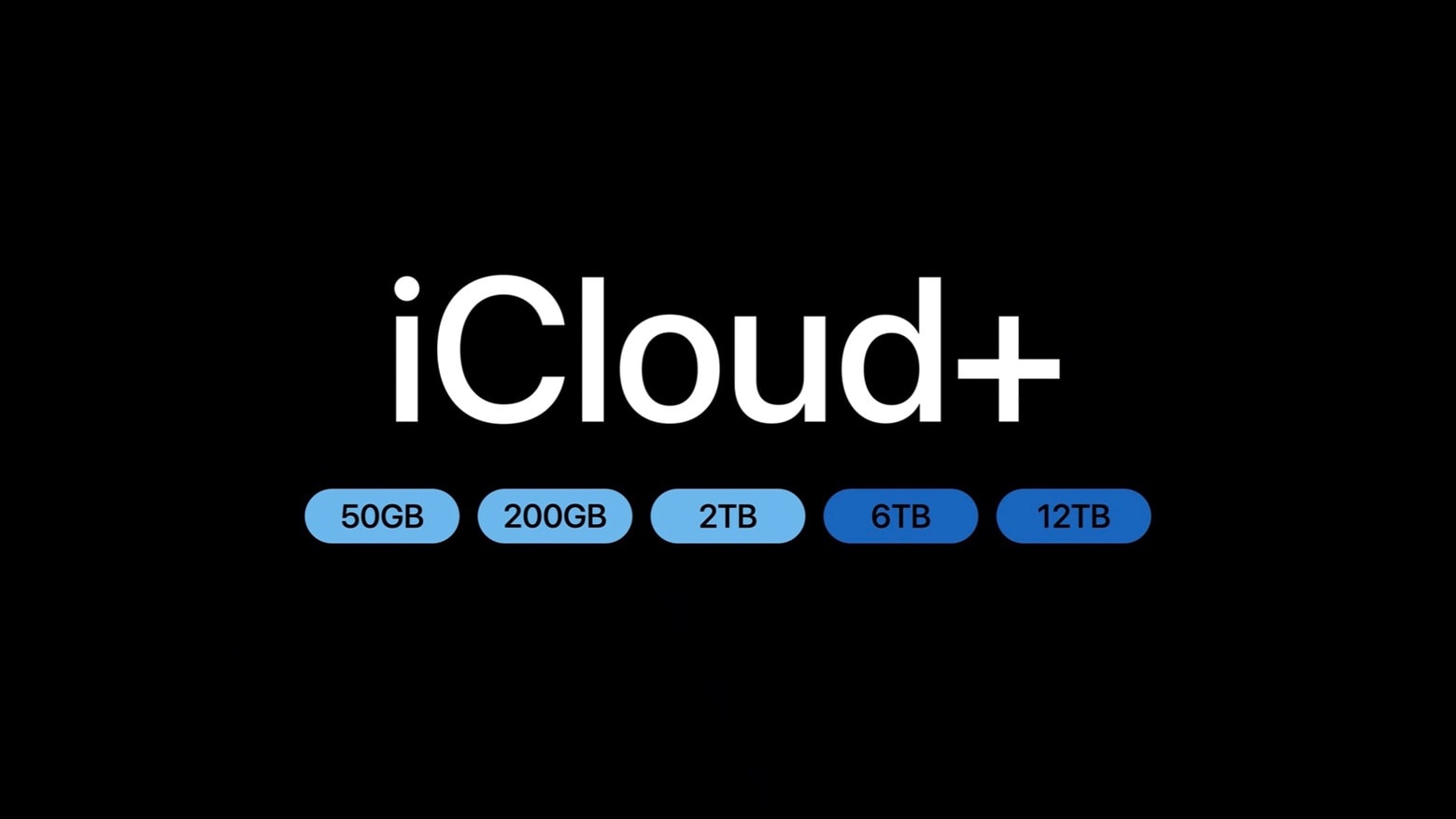
You can store 6X as much with an iCloud+ subscription than was possible before. Image: Apple
The maximum capacity of an Apple iCloud+ account just expanded from 2 terabytes to 12 terabytes. There’s also a new 6TB option. Either one is a heap of storage for Mac, iPad and iPhone user to hold images, videos and other files.
The storage plans also come with useful bonus features, many of which are focused on privacy.
What we got right -- and wrong -- about Apple's big "Wonderlust" event. Image: Cult of Mac
This week on Cult of Mac’s podcast: We dissect all the biggest reveals from Apple’s “Wonderlust” event, which brought us new iPhones, Apple Watches and more. And we stare unafraid at the results of our Wonderlust predictions. We have a winner!
Also on The CultCast:
Yes, we got new iCloud+ storage plans. And Erfon’s still complaining?!?
The new iPhone colors are … 🤷
The iPhone’s USB-C enables some cool new stuff.
Listen to this week’s episode of The CultCast in the Podcasts app or your favorite podcast app. (Be sure to subscribe and leave us a review if you like it!) Or watch the video live stream, embedded below.
You can store 6X as much with an iCloud+ subscription than was possible before. Image: Apple
Apple added two tiers to iCloud+ online storage, allowing Mac and iPhone users to keep as much as 12 terabytes of data on the service. That’s six times as much as before.
The storage plans also come with additional features, many of which are focused on privacy.
An Apple executive went in depth on why images in iCloud Photos are not scanned for child sexual abuse material. Image: Apple
Apple gave a more complete explanation of why it cancelled a plan to scan iCloud Photos libraries for child sexual abuse material. It’s the same reason it gave back in 2022, but with more detail.
It all comes down to user privacy, and the potential for the system to be abused by hackers and repressive governments.
Rumors about a new Apple Watch Ultra leave us pleasantly surprised. And a 30-inch (minimum!) iMac sounds pretty sweet, too. Image: Cult of Mac
This week on Cult of Mac’s podcast: While it’s no big shock that Apple continues to work on new Macs and iPads, two new products reportedly in the pipeline actually do sound surprising — and surprisingly tempting. What are they? An iMac with a big, beautiful 30-inch-plus screen, and a next-gen Apple Watch Ultra.
Where do we place our preorders?
Also on The CultCast:
A purported iPhone 15 Pro Max case leak makes us extra worried about that huger-than-huge camera bump. How much is too much?
Apple bumps up iCloud+ pricing in some places, but refuses to offer bigger storage options. Erfon is not amused.
The EU keeps writing new regulations designed to rein in tech companies. Ill-advised or efficacious?
Our giveaway this week is for anyone who craves a clutter-free desk.
And finally … a new edition of “What We’re Into.” Griffin talks up an impressive new car, while Erfon and I fixate on the same Apple TV+ sci-fi show.
Listen to this week’s episode of The CultCast in the Podcasts app or your favorite podcast app. (Be sure to subscribe and leave us a review if you like it!) Or watch the video live stream, embedded below.
That’s open less password you’ll have to remember. Photo: Ed Hardy/Cult of Mac
Our password-free future just took a step closer. Apple has begin rolling out signing onto its online store can with a passkey instead of a password. The change allows shoppers to access the site with Face ID or Touch ID. The same is true for iCloud.com and Apple’s dev site.
However, the feature is still in testing so it’s not available for everyone. It requires a beta of iOS 17, iPadOS 17 or macOS Sonoma.
WhatsApp's 'Transfer Chats to iPhone' tool will bypass iCloud for chat migration. Image: WhatsApp
WhatsApp is working on allowing you to transfer your chat history from one iPhone to another without iCloud. A local transfer tool will make WhatsApp chat migration faster and easier.
Currently, your WhatsApp history must be backed up to iCloud before it is transferrable to another device. This is a time-consuming process and also requires you to have enough free space in your iCloud account.
Is this what the prolific Mr. Hammer was singing about? No. Image: Jonathan Cutrer/Flickr/D. Griffin Jones/Cult of Mac
Taking a moment to add an extra passcode to your iCloud account might save your skin if your iPhone is ever stolen by a shady character who’s eyeing you like a hawk. By default, your iPhone passcode is all someone needs to lock you out of your devices and wreak financial havoc on your life. And it’s not that difficult to capture your passcode if you tap into your phone in a public place.
In fact, a recent spate of coordinated scams have played out like this: A spy watches for anyone entering their iPhone passcode in a bar or other public place. Then, the device is yoinked out of the victim’s hands. And before they can do anything, they find themselves locked out of their own iCloud account. Soon, the criminals who stole the iPhone proceed to make unauthorized purchases, empty bank accounts and generally wreak havoc on the victim’s finances and personal life.
Luckily, setting up a second passcode just for iCloud can protect you from this type of criminal operation. I’ll show you how to keep these thieves at bay — and offer some additional advice for keeping your account secure.
Backing up your iPhone to iCloud is the best way to keep its data safe and secure. You can always be at peace knowing your data is always recoverable, even if something happens to your phone.
What better day than World Backup Day to set up and enable iCloud backups for your iPhone then? Read our guide to see what iCloud backups entail and how to get started.
Apple reports that over two dozen Apple services are having an "outage." That includes many of the most-used ones. Photo: Cult of Mac/Linnaea Mallette/PublicDomainPictures.net
Apple is having a major outage of its online services. No less than 29 of them are reporting major problems, including the App Store, Apple TV+, Apple Music, Podcasts, and some iCloud services.
So it’s not just you. Stop rebooting your computer trying to fix it.
Update:Apple was able to quickly fix some of these, so the current total is eight services still having problems.
Update 2:All problems with Apple online services have now been resolved.
Images in iCloud Photos will not be scanned for child sexual abuse material. Image: Apple
Apple completely abandoned its previously announced plan to scan iCloud Photos libraries for child sexual abuse material. The company will not go through users’ pictures on its cloud-storage servers looking for CSAM images.
Instead, Apple is going the opposite direction by enabling users to encrypt pictures stored in iCloud Photos.
Well, that escalated quickly! Image: Steve Jurvetson/Flickr CC/Modified by Cult of Mac
This week on Cult of Mac’s podcast: After new Twitter CEO Elon Musk began publicly questioning some of Apple’s policies, he went mano-a-mano with Tim Cook. Maybe Musk’s meme-y declaration of war was a bit premature …
Also on The CultCast:
The sad state of iCloud storage.
A Twitter phone? Really?!?
2023 MacBook Pro benchmarks reveal a big fat surprise.
A totally weird tale about the dangers of walking the streets of New York City with hundreds of iPhones.
Listen to this week’s episode of The CultCast in the Podcasts app or your favorite podcast app. (Be sure to subscribe and leave us a review if you like it!) Or watch the video live stream, embedded below.
Windows users get get a touch of sweet iCloud Photos goodness Screenshot: Microsoft
Microsoft and Apple are cooperating to enable the Windows 11 Photos app to access photos and videos from iCloud. In addition, the Apple Music and the Apple TV applications are also coming to Windows.
The problem first surfaced late last year, soon after iOS 15 made its debut, and sporadically prevented many apps from syncing data through iCloud — much to the frustration of users and developers. But it is said to be eliminated now.
A student showed Apple a Mac webcam security flaw and got paid $100,500. Photo: [email protected]
Apple paid a cybersecurity student what’s thought to be a record-high $105,000 bug bounty. Why? He showed the company how hacking its webcams can render the devices fully vulnerable to further attacks.
A growing number of developers report persistent CloudKit connectivity issues that break iCloud syncing inside their apps.
It seems the problem has been ongoing since at least November. Many developers say they reported the situation to Apple but have yet to see improvements — or even a response in some cases.
The images and files you have on iCloud don’t have to be locked away forever if you pass away. Photo: Cult of Mac
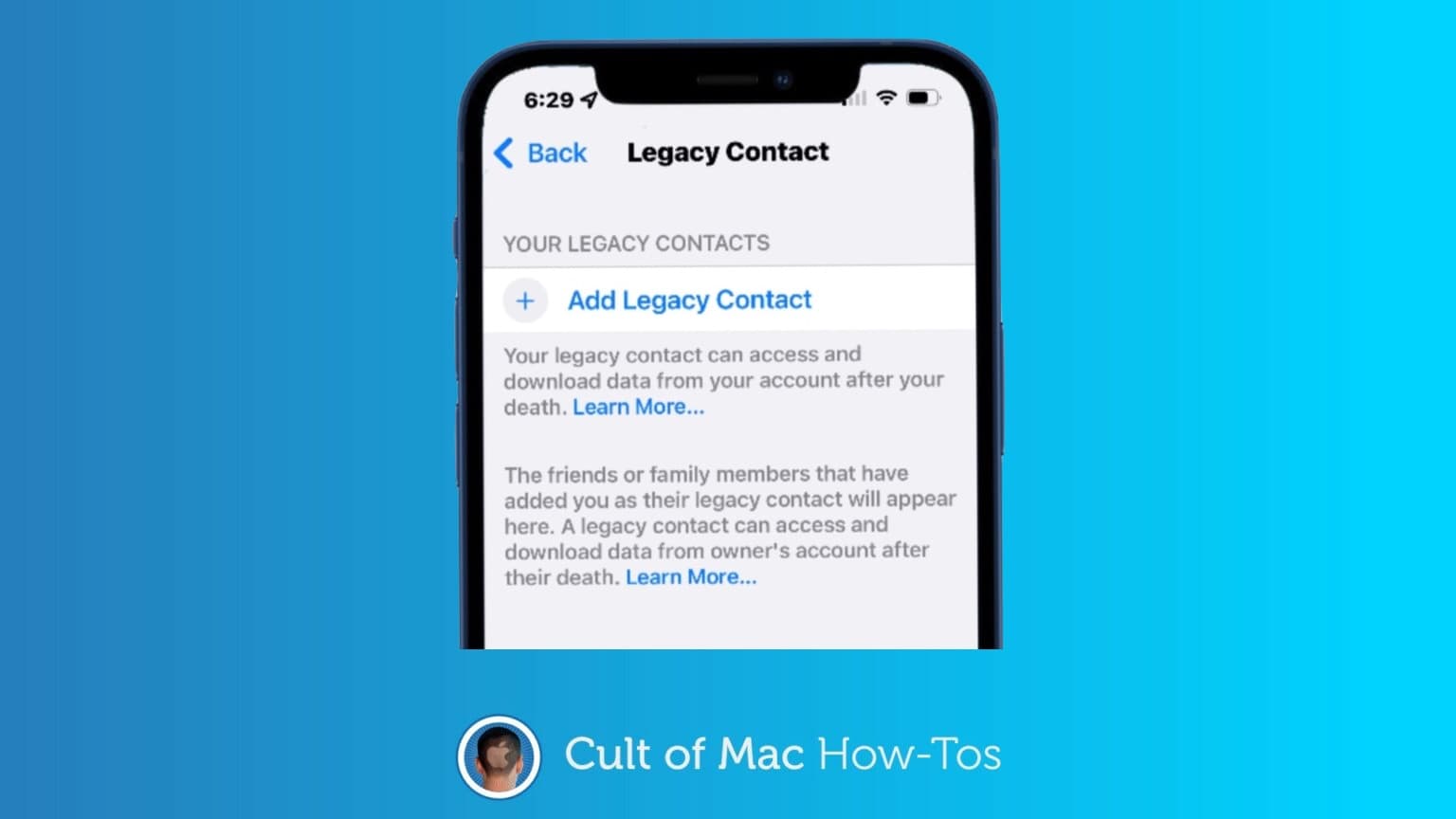
Thanks to a new feature in iOS 15.2, you can designate legacy contacts so your loved ones can gain access to data on your iPhone or iPad after your death without your passcode. The Digital Legacy feature means your personal images, files and other data don’t need to remain locked away after your untimely demise.
It’s easy to specify a Digital Legacy contact. And, like writing a will, it’s a smart move almost everyone should make sooner rather than later. Here’s how.
There are multiple new features in the PC version of the iCloud app. Photo: Apple
Apple threw a bone to iPhone owners who are also PC users on Wednesday. iCloud for Windows version 13 adds support for Apple ProRes videos and Apple ProRaw photos.
And there are other new features in the free app too, like greater control over iCloud Drive and the ability to generate strong passwords.
iCloud Private Relay is really offline. Photo: Cult of Mac/Mabel Amber/Pexels CC
iCloud Private Relay, a privacy feature that recently debuted, is temporarily offline. The service for iPhone, Mac and iPad is a public beta so a few hiccups are to be expected.
Apple promises the optional, for-pay add-on feature will be back online soon.
Update:Private Relay is back after being offline for 7.5 hours on Wednesday.
Improvements are nice, but just not enough. Image: Killian Bell/Cult of Mac
Apple somehow created the world’s greatest and most disappointing tablet operating system. iPadOS is by far the best you’ll find for larger touchscreens, and yet, it leaves us wanting so much more.
This year’s iPadOS 15 release is an incremental upgrade over its predecessor. It improves upon the split-screen multitasking system, adds some new features like Focus mode, and finally allows us to put widgets anywhere.
But it’s still iPadOS as we know it, and it’s still holding back iPad Pro. We could be doing so much more with the hardware, especially now that the newest models pack even-speedier M1 chips. But Apple won’t let us.
Here’s our full iPadOS 15 review. It lays out what’s good about the new operating system — and explains why we think it’s time for a little more ambition.
It's a big improvement over the last design. Screenshot: Killian Bell/Cult of Mac
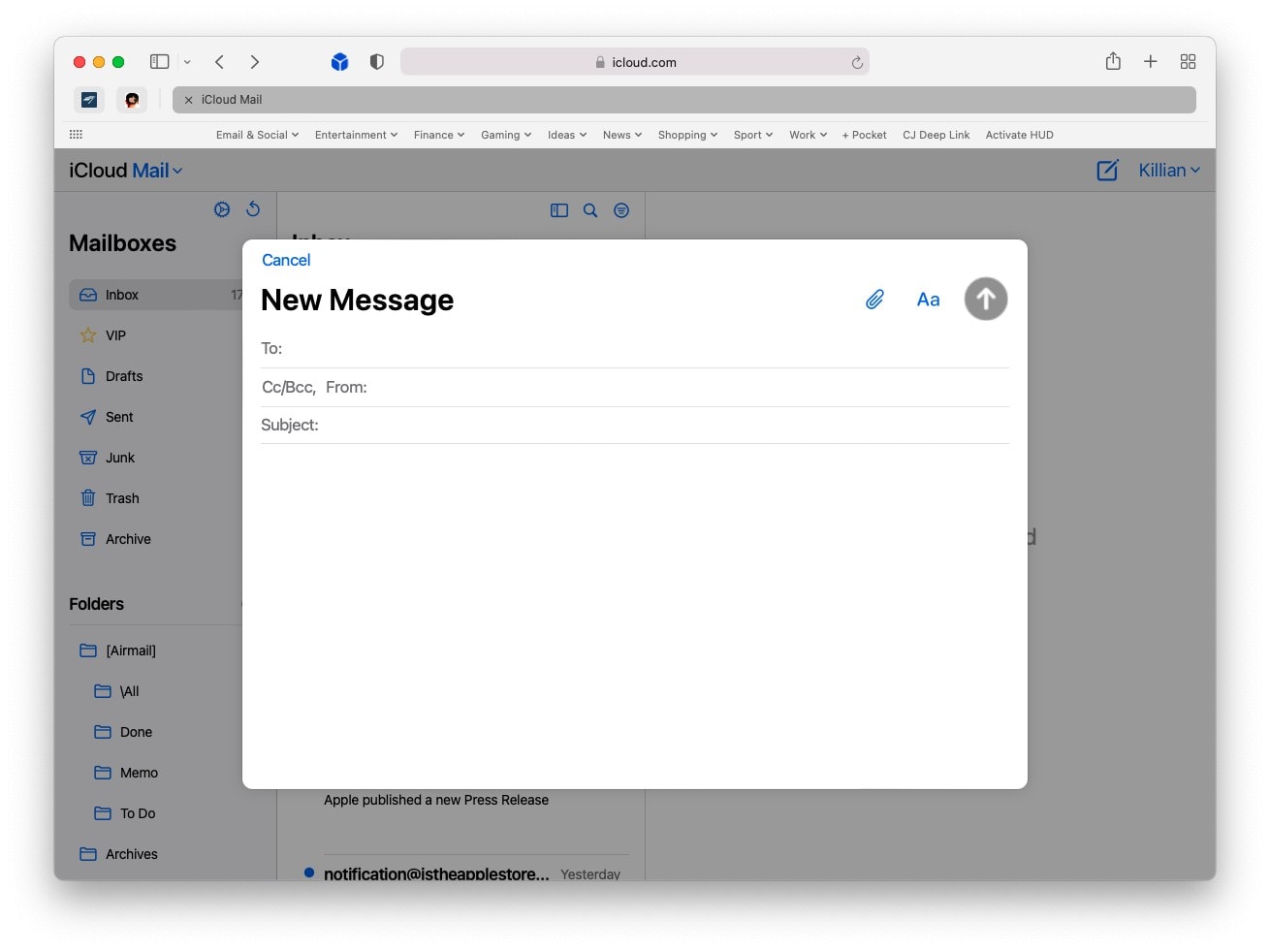
iCloud Mail has a shiny new interface on the web. The new look, which first entered beta testing back in June, is now available to all. It will be instantly familiar to those who use the built-in Mail app on Mac and iPad.
The Electronic Frontier Foundation (EFF) has called on Apple to completely abandon its child safety features after their rollout was delayed.
The group says it is “pleased” Apple’s move is on hold for now. But it calls the plans, which include scanning user images for child abuse material (CSAM), “a decrease in privacy for all iCloud Photos users.”
The EFF’s petition against Apple’s original announcement now contains more than 25,000 signatures. Another, started by groups like Fight for the Future and OpenMedia, contains more than 50,000.