All items tagged with "home screen"

iOS Glitch Allows Spaces To Be Added To Home Screen Without Jailbreak

home-screen-spaces

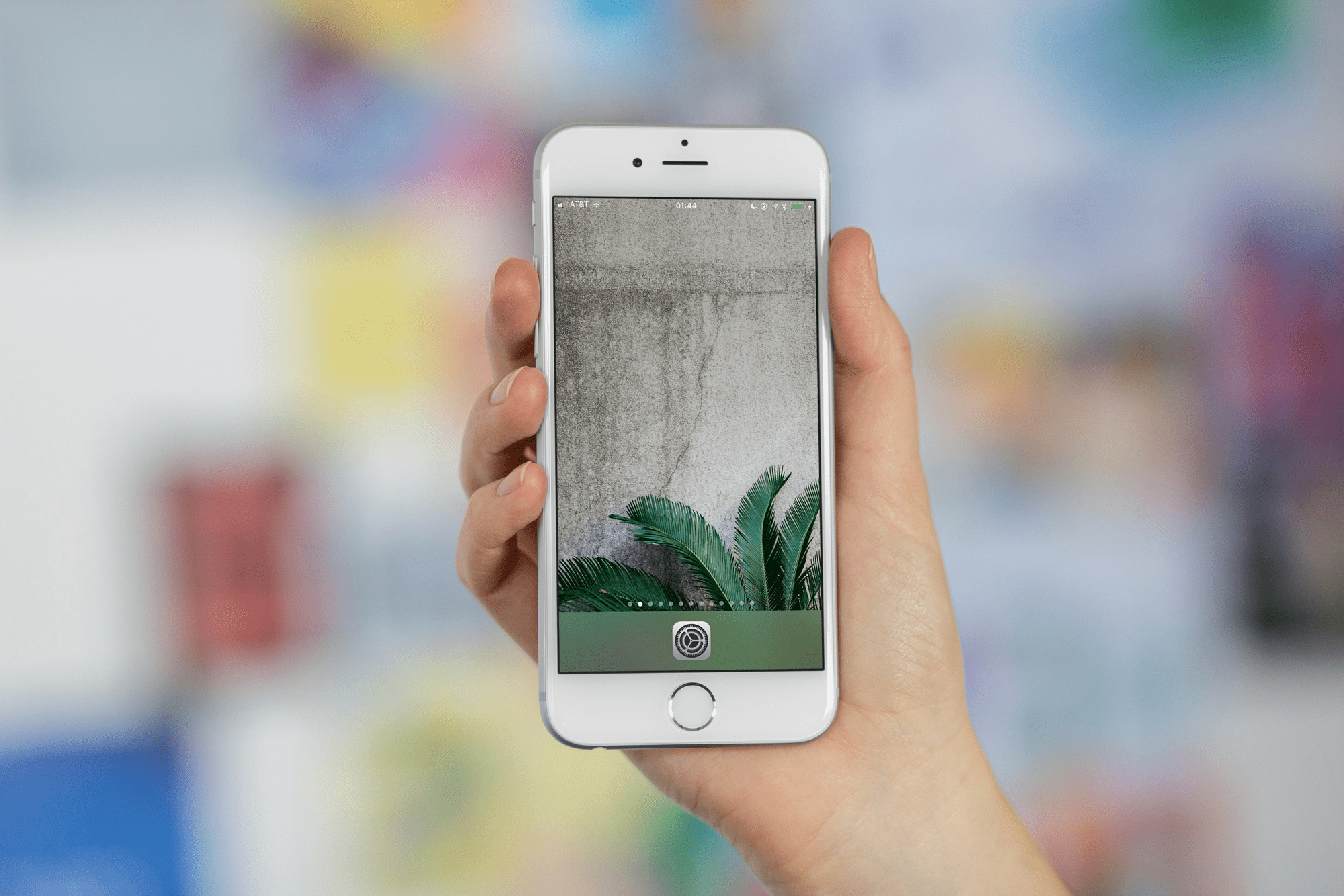
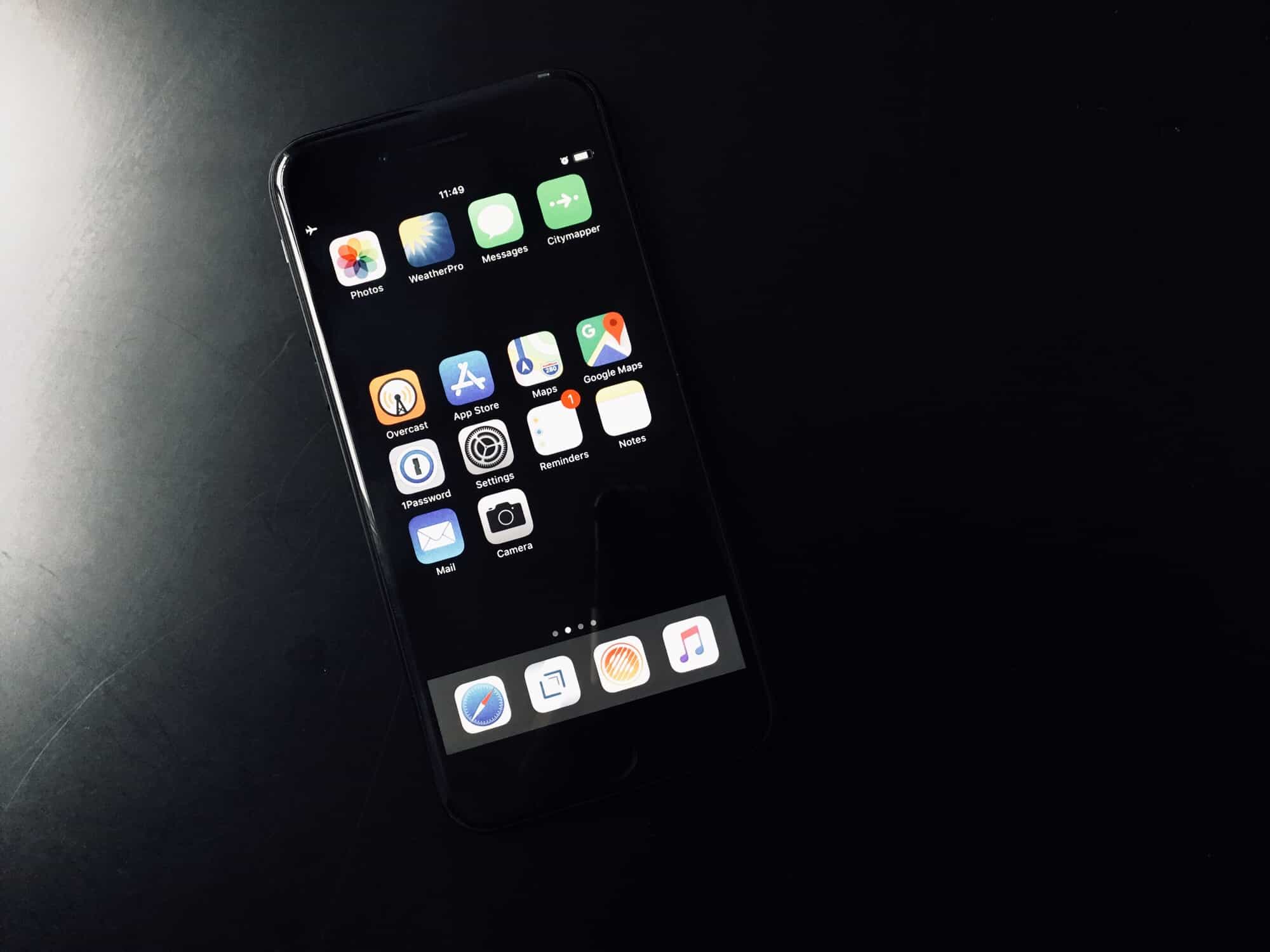
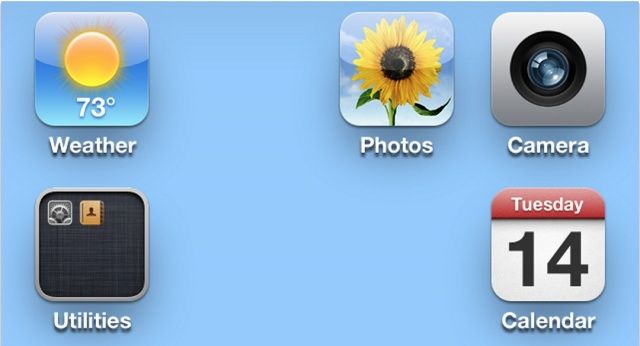
There are some nifty tweaks for jailbroken iOS devices that allow you to add blank spaces to your home screen and arrange your app icons any way you like. Well now you don’t need to jailbreak to have this option, because a newly-discovered glitch in iOS lets you create blank spaces with a bit of trickery.

Read the rest of this post »

How Amazing Can You Make Your Jailbroken iPhone Look? [Contest]

prettyjailbreakscreens

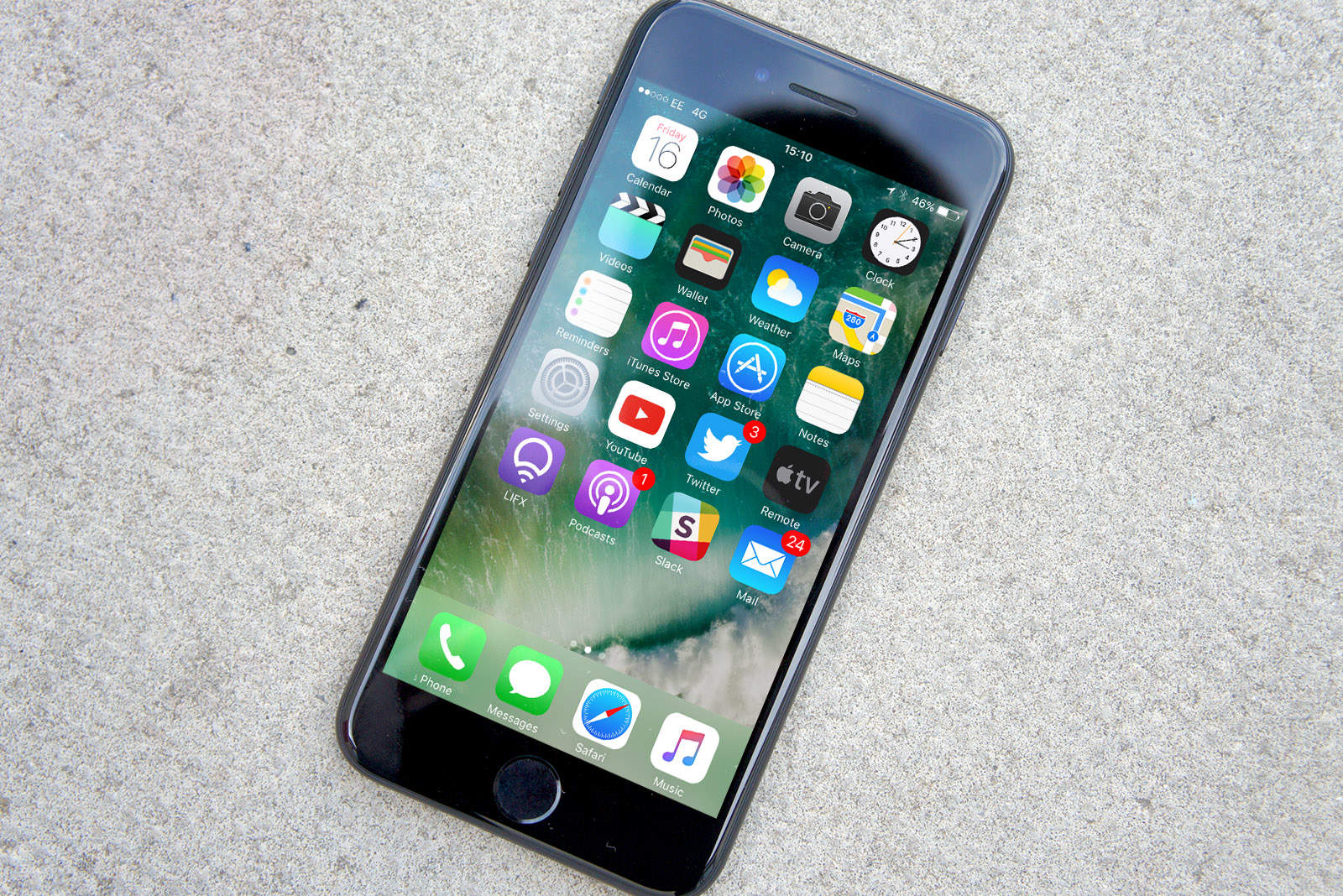
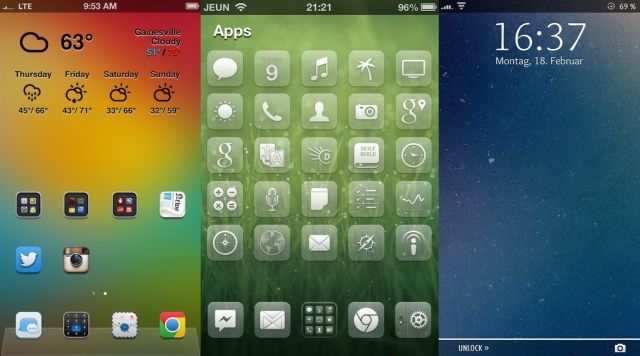
Jailbreaking allows you to do all sorts of wonderful things to your iPhone that Apple wouldn’t trust you with. It’s totally awesome and can completely change the look of your iPhone, which could be great, or horrible depending on your taste in design, fonts, and wallpapers.

We’ve seen some really beautiful iPhone themes and tweaks over the last year, which got us thinking, “How beautiful could you make your homescreen with jailbreak tweaks?”

We could go down this lovely path alone, but we’d love to have our pals accompany us. So what do you say? Make your iPhone homescreen as pretty and different as possible, take a screenshot, and then post it in the Cult of Mac Flickr group. The five best homescreens will win a free copy of Kuvva Wallpapers, so hurry up and beautify your homescreens.

Here’s how to enter the contest:

Read the rest of this post »

New Pages+ Tweak Supercharges Your iOS Home Screen [Jailbreak]

pages-plus

Pages+ is a new tweak for jailbroken iOS devices which promises to supercharge your home screen. It adds some great features, like home screen “cards” and multi-page wallpapers that change as you flick through them — and it’s compatible with other popular tweaks like Barrel and Winterboard themes. Check out the demonstration video below.

Read the rest of this post »

How The iPhone 5 Compares To RIM’s Upcoming BlackBerry Z10 [Video]

iPhone-5-vs-BB-Z10

You may have noticed that people are making a lot fuss about Research in Motion’s upcoming BlackBerry 10 devices. And so they should. BlackBerry fans have been waiting for these handsets for several years, and they have high hopes for them. Furthermore, the devices are likely to determine whether or not RIM can save itself amid increasing competition from the iPhone and Android-powered devices.

The first BB10 devices won’t get their official unveiling until later this month, but numerous handsets have already found their way out into the wild. In the video below, a leaked BlackBerry Z10 goes up against the iPhone 5 in a comparison against size and form factor, as well as features.

Read the rest of this post »

These Gorgeous, Book-Themed iPad Wallpapers Are Perfect For The iPad Mini As E-Reader [Gallery]

These Gorgeous, Book-Themed iPad Wallpapers Are Perfect For The iPad Mini As E-Reader [Gallery]

The iPad mini is rather perfectly sized for an e-reader: light, easy to hold, super thin. What better way to show off your reading street cred with a set of luxuriously tasty book-themed images? They’re perfectly sized for the iPad mini, with higher resolution options for its larger, more Retina-enabled bigger brothers, too.

Read the rest of this post »

Subscribe to the Cultcast

Homescreen.me Is Finally Out Of Beta. Time To Share Your iPhone And iPad Setup With Us!

Homescreen.me Is Finally Out Of Beta. Time To Share Your iPhone And iPad Setup With Us!

What are your favorite apps?

I’m gonna be honest. I totally forgot that Homescreen.me existed. That’s because the website has been in private beta for two years, and I stopped using it after I initially uploaded my iPhone’s Home screen in 2010. So, I after finding out that Homescreen.me has opened its doors up for everyone today, I logged back into my account. Seeing the main apps I used on my iPhone 3GS at the time brought back a flood of memories. There’s something very personal about a Home screen. It represents the apps that are most special to you. But those apps change over time.

After logging back in, I uploaded my current iPhone and iPad Home screens. It was interesting to see how my layout changed two years later and what new apps had been given first page priority. I then shared my current setup on Twitter for my friends to check out.

That’s what Homescreen.me is about: sharing and discovering great Home screens with fellow geeks who love their iOS devices.

Read the rest of this post »

WhatsApp For iPhone Gets Quick Reply Tweak Courtesy Of BiteSMS Developer [Jailbreak]

WhatsApp For iPhone Gets Quick Reply Tweak Courtesy Of BiteSMS Developer [Jailbreak]

Why hasn’t Apple introduced Quick Reply to iOS yet?

If you’ve ever jailbroken an iPhone, you should be familiar with BiteSMS, the built-in Messages replacement that delivers almost every feature you could ever want in a messages app. One of its highlights is a feature called Quick Reply, which allows you to respond to incoming messages from the home screen, the lock screen, or from within other apps using a handy popup window.

The developer behind this awesome app has now brought Quick Reply to the hugely popular WhatsApp messenger, using a new tweak that’s available now from Cydia.

Read the rest of this post »

New In iOS 6: Apple Logos In Spotlight, Live Home Screen Previews In Wallpaper Settings

New In iOS 6: Apple Logos In Spotlight, Live Home Screen Previews In Wallpaper Settings

We’re still digging up new iOS 6 features. Image courtesy of William Gamache ((sorry, you need Javascript to see this e-mail address)).

It’s been a week since Apple released its first iOS 6 beta, and we’re still digging up new features. We reported some improvements to the keyboard this morning, and now we’ve found some enhancements to Spotlight and wallpaper settings.

Read the rest of this post »

Dashboard X Brings Live Widgets To Your iOS Device’s Home Screen [Jailbreak]

Dashboard X Brings Live Widgets To Your iOS Device’s Home Screen [Jailbreak]

Time to make your Home screen come alive.

When Apple introduced Notification Center in iOS 5 last summer, jailbreak developers immediately started creating third-party widgets to enhance certain functionalities and create shortcuts for iOS. Widgets for toggling system preferences, for instance, are now available in Cydia for Notification Center. What would happen if the idea of widgets left Notification Center and made its way to the iOS Home screen?

Prolific Cydia developer Ori Kadosh has released Dashboard X, an ambitious extension for adding floating widgets to your jailbroken iPhone and iPad’s springboard.

Read the rest of this post »

AlwaysArrange: Move Apps Around And Abandon Jiggle Mode [Jailbreak]

AlwaysArrange: Move Apps Around And Abandon Jiggle Mode [Jailbreak]

Move apps with style.

Jiggle mode. That’s what we call the moment you hold an iOS app icon until it starts wiggling uncontrollably on your home screen. There’s no technical name for when you tap, hold, and drag icons around, so jiggle mode it is.

Now that we’ve defined that comical term, meet AlwaysArrange. This new jailbreak tweak lets you arrange app icons on your iPhone without having to enter jiggle mode, and the experience is actually better than it sounds.

Read the rest of this post »