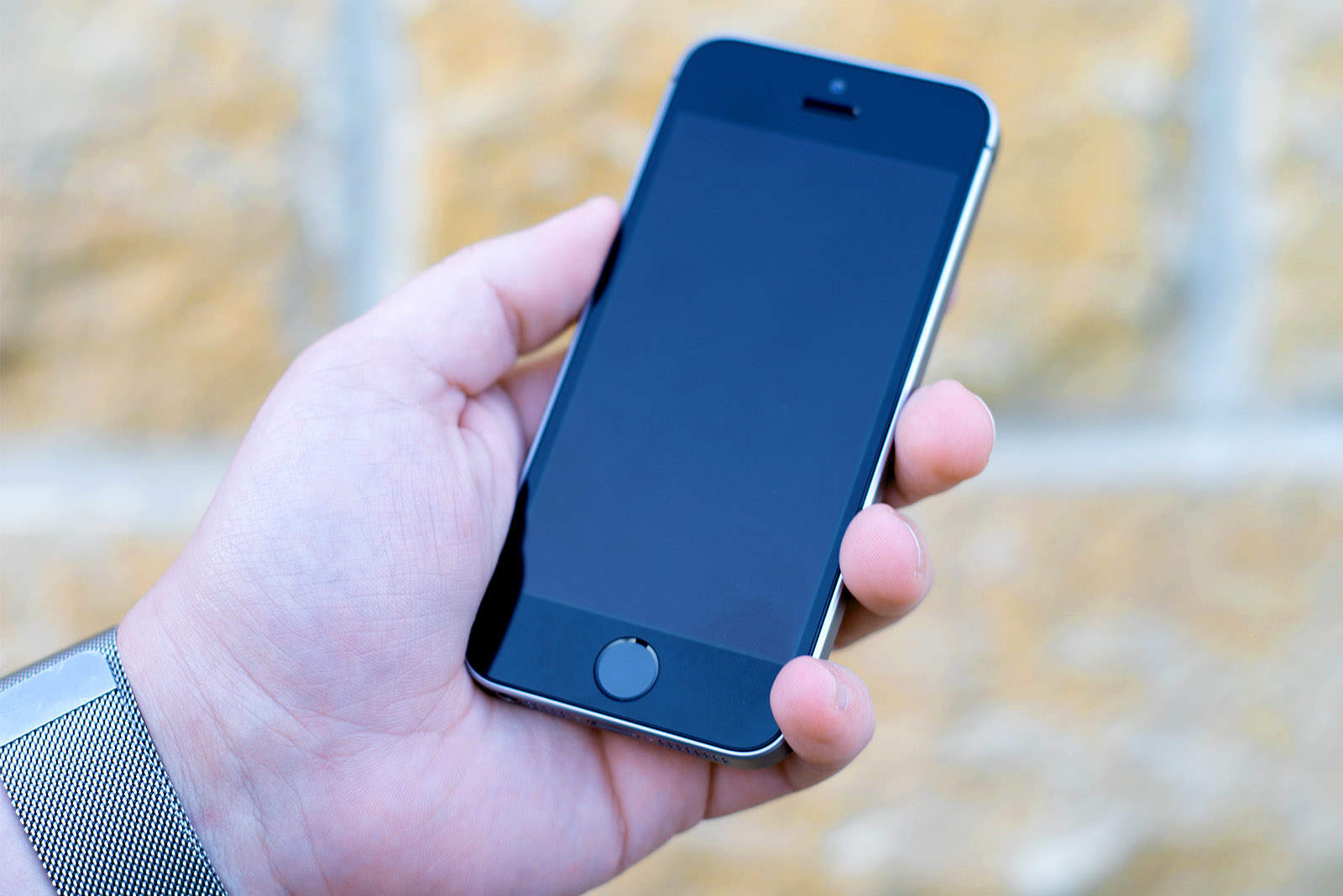
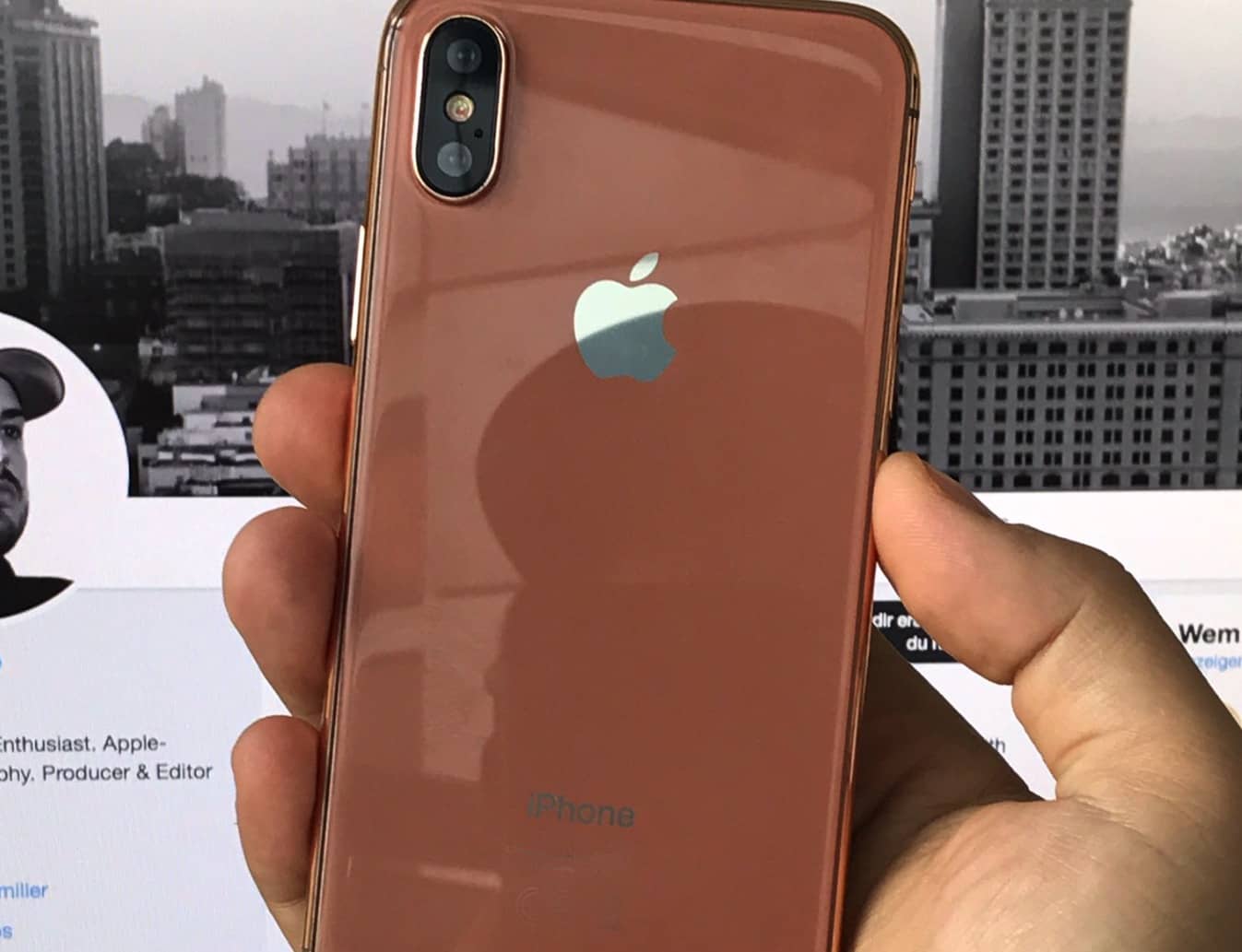
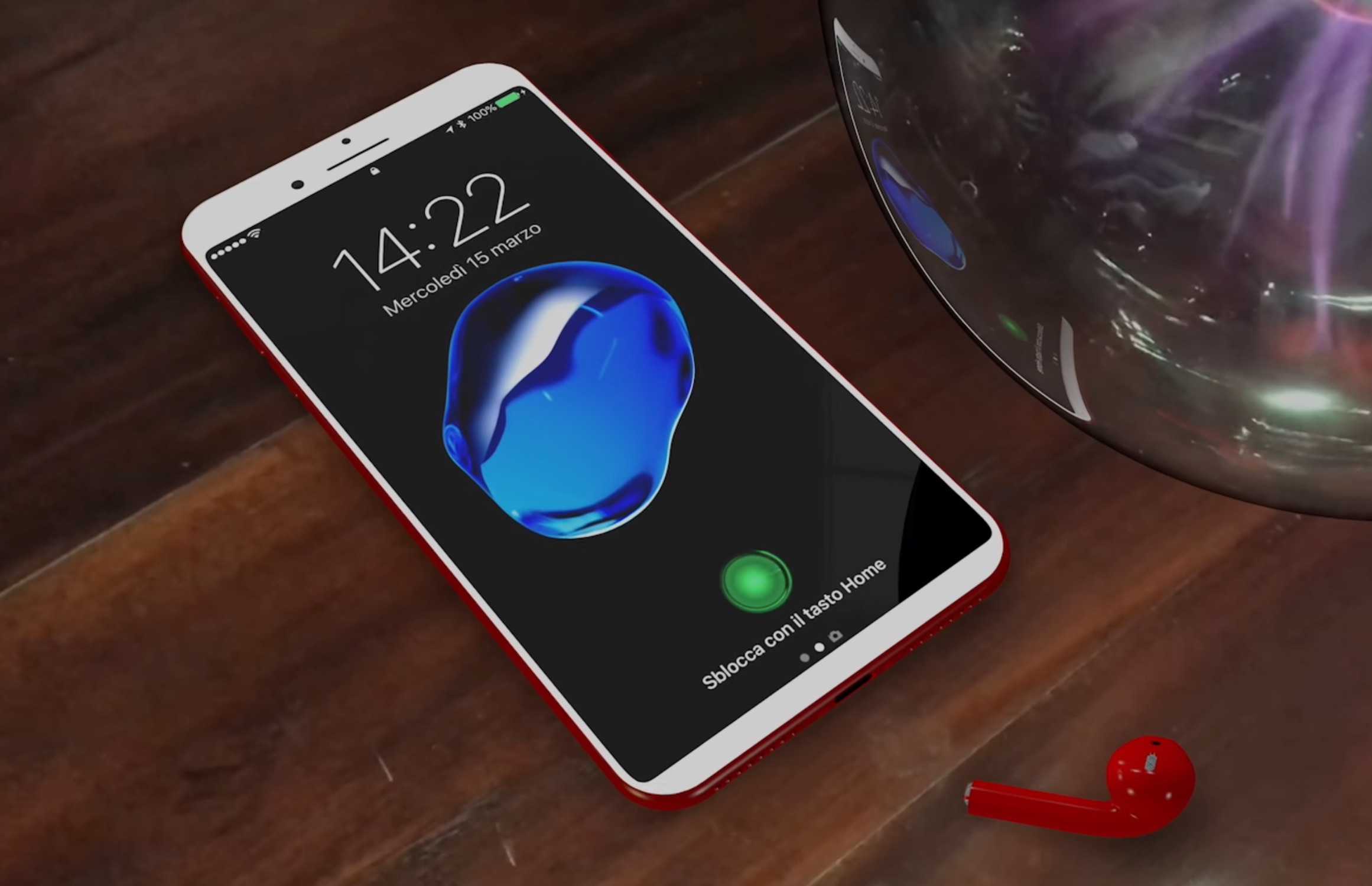
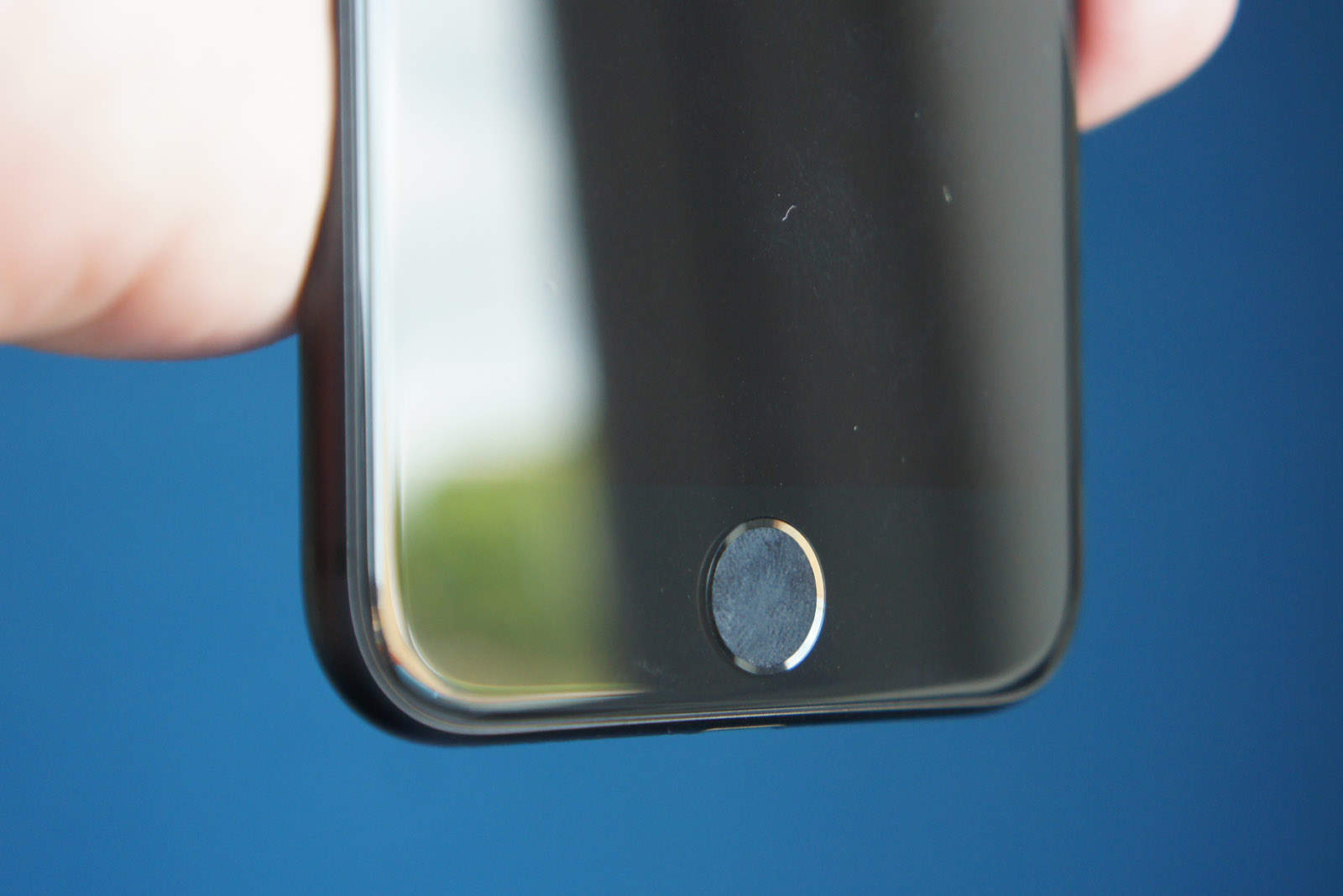
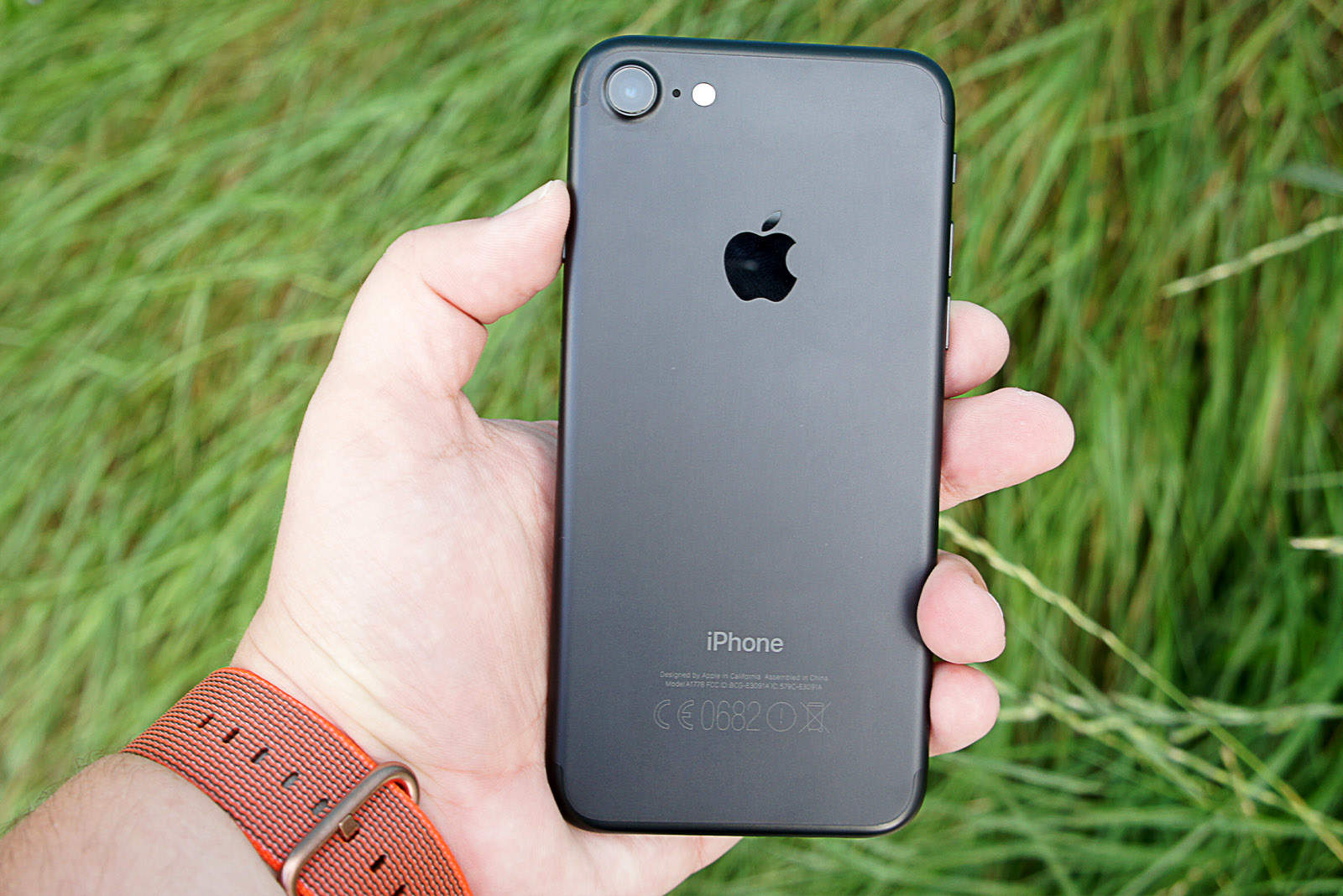
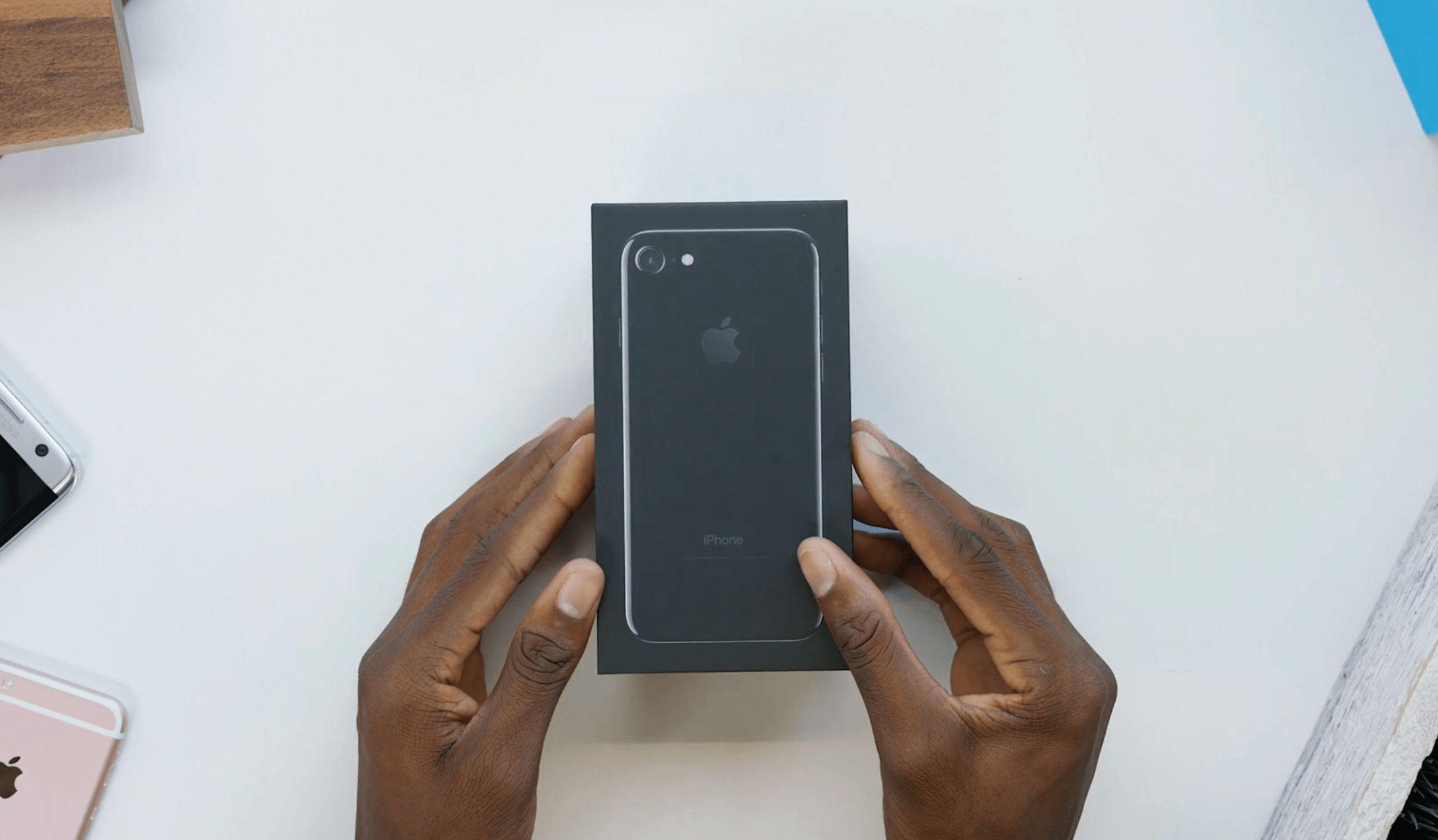
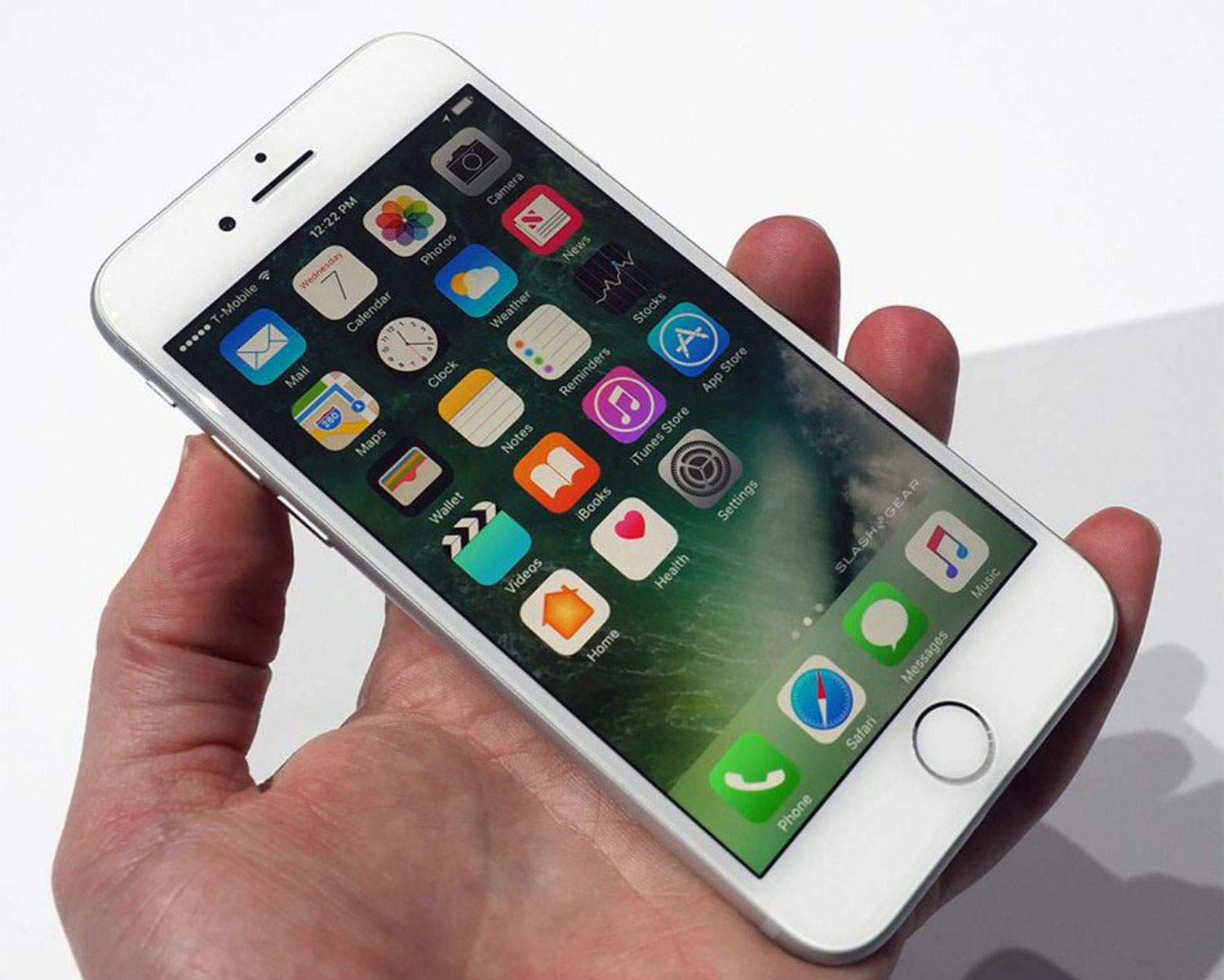
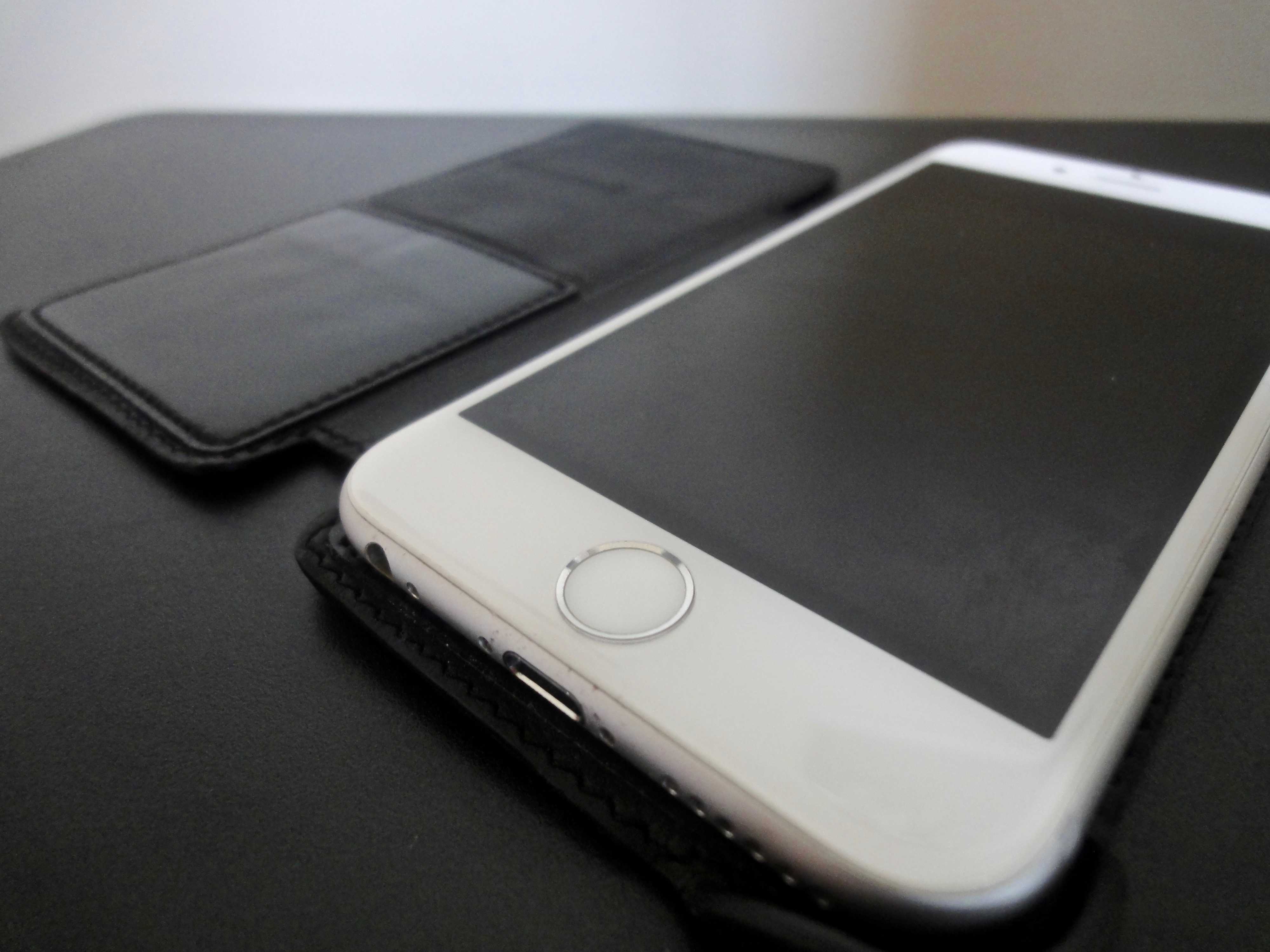
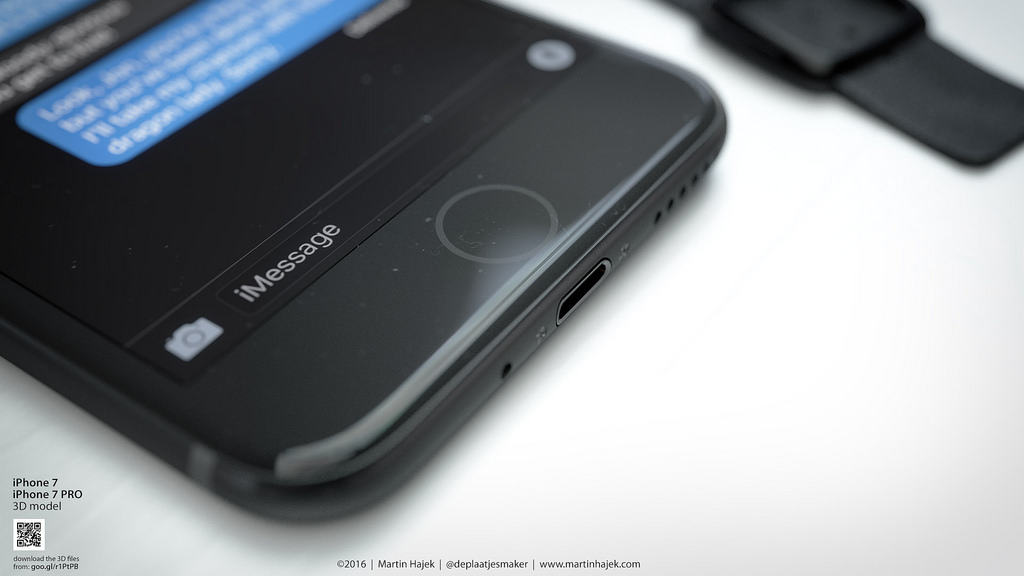
The iPhone 5S could come with a sapphire crystal capacitive touch home button that incorporates a new fingerprint sensor, according to supply chain sources in Taiwan.
Apple is expected to do away with the traditional physical home button, which has long been one of the most unreliable components on iOS devices. It’s thought that using sapphire crystal, which has a hardness second only to diamond, will prevent the button from getting scratched and ruining the fingerprint sensor.
When you’re using your iPad and want to send the signal up to the big TV in your living room via Apple TV and AirPlay, you can double click on the Home button, swipe to the right, and you’ll see the Media bar, with the brightness, volume, orientation lock, and AirPlay destination settings.
But on the iPhone, when you swipe once to the right, all you’ll see is the orientation lock (or Mute, if you’ve set your hardware switch to lock orientation), and the play, forward, and reverse buttons for media playback via the Music app. Where is the AirPlay setting button? And what about a volume slider?
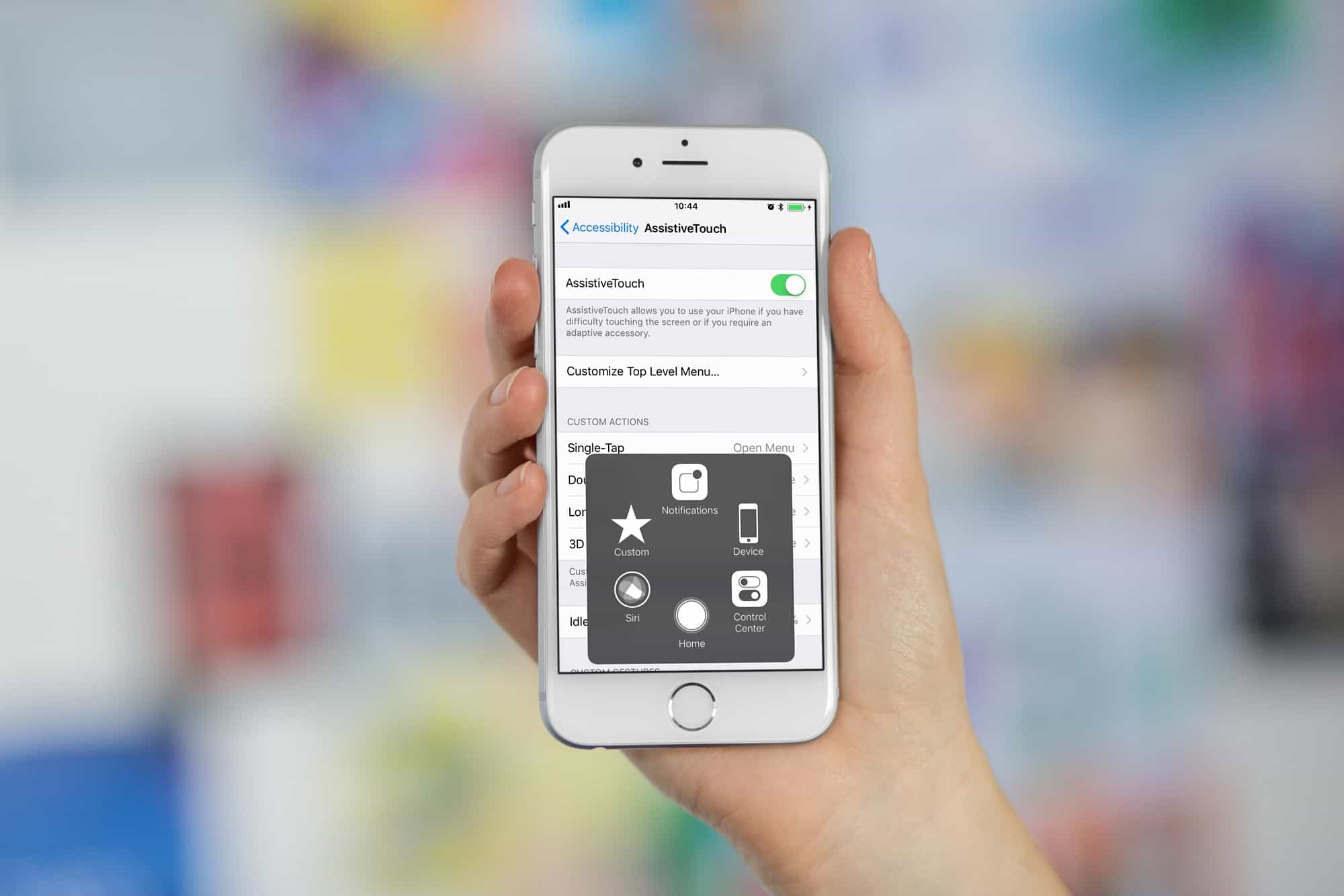
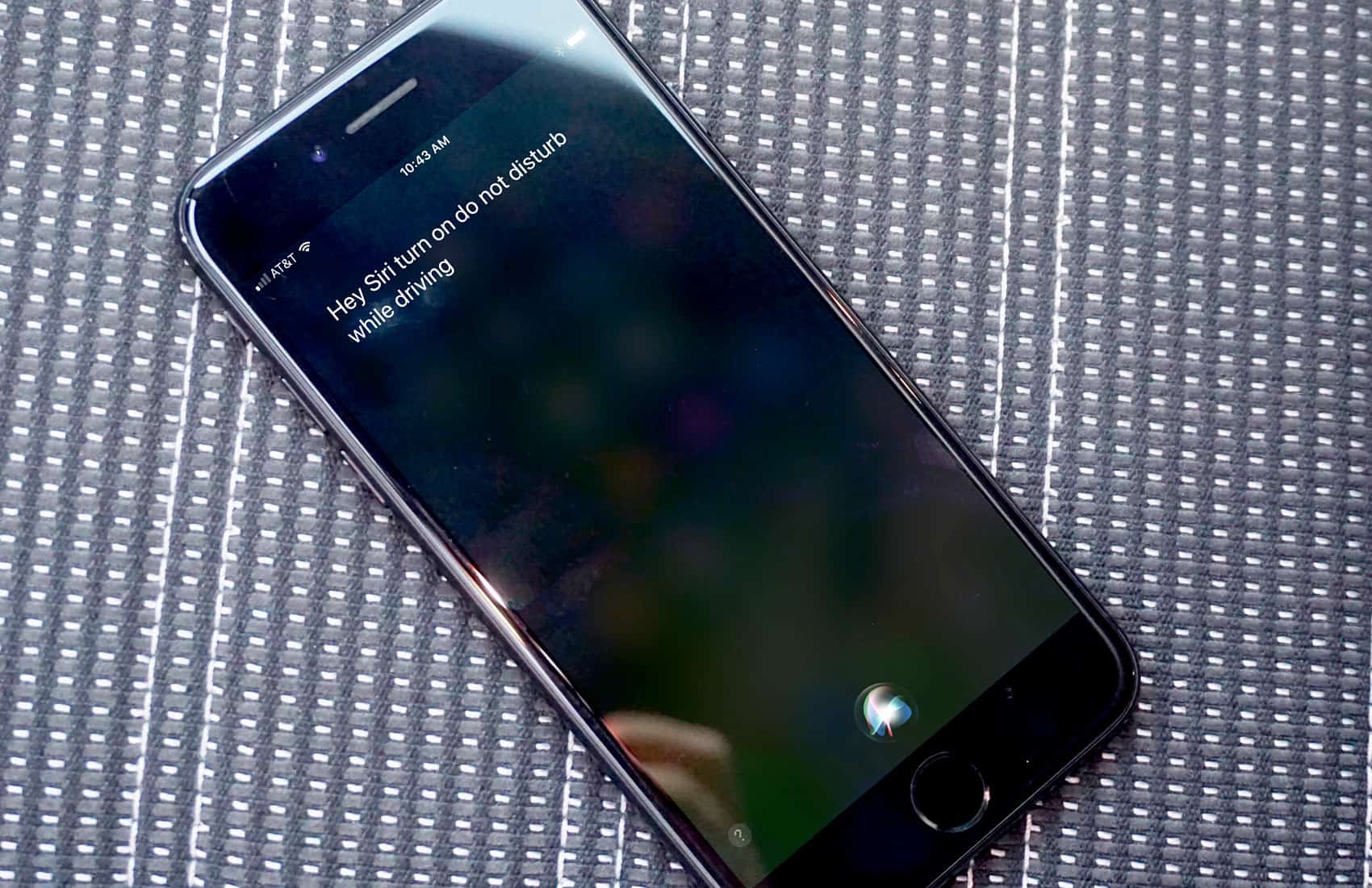
The iPhone is a paragon of simple design. It packs a ton of complexity in a simple, easy to understand package. One example is the iconic Home button. One click of the iPhone, iPod touch, or iPad touch will wake your device, a click and hold will bring up Siri, and a triple click can enable a host of accessibility features.
Did you know, however, that you can set the speed at which the Home button will recognize your clicks? Added in iOS 6, this feature will be a boon to anyone with motor issue or even just those of us who want to slow down the speed at which we double or triple click that Home button.
Remember that early iPad prototype we showed you yesterday, built between 2002 and 2004, which looked like an old white iBook with a touchscreen? Now some new shots have surfaced that show a comparison between this and the iPad 2, and there are some interesting differences.
First of all, Apple originally built the iPad with a 12-inch display, and it was huge.
You could soon be buying these cases for your new iPhone.
We already know that Chinese manufacturers are hard at work producing all kinds of cases for Apple’s new iPhone, a device which isn’t expected to make its public debut for at least another three months. And despite plenty of competition, it seems some of them are more than happy to hand over the specifications they’re using for their products.
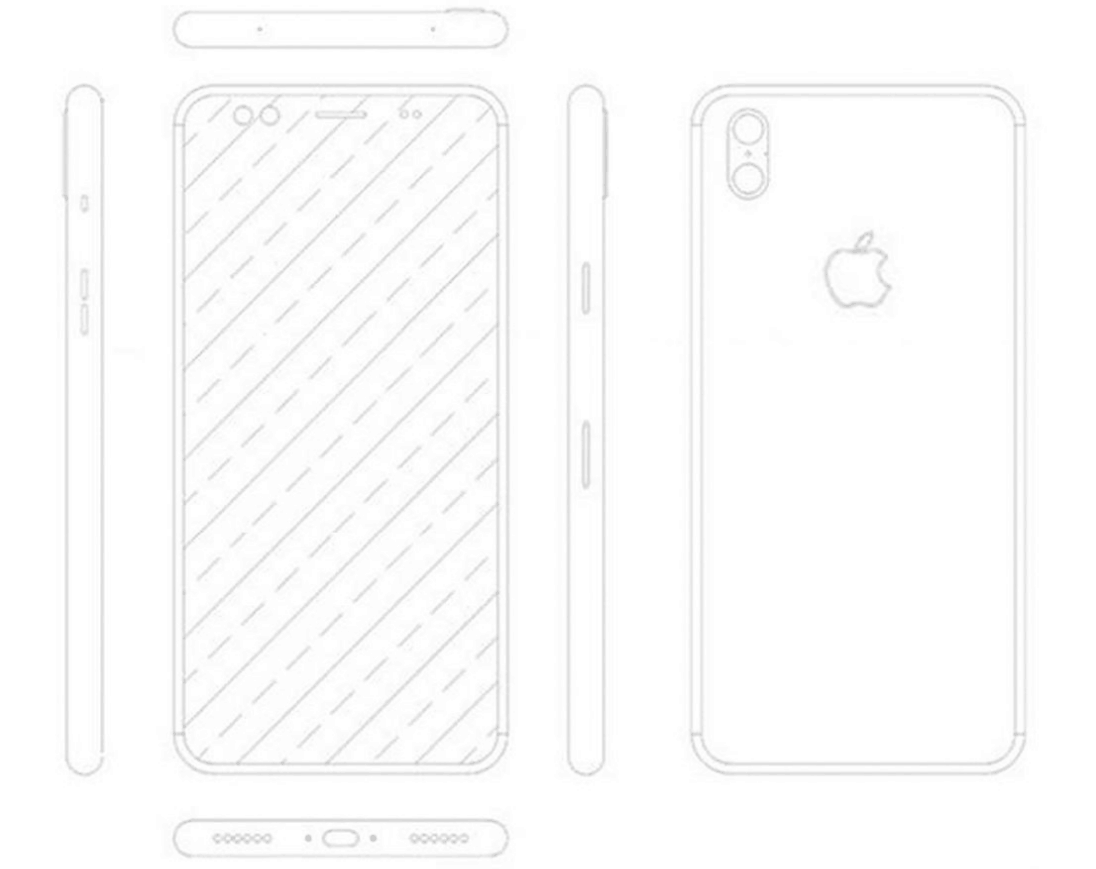
According to the drawing you see above, some manufacturers are expecting the sixth-generation iPhone to measure just 7.9mm thin, 58.6mm wide, and 123.8mm tall. That’s 1.4mm thinner and 8.6mm taller than the iPhone 4S.
When Apple sent out its press invitations for the iPad 3 announcement next week, many sites (us included) proposed that the upcoming device wouldn’t have a Home button. Such a conclusion was drawn from the fact that the invitation image didn’t show a Home button on the photographed iPad.
A new set of leaked parts reveal that Apple’s upcoming tablet does indeed possess a Home button. You all can rest easy now.
It seems pretty likely that the invitation to Apple’s iPad 3 event includes a shot of the new model.
The display is particularly sharp and smooth – just like the anticipated retina display for the device.
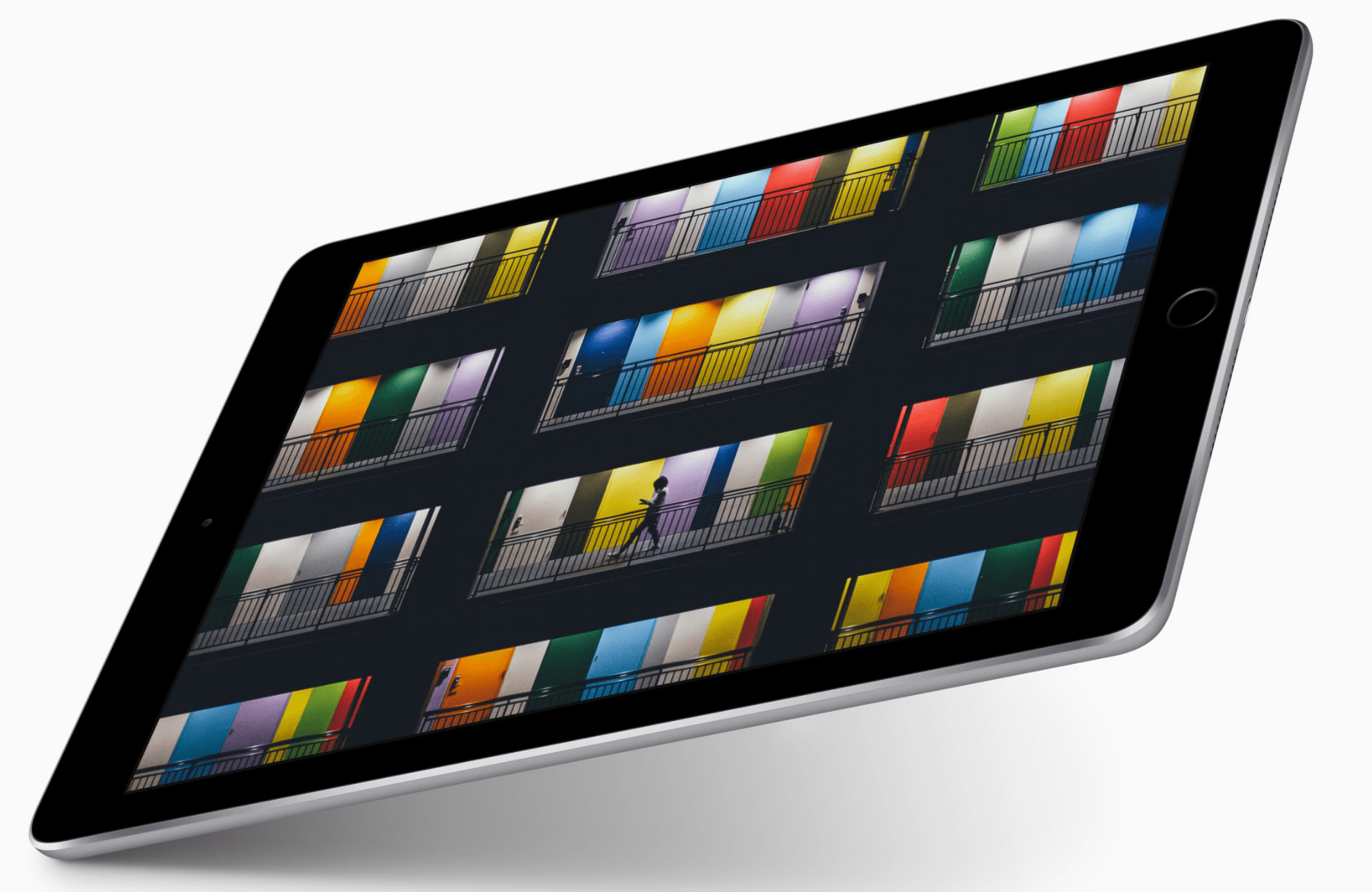
The spacing of the icon’s on the iPad 3 pictured on the invite clearly indicate that it’s in portrait orientation rather than landscape. But there’s no sign of a home button, a design change that Apple has been allegedly been toying with for some time.
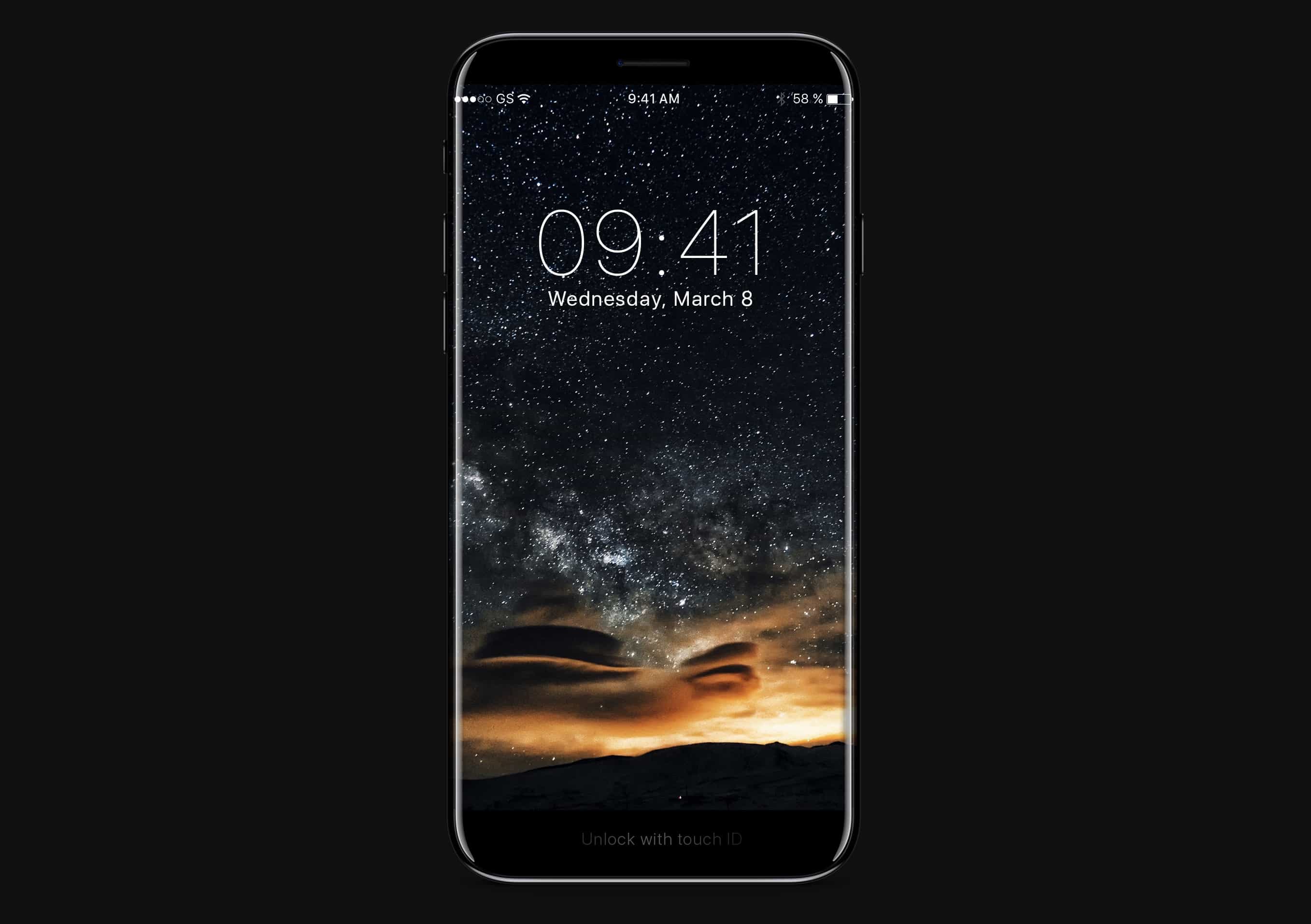
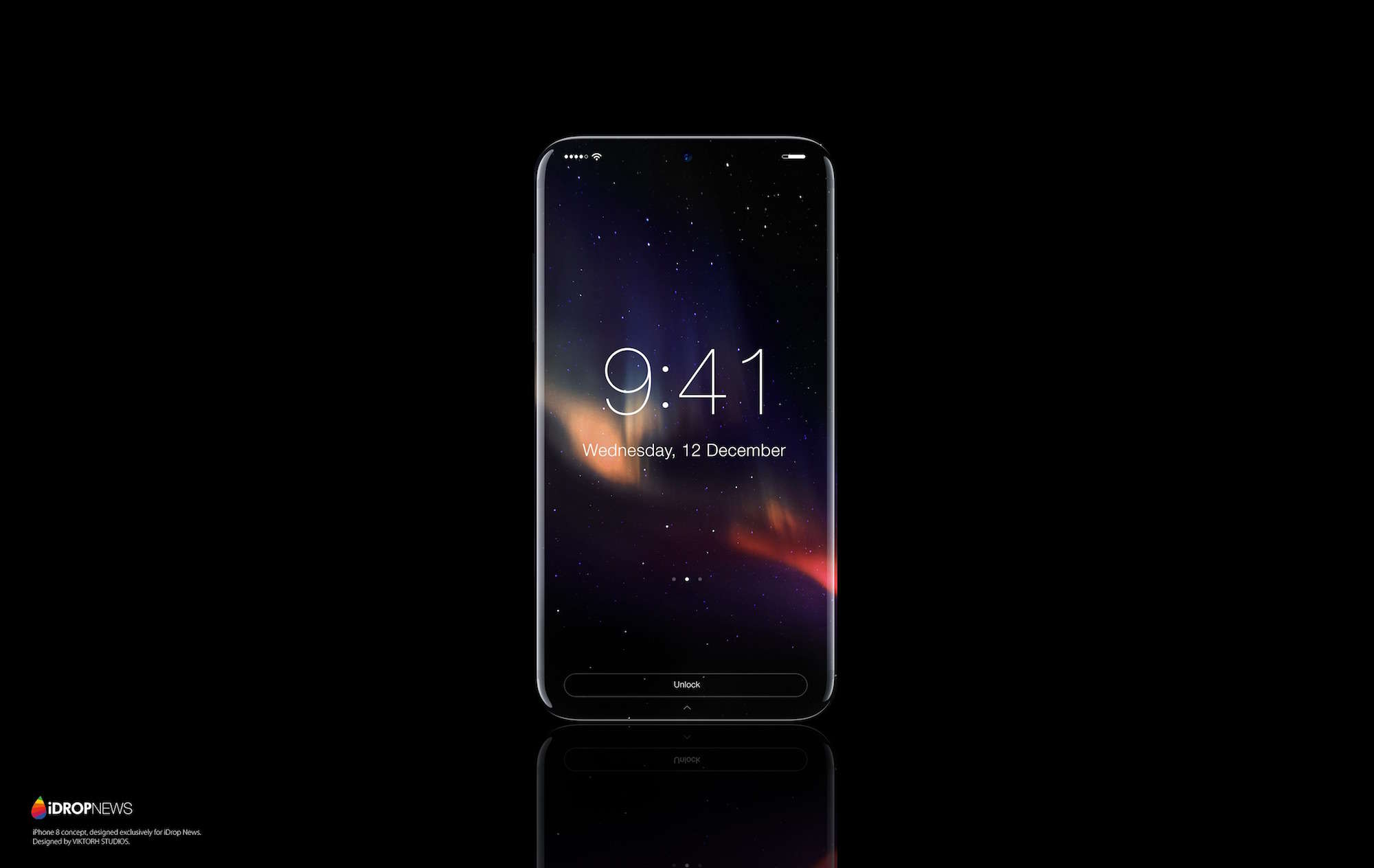
Rumors have pegged the iPhone 5 as having a larger 4-inch display since summer of last year, but in order to put a 4-inch display into the iPhone, Apple’s going to have to radically change the design of the device.
They have two choices. Apple can either make the entire device physically bigger… or they can lose the iconic home button. But if Apple does, how would anyone control their device?
One of the unfortunate byproducts of owning an iOS device is that your Home button can become a little sluggish over time. When you get your new iPhone or iPad and use it initially, the Home button works smoothly, but it can eventually become less responsive.
Fortunately, there’s a subtle trick in iOS for recalibrating your Home button. After performing this tip on your personal iOS device, you should notice that your Home button is considerably more responsive when you’re navigating throughout iOS.