There's more to London than meets the eye... lots more
If you’re planning to visit London for the Olympic Games later this year – or for any other reason, come to that – you need to grab a copy of Black Plaques London before you go. It’s a fascinating, gruesome, wonderful app that gives you a rats-eye view of the darker side of the city’s history.
They might not have had 4G or even electricity in the olden days, but that didn't stop them trying to invent Instagram
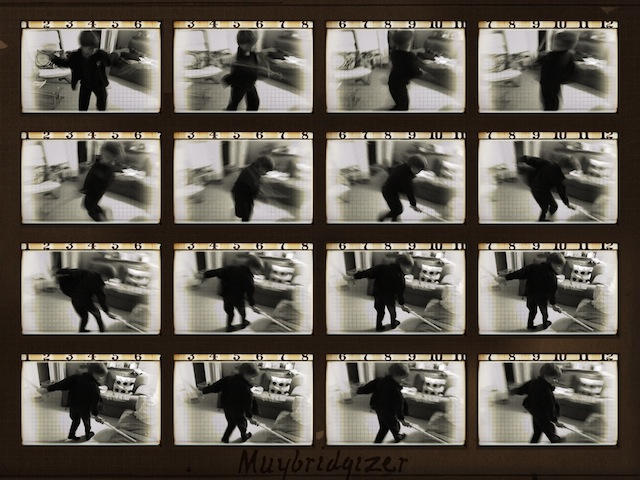
You might not know this, but back in the 1700s there was no iPhone, and therefore — shockingly– no Instagram. It may also surprise you to know that the English were once forward looking, inventive and curious as a nation, and so they came up with their own way to grungify the views they saw on vacation, and (probably) their breakfasts.
Ever wonder why ƒ-stops have the numbers they do, or what those numbers mean? Watch this great video to find out
Ever wonder how those funky aperture numbers ended up on your lens barrel? Or who chose those odd f-numbers that run in the seemingly arbitrary 1, 1.4, 2, 2.8, 4, 5.6, 8, 11, 16, 22, 32 sequence? And why does the biggest number refer to the smallest lens-hole?
Now, video sketching supremo Dylan Bennett is back to explain f-stops to you. Grab a beverage, sit back and enjoy 15 minutes of easy-to-follow explanation. With drawings!
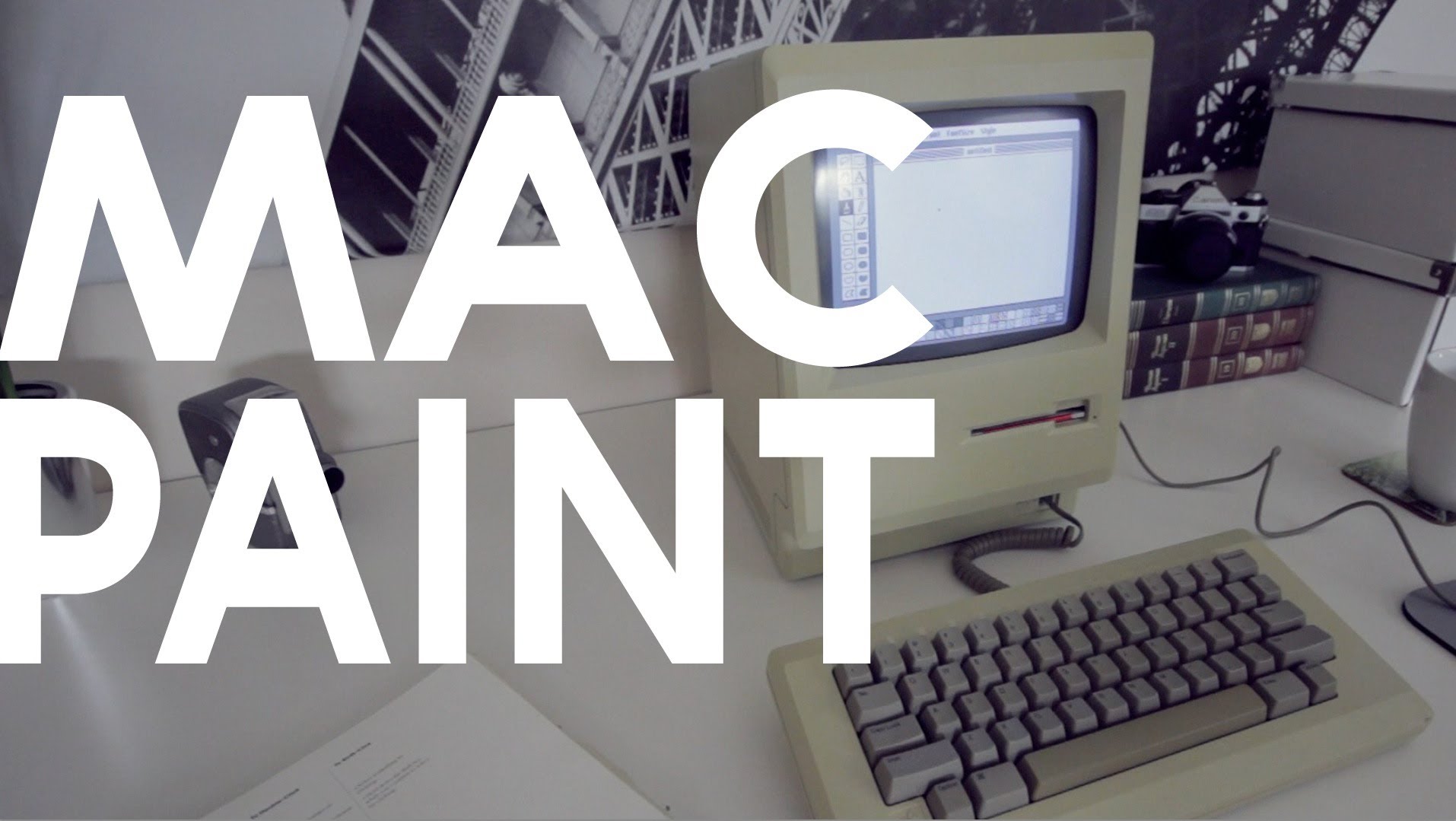
Here’s another lovely short video from Matthew Pearce, the man behind the Matt’s Macintosh YouTube channel.
MacPaint doesn’t just explain what MacPaint was, but is more about why it was an important part of the software lineup back in those days. Things we take for granted today (like copying a graphic and pasting it into another document) were new and exciting back then.
As Matt points out, MacPaint in 1984 laid foundations for features you still see today in modern graphics applications.
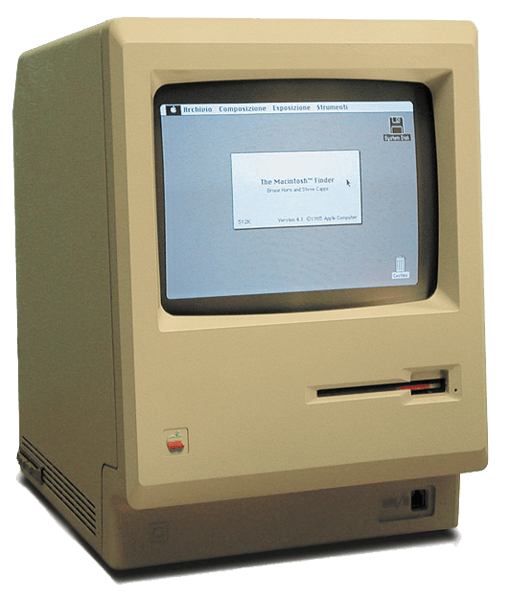
(And one other thing: Matthew’s original Macintosh 128K looks pristine, and the screen as clean and bright as the day it was made. He even has an as-new copy of the original printed manual. Where does he find this stuff?)
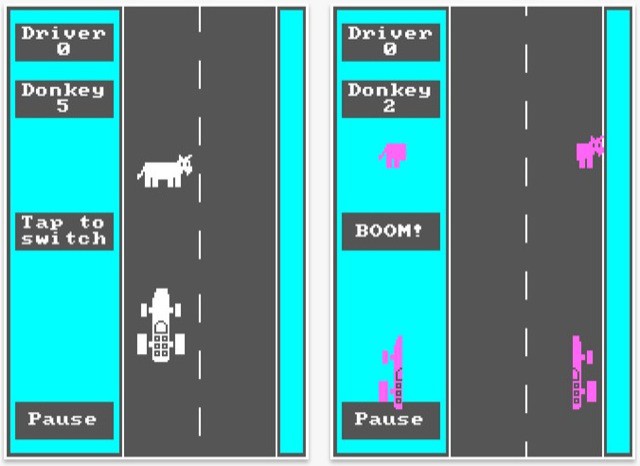
Back in 1981, Bill Gates co-wrote a PC game called Donkey, commonly known (as some apps were back in those days) by its filename, DONKEY.BAS. If you’re old enough to remember those days and old enough to yearn for them, you might enjoy playing Donkey all over again on your iPhone.
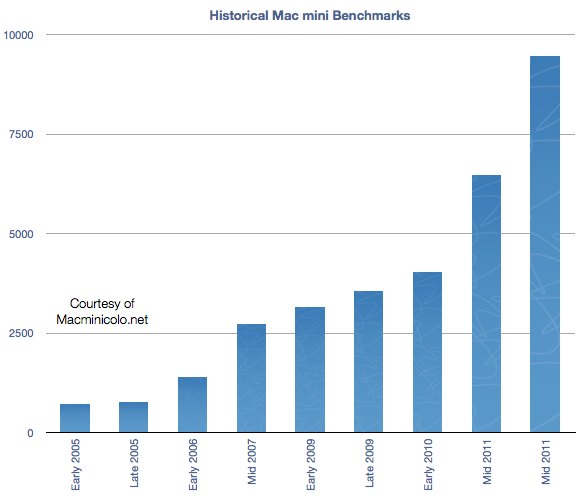
The guys over at Macminicolo just celebrated their seventh birthday (Happy Birthday!), and took a look at some numbers. During those years, the humble Mac mini’s benchmarks have increased by some 1429%.
I’m lucky: the real Stonehenge is only about 40 minutes’ drive from my front door, so I can go and visit whenever I like. For students of prehistoric monuments who live further afield, the Stonehenge Experience app for iPad offers a tiny glimpse of what this ancient English stone circle is all about.
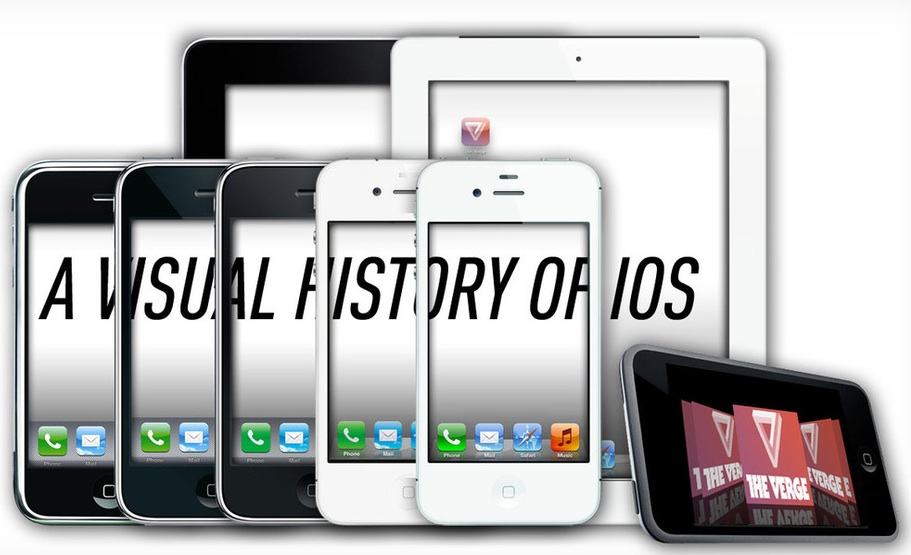
Wow, Merry Christmas indeed. Dieter Bohn over at The Verge has put together the end-all-be-all guide to iOS, an overview of Apple’s plucky little mobile OS so well-illustrated, informative and complete, all we can do is stew in jealousy we didn’t do this ourselves.
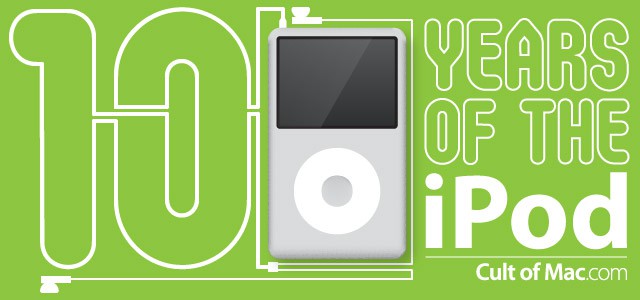
The iPod is essentially Apple’s typewriter: a piece of technology that reshaped society completely, then was made redundant by its descendants. However, the iPod’s birth a decade ago launched a legacy that can’t be ignored, no matter how hard you try.
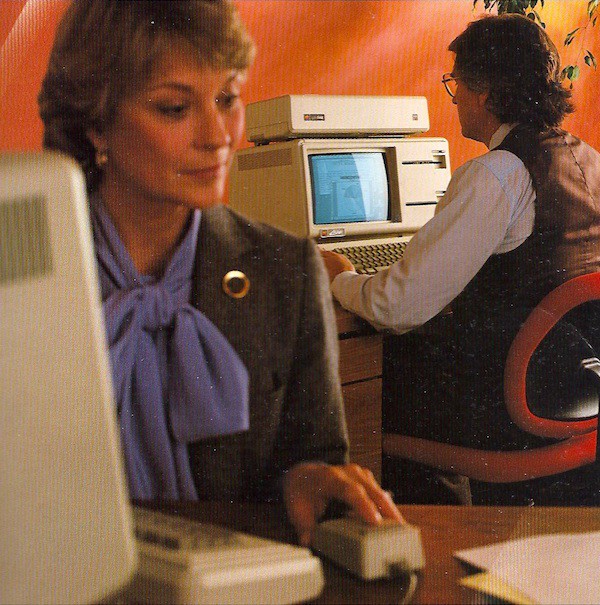
We’ve got a special one for you, folks. My dear friend and colleague Bill Scott found a delightful treasure while riffling through his archive a few weeks ago: the original brochure for the Lisa, Apple’s very first graphical user interface computer with a mouse. Bill worked at Hovey-Kelley Design when the firm created the first mouse (his beautiful sketches can be seen at the New Yorker).
Dating from early 1983, the brochure is a fascinating window into how Apple was thinking about the future of computers almost 30 years ago. It has hilariously florid discussions of how revolutionary the mouse is (“The mouse and the natural movement of your own hand. They’re all you need to control Lisa.”), overly obvious explanations (“The keyboard is just for typing.”), and the occasional fashion anachronism (see the vest and lavender bow above). Though it would be a few years yet until Apple became an industrial design powerhouse, it’s interesting to note how advanced the company’s graphic design already was — at least by the standards of the pre-Mac, dots-and-teal squiggles era.
It’s an enormous document, so I’ve uploaded it to Scribd, where you can read it online or download it for offline reading. Definitely worth your while if you bleed brushed aluminum.
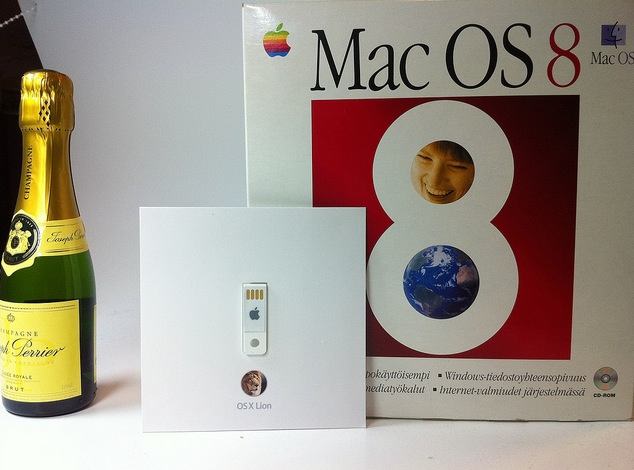
On the right, Mac OS 8 on CD-ROM, packaged in its huge cardboard box. Vintage 1997 stuff. In the centre, today’s diminutive Lion USB stick – which you don’t even have to use if you download direct from the Mac App Store. And on the left, a bottle of champagne, adding suitably classy balance to the whole scene.
If you have a great photo of your smart Apple stuff – retro or modern or both together – and you’d like to share it with your fellow Cult of Mac readers, do send it in: [email protected]
I love the Internet Archive, it’s one of the best online projects there’s ever been.
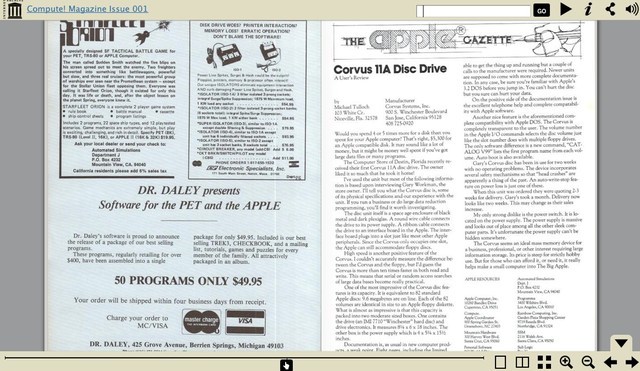
I knew it archived a lot of stuff, but until this week I had no idea that the collection included scanned magazines of old. Jason Scott, of textfiles.com fame, now works for the Archive and wrote a blog post about some of the latest additions – dozens of tech magazines from the dawn of personal computing.
At first glance, you won’t see anything Mac-specific on the list. But you need to delve a little deeper. Remember, in those days Apple was just one of dozens of new arrivals, all of them jostling for position in a brand new consumer market.
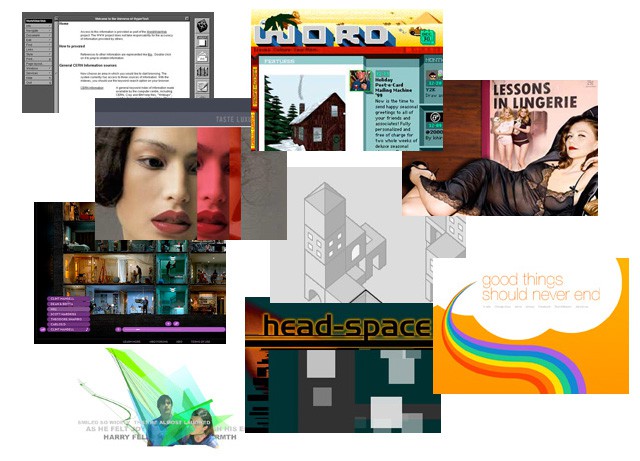
Content on the Internet changes daily, or more frequently than that, usually with scant concern for preservation or future studies. For a look back at the past Digital Archaeology, an upcoming exhibit during Internet Week NY June 6-13, will endeavor to bring some of the Internet’s earliest and/or most influential websites back to life.
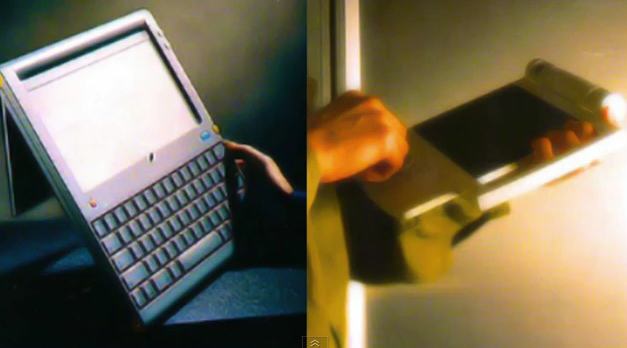
Fast Co.Design has a very interesting Apple history artifact posted up today: the birth of the Mac, as told by Jef Raskin, the late founder of the Mac project. Jef’s son Aza wrote the piece and provides scans of the original document if you’re into authenticity instead of legibility.
It’s worth noting before you dive in, which I highly recommend, that Raskin’s vision for the Mac was very different from what Apple actually produced once Steve Jobs took over the development team. Raskin wanted the most unified hardware and software imaginable. One screen, one keyboard, one processor, one memory configuration, no expansion slots, one box. Oh, and he wanted a printer built into the box.
He also wanted to get rid of all modality in a computer. So, for example, if you started typing, the word processor would open and capture what you were typing (rather than having Clippy note that you’re writing a letter). A lot of that stayed in, but Jobs made it much more powerful and, ultimately, diverse and fragmented a platform than Raskin ever envisioned (see the Canon Cat for that).
As Aza Raskin notes, his father’s philosophy is much closer to what’s going one with the iPhone and the iPad. After all, you can have any iPad you want, so long as it comes in brushed aluminum.
This item of controlling appearance is quite significant: for example it is impossible to write a program on the Apple II or III that will draw a high-resolution circle since the aspect ratio and linearity of the customer’s TV or monitor is unknown. You can probably promise a closed curve, but not much more. You cannot promise readable characters, either. Therefore, a predictable, documentable system must be entirely under Apple’s control. LISA is Apple’s first system to allow us to design in context, without depending on chance for the all-important visual aspects of the computer’s output.
Well said. And one of the few places Jef and Steve really saw eye-to-eye, in the long run.
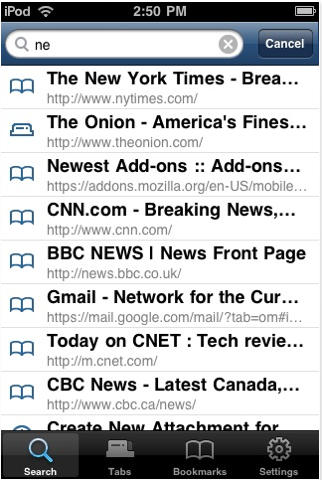
The Firefox Home application from Mozilla that allows you to synchronize your Firefox desktop session with your iPhone & iPod Touch has finally been approved and is now available for download in the App Store.
It’s free and uses your Firefox Sync account to transfer your history, bookmarks and open tabs between your computer and your device, giving you easy access to all of your Firefox favorites wherever you are.
For more information and instructions on setup, visit Mozilla’s support page here. Download the Firefox Home application for your device from the App Store here.