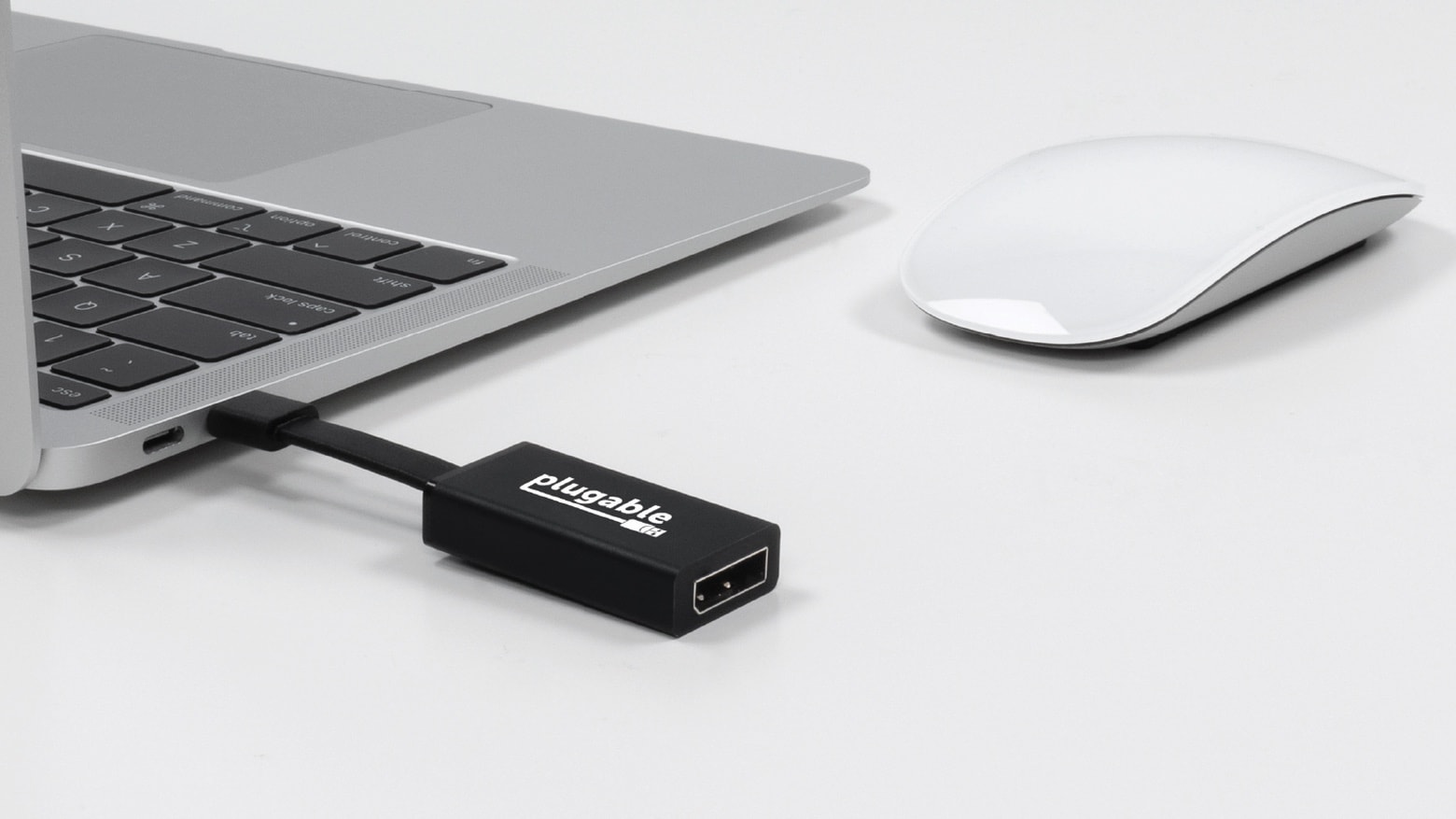
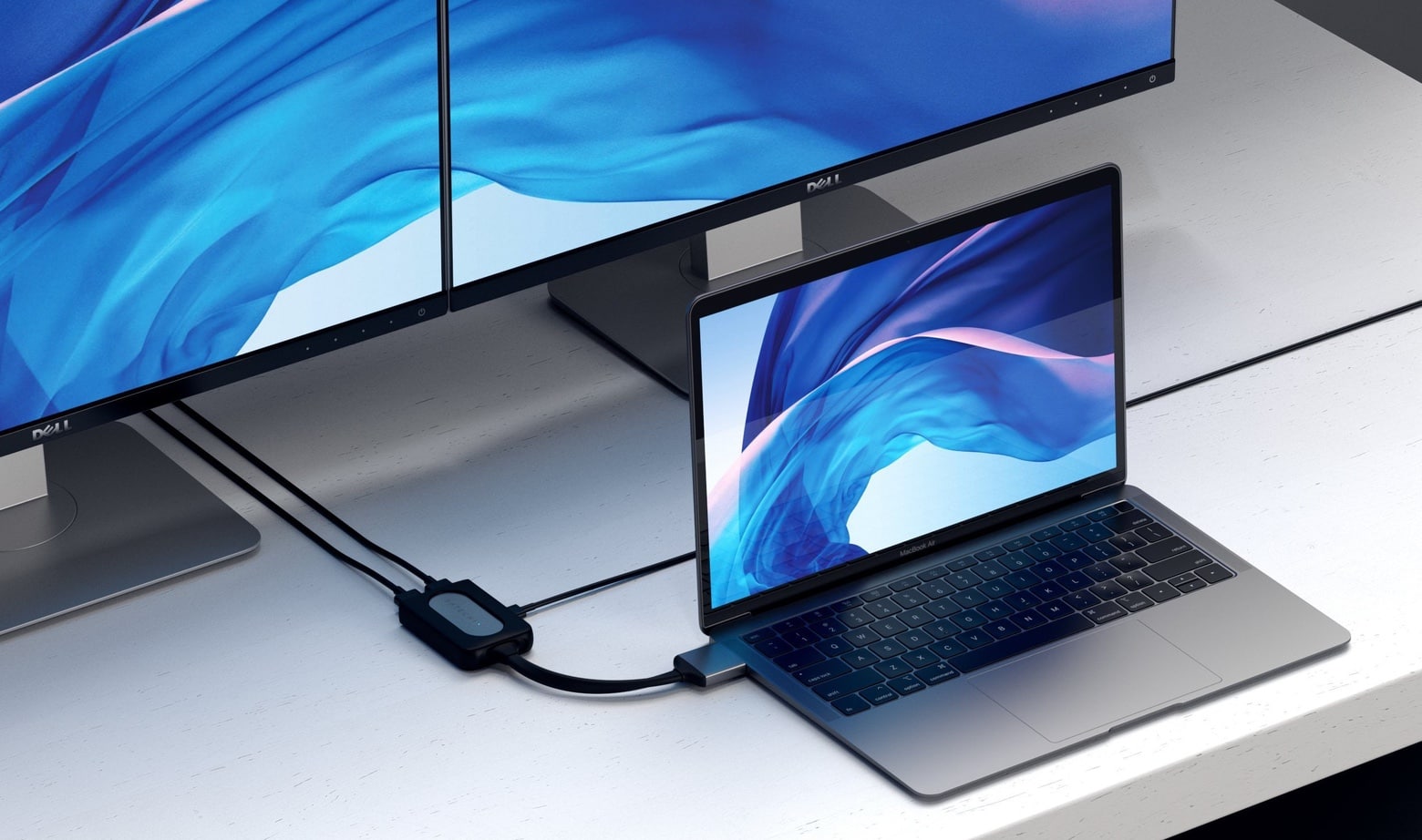
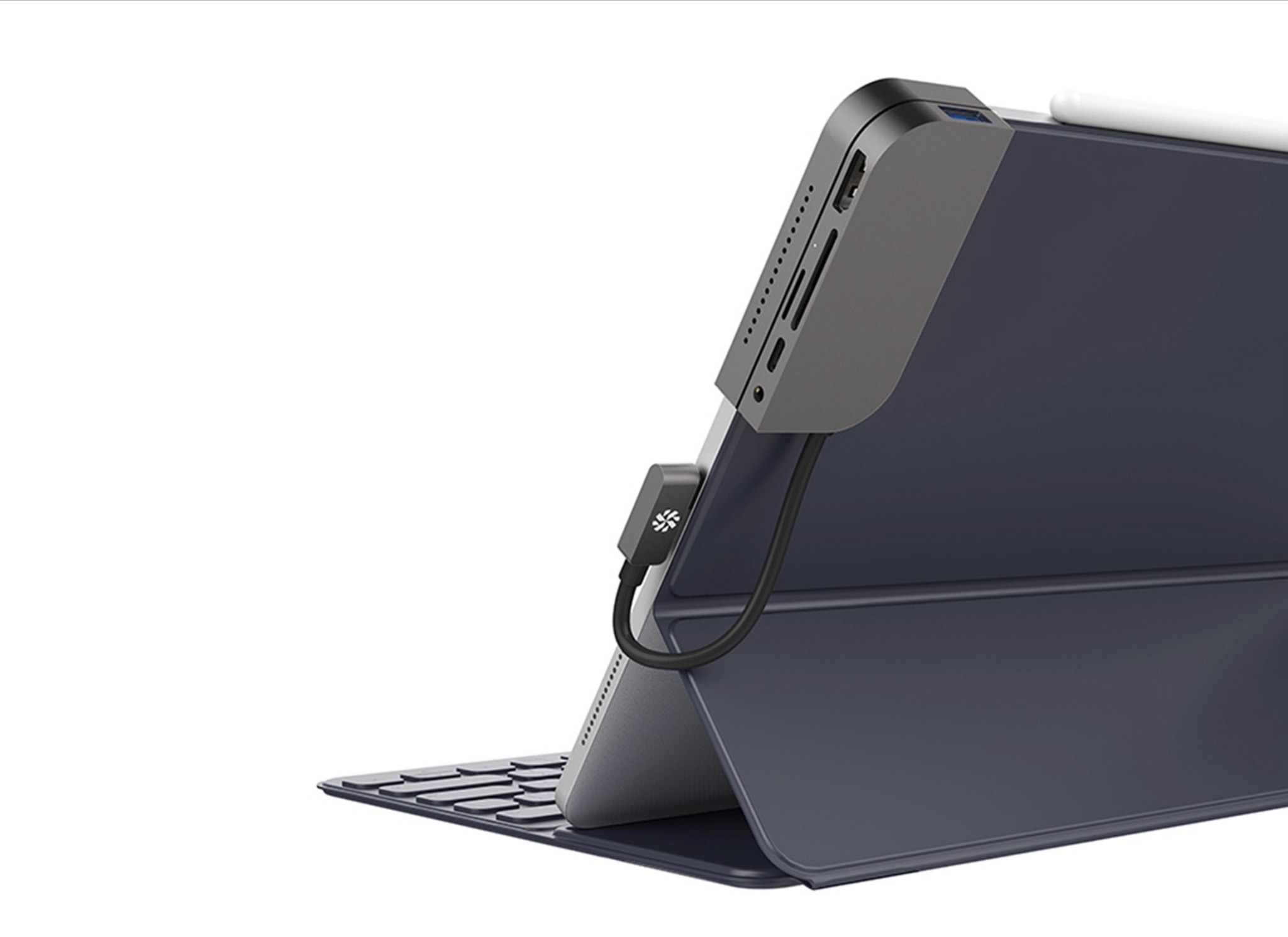
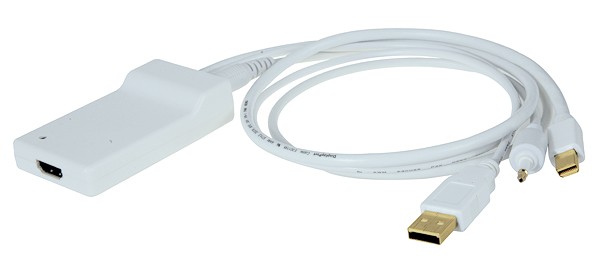
A small and inexpensive new Plugable USB-C adapter connects to an HDMI display. Photo: Pluggable
Plugable on Tuesday launched four USB-C adapters for connecting Macs and iPad Pros to a range of monitor types, and Ethernet too. Unlike the many multiport adapters on the market, each of Plugable’s offerings handles a single job. But they are inexpensive and portable.
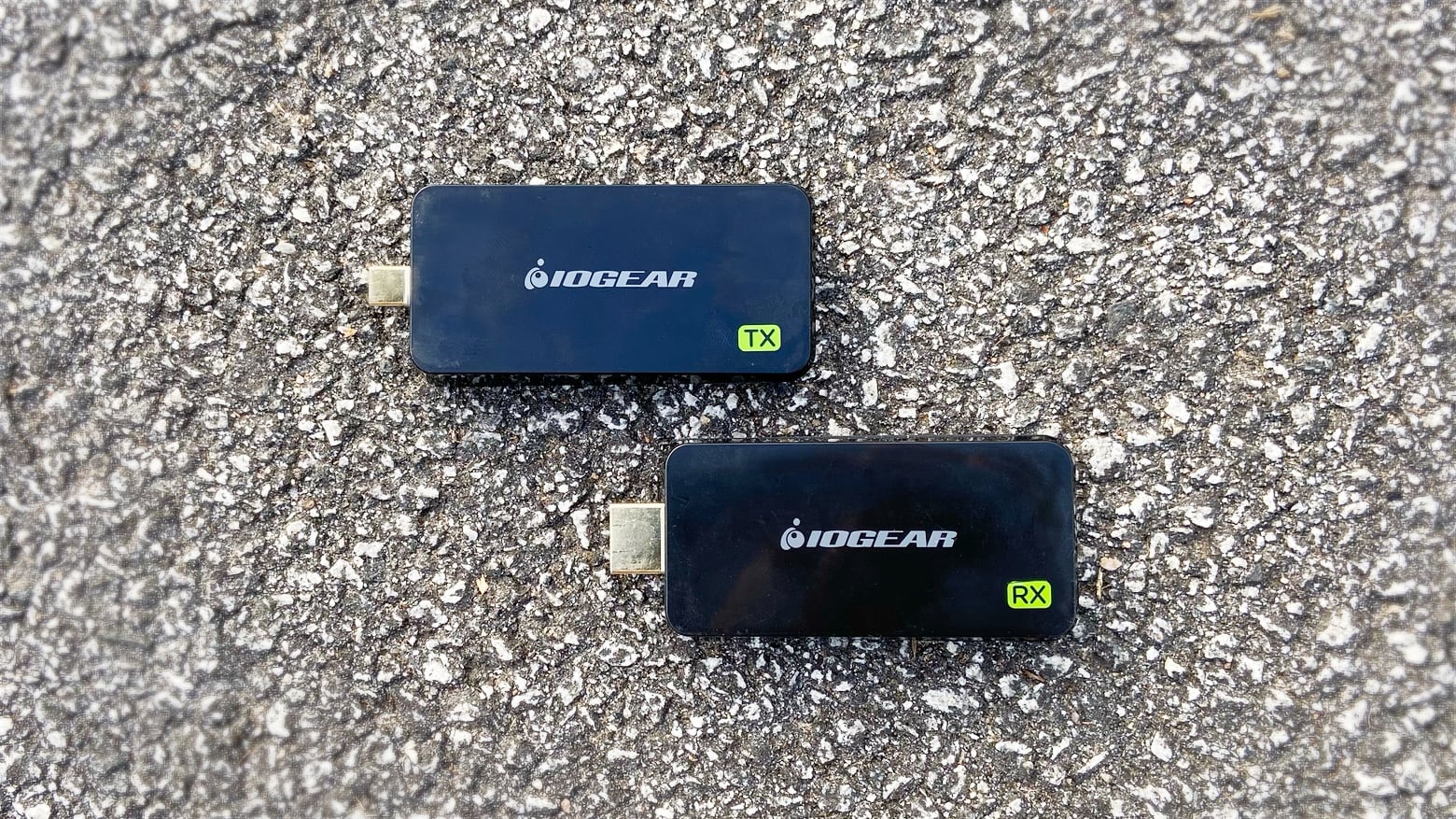
The IOGear Share Pro takes the place of a huge HDMI cable, and plugs right into your MacBook. Photo: Ed Hardy/Cult of Mac
Wirelessly connecting a MacBook to a TV is a snap with the IOGear Share Pro. It uses the computer’s USB-C port to stream video to a screen up to 60 feet away, no wires needed.
I fully tested this accessory. Dive in to see how it preforms in regular use.
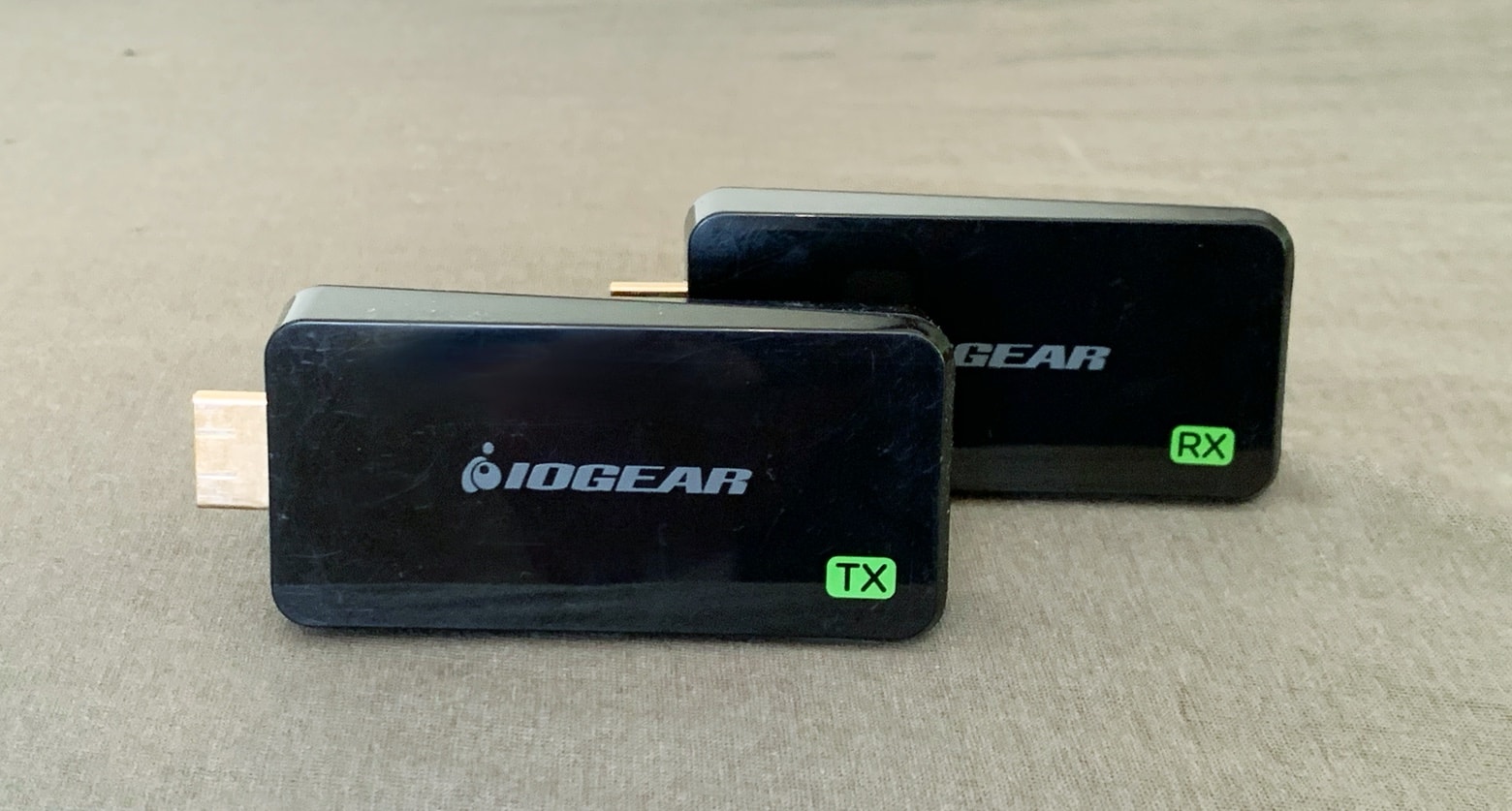
The SharePro Mini can really cut down on the clutter around your TV. Photo: Ed Hardy/Cult of Mac
IOGear has a simple, wireless replacement for HDMI cables. The SharePro Mini creates its own little Wi-Fi network to stream video between a small transmitter and receiver, connecting your MacBook and TV without a wire. There are some limitations, of course.
We’re been testing this gadget for weeks. Tune in to see if it’s something you need for your living room, or for your next presentation.
Kanex is the latest to deliver a USB-C hub for the 2018 iPad Pro. The iAdapt looks like one of the better options for adding must-have ports to your tablet, and it neatly clips onto the side of your device to keep everything tidy.
We found the one dongle to rule them all. Photo: Erfon Elijah
The 2018 MacBook Pro is one of the sexiest machines Apple’s ever made. There’s just one problem: you need a bunch of dongles to use all your favorite accessories.
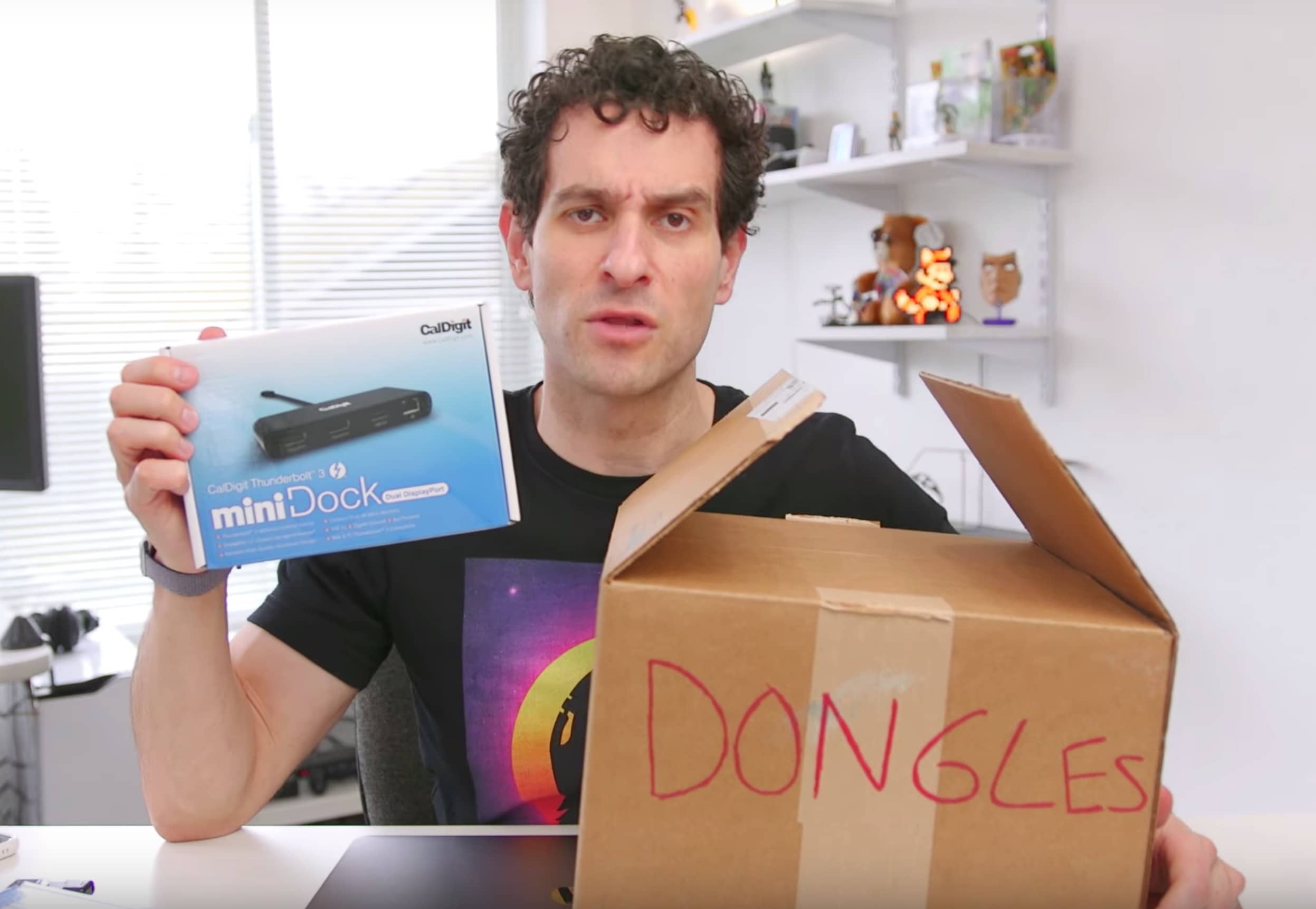
Because the MacBook Pro only has USB-C ports you’ll need a dongle for ethernet, a dongle for an HDMI display and another dongle to connect your gadgets that use USB-A, which is like everything. CultCast host Erfon Elijah, aka The Gadget Hunter, has been on the search for the perfect dongle solution for people on the go. In his latest video he reveals his favorite new dongle of 2019.
If you’re ready to taste the sweet relief of living life with just one dongle, pay attention:
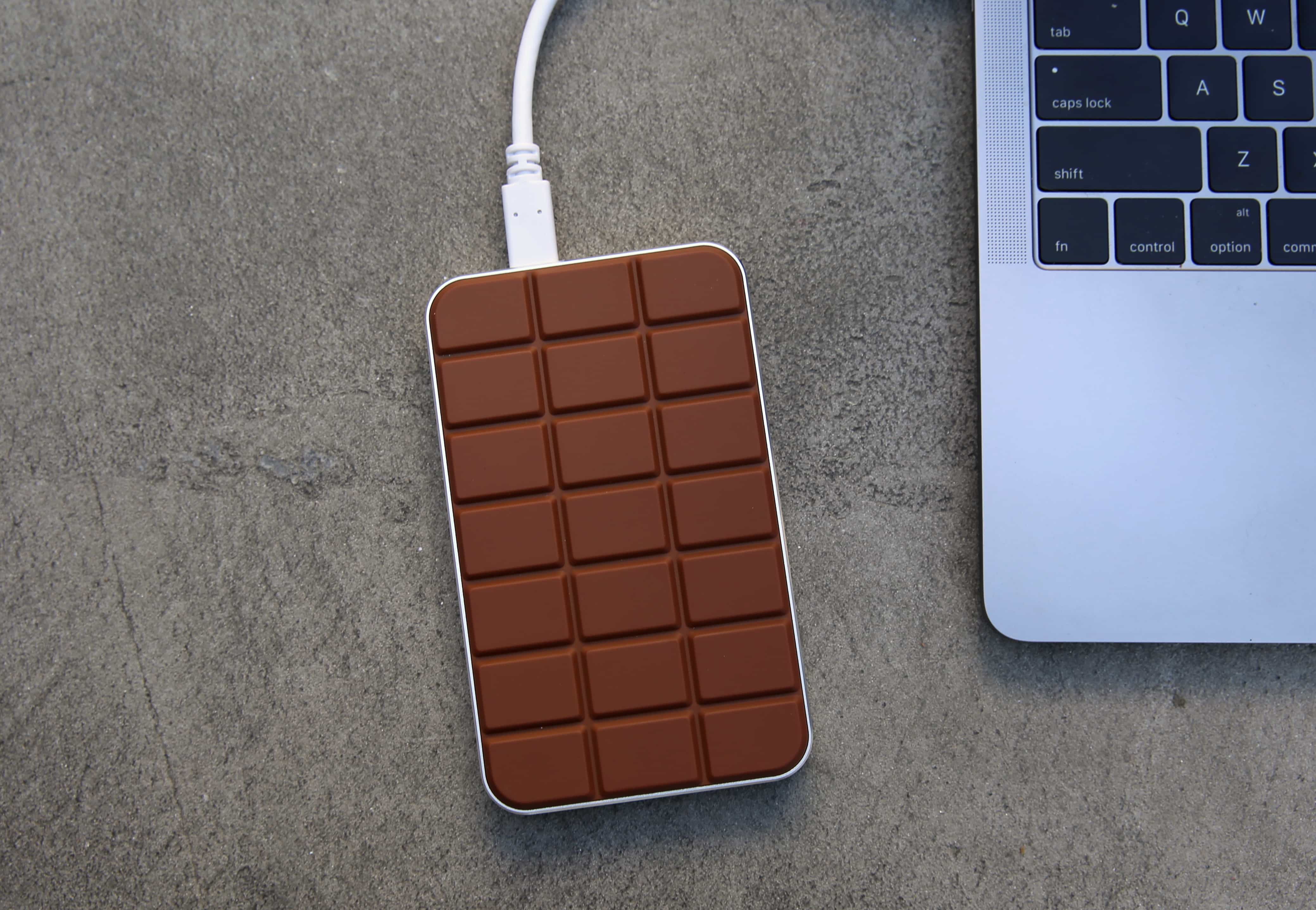
Chocolate Hub 2 gives you back all the ports you need. Photo: Lyle Kahney/Cult of Mac
Apple doesn’t think you need traditional USB ports and SD card readers anymore, but for the vast majority of MacBook users, that’s false. That’s why every model should ship with the excellent Chocolate Hub 2.
This pocket-sized device gives you back all the connections you frequently rely on, including USB and HDMI. It also has a built-in Qi charging pad for juicing up your iPhone 8, iPhone 8 Plus, or iPhone X on the move.
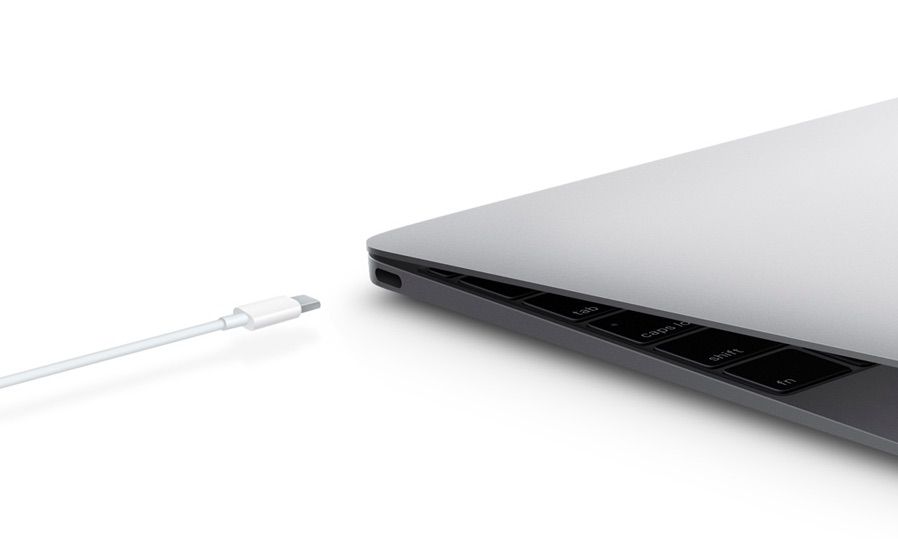
USB-C: The one connector to rule them all. Photo: Apple
Apple still hasn’t owned up to inventing USB-C, the brand new connector featured on its 12-inch MacBook — but Apple patents have all but tied the technology to Cupertino. The latest describes how a do-it-all connector that fits USB-C’s description is going to make every other port you’re using obsolete.
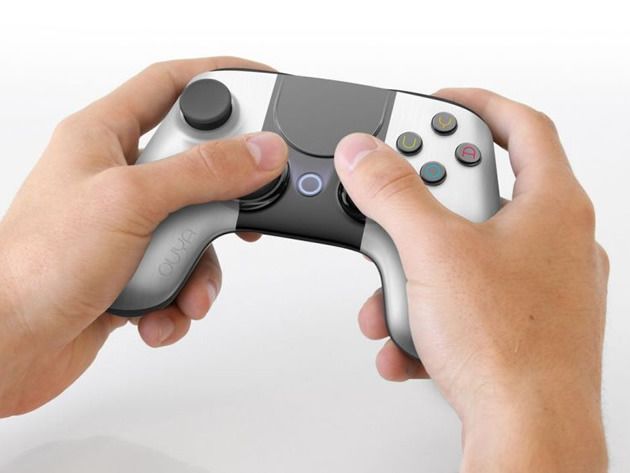
The first thing you notice about OUYA is that, unlike everything else stacked under your TV, it’s not a massive box that just sits there collecting dust. Rather, the Yves Behar-designed OUYA is a small and elegant piece of hardware that deserves to be on display.
Don’t let OUYA’s small size fool you, though – it was built using technology similar to what powers our smartphones and tablets, (with a bit of tweaking to the quad-core 1.7ghz processor) and is driven by Google’s open-source Android 4.1 Jellybean operating system. And Cult of Mac Deals has the OUYA for 32% off the regular price – only $85.
Asus has today announced its latest Transformer Pad Infinity slate at Computex 2013 in Taipei, and boy is it a beast. Not only does it carry NVIDIA’s latest Tegra 4 processor — which has a 72-core GeForce GPU — but it also has a 10.1-inch display with the same 2560×1600 resolution as the 13-inch Retina MacBook Pro.
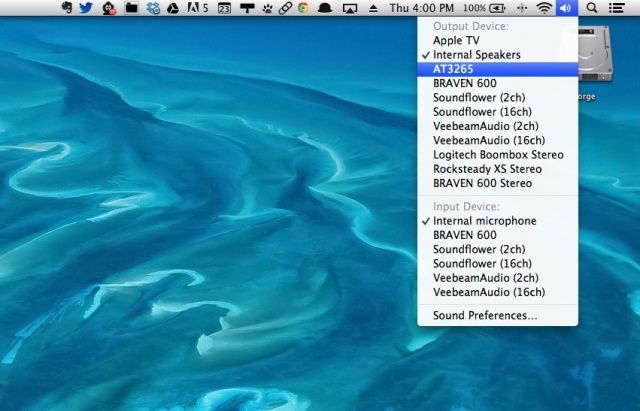
At work, I use a big Acer monitor connected to my Macbook Air via an HDMI dongle from Moshi and an HDMI cable. For quite some time, I was content with having the sound come out of the Macbook Air, which I have set up just to the left of the big monitor as a second screen.
But the other day, since I have the huge TV in my office, the rest of the staff came in to preview a promotional video we’d done for our agency. The tinny sound of my Macbook Air speakers wasn’t enough. I wanted to hear it out of the TV.
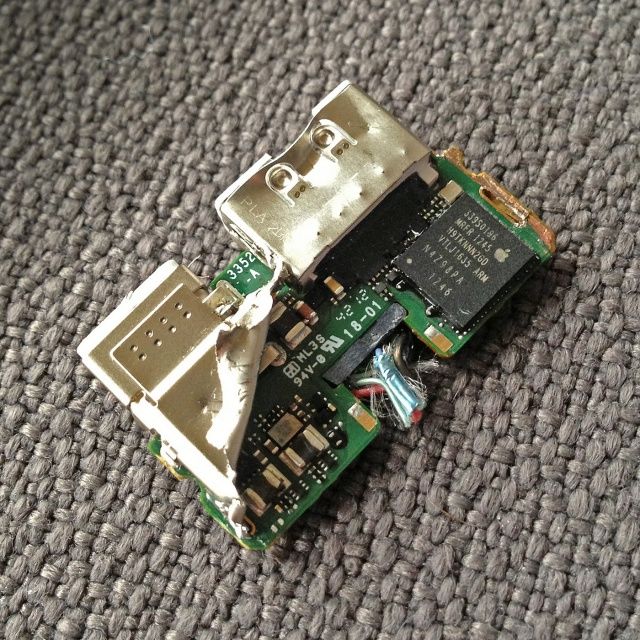
Over the weekend, a fascinating little post over on the Panic weblog revealed that the Lightning AV adapter meant to send video out from a connected iPhone or iPad over HDMI had an interesting little secret to it: it’s not a converter so much as it is a tiny ARM-based computer with a tiny SoC and 2GB of RAM!
The guys at Panic had a theory that this meant that the Lightning AV Adapter booted a miniature version of iOS every time it was connected, and that it was using a bizarre, hardwired version of the AirPlay protocol to do its streaming. That’s not actually the case, but an anonymous Apple engineer has now given the backstory behind this fascinating little bit of engineering.
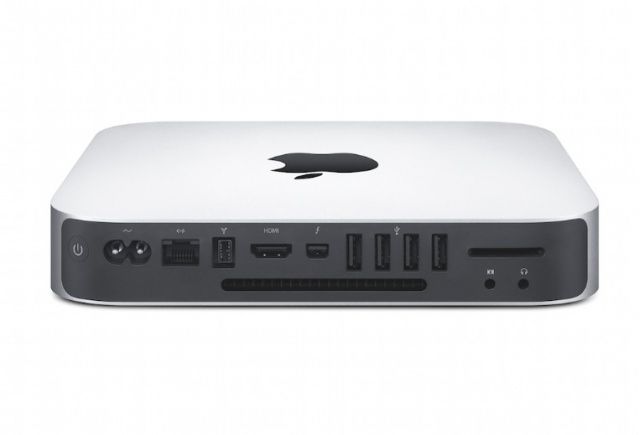
Have you been having problems with the HDMI connection on your new Mac mini? You’re not alone. Apple has released a firmware update for all 2012 Mac mini owners that addresses a “HDMI video flicker issue.” The issue seemed to be originally related to an Intel driver, but it has been fixed now that Apple has issued an official firmware patch.
The update is available now in the Mac App Store.
Your Mac mini’s EFI firmware will update to version 1.7. The download is less than 5MB and is also available on Apple’s support site.
The “world’s first panoramic monitor” might not sound appropriate for the Cult of Mac, but when you find out about some of its tricks, you’ll see why I’m bothering to tell you about it.
The monitor is from LG, measures 29-inches on the diagonal and has a wide, wide aspect ratio of 21:9, and a rather lame resolution of 2,560 x 1,080.
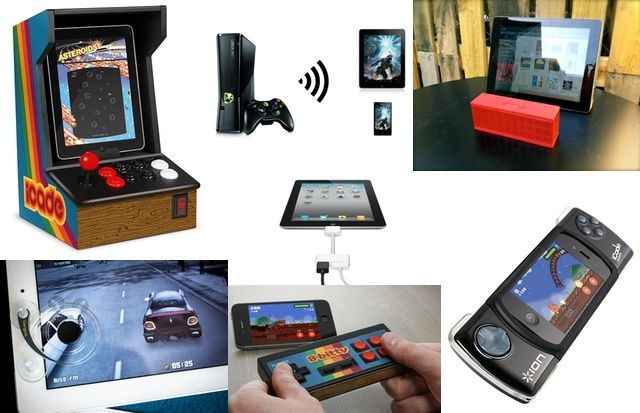
Turn your iDevice into an arcade machine or PSP beater with these amazing accessories.
iOS is the gaming platform of the future. Just ask Nintendo, who this year posted its first annual loss (nearly half a billion dollars). And while Game Boy-esque portable playing is good enough most of the time, you only need to add a few accessories to turn the iPhone into a full-on be-buttoned handheld, and the iPad into the center of a big-screen home gaming system. Read on to find out our picks for the best iOS gaming accessories.
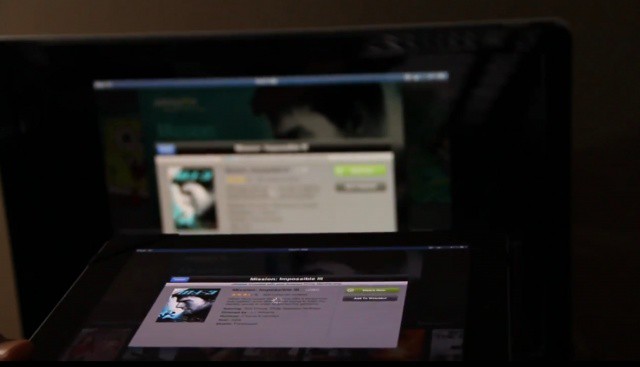
Streaming Mission Impossible from Amazon Instant Video on the iPad to the Apple TV? Yes please!
There are many premium content services that use DRM to limit where and how you can watch videos. iOS apps like HBOGO, DirecTV, and Amazon Instant Video will all let you watch content on your device, but you’re blocked from streaming via AirPlay or through an HDMI cable. We know, it’s silly. It’s all because of the contacts and licensing deals Hollywood makes with digital distributors.
What if there was a world in which no DRM could keep your content shackled to an iOS device? A new jailbreak tweak makes it possible to stream what you’re watching—no matter what the source—to your TV through the magic of AirPlay.
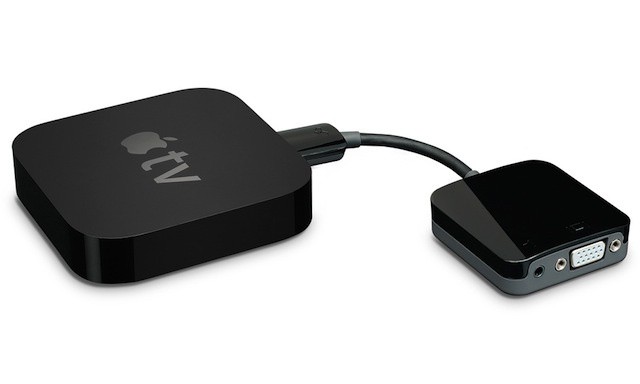
Kanex adapter and Apple TV bring AirPlay to virtually any venue
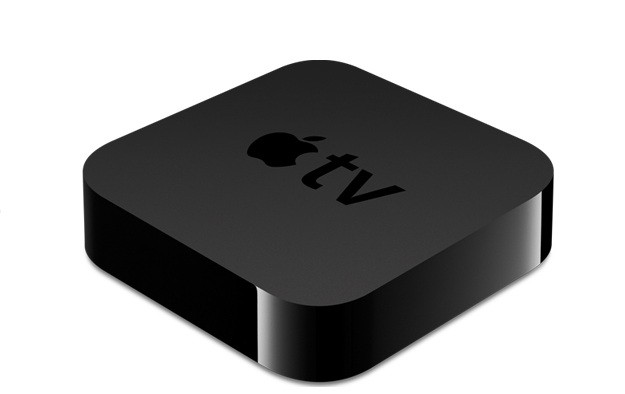
AirPlay and AirPlay Mirroring add a lot of value to the second and third generation Apple TVs. Paired with a recent iPad or the iPhone 4S, an Apple TV can instantly become a gaming solution and a theater for home movies – and will be amazing when combined with Mountain Lion when it ships this summer.
AirPlay also turns that Apple TV into powerful and extremely portable presentation system that’s a great fit for the classroom or the board room. The only challenge is that the Apple TV’s only output option is an HDMI port, which can be a big problem for connecting to older display technologies including many projectors and computer displays – a problem solved by cable and adapter maker Kanex.
So Santa stuffed an Apple TV in your stocking? That’s pretty freaking awesome. We’re jealous. Well actually, we already had one so I guess we’re not that jealous, but congratulations on joining the club of Apple TV owners. We’re stoked to have you with us, and we want you to get the most from your new gagdget so we’re going to help you get it setup the right way so you can skip through all the menus and side features and dive straight into the good stuff.
In this handy guide, we’ll take you through initial setup; show you the best features of Apple TV and teach you some awesome tweaks that will take your television experience to the next level so you can cuddle up in next to your flatscreen wearing those new pajamas your kids bought you and go into a week-long tv-coma.
Here’s our guide to setting up your new Apple TV the right way.
A Hulu Plus application seems like the perfect addition to Apple’s $99 set-top box. While the device already comes packing a native Netflix app, the only way users can access current TV shows is by using the iTunes Store. According to some sources, however, a Hulu Plus app is ready to go, but Apple may not release it.
If you’re anything like me, you’ll be forever losing the charger for your Apple gadgets. Thanks to this solar powered iPad case, however, you may never need one again.
I’ve mostly been very happy with my migration to Lion, but I did get bit with one bug after the upgrade: for the life of me, I couldn’t get sound to output through HDMI when using my Kanex Mini DisplayPort to HDMI Adapter. That meant the days of hooking my 11-inch MacBook Air to my 47-inch 1080p HDTV were at an end.
I wasn’t alone. Apple’s support communities are filled with threads from frustrated Lion upgraders who suddenly lost the ability to pump sound through their HTPCs. HDMI sound also stopped working on my girlfriend’s MacBook when she upgraded to Lion. It’s obviously a widespread problem.
Luckily, today I finally figured out how to fix the issue, and it was remarkably simple. Here’s how to get HDMI sound back into Lion.
A staggering number of unlicensed Mini DisplayPort to HDMI cables are to be recalled, after HDMI Org, the firm that licenses HDMI cables, said that the product should not be sold.
I did something last weekend that I know many of you may have done already. I dragged my Mac Mini into the living room and connected it to my large screen LCD TV. I ran into an interesting problem after doing so. My Mac Mini would not display the Mac OS X menu bar. It wasn’t visible, but luckily there is an easy fix for this problem.
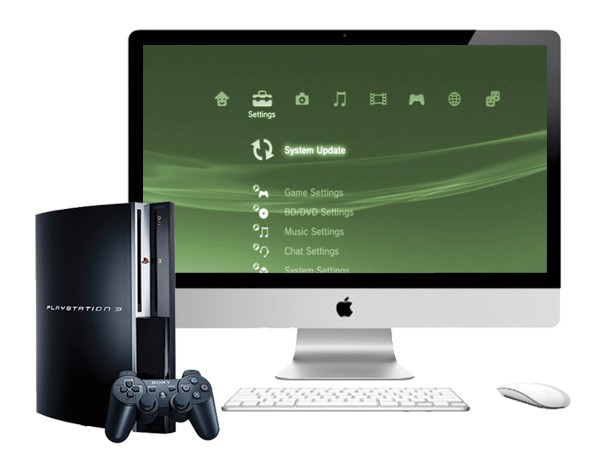
If you have a 27-inch iMac or 27-inch Apple LCD Cinema Display and you don’t already know about the Kanex XD, then you should. This miniature aluminum box enables you to take any device with a HDMI connection – such as your PlayStation 3, Xbox 360, or Blu-ray player – and hook it up to your iMac or Cinema Display via the Mini DisplayPort connector.
It’s perfect for casual gaming at your desk or catching a Blu-ray in your lunch hour, and it’s a great way to make the most out of your expensive Apple display.