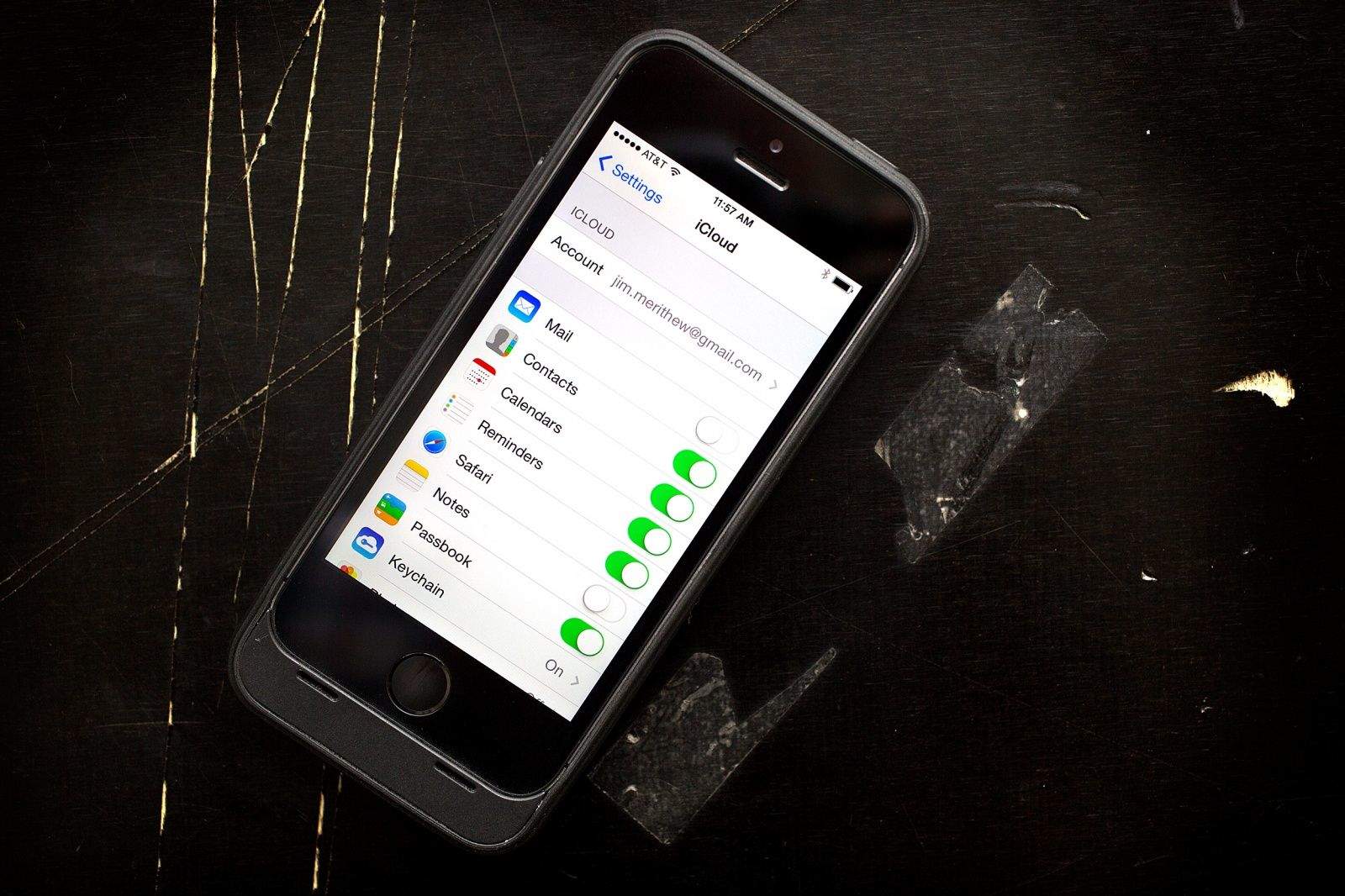
You might wanna check your account. Photo: Jim Merithew/Cult of Mac
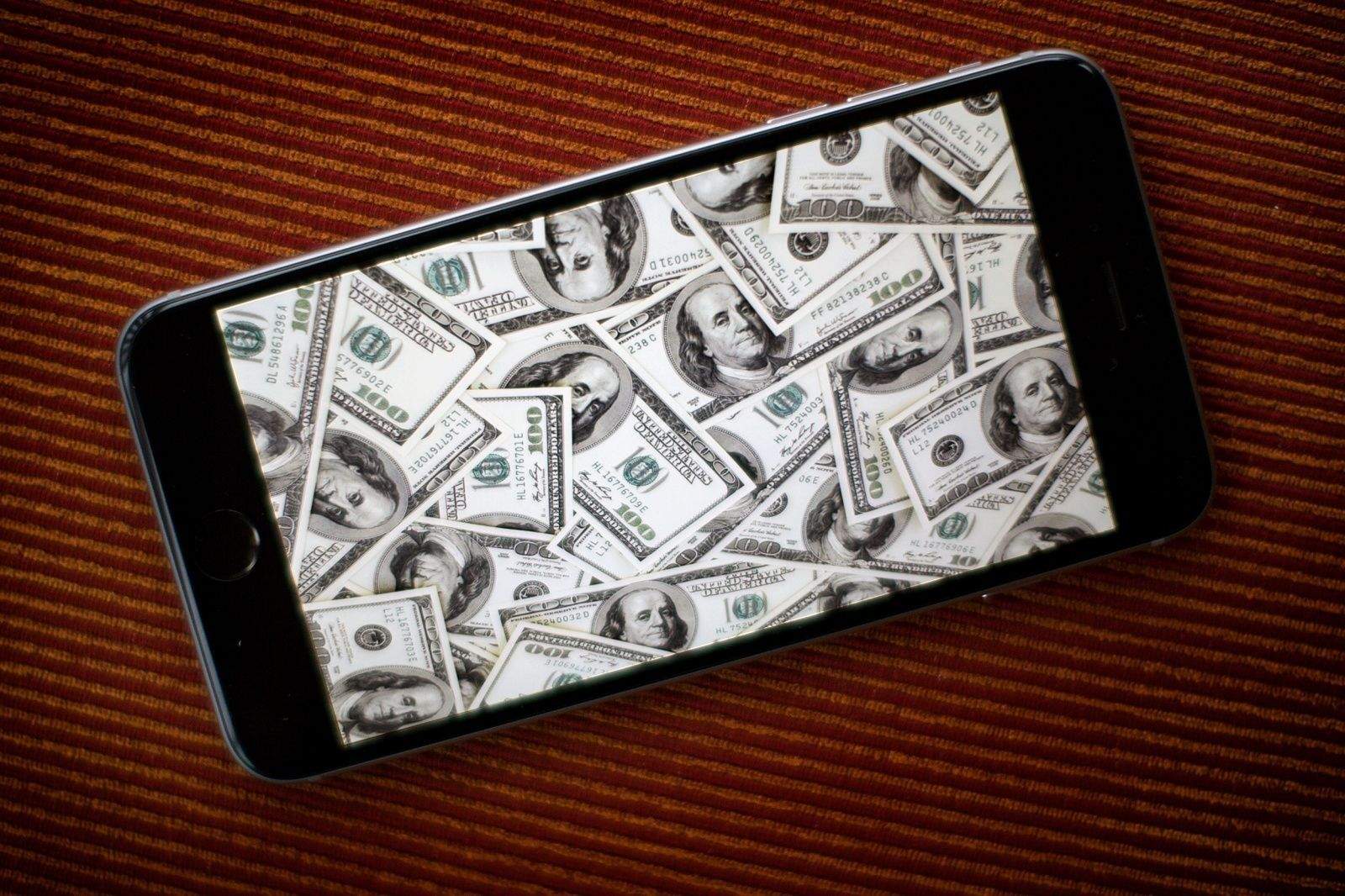
A critical flaw with PayPal-owned Venmo left iPhone users’ accounts exposed to a lethal account that could have allowed attackers to steal $2,999.99 in just two minutes.
The Venmo security flaw was discovered by Salesforce security engineer Martin Vigo who found that Siri can be used on locked iPhones to drain an account just by sending a few text messages.
Edward Majerczyk will be sentenced soon. Photo: Jim Merithew/Cult of Mac
A hacker who broke into more than 30 iCloud accounts has pleaded guilty for his role in the “Celebgate” leak of 2014. Edward Majerczyk faces up to five years in prison for illegally obtaining private celebrity photos.
You might think your iPhone's safe, but are you sure? Photo: Ste Smith/Cult of Mac
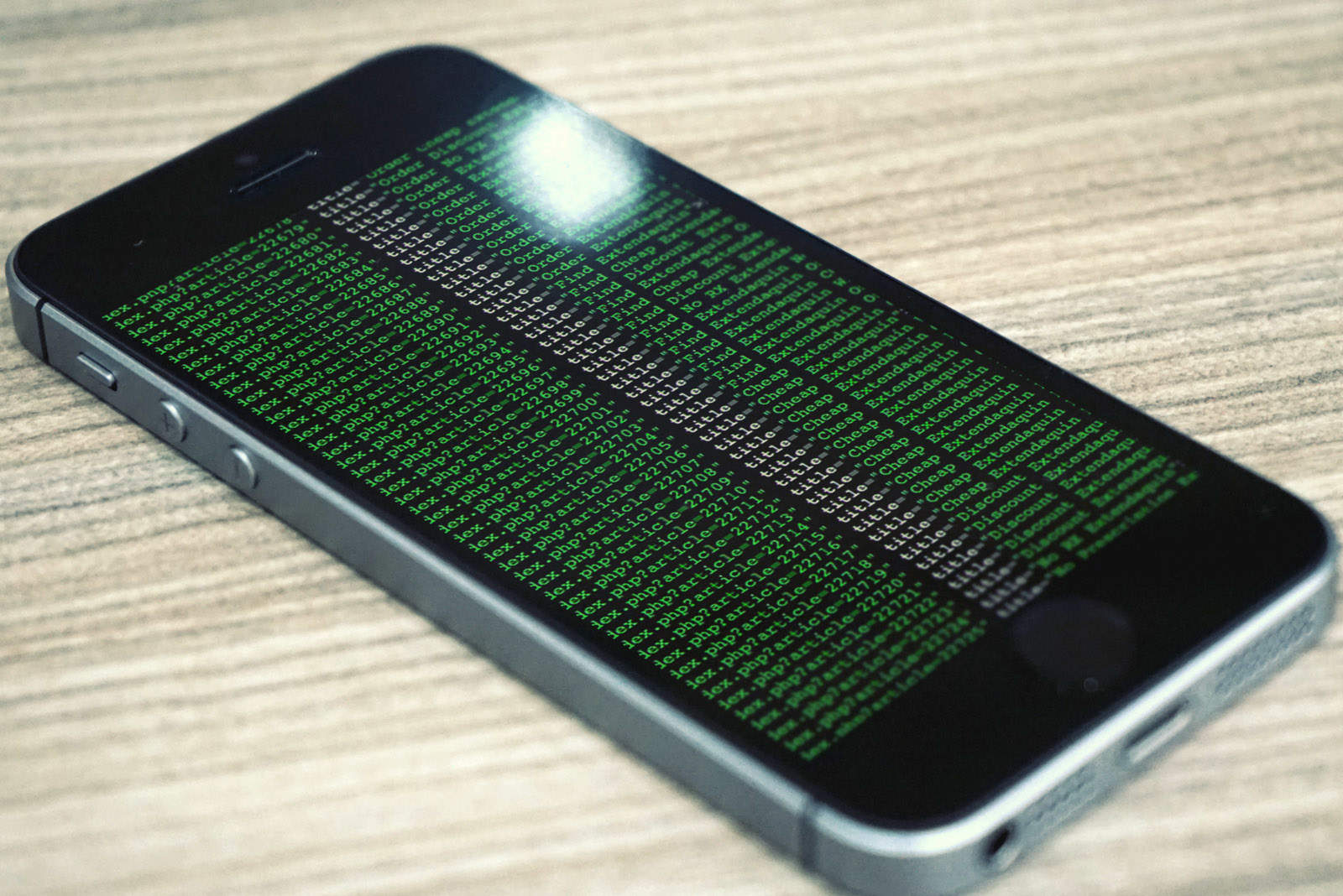
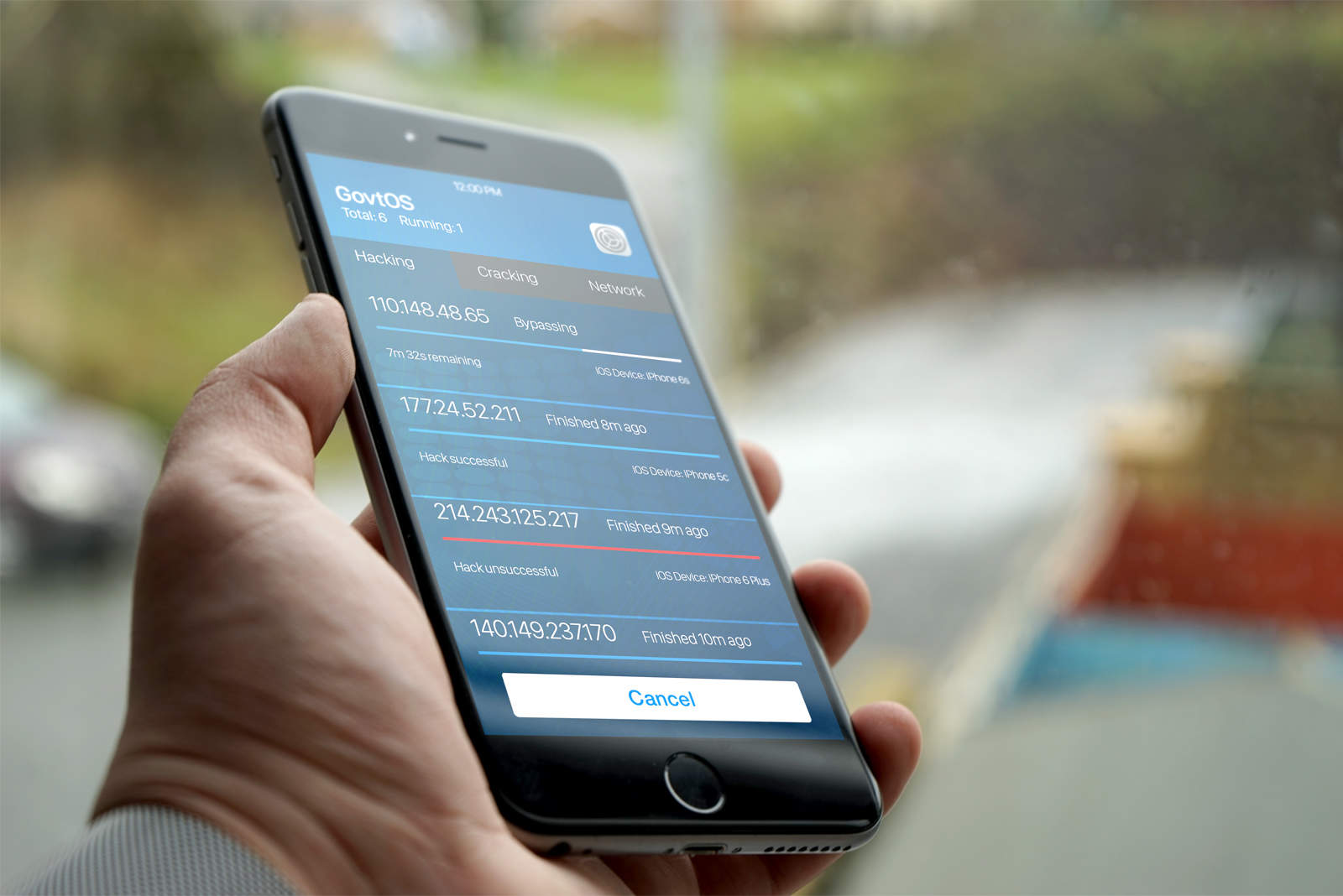
You could be using a jailbroken iPhone containing malicious software that spies on your every move and you wouldn’t even know it.
It might be unlikely, but it happens, and you should be aware of it — especially if you buy used devices. Fortunately, you can now get a simple app that tells you in an instant whether your iPhone or iPad has been hacked.
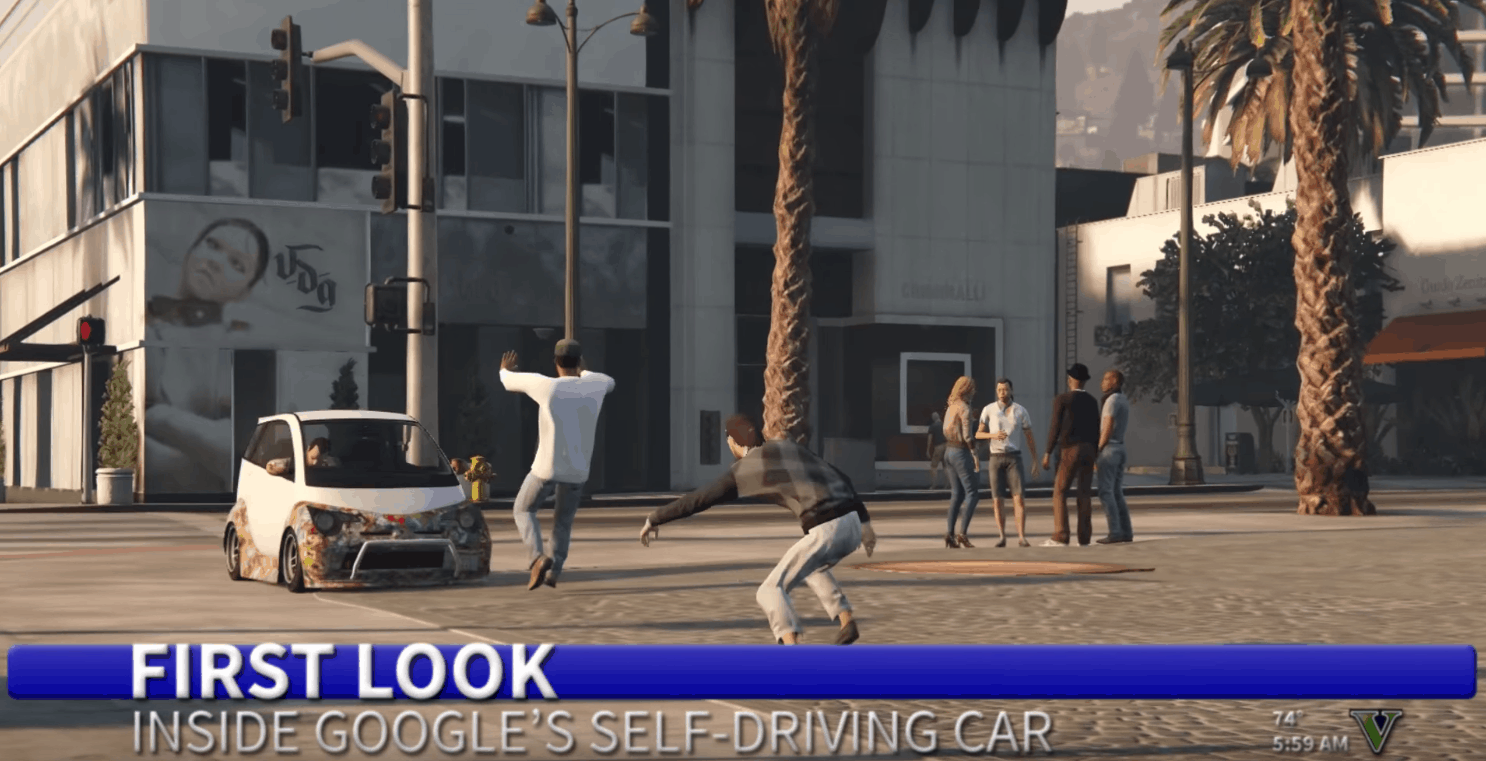
Beware the Google car! Photo: Pizzaforbreakfast/YouTubeBeware the Google car! Photo: Pizzaforbreakfast/YouTube
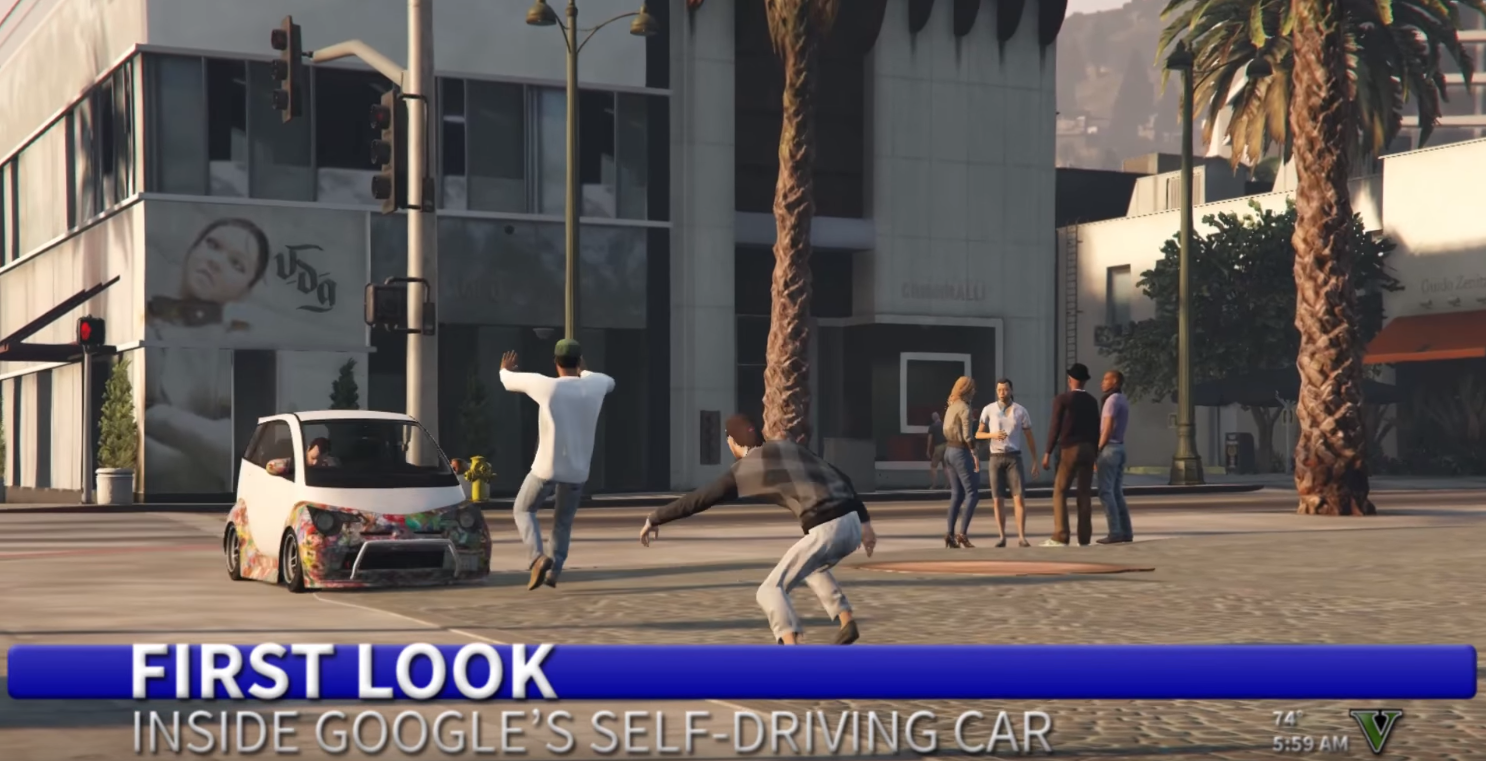
As the technology around us gets smarter, many fear it will turn against us. That nightmare comes true in this parody ad for Google’s self-driving car, which mows down poor pedestrians as it tears down the streets of Los Santos.
But how long will it last? Photo: Ste Smith/Cult of Mac
Having to bid farewell to iMessage is one of the reasons why many iPhone users won’t jump ship to Android. But thanks to a new app called PieMessage, you can now enjoy Apple’s insanely popular messaging platform on a Google-powered smartphone.
The government doesn't want to share information with Apple. Photo: Ste Smith/Cult of Mac
The Department of Justice is unlikely to reveal to Apple exactly how it was able to hack the locked iPhone belonging to one of the San Bernardino shooters, according to a federal law enforcement official.
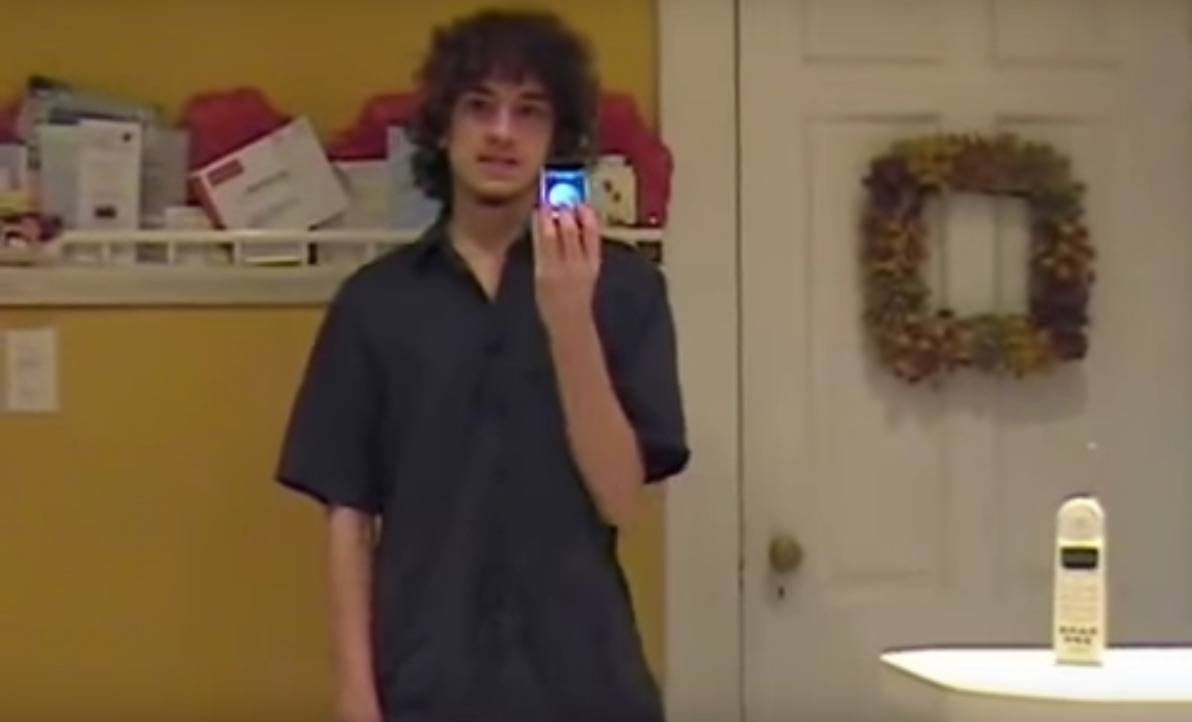
George Hotz aka 'geohot' unveiling the world's first unlocked iPhone Photo: geohot/Youtube
George Hotz made a name for himself at 17 years-old as the first person to hack the iPhone, but his next project could be headed on a collision course with Apple’s self-driving car.
Using affordable electronics that any nerd on the street can purchase, Hotz revealed that he hacked an Acura ILX to become a self-driving car. The hack uses a lidar system on the roof with cameras mounted on the front and back that plug into a computer in the glove box. To top it off, Hotz added a 21.5-inch touch screen to the dash, and replaced the gear shift with a joy stick controller.
“Modern cars are very electronic and computer,” Hotz told Bloomberg. “If you ask me, I know a bit about cars, but I’m not a car guy. I’m a computer guy. Cars are computers.”
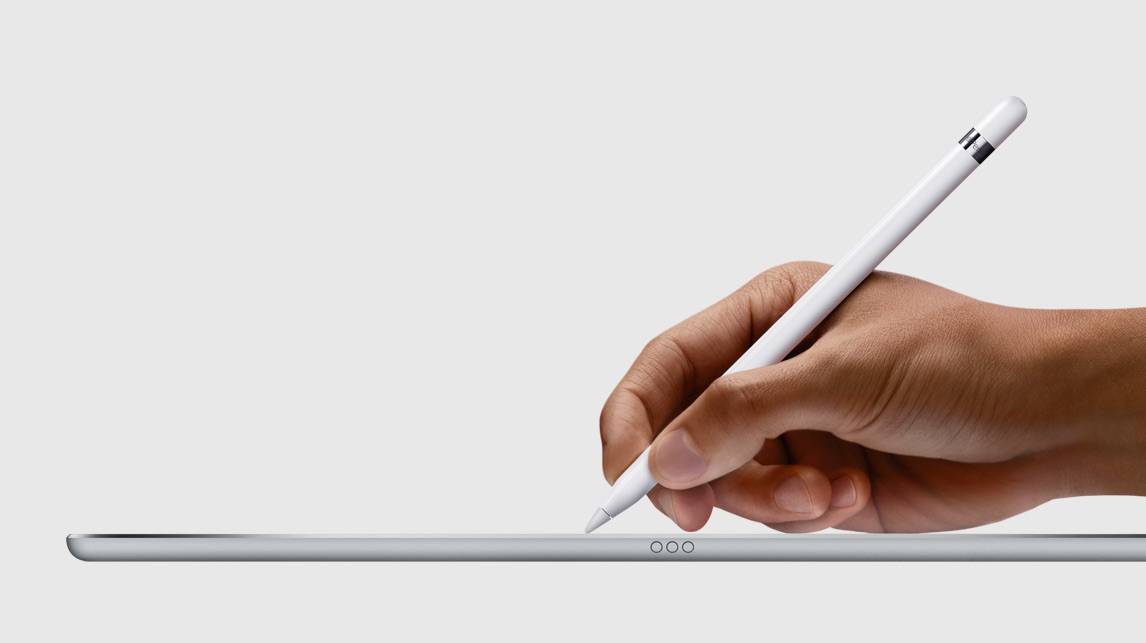
Apple Pencil is the best iPad accessory. Photo: Apple
The iPad Pro is the most impressive tablet Apple’s ever created, but it’s missing one killer feature: 3D Touch.
Developer Hamza Sood has found a clever workout around though that brings Peek and Pop features to the iPad Pro, and it’s all made possible thanks to the pressure sensitive features of the Apple Pencil.
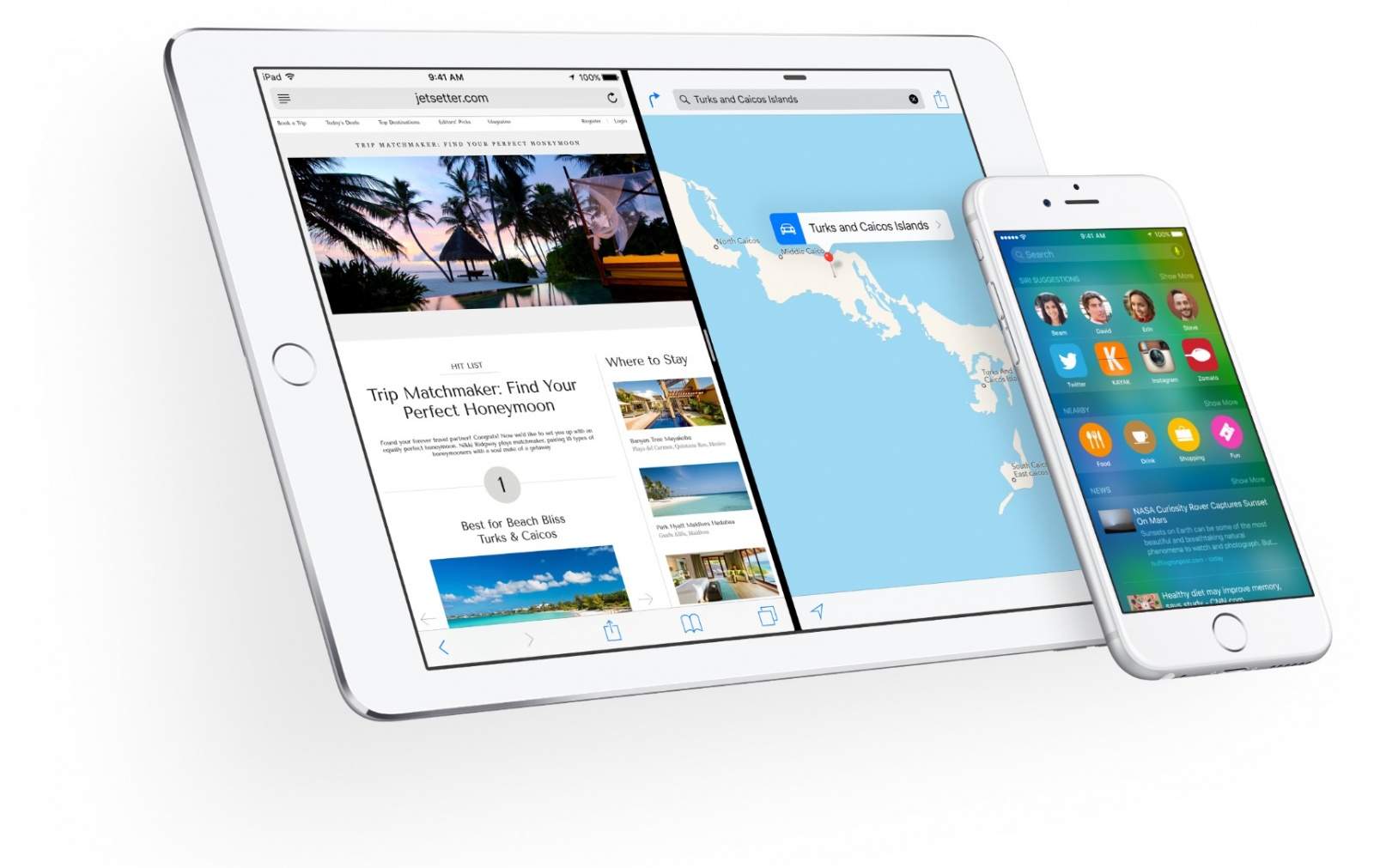
While millions of iPhone users have eagerly upgraded to iOS 9, a new race is on among researchers to find critical flaws in Apple’s software, and they’re throwing around more cash than ever to get hackers to find the holes.
A new security industry firm called Zerodium announced today that it will pay hackers $1 million for a single exploit that allows attackers to break into an iPhone or iPad running iOS 9. The company says its even willing to pay the bounty multiple times, as long as the exploits break through iOS 9’s security flaws a certain way.
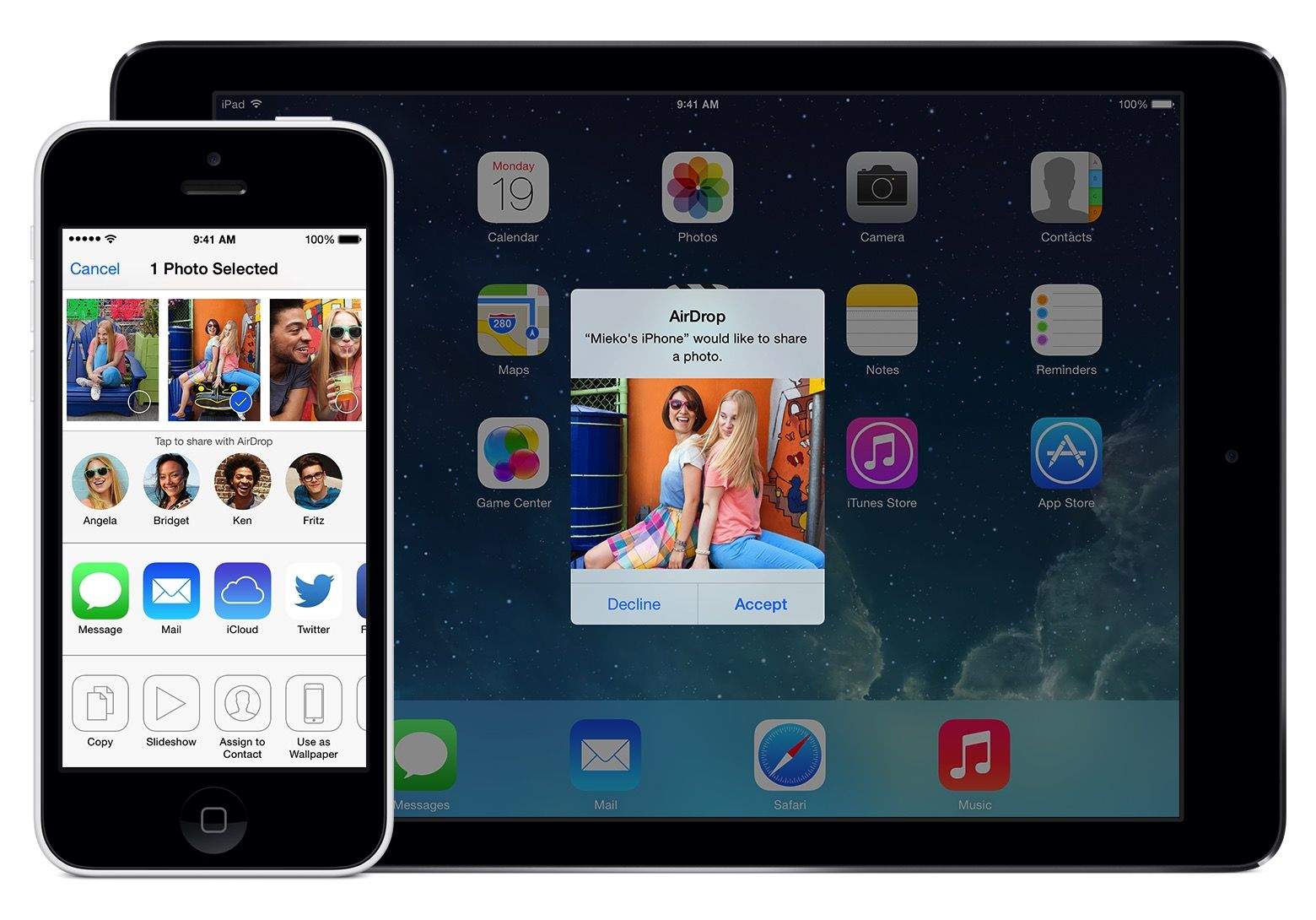
Hackers have just given iPhone and iPad users a big reason to upgrade to iOS 9 due out later today: it fixes a serious AirDrop security vulnerability.
Mark Dowd, an Australian security researcher with Azimuth Security, revealed this morning that iOS 8.4.1 contains a critic security flaw in AirDrop that could allow an attacker to install malware on any device within range. Worst of all, even if a victim tried to reject the incoming AirDrop file, the bug lets attackers tweak the iOS settings so the exploit will still work.
There's a lot more where that came from, says the hacker. Photo: Hamza Sood
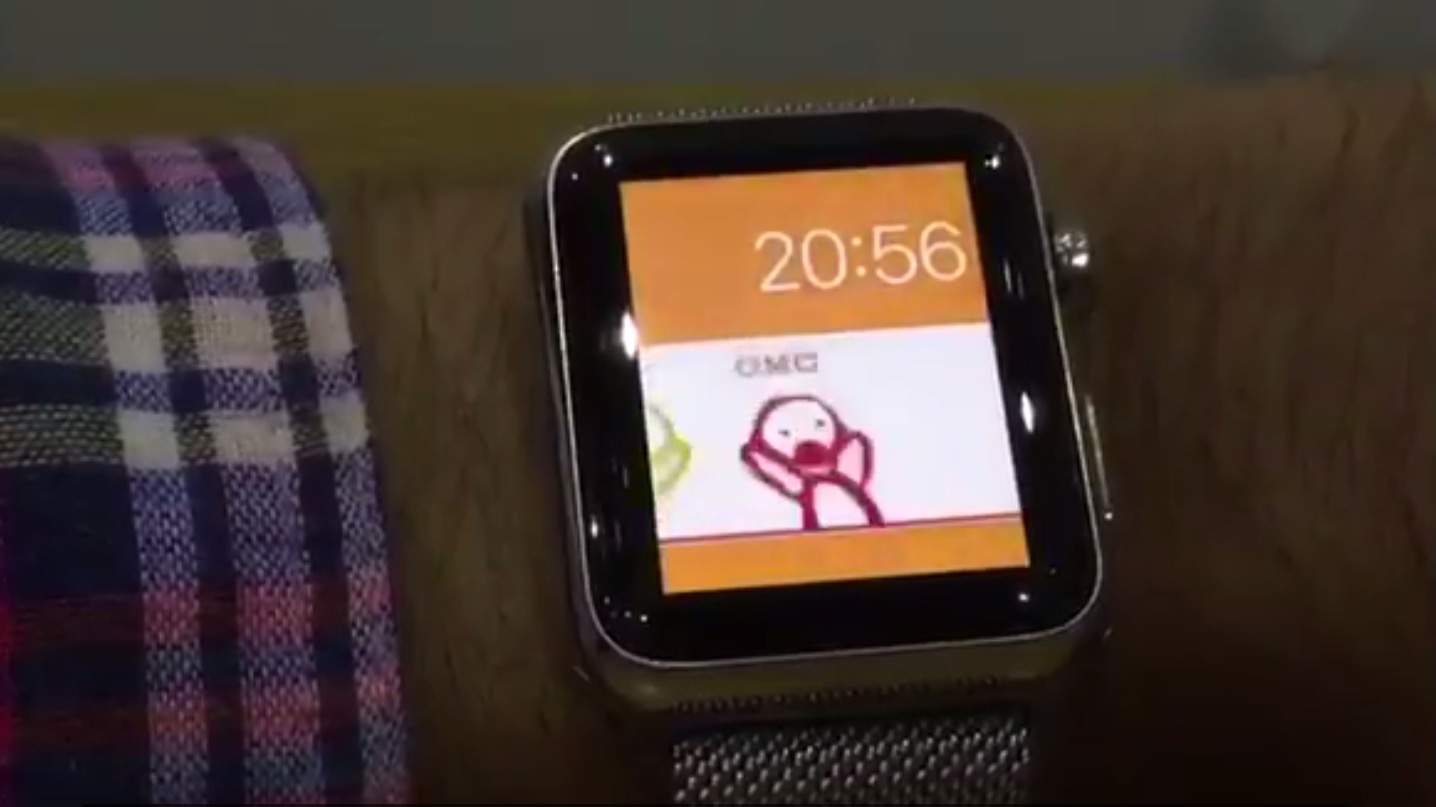
“I guess I’m known as that firmware-poking guy,” says Hamza Sood, the young hacker who most recently found a way to create and add custom watch faces to Apple Watch.
Cult of Mac chatted with the London-based 19-year-old via email to find out more about what makes him tick.
Your iMessages are now safer from the hackers. Photo: Apple Photo: Apple
Apple is making iMessage and FaceTime harder to hack by turning on two-step verification for both services in an effort to tighten security for iOS and Mac users.
The extra security goes into effect today and gives users an extra layer of protection against hackers or anyone else trying to log in to your iMessage account to either impersonate you or steal data.
Don't let online hackers get into your home ... directory. Photo: Scott Schiller/Flickr CC Flickr
We all make compromises daily when it comes to online security. Everybody wants to be safe and secure when making purchases online, but practically none of us do everything necessary to keep our data secure.
“People, myself included, are basically lazy,” web developer Joe Tortuga told Cult of Mac, “and ease of use is inversely related to security. If it’s too difficult, then people just won’t do it.”
With all the recent hacks into private as well as corporate data — like the credit card grab from Home Depot and the hack into Sony’s files, there’s no better time to learn some of the things we all can do to protect ourselves. We spoke to some online security experts to get their advice.
Update: A Dropbox spokesperson has confirmed that its service has not been hacked and that the exposed logins were mostly expired and harvested from third-party services. More information below.
An anonymous party has allegedly hacked 6,937,081 Dropbox accounts and gained access to email addresses and passwords in plain text. Hundreds of account emails and passwords have been posted online as proof, with whoever is responsible claiming that more will be shared after receiving Bitcoin donations.
The iCloud accounts of numerous Hollywood celebrities have been hacked, with naked images being sold for Bitcoins. (Picture: Killian Bell) Illustration: Killian Bell/Cult of Mac
Blame for the flood of celebrity nude photos that hit the Internet has been rotating from the pervy hackers that ripped the pics, to Apple, to the creator of iBrute, but while the FBI and Apple continue to investigate the source of the leak, there’s one tool that has gone unmentioned: the police forensic tool that made it all possible.
One of the key elements behind the iCloud nudes leak is a piece of software created by Elcomsoft that allows attackers to impersonate a target’s iPhone and download its entire iCloud backup, and you don’t even have to be a cop to get it.
Backup everything to iCloud. Photo: Jim Merithew/Cult of Mac
Apple flat-out denies that an iCloud security breach led to the trove of celebrity nudes that leaked over Labor Day weekend. “None of the cases we have investigated has resulted from any breach in any of Apple’s systems including iCloud or Find my iPhone,” said the company in a statement.
Private photos of stars like Jennifer Lawrence were posted on the internet over the weekend, and initial reports pinned the hack on a flaw in iCloud’s login security.
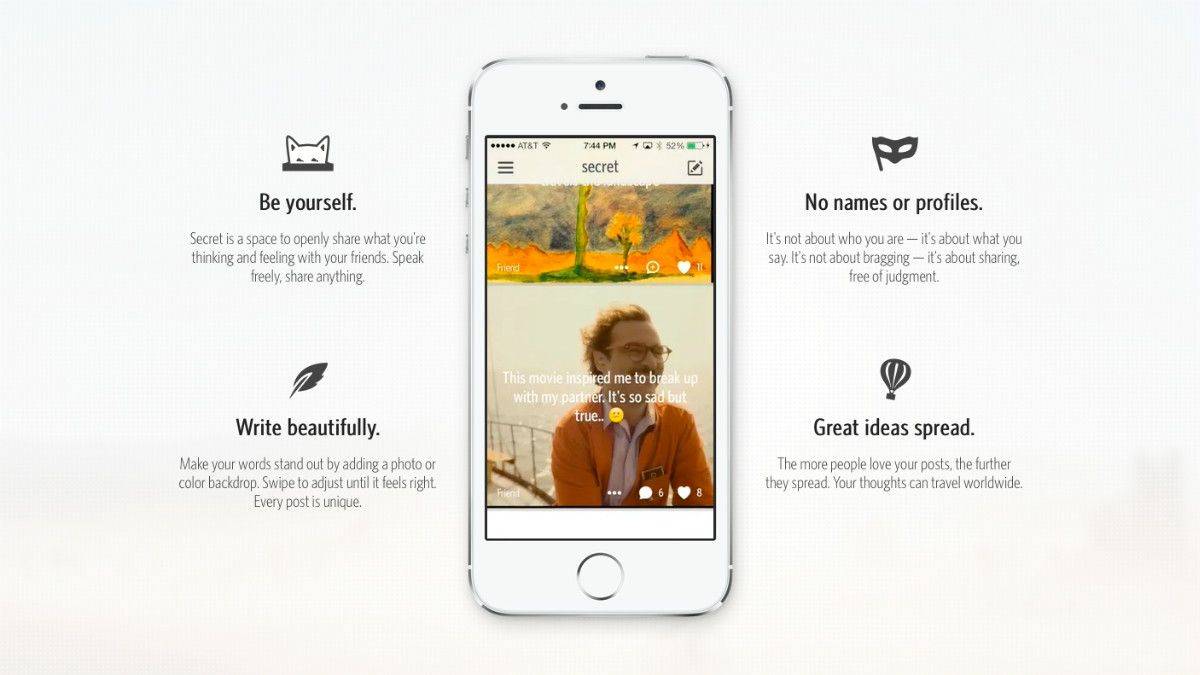
The idea behind Secret is that you can share anything to your social circle with the comfort of total anonymity. Users’ identities are kept hidden, and that’s what’s supposed to make the app enjoyable or whatever.
As it turns out, it’s not that hard to see who someone actually is on Secret. The catch is that you need their email address.
Step away from the light with Yosemite's dark mode, photo Buster Hein
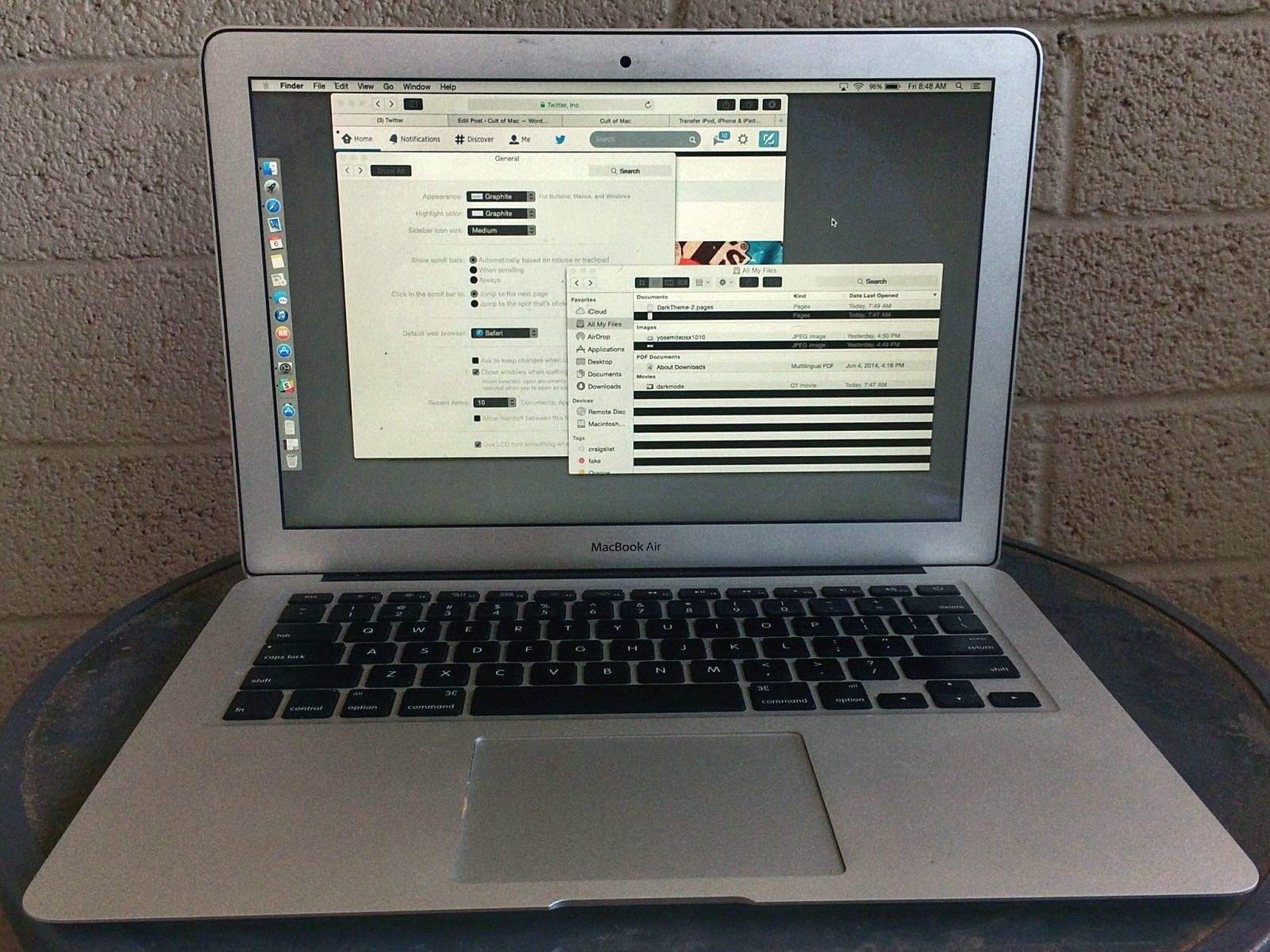
OS X Yosemite is the biggest visual overhaul Apple’s made to the Mac in years, but developers at WWDC seemed most excited about one tiny UI tweak – dark mode.
Beta testers eager to try out the the new OS X 10.10 feature were disappointed to find out it didn’t make it into the first Yosemite beta, but our friend Jean-David Gadina, from the DiskAid developers team, has done some digging into the OS X Yosemite beta and discovered a new file not present in Mavericks that can be manipulated to enable the hidden dark mode feature.
Find My iPhone app in the news. Photo: Jim Merithew/Cult of Mac
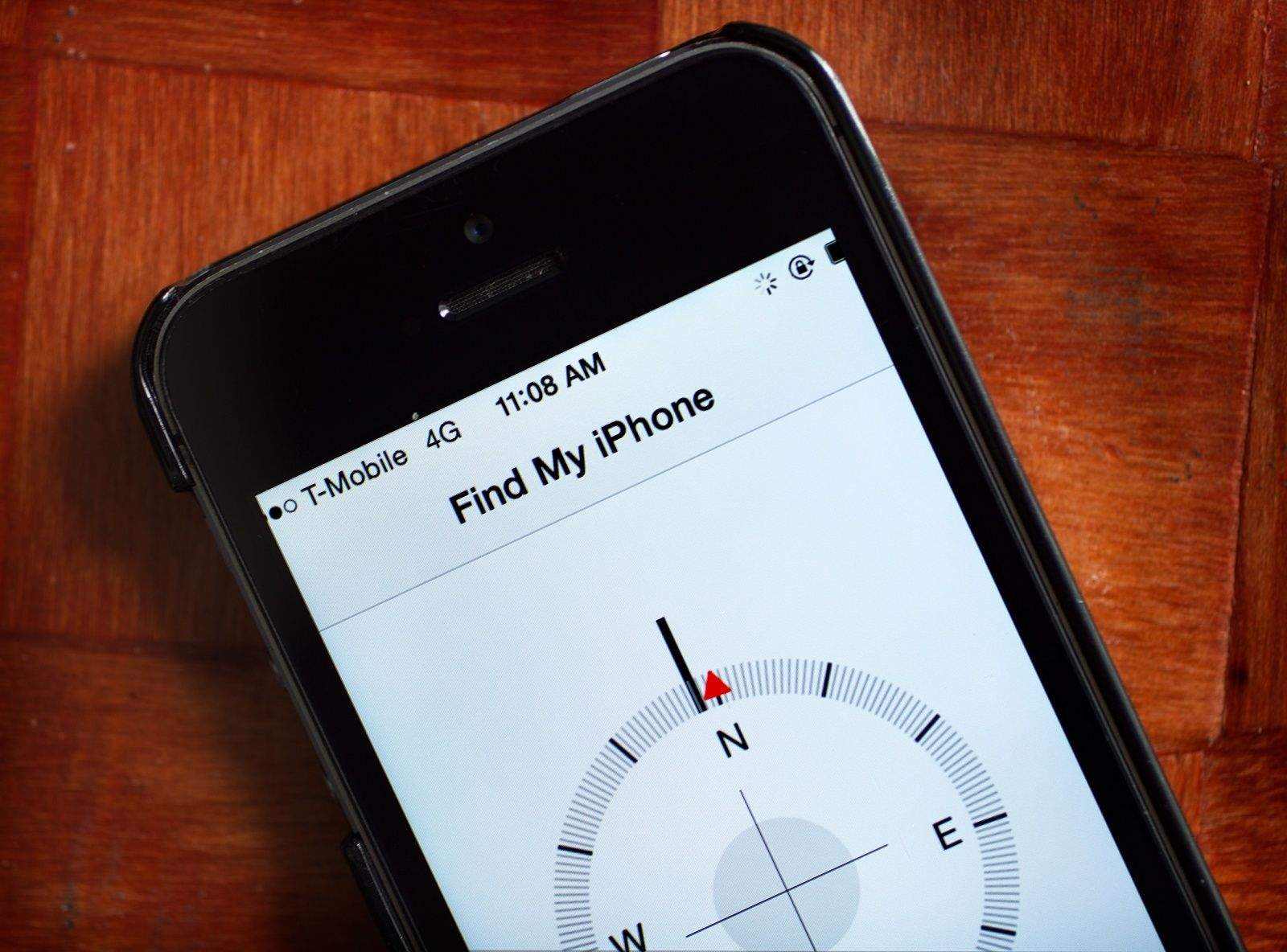
The recently revealed exploit that allows anyone to bypass the iPhone’s Activation Lock system is a rather simple process that requires adding just a single line of code to a computer running iTunes.
The exploit, which is called DoulCi (“iCloud” backward), has already been used thousands of times on locked iPhones and iPads around the world. It’s the work of a pair of anonymous hackers, who cracked Apple’s theft-deterrent measure by tricking lost or stolen iOS devices into thinking they are being reactivated by Apple’s servers.
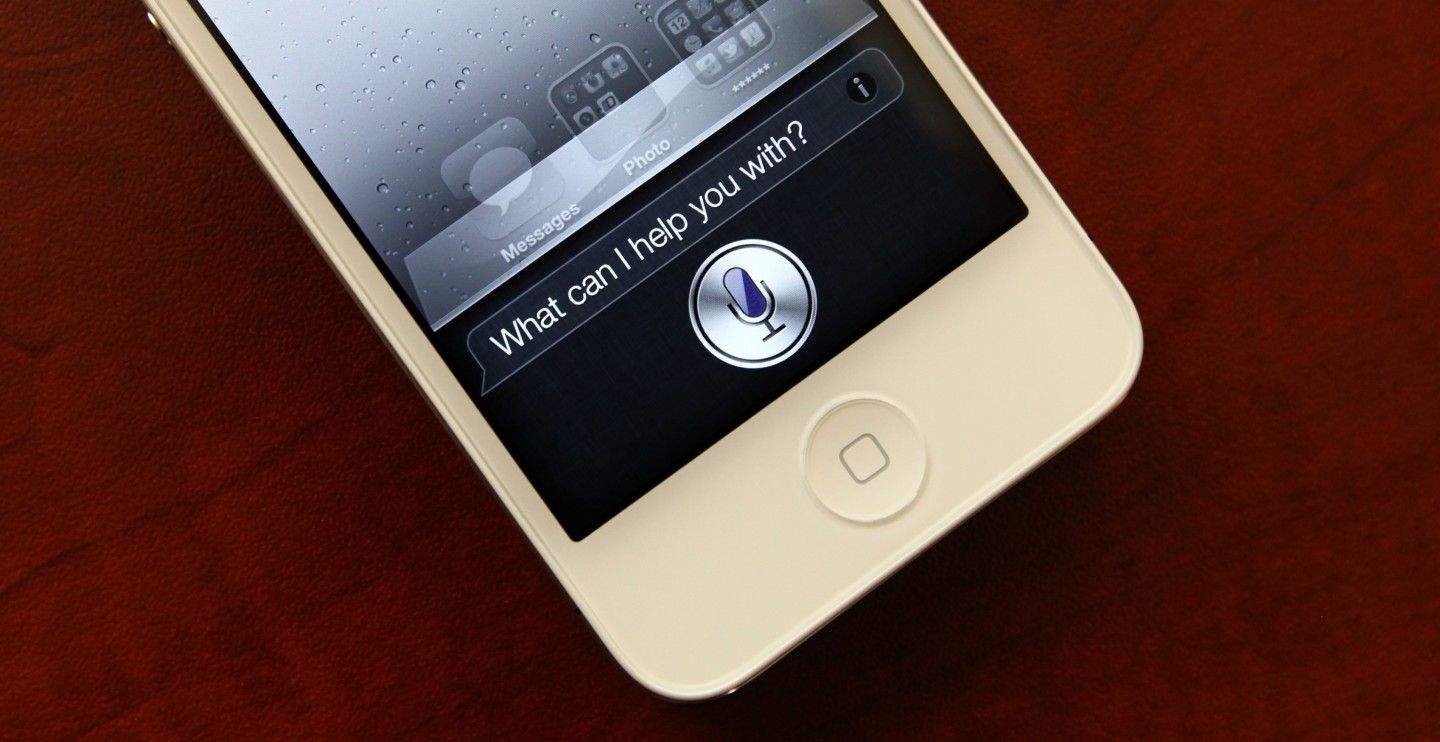
A new exploit has been discovered in iOS 7.1.1 that lets anyone access your full contacts list and send an email, text or call — just by chatting with Siri.
Egyptian neurosurgeon and part-time hacker Sherif Hashim, apparently the first to discover the security hole, posted a YouTube video detailing the steps of the exploit.
Check out how easy it is for a prankster to hack your phone in the video below:
When we originally posted about winocm’s magic iPad 2 that could boot between iOS 5, iOS 6 and iOS 7 at will, we said that “the elite skills necessary to hack your iPad to dual boot operating systems is beyond the ability of most of us mortals, and it’s unlikely winocm will ever make this process friendly for the everyman.”
Then, just yesterday, we took it all back: winocm wasgoing to release the hack that allowed him to dual boot operating systems on his iPad. Schizo-iPads would soon be available to everyone! We were wrong!
Today, though, winocm has released his hack, and guess what? It’s a bunch of github code that you need to have “elite skills… beyond the ability of most of us mortals” to install… definitely not a “process friendly for the everyman.”
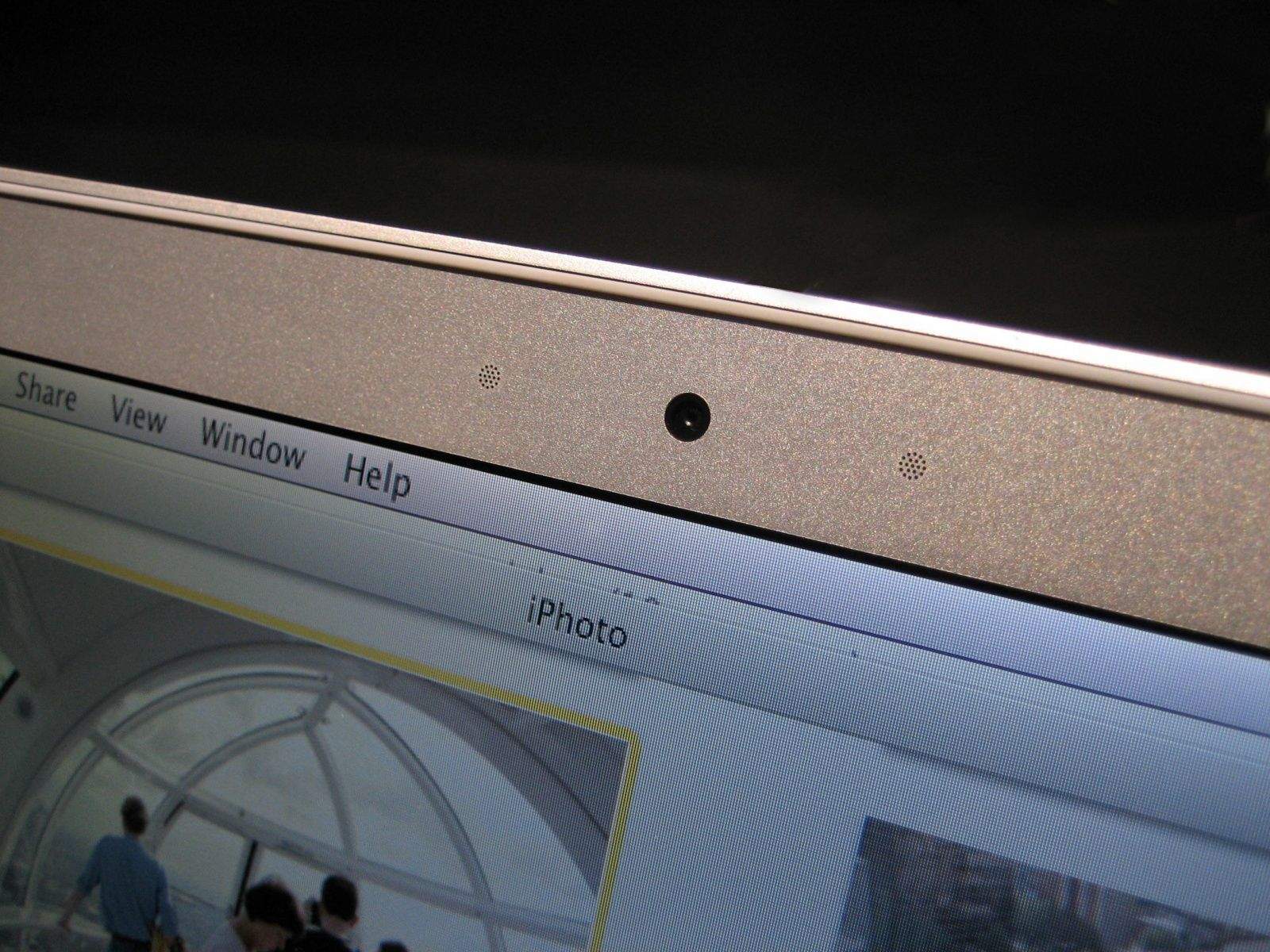
When your Mac’s iSight camera is running, a tiny green light lets you know that it’s turned on. Or at least it’s supposed to. New research from Johns Hopkins University shows how hackers can remotely control the iSight camera in certain Macs without turning on the accompanying LED indicator light.
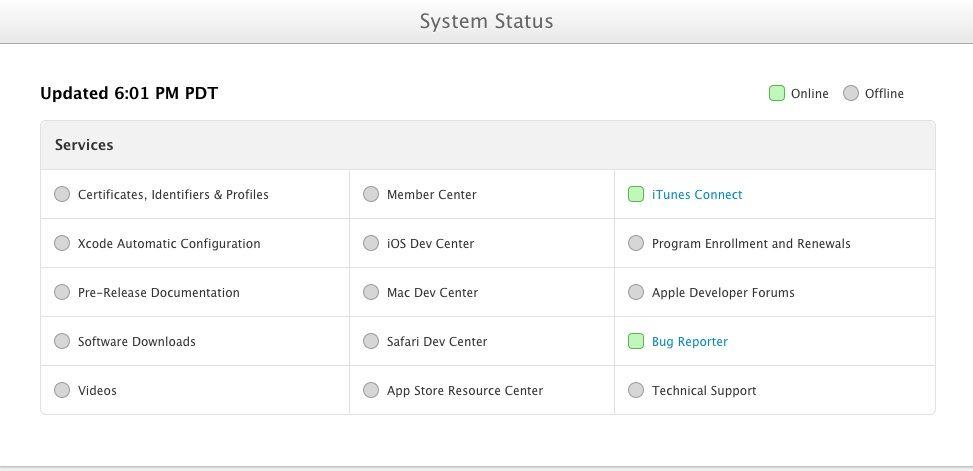
Apple just sent out an email announcing that it has a new System Status page for developers who want to track what’s going on with the still-down Dev Center after it was apparently hacked a couple of days ago.
The email apologizes for the “significant inconvenience” caused by the downtime, and assures developers that it’s been working non-stop to overhaul the systems behind the Dev Center, update server software, and rebuild the entire database now that it’s been compromised.
In addition, they’ve created a one-stop web page with the status of each specific service, noting whether the services in question are yet online or still off.
Apple’s Dev Center mysteriously went down for several days last week, and the Cupertino company revealed over the weekend that “an intruder attempted to secure personal information of our registered developers.” The site was closed immediately so that the potential for further threats could be eliminated.
It looked like Apple’s website had been hacked by someone trying to obtain our personal data, but according to one security researcher, it was his discovery of 13 bugs in the system which prompted the company to take action.
AT&T might finally get its comeuppance for throttling data. Photo: Apple.
There’s a new hacked carrier update available for iPhones running on AT&T, which delivers HD Voice, support for Release 7 HSDPA speeds on the iPhone 4S, and a number of other improvements. As always, you don’t even need a jailbroken iPhone to install it.