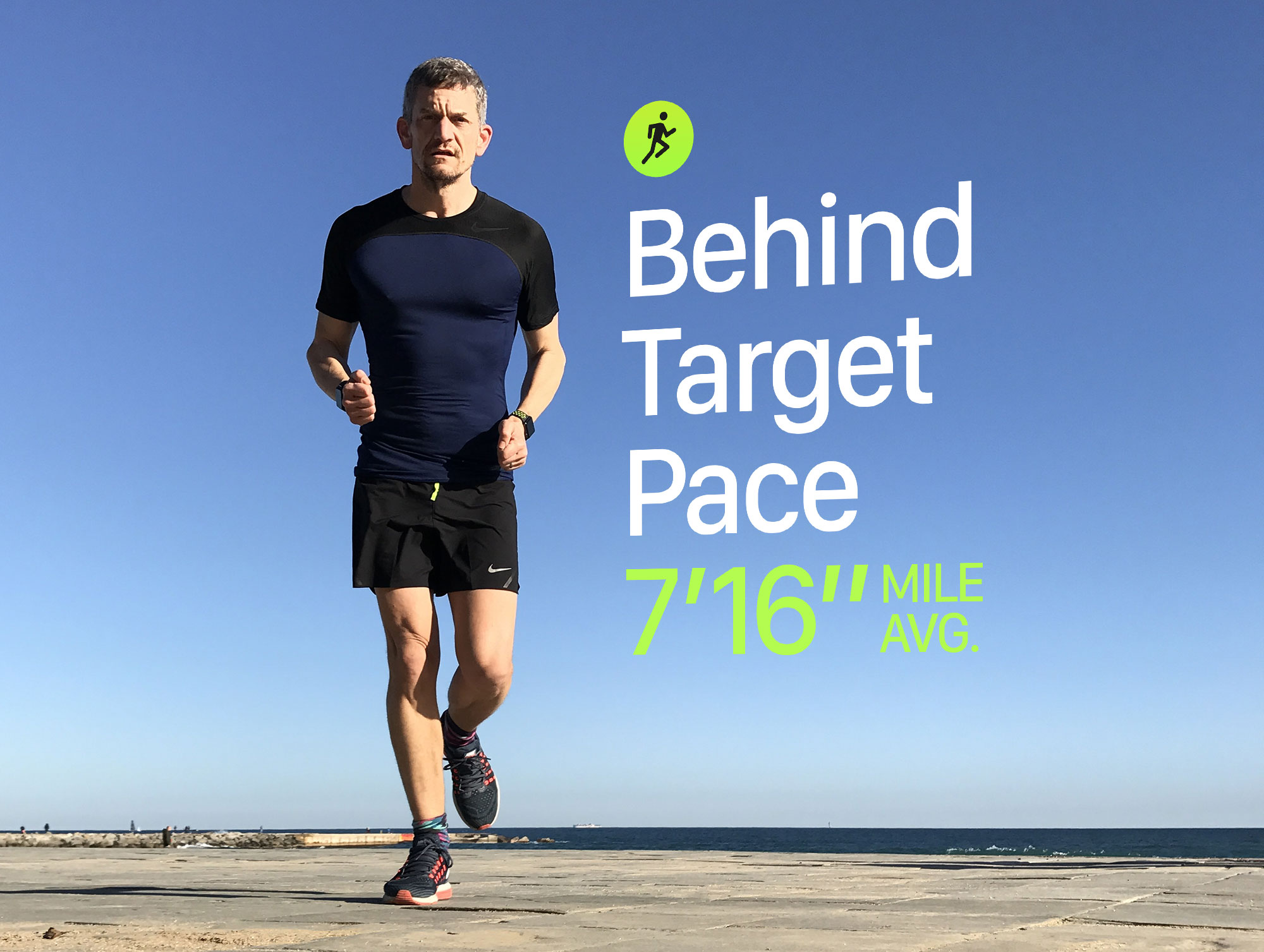
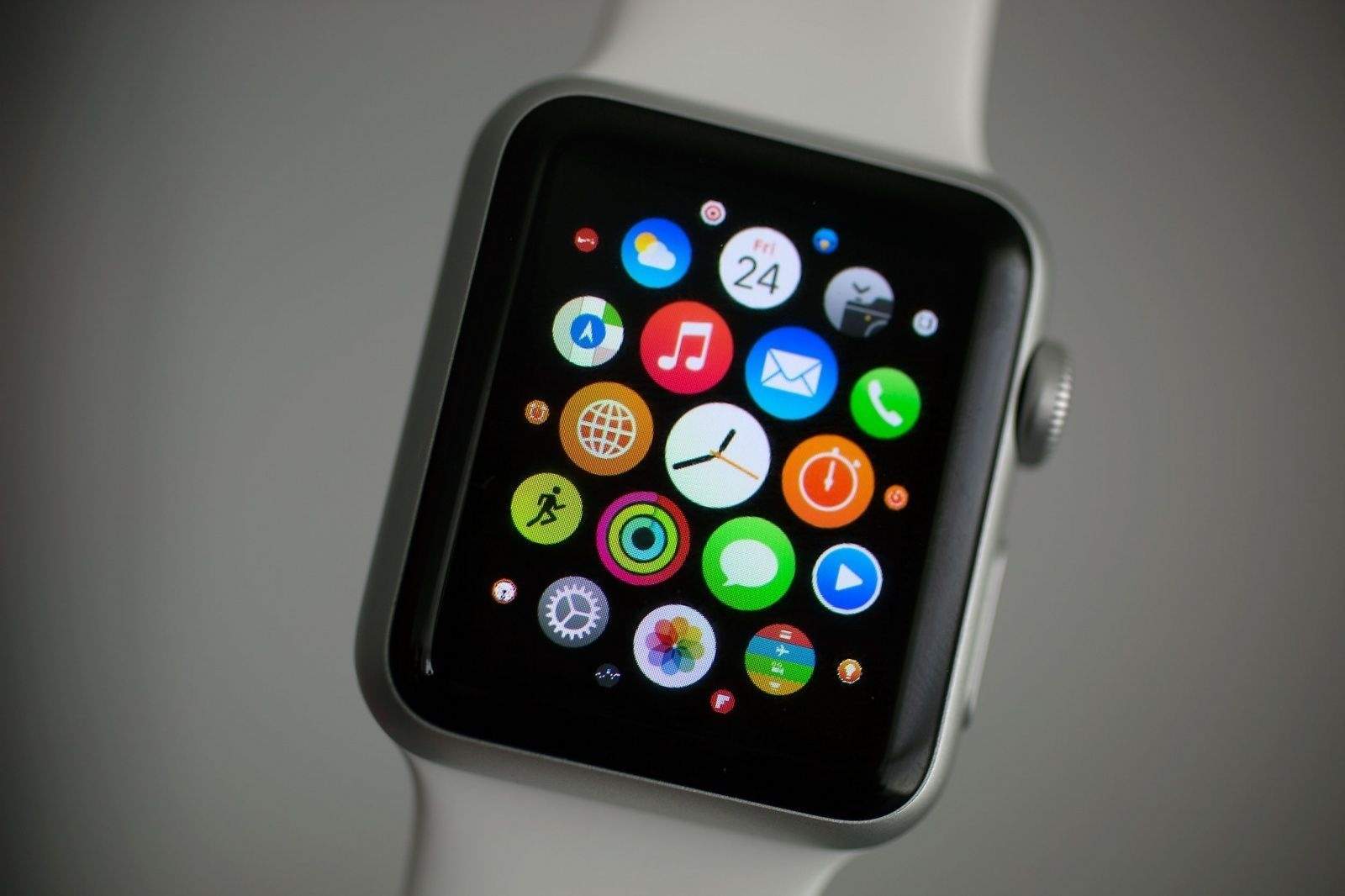
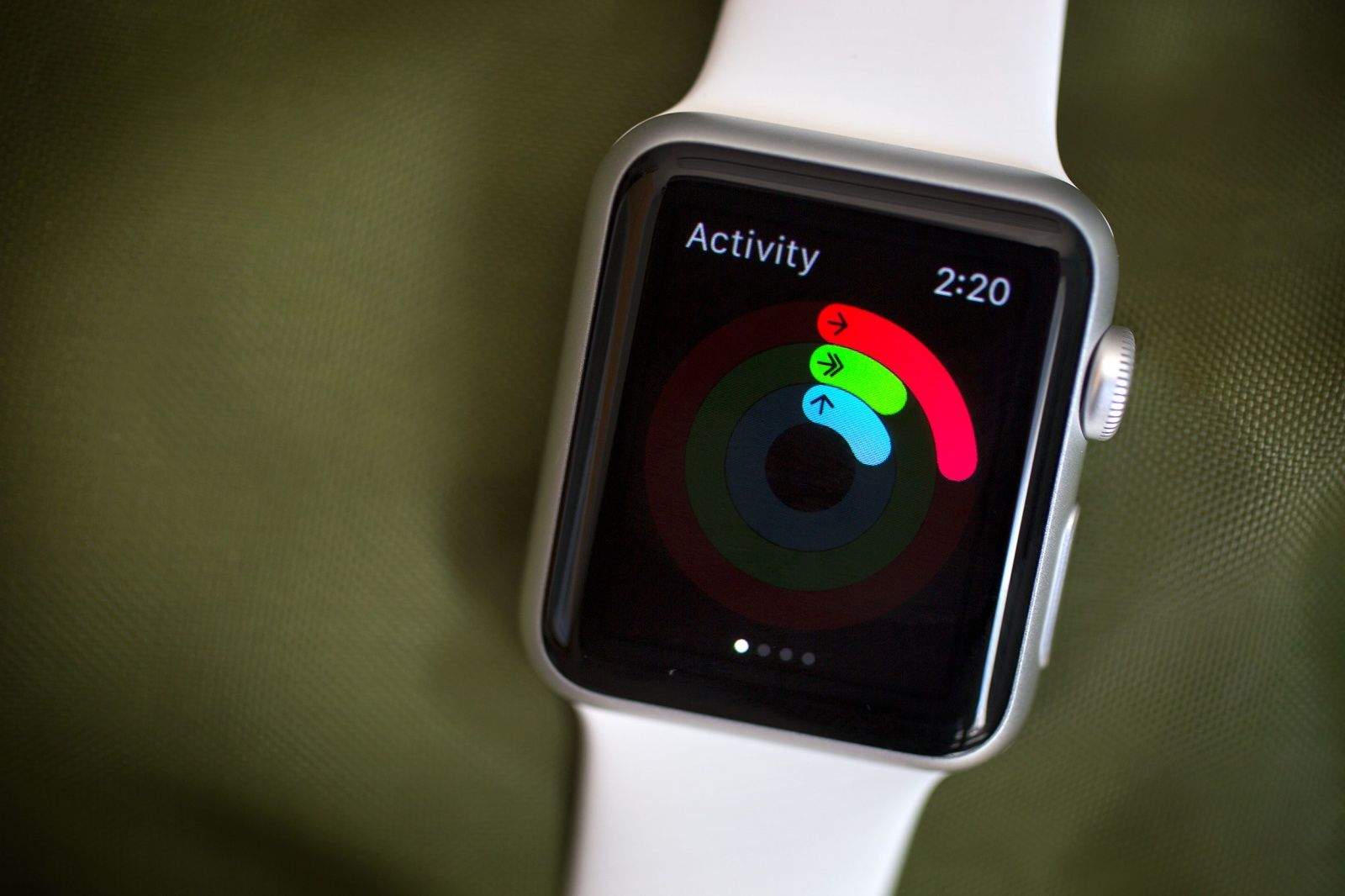
New running features coming in watchOS 5 are all about pace -- the Achilles' heel of Apple Watch. Photo: Graham Bower/Cult of Mac
Apple took the wraps off watchOS 5 last week at WWDC, revealing loads of new features that we can look forward to this fall. Among them were some big improvements for runners: Cadence, Rolling Mile Pace and Custom Pace Alerts.
What I find most exciting about these new features is that I think they hint at a much-needed hardware upgrade coming in Apple Watch Series 4, which is expected to debut this fall. Here’s why.
Grab the new watchOS update while it's hot. Photo: Ste Smith/Cult of Mac
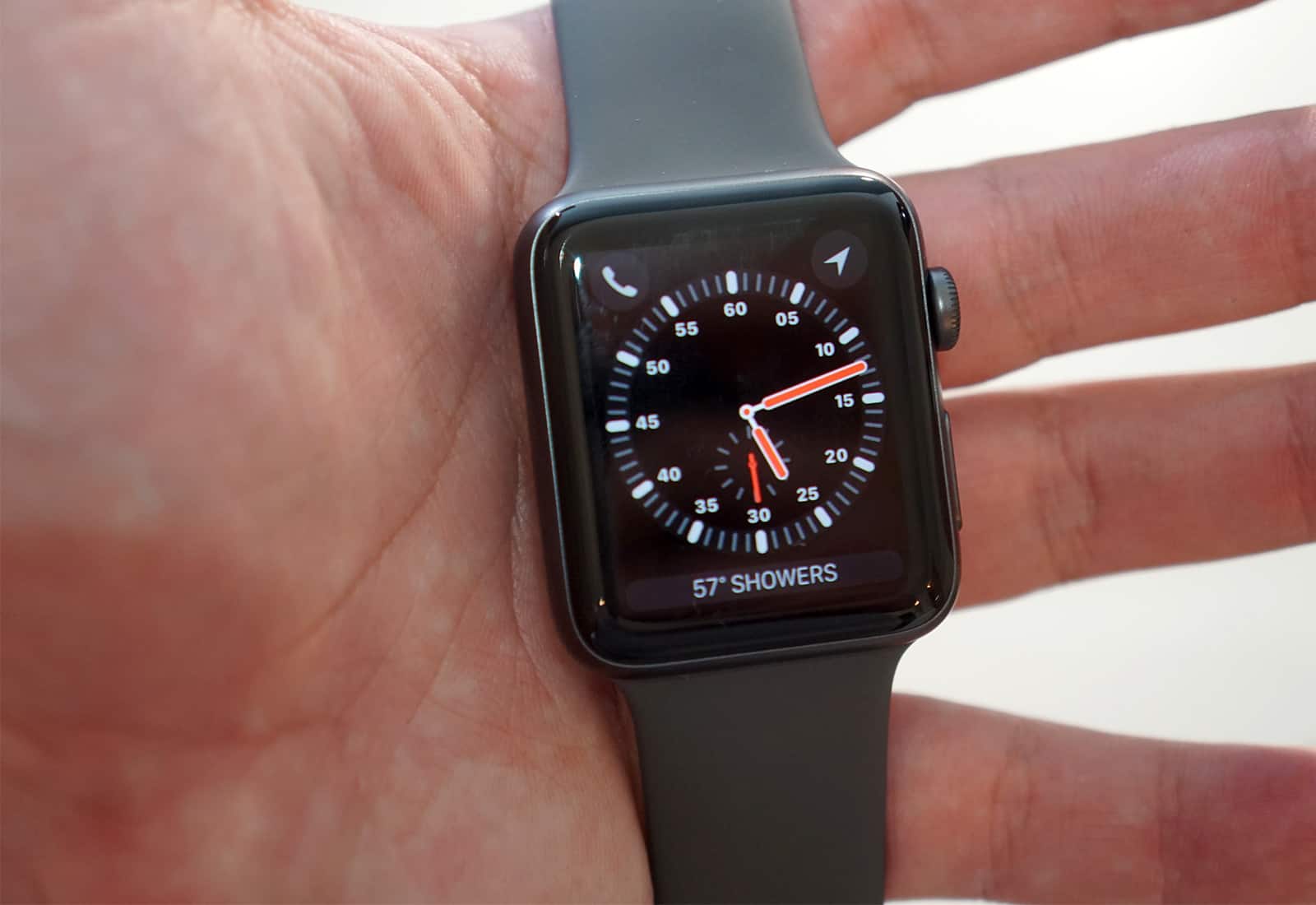
Apple Watch Series 3 owners can now get all the features they were promised from Apple’s new wearable at launch, thanks to a new watchOS update that brings some big new additions.
After months of testing, watchOS 4.1 was released to the public this morning. The update adds a number of performance improvements and changes, including LTE streaming for Apple Music.
You can still buy it from third-party retailers... for now. Photo: Apple
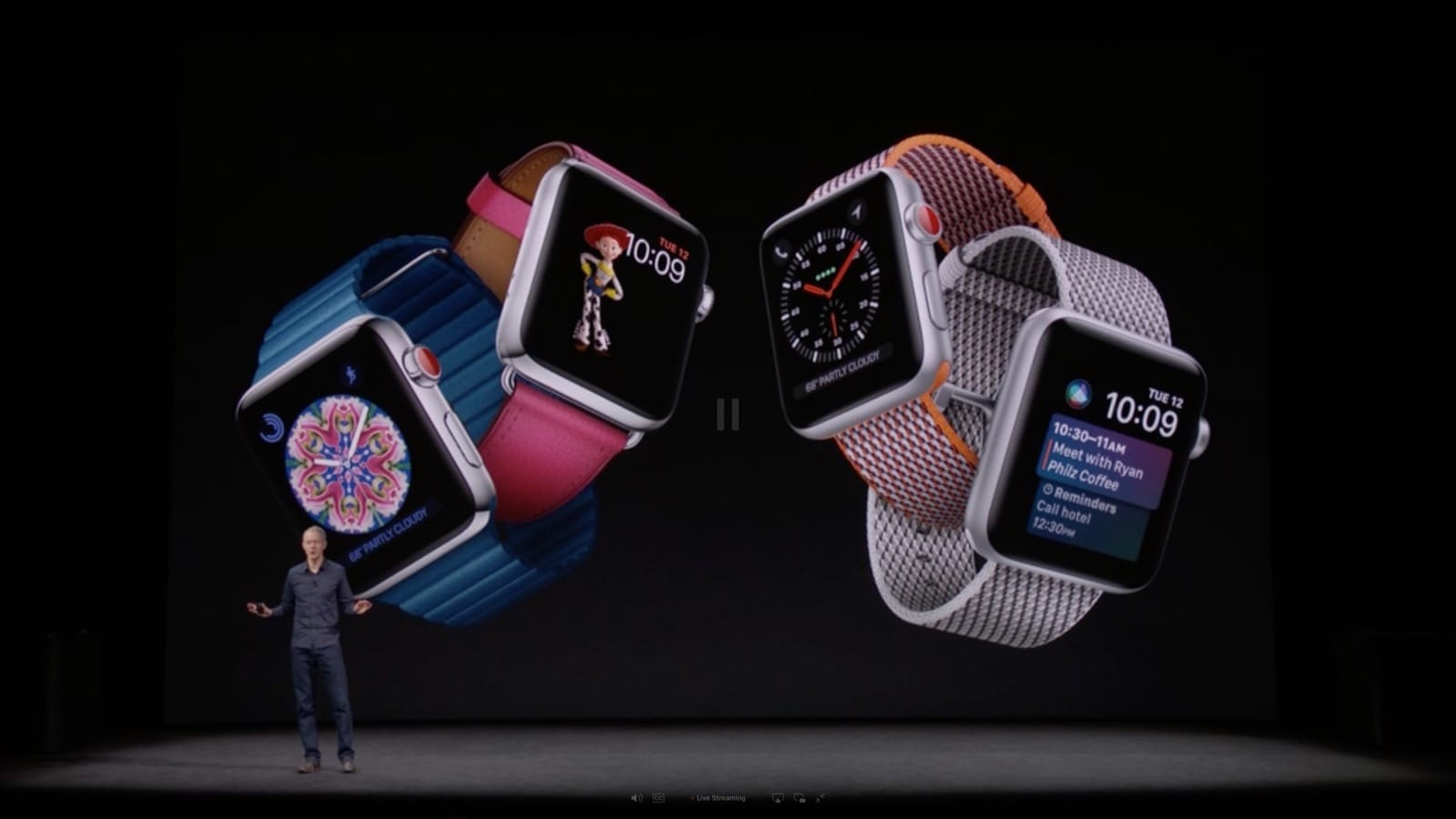
Apple has discontinued Apple Watch Series 2 following the unveiling of its successor earlier this week. Series 1 models are still available, and will be sticking around for the foreseeable future as a more affordable alternative to Series 3.
Where’s my iPhone? I know I left it around here somewhere Photo: Charlie Sorrel/Cult of Mac
Your iPhone knows where you are, pretty much all the time, and you probably know that it can share your location with other people, too, if you let it. Many apps ask to know where you are so that they can do their job (a weather app, a mapping app), but the iPhone has a few built-in ways to let other folks know where you are, and also to help you find a lost iPhone. There are so many ways to use location sharing that it can get a little confusing, but really, all those options are connected to the same service.
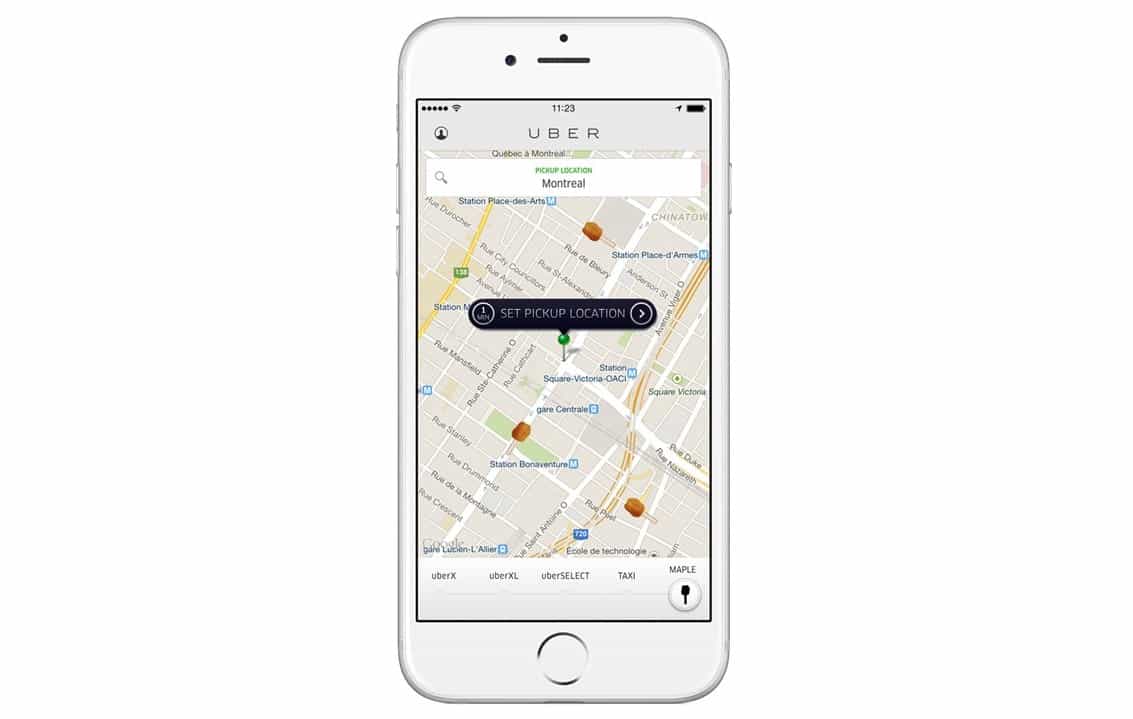
iOS 11 can prevent apps like Uber and Waze from using your location at all times.
Apple has added a new location option in the update that will rollout to everyone this fall, which only allows certain apps to access location data while they are open and active.
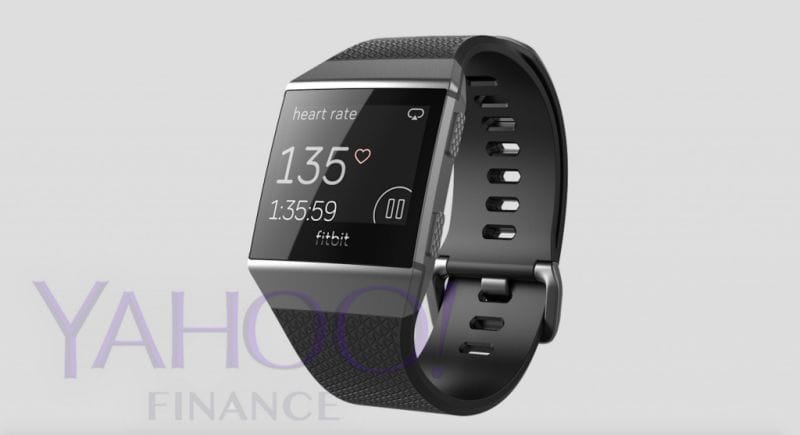
Fitbit's first true watch looks boring. Photo: Yahoo
Photos of the first real smartwatch by Fitbit leaked to the internet today and based on the teaser images, Apple doesn’t have much to worry about.
Fitbit is supposedly planning to launch its proper smartwatch this fall along with a pair of Bluetooth earbuds. The company originally planned to unveil the products this spring to get a head start on Apple, but it looks like they could use some more development.
Tim Cook and Apple are getting serious about the auto industry. Photo: Tim Cook/Twitter
Apple finally received permission from the California DMW to test self-driving cars on public roads this week, but spotting an Apple Car in the wild won’t be easy for fans.
Instead of making its own automobile for the streets, Apple will simply be testing its autonomous vehicle software using other company’s cars. Apple has permission to drive only three cars, so seeing them on the road might be tough.
Apple Watch is the perfect workout companion. Photo: Apple
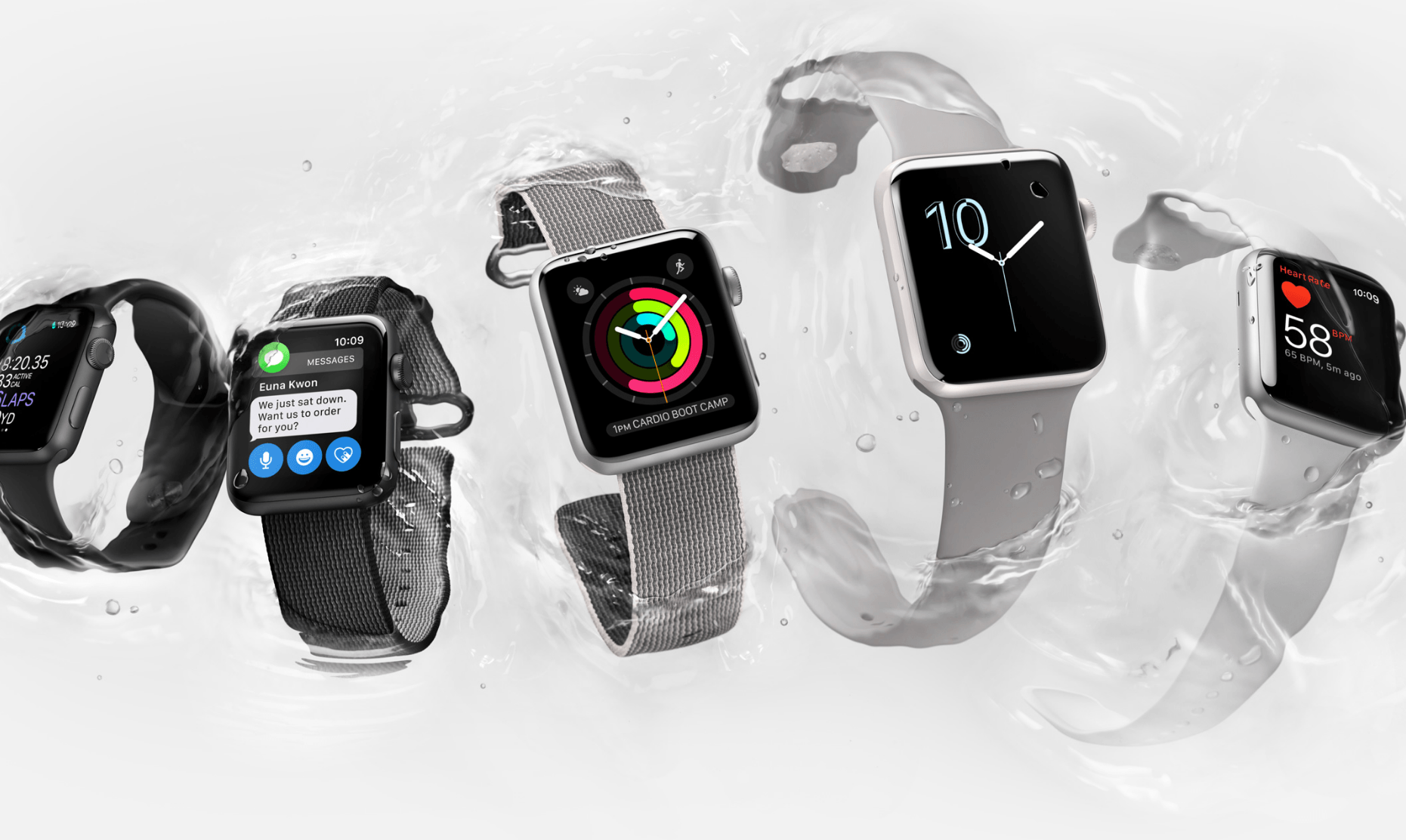
Apple dropped a colorful new ad for the Apple Watch Series 2 this morning to promote the wearable’s fitness features and waterproof design.
The fun new Apple Watch ad features a cast of different athletes going through their workouts while Beyoncé’s song “Freedom” blasts throughout the video. Other athletes and adventurers can be spotted in the minute-long ad that encourages watchers to “live bright.”
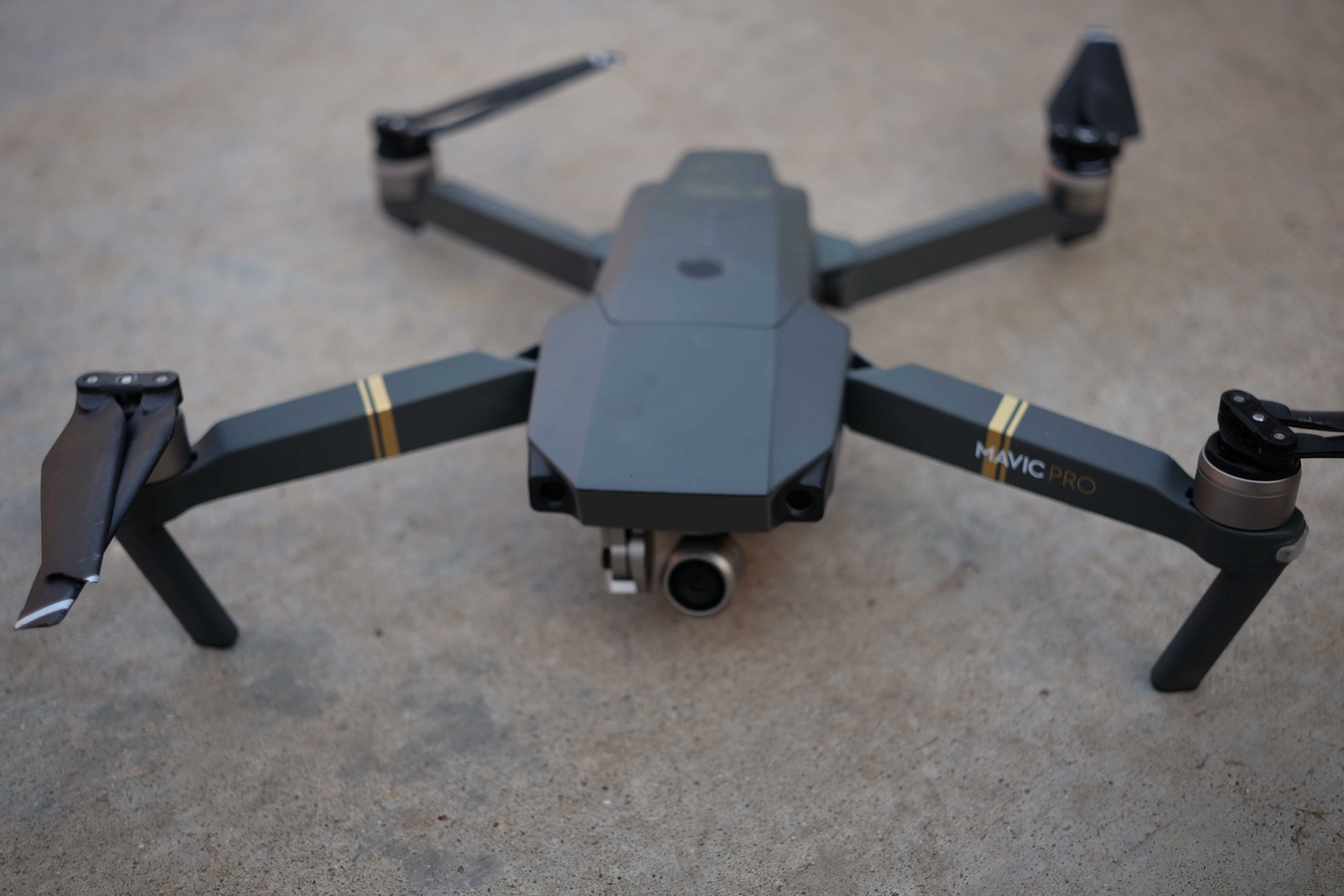
The Mavic Pro is much more than a cool flying toy. Photo: Buster Hein/Cult of Mac
Tiny cameras that can fly still seemed like a sci-fi dream just five years ago, but with DJI’s new Mavic Pro drone, the future has arrived ahead of schedule.
When it comes to drones, no company is killing it right now more than DJI, and the Mavic Pro is its most amazing achievement yet. Yes, some drones fly faster and shoot better video, but the Mavic Pro is the ultimate drone for people who love photography, flight and the outdoors but don’t want to be weighed down.
Best of all, you don’t need to be a practice drone pilot or tech nerd to have a blast with the Mavic Pro. Here’s why it’s our favorite drone ever.
Giving "the gift of go" might not be possible. Photo: Apple
Getting your hands on an Apple Watch Series 2 in time for Christmas has become nearly impossible for holiday shoppers.
Demand for the new watch has ticked up to a new level in the last month, according to Apple employees, who told Cult of Mac that stores are selling out of the Apple Watch Series 2 so fast that production can’t keep up.
Trade-in that old Apple Watch for money off at the Apple Store. Photo: Ste Smith/CultofMac
I finally have a reason to stop cheating on my Apple Watch.
For the past 16 months, Apple’s wearable and I have had an on-again, off-again relationship. The Apple Watch looks great. It helps me stay fit. It tells the time really well. But it hasn’t been the complete wrist solution I need.
With the Apple Watch Series 2, a lot of the compromises of Apple’s first-gen smartwatch have finally been fixed. You can get GPS without carrying your iPhone. The new Apple Watch is water-friendly. And it’s built for speed. But with the new, less-expensive Apple Watch Series 1 getting some of the same features, is the Series 2 seriously worth the upgrade?
While working on this Apple Watch Series 2 review, I’ve been wearing the new device everywhere I go ever since it came out Friday. The short answer is, “hell yes.”
Apple now sells two different versions of Apple Watch — Series 1, which starts at $269, and Series 2, which starts at $369. So, what’s the difference between these two models, and is Series 2 worth the additional $100? Find out right here.
Apple Watch 2 could bring increased battery capacity in addition to other new features. Photo: Jim Merithew/Cult of Mac
The Apple Watch 2 may come with up to 35 percent more battery capacity, based on an alleged leaked component destined for the new device that is expected to be revealed this fall.
The next Apple Watch will still be dependent on the iPhone. Photo: Jim Merithew/Cult of Mac
The next-generation Apple Watch won’t totally cut ties with the iPhone when it launches later this fall.
Although Apple plans to add a number of much-needed features to the Apple Watch 2, a new report claims the company hit roadblocks when trying to make a major change that would have added LTE or other cellular data connection capabilities to the device.
Google's new operating system takes its name from colors. Photo: Google
A brand new operating system with a colorful name is currently under development at Google, according to a new project page found on GitHub.
Google hasn’t officially acknowledged that it’s working on the project, but the new operating system could possibly replace Chrome OS and Android by being able to run on pretty much everything.
The new Apple Watch will look just like the old one. Photo: Jim Merithew/Cult of Mac
The second-generation Apple Watch is set to adopt new “One Glass Solution” technology for its display, according to the latest rumor out of Asia.
Apple’s new wearable is expected to debut later this year and while previous rumors have claimed it won’t feature any major design changes, Apple supplier TPK Holding supposedly let it slip that Apple is using one of its new displays that could save Apple some space on the inside.
We found your lost iPhone... Photo: Jim Merithew/Cult of Mac
Finding your iPad or iPhone is about to get a whole lot easier, even under the worst circumstances, thanks to a new app from TrackR that can locate your lost iOS devices regardless of whether or not its connected to Wi-Fi or cellular data.
The new free app called TrackR tablet, runs on both iPhone and iPad, and simplifies the way you find lost iDevices. There’s no sign in process to get into the app. Just open it up and ring your lost iPhone.
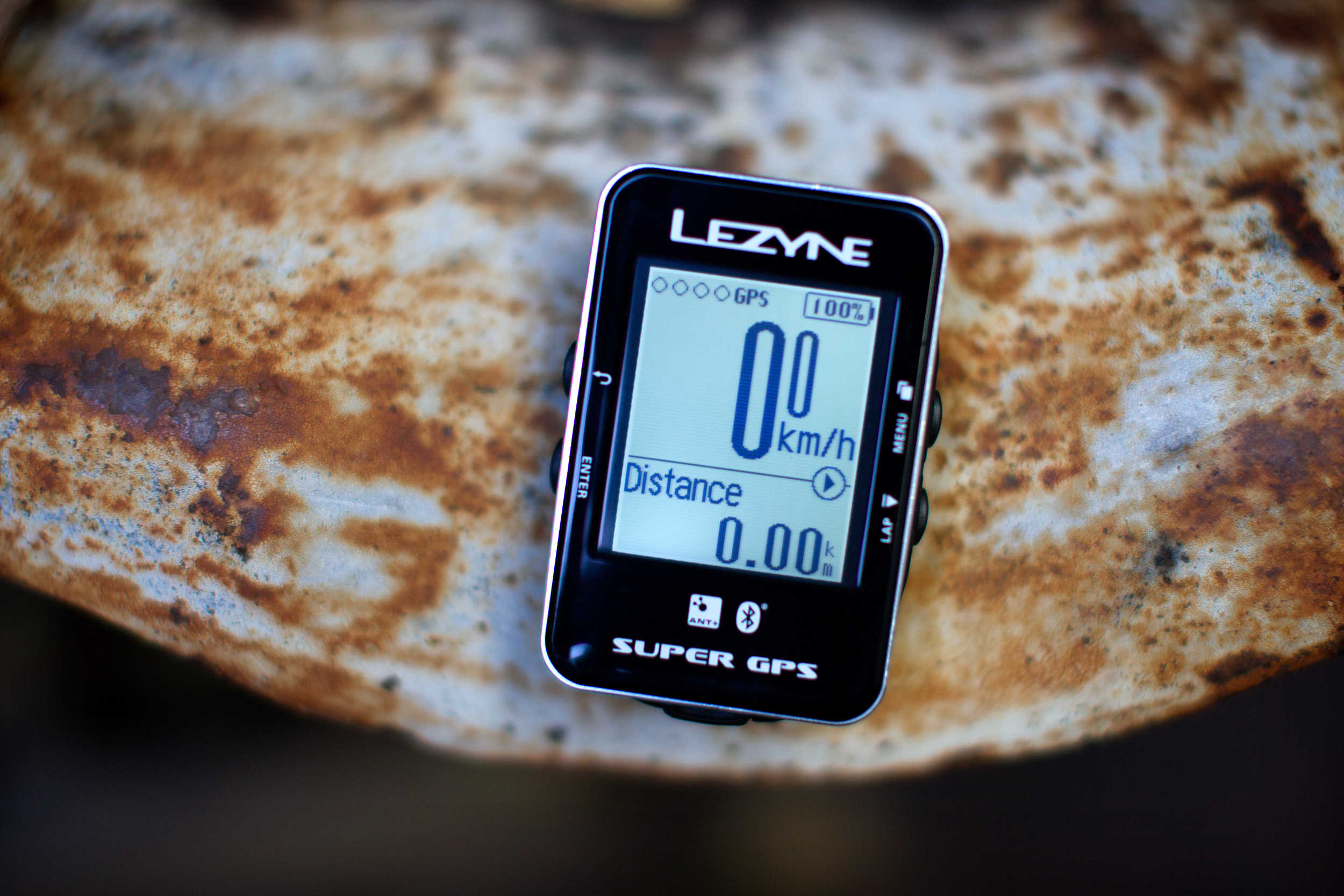
You'll rule the road with Lezyne's Super GPS bicycle computer. Photo: Jim Merithew/Cult of Mac
Best List: Super GPS bicycle computer by Lezyne
It seems silly to call something with so much technology packed into it “simple,” but this is the word I keep coming back to when describing Lezyne’s new bicycle computers.
They are simple. They are also powerful and sleek — and they just might be the perfect option for cyclists who like to have their data, but don’t need it blasted at them the entire time they are on their bikes.
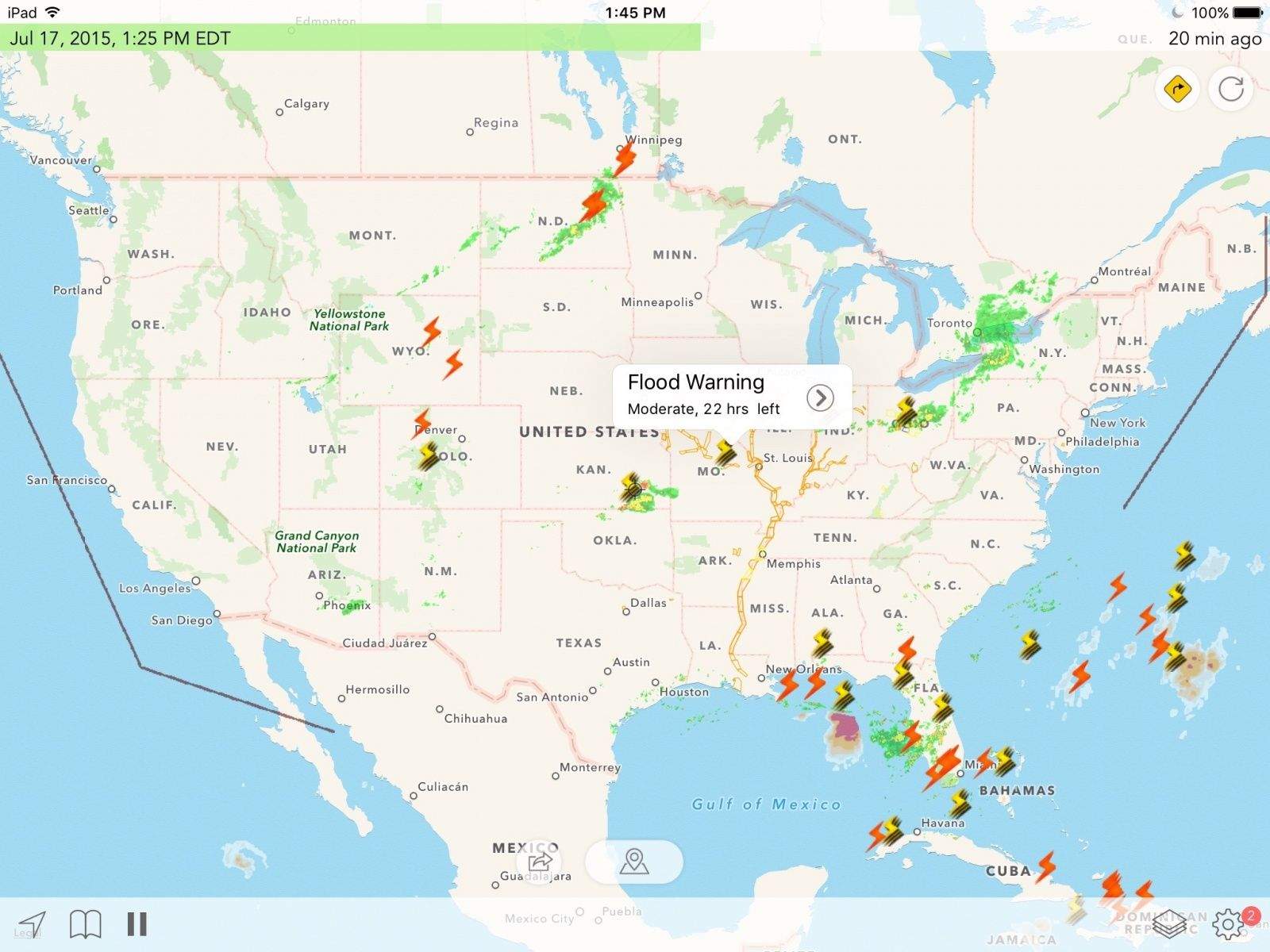
Radar Cast can make you feel like a meteorologist on the five o'clock news. Photo: George Tinari/Cult of Mac
If you’re like me, you spend a ridiculous amount of time trying to pick out the perfect weather app for your iPhone. Apple’s Weather app just doesn’t cut it and it’s very hard to find something that has a little bit of every detail without being cluttered or downright ugly. That happy medium for me is Carrot Weather but unfortunately it’s been crashing on the iOS 9 developer beta. In its place I’ve been testing Radar Cast, a slightly unusual weather app that attempts to deliver all the most crucial information to your iPhone, iPad and Apple Watch.
What would it take for Apple Watch to lap competing fitness trackers? Photo: Jim Merithew/Cult of Mac
I’ve started cheating on my Apple Watch. It’s not that I don’t love it. It’s amazingly beautiful. It does stuff I didn’t even know I’d like. But when it comes to running wild in the outdoors, I’ve found a smartwatch that satisfies me more than Jony Ive’s wearable does.
For the past week I’ve been testing the Garmin Fenix 3, a top-of-the-line smartwatch from a company that’s made a name for itself by providing runners and outdoorsmen with some of the best wrist-worn fitness tech. I hate wearing the Fenix 3. While Apple Watch gently caresses my wrist, the Fenix 3 feels like I’ve strapped a tank to it. Yet it boasts features Apple Watch doesn’t have that I’m starting to think I can’t live without on runs and hikes.
I don’t plan to completely break up with the Apple Watch anytime soon, but I’m ditching it during my four-day trek through the Grand Canyon this weekend because there are still a couple things it needs to learn before it can truly be the best all-around fitness tracker.
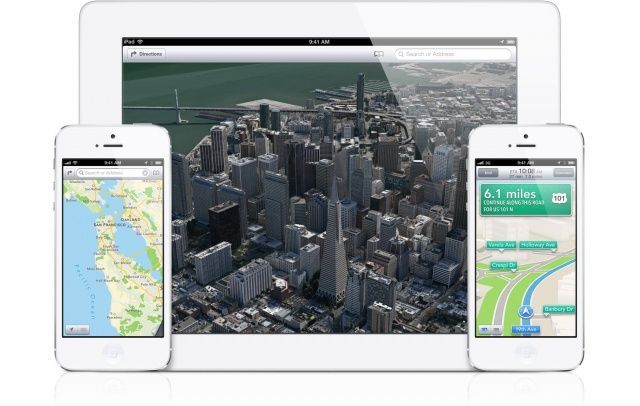
TomTom will continue to power Apple Maps. Photo: Apple
TomTom, the Dutch navigation systems company that powers Apple Maps, announced today that it has renewed its contract with Apple to provide digital mapping data for iOS.
New acquisition could be a major part of Apple's future roadmap. No pun intended. Photo: Apple
Apple has confirmed its acquisition of Coherent Navigation, a GPS company with expertise in mapping and self-driving vehicles.
Founded in 2008, Coherent Navigation is one of the leading companies behind what is known as High Integrity GPS or — appropriately enough for Apple — iGPS. Unlike regular GPS, which is accurate only within meters, iGPS’ high level of accuracy means it can provide geographic positioning data within centimeters.
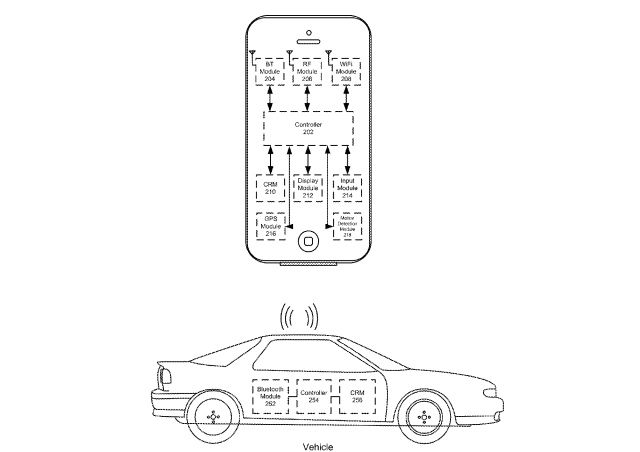
Find My iPhone has been invaluable at recovering lost Apple devices, but if you’re anything like me, keeping track of where you parked the car amid a sea of concrete and sedans is even harder than remembering where you dropped your selfie machine.
Apple’s latest patent filings reveal it has been working to solve those lost car disasters with an ingenious system that could be included in the future iPhones to guide you back to your vehicle, and it doesn’t even need an LTE or GPS signal.
Apart from letting you quickly edit and share photos (and always sitting, ready to go, in your pocket), the iPhone camera has one other great feature: It geotags every photo and video you shoot with the place you captured the imagery. You might not care about that now, but in the future when you wonder, “Where did I take that naked self-portrait?” or decide to take a look at your old vacation snaps, you’ll love geotagging.
Hell, half the time I use a map to find a photo — I can usually remember where I was better than when I was.
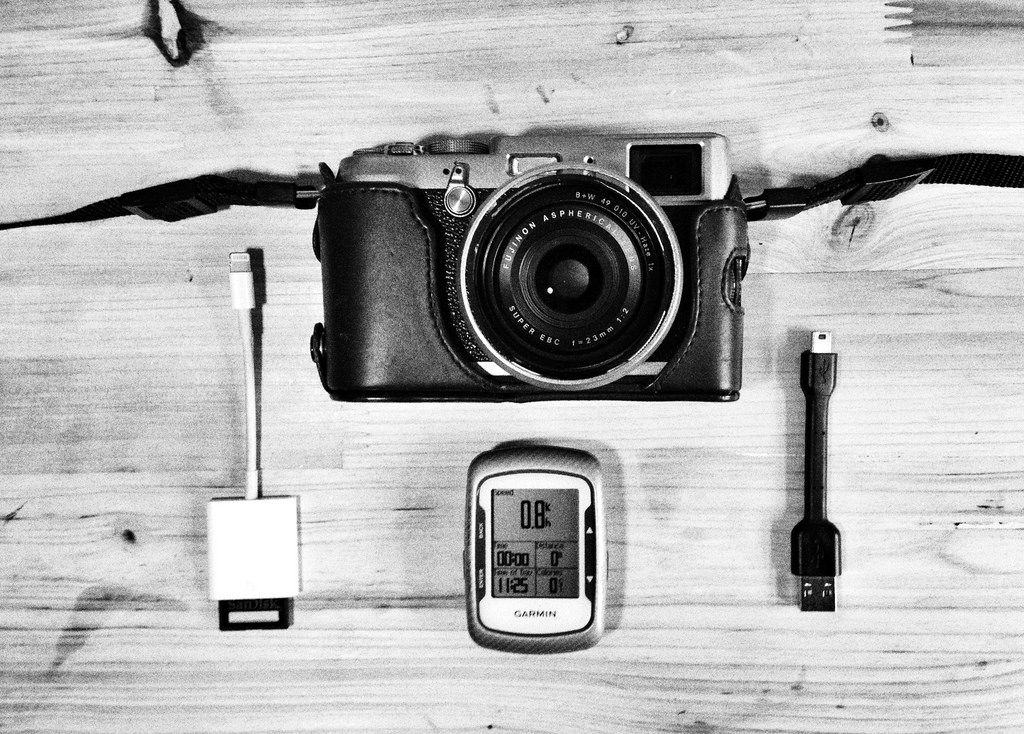
Lack of geotagging is perhaps the main reason I don’t take my regular camera out as often as I’d like, so I decided to do something about that. I’m using a combination of the iOS GeoTagr app on iPhone and iPad, plus a Fujifilm X100S camera and a Garmin EDGE 500 GPS bike computer.