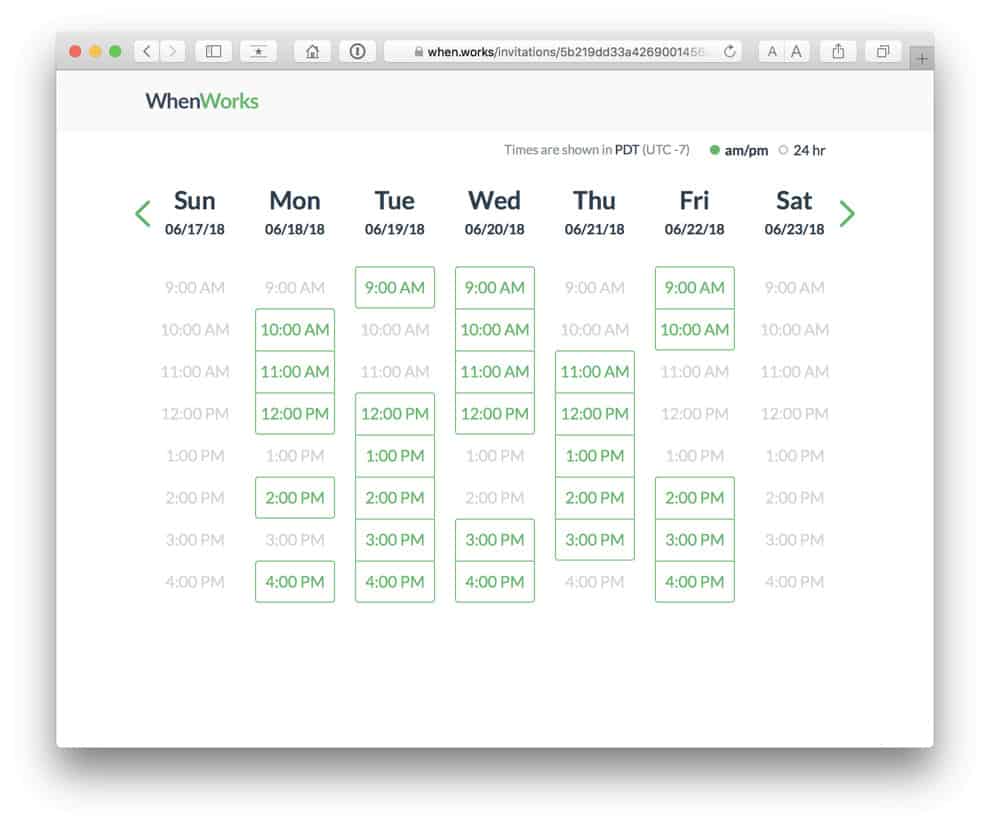
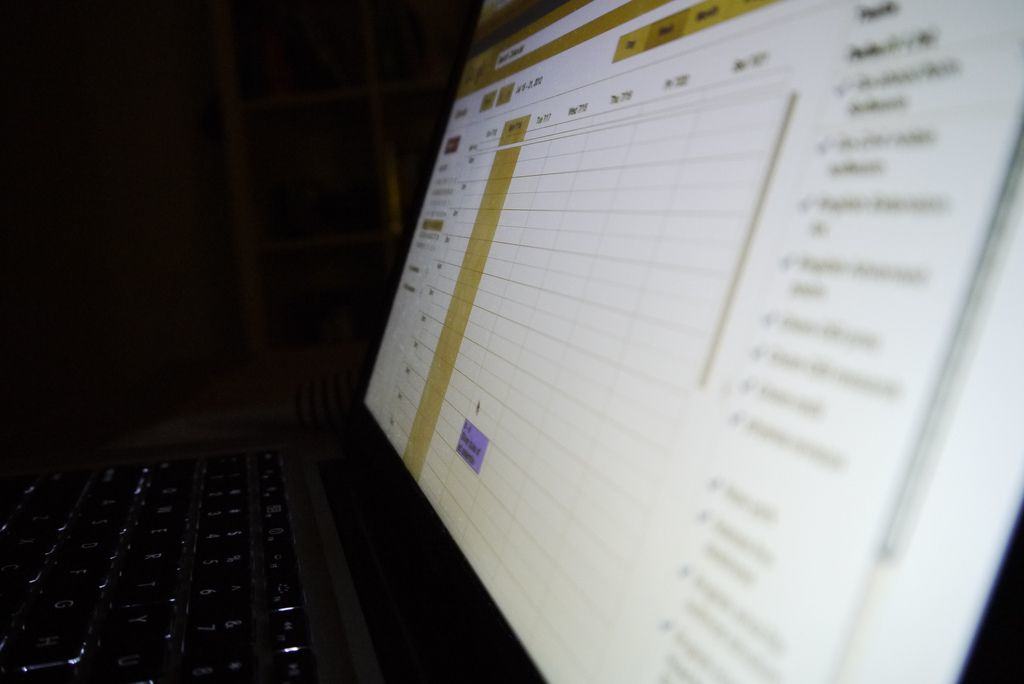
Take the pain out of scheduling a meeting. Photo: WhenWorks
Scheduling a meeting should be a simple task, but it never is. WhenWorks is a new app that takes away the pain by allowing clients and colleagues to book time with you only when you’re free.
All you have to do is decide when you want your meetings to take place.
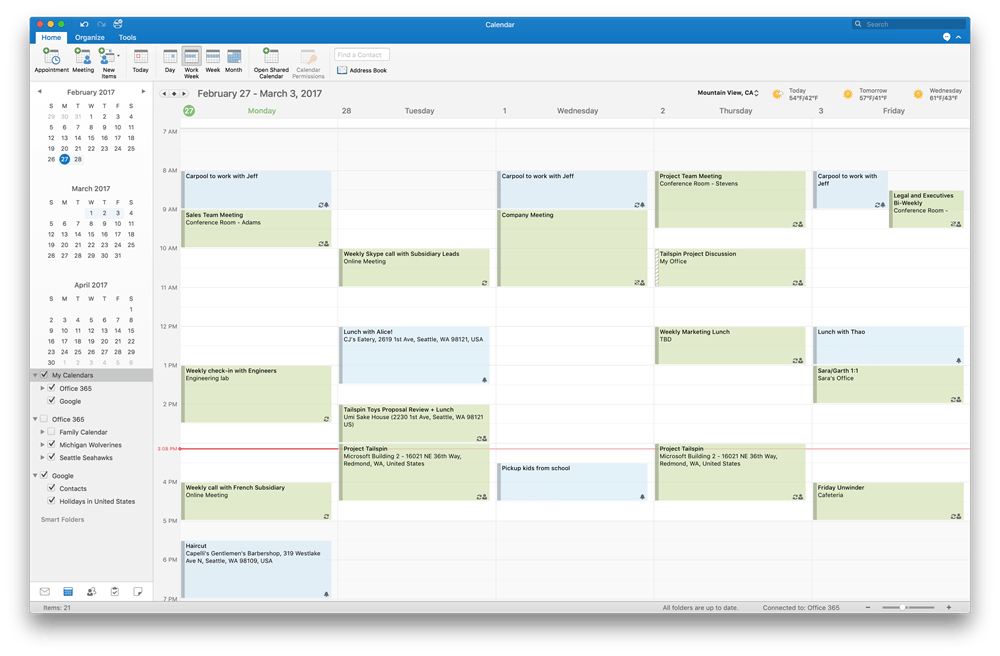
You can finally do more than just view your calendar. Photo: Microsoft
Microsoft is inviting Outlook 2016 users on macOS to preview Google Calendar integration.
Users will have the ability to not only view their appointments, but add, edit, and delete them, too. All changes will be synced to their Google Calendar and updated on other devices automatically.
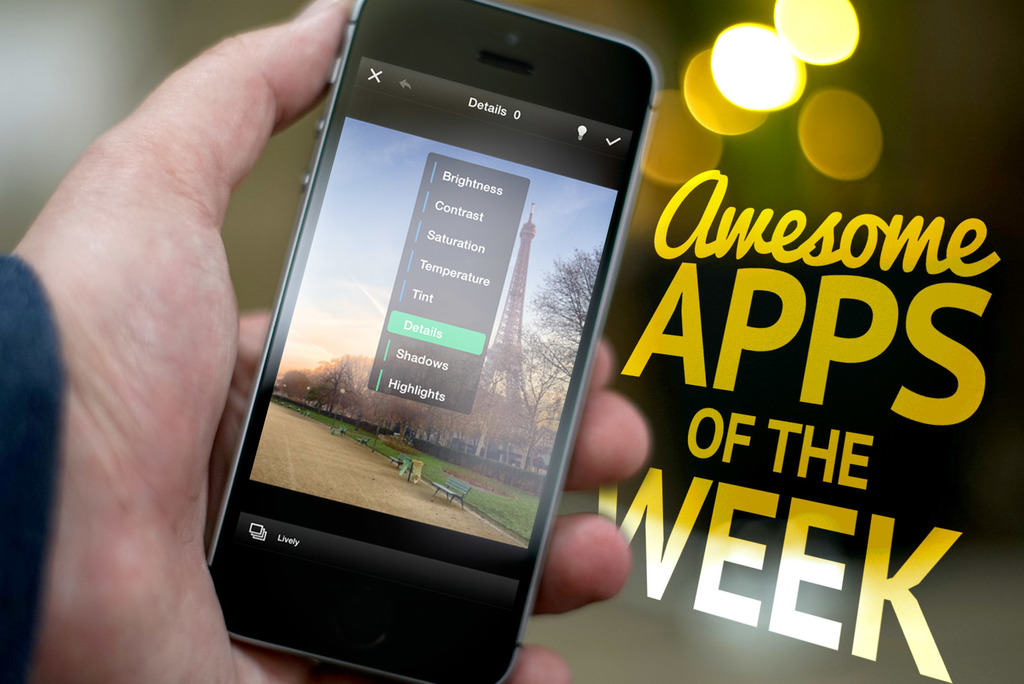
Looking to get up to speed on the week’s hottest apps? We’ve got your back!
Whether you’re looking for a great “roguelike” platformer, a meditation app from the makers of Monument Valley, or a much-loved calendar app which has finally landed on iPad, we think you’ll find something to entertain you.
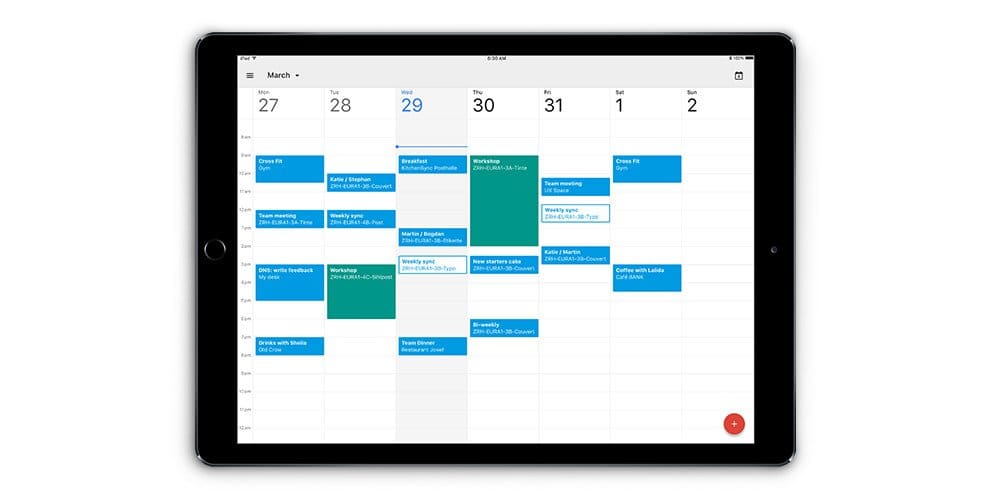
You can now get Google Calendar on your iPad. Photo: Google
One of the most popular digital calendar services is the world is finally coming to iPad.
Google revealed today that its Google Calendar app for iPad is officially ready for download, bringing all of the popular Calendar features from the web to Apple’s tablet.
I’ve chosen four great apps for this week’s app roundup — including a smart calendar app, a truly awesome photography app, and some great new games. Check out our picks below.
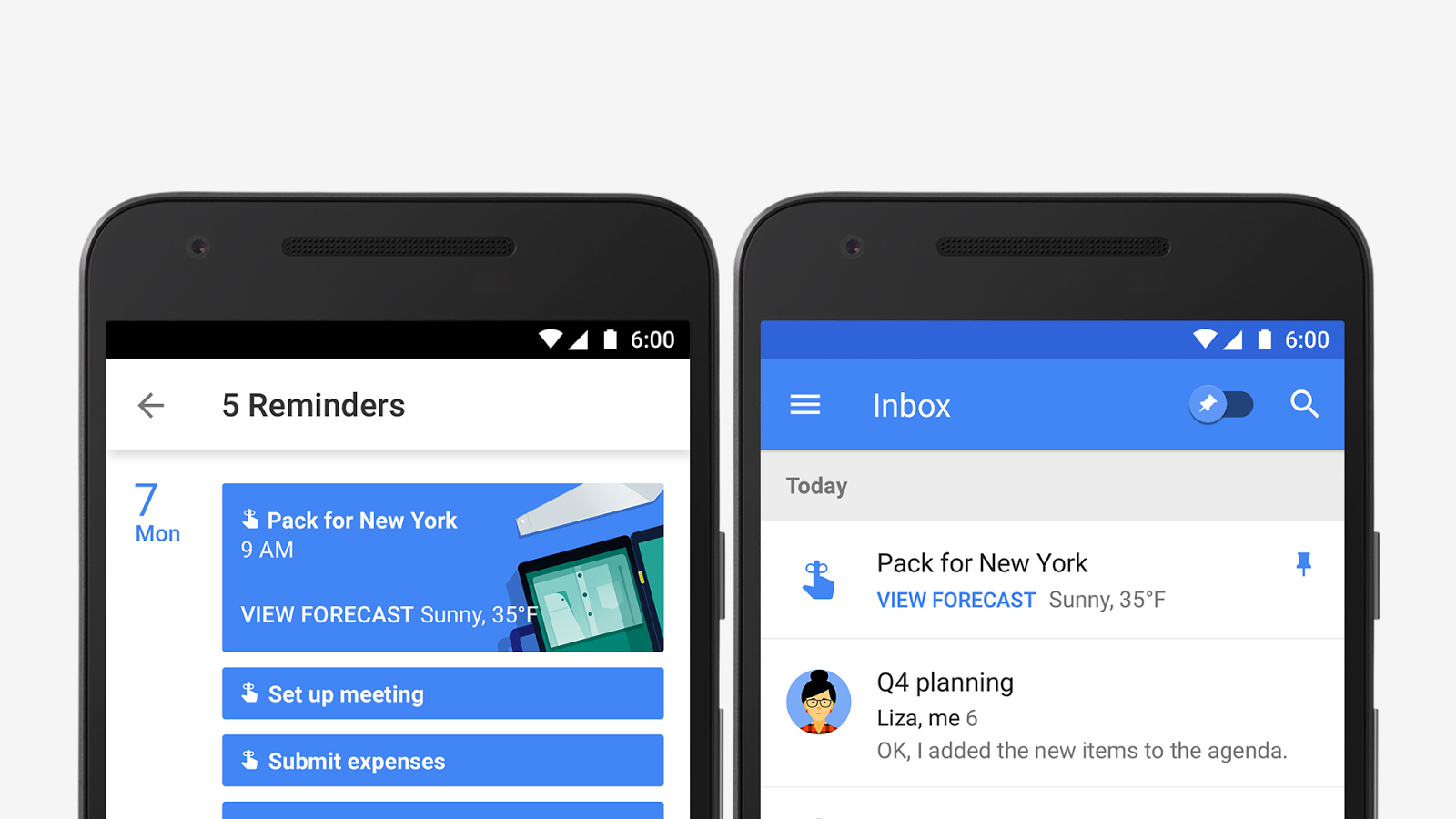
Google Calendar is bringing your appointments and to-do list together with a new update that adds support for reminders. Calendar will display your tasks and to-dos alongside meetings and events so they’re harder to forget, and sync them across Inbox, Gmail, Google Keep, and Google Now.
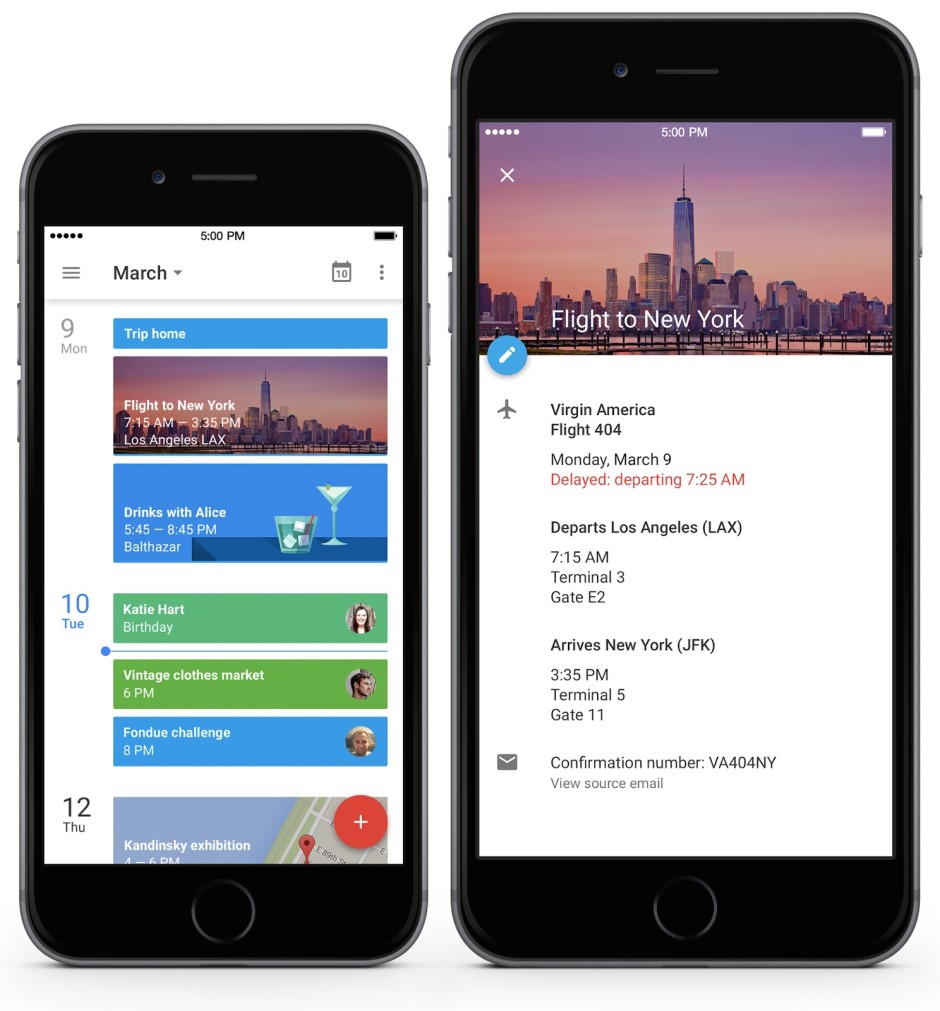
Google’s gorgeous redesign of the Calendar app has finally made its way to iPhone. The Android version of Google Calendar’s redesign was released last fall, but iPhone users can now get their fingers on the official Google Calendar app too.
Like on the new Android version, you get new features like Events from Gmail, to turn emails into events on your calendar. Assists makes adding events quicker by recommending information to insert, and the new Schedule View makes it easier to scan your calendar and see what events you have coming up.
Calling itself a social networking app for just two people, Avocado has long been one of the favorite apps of me and my wife. For everything from sending little reminders of affection in the form of digital hugs, to letting you know when your partner’s phone is about to die, it’s a fantastic Swiss Army knife of tools for people in a relationship.
With Avocado’s 2.1 update, though, that Swiss Army knife has gained one more tool: Google Calendar sync. And it’s about time.
I don’t think I would make it in life anymore without my Google calendars. Having my appointments and date-based reminders in Google’s system makes sure I can access them wherever I am, and with whatever device I have at hand: iPhone, iPad, MacBook, someone else’s computer.
Today I went looking to see if this coming Monday is Memorial Day, because as an online writer, I totally forget those sorts of things, along with info like, “what day is it,” and “did I wear pants yet?”
Regardless, I went searching and realized my calendar did not have major US holidays on it. Here’s how I fixed that oversight.
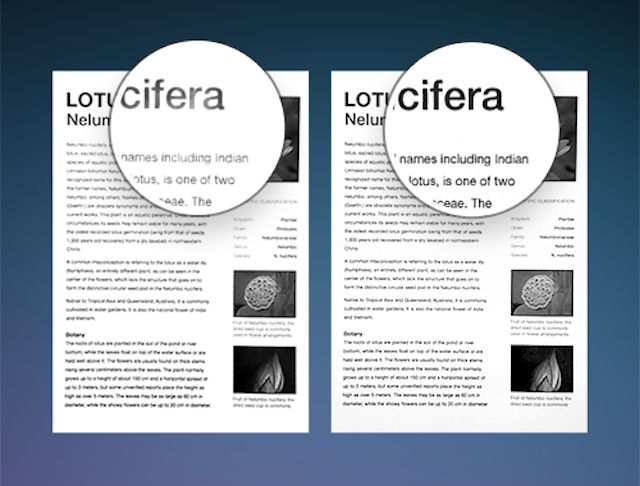
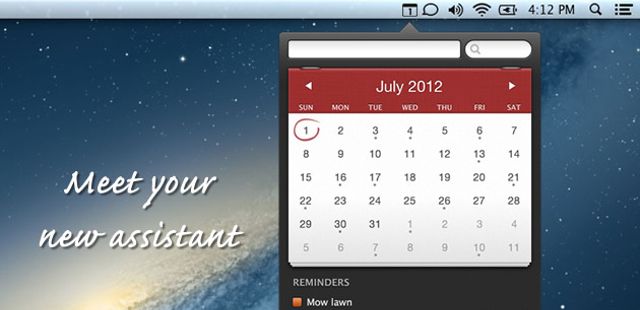
Readdle has this week updated two of its most popular productivity apps for iOS, adding next-generation image processing to Scanner Pro, and a number of new features to Calendars 5. You can now enjoy much-improved scans with better legibility in the former, as well as task creation and an app icon badge in the latter.
Another week has sped by and we’ve had a ton of great offers that have made their way onto the Cult of Mac Deals page. Before we head into another week, we’re going to shine a spotlight on two of the offers that you may have missed.
If you’ve been looking for flexible, comprehensive server monitoring then look no further – this Cult of Mac Deals offer is what you’ve been searching for.
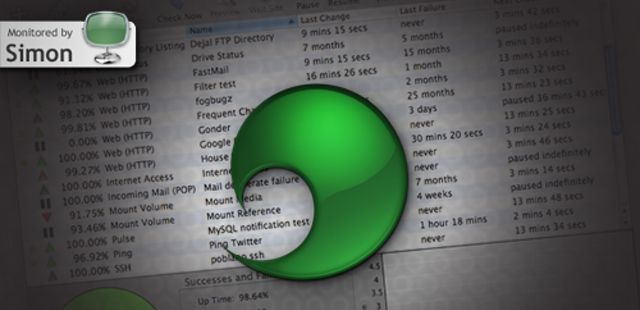
For administrators who need to keep track of multiple sites, servers, and applications, Simon is the tool to do it. With a beautiful and intuitive interface, the app displays everything you’re tracking with key stats on uptime, time until next check, time since last change and failures – and even displays this info with graphs and lists when you drill down.
After you’ve set your test parameters, Simon can notify you via Growl, speech, Twitter, email, and even text message whenever an update is available or a server goes down. Advanced users will enjoy extras like session capturing and multipage reports, but even less experienced users can quickly get up to speed with this flexible, reliable utility.
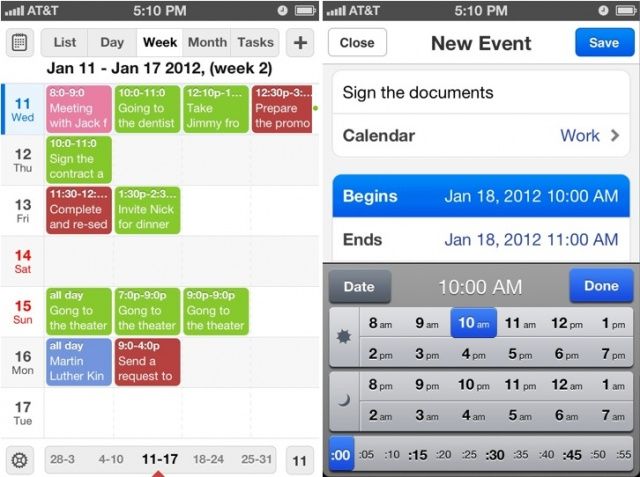
Readdle’s awesome Calendars+ app, which is normally priced at $6.99, is now free for 48 hours. It’s one of the best Google Calendar apps for iOS, packed with useful features and a great user interface, and it won’t cost you a penny if you download it now. But hurry!
Readdle, the creator of some of the best productivity apps for iOS, has today replaced its awesome $6.99 Calendars app with a new version that won’t cost you a penny. It has all of the same great features it’s always had, only now you can enjoy them for free.
Readdle has issued a new update to its Calendars app for iOS today, introducing a number of new features and some nice improvements. And if that wasn’t enough, the company has also slashed 80% off its price tag for Christmas, so if you haven’t already go it, now’s a great time to pick it up.
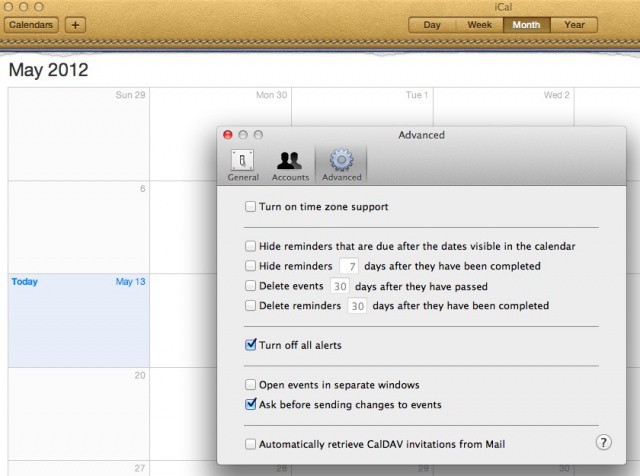
Now here’s a tip that should save me a bit of sanity. I hope it does for you, too. I use Google calendar for much of my scheduling needs, but nothing beats iCal for a quick, offline calendar that runs on my computer. With the calendar info coming in from Google, though, I get reminders on my iPhone, my iPad, and my Mac via iCal. I really don’t need iCal to remind me about things, since I mainly use it as a quick calendar I can launch on my Mac and be done with it. Sometimes, I’ll open my Mac at home only to find a bunch of old reminders on it from iCal. I wish I’d known today’s tip sooner.
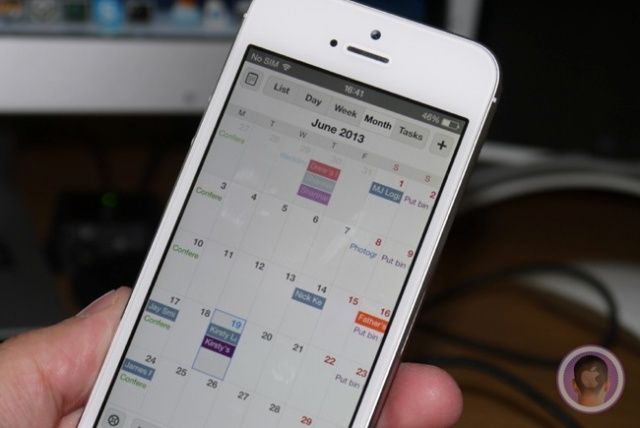
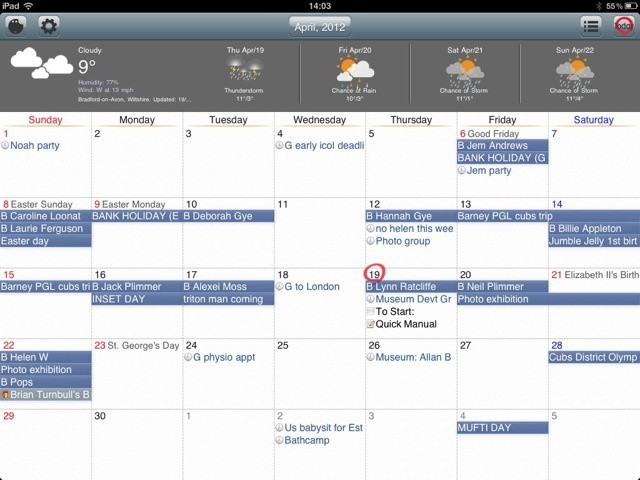
Month view in Awesome Calendar - but where's the new event button?
Awesome Calendar is a Google Calendar client for iOS, priced at three dollars on the iOS App Store (although a free Lite version is also available). Is it as awesome as its name implies? I wouldn’t say so.
Evolution is a wonderful thing (relax, creationists — we’re only talking the electronic kind here), and iPhone app Twitcal‘s transformation today into SnapCal brings big changes along with the name switch — not the least of which is that the cool little app is now free (down from $3) through iAd support.
For those who aren’t familiar with the app, SnapCal lets users broadcast event details through Twitter, which can then be easily imported into the app’s calendar by other SnapCal users. Events can also be auto-updated by following another user’s calendar. And now, the app can also import events from Evernote and sync with Google Calendar.
SnapCal can also be freed of its iAd shackles for a buck through an in-app purchase.
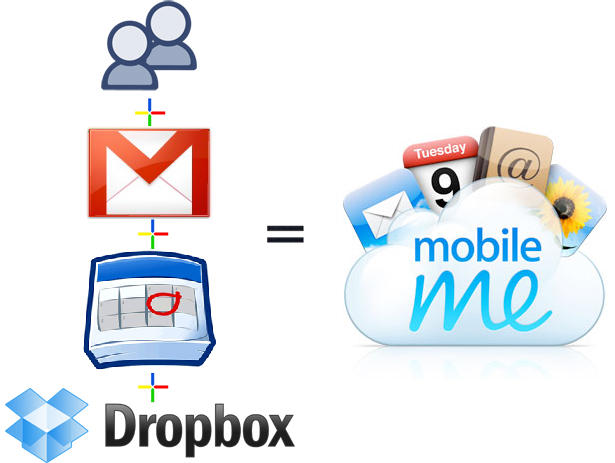
A couple of weeks ago I canceled my MobileMe account. Why? Because it didn’t do the one thing I wanted it to do: share my calendar with my wife so we could coordinate our busy lives. That’s all.
I love MobileMe’s email, calendar, contact syncing (especially on the iPhone) and even iDisk. I gave Apple a year to improve it, but nothing happpened, so I switched.
Here’s how to recreate all of MobileMe’s features for FREE (except one) and how I use it to sync my iMac, MacBook and two iPhones.