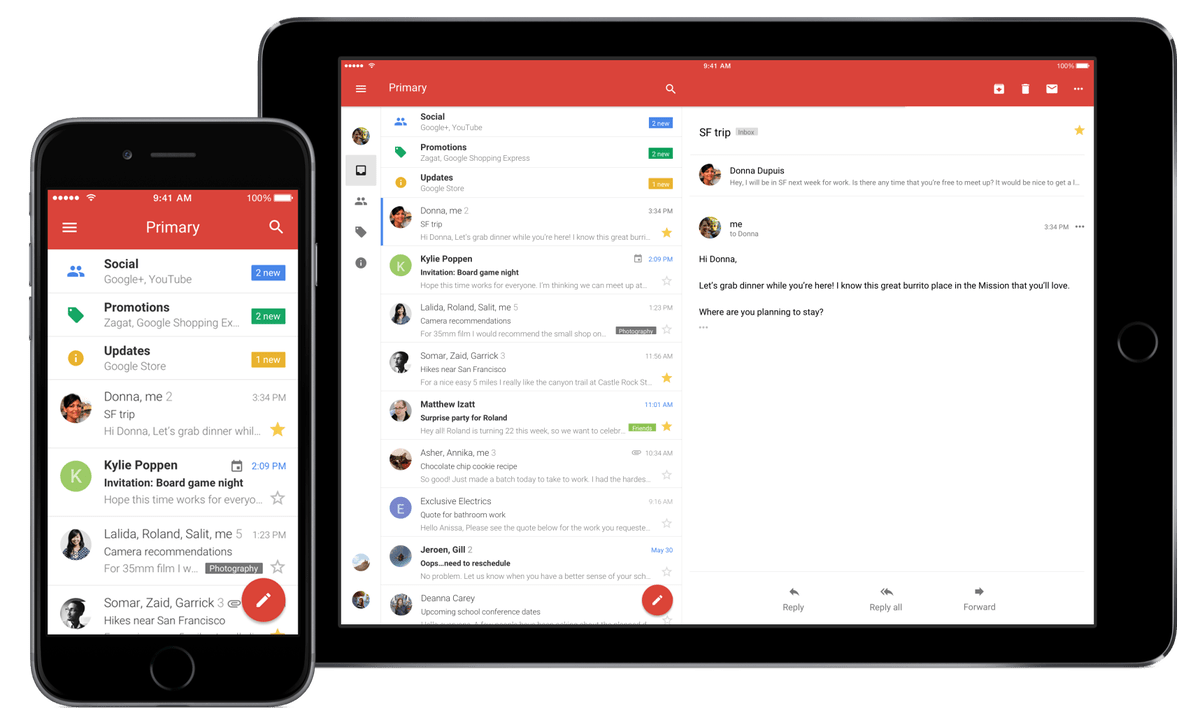
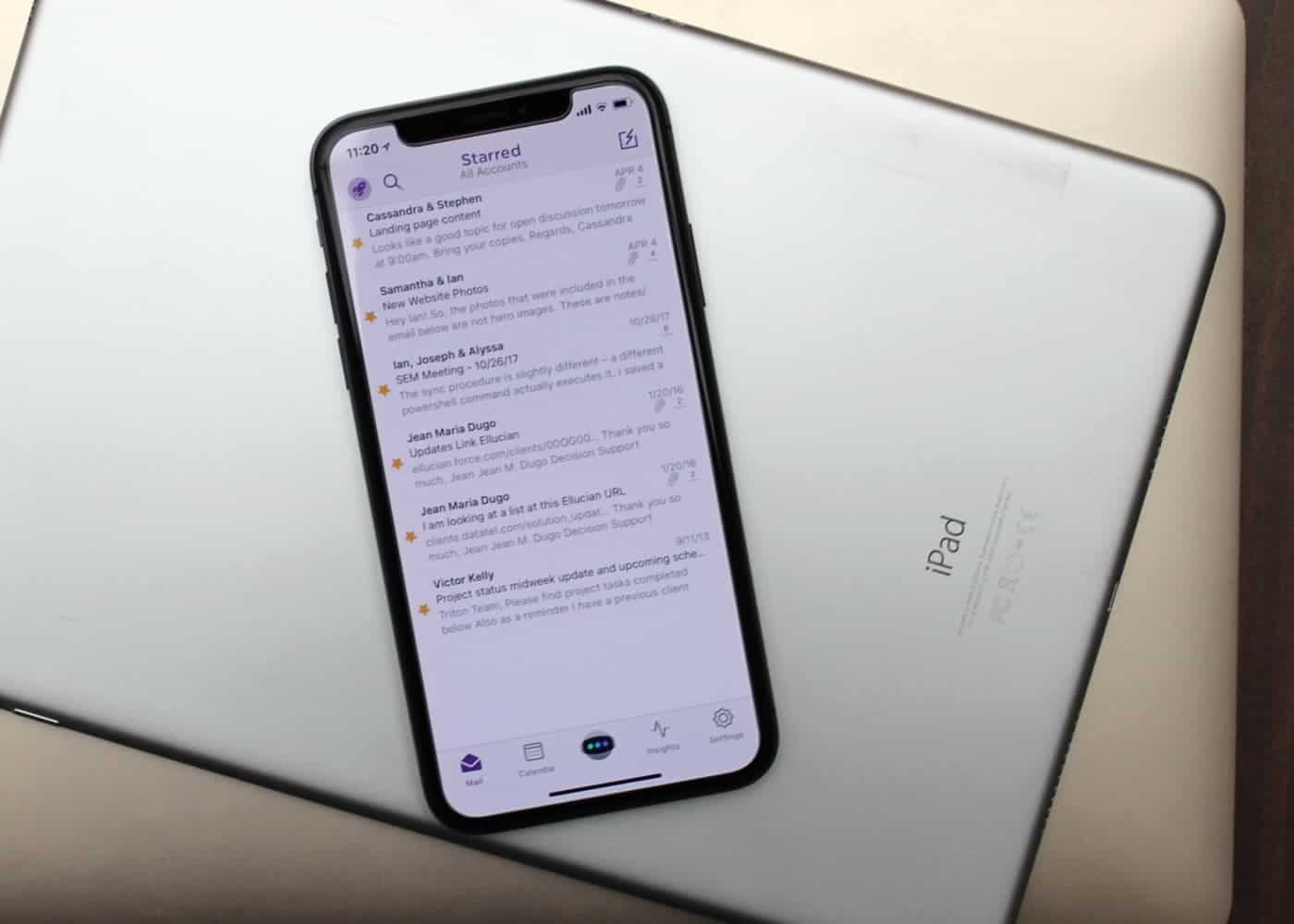
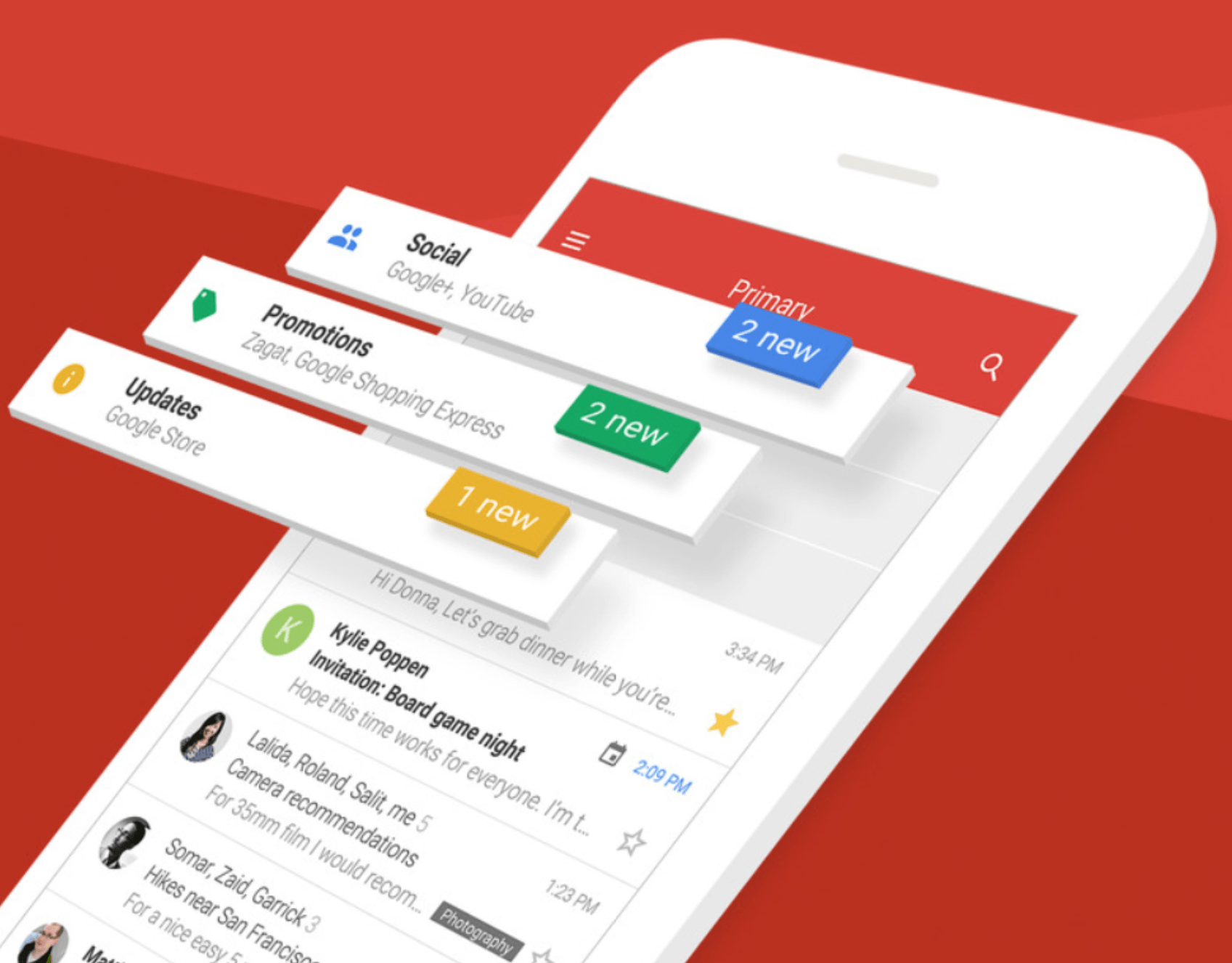
Real human developers can read your Gmail messages. But only if you let them. Photo: Google
Privacy is a hot-button issue in 2018, and the latest target is Google after it was revealed that developers of third-party apps can read your Gmail messages.
The thing is, you gave the application permission to do that. You just don’t remember. Or weren’t paying attention.
View all your messages individually if you prefer. Photo: Google
Some of us need to have email notifications enabled, but we don’t want our iPhone to ping every time a spam message hits out inbox. Gmail just got a big notifications upgrade that solves this problem.
Its official iOS app now uses artificial intelligence to provide notifications for your most important emails only.
Mail isn't always best for email. Photo: Ian Fuchs/Cult of Mac
Email is a necessary evil. Whether it’s personal communications, work-related updates or the latest sale at your favorite store, email is something we deal with nearly every day.
After trying dozens of email apps over the past eight years, Astro is the best email app I’ve come across, and the first that I both recommend and enjoy using.
Gmail's new super-clean interface is ready for duty. Photo: Cult of Mac
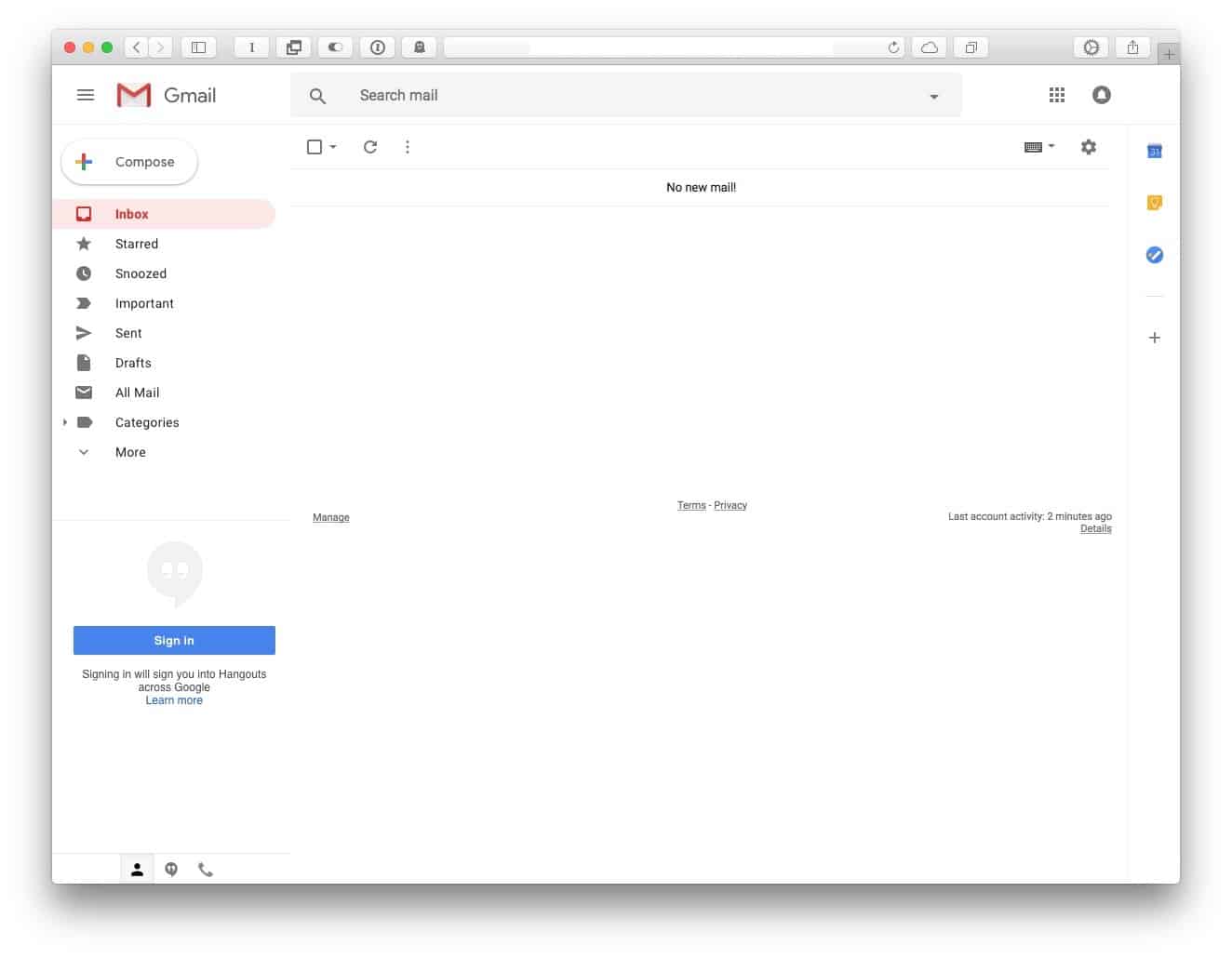
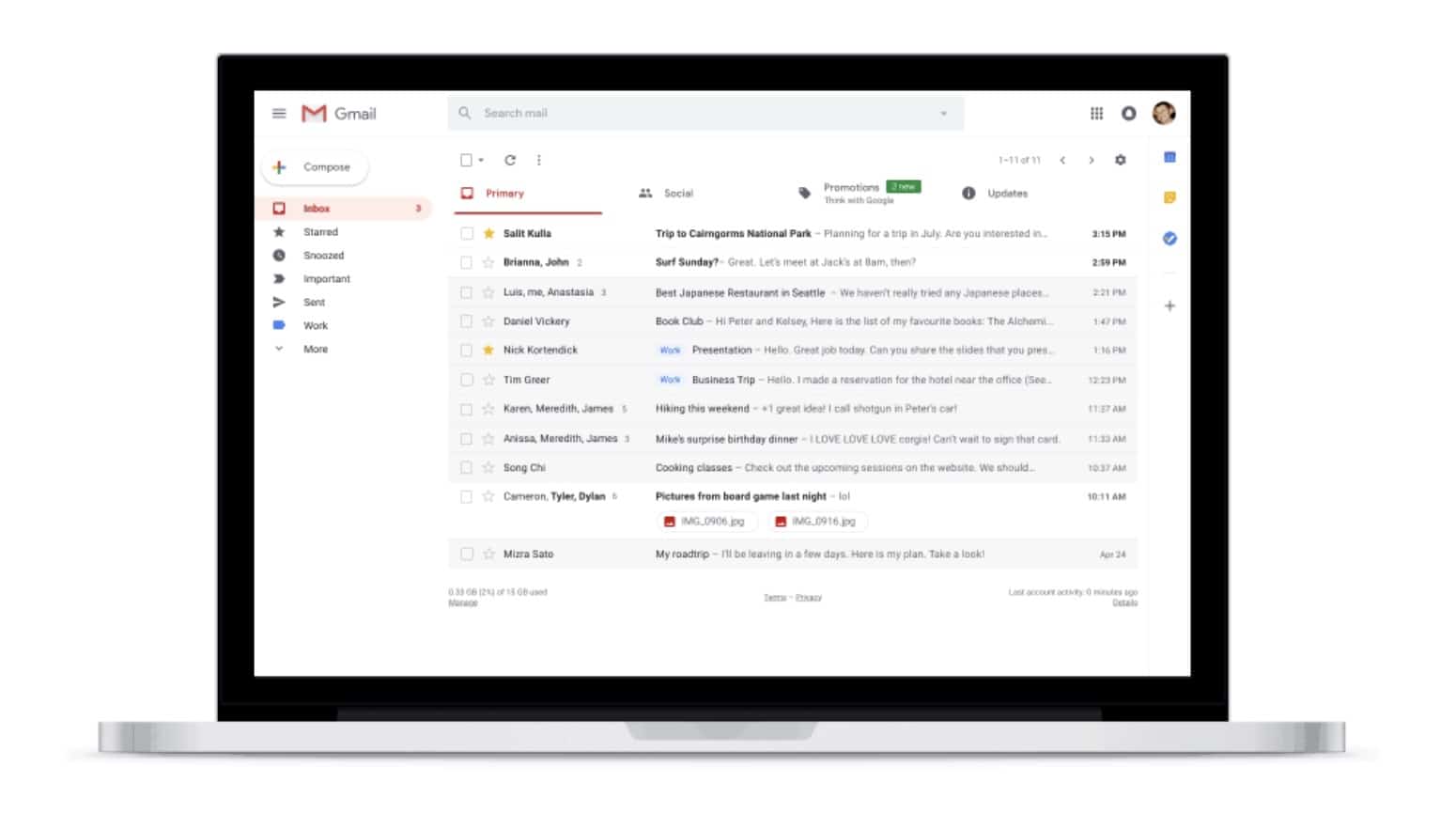
Gmail’s sweet new interface is rolling out to users. It offers the familiar simple text-based interface from the Gmail you all know and “love,” but it manages to be both less messy, and more useful. If you want to take it for a spin, then switching it on is easy.
We don't need two Gmail clients anymore. Photo: Google
Google Inbox will finally be optimized for iPhone X “soon,” according to a new report.
Google has been working hard to update its most important iOS apps for Apple’s flagship smartphone since it made its debut last November — but Inbox, its nicest Gmail client, has somehow been neglected. Now that Gmail’s big redesign is out of the way, that’s set to change.
Web users can look forward to a fancy new look with features like Confidential Mode, Smart Replies, Snooze, and more. They finally make Gmail in your browser as good as Google’s mobile apps.
Google Tasks for iOS can help you get stuff done. Photo: Google
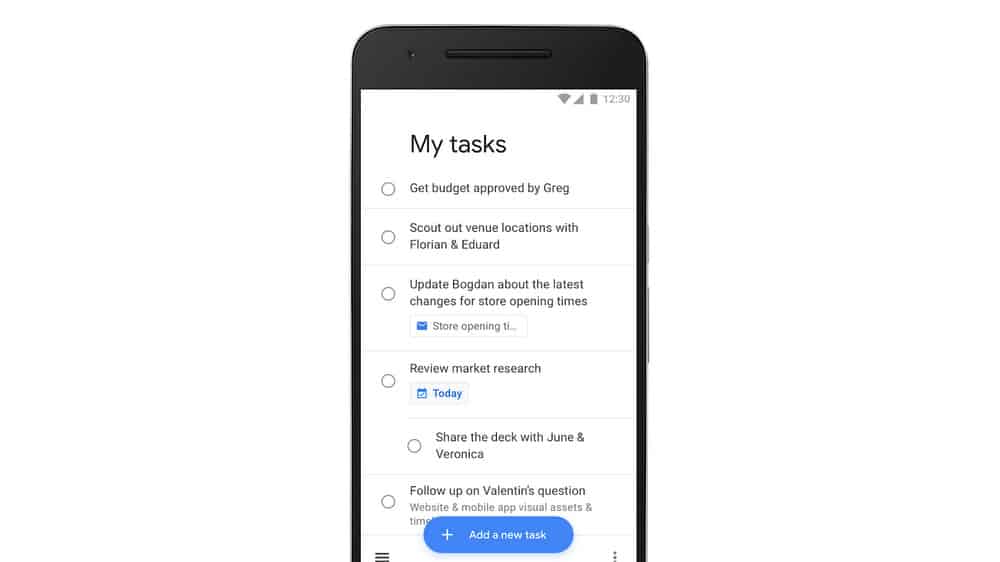
Google has finally decided that Tasks deserves a dedicated app on mobile.
Available now on iPhone and iPad, Tasks boasts a clean and simple interface with all the features you’ll need to stay productive. It also works closely alongside Google Calendar and Gmail to make managing your most important projects as easy as possible.
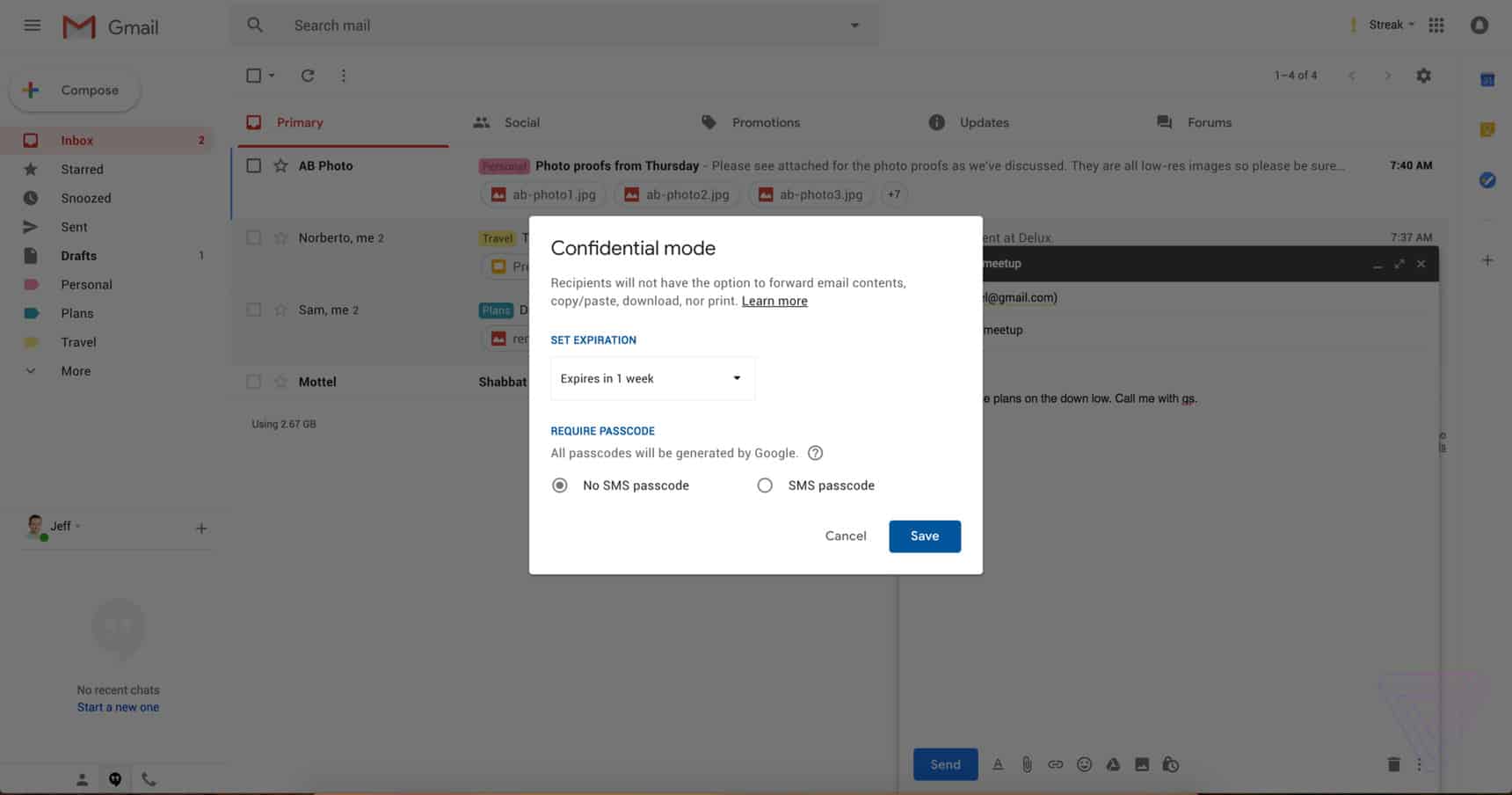
Gmail’s new Confidential Mode in action. Photo: The Verge
Gmail is getting a gorgeous redesign on the web, which will include a bunch of awesome new features. One of those is a “Confidential Mode” for sensitive messages, which prevents them from being forwarded, downloaded, printed, and more.
Get your hands on the latest Gmail update now. Photo: Google
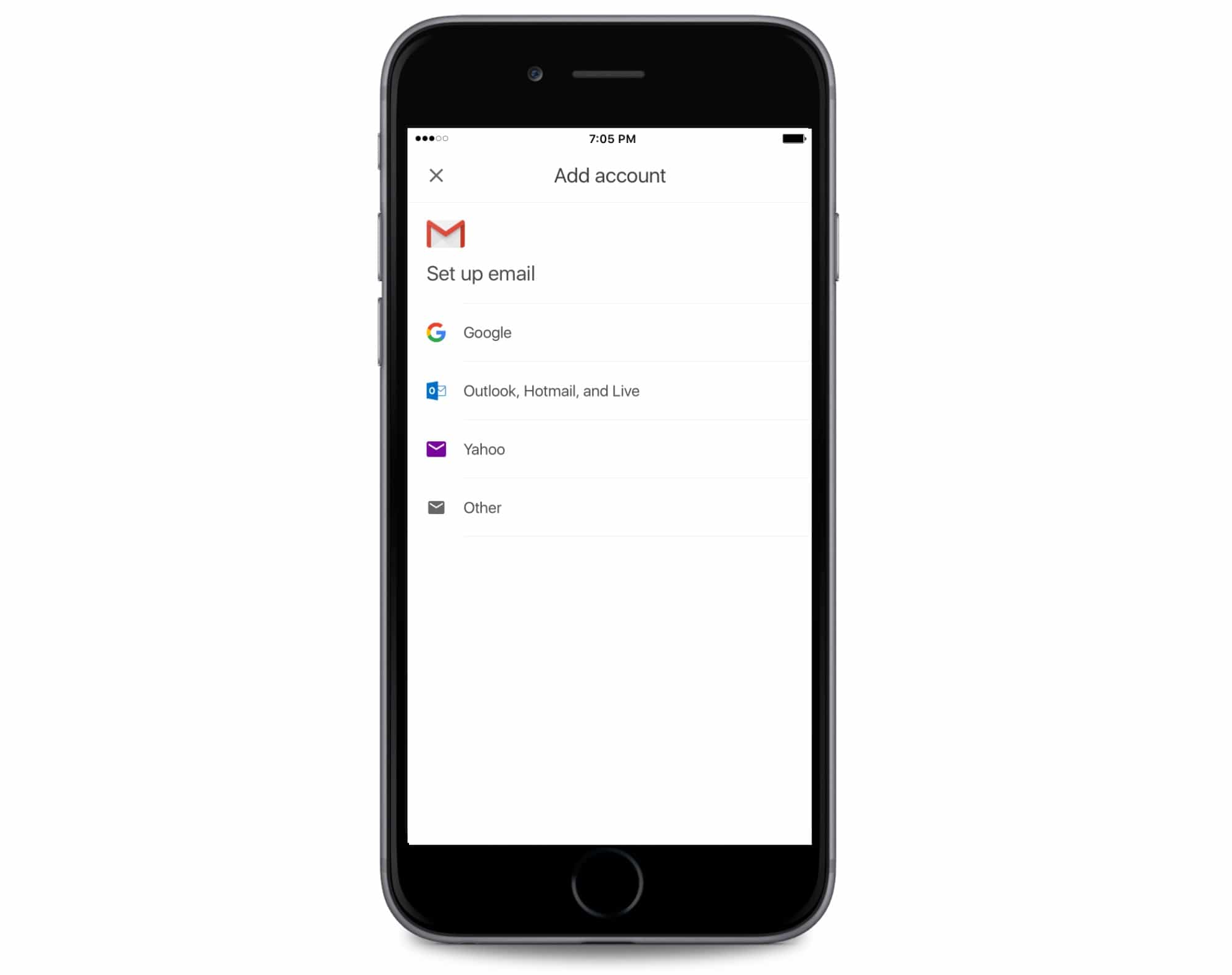
Google is hard at work updating all its apps for iPhone X. Gmail is the latest to embrace the Super Retina HD display — and the update also brings support for third-party email accounts.
iPhone users that love using Gmail will soon be able to make it the only email app on your iPhone. Google revealed today that it has begun testing a new feature that allows users to connect third-party email services to the Gmail app.
This week's best deals include a powerful email platform, a waterproof all-purpose camera, and lots more. Photo: Cult of Mac Deals
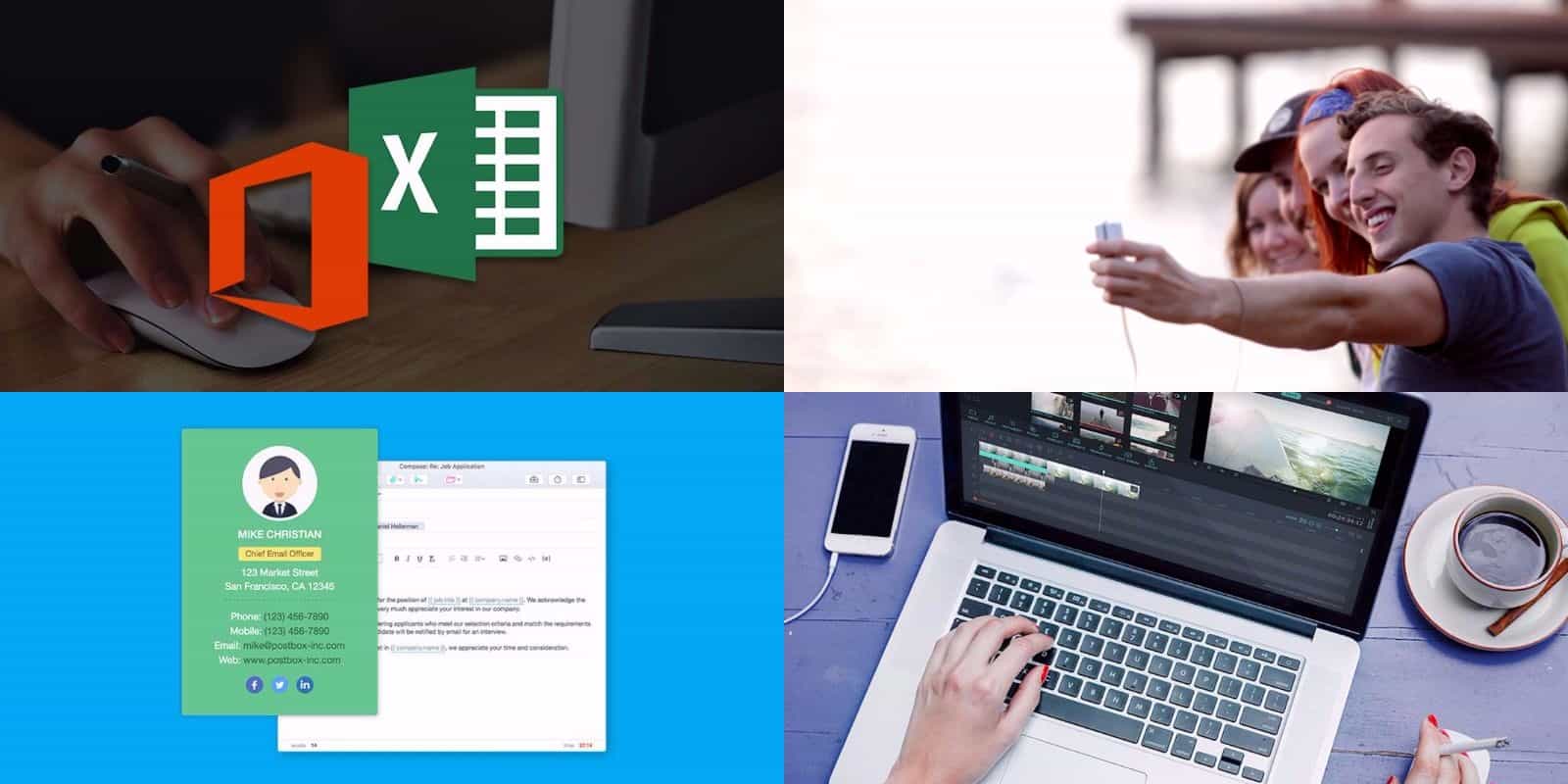
Every week here at the Cult of Mac Store, we’re busy finding great deals on tech tools, gadgets, and courses. This round, we’ve got an email app contender for Outlook and Gmail, and an all-purpose, waterproof HD camera. Also check out the comprehensive course in the Microsoft Office suite, and a video editor packed with 60 video assets. So there’s something here for everybody, read on for more details:
If you have an email address, there’s a very good chance it ends in “@gmail.com.” Well over a billion people use Gmail, which claims more than 20 percent of the email market. Even though Mac users’ machines come with Apple Mail, many prefer to use Google’s email platform in their browser.
One thing Apple Mail users could dangle over the head of Gmail users is the ability to install Mailbutler, a plugin that adds a bunch of useful new functions to the Mac’s built-in email program. But with today’s release of the latest beta, Mailbutler finally becomes available for Gmail.
'Appy weekend everyone! Photo: Ste Smith/Cult of Mac
Remember the innocent joy of gaming in the 1990s? You can relive it this weekend, courtesy of two rereleases of forgotten console gems from the decade of Nirvana and dial-up internet.
Those are just two of the picks we’ve highlighted for this week’s “Awesome Apps” roundup. We’ve also got a great update to an iOS email client and a livestreaming app for Mac.
Don't be fooled into clicking dangerous links. Photo: Google
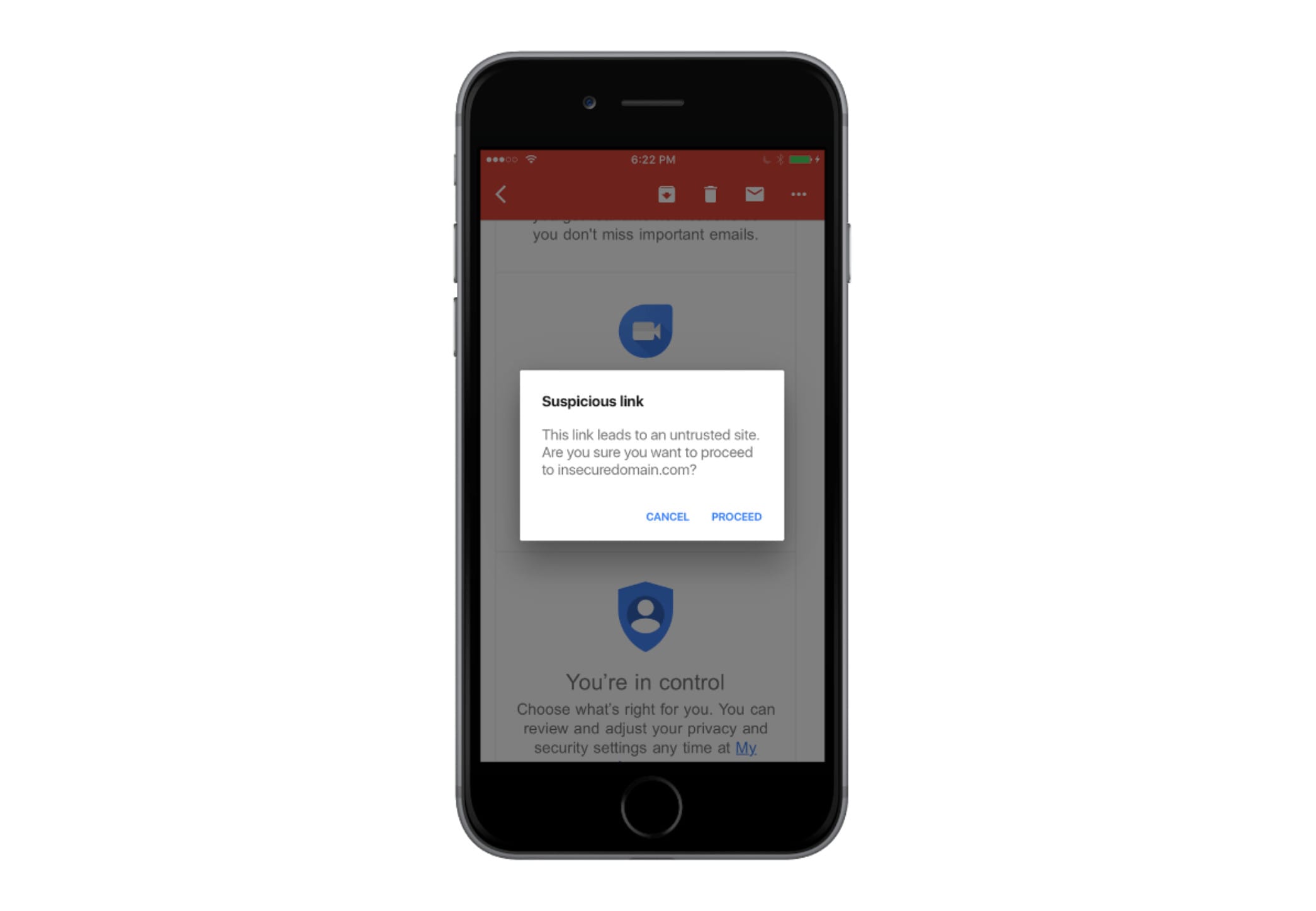
Google has updated its Gmail app for iOS to introduce anti-phishing security checks. The app automatically detects suspicious links in your emails, then warns you that they might be dangerous when you tap them.
View all your messages individually if you prefer. Photo: Google
Google is going to stop scanning your Gmail messages for ad personlization, it has confirmed today.
You will still see ads when you use Gmail on your phone or in a web browser, but they will no longer be based on information Google has pulled from your emails.
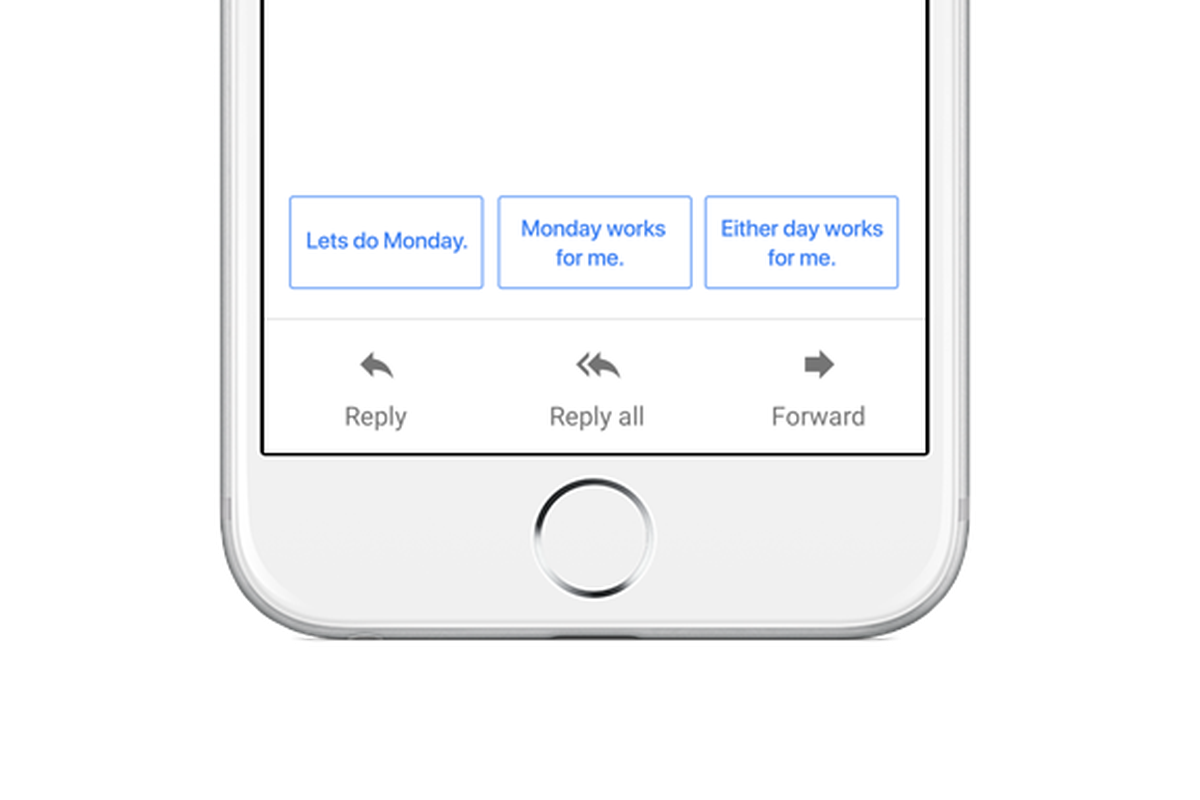
The official Gmail app for Android and iOS is getting Google’s impressive Smart Reply feature.
By taking advantage of machine learning, Smart Reply can help you power through outstanding emails in your inbox by suggesting suitable replies that are friendly and conversational.
You can finally do more than just view your calendar. Photo: Microsoft
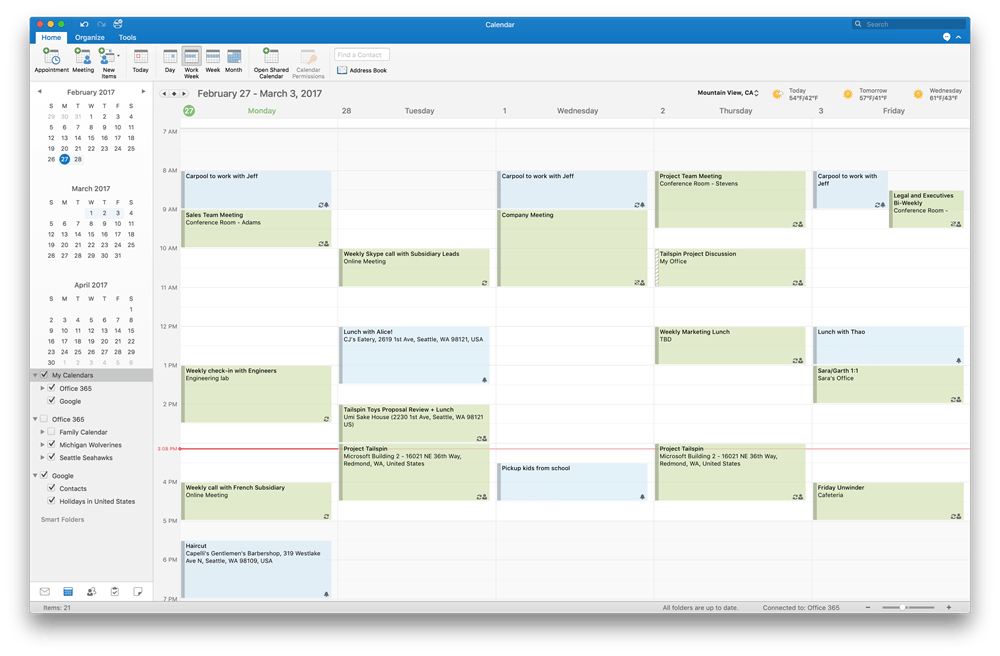
Microsoft is inviting Outlook 2016 users on macOS to preview Google Calendar integration.
Users will have the ability to not only view their appointments, but add, edit, and delete them, too. All changes will be synced to their Google Calendar and updated on other devices automatically.
You can now get Google Calendar on your iPad. Photo: Google
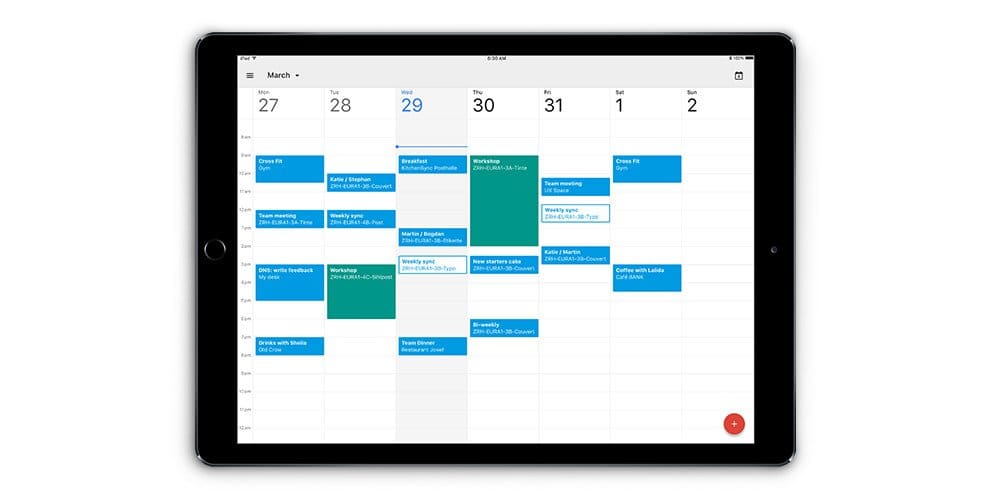
One of the most popular digital calendar services is the world is finally coming to iPad.
Google revealed today that its Google Calendar app for iPad is officially ready for download, bringing all of the popular Calendar features from the web to Apple’s tablet.
'Appy weekend everyone! Photo: Ste Smith/Cult of Mac
Regardless of where you sit on the political spectrum, it’s been a seismic, earth-shaking week. With that in mind, what better way to temporarily tear your eyes away from the news than with a sampling of the latest delectables to land in the App Store?
Whether you’re on the hunt for a superb bite-sized platformer, two great Apple TV apps, or a major Gmail update, here are the new apps and app updates that have been dominating our Apple devices this week.
Gmail gets some much-needed love on iOS. Photo: Google
Google’s official Gmail app for iOS is finally getting some much-needed love. The latest update brings a “fresh new look” that makes Gmail feel like a real app that Google actually cares about — rather than just an ugly wrapper for a mobile webpage.
Ryan Collins has been sentenced for his role in "Celebgate." Photo: Jim Merithew/Cult of Mac
One of the iCloud hackers behind 2014’s “Celebgate” scandal has been sentenced to 18 months in prison. Ryan Collins helped break into celebrity iCloud accounts and steal private photos, which were later published online.
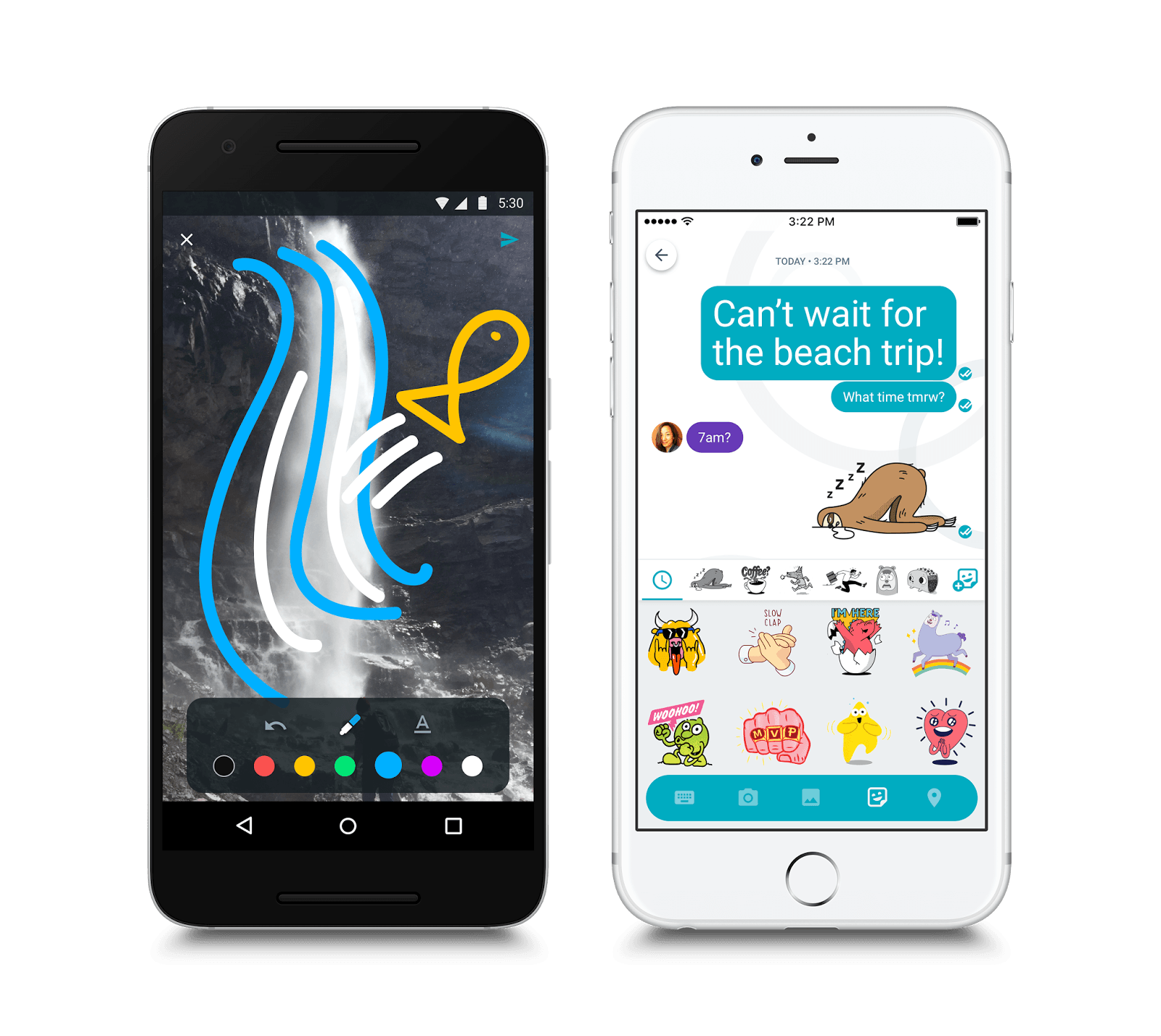
Allo, the exciting new messaging platform from Google, landed on Android and iOS today — but you might want to think twice before you rush to download it. Every conversation you have with Allo will be logged by Google (unless you remember to go incognito).
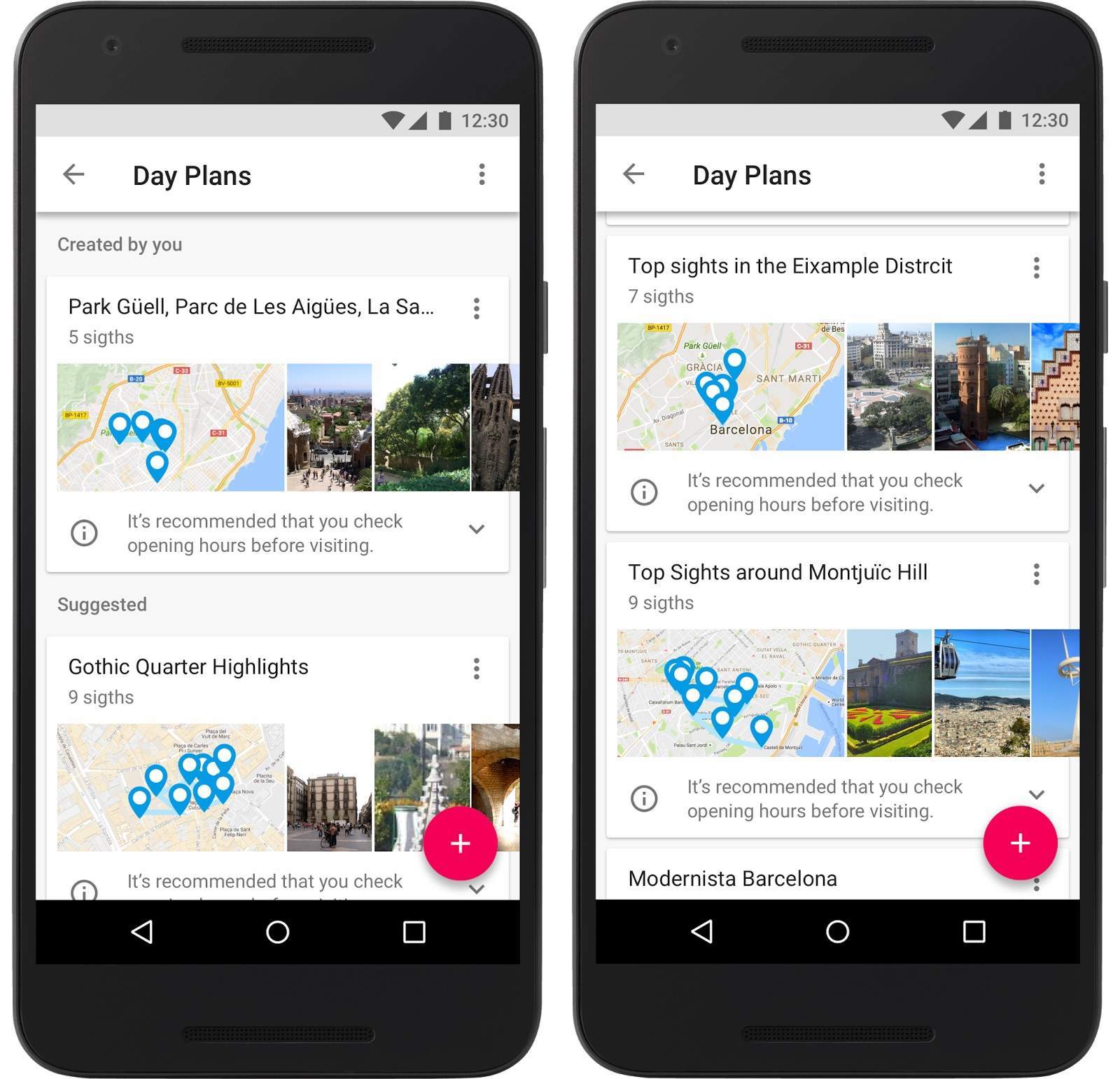
Google Trips puts travel guide for 200 cities in your pocket. Photo: Google
Planning where to go and what sights to see can take the fun out of a vacation, but Google’s new app is ready to handle all the heavy lifting for you.
Google Trips debuted today on both iOS and Android devices, putting a travel guide in your pocket everywhere you go.
Trips instantly plans each day of your vacation with just a few taps. You set the agenda based on what types of spots you’d like to visit and Google Trips shows you a variety of plans that hit up the most popular local gems.
Edward Majerczyk will be sentenced soon. Photo: Jim Merithew/Cult of Mac
A hacker who broke into more than 30 iCloud accounts has pleaded guilty for his role in the “Celebgate” leak of 2014. Edward Majerczyk faces up to five years in prison for illegally obtaining private celebrity photos.