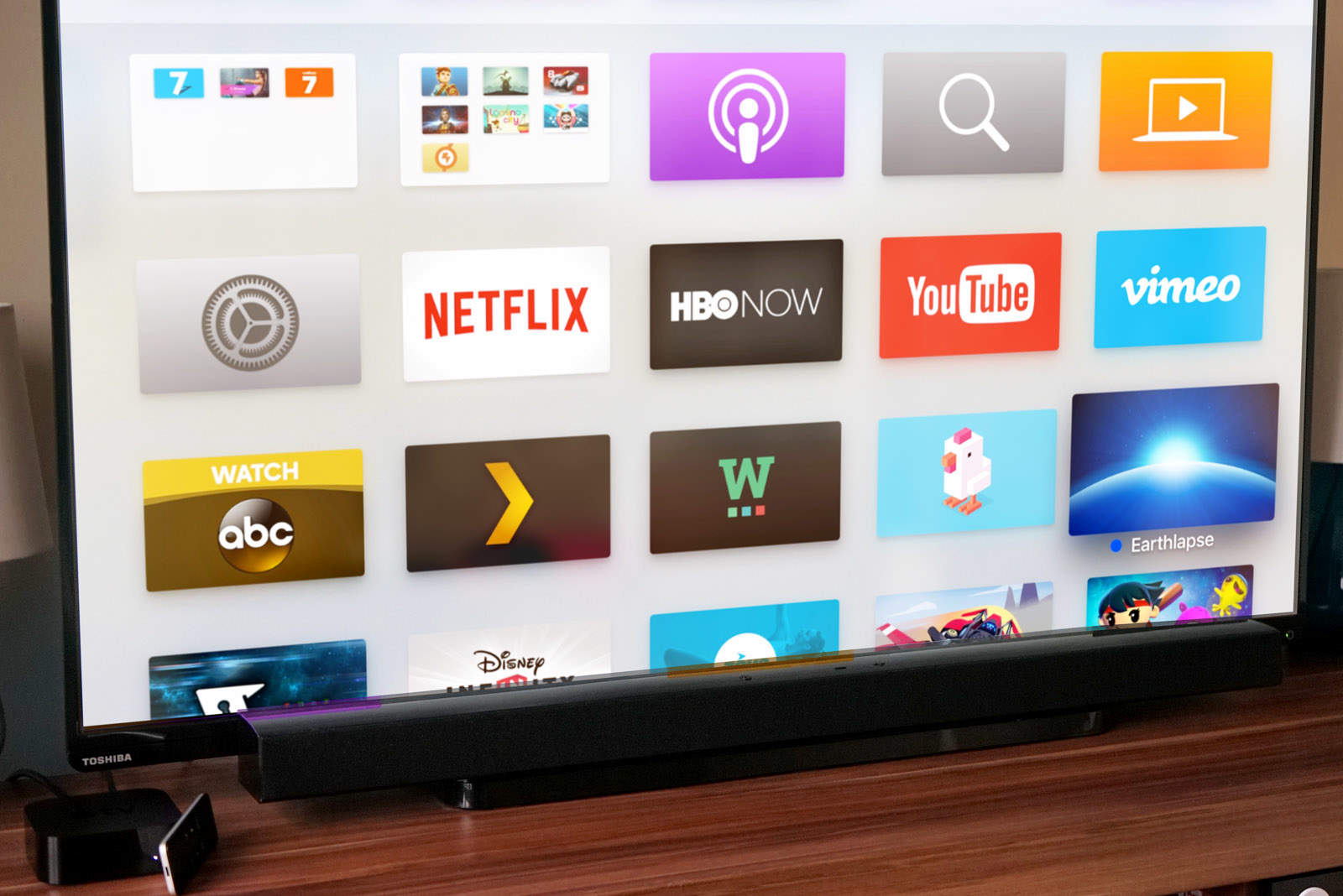
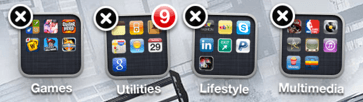
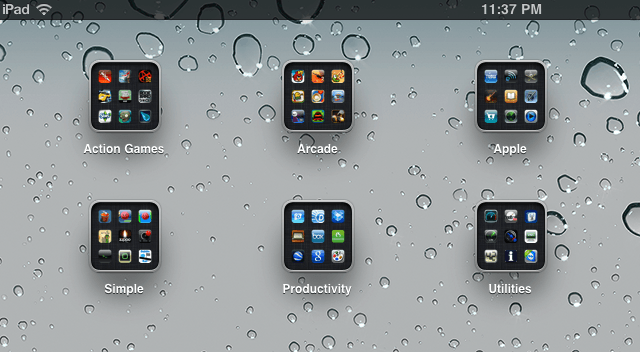
Get your OCD on with folders on Apple TV. Photo: Stephen Smith/Cult of Mac
The latest Apple TV has 5,000 apps and every one I’ve installed on my Home screen is a pain in the ass to find.
That is, until now. Apple just introduced tvOS 9.2, which brings the organizing power of folders to your 4th Generation Apple TV, and boy are we excited.
Here’s how to organize all those media and gaming apps on your Apple TV with folders.
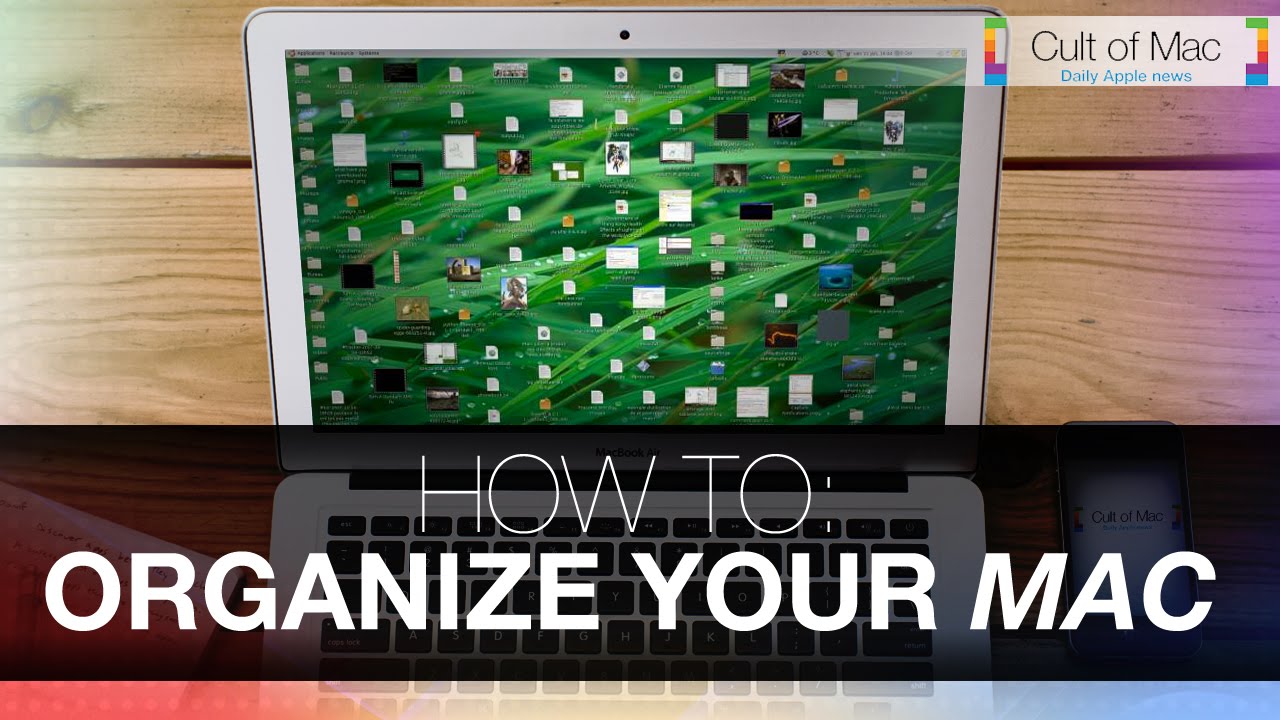
Over time when using your Mac it’s common to find your desktop in scattered disarray. With photos here and documents there, in the midst of this jumble mess completing further tasks seems trivial. Luckily there’s a number of tips that you can use if you find yourself trapped in Mac disorganization.
In today’s video take a look at some tips that will help you tidy up how you use your Mac and in return clean up your experience. See how to start tagging your files, use smart-apps and other great ways to get your Mac in structural order.
Thanks to a glitch in iOS 7, it was possible to put folders inside of other folders. With iOS 7.1, Apple fixed the glitch, but lo and behold, they seem to have missed an even bigger glitch that makes it much easier to accomplish the same thing. Here’s how.
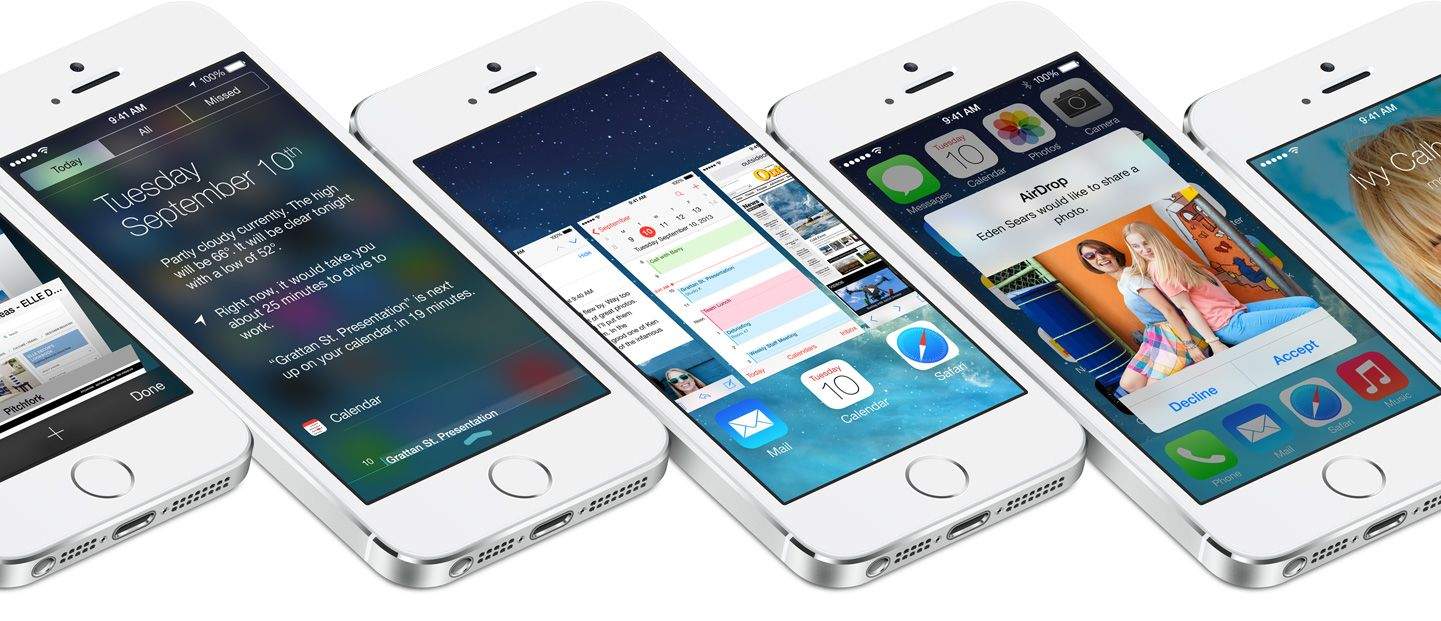
It’s been over three months since iOS 7 got its first unveiling at WWDC, and in just a couple of hours, it will be made available to the public. It’ll be completely free to download — no matter which iOS device you’re using — and Apple’s confident it will quickly become the world’s most popular mobile operating system.
iOS 7 is the biggest change to iOS since the original iPhone, introducing a colorful new design for the first time, and bringing lots of new features — including Control Center, improved multitasking and Notification Center, iTunes Radio, and AirDrop.
So should you be rushing to download and install it on your iOS devices as soon as it becomes available, or can you wait until all the fuss has died down? Well, we’ll be bringing your our review in stages over the course of the coming days, but to help make your decision super simple, we’ve trawled through the biggest and best iOS 7 reviews out this week and put together a helpful roundup.
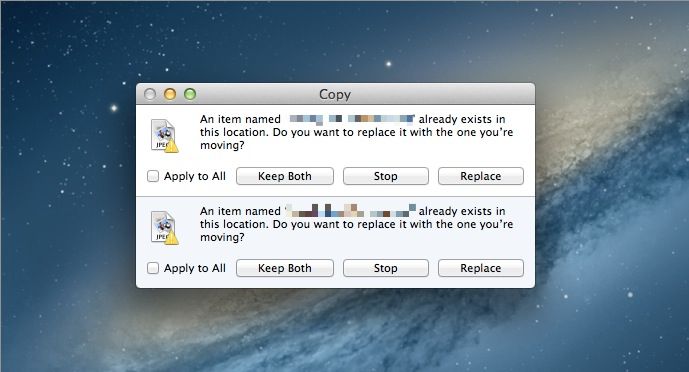
When you drag a bunch of items into a folder in the Finder on your Mac and some of the items in there have the same name, your Mac will ask you if you want to replace the items in the folder you’re dragging to. This is all well and good when you’re trying to do just that, but what about when you want to merge the files from the first folder to the second?
Before and after Newsstand gets hidden on the iPhone.
Apple won’t let you put the iOS Newsstand icon in a folder for some ridiculous reason. It’s annoying. A lot of people don’t use Newsstand on the iPhone, and after awhile that wooden bookshelf icon seems to just sit there, mocking you. Wouldn’t it to be nice to hide it in a folder with all the other stock apps you don’t you use, like that stupid Compass app?
There was a trick discovered in iOS 5 that lets you hide Newsstand with some finger magic, but the process is a little tedious. A new utility app for the Mac called StifleStand puts Newsstand in an iOS folder for you, no jailbreak required.
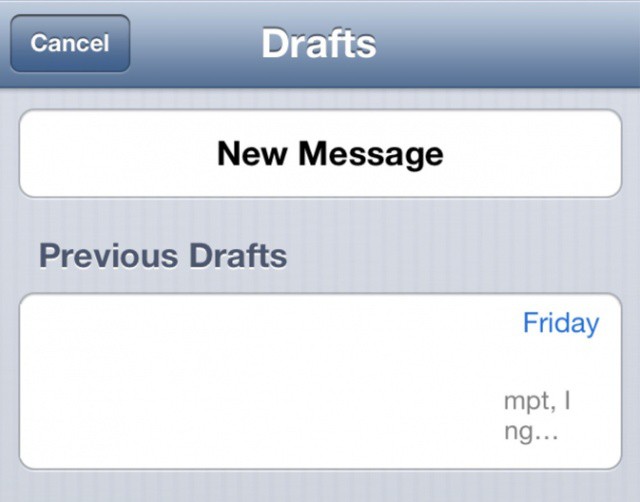
Accessing draft emails couldn't be easier in iOS 6.
If you tend to stick to using the unified inbox in Apple’s built-in Mail app in iOS, then accessing your draft messages is a bit of a pain. First you have to remember which of your accounts you created the email with, then you have to hunt down the drafts folder for that account.
In iOS 6 beta 3, however, accessing all your drafts is as simple as holding down the new mail button, which takes you to the new page you see above. Isn’t that handy?
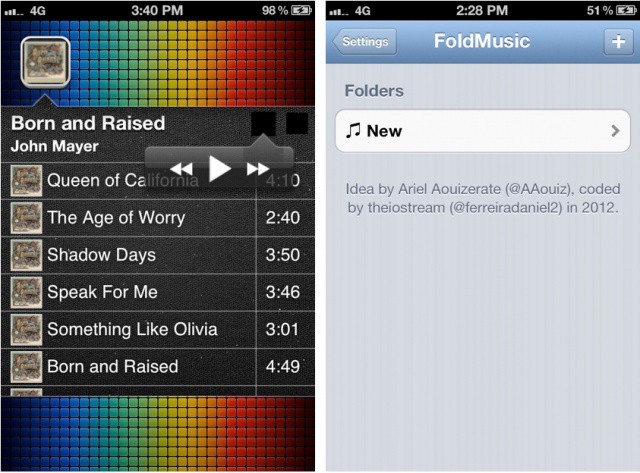
Taking an innovative approach to how we experience music on our iOS devices, a new jailbreak tweak called FoldMusic lets you create playlists from the iOS Music app and view them as standalone folders on your iOS Home screen.
I was skeptical of this idea originally, but after playing with the tweak, I can see the appeal. If you have an artist, playlist, or album you want quick access to, it doesn’t get much faster than this.
iOS 6 has some awesome new features, but here's 7 things it's still missing.
We’re super excited for iOS 6. Although it isn’t the complete iOS overhaul many users were hoping for, it does deliver a whole host of new features — like a new Maps app, user interface enhancements, improvements to stock apps, and Siri support on iPad — that we’re certainly looking forward to.
However, it’s hard to ignore the fact that iOS 6 still has some things missing. Things we’ve been waiting for for some time. Here are seven of them.
Ever need a quick look at a bunch of pictures in one folder all at once? QuickLook is all well and good, but it’s a slow-going one-photo-at-a-time. You could use iPhoto, but for a quick check of a folder full of images, that’s a bit labor intensive. For our money, today’s tip may be the fastest way to see all those photos at once.
The ability to share my documents across all of my devices and have them with me wherever I go is indispensable to me, and so Dropbox is one service I couldn’t be without. However, one of its biggest flaws has always been the difficulty in sharing documents.
That’s no longer the case with Dropbox’s latest update, which makes it super simple to share your files with your friends, family, and colleagues.
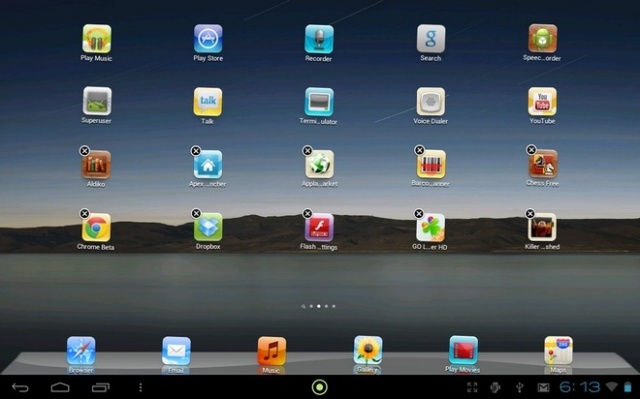
Espier Launcher HD is the closest you'll ever get to running iOS on an Android tablet.
So you just bought yourself a new Android tablet, and you wish you’d gone for the iPad. Well, that’s too bad. But you’ll be pleased to hear that you can still get your hands on the iPad’s home screen, thanks to Espier Launcher HD.
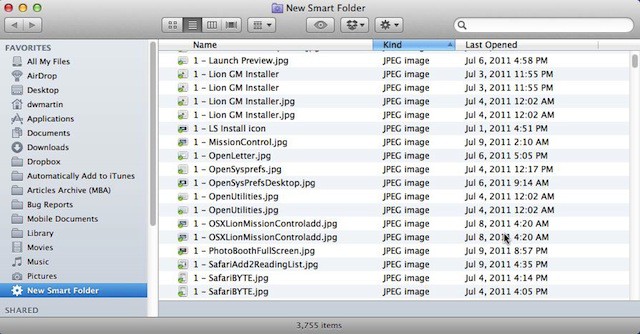
Smart Folders in Mac OS X Lion are finally something to talk about. In earlier versions of Mac OS X they were frankly kind of dumb, but not any more. They now act and work just like regular folders in Finder and they are incredibly fast. That is why Apple made a Smart Folder, All My Files, the default folder when you open a new Finder window in Mac OS X Lion.
A new jailbreak tweak making its way into Cydia will enable users to delete home screen folders – and return all of the applications within them to the home screen – with a single tap.
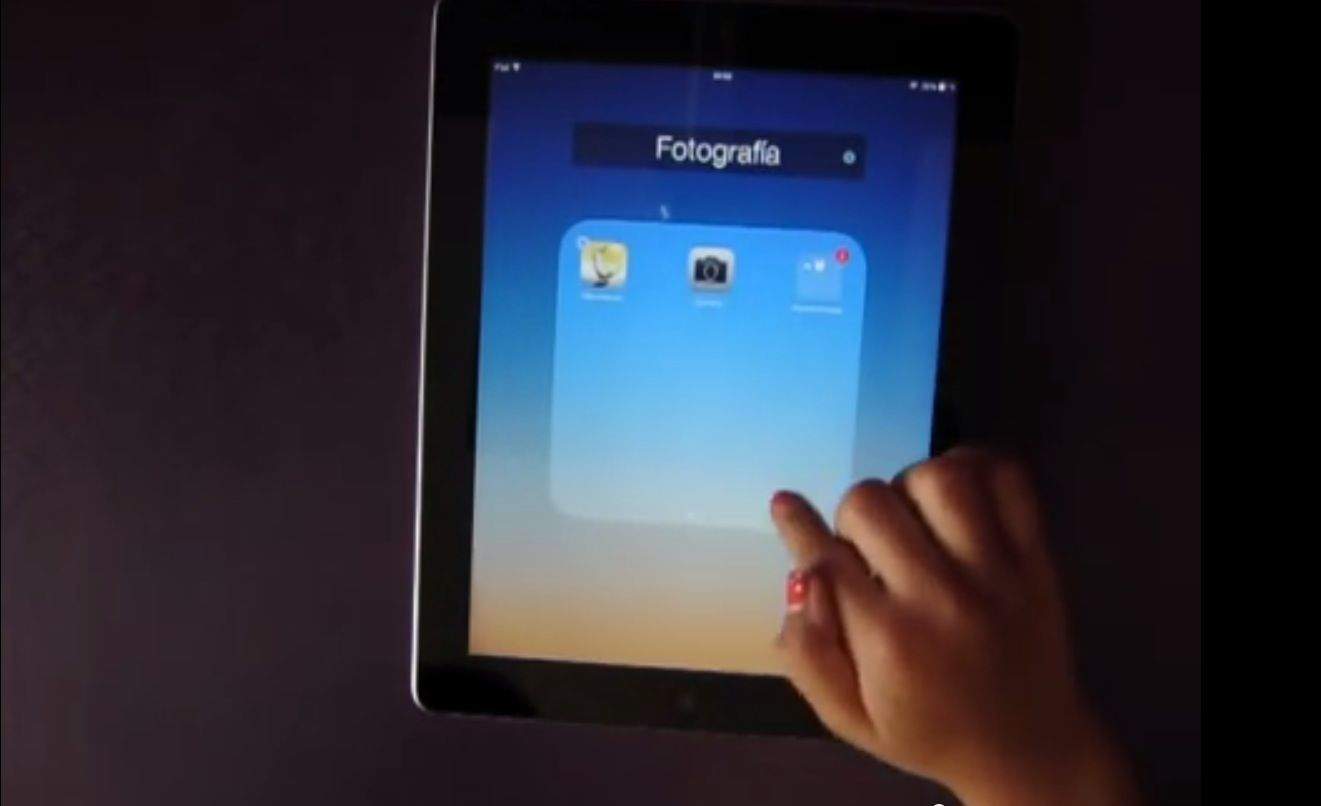
So you just got your iPad, and have loaded it up apps. Now what? It may seem like a hassle to hunt around for the apps you want and to page through all of those home screens. Well, there is an easier way. In this video, you’ll find out the best way to arrange your apps on your iPad.
Subscribe to the Cult of Mac newsletter
A daily blast of Apple news, reviews, how-tos and deals, delivered straight to your inbox.