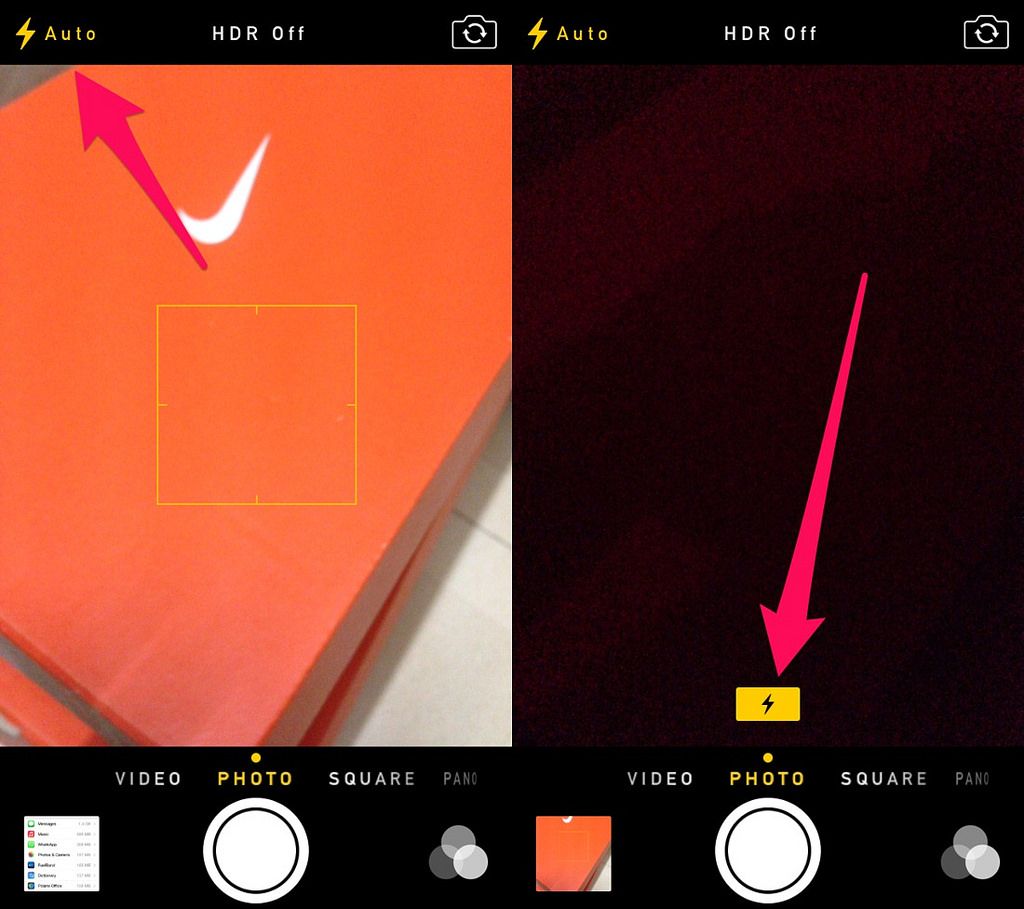
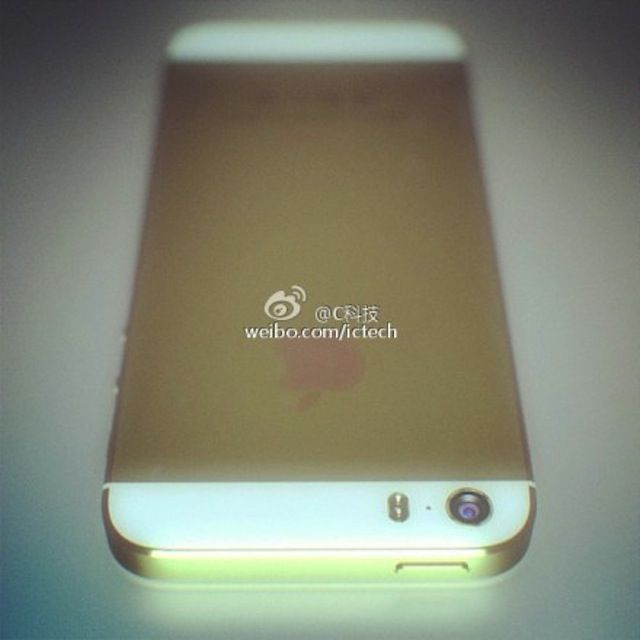
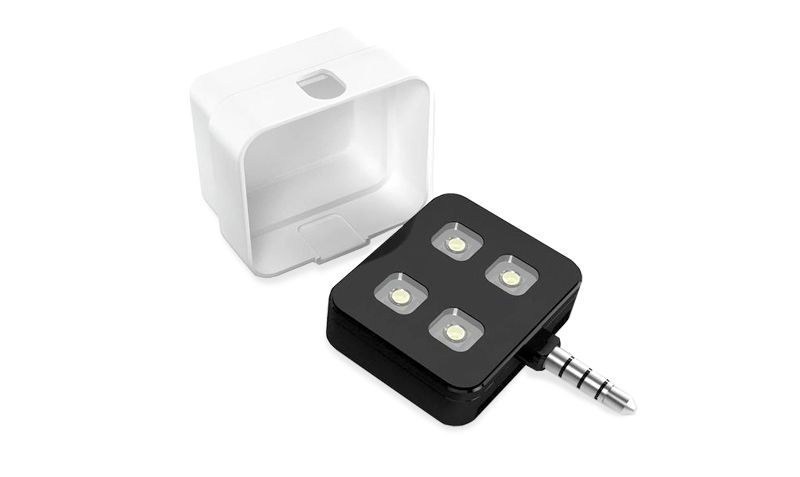
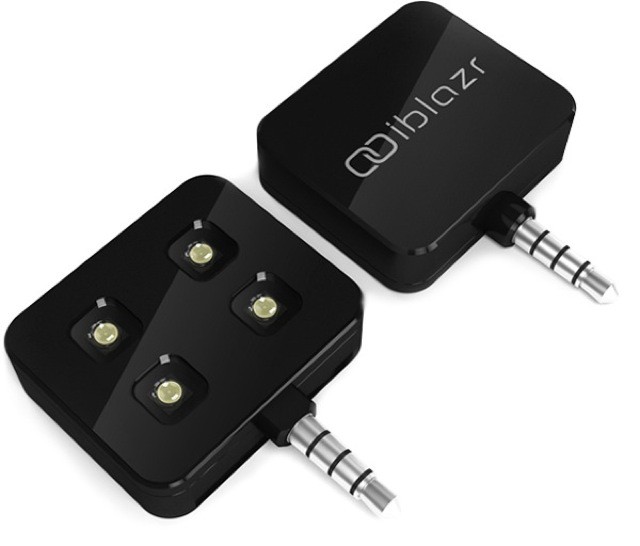
Here’s an incredibly neat little hack for making your iPhone’s flash suck less, and it’s marred only by the photo used to illustrate it, which features some kind of Android “phone.”
If you ever wondered how you might use colored gels on your iPhone’s flash, read on. Or just look at the picture — it’s pretty self explanatory (once you get over the inexplicable purchase of an Android handset anyway).
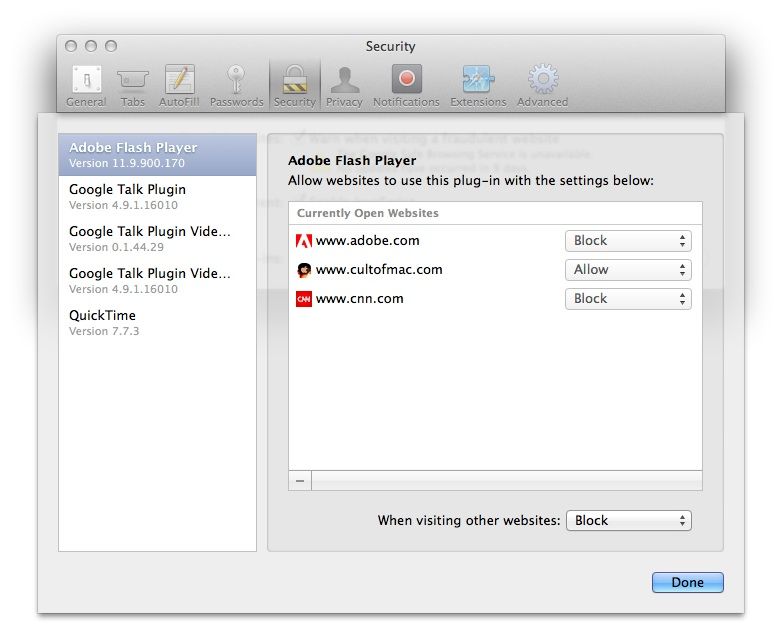
If you’re a Mac user on the Internet, chances are you’ve come across a few websites where embedded content isn’t displayed correctly. Instead you get an icon or an error message saying Missing Plug-In, often with few additional details about exactly what is missing.
While there’s no single installer which will solve all missing plug-in problems, there are a few common things to start with. If those don’t work you can delve deeper into non-common formats or the forgotten codecs of yesteryear.
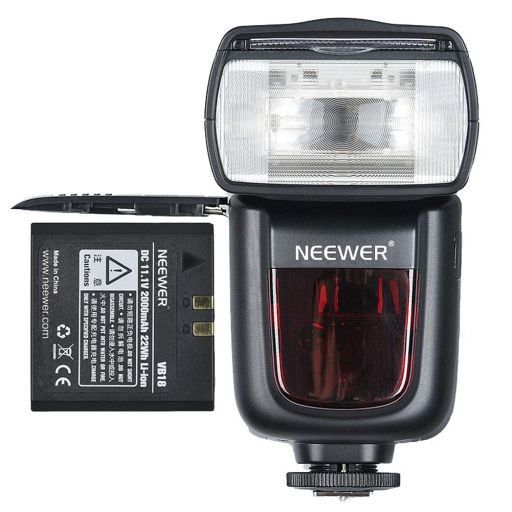
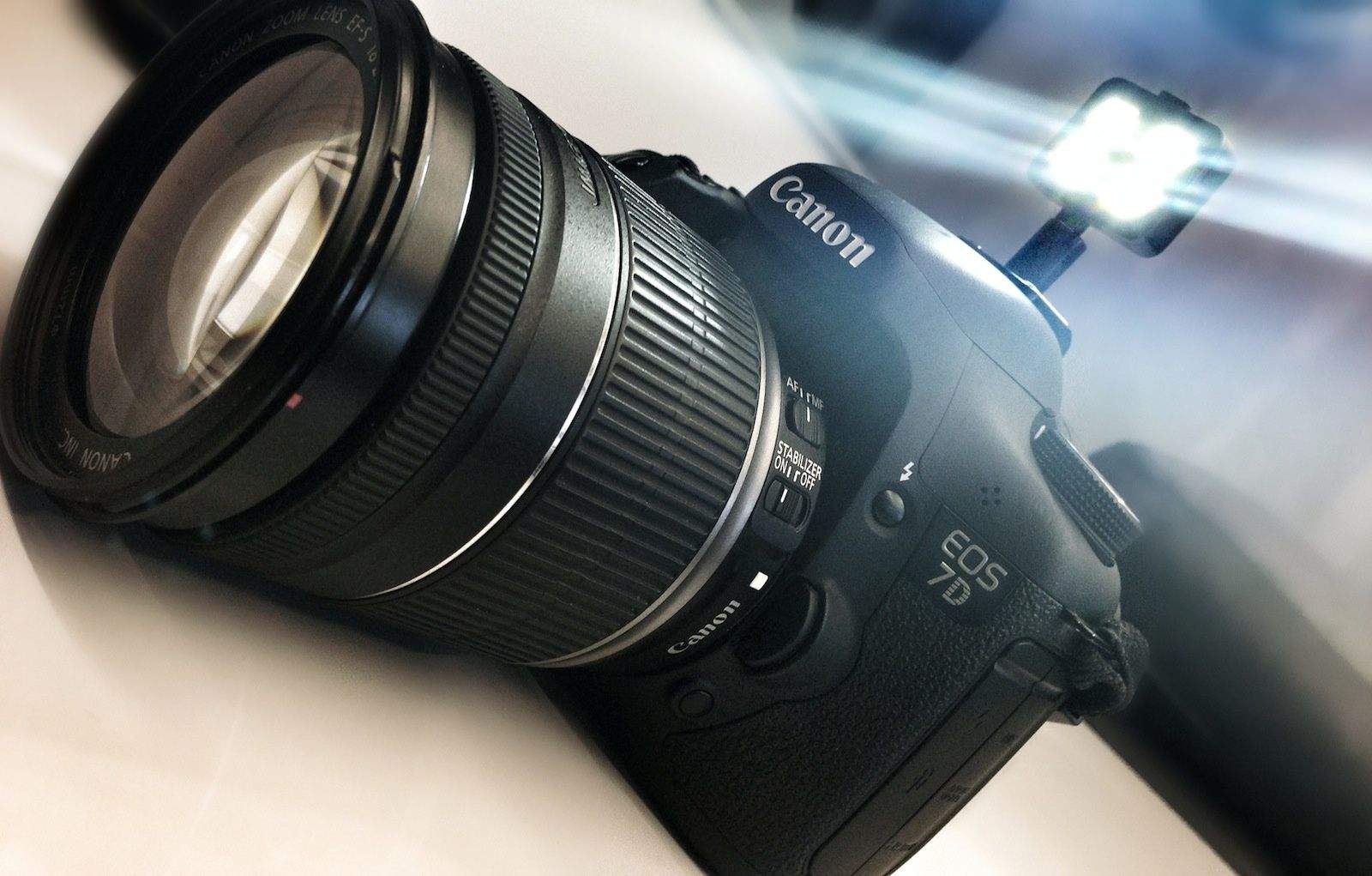
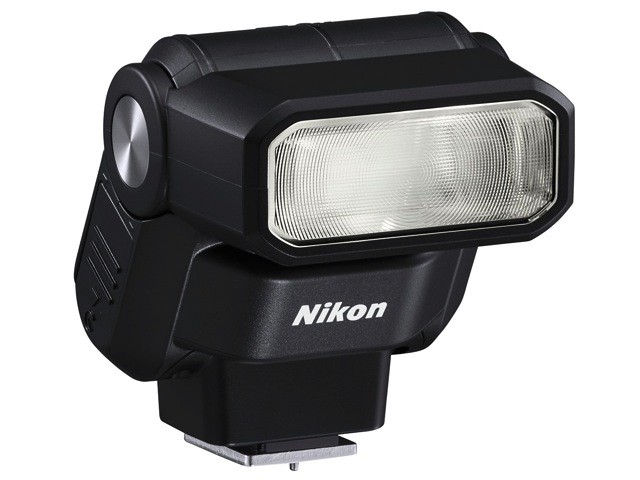
It’s hard to overstate my love of the Paparazzo light, despite the fact that I have never touched or even seen one outside of the photos on its Kickstarter page. Maybe it's the idea I like so much: it's an old-style flashgun which pumps out a ridiculous 300 lumens of subject-petrifying light whilst making you look like and old-school newspaperman.
Evil flashes terrify museum guards. Photo Phil Hearing / Flickr
NO FLASH PHOTOGRAPHY. You’ve all read that sign, and you have all likely – being good obedient citizens – abided by the wishes of the museum or gallery which posted it. But why is it there? Why can’t you use your camera’s flash to take a photo of a painting or a sculpture? The answer, it seems, is as depressingly wrongheaded as you might suspect.
Apple is clearly working towards making solid-state storage a standard for its MacBook line, which means our notebook computers have never been speedier. The only problem is, the flash storage Apple uses is still pretty expensive, and so most of us have to settle for less of it when we’re buying a new MacBook.
That means we either need to come up with ways to decrease our data consumption, or add cheaper external storage for things like our iTunes libraries and torrent archives. If you’re going for the latter (the easier option) then you need the Nifty MiniDrive, an SD card specifically designed for MacBooks that you’ll hardly ever notice.
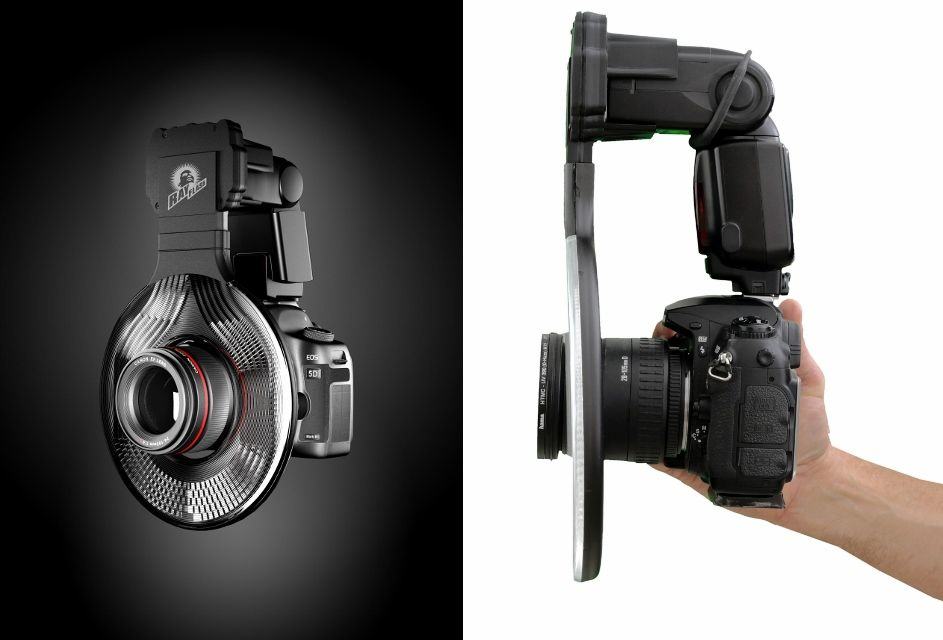
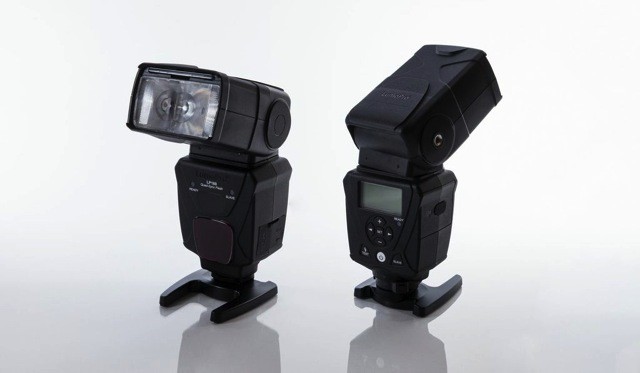
All great photographers know how to light well. And step one of good lighting is getting your flash off the top of your DLSR, where it sits and spews gross rays onto every one of your unfortunate victims, and onto a light stand where it belongs.
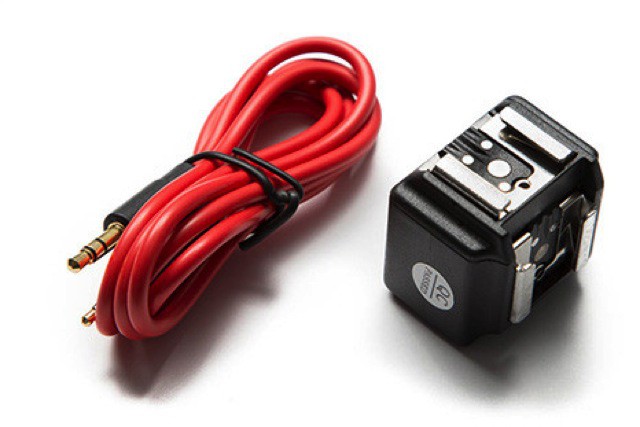
But how does one make a flash work when it’s not on the camera? The Phottix Odin Flash Trigger for Canon ($350) is up to the task, but that’s a major understatement. The Odin isn’t just another flash trigger system — it’s a Cadillac of features at a Honda price.
A few simple tips that will help you take better firework photos on your iPhone this Independence Day.
Apple’s latest iPhones take some pretty incredible images during the day, but it’s a different story when the sun goes down. Despite its LED flash, the iPhone’s performance in low-light still needs significant improvement. But if you’ve already abandoned a dedicated point-and-shoot, and you were hoping to snap some images at the firework display this July 4, here are some tips for taking great firework photos on your iPhone.
Recycle your MacBook Air’s old SSD module into an external drive.
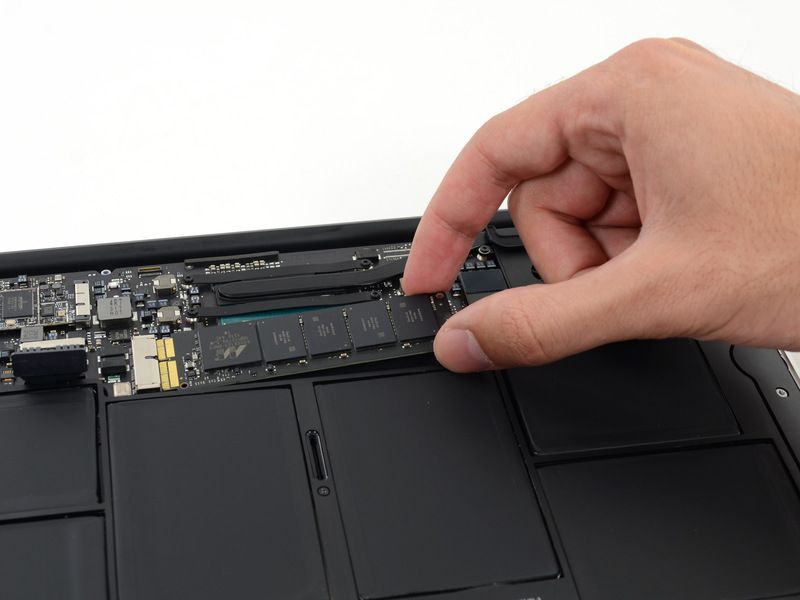
If you’re planning to upgrade the flash storage in your 2010 or 2011 MacBook Air, don’t just discard your old module or let it go for pennies on eBay. With the Aurora Envoy enclosure from Other World Computing, you can turn that old flash storage into an external drive that’s designed to match your MacBook Air perfectly.
SSDs are great! They make your computer run as if they were filled with greased lightning. That spinning beach ball stops spinning quite so much, and those apps struggling to load quit doing so much bouncing. Your computer gains instant-on functionality, better battery life, and ridiculously quick boot times. Win-win!
There’s only one problems: SSDs (like those found in the Retina MacBook Pro, MacBook Air, iPhone or iPad) don’t have the same high capacity as physical spinning drives. That’s a problem if you’re the kind of user who carries around a terrabyte of media with him at all times. Luckily, it looks like SSDs limitations when it comes to capacity sizes is about to change.
You'll be able to replace your new MacBook Pro's SSD, but it won't be cheap.
iFixit has described Apple’s new MacBook Pro as the “least repairable laptop” it has ever opened up, and subsequently gave the device a repair score of 1/10. However, just like the MacBook Air, you’ll be pleased to know that it is possible to upgrade the new MacBook Pro’s solid-state storage yourself.