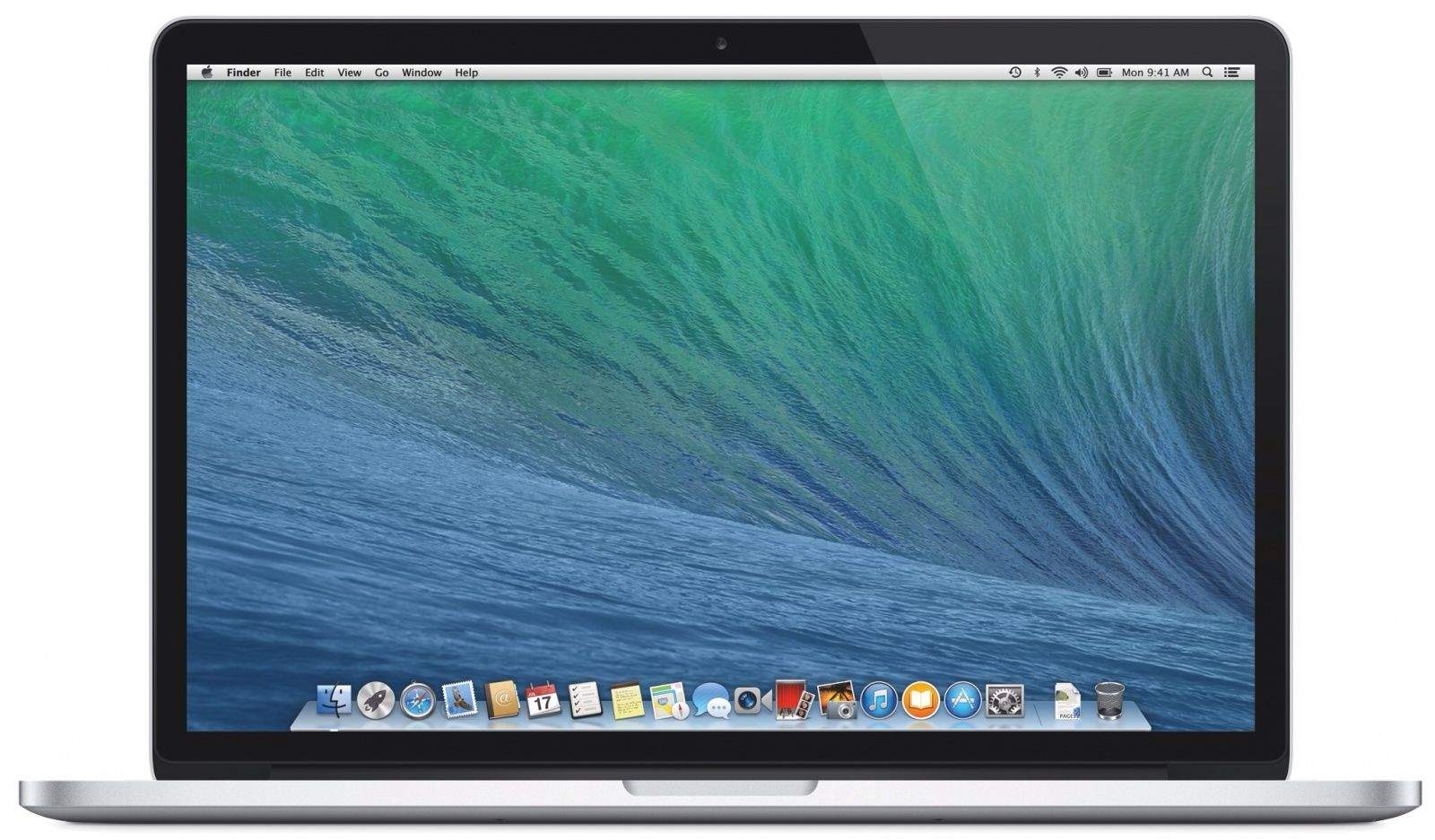
Apple today rolled out a new Boot Camp update to address a big issue on some iMac and Mac mini computers. Those with a Fusion Drive should now be able to create a Windows partition as normal.
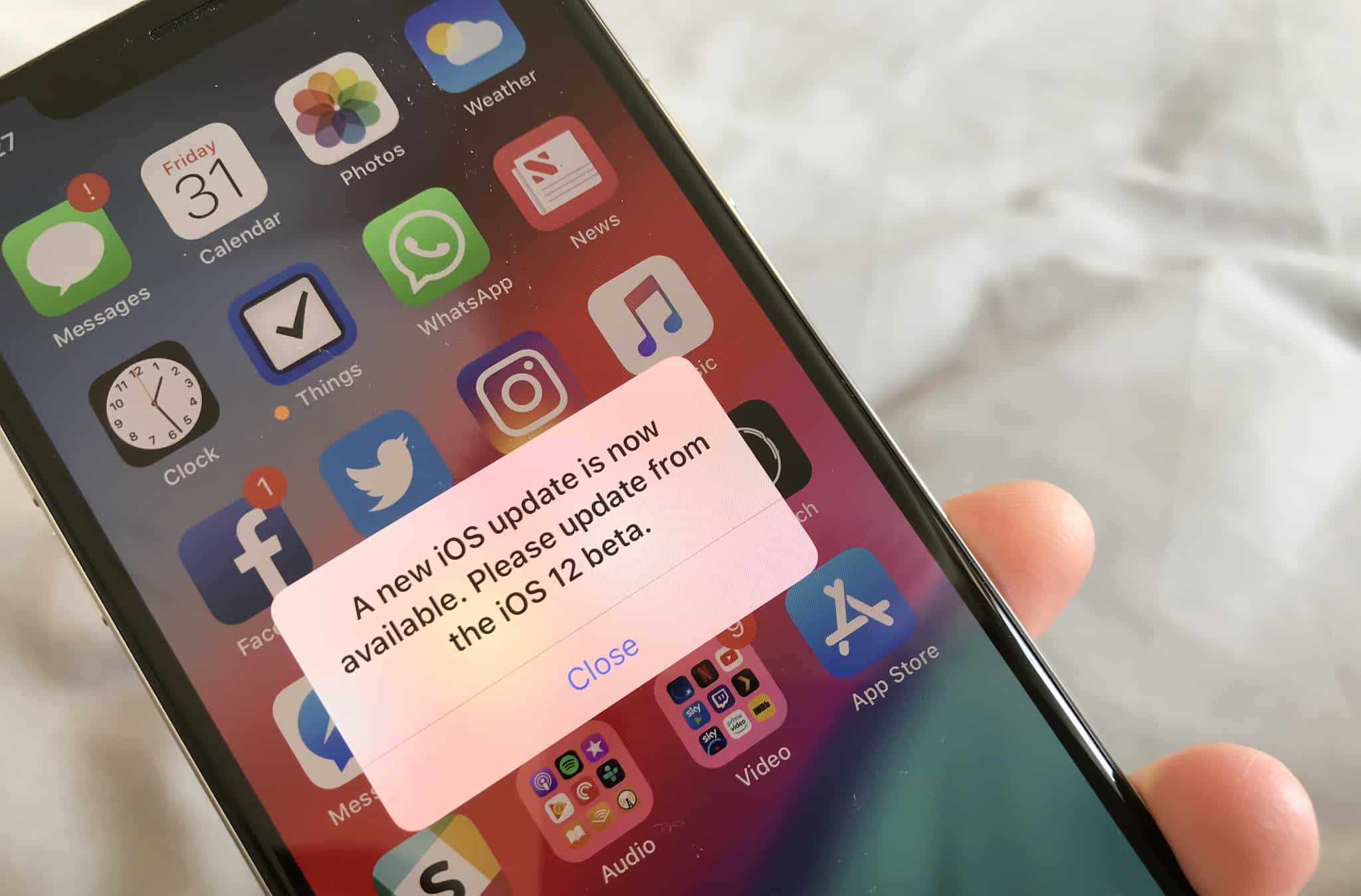
iOS 12.3.2 will bring depth back to your Portrait photos. Screenshot: Apple
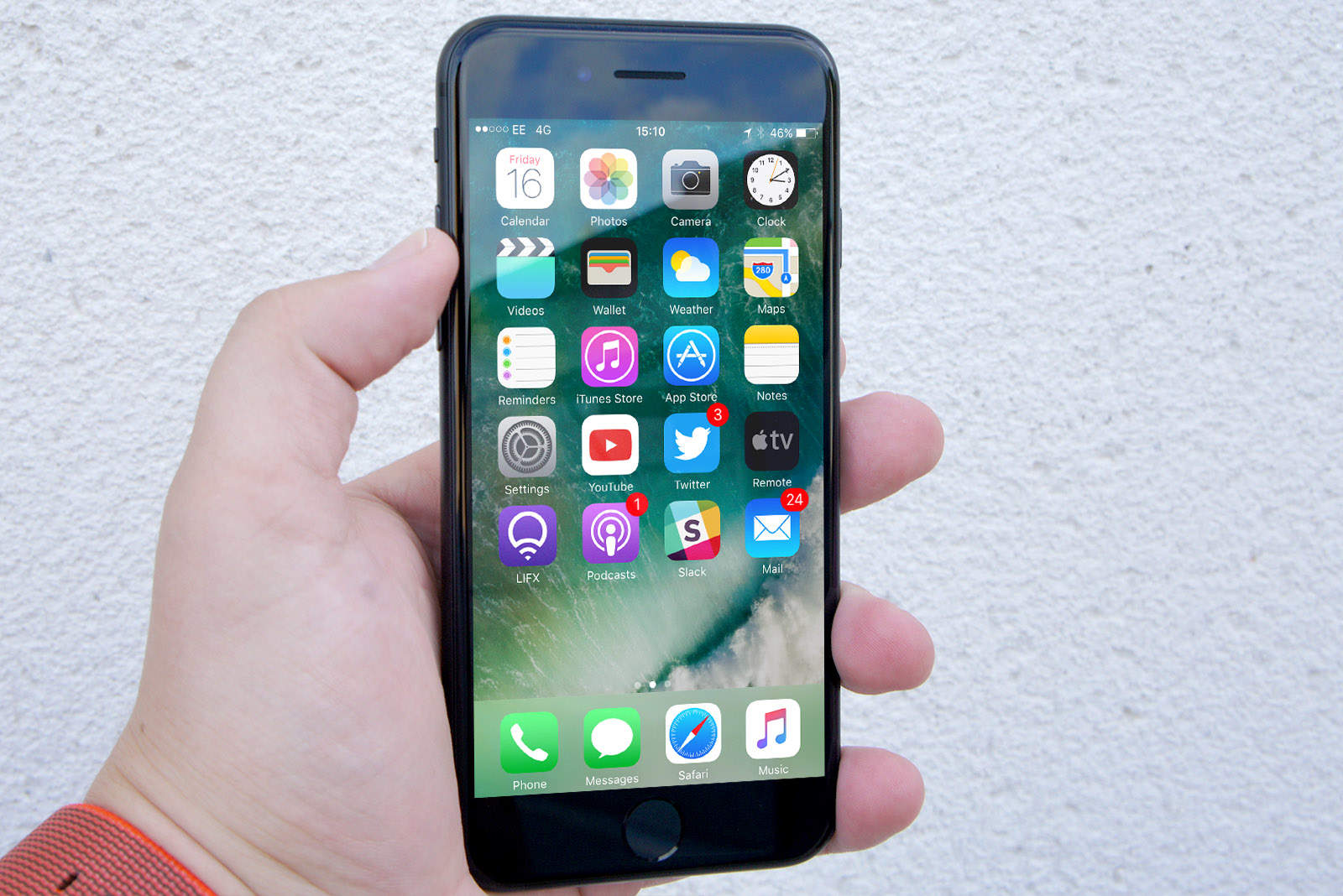
Apple will roll out a new software update today to fix a Portrait mode bug on the iPhone 8 Plus.
iOS 12.3.2, which comes just two weeks after the release of iOS 12.3.1, is another minor update for most iPhone and iPad users. For those with an iPhone 8 Plus, however, it will bring depth back to Portrait photos.
Samsung is said to be making a number of changes to the Galaxy Fold in an effort to fix its durability issues. The South Korean company could finally launch its first foldable phone next month.
Fans were hoping to get a new release date last week — at least for customers in the U.S. — but it never came.
It has taken Apple too long to acknowledge the problem. Photo: Apple
Apple was made aware of a serious flaw in FaceTime over a week ago and ignored it, one user claims.
The bug, which allows callers to see and hear you before you’ve answered a Group FaceTime call, has forced Apple to disable the feature this week. But why wasn’t it recognized earlier?
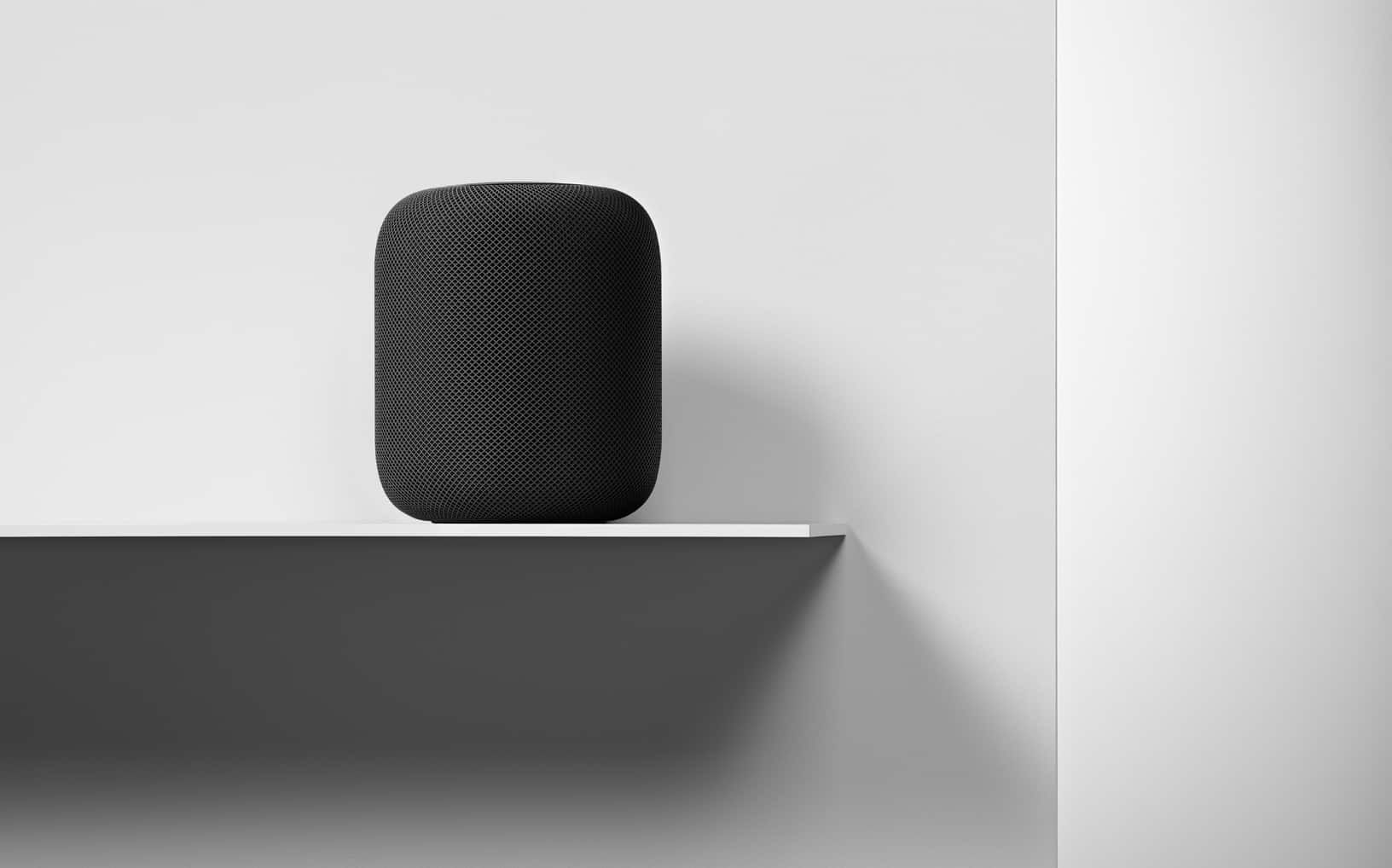
The new HomePod could offer a neat new feature. Photo: Apple
If you want to stream different tracks on different devices from Apple Music, you’ll need two subscriptions. It was previously possible to listen to one track on your iPhone while enjoying another on HomePod in a different room, but not anymore.
Apple says this was a bug — not a feature — and it has finally been fixed.
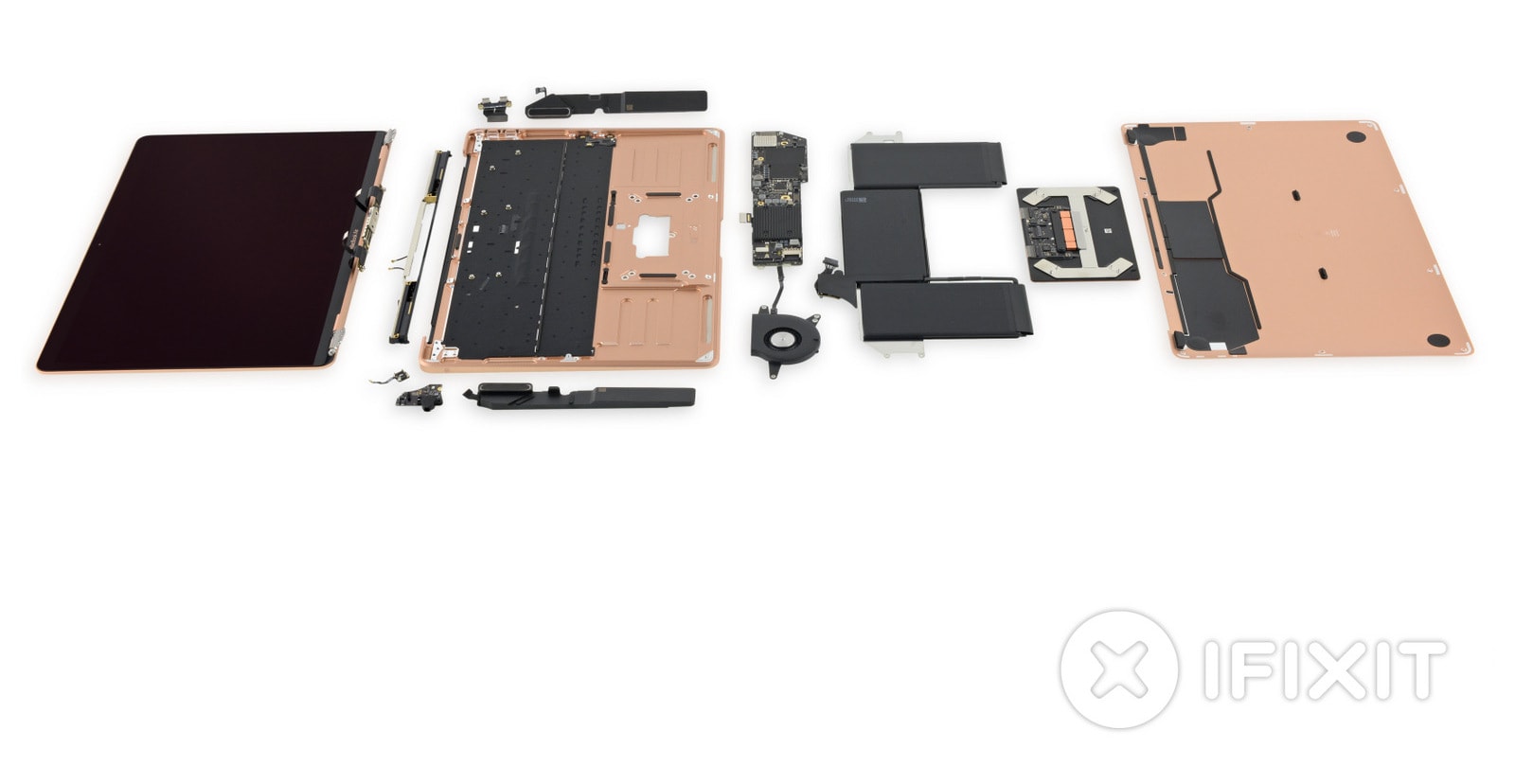
See what's inside the new MacBook Air. Photo: iFixit
Even if you take good care of your new MacBook Air, there’s always a small chance something could go wrong. But it is a lot easier for Apple and its Authorized Service Providers to fix the new ultraportable than other Apple notebooks.
A new teardown reveals all the changes Apple has made to make swapping components simpler.
Is Facebook Messenger messing you around? Photo: Facebook
Facebook has confirmed it is investigating a frustrating Messenger bug that’s plaguing some users on iPhone. There is no workaround for the issue at this time, which means users have no choice but to live with it until it’s finally fixed.
Avoid Windows updates if you have an AMD CPU. Photo: AMD
Microsoft was forced to halt the rollout of Meltdown and Spectre CPU fixes on Tuesday after its updates caused some PCs to become unbootable. The software giant blames the hiccup on AMD and says it is working with the company to resolve the problem.
A new High Sierra beta is available now. Photo: Ste Smith/Cult of Mac
Apple’s quick fix for a major security flaw in macOS High Sierra has resulted in another issue for some users. The update introduces yet another bug that breaks file sharing, but Apple has published instructions on how to repair it.
Random iPhone shutdowns are still happening. Photo: Ste Smith/Cult of Mac
Apple promised “bug fixes” with its most recent iOS 10.2.1 update, but it failed to fix an annoying issue that causes the iPhone to switch itself off with around 30 percent battery life remaining.
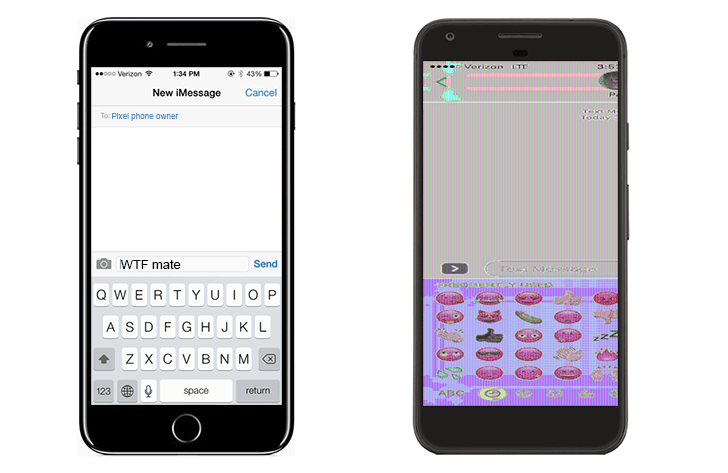
How iPhone 7 Plus screenshots appear on Pixel. Photo: Android Police
A bizarre bug is causing iPhone 7 Plus screenshots to become completely unrecognizable when viewed on the Google Pixel. It means Pixel owners are unable to view grabs received from iPhone-owning friends, and no one knows why.
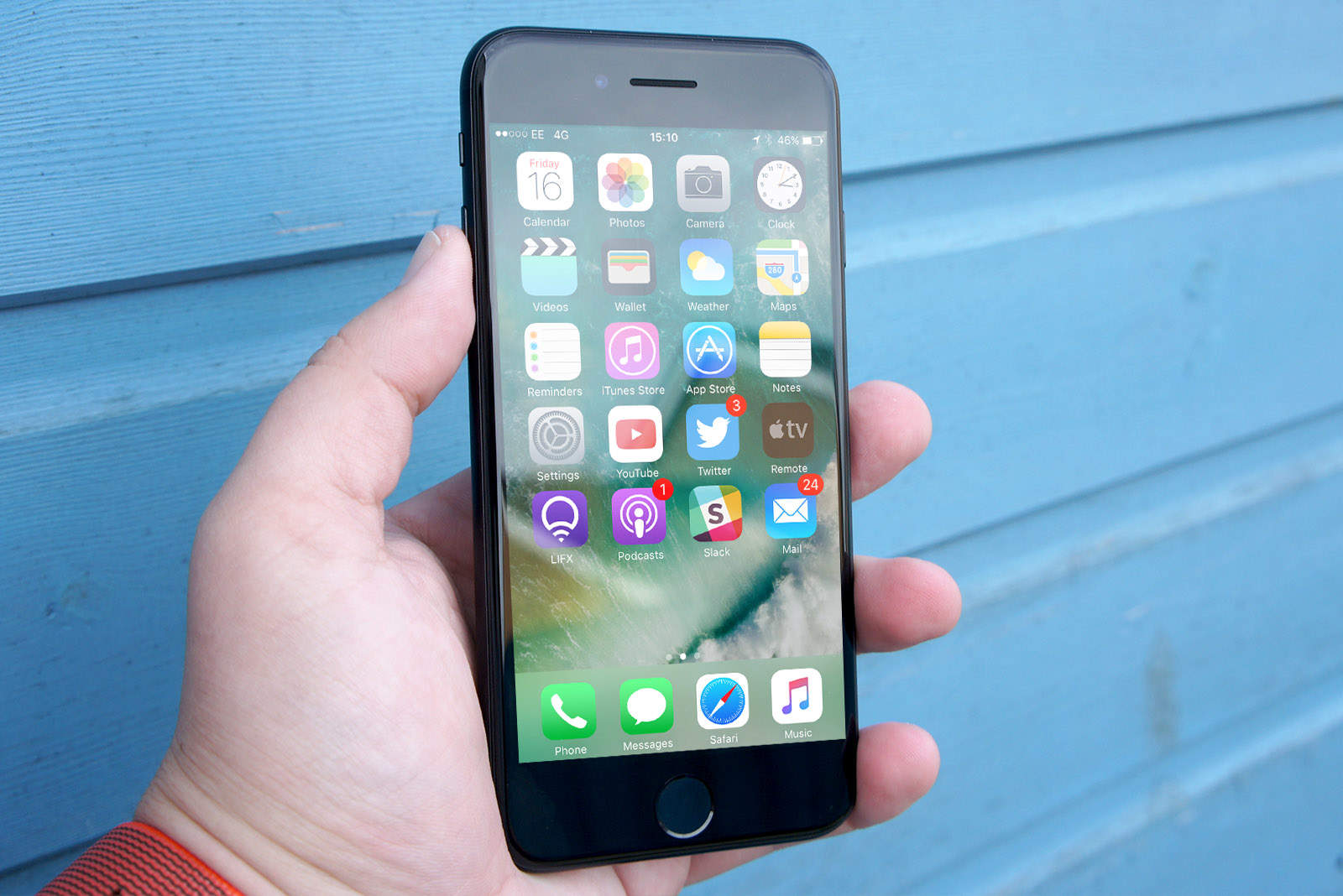
How's the call quality on your iPhone 7? Photo: Ste Smith/Cult of Mac
Yes, lots of people still use their smartphone to make calls, and some iPhone 7 and iPhone 7 Plus owners are having a bad experience doing just that. Many report poor sound quality on both devices during calls, and it’s not yet clear if software or hardware is to blame.
Apple today rolled out yet another surprise update to iOS 9 ahead of iOS 10’s public debut this fall. iOS 9.3.5 beefs up security once again and promise performance improvements.
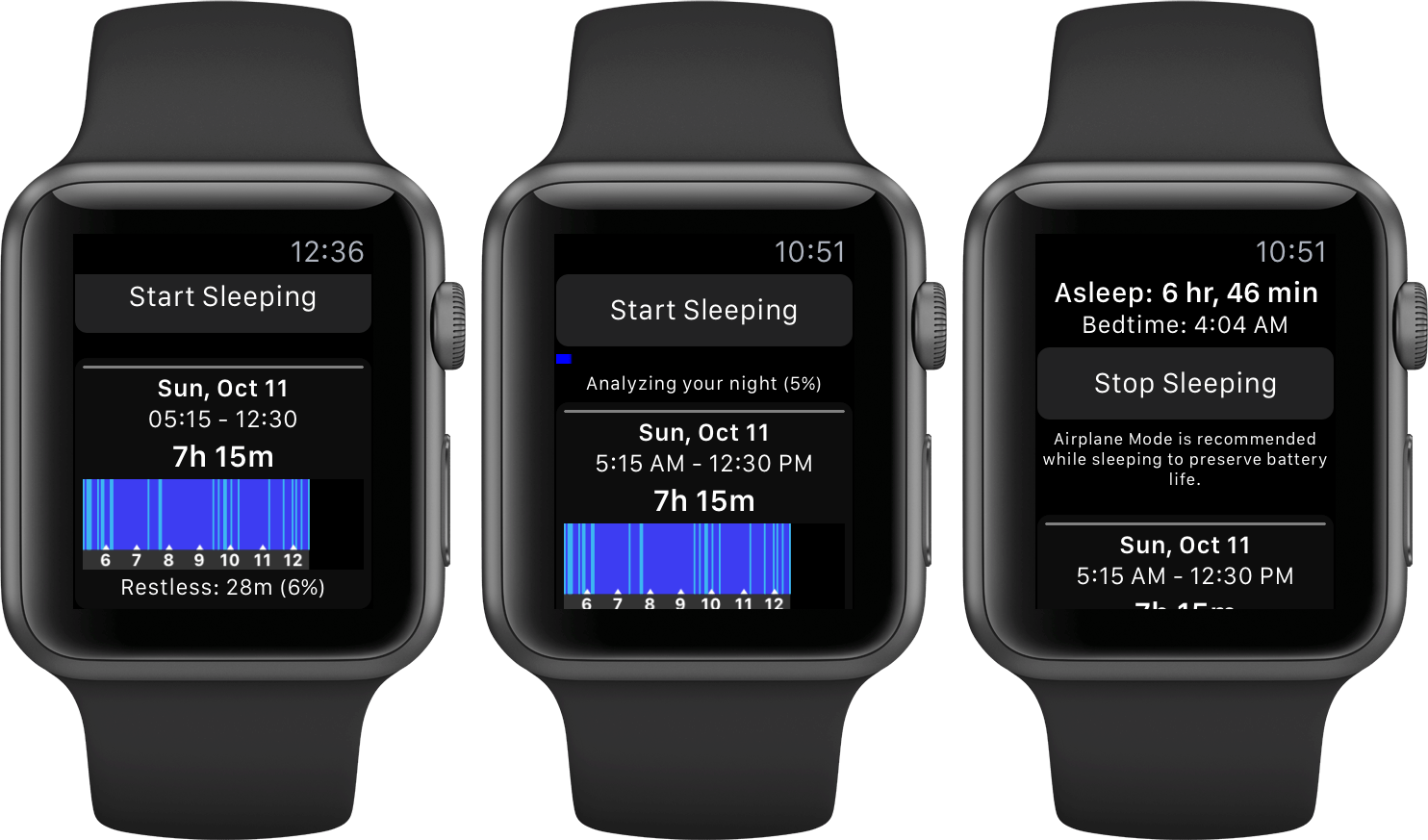
Sleep++ on Apple Watch. Photo: Cross Forward Consulting
If Sleep++ is telling you that you’re getting a perfect night’s sleep, with zero restlessness whatsoever, it’s probably broken. The good news is that it’s incredibly easy to fix this bug in just a few steps. Here’s what you need to do.
Get your hands on iOS 9.3.2 now! Photo: Ste Smith/Cult of Mac
After more than a month of beta testing, Apple is now rolling out iOS 9.3.2 for iPhone, iPad and iPod touch. The update brings a bunch of big bug fixes, and the ability to use Night Shift while Low Power Mode is activated.
Personally, I’m hoping that the new watch will focus on fitness, so I’ve created a mockup concept to show what I’d like to see in the next generation of Apple Watch. I call it the Apple Watch GPS, Nike edition.
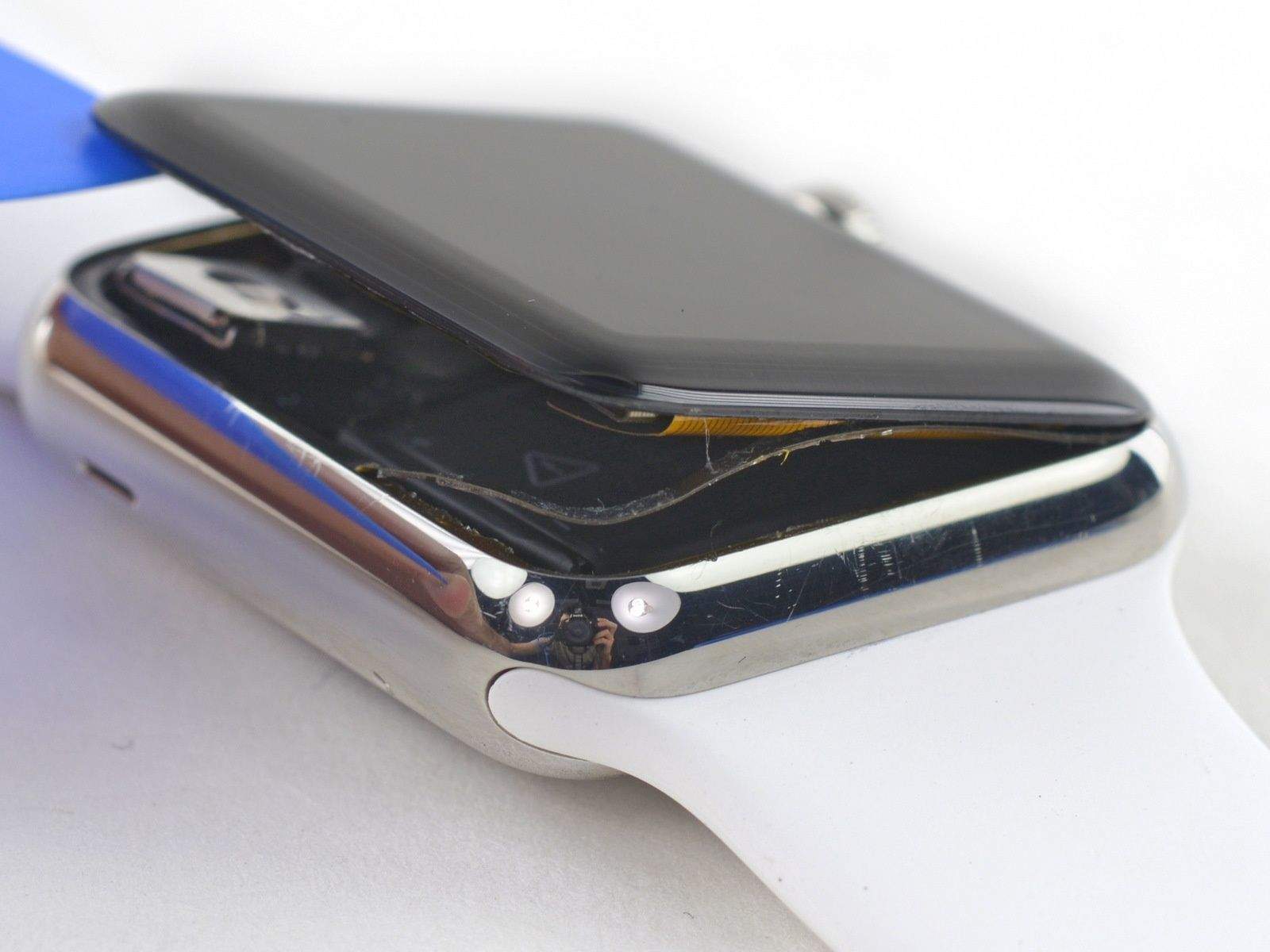
You can make repairs to Apple Watch on your own. Photo: iFixit
The Apple Watch is one of the most impressive feats of engineering to come out of Cupertino. When it comes to repairing Jony Ive’s wearable yourself, you’re not going to get much help though, so the brilliant minds at iFixit have already come up with a few repair guides.
iFixit published four guides today on how to repair various parts of the Apple Watch that will help make your fixes a breeze. Unfortunately, iFixit says pretty much any repair you make yourself will break the Apple Watch’s NFC chip, but they’ve got a guide on how to fix that two.
Here’s are some of the quick fixes you can make to Apple Watch yourself:
Apple has rolled out a new update for the iMac that promises to fix a Yosemite bug that can cause the all-in-one to freeze up when opening large JPEG files.
Spotlight is sending your search information back to Apple. Photo: Apple
OS X Yosemite has changed the way your Mac deals with your privacy. On the one hand, Apple has decided to enable hard drive encryption by default, despite the FBI requests not to.
On the other hand, every time you type in Spotlight, your location and local search terms are sent to Apple, and, according to developer Landon Fuller, other third parties like Microsoft.
Fuller’s created a website, Fix Mac OS X Yosemite, where he’s posted up a way to stop Yosemite from sending such private data out. He’s also been contributing to a developer project on GitHub to find out and fix other ways that OS X phones home.
If you need it done quickly, you'll have to pay up. Photo: Apple
Apple acknowledge last week that some of its new 13-inch MacBook Pros with Retina display units were experiencing issues where the trackpad and/or keyboard became unresponsive after a few minutes of use. Any new 13-inch Retina MacBook Pro purchased after Apple’s October 22nd iPad event may have been potentially affected by the glitch, but Apple announced today that it has published a fix for the problem.
MacBook Pro Retina EFI Update V1.3 can be downloaded via the Mac App Store and promises to fix any glitches where the users trackpad and keyboard stop working on the late 2013 13-inch MacBook Pro Retina models.
BlackBerry has today updated its new BBM app for iPhone, addressing an issue that caused it to crash under Apple’s latest iOS 7.0.3 firmware. The update also brings a number of new features, including contact categories and list sorting and filtering in BBM Groups.
After finally getting BBM on your iPhone this week, you may have upgraded to iOS 7.0.3 to find it no longer works properly. One of the fonts BlackBerry uses in its app is no longer supported by Apple, causing the app to crash when you open existing chats. But there is a way around it.
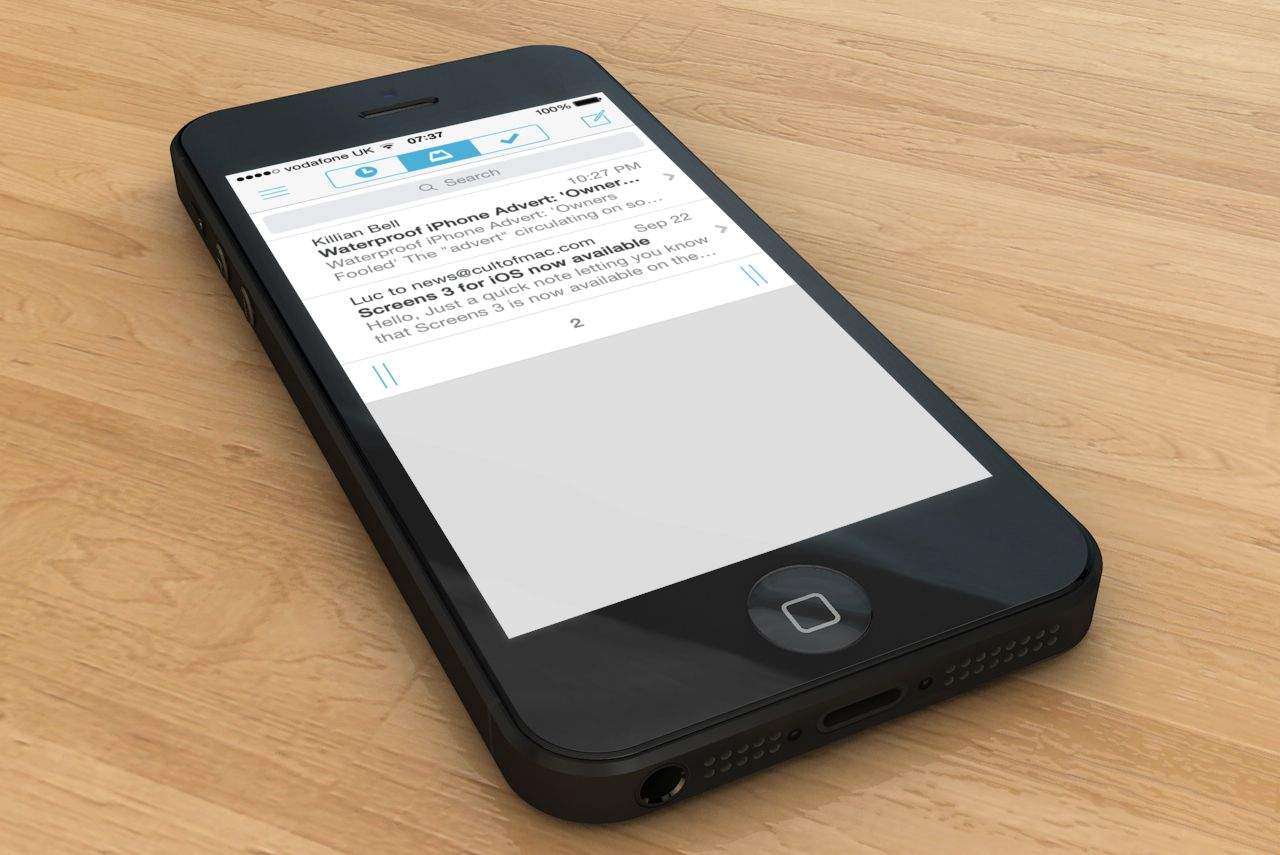
Here at Cult of Mac, we love Mailbox, the third-party Gmail client for iOS. But since it was optimized for iOS 7, it has been plagued by a hugely frustrating bug that causes email accounts to be deleted at random. Fortunately, the app’s latest update — which is available from the App Store now — finally fixes the problem.
Google updated its Chrome browser for iOS on Monday to introduce a number of small but helpful features, including quick access to your browsing history, and webpage sharing. But those who updated on jailbroken devices are finding that the app now crashes shortly after starting up, rendering it unusable.
If you’re one of those users, you’ll be pleased to know there is a simple fix. Here’s what you need to do.