With just a few minutes you can make your own real-time iPhone photo filters.
Who needs Instagram? Well, me for one, ever since I gave up on Flickr and never really got started with the evil Facebook. But I’m pretty bored with the Instagram filters already (they could toss them all except X-Pro II and I wouldn’t even notice).
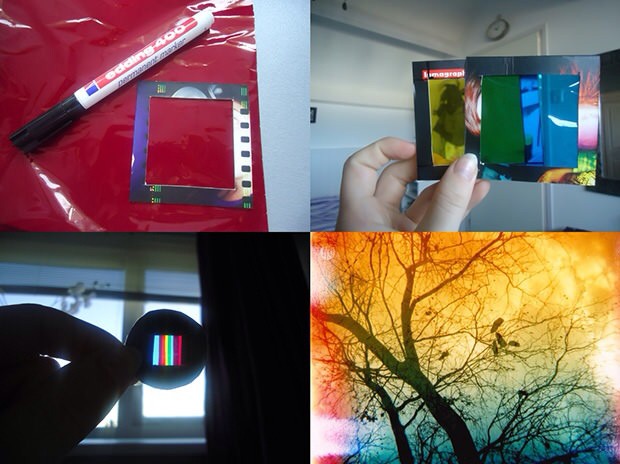
And yes, there are a million other photo-filtering apps out there, but what about a little DIY? If you’re feeling adventurous, grab some tape, some colored gels and your iPhone and head over to Lomography for this great little low-tech project.
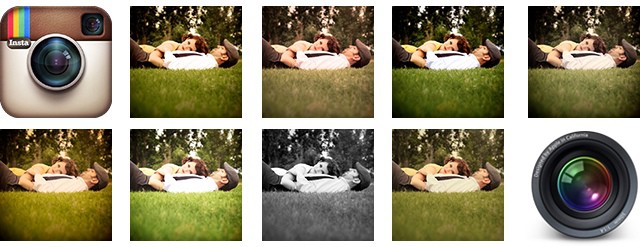
Speaking of Lightroom and iOS, what if you could take the beautifully shot RAW files from your SLR, bring them into Adobe’s super-powerful processing app and… apply Instagram filters? Now you can, thanks to a $5 set of presets from Casey Mac Photo.
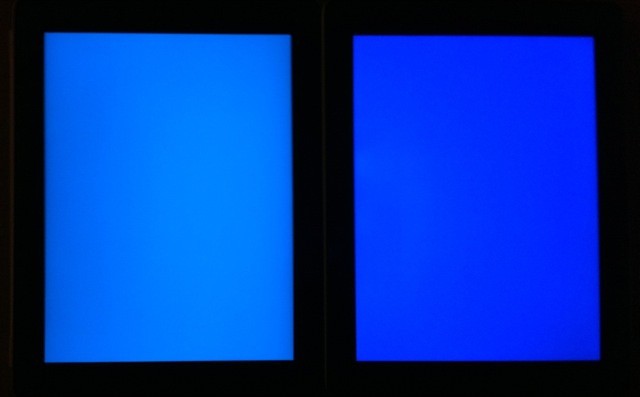
The new iPad has much improved colors, but at the expense of battery life.
The first thing that hit me when I powered on my new iPad wasn’t the retina-ness of the display — that takes a little time to seep into your brain. No, it was the colors. They seemed more contrasty, more saturated. More colorful. But just what was going on? Jeff Yurek, of the Dot Color blog, did some scientific digging.
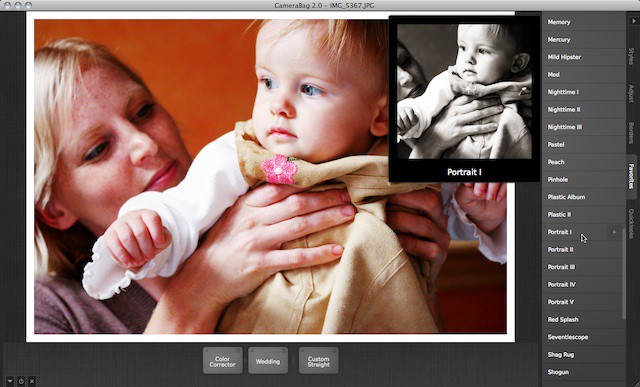
We’ve waited patiently for this little gold nugget of a photo processing app to land at the Mac App Store, ever since developer Nevercenterteased us with CamerBag 2‘s beta a few months back. Wait’s over: It’s here. And today only it’s on sale for $19.
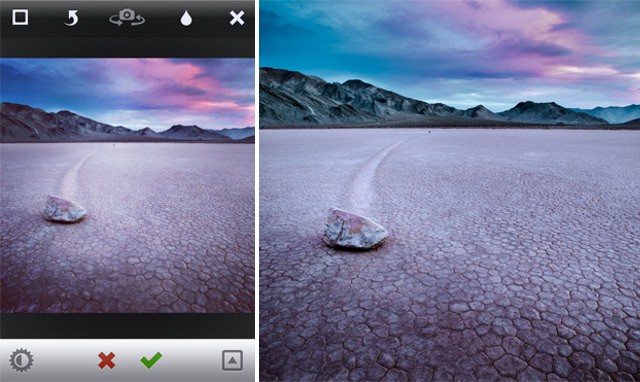
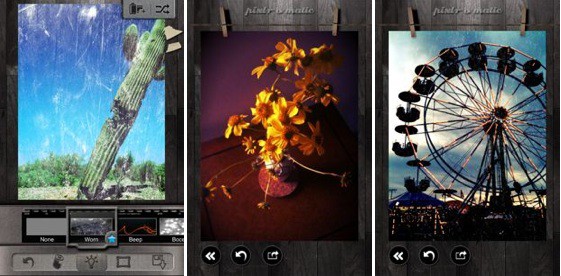
Autodesk makes industry-leading software for animators, architects and industrial designers, so maybe the fact their Pixlr-o-matic app is a stunning, gasp-worthy photo-effects tool for the iPhone (and iPad) shouldn’t be surprising; what is a surprise, though, is that it’s free.
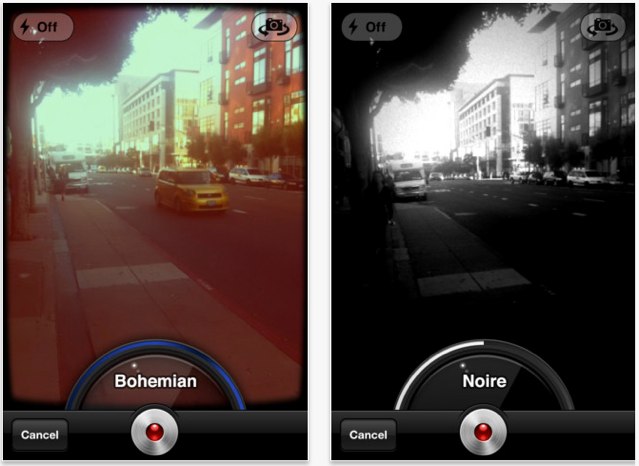
The name is well chosen. Socialcam is a cam for being social. It’s not just a cam. You need to know that before you download it, otherwise you might be put off by just how social it is.