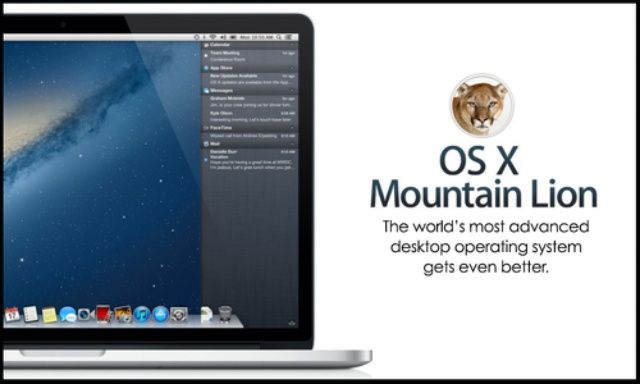
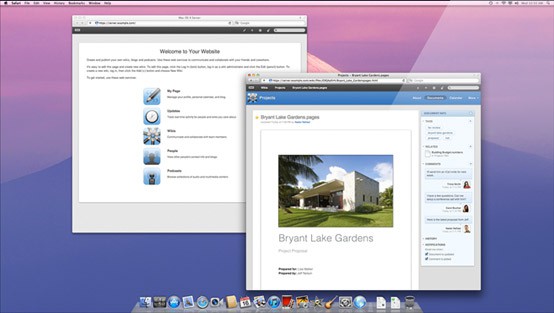
Want to harness the power and flexibility of Apple’s Mountain Lion Server? Whether you are setting it up for a school, home network or business, with this Cult of Mac Deals offer you will learn the most effective way to use everything Apple’s Mountain Lion server has to offer.
For only $39 you can take home more than 9 hours of actionable content and over 110 lectures of informative instruction.
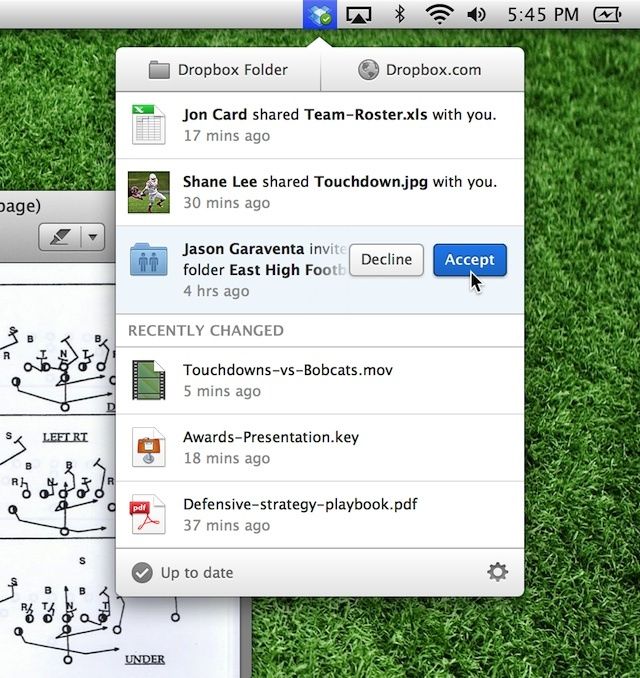
After giving its mobile app a lot of love, Dropbox is focusing its attention on its desktop client.
Dropbox announced today that it’s got a couple new upgrades for the Mac and Windows app that will help you share files quicker, and improve updates to help you keep up with the service.
Want to harness the power and flexibility of Apple’s Mountain Lion Server? Whether you are setting it up for a school, home network or business, with this Cult of Mac Deals offer you will learn the most effective way to use everything Apple’s Mountain Lion server has to offer.
For only $39 you can take home more than 9 hours of actionable content and over 110 lectures of informative instruction.
Bump, the free, easy file sharing app for Android and iOS, has just updated to version 3.5.6 on both the Apple iTunes App Store and the Google Play Store. The new version of the app will let users share any files on their smartphone or tablet with a computer. Previously, Bump users were only able to share files from mobile device to mobile device.
SAN FRANCISCO, MACWORLD/iWORLD 2013 – There are plenty of cloud storage solutions out there these days, including services such as Dropbox. Having your files stored on the cloud comes with some downfalls, though, such as monthly payments as well as decreased security. The Transporter, a new device created by the people behind the Drobo tries to give you the best of both worlds.
With the Transporter, you have access to all of your files stored on the device as long as you have an internet connection, but the files themselves aren’t stored in the cloud. By using this approach, you can avoid the hassles of cloud storage while still having the ease of access that services like Dropbox provide.
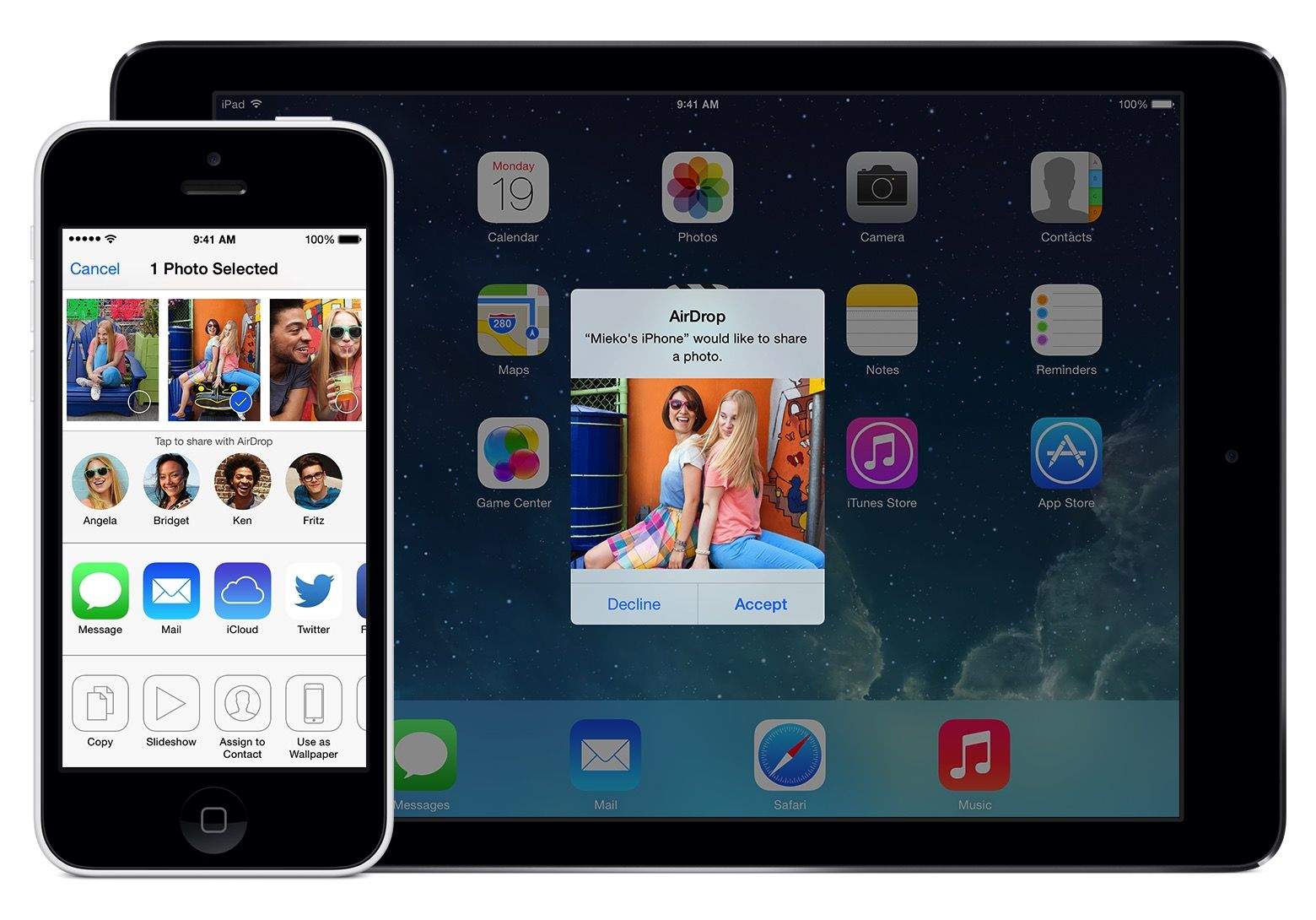
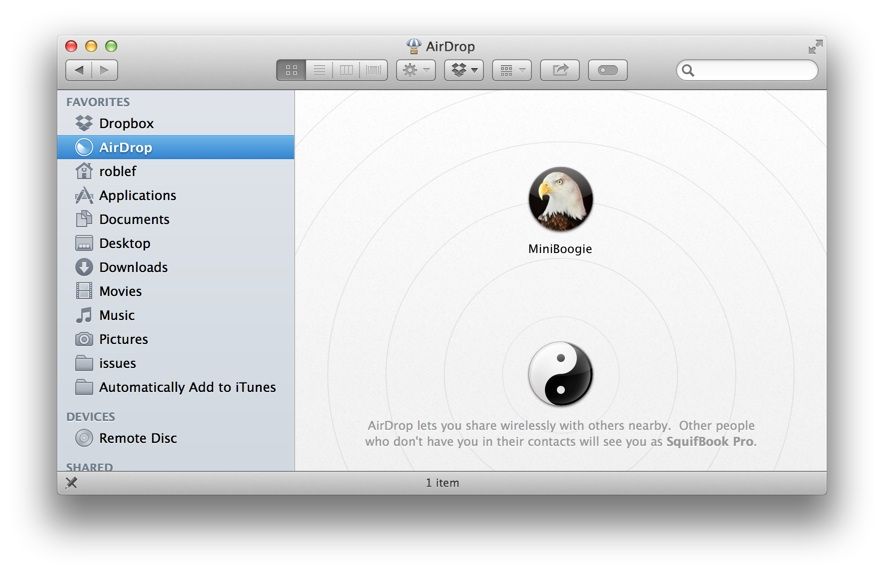
AirDrop is a pretty slick app that was first available in OS X Lion. It basically allows any Mac see any other Mac with the protocol enabled on the network, with no configuration or knowledge of file sharing needed. You just drop a file onto any available AirDrop icon, and your file heads over to that user’s Mac. No muss, no fuss, just simple.
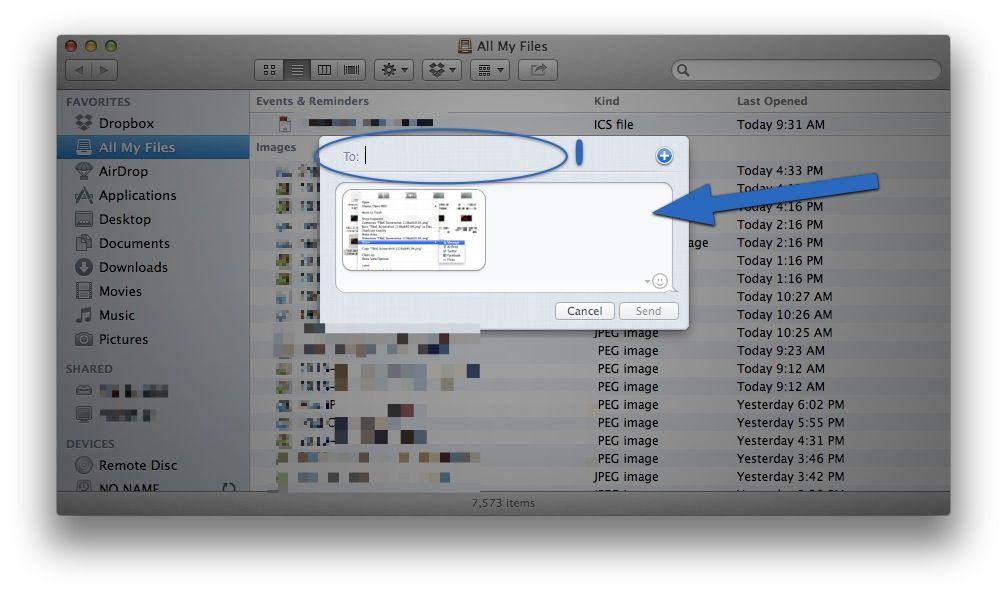
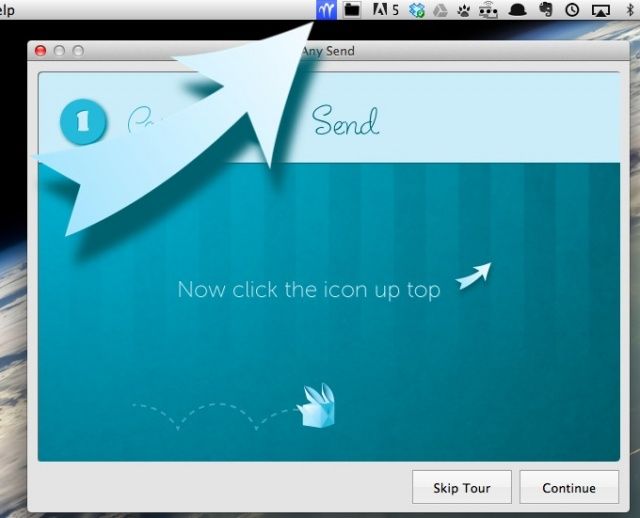
At least, that’s the concept. In reality, I’ve not seen AirDrop ever work that easily. Luckily, there’s an alternative that’s even simpler: Any Send, a free Mac app that lets you send files to any other Mac using WiFi.
Secure enterprise file sharing and sync service kitedrive comes to the Mac.
Secure enterprise file sharing and file management vendor Accellion has added Mac support to its file sync system for mobile workers known as kitedrive. As we noted earlier this year in covering the launch of kitedrive for iOS, Accellion describes kitedrive as “Dropbox for the enterprise.” That’s a pretty good description. kitedrive syncs content for offline access to business documents, which are securely encrypted during transmission and while stored on the a mobile device, PC, or Mac.
Along with the release of OS X Lion this summer, the Lion version of Server will also be enhanced, and will feature profile management for iDevices and wireless file sharing with the iPad, easier setup and collaboration through Wiki Server 3.