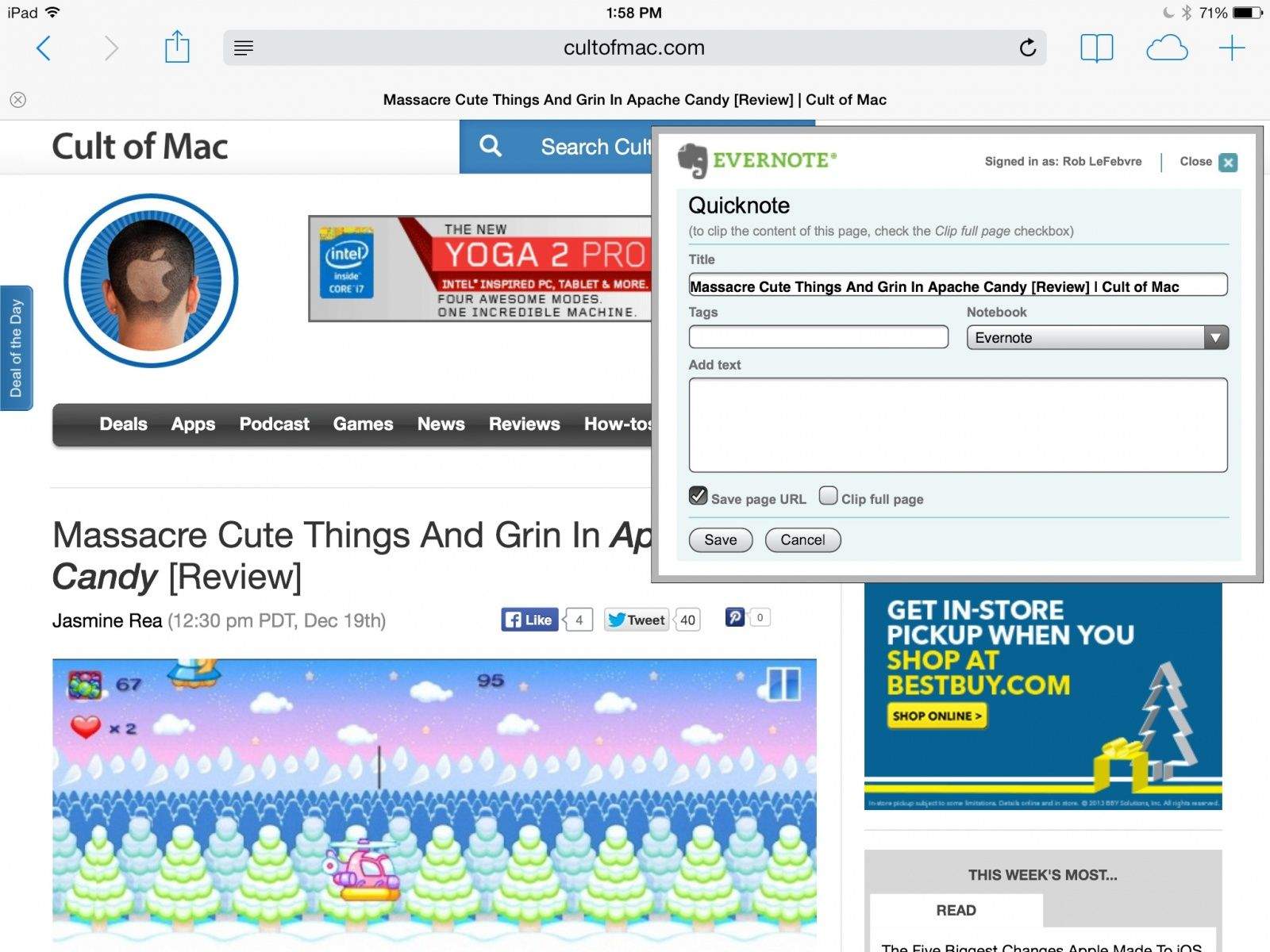
Kicking off this week’s must-have apps roundup is EverClip for iPad, a terrific tool that lets you “clip” almost anything to Evernote, so that you can’t forget them. We also have a wonderful new music player for the iPad, the new Star Wars Pinball game, and more.
Evernote is a fantastic app that lets you manage your digital life, letting you store and synchronize notes, pictures, audio, video, and web pages with ease. It works across Mac and iOS devices easily and simply, with a simple login to rule them all.
The following are five tips and tricks that should help you get the most out of Evernote for the Mac. Enjoy!
Everclip is one of the most used apps on my iPad, despite being iPhone-only. Until now, that is. Along with an update to the regular iPhone Everclip, there’s now an iPad version. No, it’s not universal and yes, it’ll cost you another $6, but if you’re an Everclip fan, you really won’t care.
With the ability to store notes over time, make changes to them, and collaborate with others (an Evernote Premium feature), it stands to reason that your notes will change over time. What if a collaborator makes a change to a note that you don’t want? What if you make a change, then walk away from the note for a few days or weeks, but forget what you changed? The agony!
Luckily, Evernote provides a robust history system to let you see the change history of all your notes. Here’s how to access it.
When you use Evernote, you already have two backups of your notes. You have the copy which resides on your Mac, and you have the synchronized copy which resides on the Evernote cloud servers. So, aside from local, non-synched notes, you’ll always have access to them no matter what happens to your Mac.
If you want to be totally sure you’ll always have your notes, however, you might want to make a manual backup. Using Time Machine is an obvious way to do this, but maybe you just want to backup and restore your Evernote notebooks and notes right from the Evernote app itself.
Evernote lets you save everything, right? Notes, images, audio files, and all, just packed willy nilly into one of a hundred or so notebooks. What happens when you need to find your stuff again? It’s the essential problem of all sorts of electronic storage, from email to to-do lists. Simple search strings are easy enough, but what if you need more esoteric searches, like, “that note with the checkbox that I wrote up last week?”
Luckily, Evernote makes it easy to search through all our notes and notebooks for just the right stuff. Here are a few of them to help you get the most out of Evernote, search style.
Evernote Food, the iOS app for foodies that lets you keep a record of all the recipes and restaurants you want to remember, has received a major new update adding a number of neat new features. In addition to OpenTable reservations, users can now share recipes with their friends, enjoy better search results, and more.
It’s generally super easy to get notes into Evernote, using the desktop client, the mobile client, and even the web client. There are a ton of different apps on Mac and iOS that will let you interface with Evernote, like Penultimate on the iPad or Reeder on the Mac.
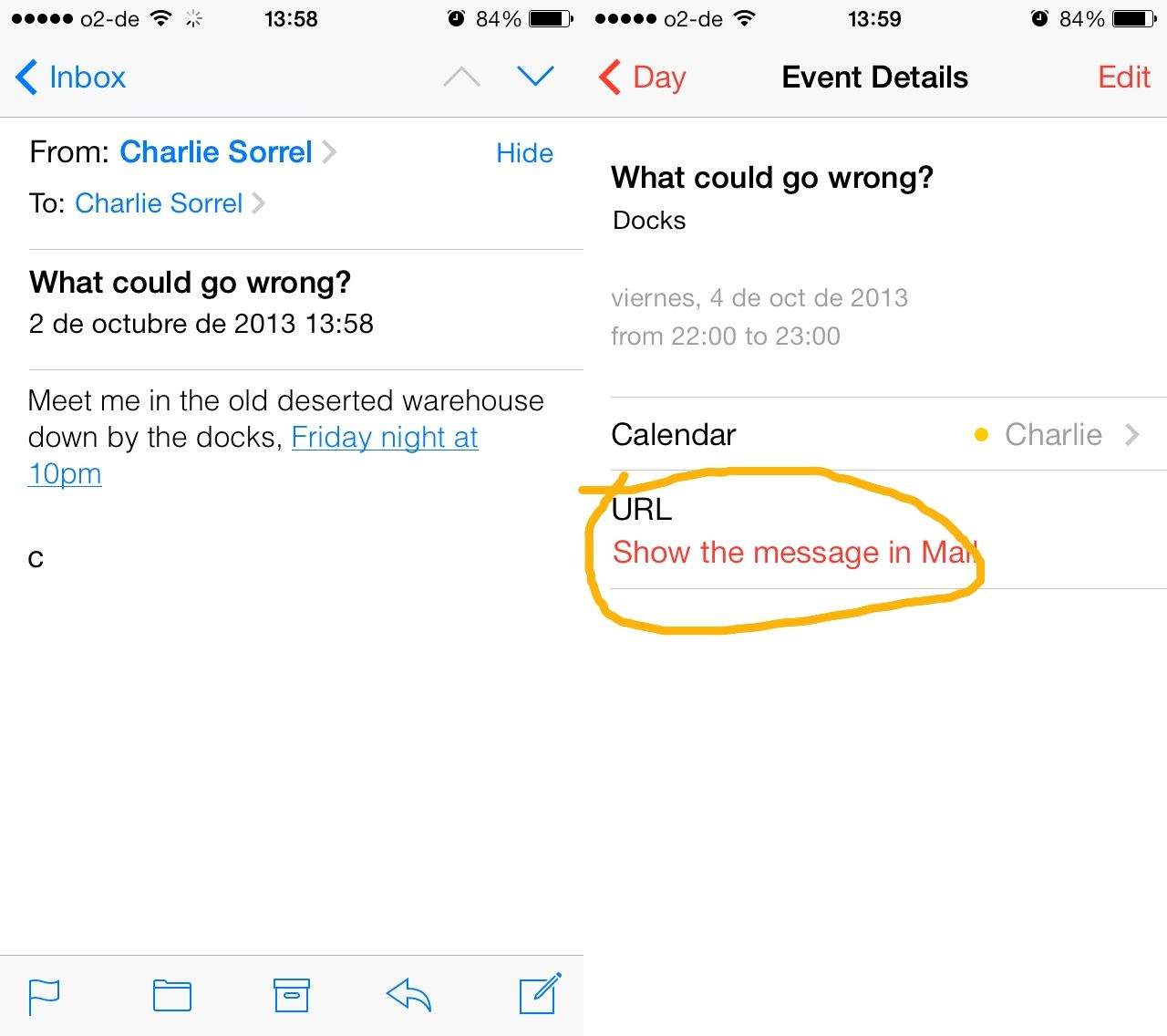
But did you know that you could send emails along to Evernote, too? If you’re swiping through emails on your iPhone, or scrolling through them on your Mac, you can quickly forward important ones to your Evernote account, for later follow up or archiving. Here’s how.
I use Evernote for almost everything these days, including clipping websites to research these daily OS X Tips, writing grocery lists on my Mac and then using my iPhone at the store, and scanning important printed documents to organize digitally.
Did you know, however, that Evernote will also allow you to share notes? It’s fairly easy, and here’s how.
If you imagined an iPad Evernote app, it’d probably look like this.
Use Evernote on iOS? Wish it had proper saved searches? Or note links? Wish it was a little faster to browse and find what you’re looking for? Then you might want to take a look at the rather excellent Clever HD for iPad, a full-featured Evernote client which could even replace the official app on your iDevice.